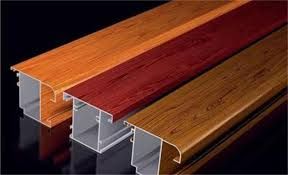
I had the chance to prepare a video on utilizing Rayscaper in product (car) rendering.

Here is the link to it, Happy Rayscapering!:
https://youtu.be/rhct92eJDtc
Oops, your profile's looking a bit empty! To help us tailor your experience, please fill in key details like your SketchUp version, skill level, operating system, and more. Update and save your info on your profile page today!
Check out Febhouse | New extensions for Shadow Analysis in SketchUp Download
 M
Offline
M
Offline
Posts
-
RE: RayScaper
-
RE: Childhood town.
@Mike-Amos Actually it was a really friendly popular design. Each gate had two brick benches to sit down and chat with neighbors. The Elderly also had this chance to rest for as long as they wanted, while being safe from the sun and precipitation.
-
RE: Arches, Arches... Arches...
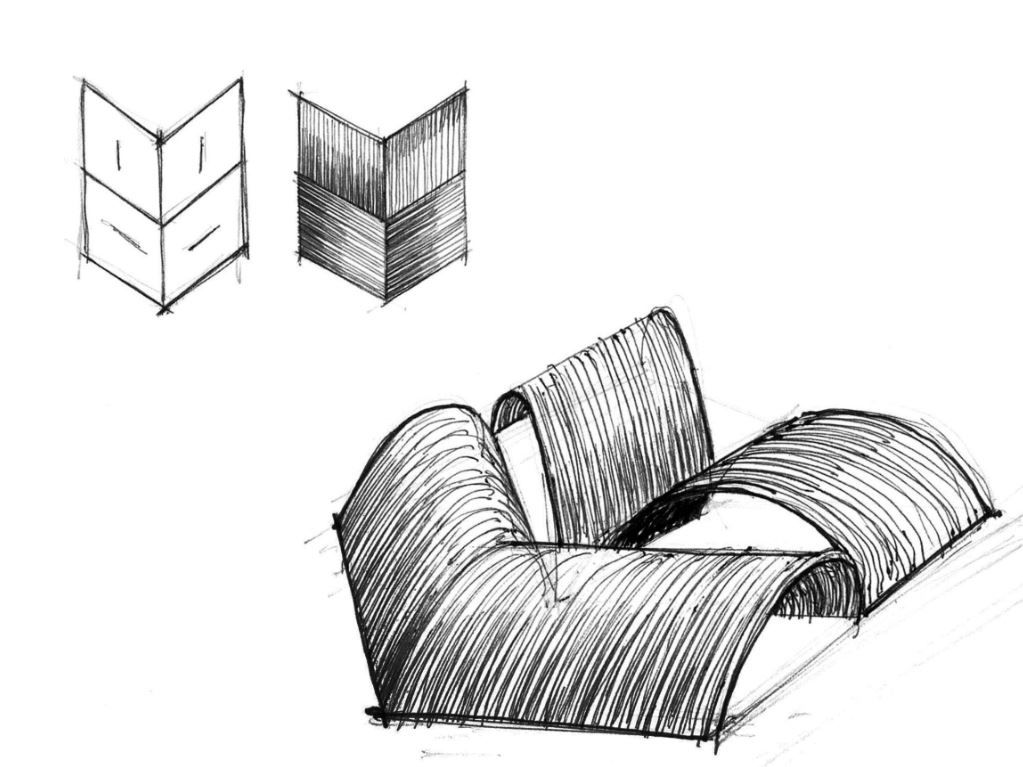
I edited, modeled and uploaded one of the sketches as a villa here:
https://3dwarehouse.sketchup.com/model/494bd473-4b47-430f-8df6-a117ddb8286e

-
RE: RayScaper
@pixelcruncher My pleasure to do that. I guess it works for beginners to get familiar with the interface and materials and those who are specially into product rendering.
-
RE: Merry Christmas !
@Mike-Amos Thank you, mate. It all started by an image from Lisa Glanz and was a personal challenge to learn how to "texture paint" such a model.
Not very similar, but.. :
https://www.lisaglanz.com/blog/character-drawing-challenge-12-skating-bear/ -
RE: Ukraine
Does not this also replicate the reality: An old Russian politician stealthy tore the Ukrainian flag and then gets punched in the face by a young patriot Ukrainian Politician? Others intervene to settle down the conflict.
I hate conflict, why we can not play in a win-win manner? -
RE: Game Assets
@Rich-O-Brien Woha! I am left speechless!
What an impressive 3D environment! What piece of software are you using? -
RE: Last Rendering for 2024
Great render, and HAPPY NEW YEAR ( I wonder why you exclude New Zealanders!)
-
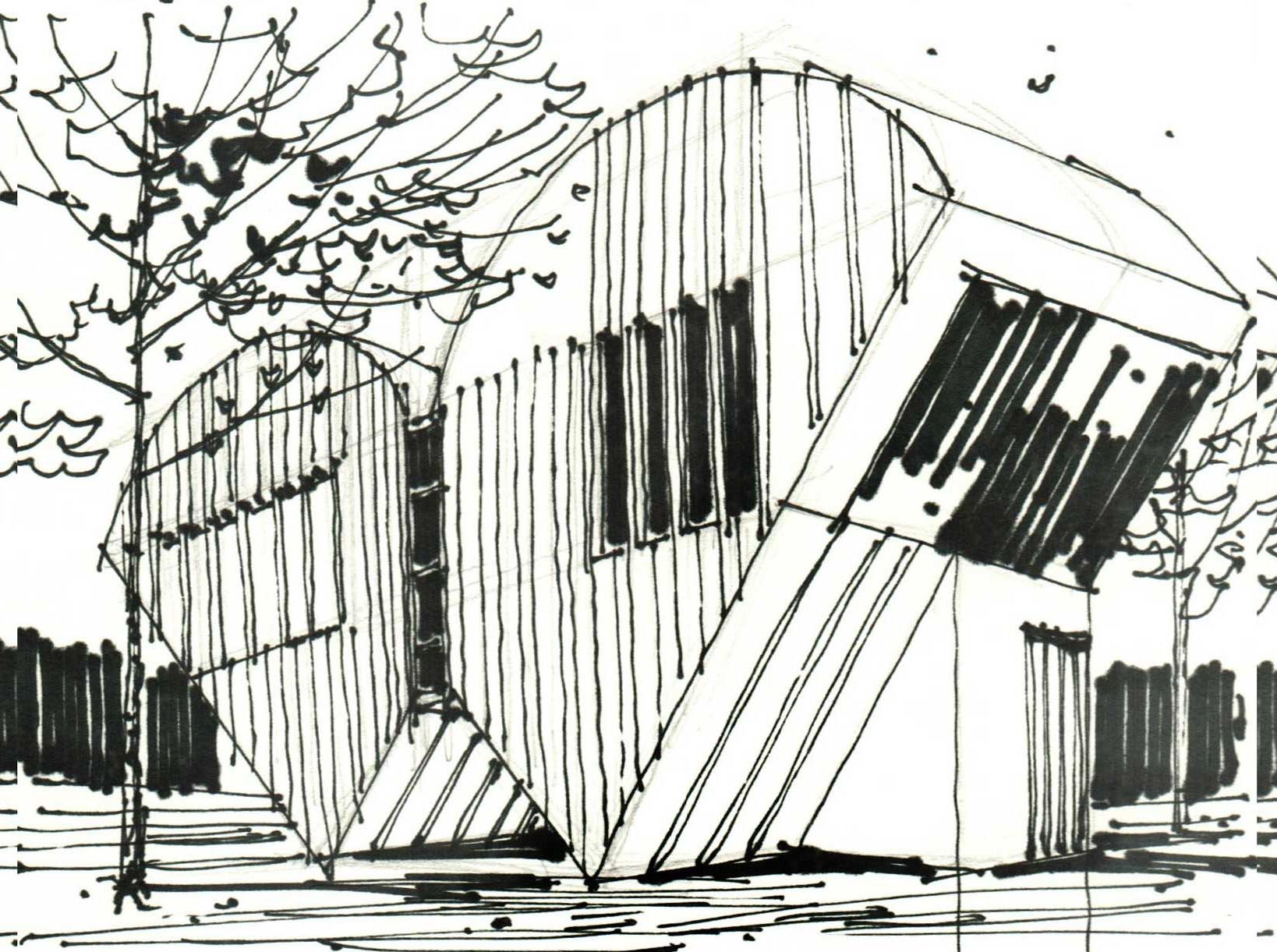
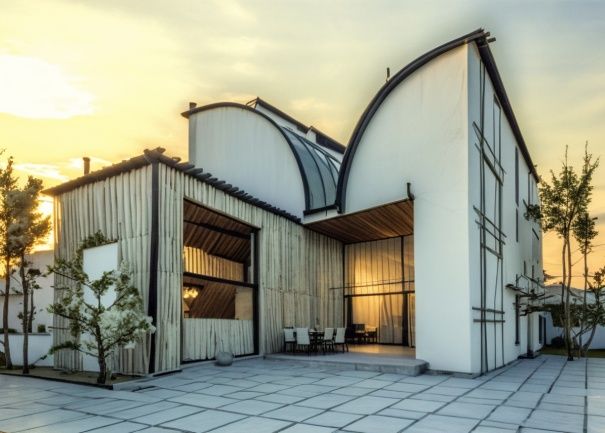
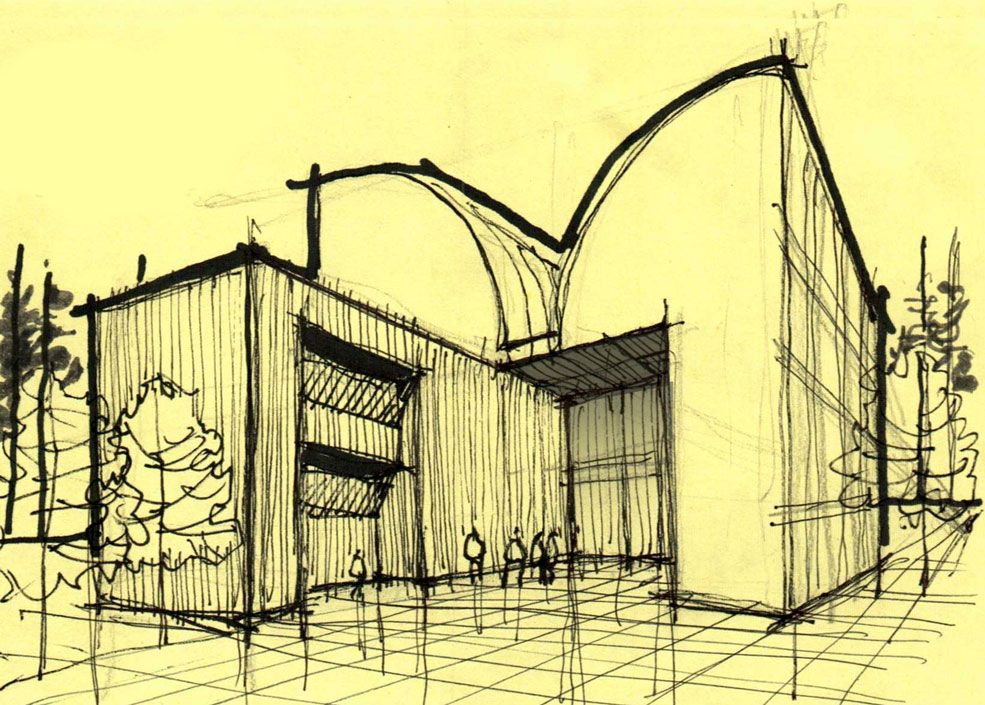
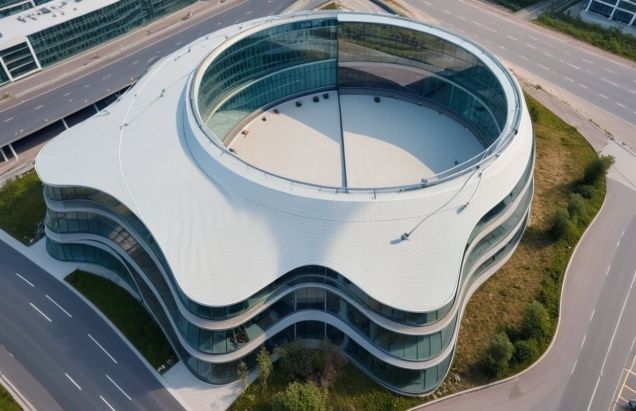
RE: Alphabet to sketch(up)
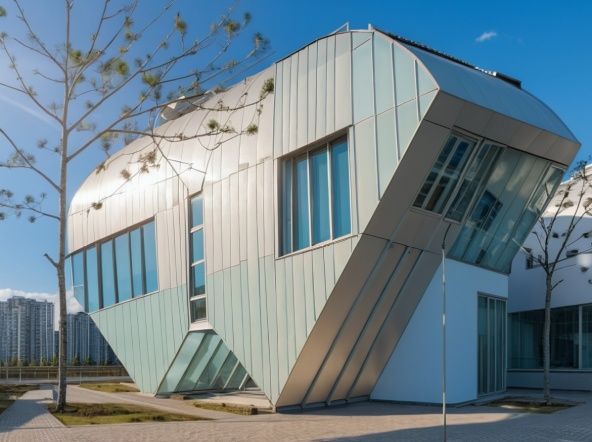
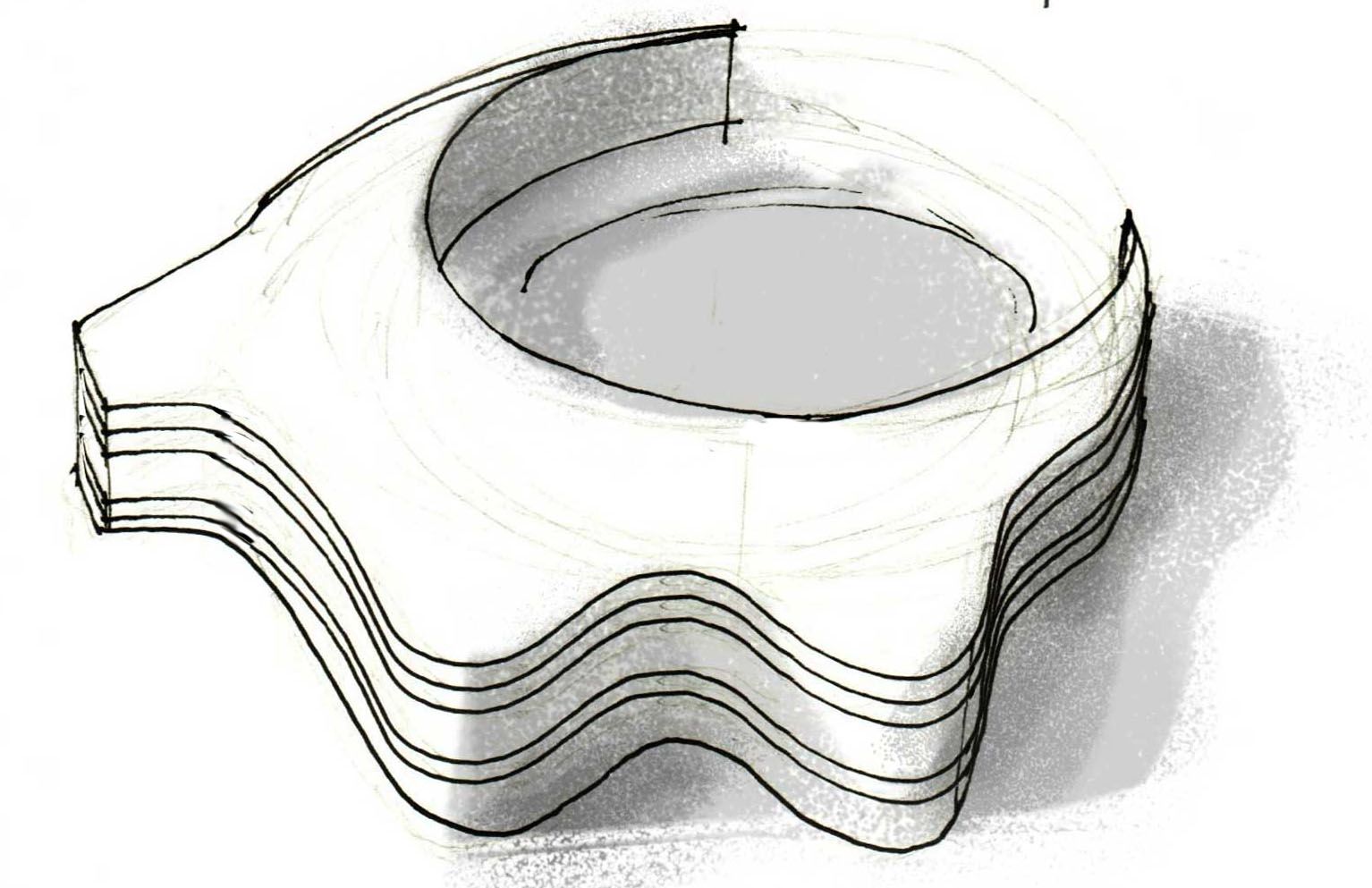
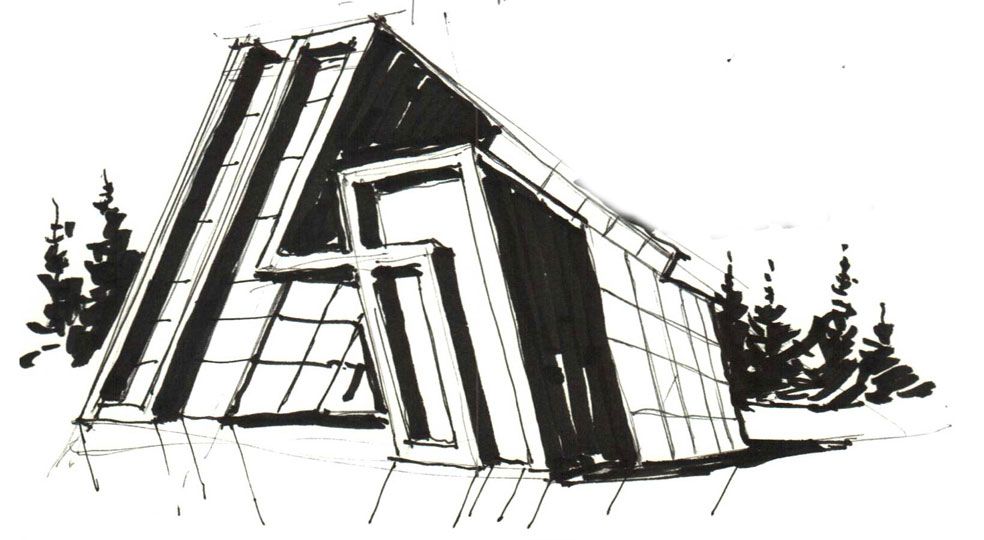
Just messing around with the Prome ai sketch-rendering tool.

-
RE: Rayscaper New Releases
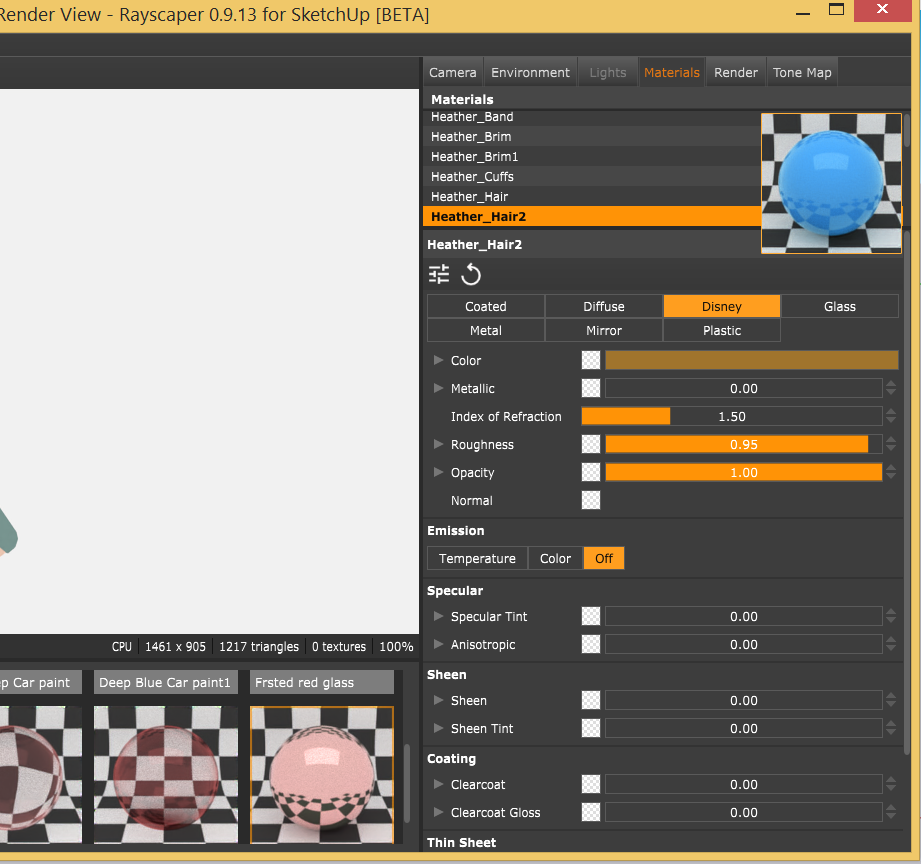
@pixelcruncher Yeap it makes sense if is in front of its name. Much better if could be undocked , floating and enlarged.
-
RE: Beautiful Amsterdam
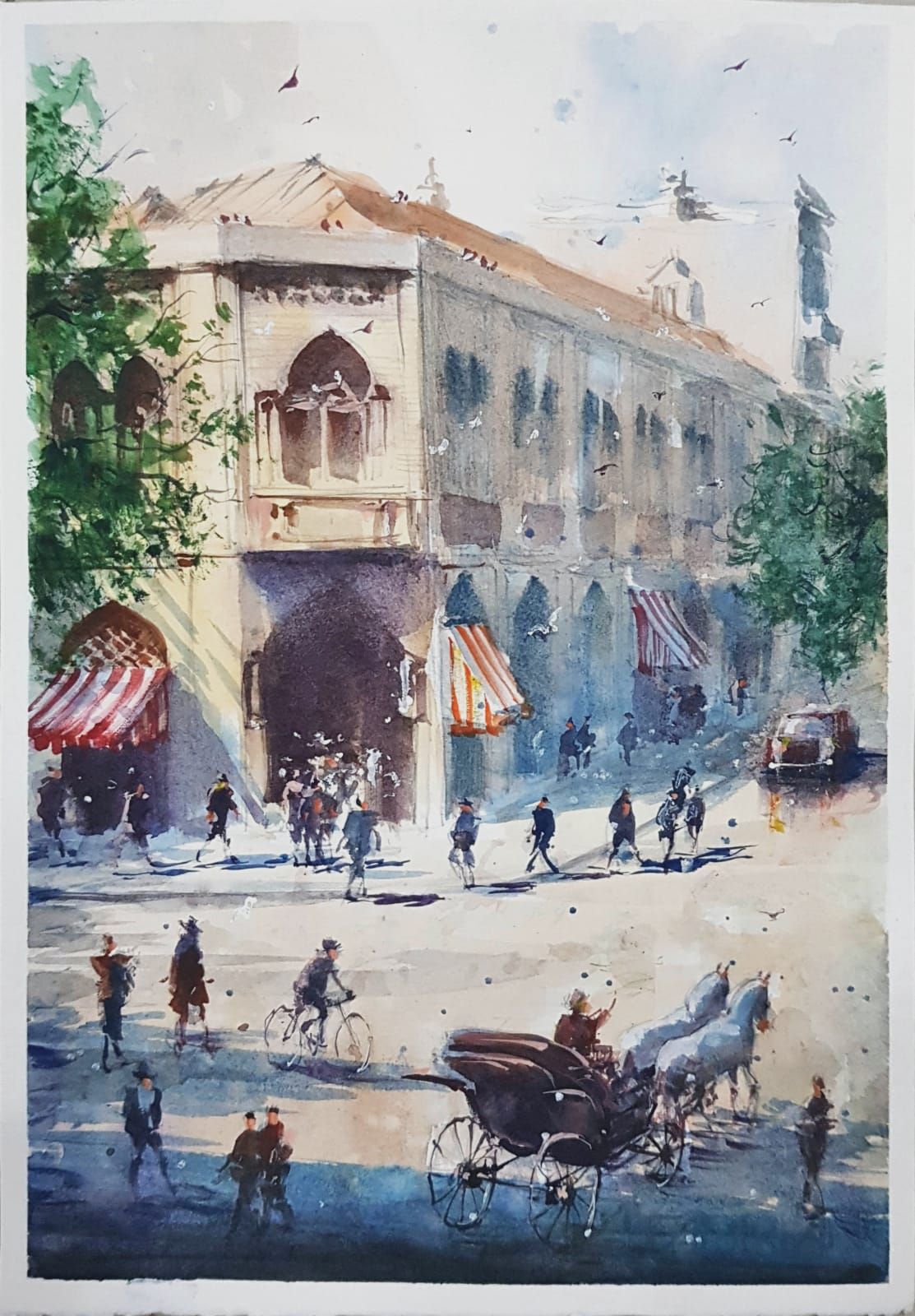
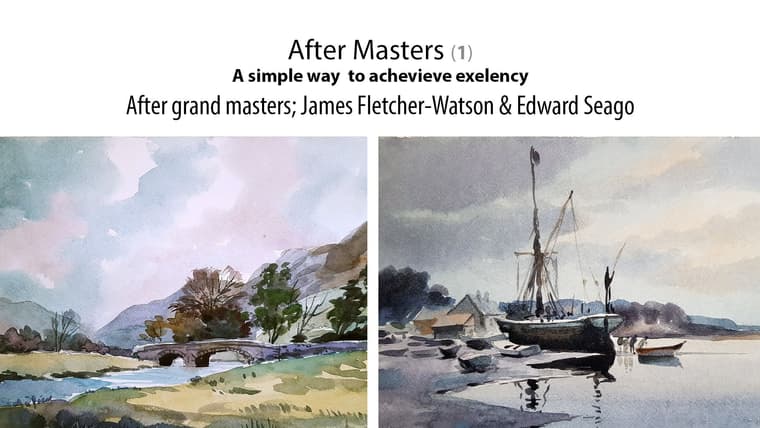
I spent some time finalizing and publishing a new short Skillshare course. This is after grand masters; James Fletcher-Watson and Edward Seago. I have tried to simplify and describe everything in detail:
https://www.skillshare.com/en/r/user/majid
https://www.skillshare.com/en/classes/after-watercolor-masters-james-fletcher-watson-and-edward-seago/1694702972?via=search-layout-grid
-
RE: Rayscaper Learning-Practice
@ntxdave
Maybe an alternate solution works.
Make a component composed of two components, one very simple as a line (this would be our place holder), and the object you want to scatter. Separate their tag (layer) and hide the "complicated object's" layer (tag).
Now it is time to scatter the simple (placeholder) one.
It could be done using "component spray" plugin, I think.
It must render fine in RS, I guess. -
Sketchup styles
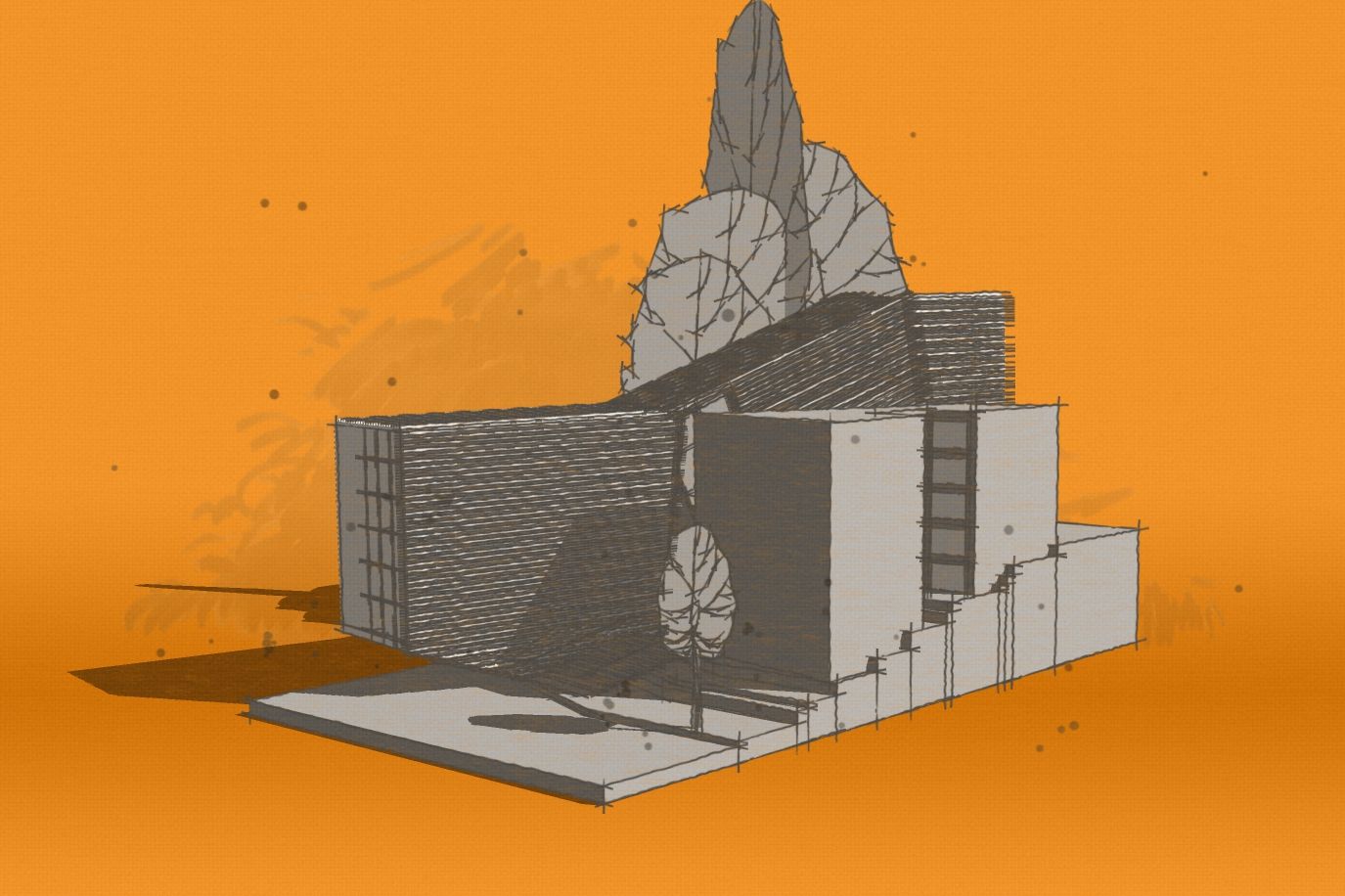
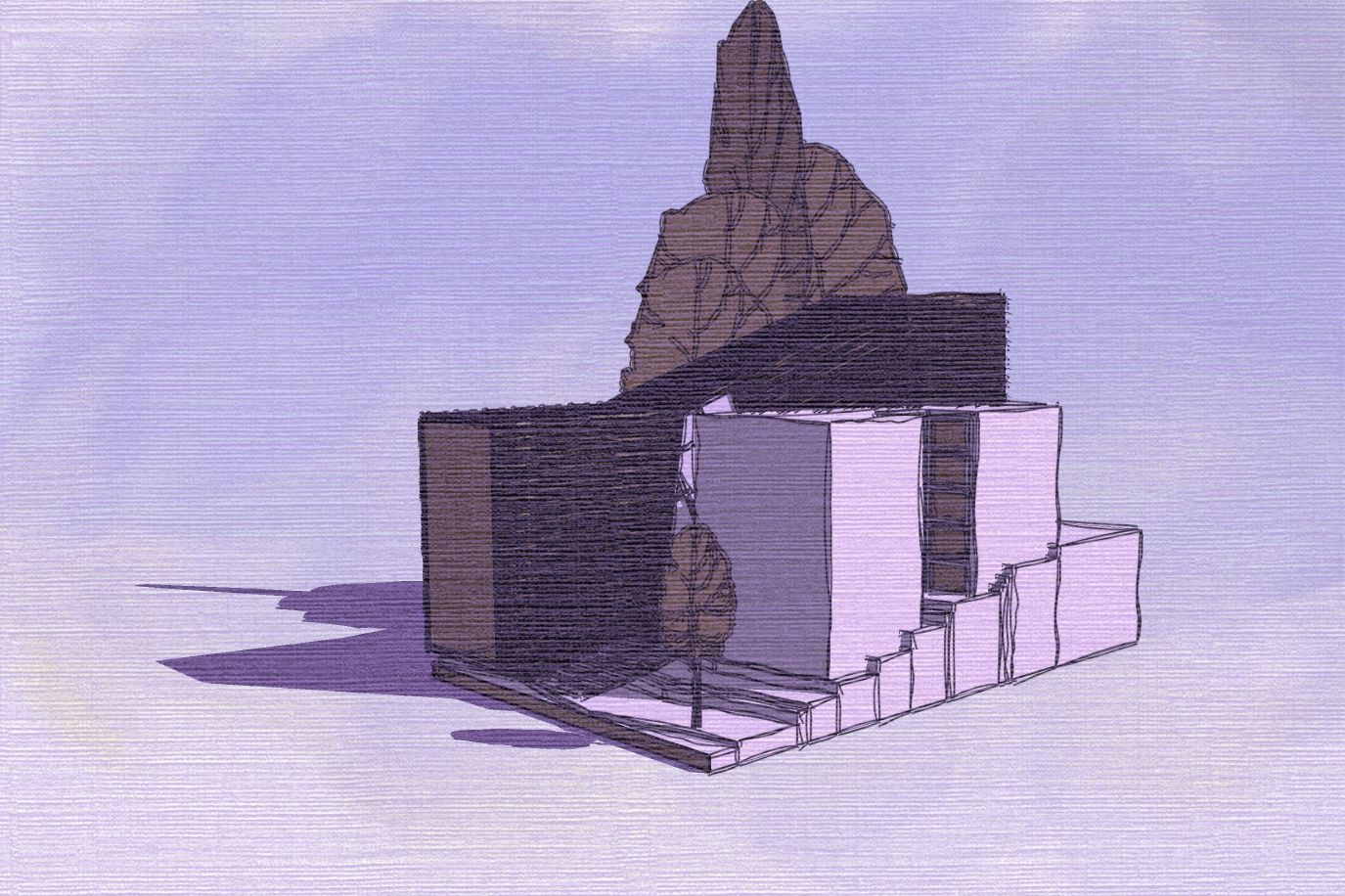
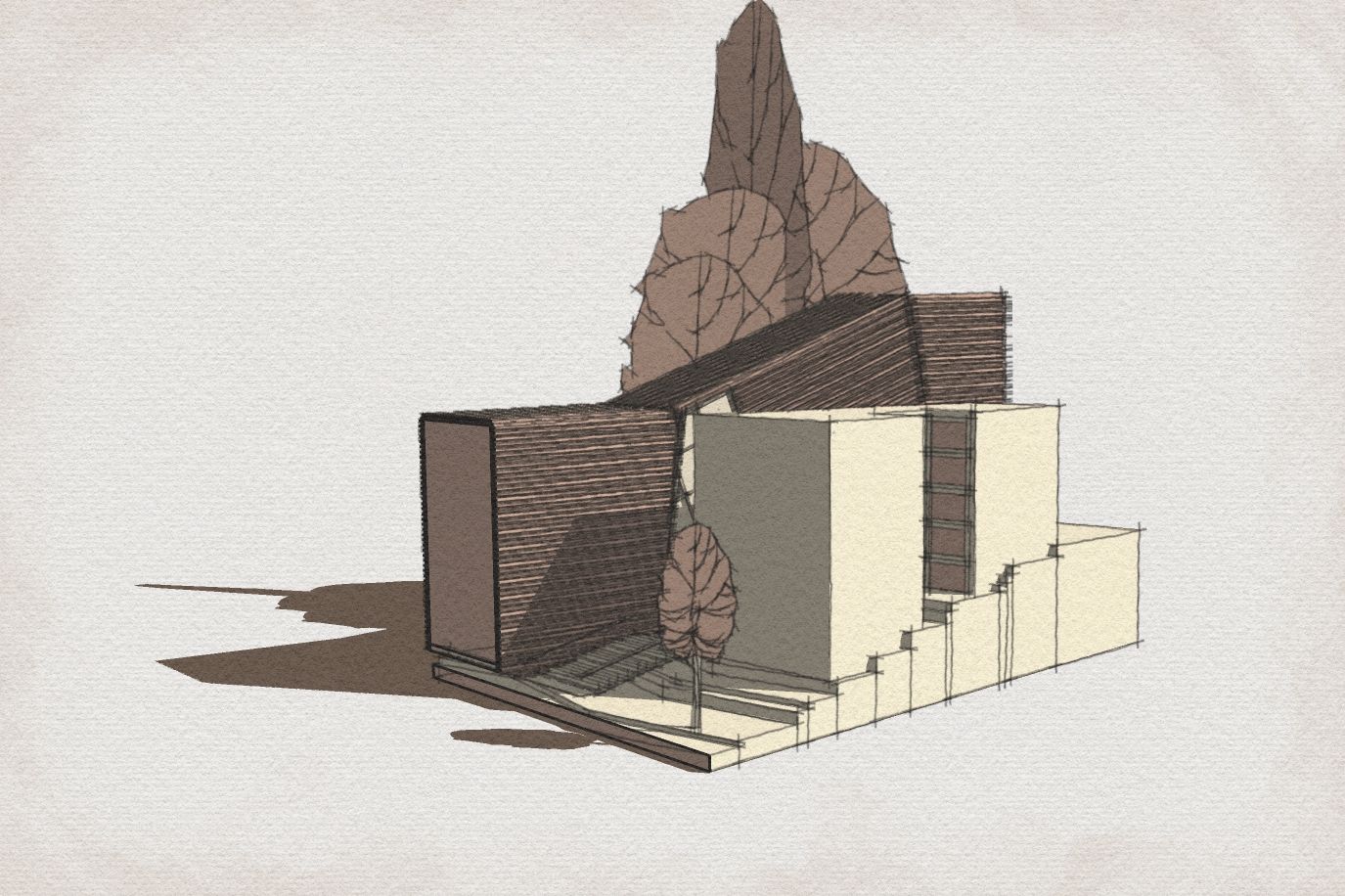
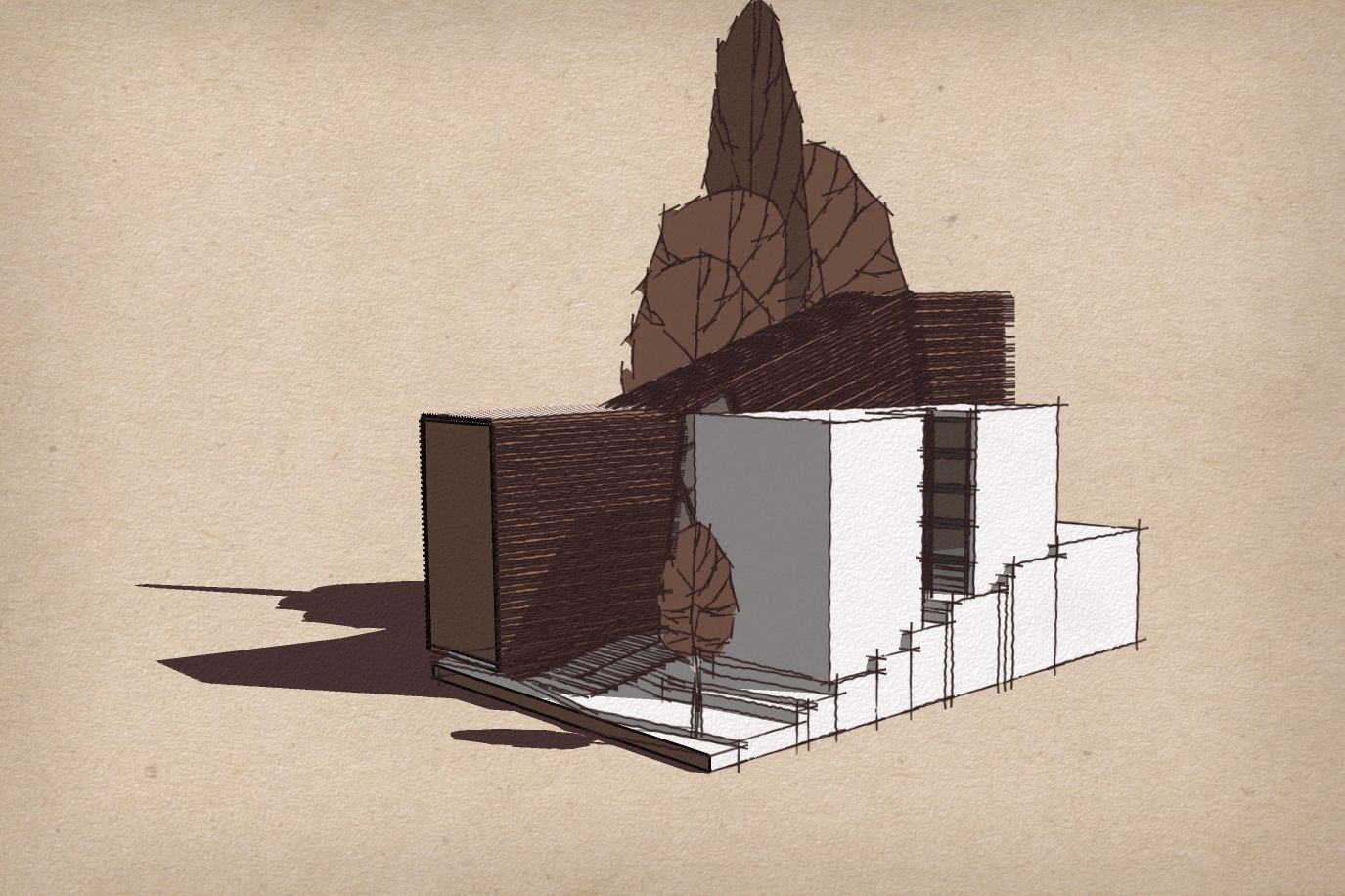
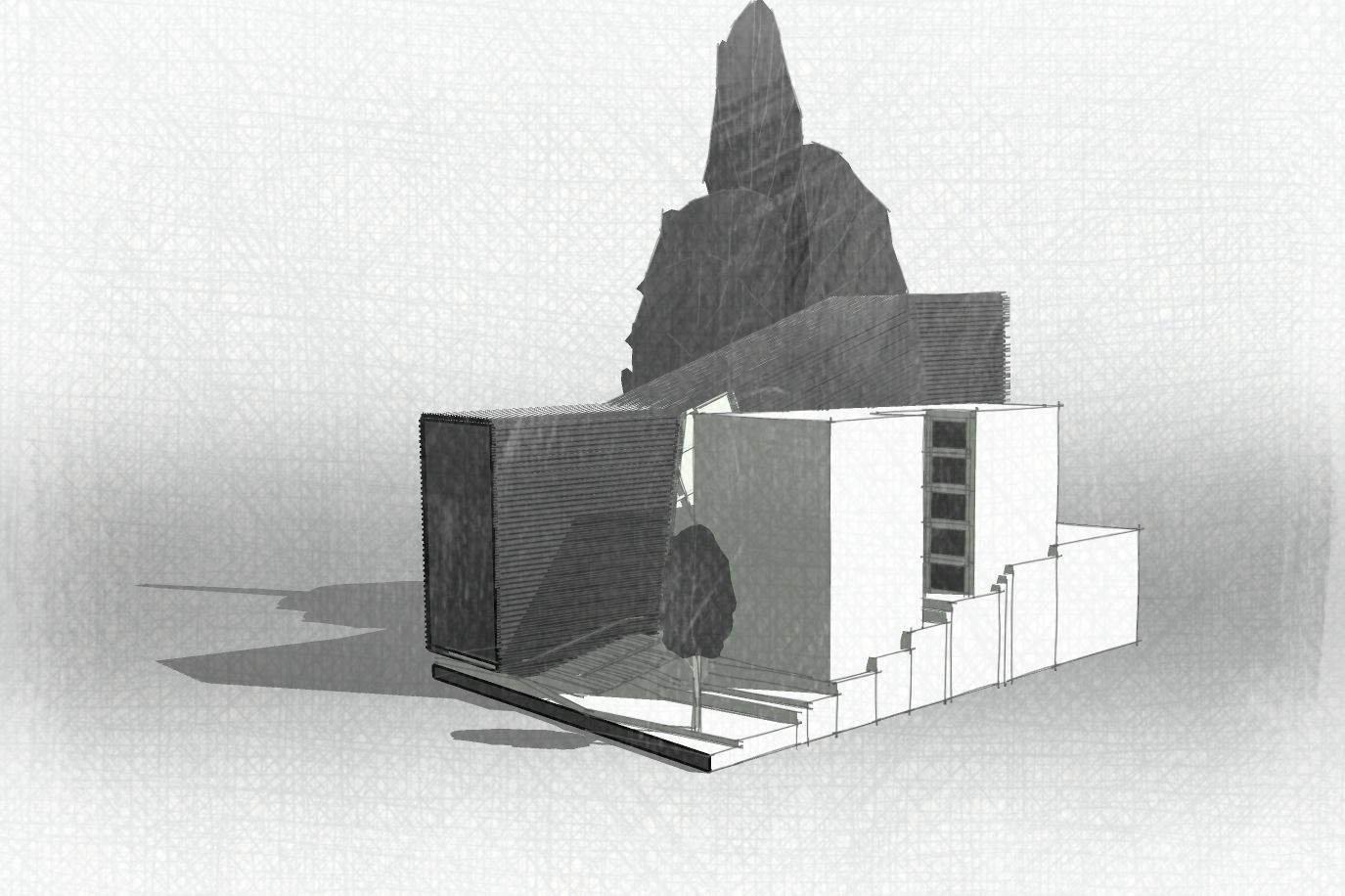
When it comes to concept sharing, I personally prefer to keep the conversation open, not confined by materials, etc. I believe the best option is still using Sketchup styles.
Recently I adjusted some of my styles carefully for the best result in concept sharing and quick presentation. No need to apply any material, they work best in Monochrome mode.
I have tweaked them so that shadows have colors preventing default gray SketchUp shadows, section line, and selected objects also are customized to add more variations and match the style.
They are now live in the Shop section:
https://sketchucation.com/shop/styles/2898-sketchy-presentation-styles-set2
Each one is carefully set and built up .
More samples: https://community.sketchucation.com/topic/164335/styles-for-a-rapid-presentation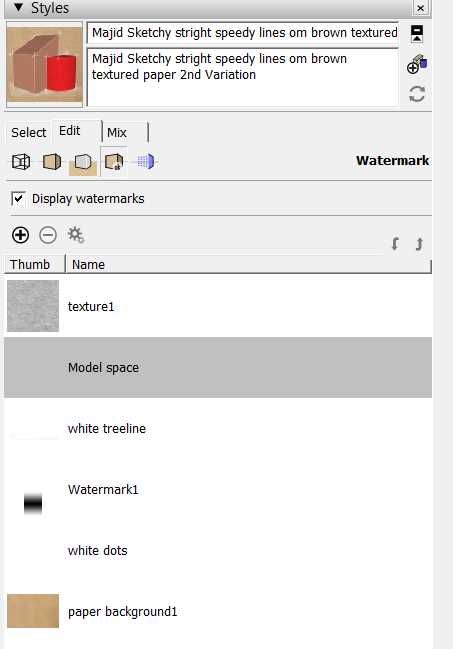

-
RE: Free Basic floral watercolor course
@tuna1957 Thanks mate. It is a basic course, by the way it may provides you with a few minutes of creative and quality time!
Feel free to share, please! -
RE: Rayscaper New Releases
Those renders are lovely!
-
RE: Sketchup styles
It is technically doable, you are right, BTW it was much easier using Stylebuilder.
I personally have developed all my styles inside Sketchup, based on my previously made line-art styles (using style builder).
I will share more soon. -
RE: Rayscaper New Releases
@pixelcruncher I DMed you, do you mind checking it please?