Thank you dear Mike.
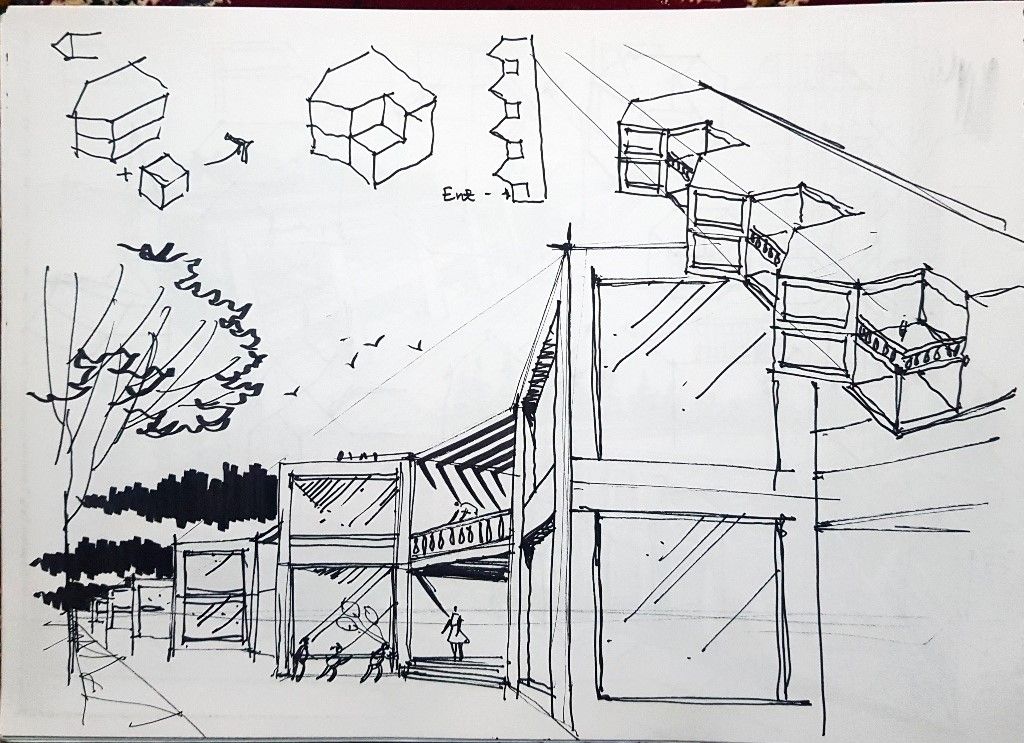
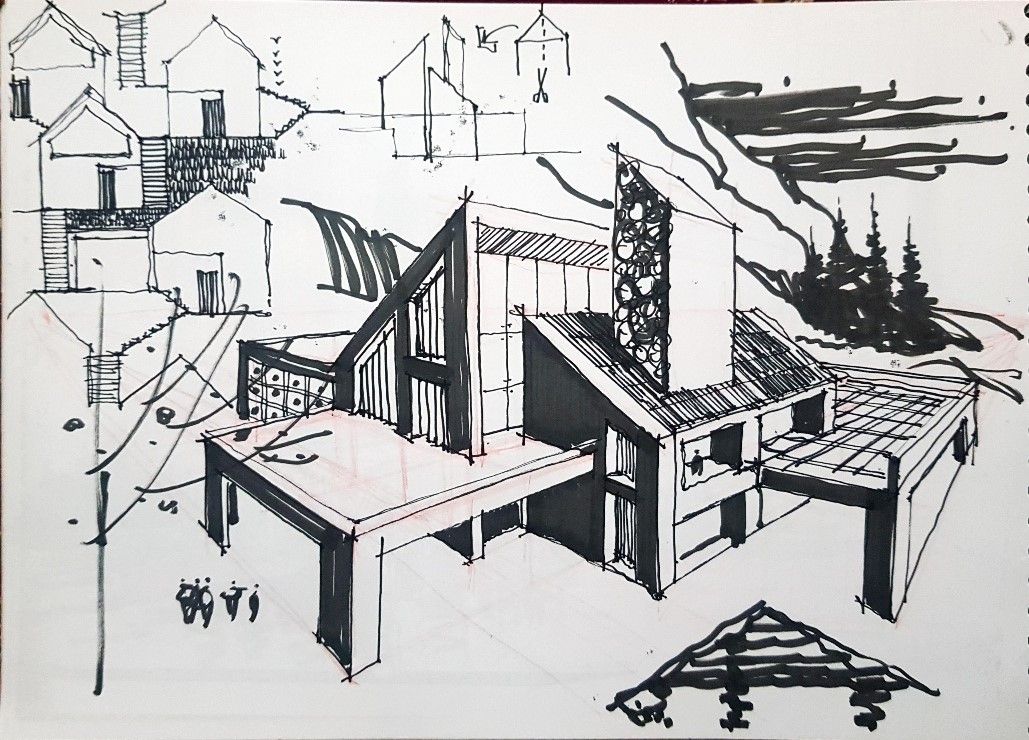
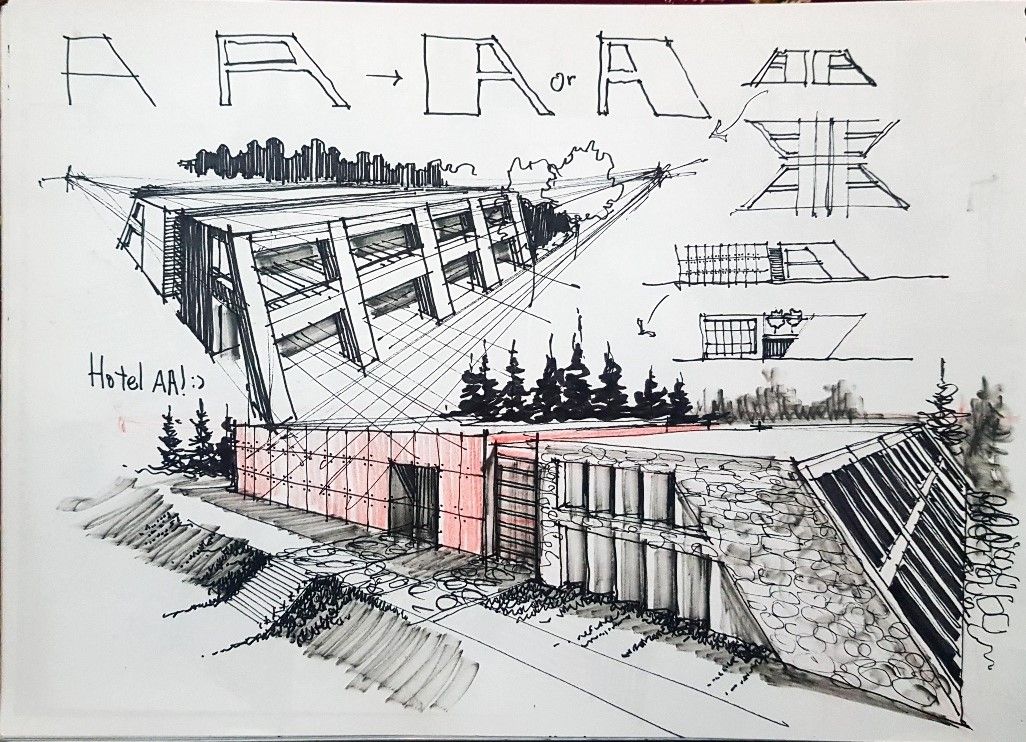
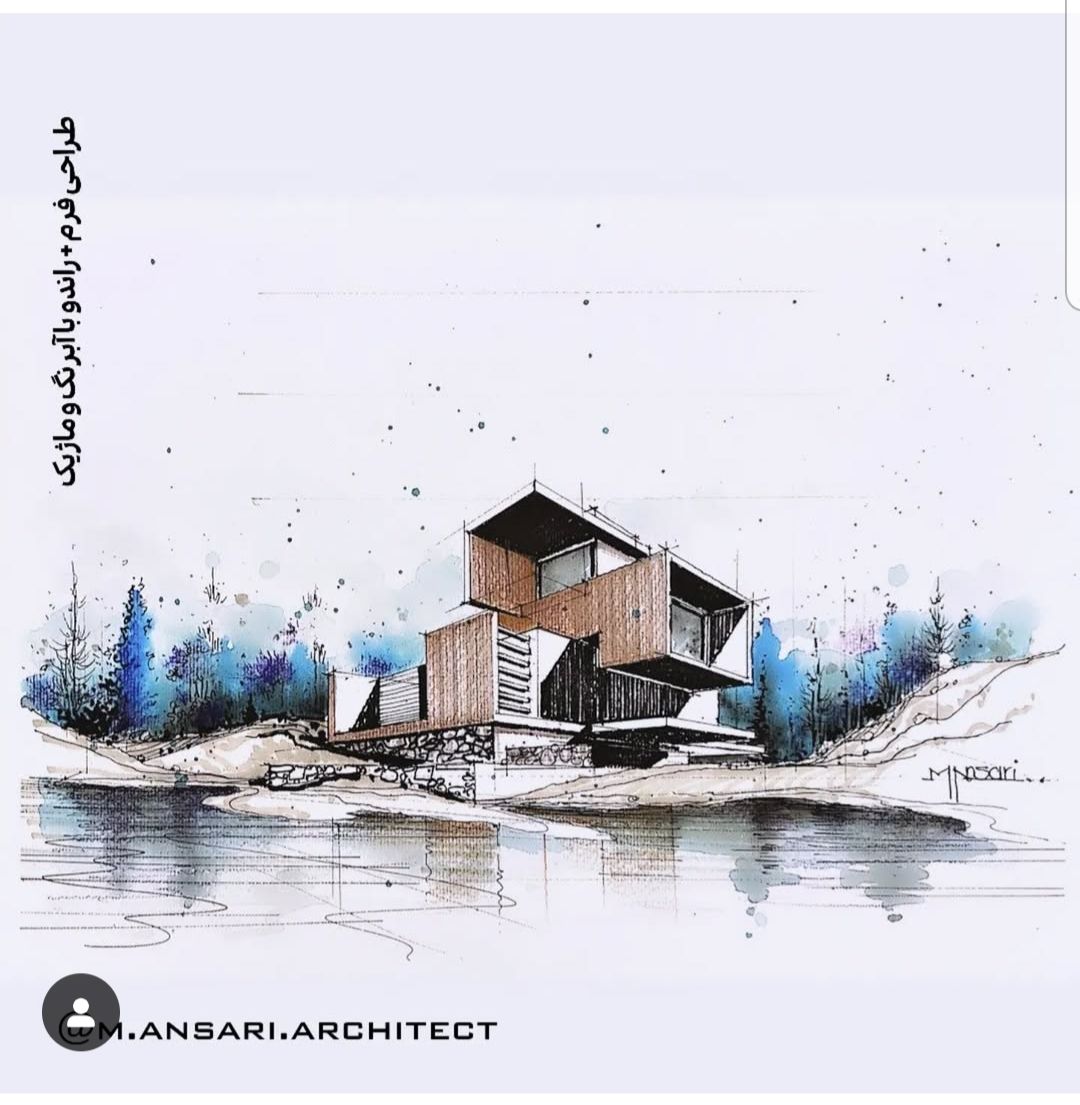
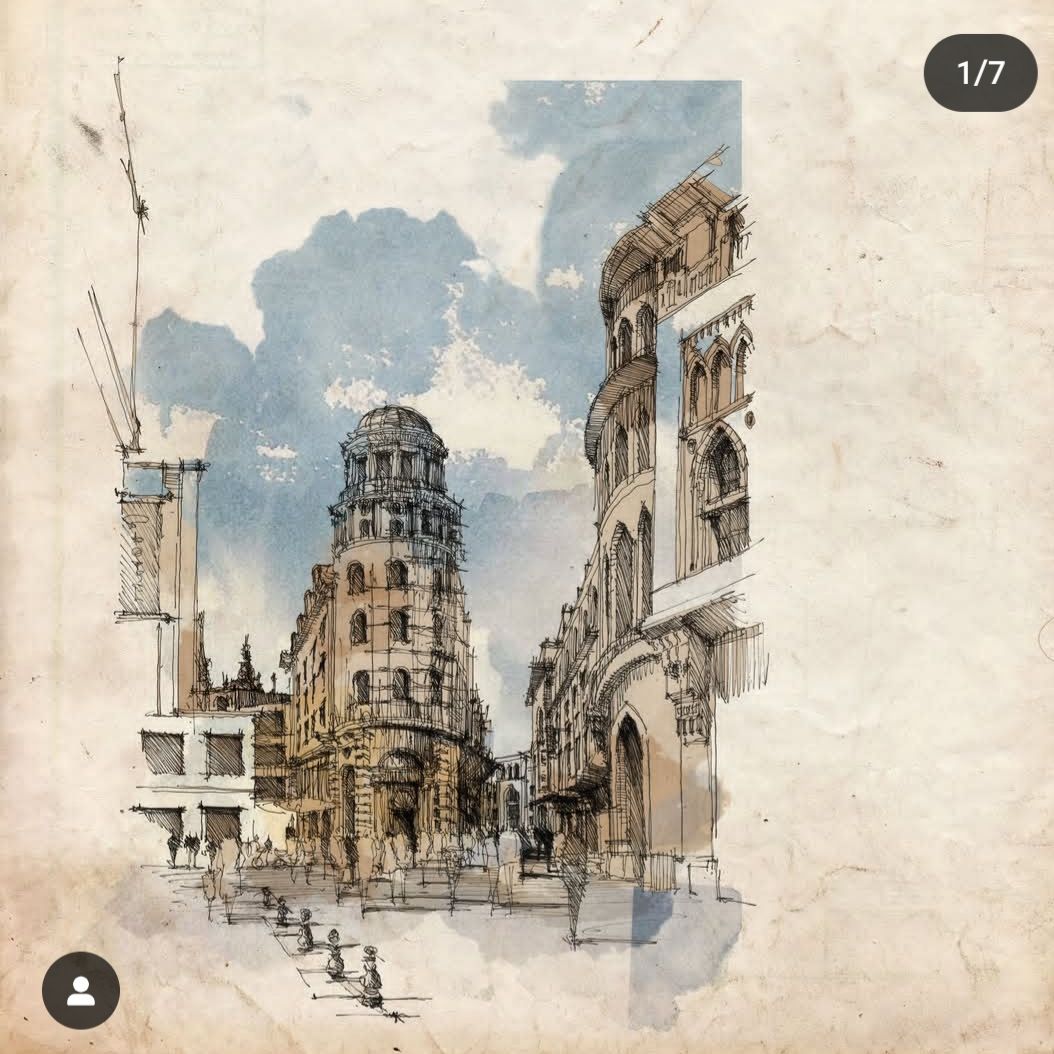
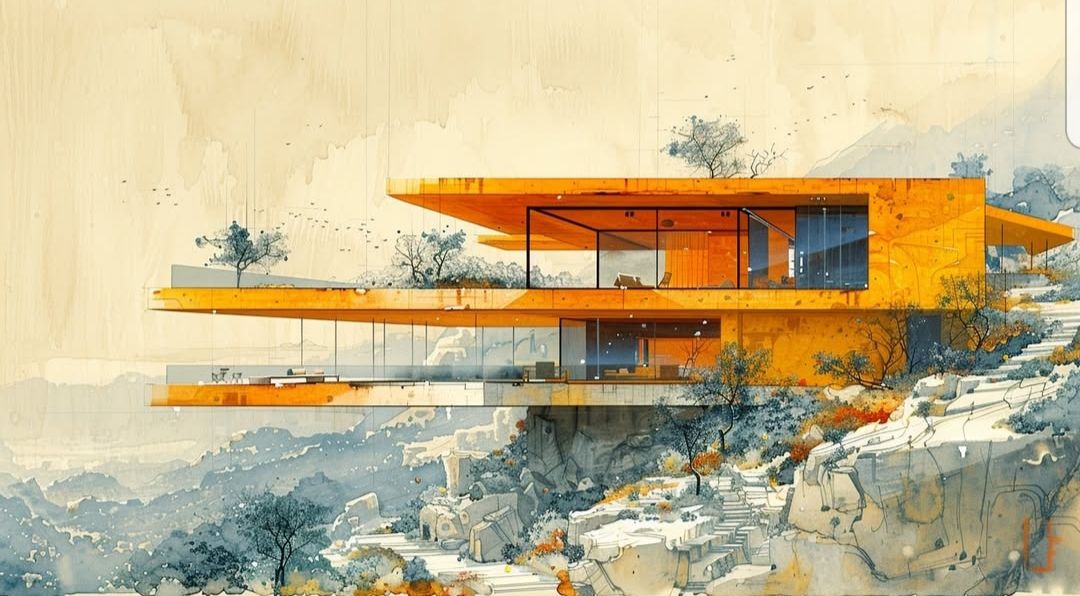
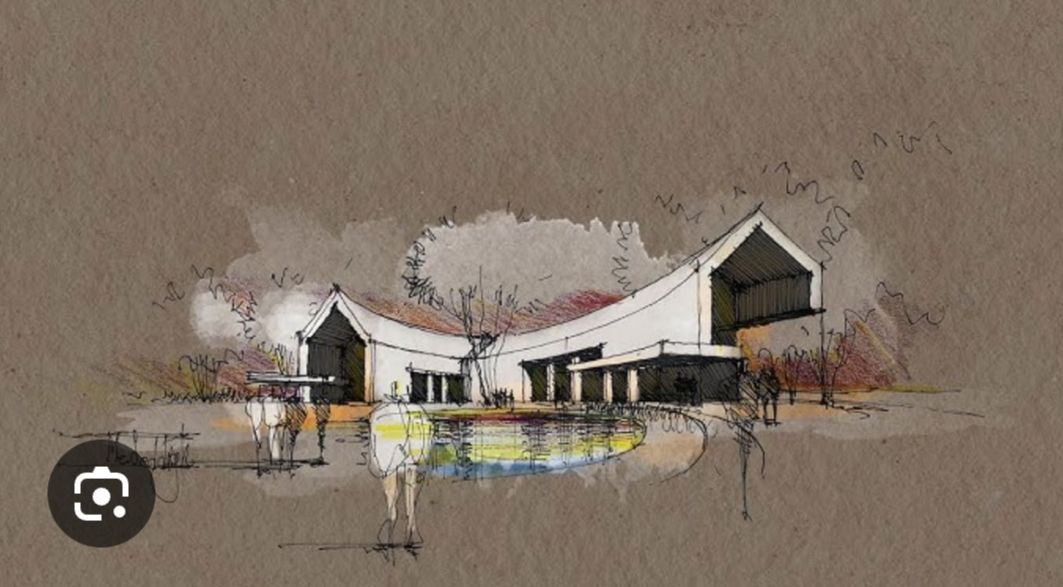
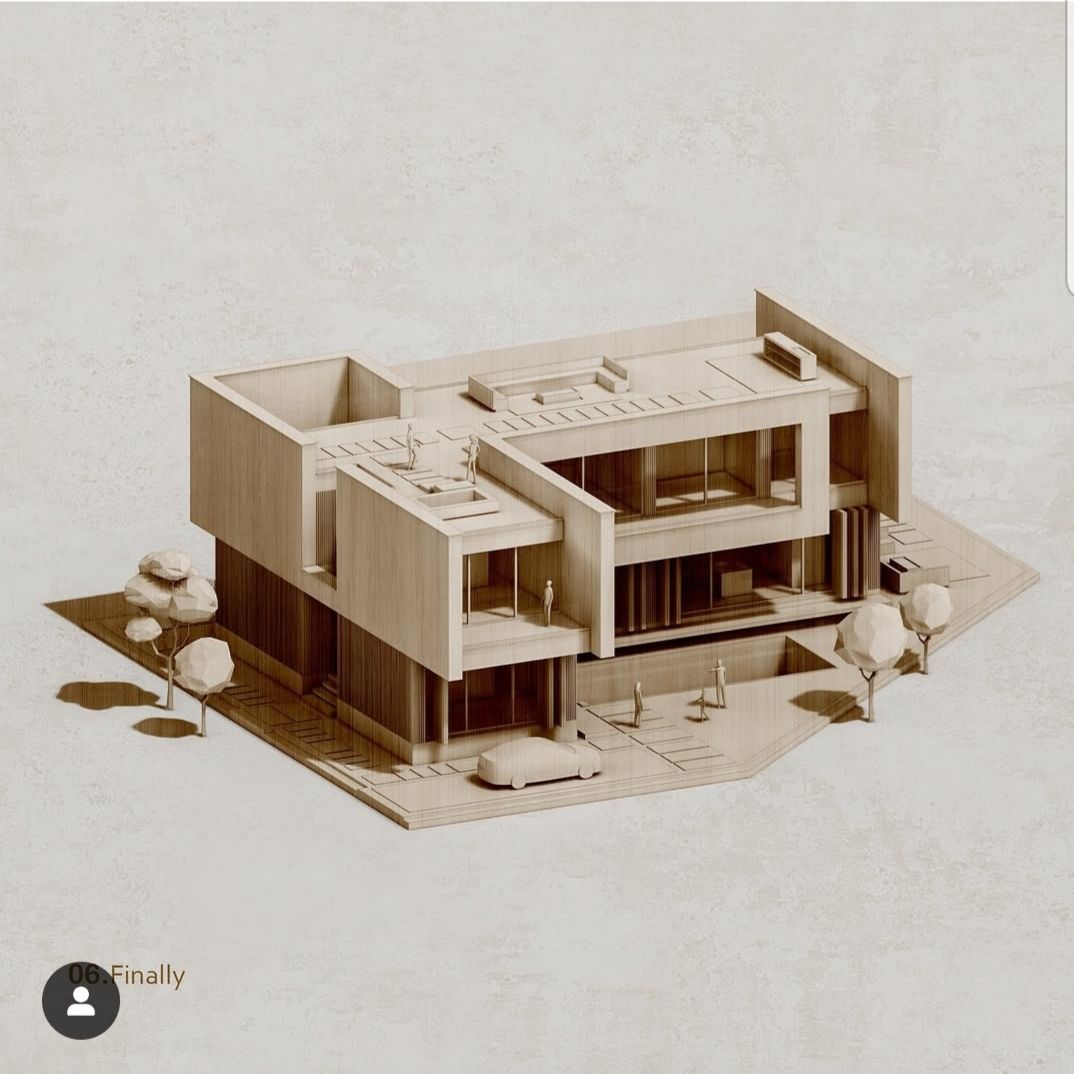
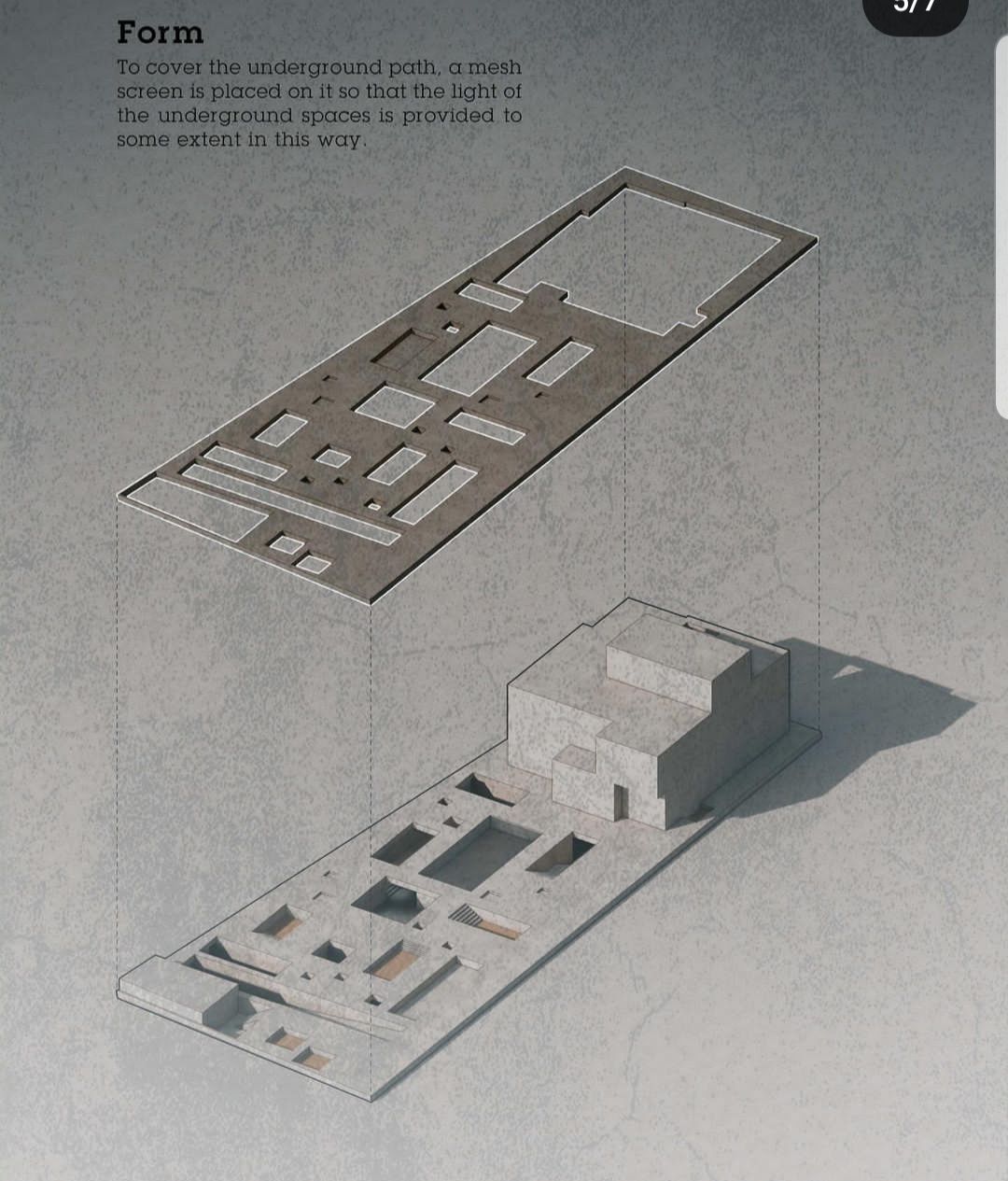
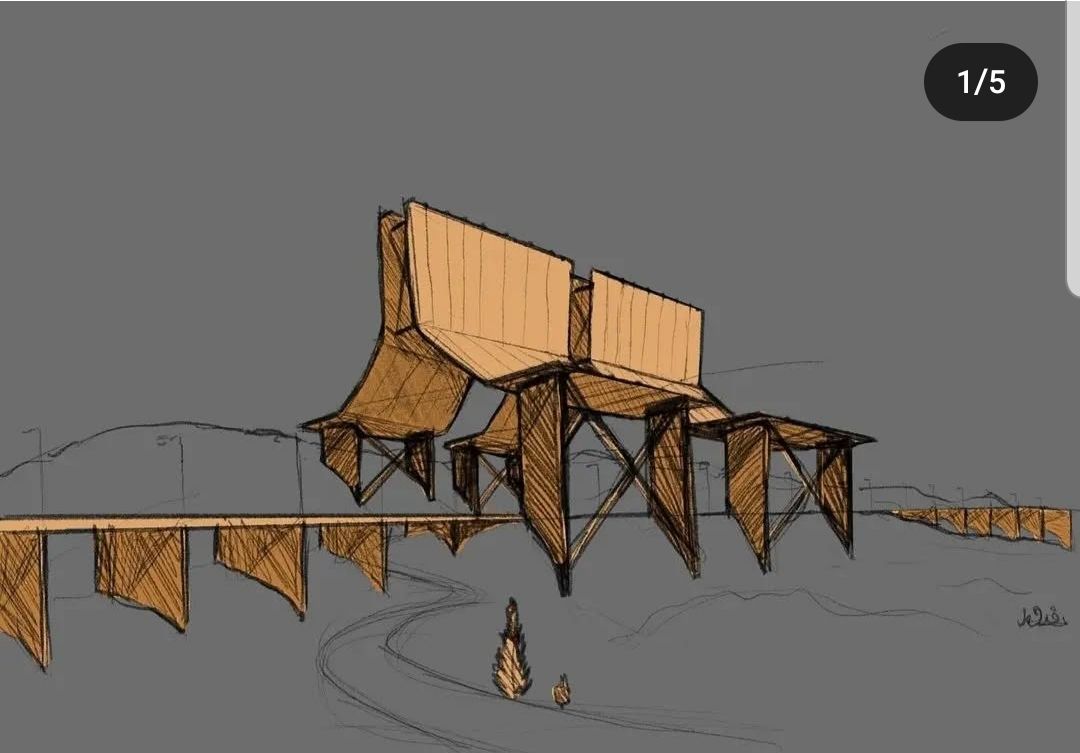
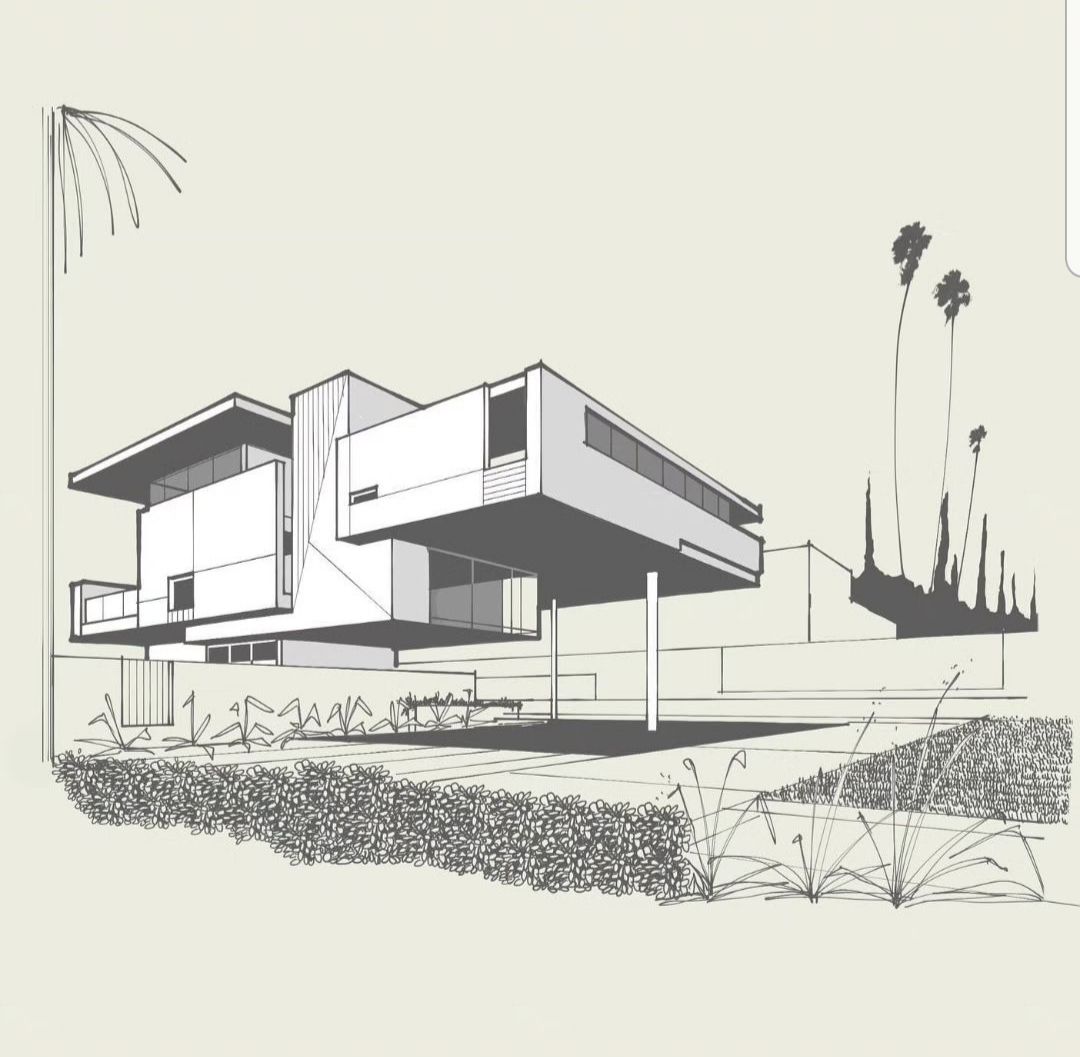
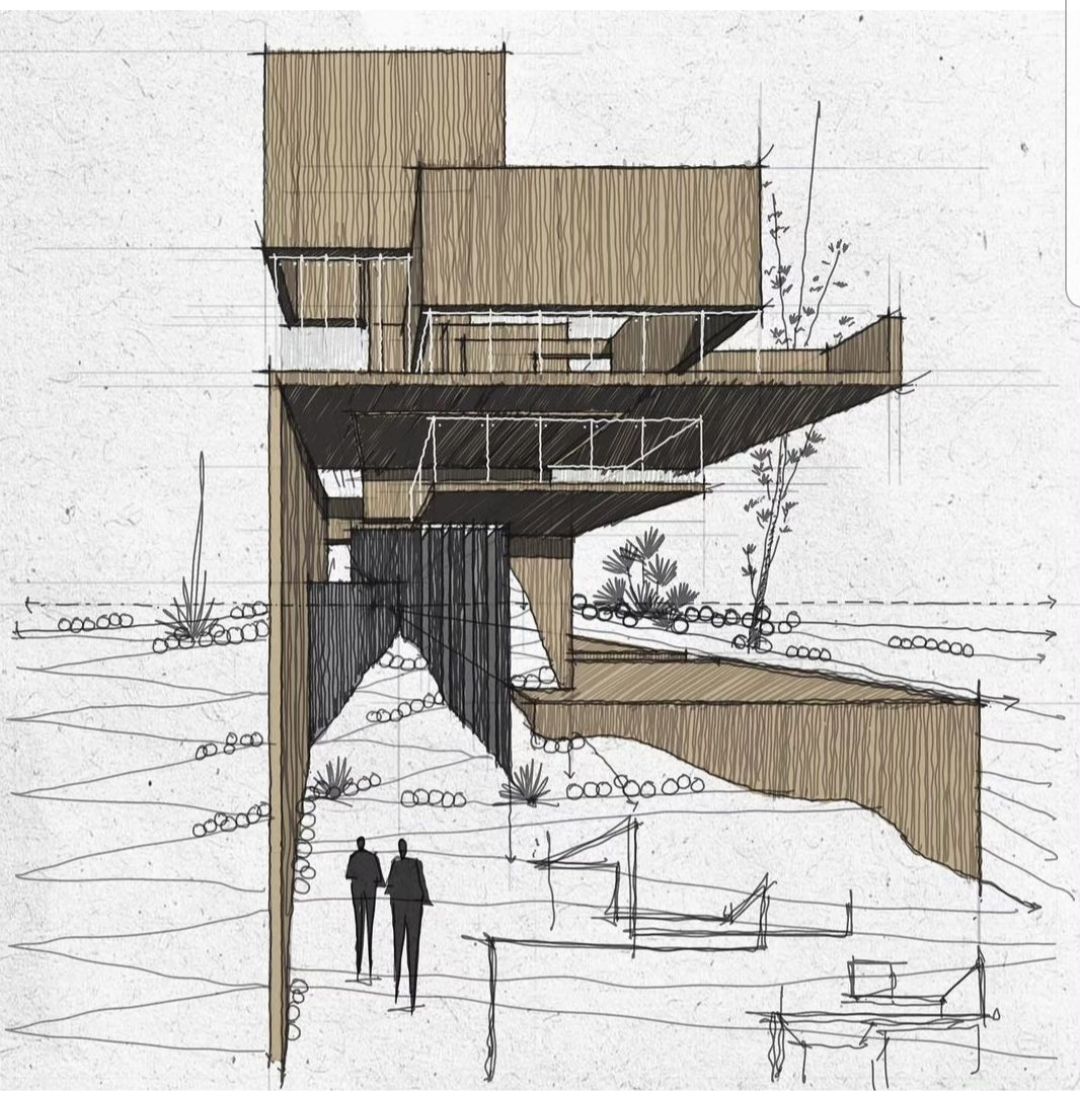
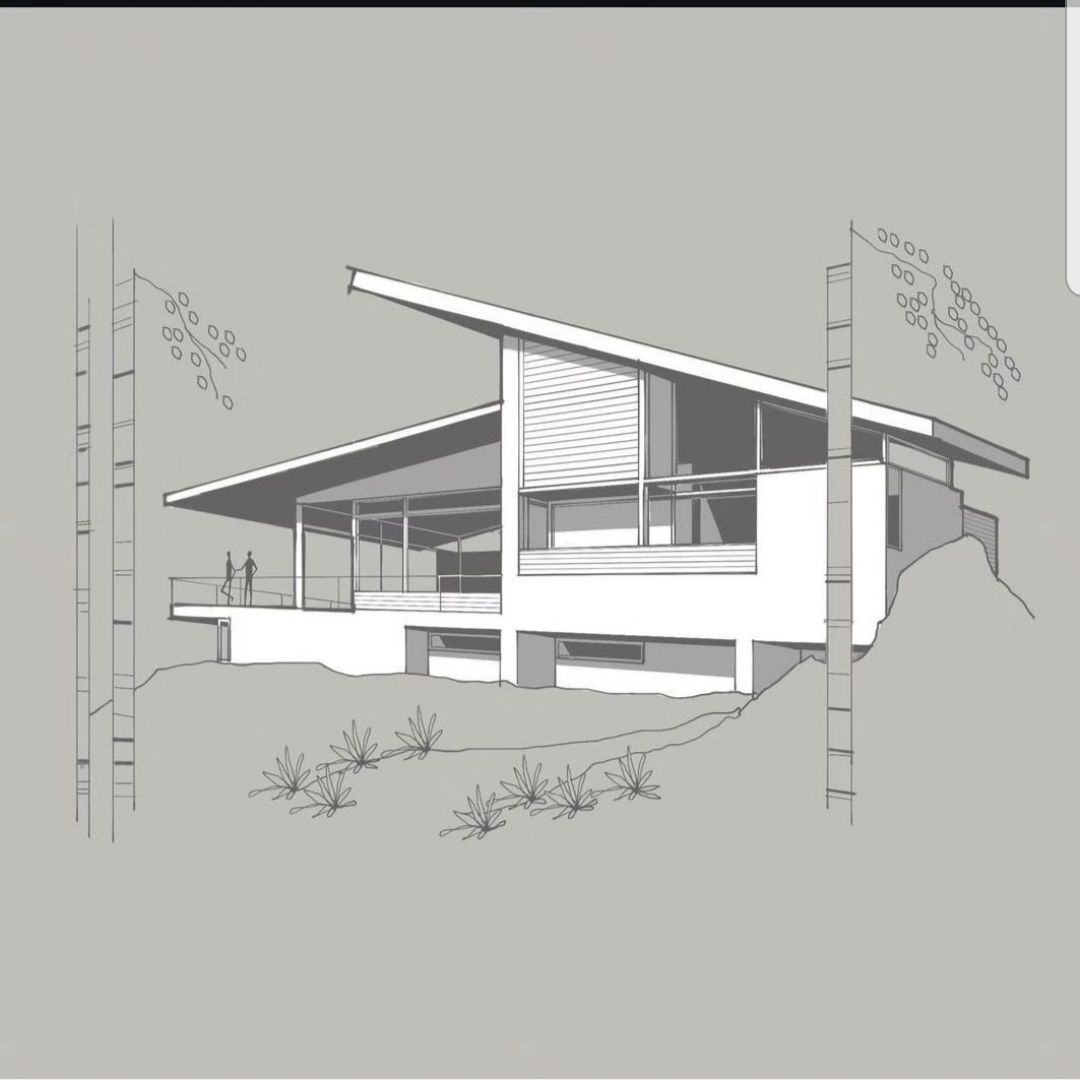
Here are my inspiration sources. I have tried to follow their color and stroke mood.
Oops, your profile's looking a bit empty! To help us tailor your experience, please fill in key details like your SketchUp version, skill level, operating system, and more. Update and save your info on your profile page today!
Check out Febhouse | New extensions for Shadow Analysis in SketchUp Download
 M
Offline
M
Offline
Posts
-
RE: New Styles by Majid
-
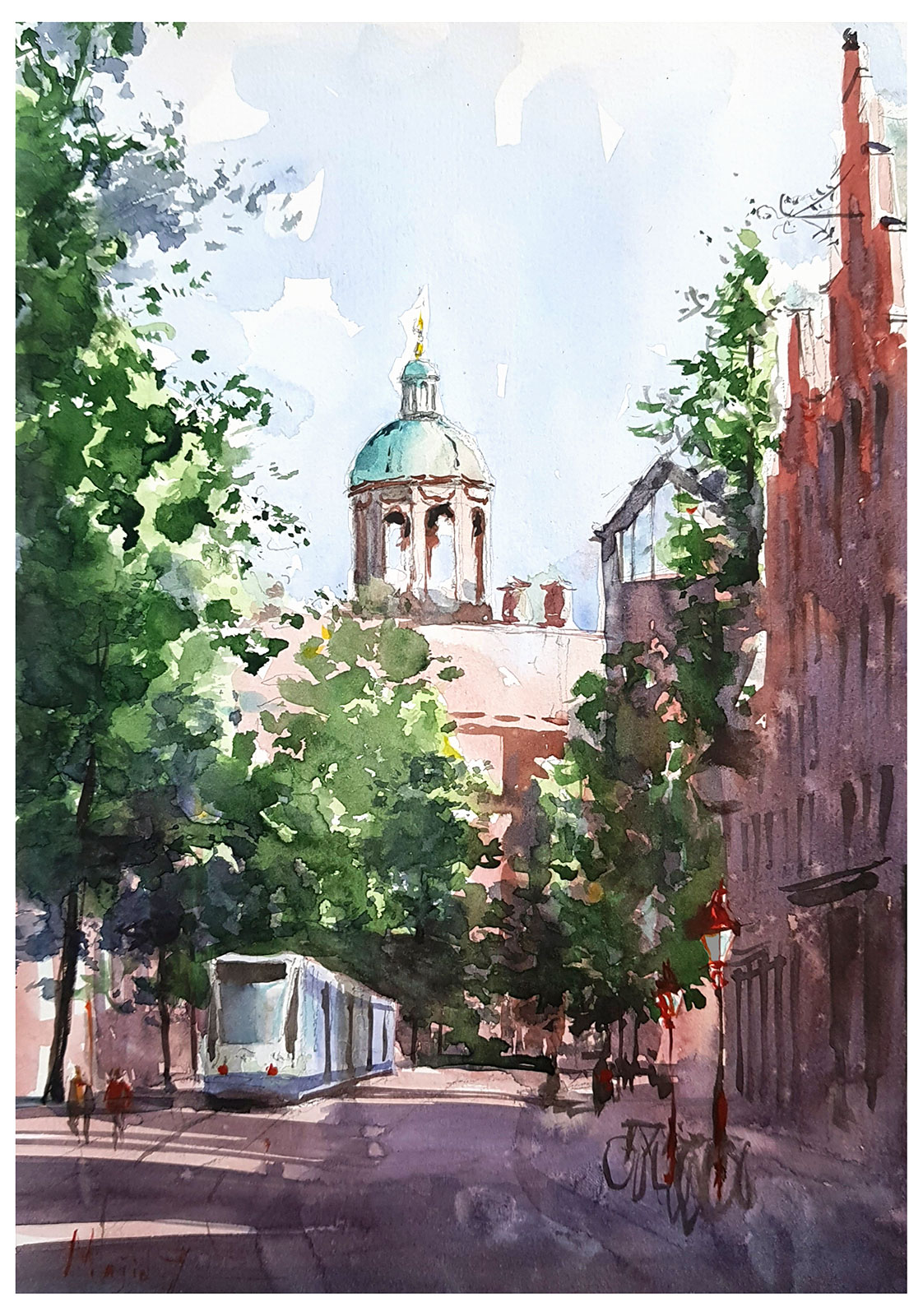
RE: Beautiful Amsterdam
Today the weather was volatile, sunny, and rainy...and I had some spare time (thanks to a supportive friend, here) to go out for sketching. Here is the result.
-
RE: RayScaper
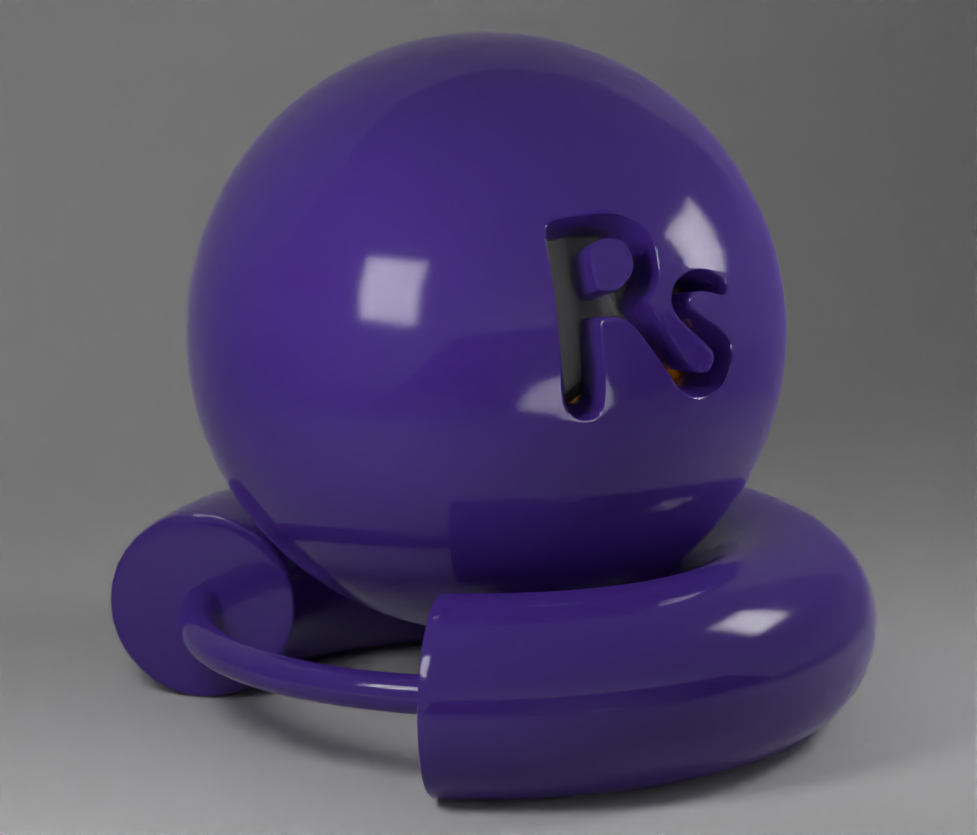
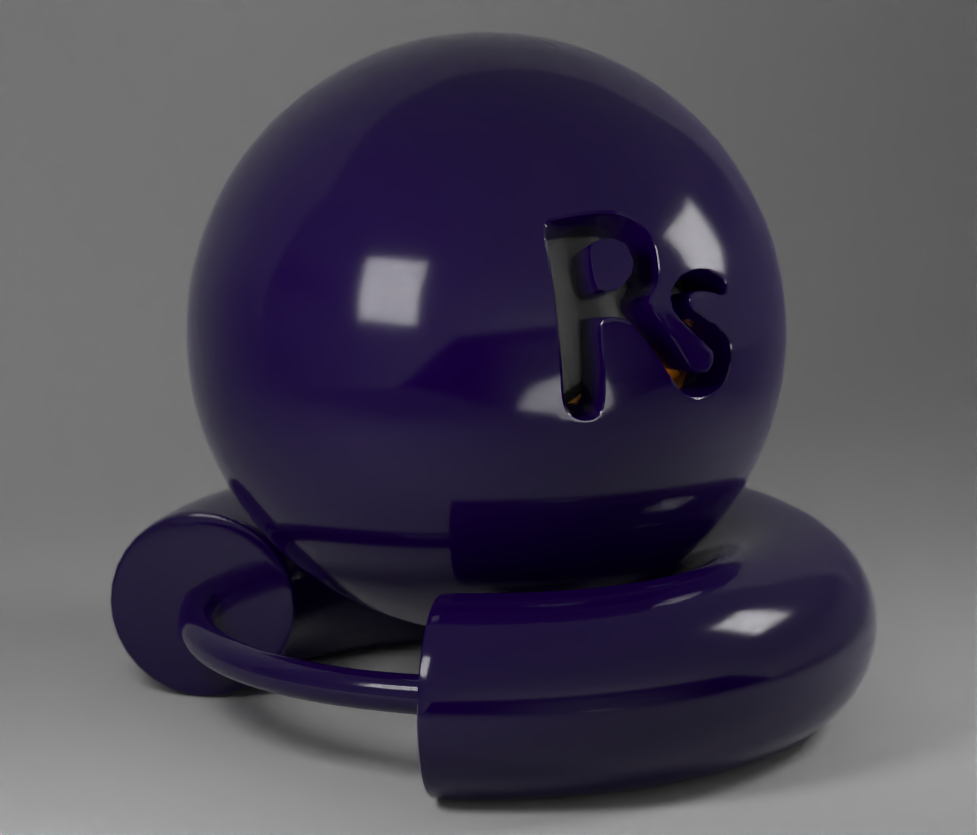
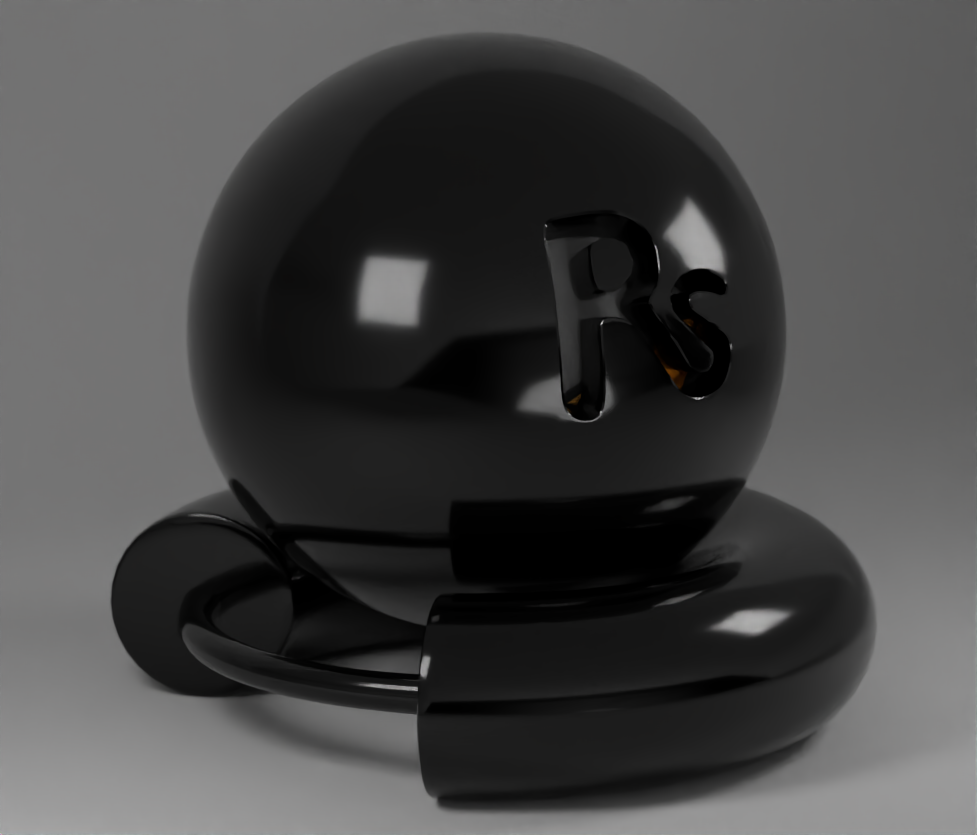
The other day I was plating with "Plastic" shader and here are some of the images.
The engine material settings seem promising as even in very dark hues you can see the color.



-
RE: New Styles by Majid
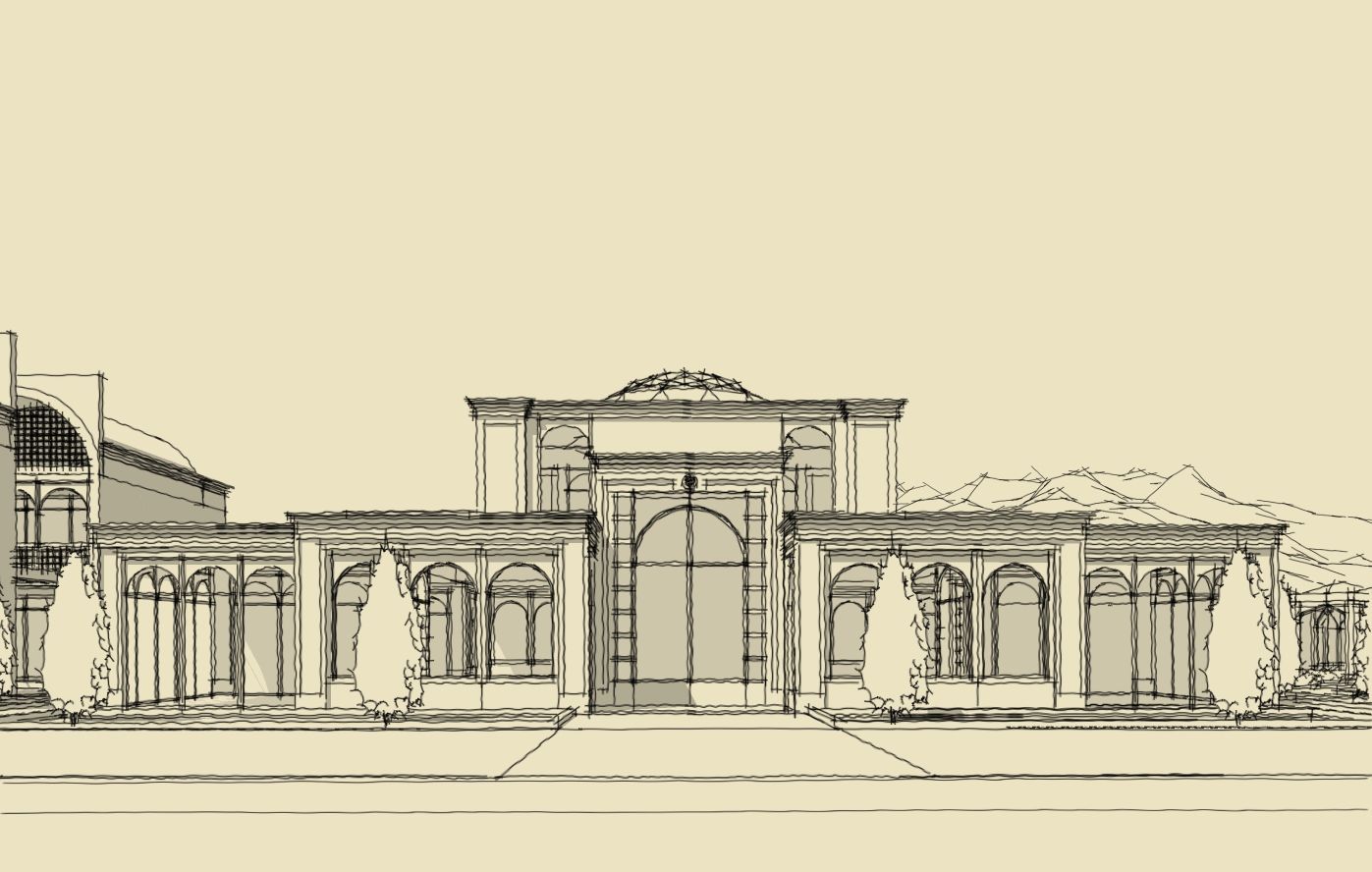
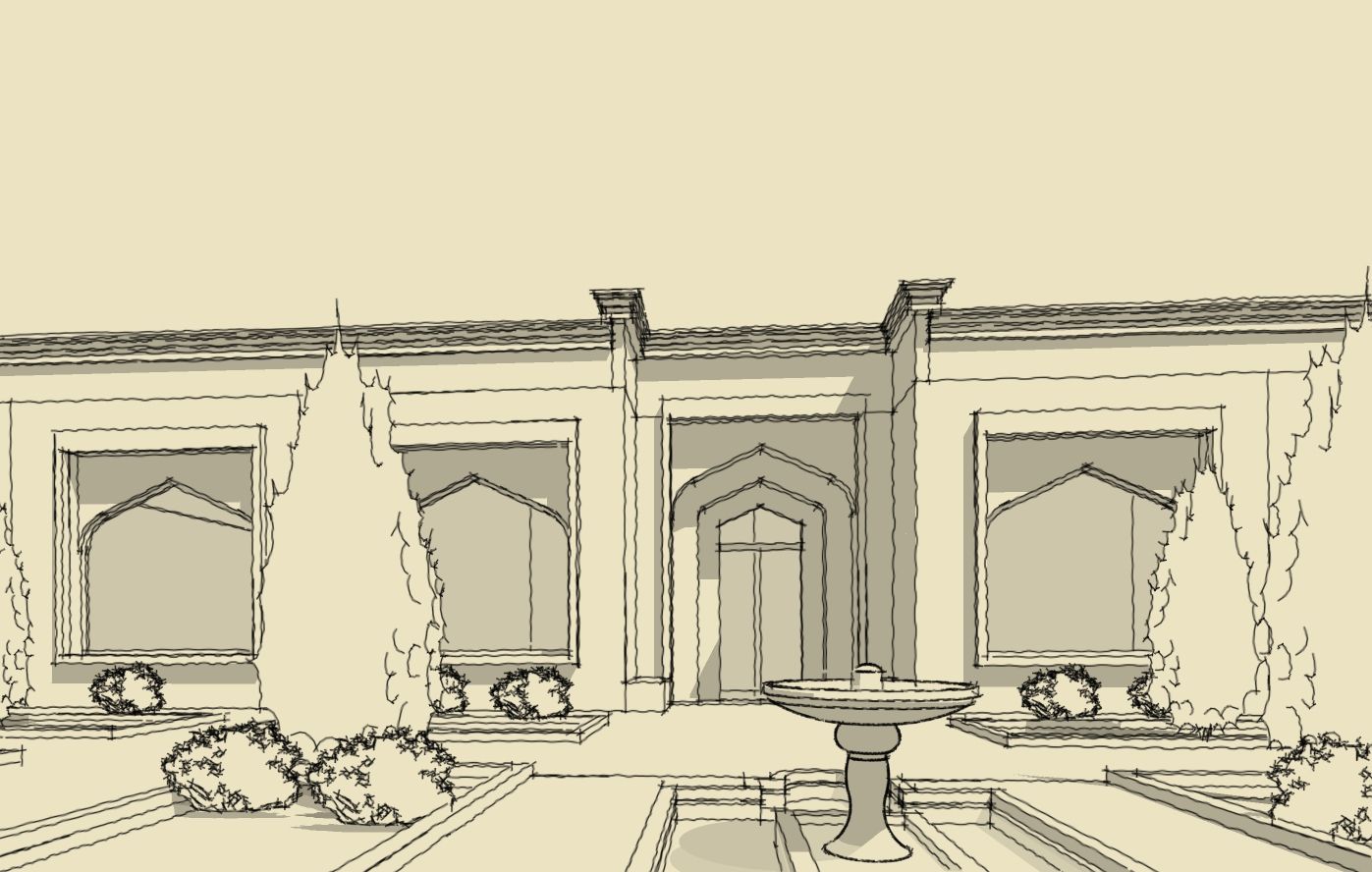
Recently I tried some of the styles over a concept proposal, and I think the result is attractive while no need to get into the details.
For more please visit:
https://community.sketchucation.com/topic/164091/motel-concept/8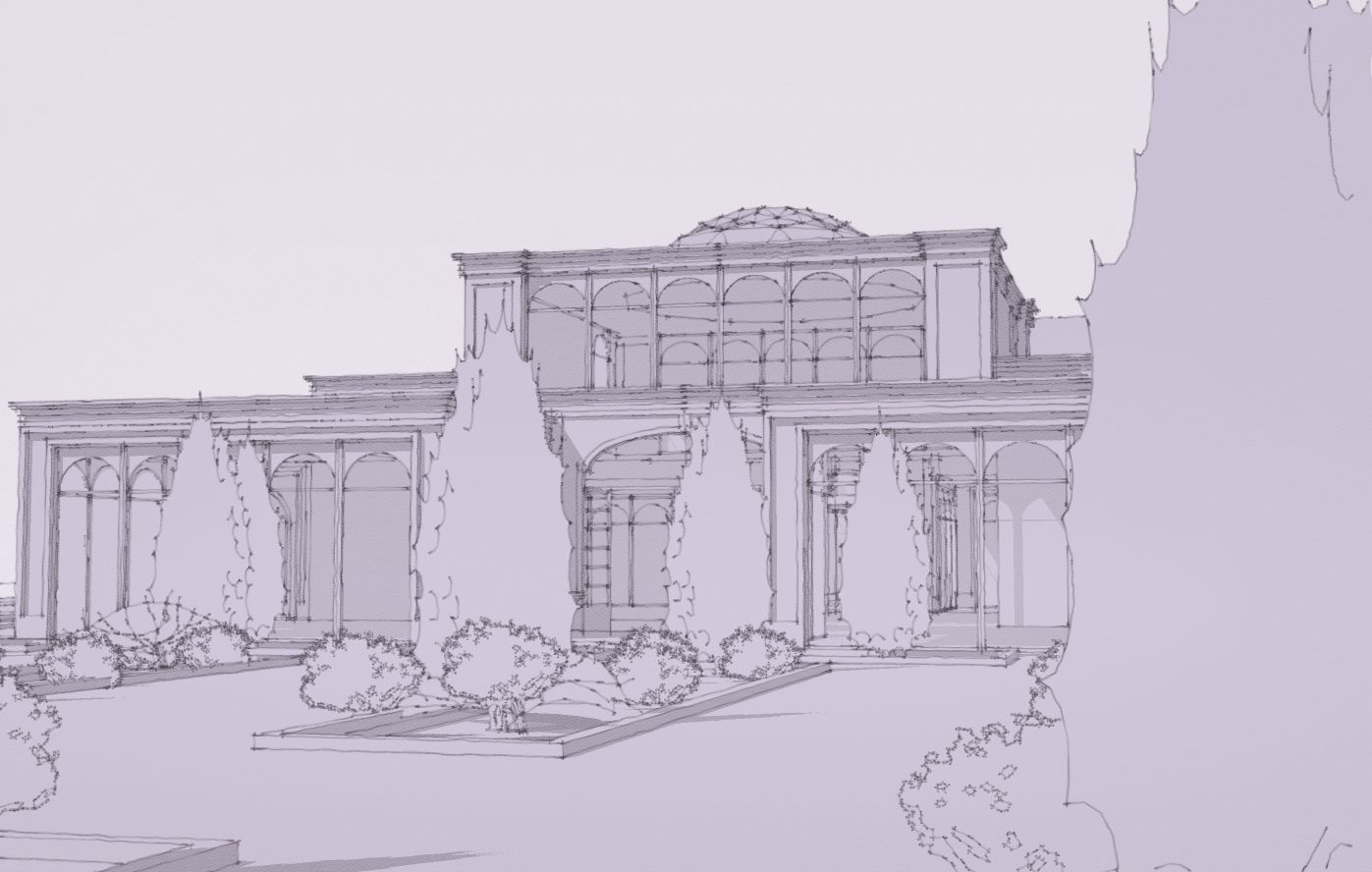
-
RE: Beautiful Amsterdam
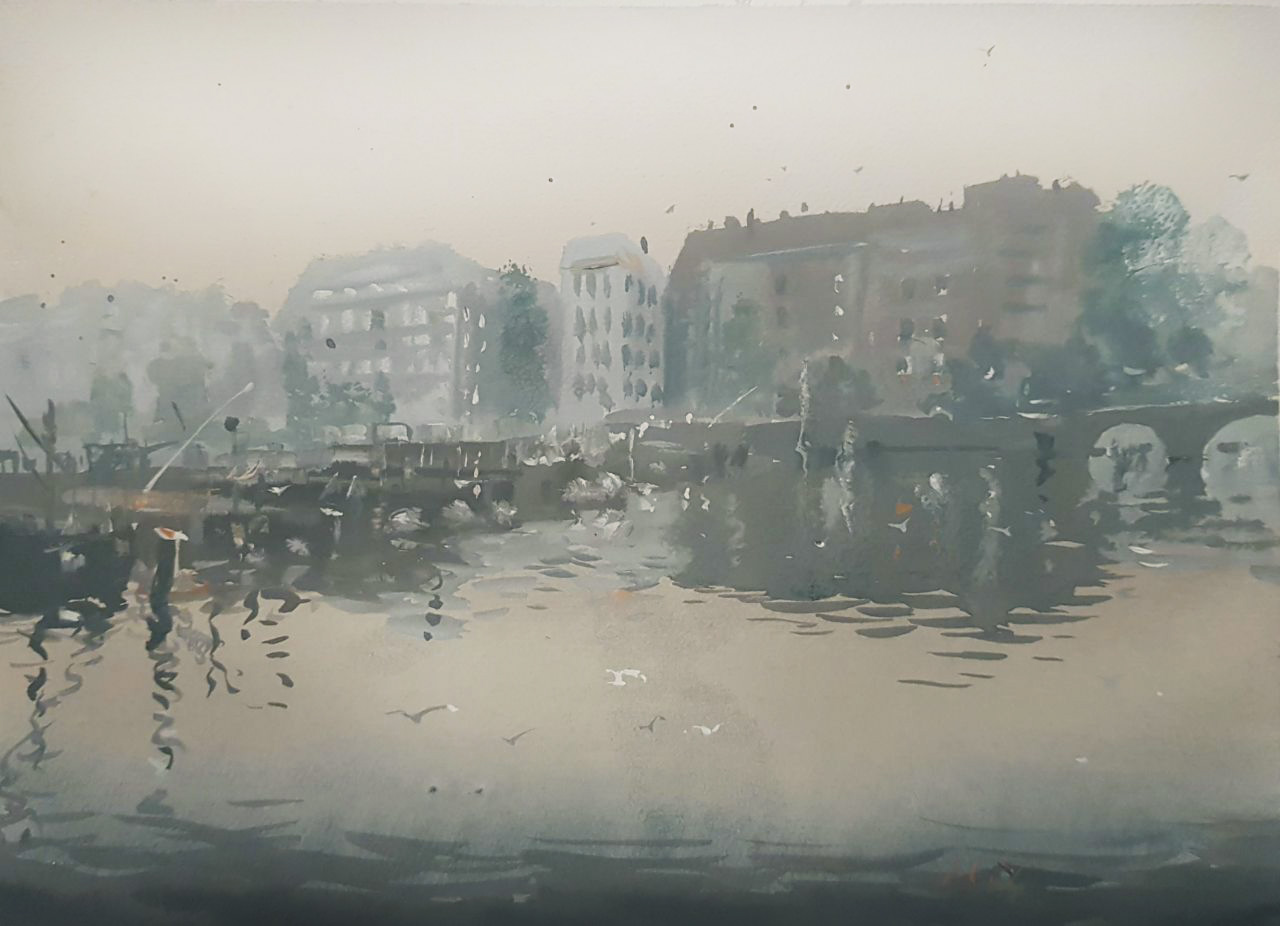
Today was a foggy day. The Amstel River bank is part of my route to university. I took several pictures and now painted one of them. I realized that those similar nuances of the colors are really hard to grasp.
-
RE: RayScaper
@tuna1957 The model is not mine, I have adjusted the model, added some details, and adjusted the textures based on an image I had from the real place...
Thanks for the compliment. -
RE: Kemp's Outpost
Wow Duane, I was missing this post... amazing,
Just saw it on your Artstation page:
https://duanekemp.artstation.com/projects/WBqK8N -
RE: Arches, Arches... Arches...
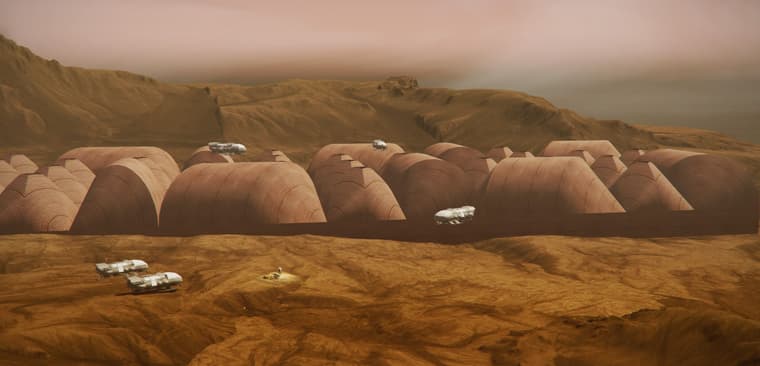
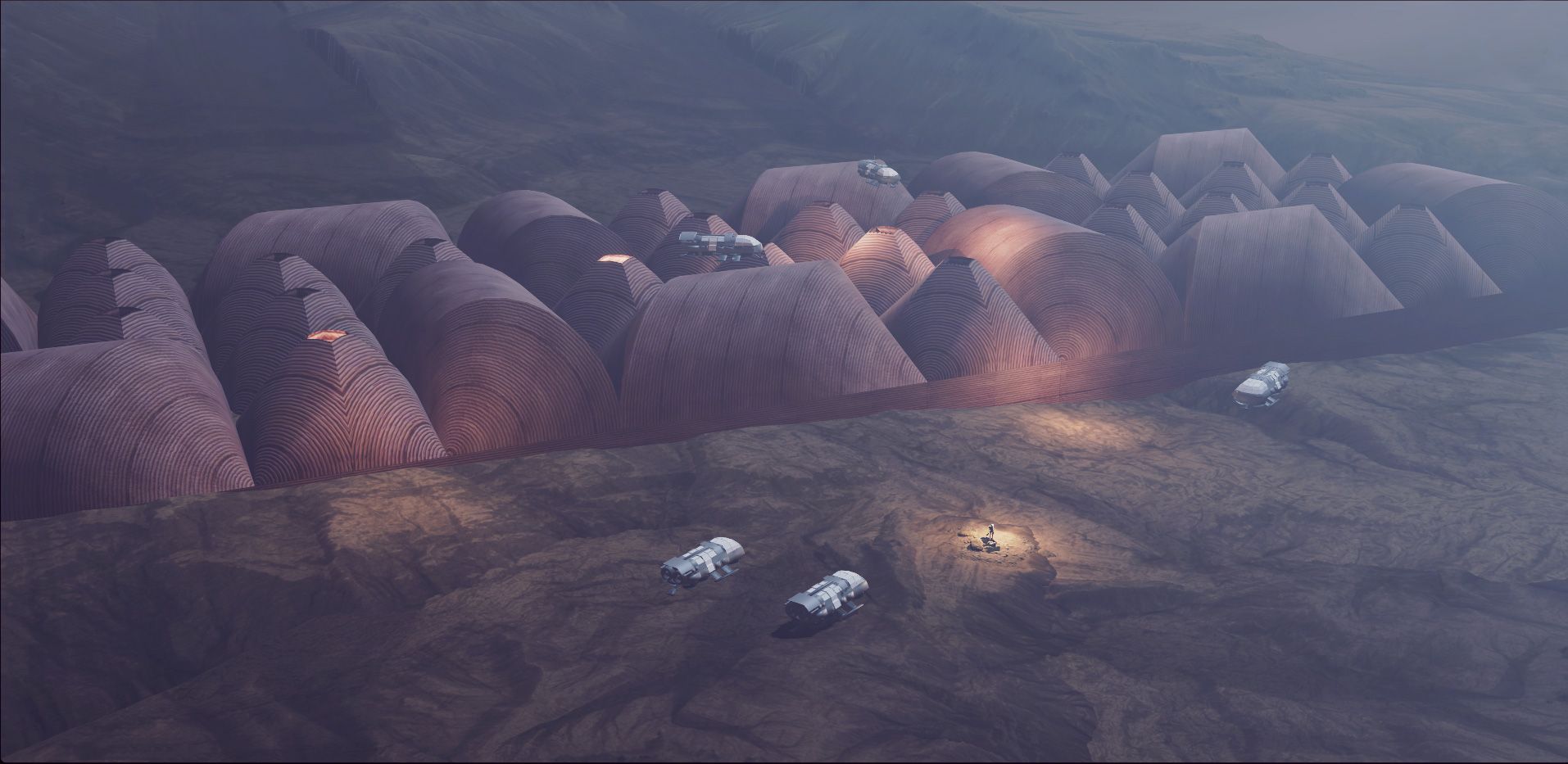
Being busy with applying, spared some time to model and render this, as a Mars habitat.
-
RE: RayScaper
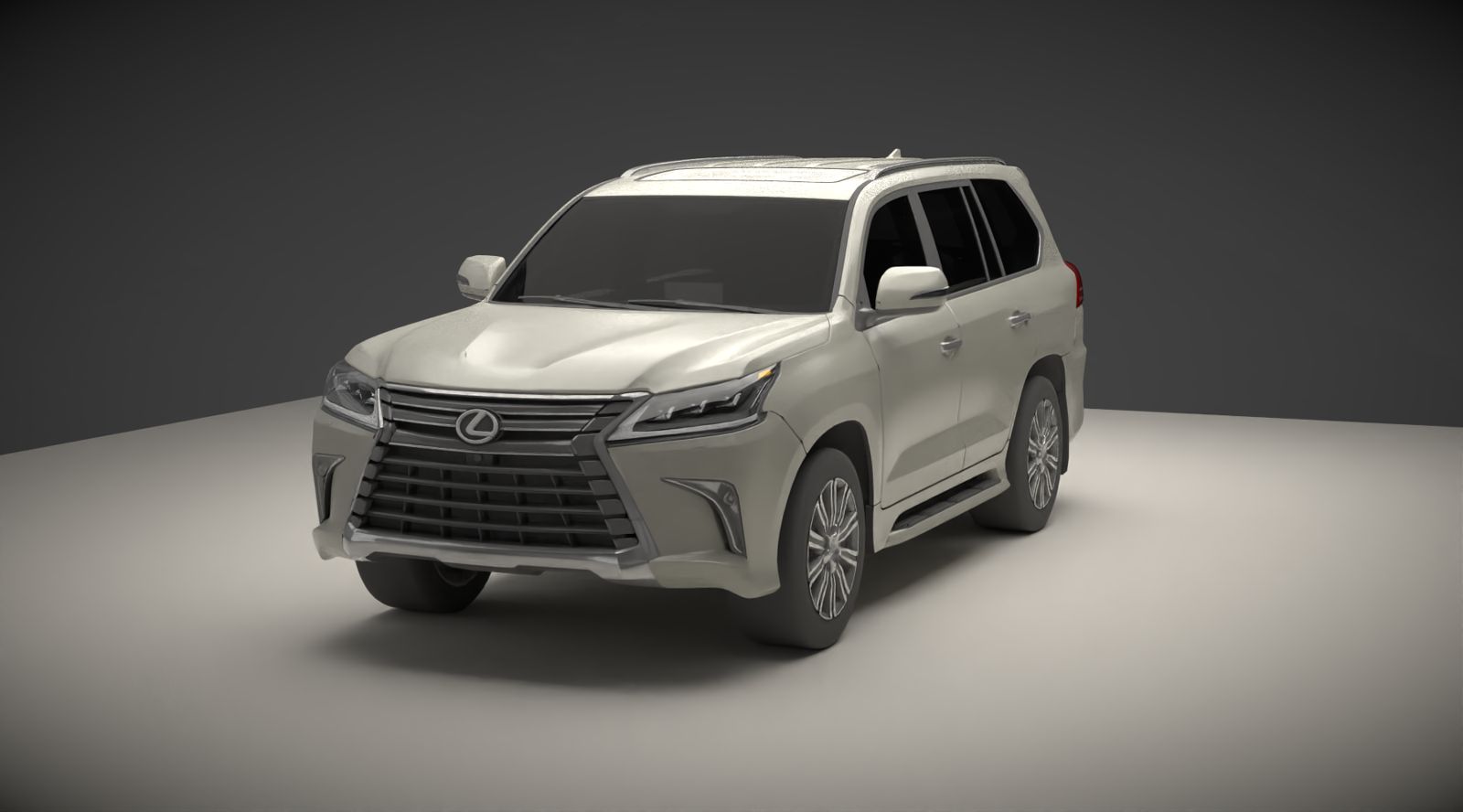
Despite the fact that SketchUp models are not good enough, the render comes out really fine for only 4 min and 12% of progress.
-
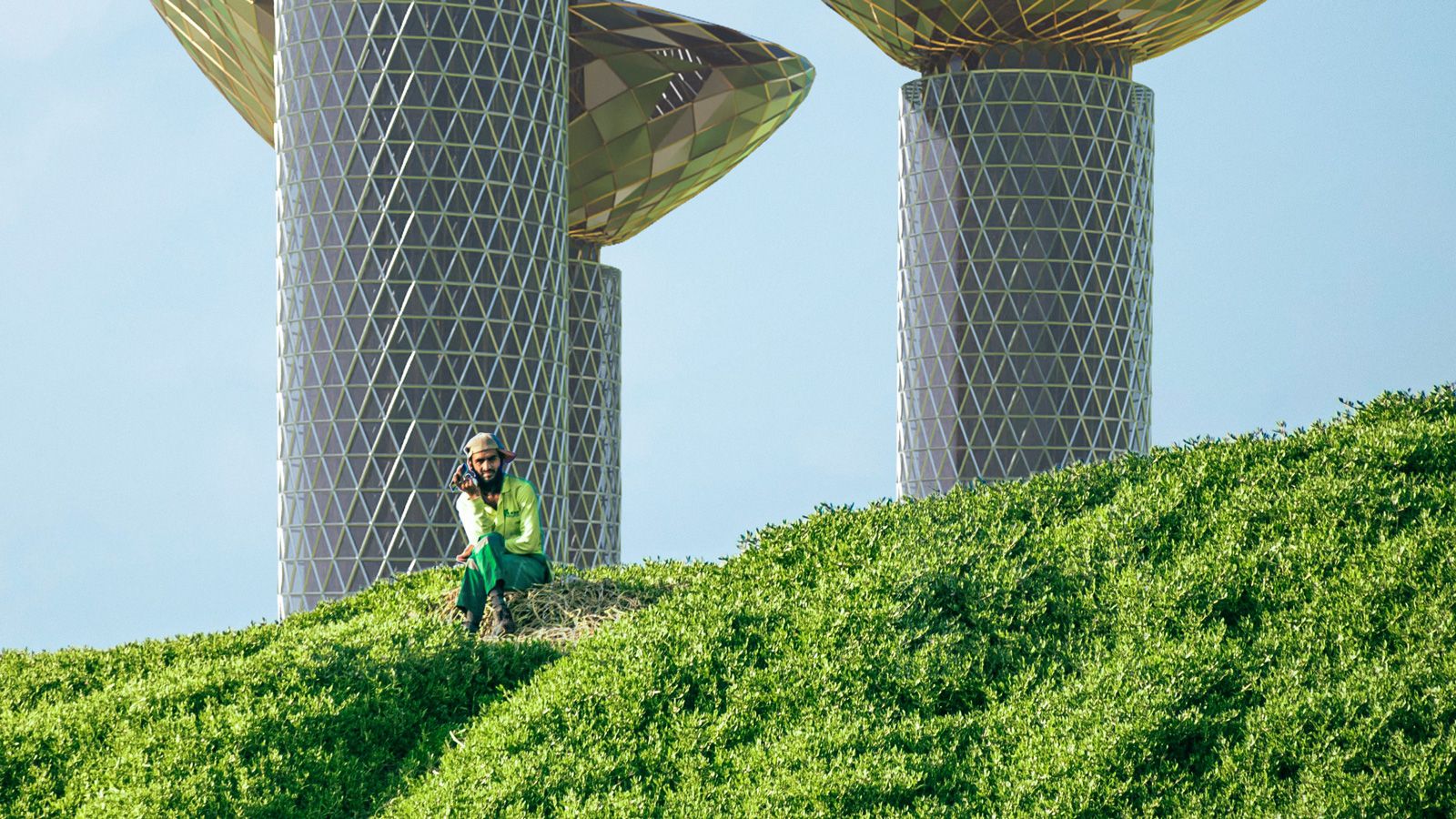
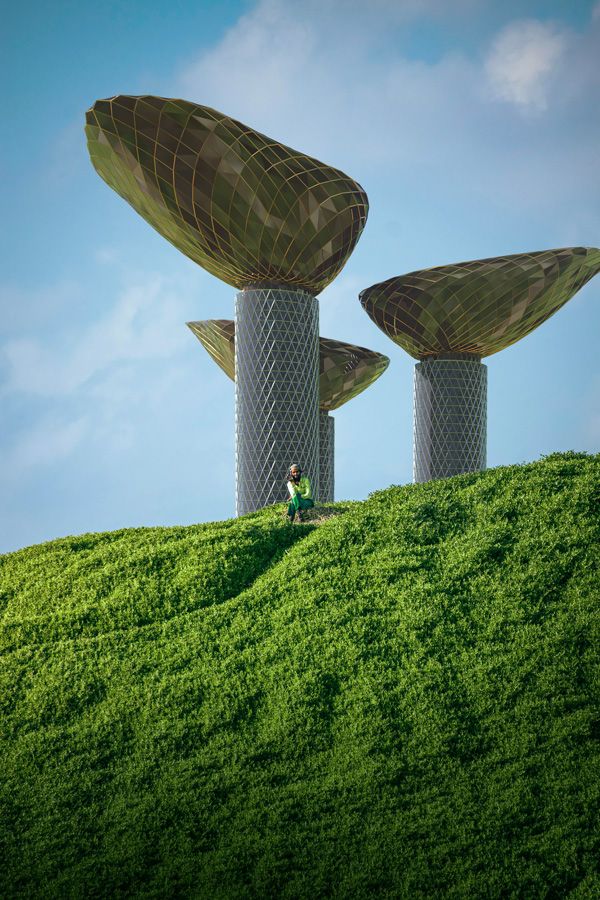
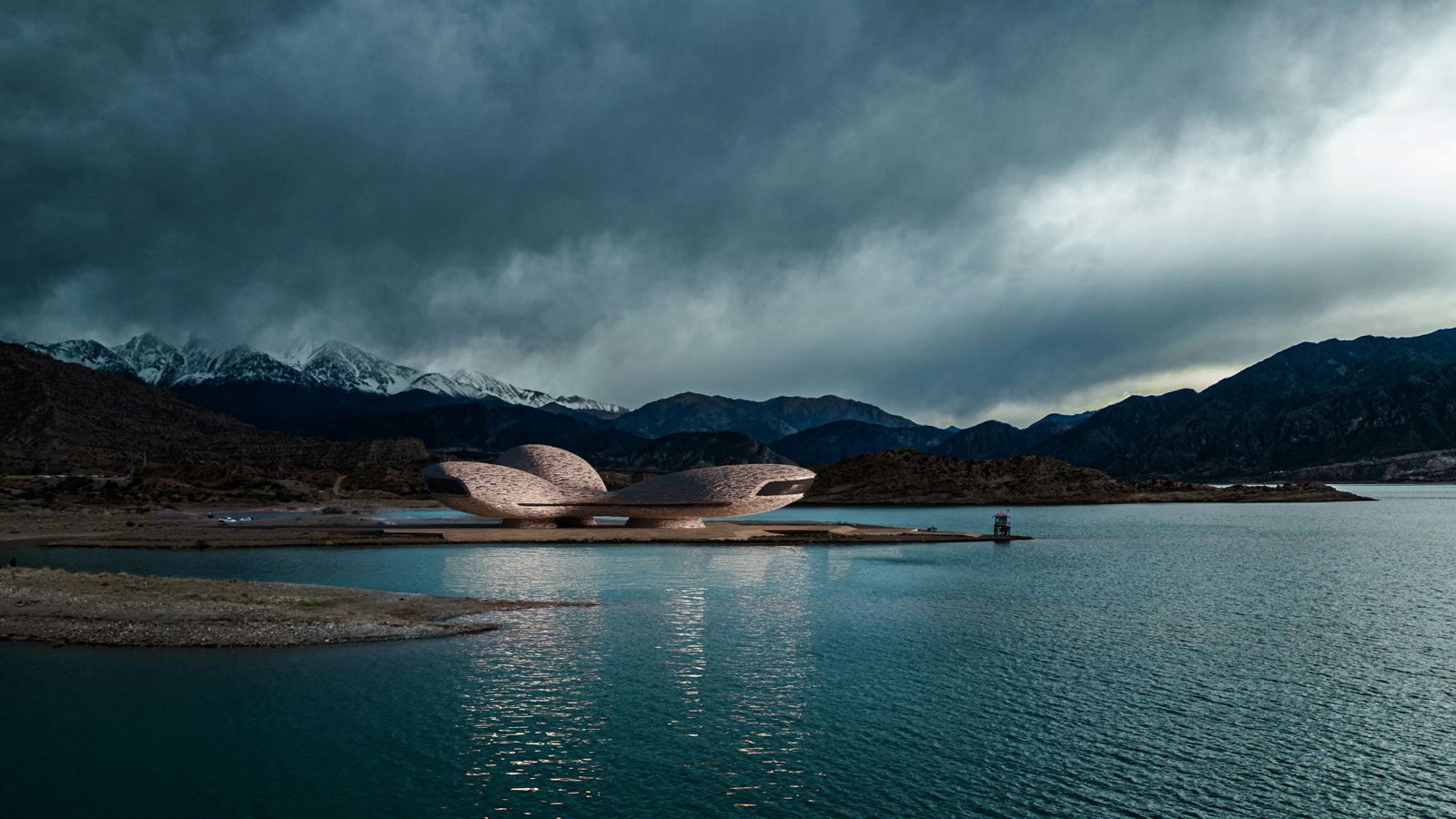
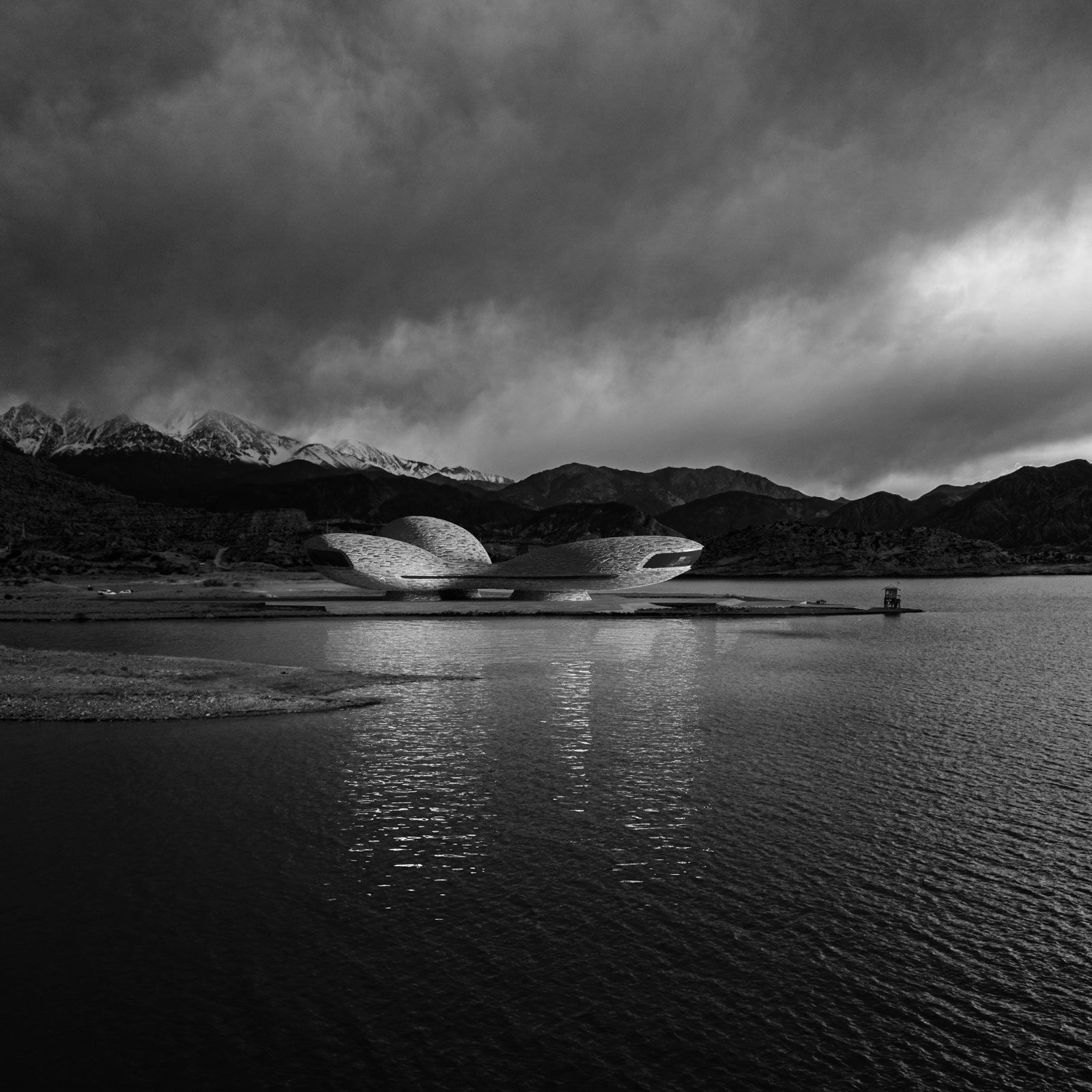
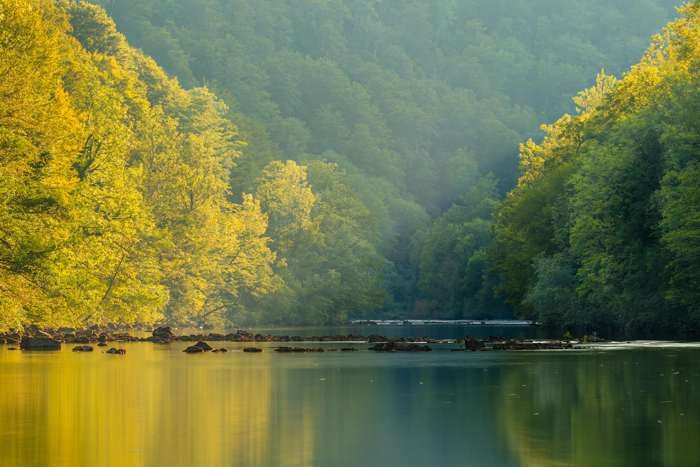
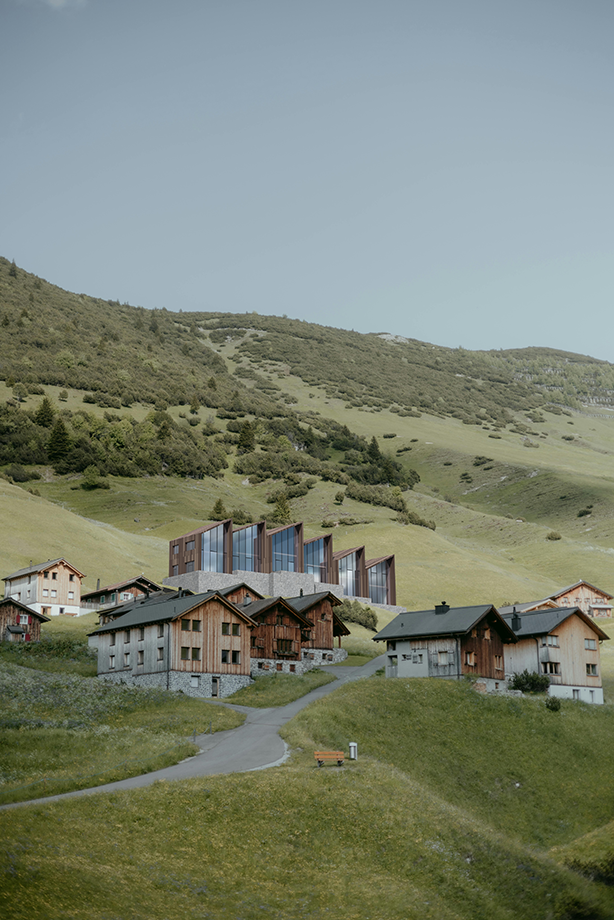
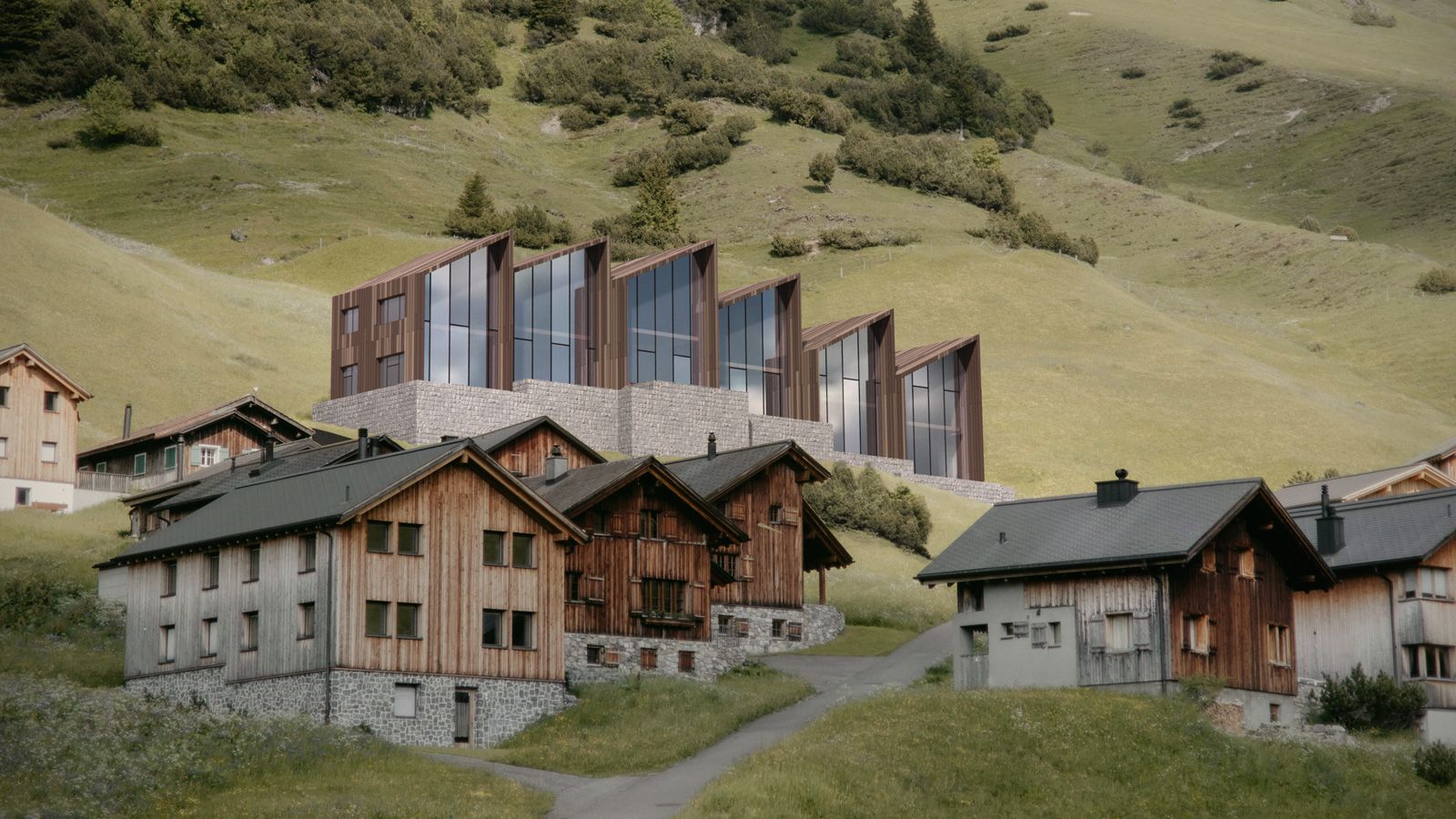
Atmospheric approach
Mates,
Although the modeling and rendering are done entirely using Blender, I thought the approach could be inspiring, that is why instead of corner bar, I shared it here. Also the job could be done using SketchUp obviously.
Nowadays there are plenty f rendering engines -that provide a wide range f candies assets- and the result has too much taste of CGI.
I am old school guy so prefer atmospheric photographic approach instead of CG look
Here is the glimpse of what I have been busy doing past 4 days for my portfolio!


-
RE: I need a model of a cushion
@L-i-am said in I need a model of a cushion:
square piped cushion
Try this plz
https://3dwarehouse.sketchup.com/model/2d2ae1c2-5597-4c70-bf64-b18b1b13c906/cusin -
RE: RayScaper
Thanks for the compliment. I am still experimenting with the coating layer and maybe am not using the right template but the result is amazing.

-
RE: Upholstered furniture
Not only the detail but also the texture is mindblowing!
-
RE: RayScaper
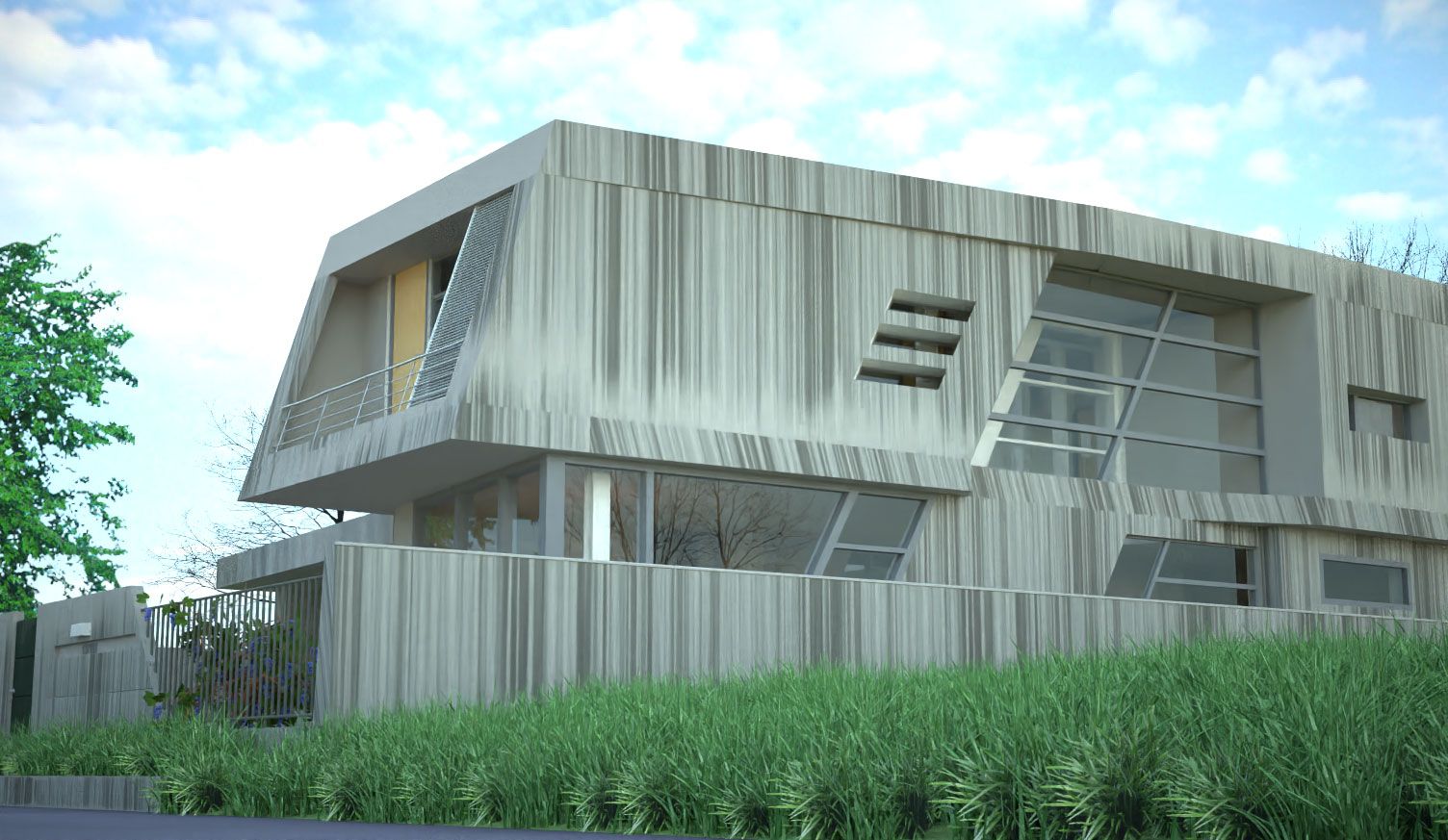
I modeled the building, textured and rendered it to try the exterior scene. Texturing needs more attention and I will rectify it later. By the way, I liked the result.
-
RE: Atmospheric approach
Thank you mates,
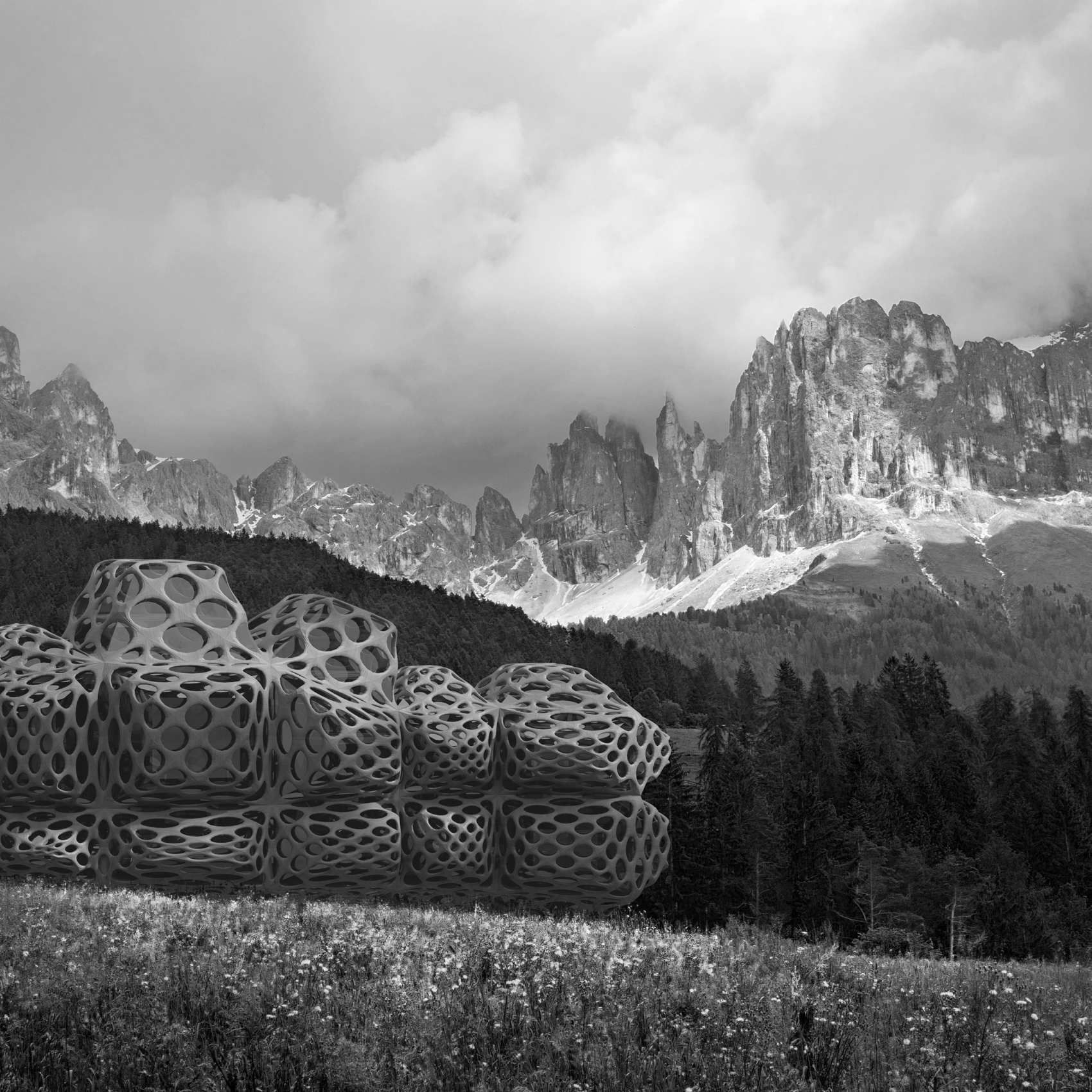
The same approach, another example. Just adjusted the level, so that the darkest point is not 100 black to match the distance and made a customer brush to erase the lower part so that matches the landscape: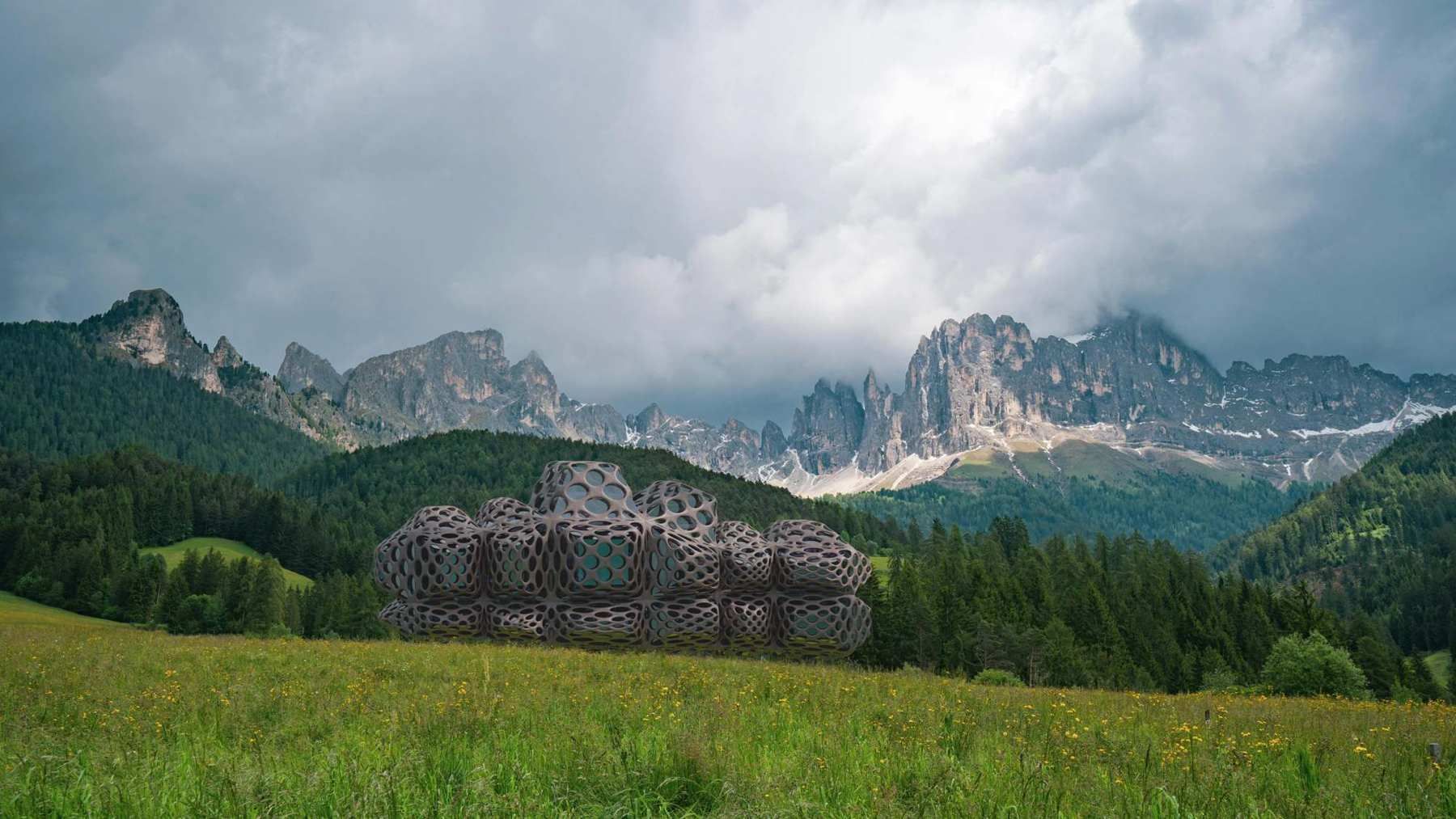
-
RE: RayScaper
@pixelcruncher
I used a combination of a 3D model and a "face me "component for grass.
I made a very simple component ( a square and a vertical line) then included my grass models inside it. The simple one is on one "tag" or layer and the detailed and face me model are on another "tag" or layer. Then made the "heavy" tag/layer invisible to move between scenes,
This way I can handle grass easily. -
RE: Colourfull beach hut render
@Rich-O-Brien nothing to add, the scene looks very real...
-
RE: Arches, Arches... Arches...
@ntxdave said:
More nice work sir.

Here is the link to the model: https://3dwarehouse.sketchup.com/model/c4043800-28c9-4d1b-8ba8-e18634aa0d03/Shaparak