@alvis said:
:shock:
ja!wunderbar!
 H
Offline
H
Offline
@l i am said:
Cheers guys
Yes the books were stolen and got from many sources HornOxx

..very good! not the "why are there 50 times the same books" impression
indeed an extraordinary "simple" furniture model from you - very nice!
With the utmost respect I wish you every success!
Just browsing through your website promises to be a lot of fun - for example I'd love to know what's connected to the shadowy guy called William Pokus !?
Great that this beautiful project has become real
@pixelcruncher said:
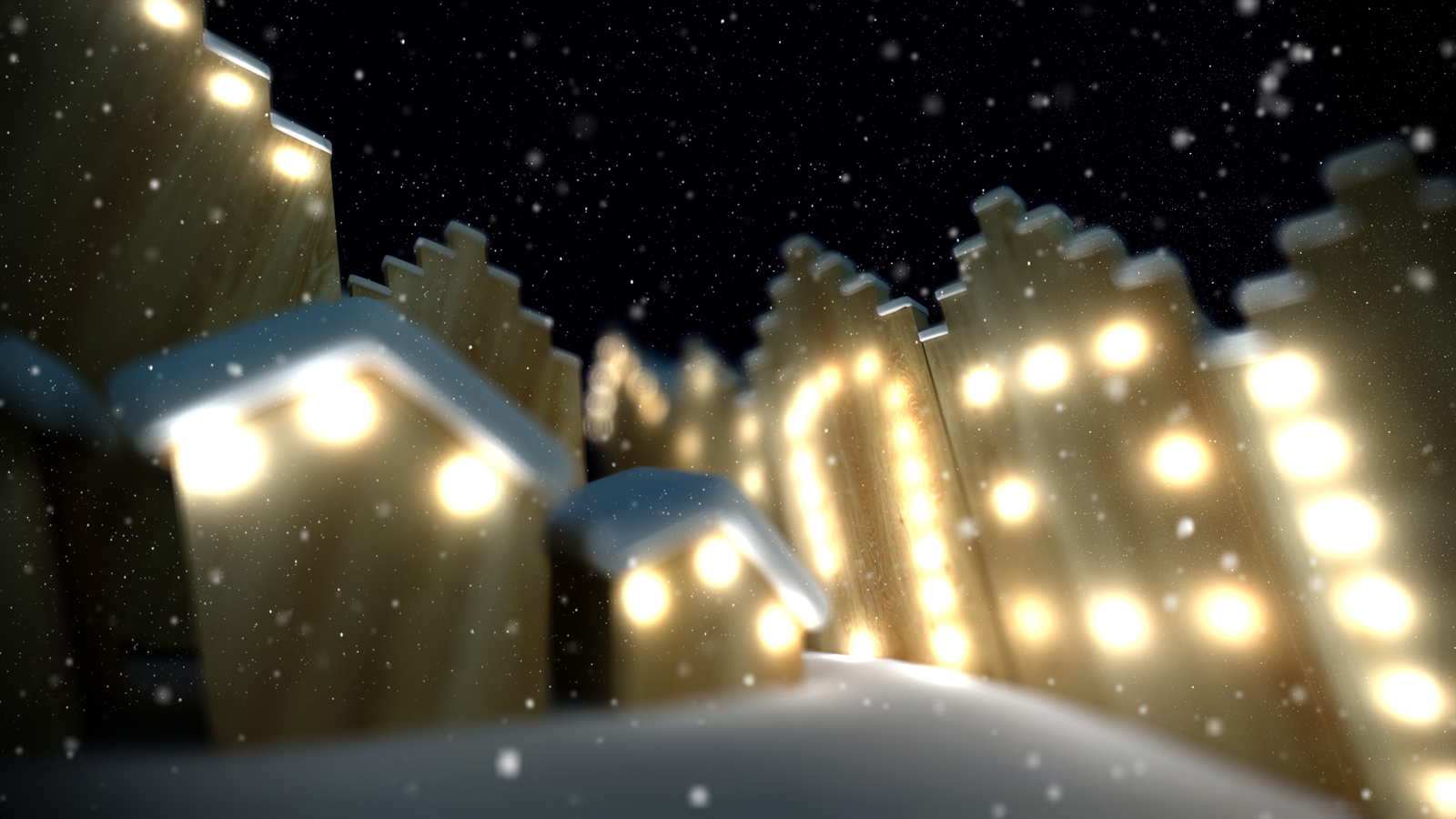
Nice render! Did you do the snowflakes in post?...
Thank you very much
Yes, I laid 3 snowflake images with various scalings (negatively multiplied) in photoshop over the otherwise native Enscape rendering...
Hi everyone,
here comes a little greeting for the beginning Christmas season
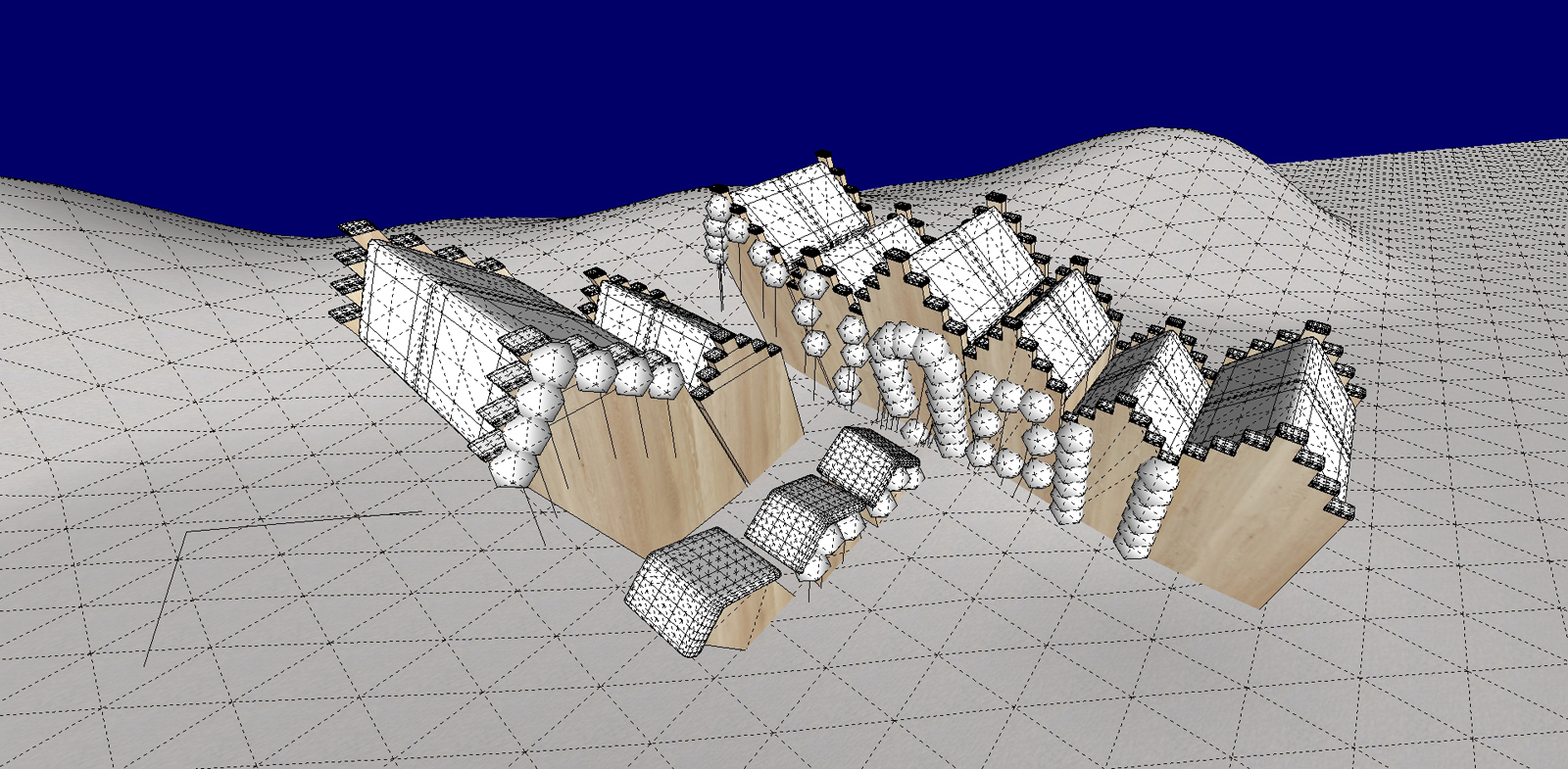
[SkUp 2017 Make / SubD / Fredo-Scale / Enscape / Photoshop]
@dave r said:
...No need for all those gymnastics...
Thanks Dave!
@nameinvalid said:
...I suppose Sketchup store the pointed texture image somewhere...
...yes, that's right - I never really understood where and how this newly edited texture is opened now or saved within Photoshop, but in the end at least in the SKP file itself.
When I open Photoshop for editing out from SkUp, I always save the edited new image file to a decided own texture directory I have specified and then link to this texture address in the SkUp material editor...
( probably far too complicated but that's how I do it)
@dave r said:
If you've set Photoshop as the default image editor...
Yes, the Photoshop-way you described has actually always worked well for me so far. I always ask myself - does this depend on the fact that I also use Photoshop as an editor or would it work equally well with any other linked image editor?
Hi All!
Again a quickly created work using SketchUp's Match Photo tool.
For this work (redesigning of many meeting rooms of a large law firm) only a few photos were available as a basis. For me Match Photo is a perfect tool if you want to get simple tasks like this done quickly...

so funny: "...made in England (where else)..." and a beautiful work again
(so such a thing was standing on the table?)


 so cool!