Funny you should ask, Gai...in fact I did, on the request of one of my buddies! ...I never really finished it tho 
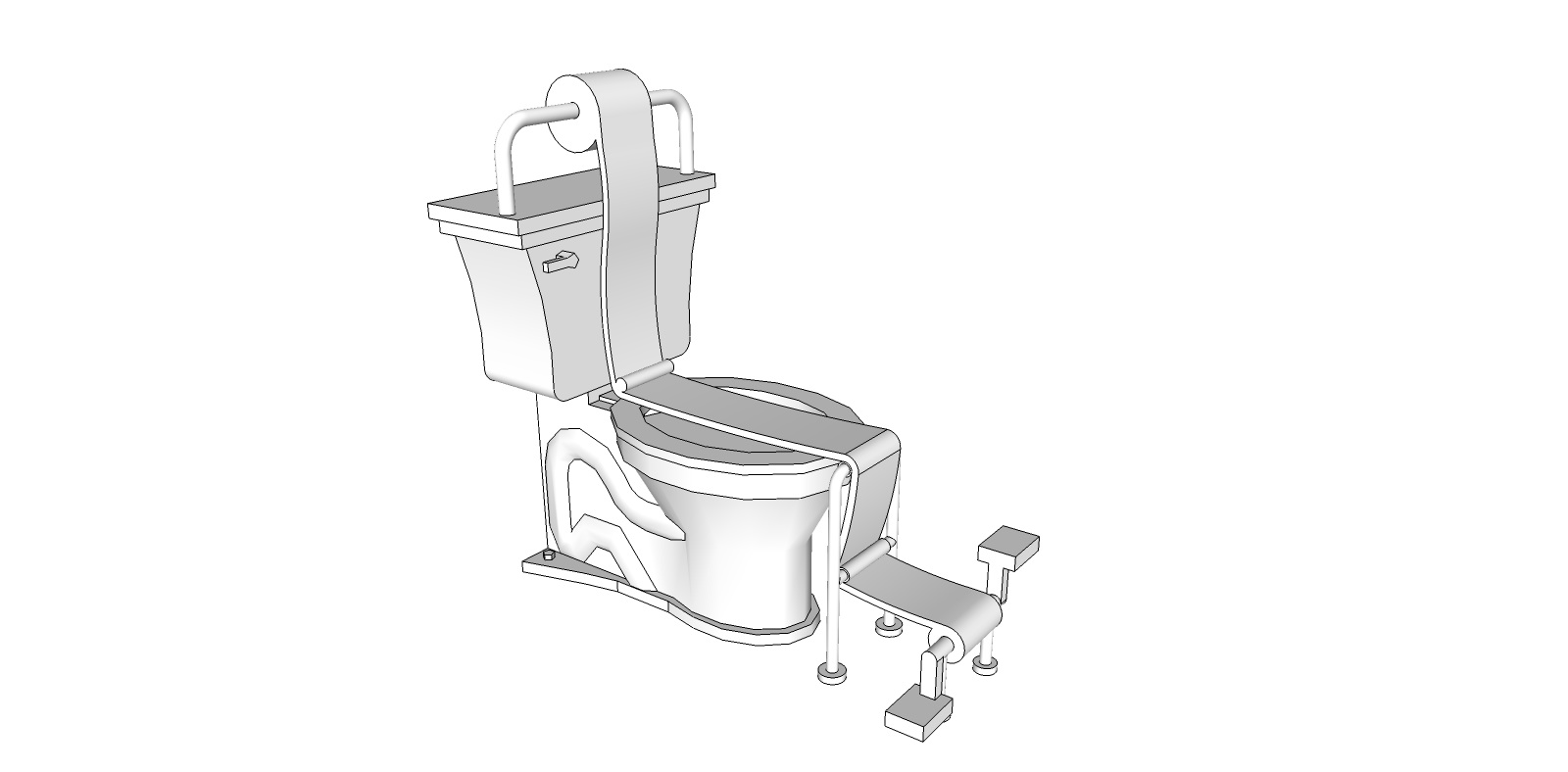
Funny you should ask, Gai...in fact I did, on the request of one of my buddies! ...I never really finished it tho
@unknownuser said:
...Still not a real curve...
3D printers all have a print resolution. You just need to make sure your line segments in SU are smaller than that resolution. For example, Shapeways White, Strong & Flexible material has a print resolution of 0.2 mm, so you just make sure all your line segments are smaller than .02 mm and you're good.
Also, when you export to STL (which is what format most 3D printers use), the model is converted into a mesh, meaning true curves are lost anyway. This is true even if you model in Rhino or any software that uses real curves.
@jgb said:
An area where SU shines, but is very unknown is 3D Printing....
I totally agree that Sketchup is excellent for 3D printing, and is not talked about much on this forum, but I think there are many non-members using Sketchup for 3D printing.
Here's a 3D printed project I posted a few months ago: 3D printed Lamp. You can see a few more of my projects here: 3D Printed Sketchup Models (website still in progress) 
Here are some 3D printed dice designed in Sketchup that made a big splash in the MMORPG scene last year:


@jgb said:
So, does SU create .STL formatted files?
Yes, with a plugin. I like this one: SKP2STL
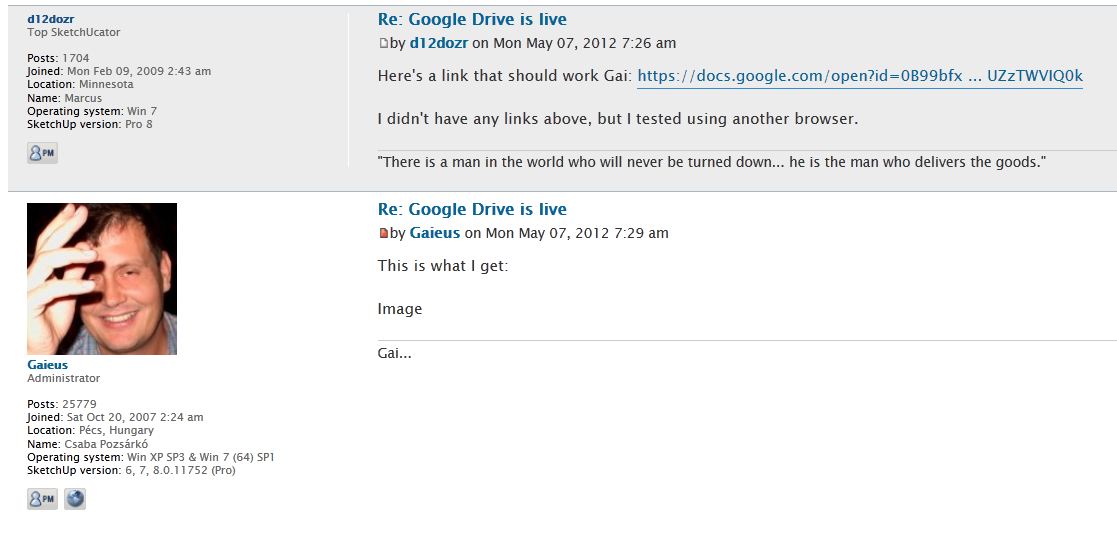
Here's a link that should work Gai: https://docs.google.com/open?id=0B99bfxSe2Z4HRjM0VUZzTWVIQ0k
I didn't have any links above, but I tested using another browser.
Ok, testing with setting at "Public"
Edit, yeah, what you said. Links work, but not embedded images.
It looks like it worked for me right up there(tested from a different browser) - In Google Drive, after clicking the Share button, I just set the Sharing Settings to "Anyone with the link". You could make it "Public" as well.
Edit: wait, just tested from a 3rd browser and now it doesn't show...can you confirm or not?
@unknownuser said:
(edit2)--- looking from a phone now and that picture isnt showing up. anyone else seeing an embedded image above?
Not showing for me. If if Right click -> view Image, I get a 403 Forbidden error
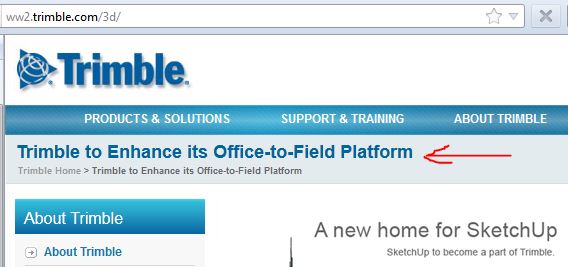
I thought this was an interesting headline that provides a clue into why Trimble wants Sketchup. I'm not familiar with their "Office-to-Field Platform" to know what it means though. (From http://ww2.trimble.com/3d/)
I see what you mean. I think Instant Roof is the nearest tool readily available to what you want. Just be aware that a plugin creating numerous unique components (such as the ones trimmed to make the edge of a roof) will make your model geometry skyrocket and performance plummet, so such a tool may not be as useful as it sounds.
Here's a FAQ from Trimble with lots more info.
Thom, they say they acknowledge the value of 3rd party developers, and will support them 
@solo said:
So what happens to Google warehouse?
from Trimble's page
@unknownuser said:
Trimble will also partner with Google on running and developing SketchUp's 3D Warehouse
I'm excited to see what happens next!
Here's a PDF showing what I think you want: http://www.valiarchitects.com/sketchup_scripts/instant-roof
I second Adam's recommendation. I've been using an earlier model (Asus G73JW) for the past year and I love it. I also run Vue on it and can render all but the heaviest models - Adam's model has even higher specs so should perform better.
Its HUGE and heavy - that may be the only downside - but as well as it performs I'll definitely buy Asus again.
@frederik said:
(was that so hard to figure...?)
Yes, it is confusing...it could have meant licensed users of Sketchup.
...another strange thing is why would you be a licensed user of Twilight if you are a Mac only user, and there has been no Mac version til now??
Anyway, congrats on the upcoming Twilight for Mac release!
Awesome, no, AWESOME plugin Fredo! Thank you for all your hard work making Sketchup better!!
@tig said:
Also the ESCx2 way lets you see all options like zoom, search, print etc in the more familiar interface...
That's a good tip...new one for me!
Awesome stuff, Rich. Thanks for the effort you put into these!
@tig said:
Using 'Save link as' will normally try and save the index or page html NOT the PDF...
Instead, open the normal PDF in your browser and when it loads hit ESC twice.
Now you get the normal PDF toolbar from where you can use the 'Save_as' option to download the PDF to your PC...[attachment=0:ox75wzz4]<!-- ia0 -->Capture.PNG<!-- ia0 -->[/attachment:ox75wzz4]
You can also just 'Ctrl + S' to save to your desktop once it loads.