@dave r said:
If you export a PNG or JPG does it look the same as on screen? What about if you increase the export size?
Export is same for view size and of course "finer" for HQ export.
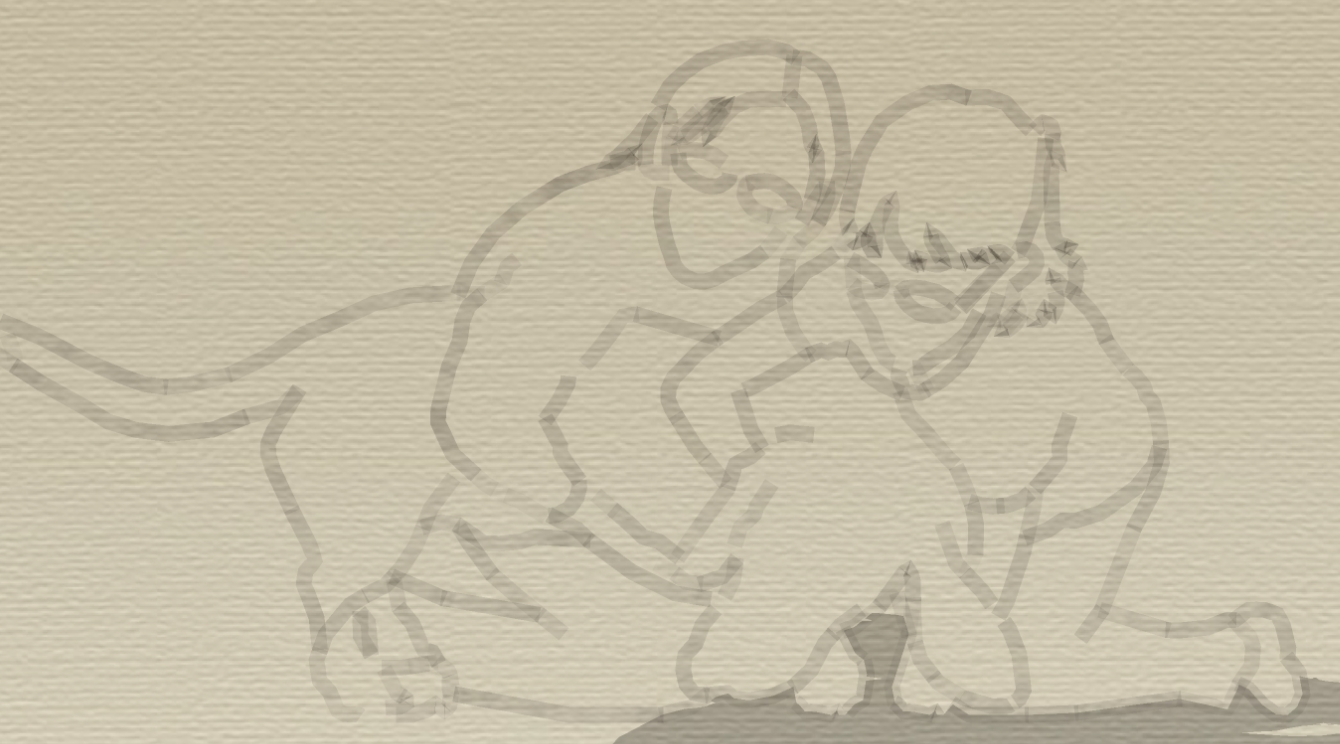
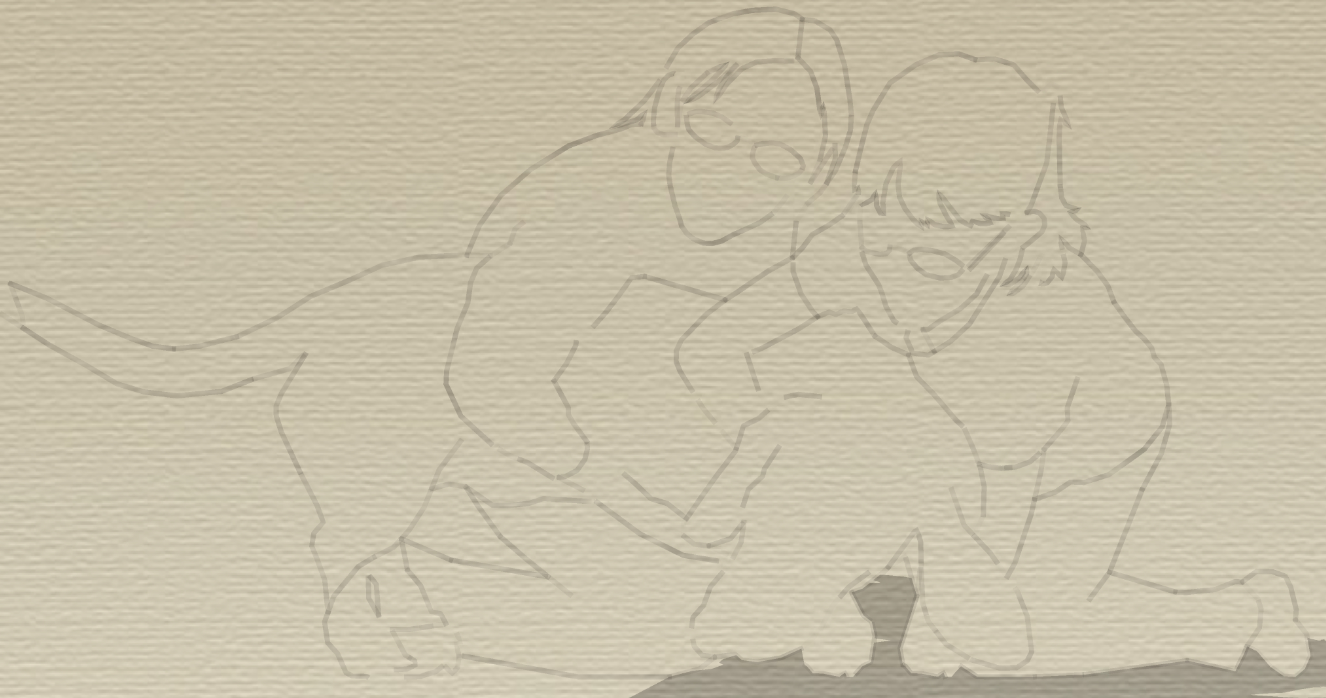
@dave r said:
If you export a PNG or JPG does it look the same as on screen? What about if you increase the export size?
Export is same for view size and of course "finer" for HQ export.
@box said:
On mine it happens with any line style.
Box,
I assume you mean with any Sketchy Style (image based linestyles)?
Edit:wait #1....I think I see what you mean in your second image...small but there
I do not have any problems with the regular linestyles (vector based).
Edit:wait #2....now I have to double check this...ckd & no problems with vector based styles.
Wondering if this may in fact be a bug in SU 2013?
Seems to me if it were a hardware/graphic card driver issue it would exhibit same in SU V8?
Charlie
@dave r said:
Where did you get that style?
"Stock SU Style"
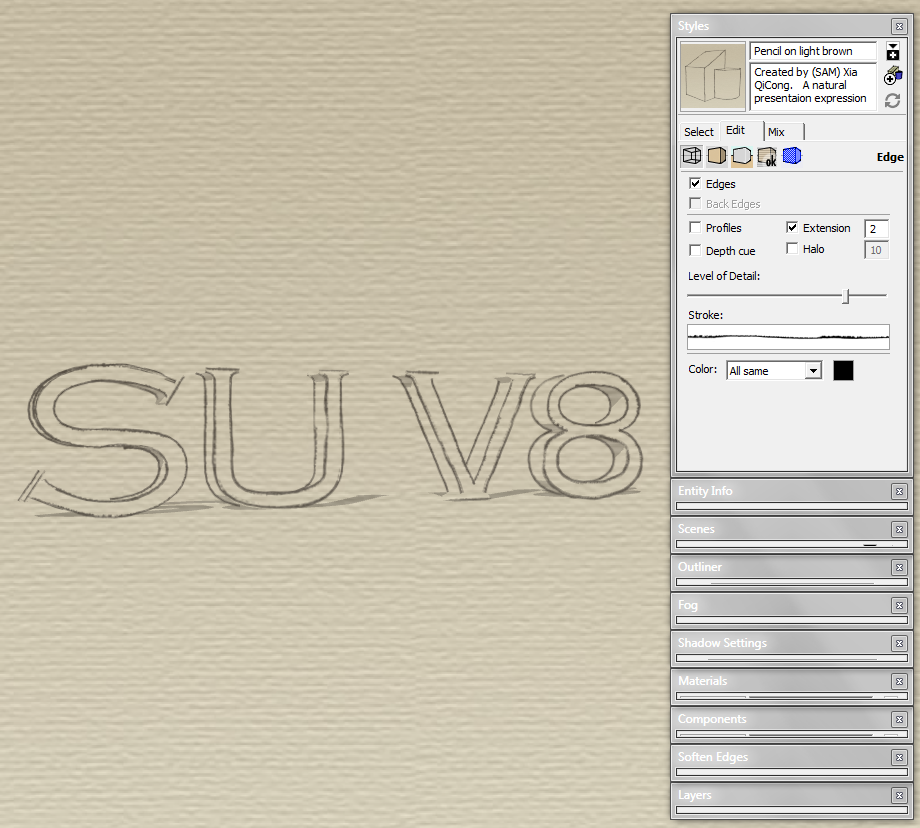
Style Builder Competition Winner: Pencil on light brown.
C
@dave r said:
I haven't had that with any of the sketchy styles I've used. Are OpenGL settings the same between both versions of SU?
Dave,
Yes,same OpenGL settings in both versions.
Something is out of whack and I cannot seem to nail it down
Turning off hardware acceleration has no effect.
Charlie
Edit:
Seems turning off "use maximum texture size" resolves the problem....weird..never did that before.
Also, the style stroke appears correctly in Layout.(though incorrect in SU)
SU2013 Pro (13.0.4812) MSW7
Seems my sketchy edge style strokes are displaying really thick.
I noticed this in the prior 2013 build as well.
I still have SU V8 installed and it does not exhibit the same.
Anyone else experiencing this?
Thanks,
Charlie

Very, very nice........seems a bit more like a Dusk/Twilight setting.
edit:(errr..time of day I mean.......if not obvious above)
C
Frank,
I checked the layers in the attached .pdf....and when I toggled off/on the .pdf layers.... stray horizontal lines associated with the respective layers followed.
Default (pg1) layer contains 3 horizontal "stray lines"
Unique (pg1) layer contains 1 horizontal*"stray lines"*
On Every Page contains 0 horizontal "stray lines"
Dave has requested the file and this of course would be a good way to find/indentify the offending lines.
Charlie
@dave r said:
I said at the beginning that you'd get better results if you just inserted the image and scaled it.
Dave,
It's not clear to me if you are speaking to me or the OP.
If me, I was attempting to share a method for scaling an image in LO using the Grid.
Charlie
Krisidious,
If I may........offer a (better/~~precise??)method for scaling an image.....in LO.
Set Sheet (Page) size.......this case 24"x36" (ArchD)
Display Grid....set major grid lines to 1" & minor grid lines to 4 (¼") for ¼" Scale
Select tickbox to display grid on top.
Insert image (floorplans)...scale (shift/constrained)roughly to scale.
Align an edge of a "known" entity's edge to a Major Grid Line.......re-scale up/dn.....if/as..........re-position "known" edge to Major Grid Line.......refine......if/as.
Yes......a bit cumbersom (perhaps 2 to 3x the effort) as compared to SU native functions to scale imported image.......but equally accurate...........and for your concern.......sharper output.(in my opinion)
Please review/comment on attached.
Best,
Charlie
LO File W/Imported (croppped .png)
Clay,
I just noticed you have a scene in the submitted (embedded)SU model named "last saved SU view".
LO automatically creates a "last saved SU view" selection in the LO scenes dropdown.(no need to have a scene in SU for that)
I am curious why you had a scene named "last saved SU view"........and perhaps this is the culprit?
Also, try updating the attached file and see if you get the same results you have been experiencing. (I deleted the old SU scenes and created 3 new identical scenes and then purged the LO referenced SU model.
Charlie
Clay,
Are you able to set any viewports to raster or hybrid.
IOW...are you experiencing this behavior in all of your 2013 LO files?
Or just some......perhaps only files created in earlier LO versions?
Charlie
Clay,
Putting my 2¢ in.......
@unknownuser said:
Thank you Dave for your help. Sorry it took so long to reply, I have been moving. I downloaded your layout file and it appeared as should. I then opened Document setup and updated the embedded file and it immediately reverted back to wire frame...???
Thanks,
Clay
I opened the file you uploaded, and it displayed the wire frame in the two viewports as you're image above depicts.......I then updated the embedded SU file (file...doc setup..ref's..update)....and all three viewports display correctly (no wire frame) 
So? If others have same result (Dave)...I would suspect it is a local issue.(GPU?)
Charlie
Congratulations TT..............How may Cookies did it take?
+1 on the Kid Rock pic.
Charlie
@badera said:
Thank you CHARLIE__V for your idea. What I do not understand: I installed the Hatch Faces plugin (V1.8) and I can now successfully hatch faces - but I do not understand how to select "brick" hatch and how to orient it. Could you make some screenshots ore point me to somewhere I can see what you mean?
Badera,
I did not mention the use of hatch faces plugin........I was simply referring to the hatch you show in your original post.
If you orient that hatch you show above your contours area...making sure it fully covers the area to be draped....then simply drape the linework(hatch) onto your countour area(s).
Make sense?
Charlie
Edit:
Quick Example attached..........& Note: You may have to Drape 2x if the hatch does not fully transfer.......IOW you may have a few missing lines.....simply drape again and these should correct.......not ideal I know.
Badera
You could orient the brick hatch over the area(s)and drape the brick hatch.
(this will not preserve the hatch in a group)
Charlie
+1 @ Dave R
LO Rendering Speed Increase & Hyphen @ Dims worth it alone.
I am however still not used to the new Tool Icons in SU....this will pass though.
Best,
Charlie
Tim,
Have you tried going through Sketchup to Layout.
IE: File.....send to Layout.
Not a fix, but perhaps you could work this way until time allows you to sort things out.
Charlie
Softplan for 2D & Details. (Though Sonder makes a good case for detailing in LO)
Sketchup & Layout for Conceptuals/2D Elevations/Perspectives.
Guess traditional hatching/linework etc.......plus theSmart-walls & Libraries (Window/Doors/...Symbols: Electrical/Plumbing etc.) keep me in Softplan for 2D.
That.....and is seems no ONE program ever does it all.
Best,
Charlie
@unknownuser said:
Alan,
Same problem here only I am on PC Win7 64bit.& yes I moved the 3Dx folder & the plugin to the 2013 Plugin folder.(from SU V8 Plugin folder)
I even downloaded the latest 3DXware too.....It shows in the extensions and tick box is checked.
Guess it will be up to 3D Connexion to fix.
Charlie
FYI:
Windows 7 64 bit 3D Connexion Space Navigator Update 06/03/2013 for T.SU V2013
Release Version 3.17.3
Driver Version 6.17.3
Firmware Version 3.18
Fixes Space Navigator for T.SU V2013
Note: May require un-install of existing 3D Connexion Software. (I had to un-install existing 3DX software)
Best,
Charlie
Kristoff,
Thanks.........but this was not so in LO3.
Wait...Check that...seems it Was like that in LO3
So sorry guys 
Charlie