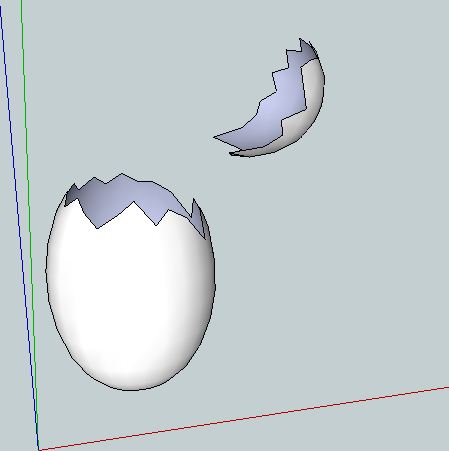
Seems to me the easiest way is, create the Egg, turn on hidden geometry, draw the zigzag line you want and away you go.
 Offline
Seems to me the easiest way is, create the Egg, turn on hidden geometry, draw the zigzag line you want and away you go.
Thanks for that guys, clarified a few things for me.
I'll look into unnesting some of the components and see how that works out.
Thanks again.
I've notice quite a few discussions about file size recently and became curious about a few things.
Obviously using components reduces the size of the file, but it seems that there are limits to the benefits, or at very least, it seems to be a balancing act and I'm certain varies greatly depending on the type and size of model.
I was curious because I often use a PC with a slow processor and not the greatest Graphics card, so even small models can have a significant effect on performance.
I've found that you can create quite a detailed piece, that may be 4 of 5meg, using just raw geometry and it will behave quite well even with shadows turned on.
However, if I recreate the model using multiple components, I can reduce the file size down to a couple of hundred K. While this is useful in so many ways, I find that when you start using multiple instances of components the performance can drop quite quickly, especially when using shadows.
I'm certainly not complaining about it, I'm just looking to understand if there is a logical balance and how others deal with getting the best performance on a limited system.
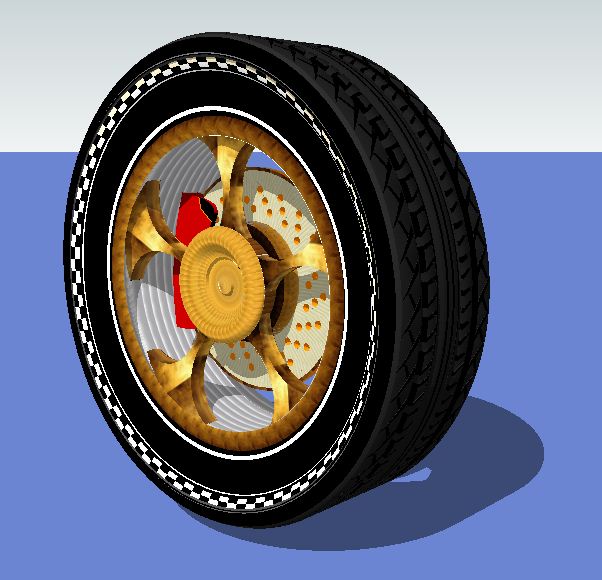
I modelled this wheel as a test case for myself as it was a structure that had been mentioned a few times (personally I have little interest in modelling cars). It's purely out of my head with no reference material, so no need to tell me it's not a proper wheels and tyre.
The original, made with just groups, was around 4meg,I used 100sided circles to get a smoother finish and to push the limit, I then split it down to all possible components which brought the file down to 290kb.
So I guess my questions from all this drivel are,
Am I right in thinking you need to look for a balance?
Does multiple nesting of components cause issues?
and Do components that are broken up into multiple nested components Render properly?
If you've managed to read this far, I thank you.
@unknownuser said:
Hate to be a downer (bad pun) but i think thats photoshopped. Looks pretty fake
Photoshop or not it's funny.
And this one certainly isn't photoshop.

The article is about as relevant as Ronald McDonald discussing the pros and cons of Veganism.
Although I suspect the Hamburgler would make more sense.
If you divide the curve into the number and spacing you want then the components go to those points.
Another little tip, if you scale your whole model up by a factor of 10 you have further to move things, then just scale it down again when you have finished. This helps with small faces that SU doesn't like also.
One thing to note, if you "Paint" an object as a group or component it will paint the back surfaces the same colour. Whereas if you paint faces individually the back surface will remain the default.
I have this rather disturbing vision of farming the raw ingredients.
Herds of blank faced men gathering in sheds morning and evening to hook up to the machines.
If they are all identical, create one, make it a component then make 30 copies.
Select the component, use the move tool and Ctrl and move one copy, then type in 29X enter and you will have 30 copies spaced the same way.
It sounds like you should be using a Component, then you only have to do it once.
Posting an example of what you are doing would help answer your question.
Perhaps I'm misunderstanding your problem, but if all you need is this, then just use follow me.
Draw your square, draw the path you want it to follow.
Select the path and then select the square with the Follow Me tool.
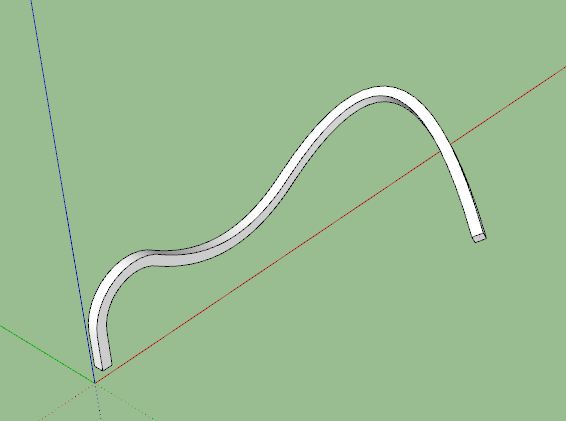
Sorry, I wasn't criticising, just that you hadn't said how you did it so I had a go to see what worked for me.
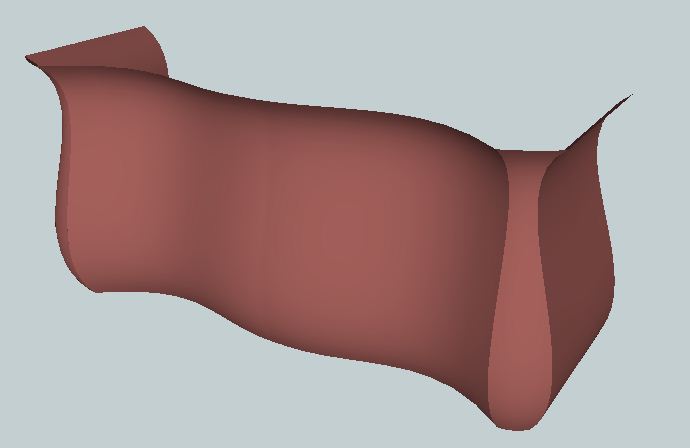
It's an interesting shape that taught me more about using SU.
I'm not sure what tools you used but,
I knocked this one up using Bezier curves, extrude by rails and extrude by loft.
It gives a nice smooth finish.
I only guessed at the curves so it's not truly accurate to the classic shape.
The hairy edges are just my bad graphics card on this old PC.
It's probably a guide you created while editing a group or component.
You need to find the group it is in and edit that group/component and then you can delete it.
Or turn off guides. View menu, Guides.
If it doesn't go away when you turn off guides it's something else.
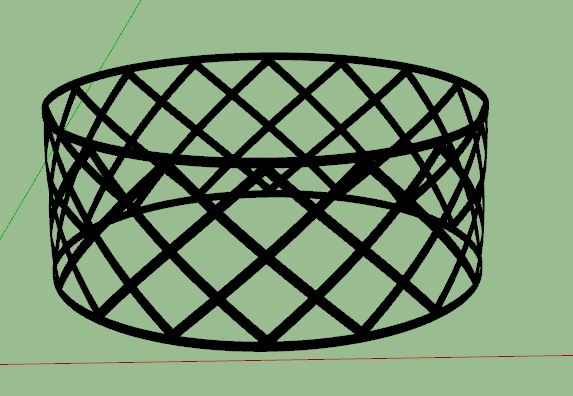
The file I attached above is to scale and was made in the same way as EarthMover, with the exception that I used shape bender to curve the original component so the whole ring is round instead of faceted.
I had the opposite problem on mine, it always wanted to open SU8 but I wanted SU7.
You can change which version opens on double click various ways.
Simple one, Right click on any SU file, select Properties, in the General Tab use the "Change" button next to "Opens with" to change it to your preference.
I'm not sure if you can set SU7 and SU8 differently as the icon appears the same.