@majid Hope everything is good, and stays that way, with you and your family. 
Oops, your profile's looking a bit empty! To help us tailor your experience, please fill in key details like your SketchUp version, skill level, operating system, and more. Update and save your info on your profile page today!
Check out Febhouse | New extensions for Shadow Analysis in SketchUp Download
 N
Offline
N
Offline
Posts
-
RE: Thinking of our Majid today
-
RE: SketchUcation Forum Interface
OK, I just tried both of the items I mentioned before and they both seem to be working again.
-
RE: Rayscaper Learning-Practice
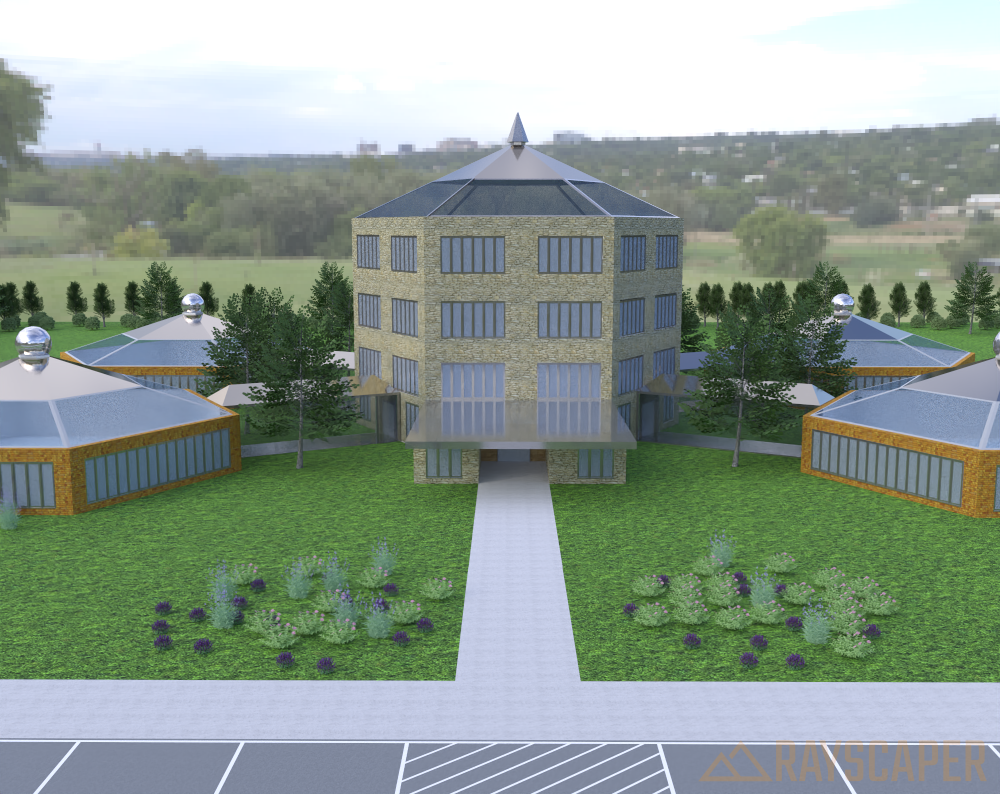
Some more learning

Here is my latest render. Some progress I think but one thing I am still struggling a little with is setting the scene in SketchUp so that it will produce the view I want in the render.
-
RE: Merry Christmas
@majid said in Merry Christmas:
Merry Christmas, mates, let's pray for a more peaceful world!![m c.jpg]
Nice images and yes, Merry Christmas and hopefully, a more peaceful world.
-
RE: TIG Weld Shortcut Setting
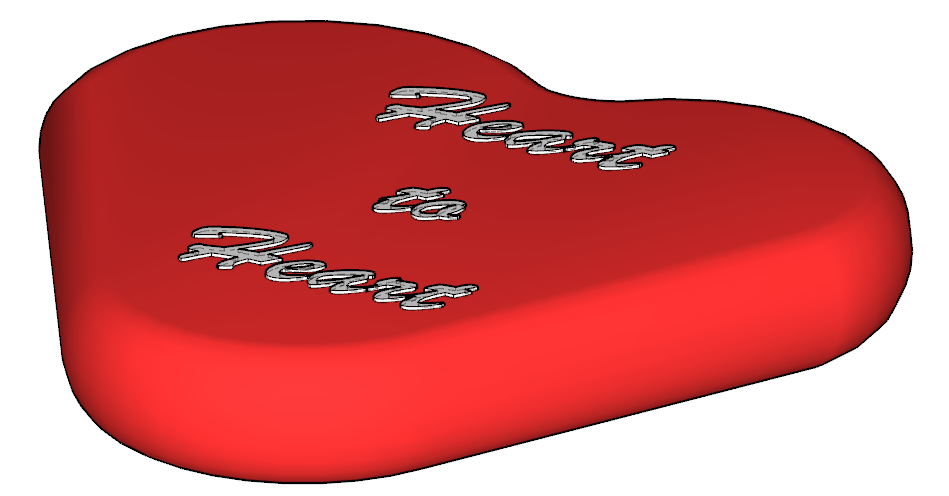
Making some progress.

-
RE: Beautiful door to model
Wow, what a great start!
Just curious, what tools/plugins (if any) did you use to draw this?
I was thinking about trying this myself. I was thinking about putting the image as a background and then drawing on top of it.
-
RE: Silly/Dumb Question about Guidelines
@TIG said in Silly/Dumb Question about Guidelines:
You can't do that in one step.
I tried to find where I had read that but could not find it again

Do this.
Use the Tape-measure tool to make the first at 1/2" as before click to confirm, Select the guide line, and chose the Move tool, press Ctrl to invoke Copying, make the copy off 1/2" and immediately type 9x press Enter to confirm.
Now you have 10 guides at 1/2" spacing.As several of you have mentioned, using the Move tool is the correct way to achieve what I was trying to do.
I want all of you who responded to know I really appreciate your feedback. I now have things working and hope to post something in the next couple of days using this process.
I have not been doing much with SketchUp lately (not wanting to go into a bunch details (health related) but things are getting back and participating again.
Again, thanks to all of the feedback.

-
RE: [Plugin] Animator - v4.6a - 18 Dec 25
@rown2000
Since Twilight Render is going away it would also be neat if you could add Rayscaper to the list. -
RE: Hi, I am New Here
@Emilia44 I think the simplest answer is to post a question on how to do something. You will get good answers/instructions on this forum.
-
RE: Scene animation with Animator
@rich-o-brien @fredo6
OK guys, I am making some progress. I have a version being developed with Animator. I have to get ff-mpeg installed so I can generate some to share with you. Just want you to know that I am making some progress. Lots of trial and error so far and I can tell you I am going to have a bunch of questions later but I am headed in the direction I want to go. -
RE: Box Exercise Discussions
@tuna1957 Very well done sir.
I need to go watch more of Box’s video and learn how to do something like this.
-
RE: RayScaper
@ntxdave I made the texture and applied it to the walls, some part is not textured properly and I will fix it.
How do you do that? I would like to learn this. -
RE: Silly/Dumb Question about Guidelines
@Rich-O-Brien Thanks Rich……making good progress.

-
RE: Scene animation with Animator
OK, I just found a video about the camera position in Animator and I am working on it. If I figure this on out correctly I will be very close to where I want to be.
-
RE: Box Exercise Discussions
I have way too many to list here. After watching more of Box’s videos, I think I have all of the ones he uses. However, I am not positive. I look forward to your suggestions/recommendations.
-
RE: Rayscaper, My trip down the road to adjumacation.
@Mike-Amos Looking forward to where this goes.