sketchucation logo sketchucation
    • Login
    1. Home
    2. Mistro11
    3. Posts
    Oops, your profile's looking a bit empty! To help us tailor your experience, please fill in key details like your SketchUp version, skill level, operating system, and more. Update and save your info on your profile page today!
    ⚠️ Important | Libfredo 15.6b introduces important bugfixes for Fredo's Extensions Update
    Offline
    • Profile
    • Following 0
    • Followers 0
    • Topics 78
    • Posts 315
    • Groups 1

    Posts

    Recent Best Controversial
    • (Help) Complex Shapes in Sketchup

      I'm trying to create a door handle as a challenge and to be part of my decorative doors I'm modeling. As you can see in the image below, the surface goes from flat to rounded at the edge of the lever. Also the shape is an overall slight "S" curve. I could use some help making such a shape. Even if not this particular lever, I would be satisfied with learning a principle method for this situation. Any suggestions is greatly appreciated.
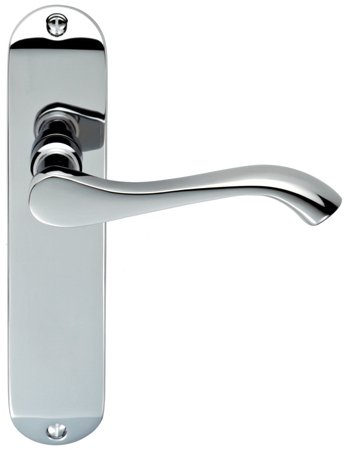
      han065.jpg

      For the record here is a list of some tools in my box I been trying to use:

      Artisan
      Curviloft
      RoundCorner
      1001bit Tools
      BesierSplineCurves
      Vertex Tools

      posted in SketchUp Discussions sketchup
      Mistro11M
      Mistro11
    • RE: A few renders.(updated)

      Very nice renders! πŸ‘

      I like your works.

      posted in Gallery
      Mistro11M
      Mistro11
    • RE: Natural Scenery

      Update 2

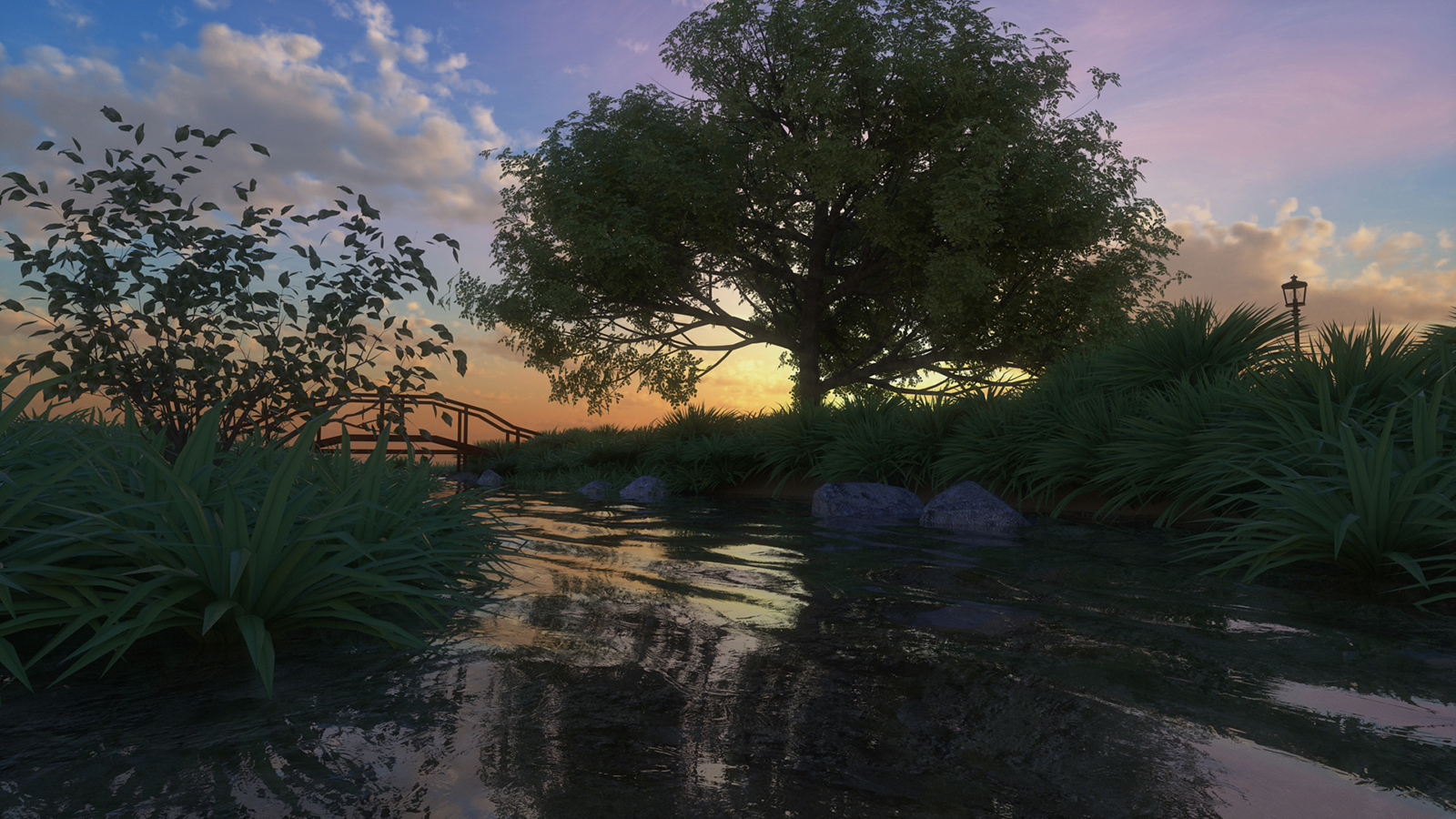
      I replaced the grass to try another look 😎

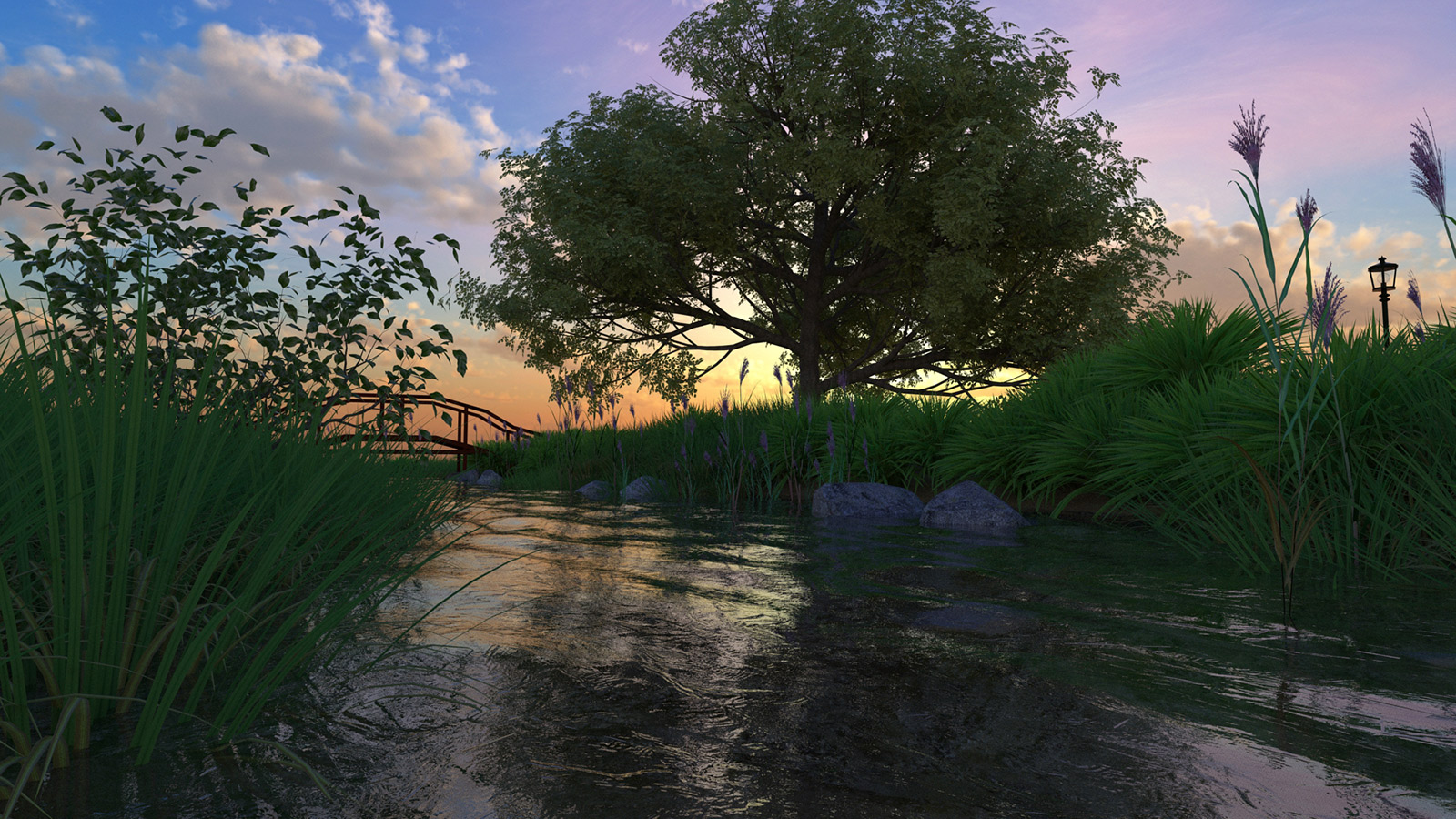
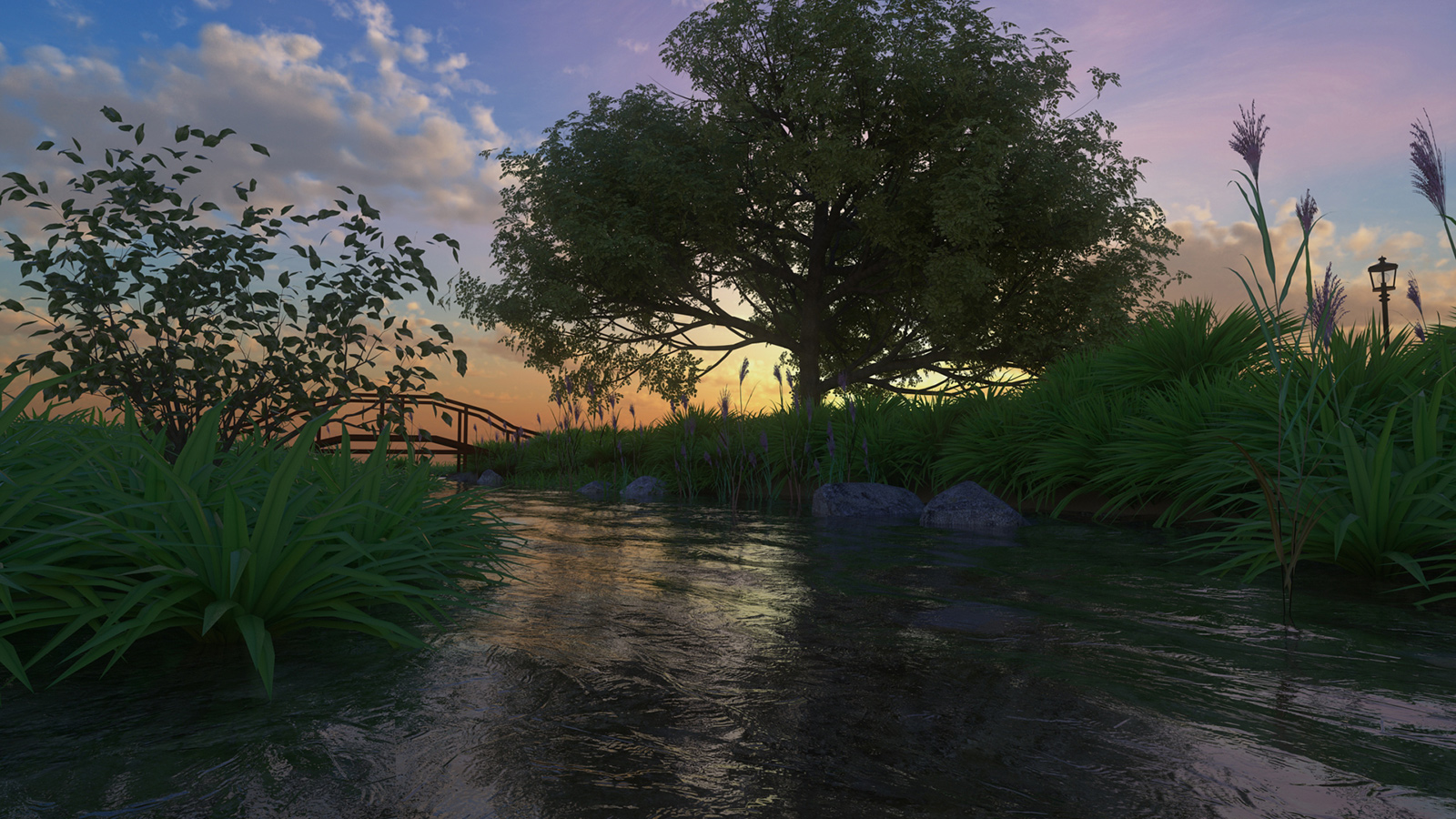
      Stonebrook_Grass_sunset.jpg

      Stonebrook_Grass.jpg

      posted in WIP
      Mistro11M
      Mistro11
    • RE: Natural Scenery

      Thanks for your encouragements! Especially coming from you very talented artists.

      I am now working in xfrog to make various plants and grasses to add to the scene. So far I made some marsh grasses and I'm deciding how to arrange them in the scene. Next I'm trying to decide what kind of plants in this situation would add more color and make the plants more vibrant. I find that when a slightly brighter version of the leaf textures are placed in the translucence channel, there is a SSS effect on the leaves. I also increased the bump placed on the water material to give a little more turbulence. I'm on the fence about the grass color. I wonder if I made it a little too bright?

      So my next update will include more plant types that will introduce more colors.

      Here's where I am now with tall grasses added
      Stonebrook_Stalks_sunset.jpg

      Stonebrook_Stalks.jpg

      posted in WIP
      Mistro11M
      Mistro11
    • Natural Scenery

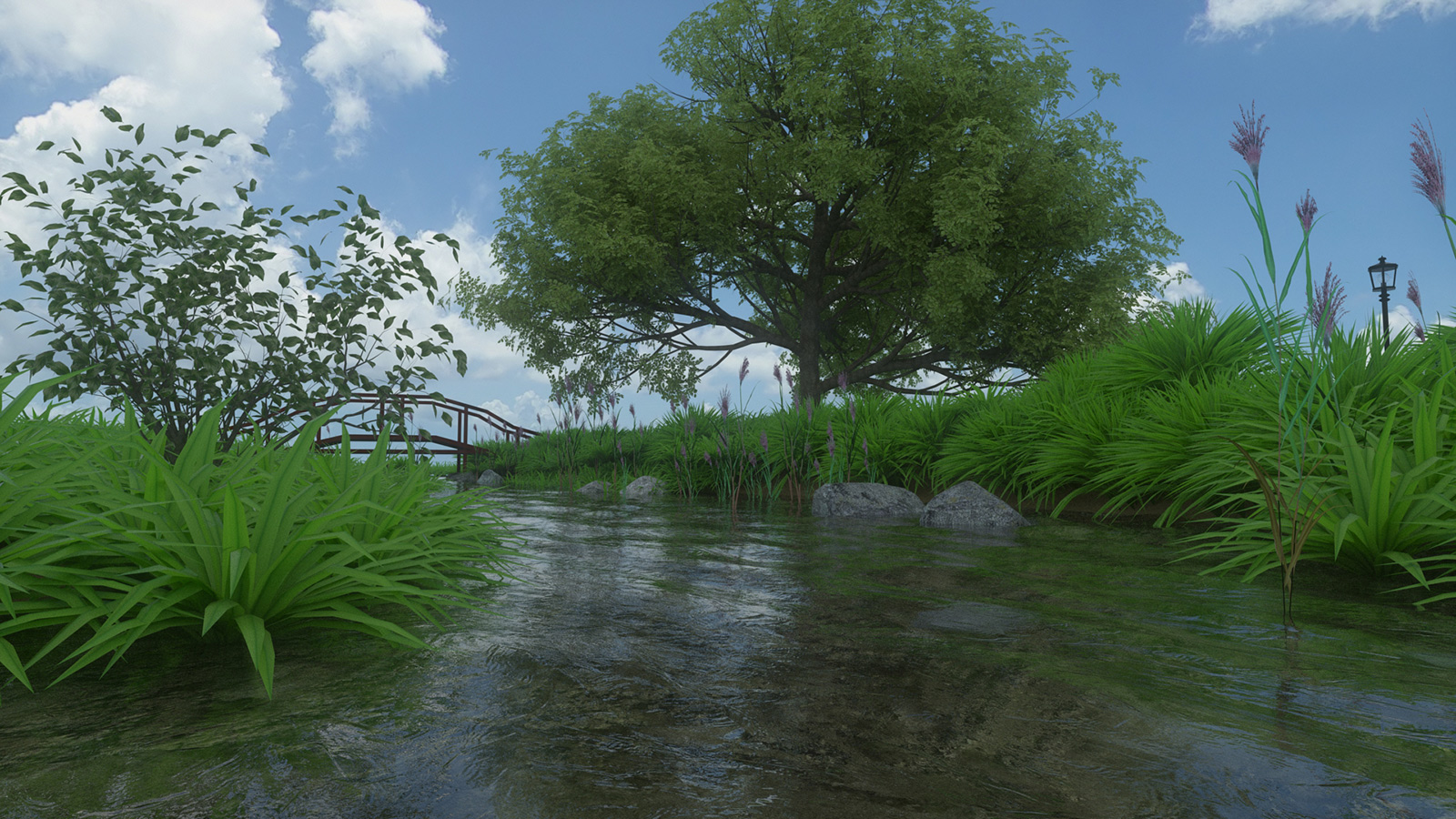
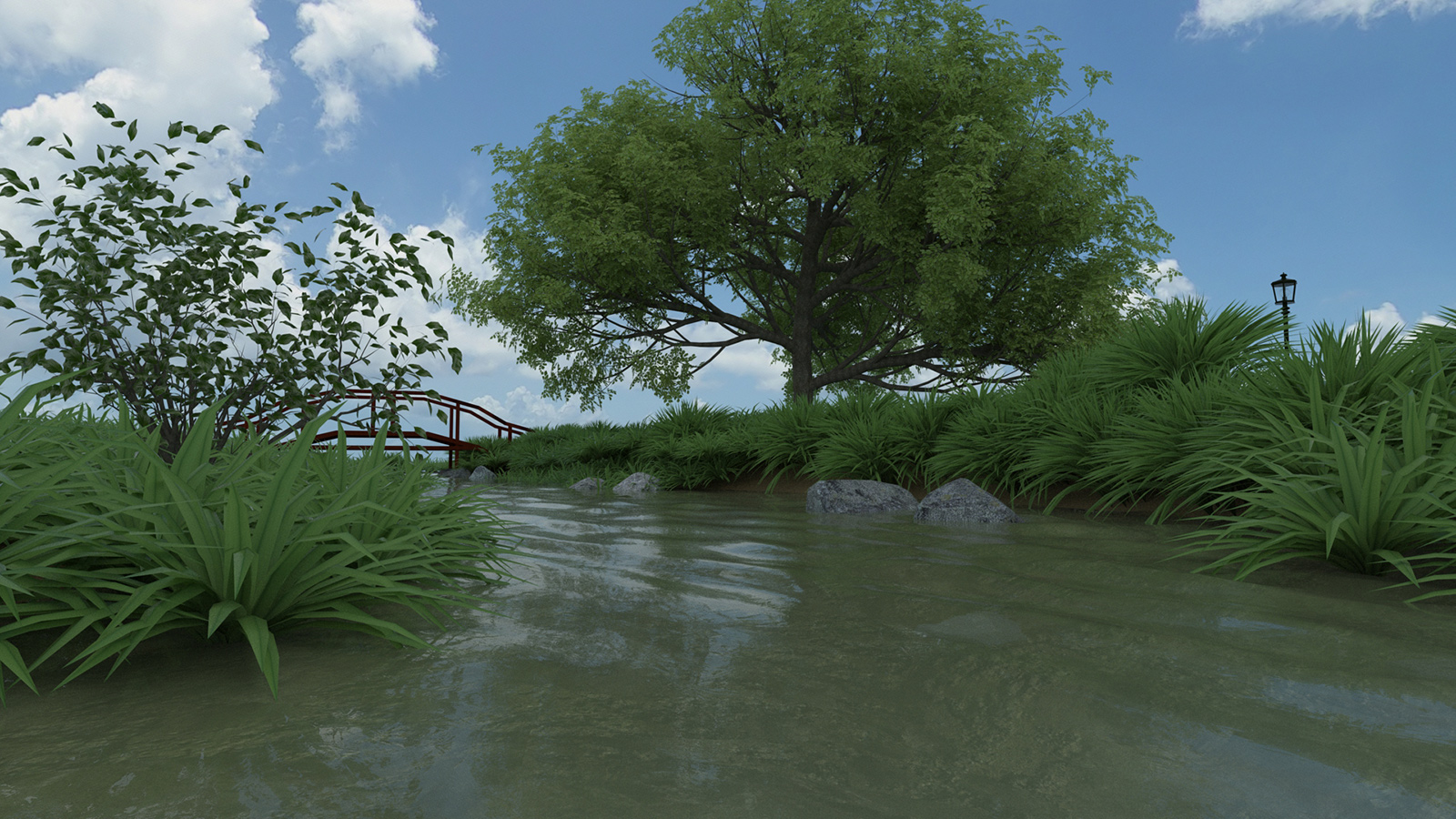
      A fictional park I'm working on called "Stonebrook Park". These are some raw renders. I plan on adding more stuff like different grasses found in waterways and maybe even some wildlife etc. I'm using this to practice organic modeling and natural scenery. I will be doing some post-pro later. All suggestions and critique is welcome.

      Tools:
      Sketchup
      Thea4Sketchup (scene was exported to Thea Render Studio)
      Xfrog 3.5
      Shadermap 2.1 for some quick bump, spec and normal maps.

      StoneBrook_CleanWater_Sunset_Glare.jpg

      StoneBrook_CleanWater.jpg

      StoneBrook_murky.jpg

      I'm torn between what water to use in my final render, the clean or murky water. The water mesh was created with ThomThom's Bitmap2Height plugin.

      posted in WIP
      Mistro11M
      Mistro11
    • RE: Wacom Pen in SketchUp?

      I ended up returning that CTH 680 for the Intuos Pro Medium. Cost more but it has more buttons for customization in programs a pen holder and wireless kit included. I"m getting used to using it in SU. The best thing I'm experiencing is I finally find the freehand drawing tool very useful. Making freehand contours and actually drawing on a surface is a breeze now.

      John2- If your tablet can support it, check the properties to see if you can bring up Sketchup in a list to customize commands.

      posted in SketchUp Discussions
      Mistro11M
      Mistro11
    • ActiveX and Sketchup

      I just got a message as I was closing Sketchup about a compatibility issue. On further investigation, I was led to discover I have the wrong ActiveX version for my system when I went to Adobe site (don't know how that happened). Is this a critical thing I should fix? Most times I close SU, I do not get this error and all seems to work fine when I'm working. What is the relationship between SU and ActiveX?

      posted in SketchUp Discussions sketchup
      Mistro11M
      Mistro11
    • RE: What Happened To CatchUp?

      Great, blame it on the kids......
      Maybe when they get old enough, they can learn Sketchup and you can make them staff to help you bring Catchup back.

      Really...Congrats. They're adorable! πŸ˜„ 😎
      I know that's a lot of love, work and attention.

      posted in SketchUp Discussions
      Mistro11M
      Mistro11
    • What Happened To CatchUp?

      I know this is a late reaction on my part. I just realized I didn't read a Catchup article in a long time and went to see what the latest issue was. Last issue is 19 from October 2013. Was it canceled? I use to look forward to the informative articles.

      posted in SketchUp Discussions sketchup
      Mistro11M
      Mistro11
    • RE: Sandbox "smooth normals/soften coplanar" Question

      @cotty said:

      To clean up, you can delete the outer face first and select all border lines (even if segemented) with a double click afterwards to delete them all at once.
      Do you remember the step when the segmentation happens?

      Thanks cotty. Don't know why I didn't think of double clicking. But it still bothers me that I am not getting the results like before.
      I right-clicked the sandbox group and clicked on "smooth normals/soften coplanar" and moved the slider all the way to 180 as instructed in the video. The weird thing is I did it a few days ago and got the exact results like in the video with solid edges not broken up into segments. I don't know if it's related but yesterday when I launched Sketchup, at first it hung and I had to force quit. Then I launched again to find all my plugin bars dismounted into the middle of the screen and I had to organize them again.

      posted in Newbie Forum
      Mistro11M
      Mistro11
    • RE: Sandbox "smooth normals/soften coplanar" Question

      Yes the face is divided. It was originally a grid from sandbox "from scratch".

      posted in Newbie Forum
      Mistro11M
      Mistro11
    • Sandbox "smooth normals/soften coplanar" Question

      I followed a video from Basecamp teaching how to make terrain and iregular shapes with the sandbox tools. https://www.youtube.com/watch?v=NHCEXlEZlo4 (You can see the operation around 8 minutes in)

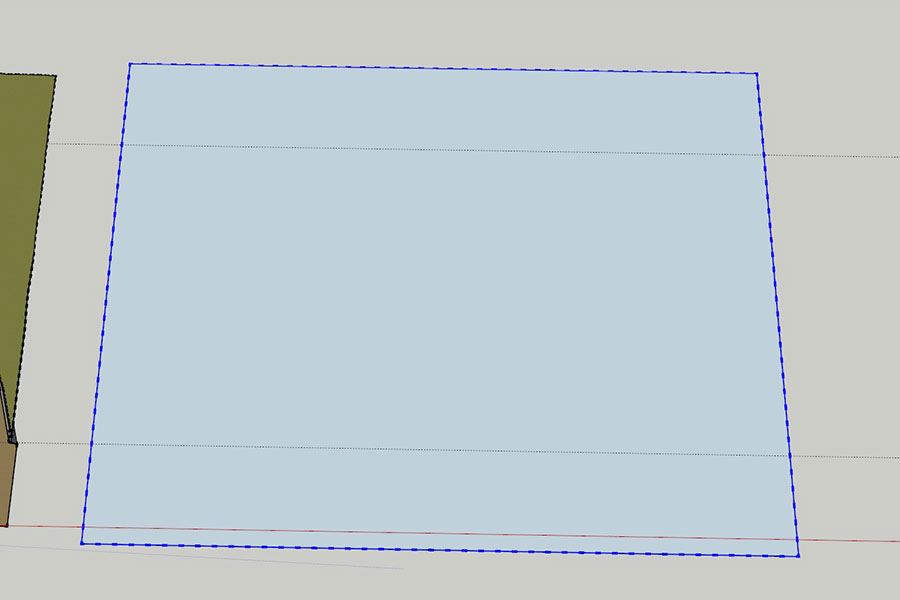
      The first time I followed this I had no problem and got solid lines that I could easily erase from my target shape draped onto it. Now I keep getting segmented lines that's more of a chore to clean up, not the solid clean lines he gets in the video. The border lines are now broken up like an exploded curve. Either something changed with my Sketchup or I am missing something.

      Notice the broken lines
      SandboxSmoothe.jpg

      How do I get the solid borders.

      posted in Newbie Forum sketchup
      Mistro11M
      Mistro11
    • RE: The Art of SketchUp - part 1: Fantasy

      Do you by any chance make models for SimCity4 Rush Hour also? I'm a big SimCity4 fan. Nice works BTW.

      posted in Gallery
      Mistro11M
      Mistro11
    • RE: Joining Sliced Geometry

      Thank you Dave for your help. Turns out Zorro2 was not even necessary. Your suggestion to simply select the top part of the model and move it down worked like a charm. πŸ’š

      posted in Newbie Forum
      Mistro11M
      Mistro11
    • RE: Joining Sliced Geometry

      Thanks sdmitch but it's not working. I can erase the vertical lines without destruction but that horizontal line will not budge. It highlights but nothing gets erased. Perhaps there's a better way to slice?

      posted in Newbie Forum
      Mistro11M
      Mistro11
    • Joining Sliced Geometry

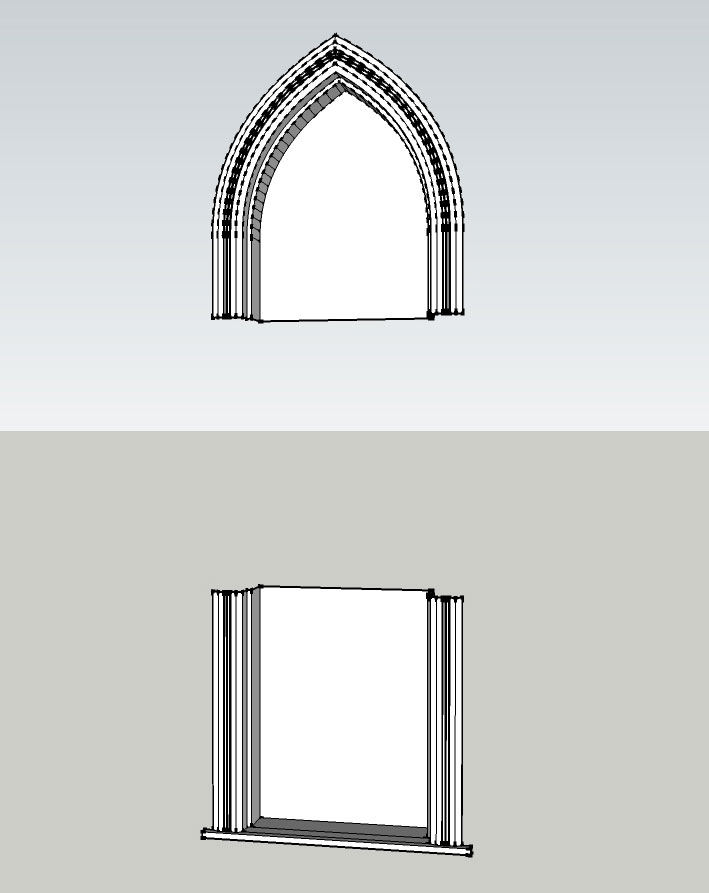
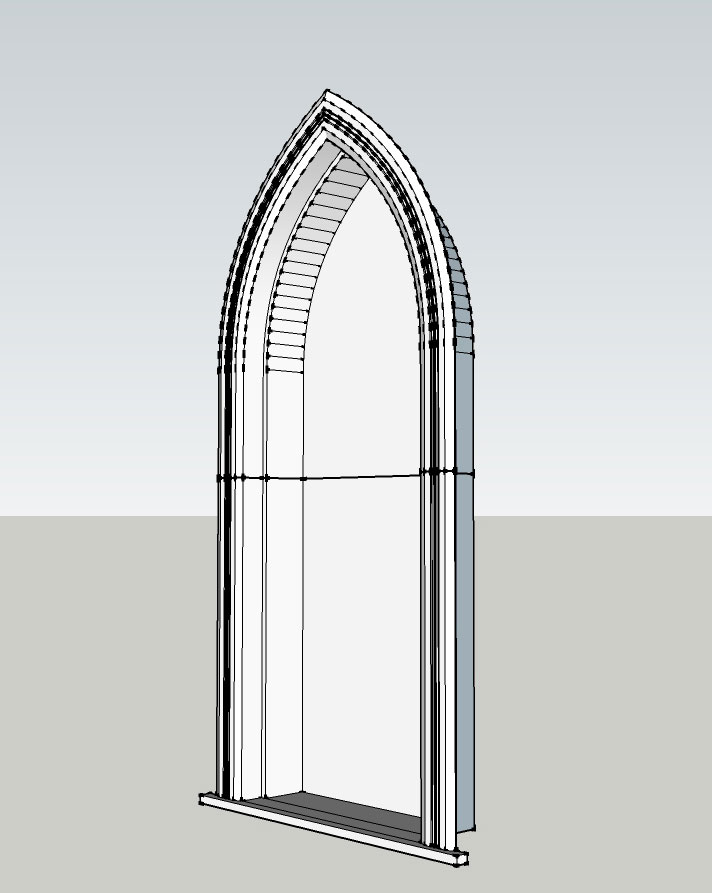
      I made a Gothic window that I want to shorten in height. I did not want to remodel so I used Zorro2 Beta plugin. The slice worked good but I am having trouble figuring out how to join the geometry so I can erase (heal)the lines going through the middle without destroying the model. I even tried exploding the component and still the 2 halves will not join. If I do 3 clicks after joining, the 2 halves act independently. Is it possible to join geometry to be as one after performing a slice operation? Any help is appreciated.

      Window after using Zorro2 Beta and erasing the middle part
      JoinWindow1.jpg

      Joined but not as one unit. Note the thick middle line.
      JoinWindow2.jpg

      posted in Newbie Forum sketchup
      Mistro11M
      Mistro11
    • RE: MasteRBedroom

      I had to look a few times at the first image to see if it was a photo or render. As KrisM said, those are some of the best folds I seen in a render. Very nice.

      posted in Gallery
      Mistro11M
      Mistro11
    • RE: Does Windows UAC affect Sketchup?

      Thanks. πŸ‘

      posted in SketchUp Discussions
      Mistro11M
      Mistro11
    • Does Windows UAC affect Sketchup?

      Hi,
      I'm new to Windows 7 finally coming from XP almost 2 weeks ago. I recently turned off windows UAC to install my Flight Simulator (to avoid certain issues warned by others) and never turned it back on. So far I'm not getting any issues but I am wondering if I should turn it back on before anything happens. Is it something to worry about or does keeping it off help the install of older plugins? I'm using SU2014 Pro and Windows 7 Pro 64bit BTW.

      posted in SketchUp Discussions sketchup
      Mistro11M
      Mistro11
    • RE: Best Motherboard for an i7-4930k?

      Yeah, I moved too fast on that cooler. It was actually sold separately as these CPUs do not come packaged with cooling fans. Getting a replacement is on the list.

      posted in Hardware
      Mistro11M
      Mistro11
    • 1
    • 2
    • 3
    • 4
    • 5
    • 6
    • 7
    • 15
    • 16
    • 5 / 16