sketchucation logo sketchucation
    • Login
    1. Home
    2. Mistro11
    3. Posts
    Oops, your profile's looking a bit empty! To help us tailor your experience, please fill in key details like your SketchUp version, skill level, operating system, and more. Update and save your info on your profile page today!
    ⚠️ Important | Libfredo 15.6b introduces important bugfixes for Fredo's Extensions Update
    Offline
    • Profile
    • Following 0
    • Followers 0
    • Topics 78
    • Posts 315
    • Groups 1

    Posts

    Recent Best Controversial
    • RE: SketchUp 2016 is here....

      I'm glad I didn't pay for another subscription. Ok I'm gonna be honest here and let out what I been thinking for a while now. I been using Sketchup free versions since version 6. I love this program and it is my foundation 3D modeler before I import into anything else. Last year I worked hard, made some sacrifices and saved up to buy a pro license.

      The first blow that I ate was the required forced purchase of yearly maintenance which I knew I would never really use. That delayed my purchase a bit to get the extra $100. I'm glad I had it because I then got to get the 64 bit SU2015 version under my subscription. That was good. So this year, I did not renew but was anticipating to buy another year subscription IF the update was worth it for me. The new features are nice....but they are things I don't really care about (subjective opinion...I know). If I paid for this year's subscription, I would feel like I just made a $100 donation to Trimble.

      I'm waiting for better UV and more mainstream texturing tools. Sketchup is way behind in this department and the software is not cheap to be lacking in such a common function found in most 3D packages. I don't think I will be paying any more money until a truly major new function is officially made. I have friends who I collaborate with that is constantly trying to talk me out of using Sketchup because I have to use Blender to deal with texturing for game assets. I always defend SU and fight them back.

      So don't get me wrong, I still love this program. It's just the slightly heavy handed business model that I don't like since Trimble is now the owners of this great software. If I pay almost $700 for a product, I should be able to call for support and get maintenance fixes anytime...beyond a year for the version I have a receipt for. Please, if you're gonna ask for subscriptions, at least release more updates per year and please get it to play nice and be more compatible with other main stream 3D programs. So I will continue to watch and still use my SU but I will be sticking to my 2015 for now.
      posted in SketchUp Discussions
      Mistro11M
      Mistro11
    • Sketchup Pro Offline Lag

      My workstation is temporarily offline from the internet. Since it been offline, I'm getting serious lag when opening any file. And even after the initial load, if i switch to another project file, i have to wait a good while for it to load. Is there anything I can do to fix this?

      posted in SketchUp Discussions sketchup
      Mistro11M
      Mistro11
    • RE: Texture Position Edit Pins Help

      I actually figured it out. I zoomed out further and got the pins to go back to normal.

      posted in SketchUp Discussions
      Mistro11M
      Mistro11
    • RE: Texture Position Edit Pins Help

      Thanks..I do have Thrupaint...but those pins never did that to me before. I'm working this whole model using 1 texture map for a game and I'm not familiar how to do with Thrupaint. It's easier for me to just move and scale the texture with the native tool. I just want to get the scaling/rotation tool to a workable size again.

      posted in SketchUp Discussions
      Mistro11M
      Mistro11
    • Texture Position Edit Pins Help

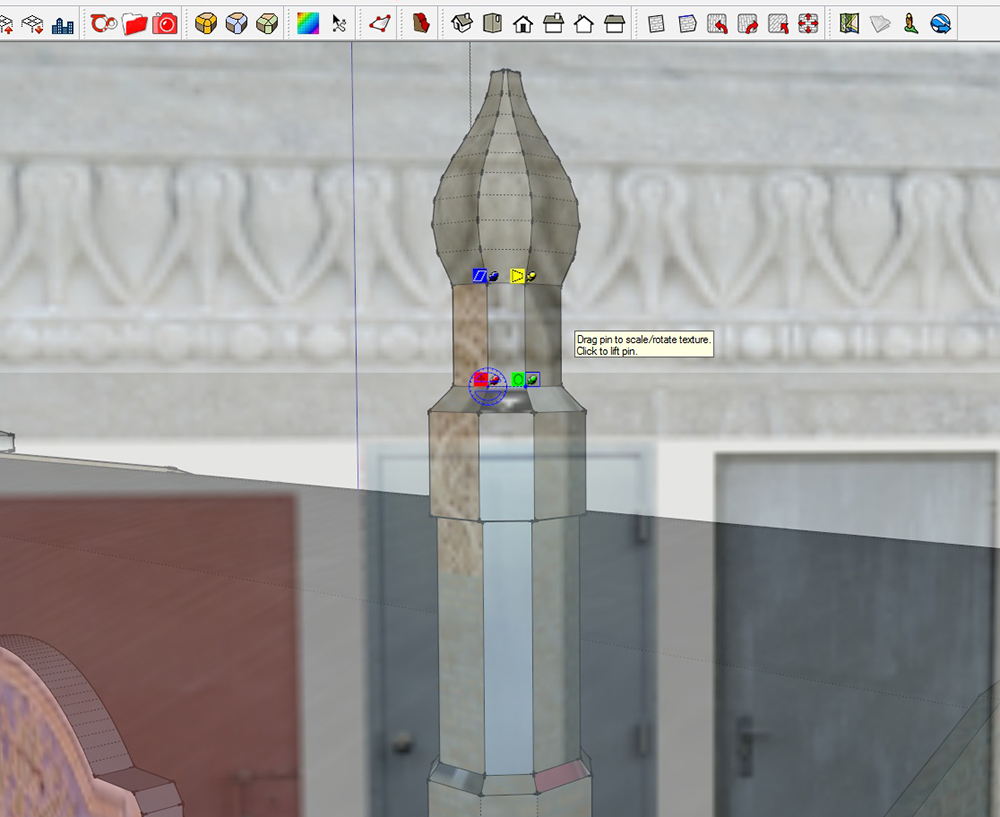
      I don't know if I did something on my end or SU is acting buggy. Usually when I am in texture position mode and I click reset, the pins along with the image goes to a default size. Now when I click reset, the pins stay surrounding whatever face I'm focused on and the scaling tool is so small, I cannot work with it when adjusting small faces on my model. Am I overlooking a feature or is this a bug? If it's me, how do I manipulate the texture to resize from the point it's too small to reduce further.

      As you can see, the pins are stuck surrounding the face. The tool to scale is so small, it's uncontrollable and I can't get it bigger.
      TexturePins.jpg

      posted in SketchUp Discussions sketchup
      Mistro11M
      Mistro11
    • RE: Ornithopter...

      Looks really great! Especially love the post work.

      posted in Gallery
      Mistro11M
      Mistro11
    • RE: NYC Train Set for Cities Skylines made with Sketchup

      Thanks everyone!

      @ken28875 said:

      Very cool, Mistro. πŸ‘ πŸ‘

      I look forward to seeing more of your models.

      Is that this game? http://sketchucation.com/click.php?url=http://www.citiesskylines.com/

      If so that game is competing with the one I worked on, Simcity. LOL πŸ˜‰

      Cheers!

      _KN
      Yeah, that's the one. You mean you're a developer or made mods for SimCity? I'm actually a SimCity4-Rushour fan.

      @pbacot said:

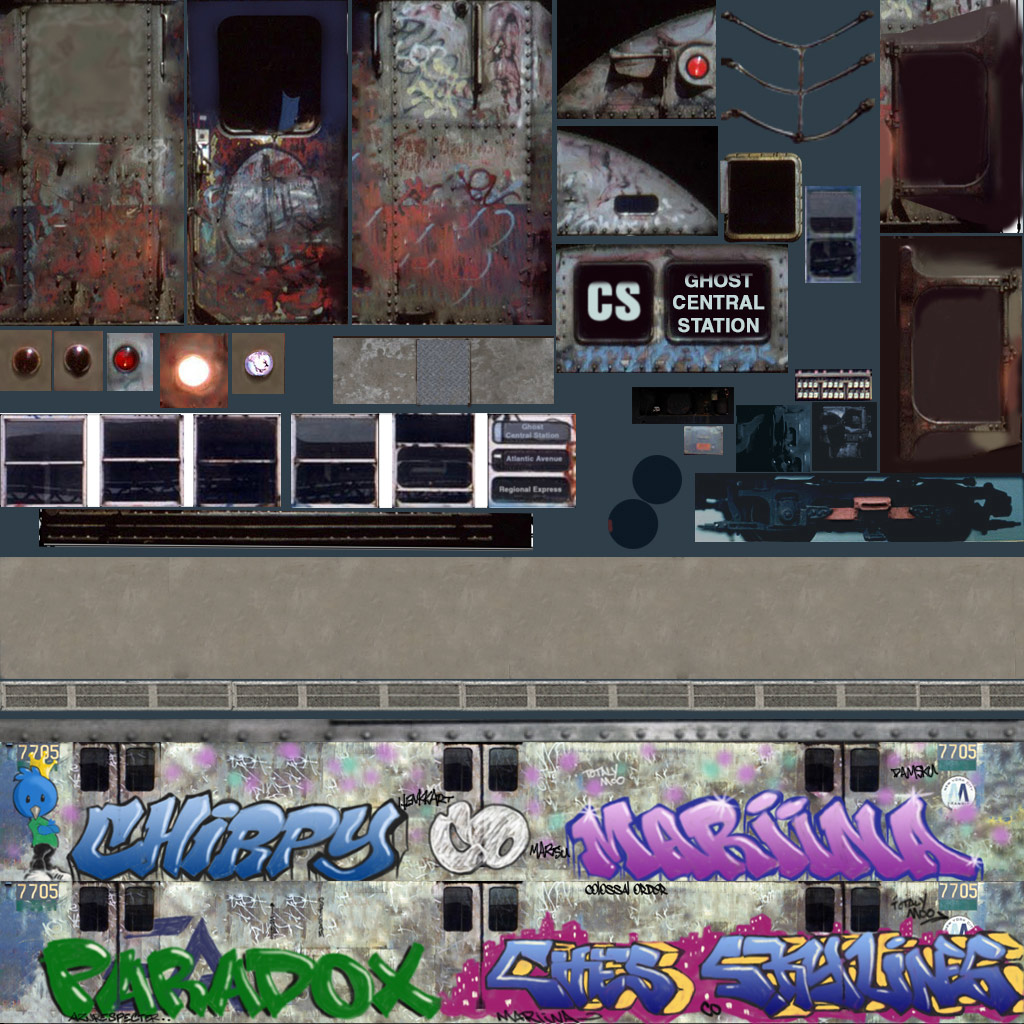
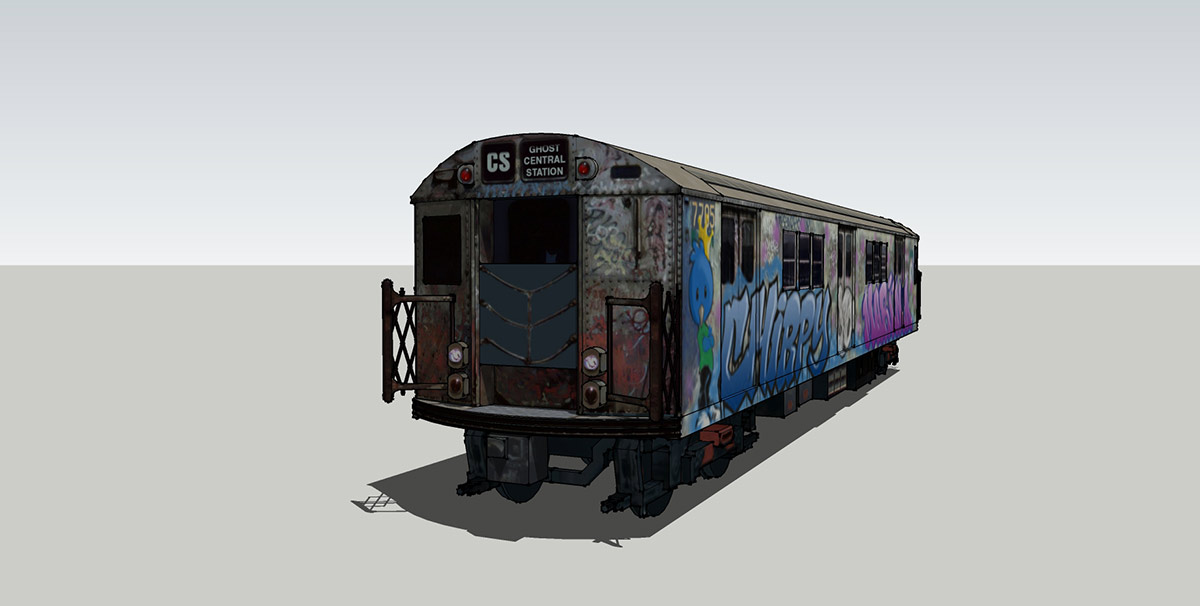
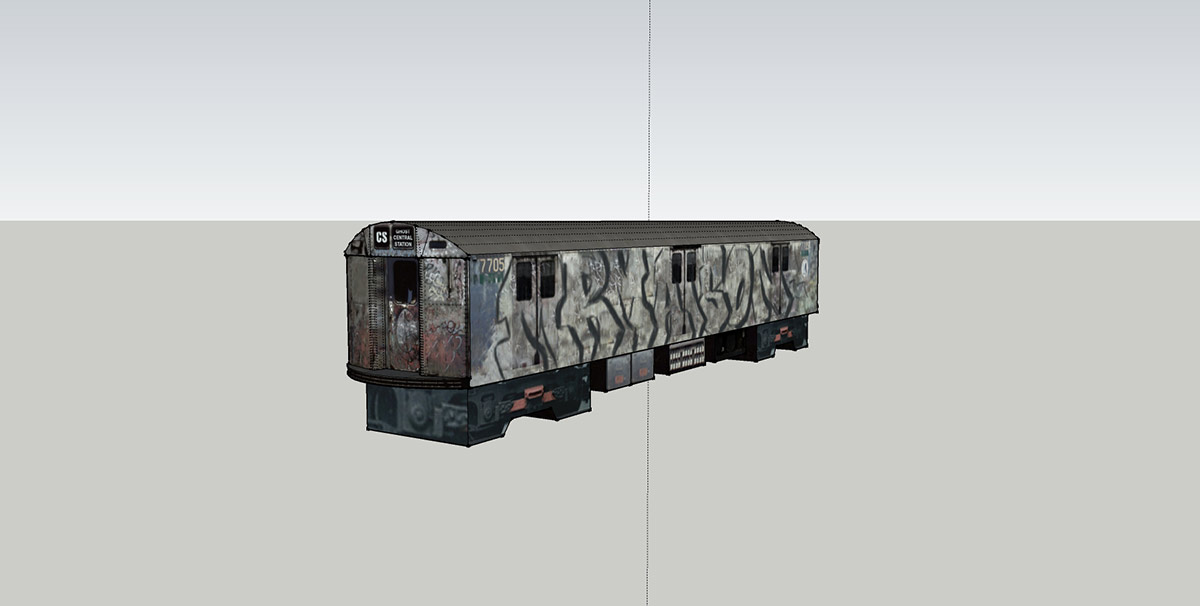
      Nice job. Looks cool. I would like to see the texture (flat) for curiosity.
      Here's one of them....
      NYC_R22_CS.jpg
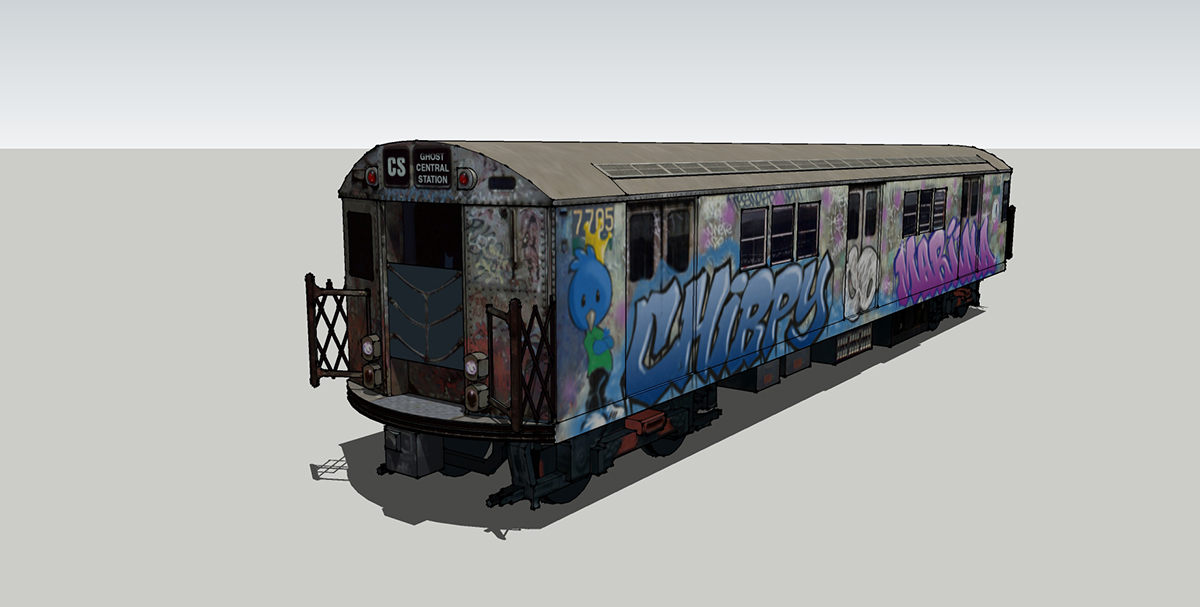
      Model in Sketchup
      NYC_R22_Exlpoded.jpg

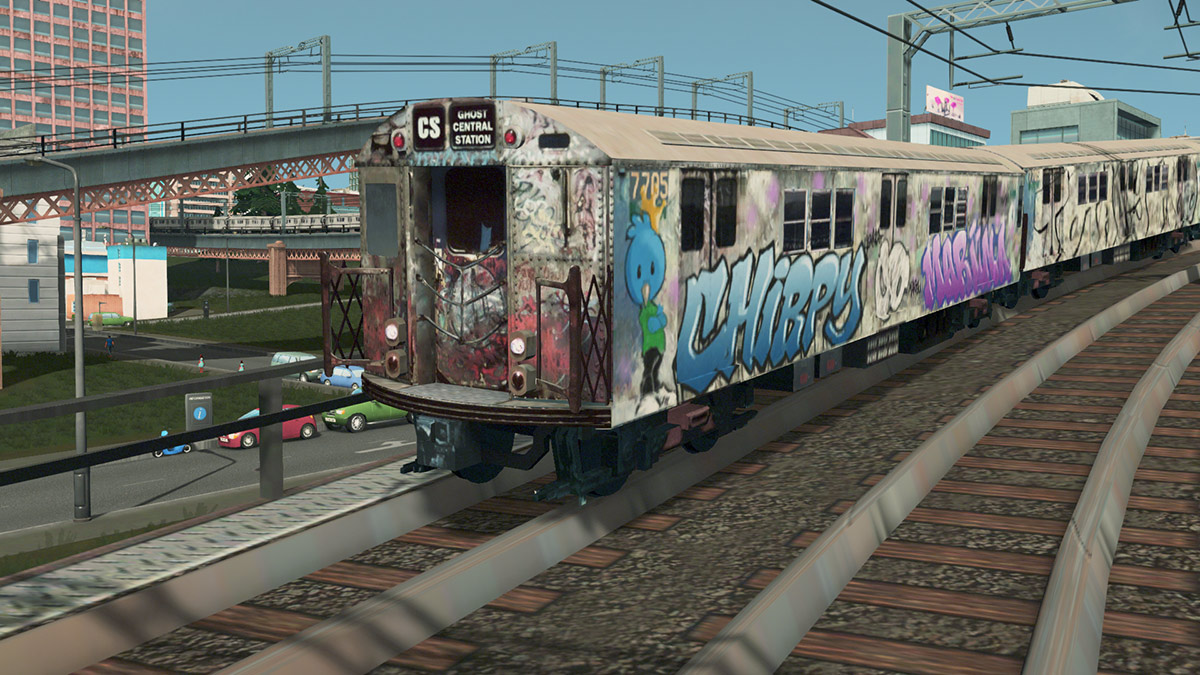
      In Game
      CS2.jpg
      There are alpha and specular maps too for LOD and main model. The alpha is for the front chain so I didn't have to model it.

      I really hope Trimble gives us better UV mapping tools....really. The ability to bake textures would be nice too.

      posted in Gallery
      Mistro11M
      Mistro11
    • NYC Train Set for Cities Skylines made with Sketchup

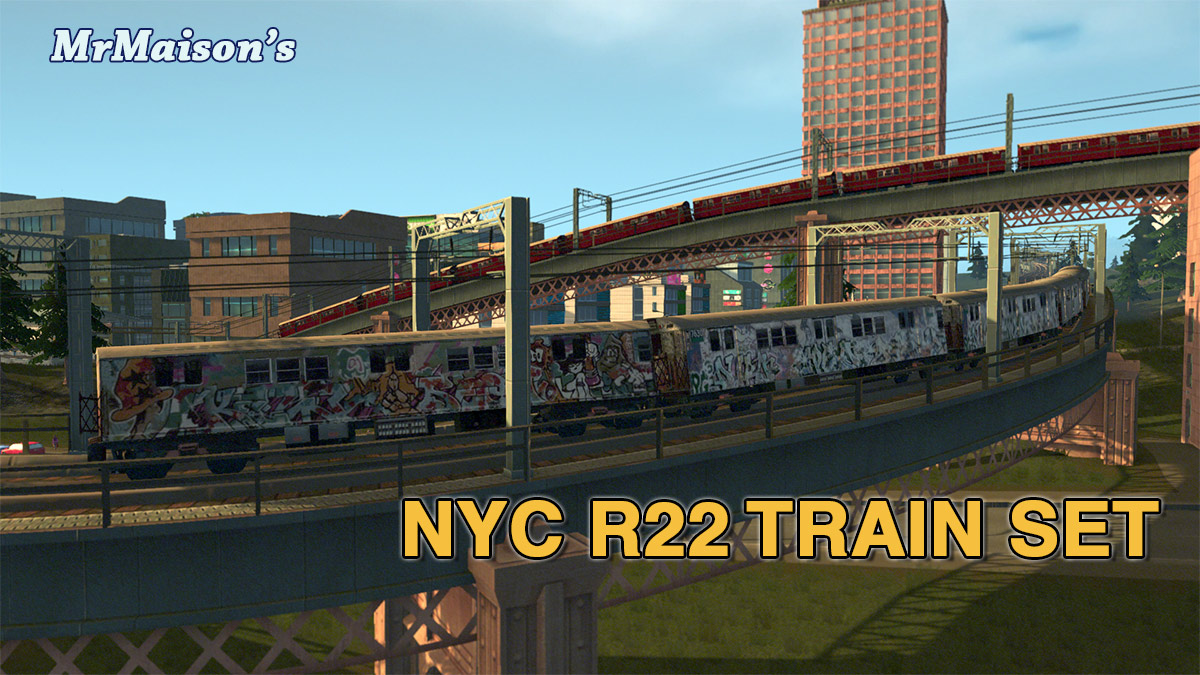
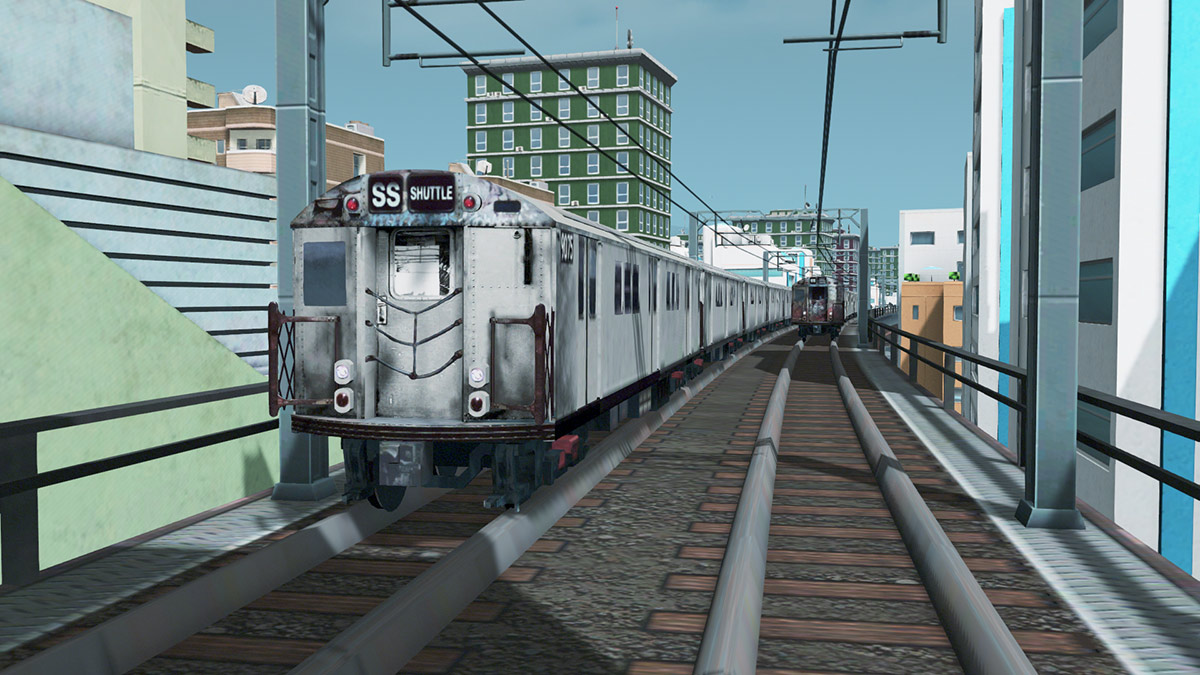
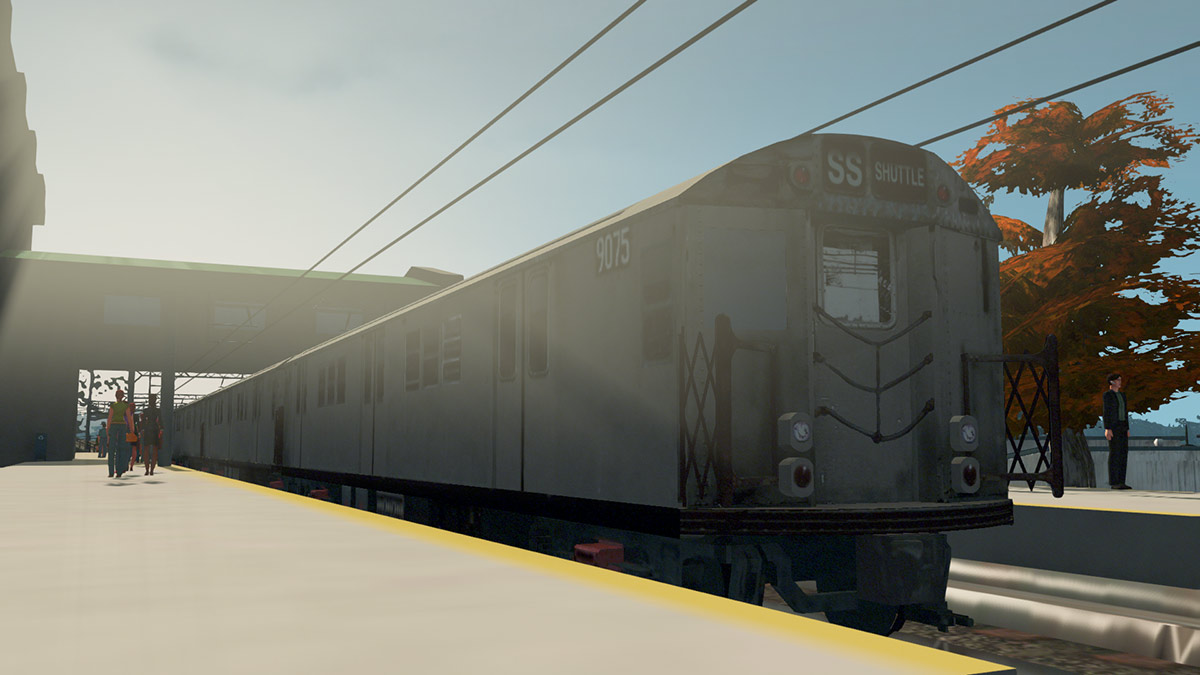
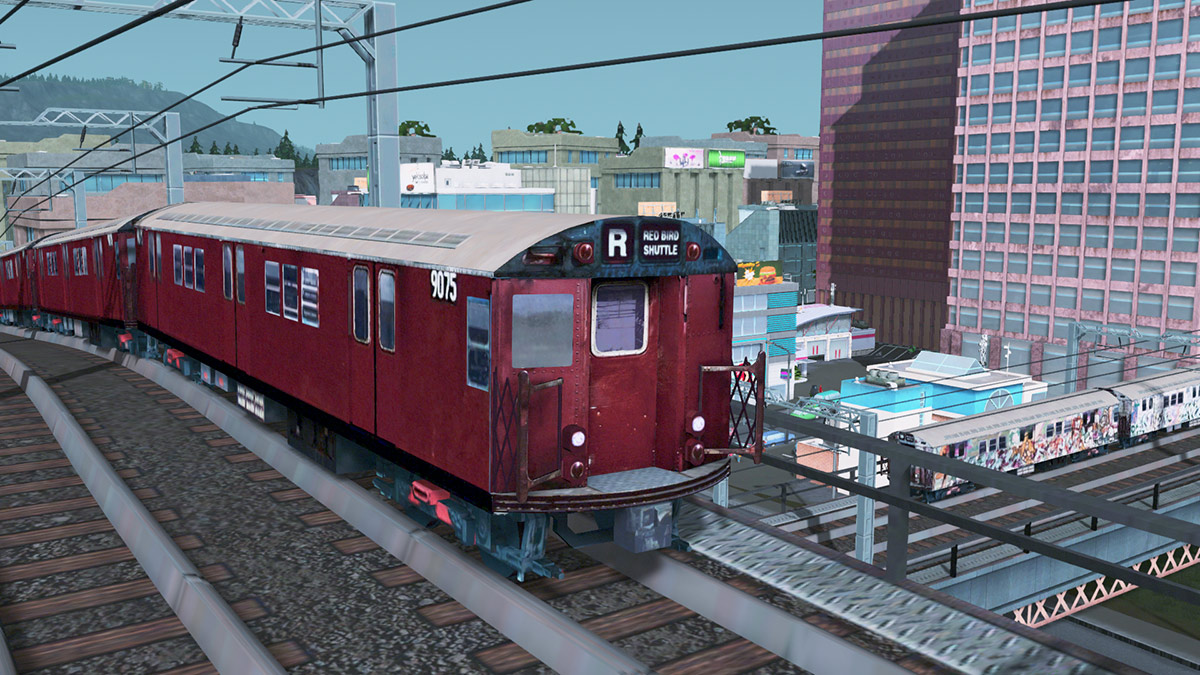
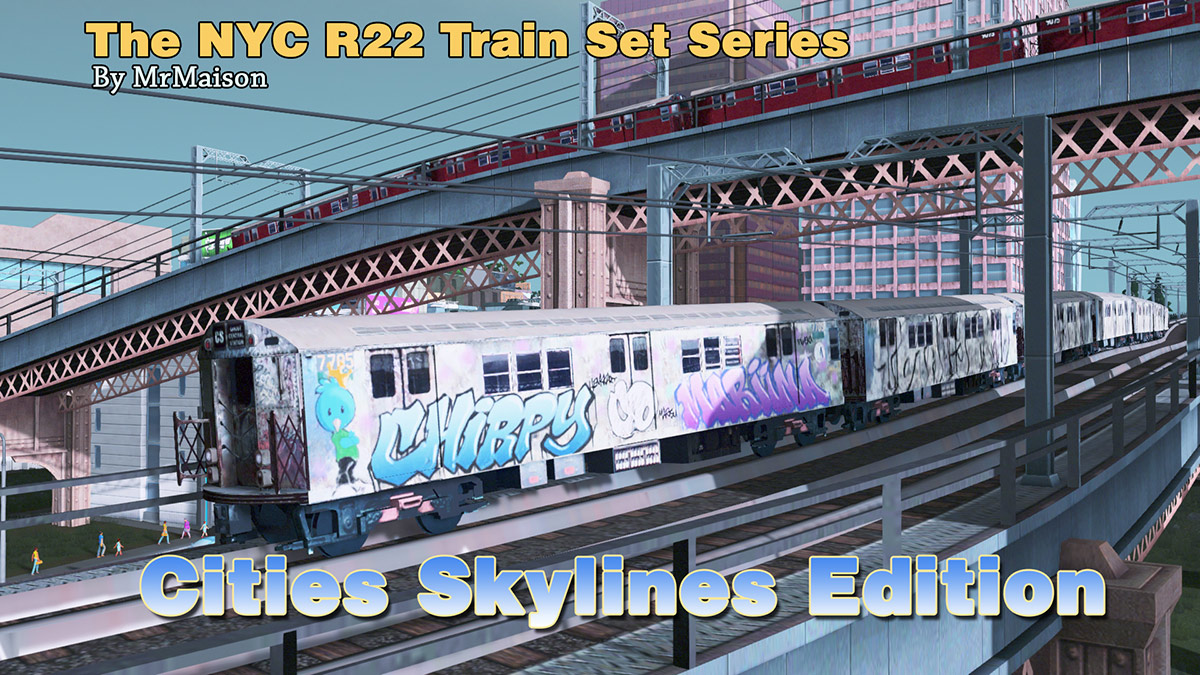
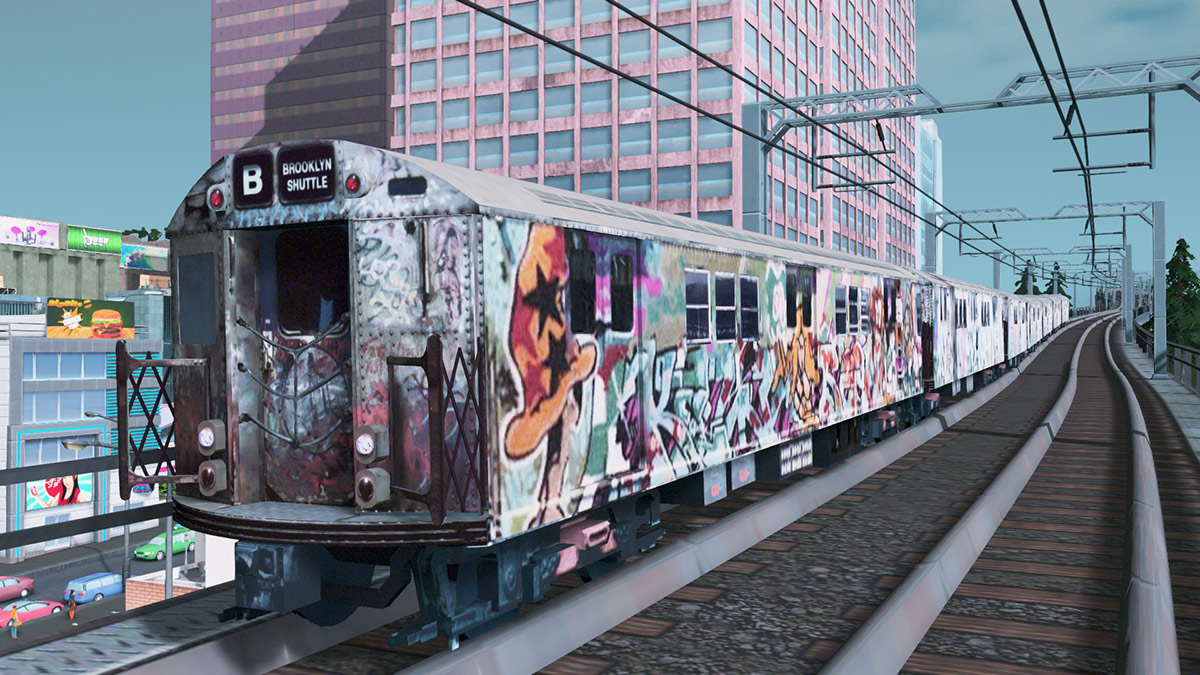
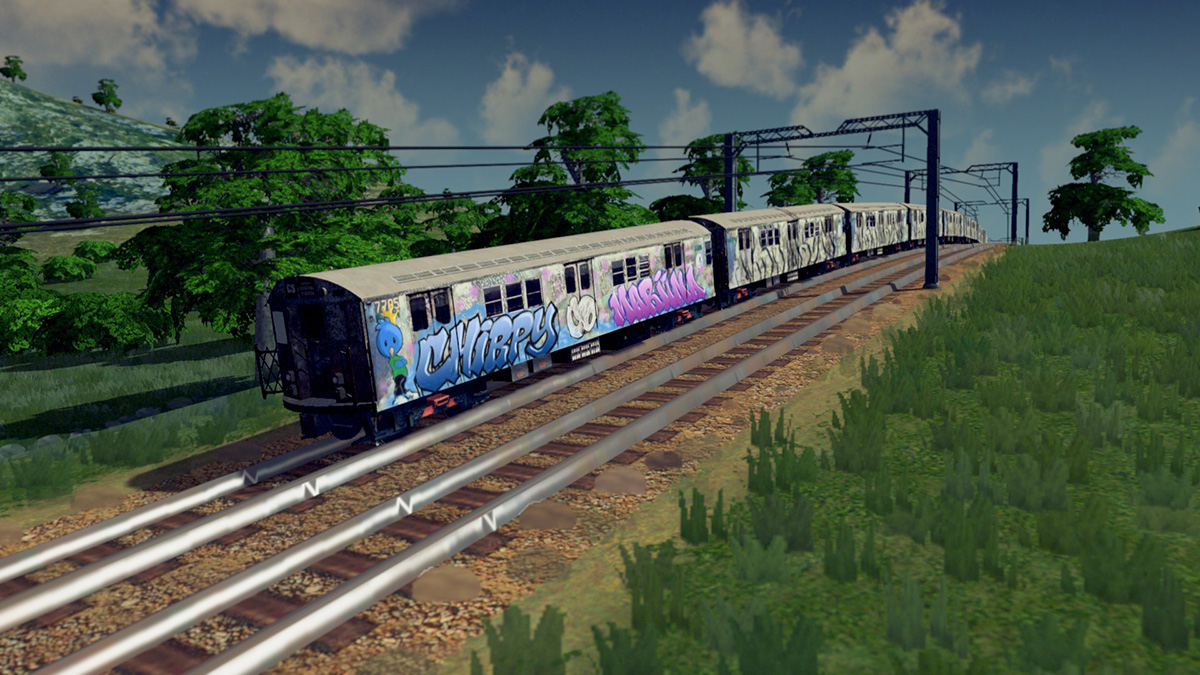
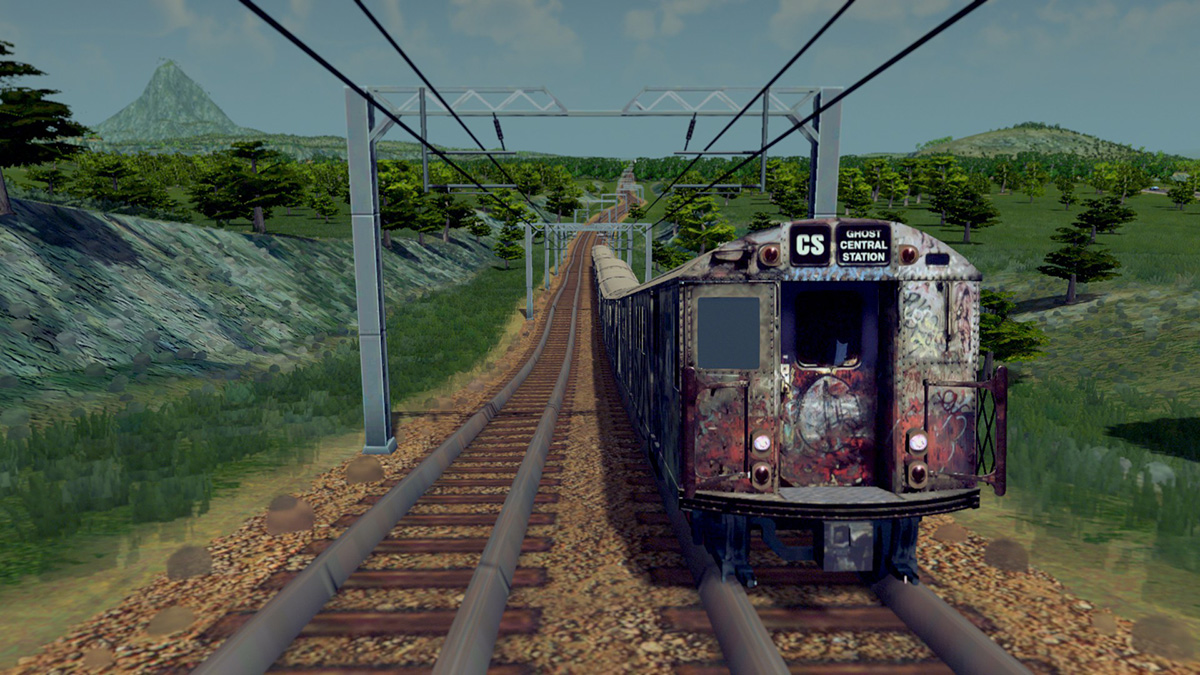
      Thought I would come back here and share my first released game asset made with Sketchup...a NYC train set for a game called Cities Skylines.

      I been making game assets lately. It's such a different beast from arch viz in a way. I had to learn how to texture a model using only one map. To make it worse, the image sizes are restricted to be no more than 2048x2048. 1024x1024 is what I used for the main model and 128x128 for the LOD. This is a seriously stripped down version of the train I posted when I first joined here 4 years ago.

      R22TrainSetPromo.jpg

      WS4.jpg

      WS10.jpg

      RB1.jpg

      PromoImage.jpg

      BS1.jpg

      Thanks to ThomThom, we have a plugin that exports FBX files to the game's import folder.

      posted in Gallery
      Mistro11M
      Mistro11
    • RE: How to Stay within 0-1 UV Coordinates in Sketchup?

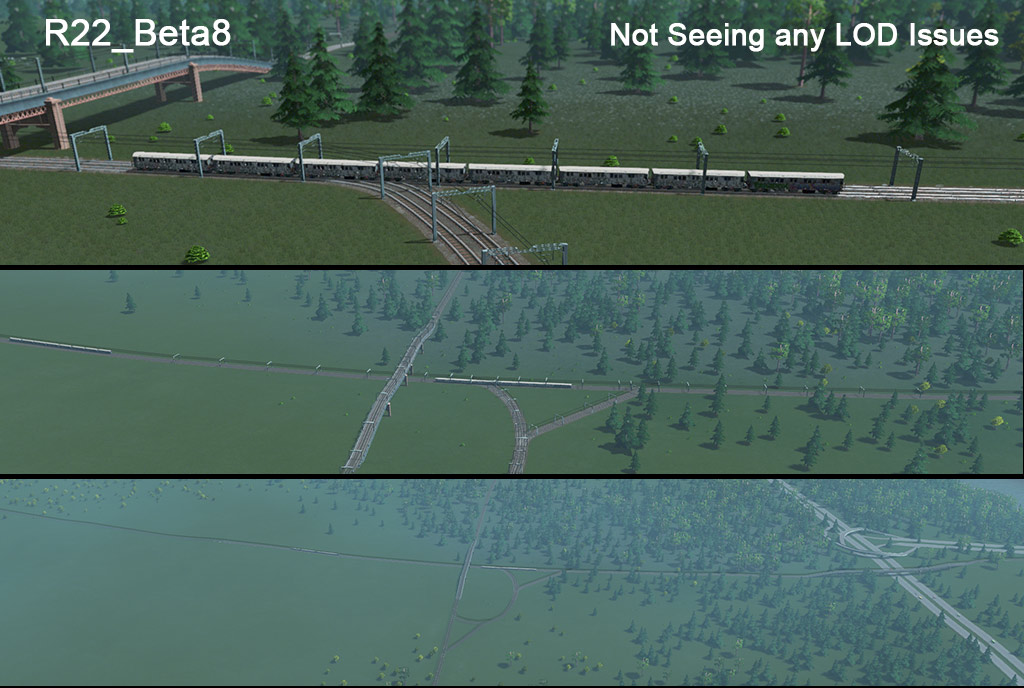
      Thanks again Rich. I was trying to UV this thing in SU using the native tools in texture>position mode along with Thrupaint and SketchUV. I figured out why your model turned to smaller cars when the LOD was triggered. For this game we have to set the scale and location in Blender before import to FBX from Blender. Anyway, I ended up cleaning up the LOD model in Blender and all look good now.

      Beta8LOD.jpg

      Using Blender UV tools felt like sex compared to SU. I hope the devs at Trimble take a serious look into giving us better UV tools once and for all.

      posted in SketchUp Discussions
      Mistro11M
      Mistro11
    • RE: How to Stay within 0-1 UV Coordinates in Sketchup?

      @rich o brien said:

      Your isn't mapped correctly.

      I created a new map and baked the existing textures to the new map.

      What did I do wrong? Just want to learn from my ignorant mistakes. FYI I'm using a plugin ThomThom made that exports FBX files directly from Sketchup to the game asset folder. What did you use to bake the textures? I was trying to stay within SU. But I'm open to a 3rd party app if I can get it back into SU without the tri count exploding. I tried exporting to Blender where UV mapping is much easier but the face count grew significantly.

      posted in SketchUp Discussions
      Mistro11M
      Mistro11
    • RE: How to Stay within 0-1 UV Coordinates in Sketchup?

      Thanks Rich but what exactly did you do? I see the texture map changed along with the UVs in your file. I ran a test in game. The trailer cars turned into tiny trailers when the LOD was triggered. Can you please explain what you did? Maybe I can figure out what's the difference between your file and mine.

      posted in SketchUp Discussions
      Mistro11M
      Mistro11
    • RE: How to Stay within 0-1 UV Coordinates in Sketchup?

      @rich o brien said:

      Can you share the file or even an image?

      This is the original model
      NYC_R22_Exlpoded.jpg

      This is the LOD model
      CitiesSkylines_SubwayTEST_LOD2.jpg

      This is a test run in game (Cities Skylines)
      ChirpyEdition3.jpg

      ChirpyEdition4.jpg

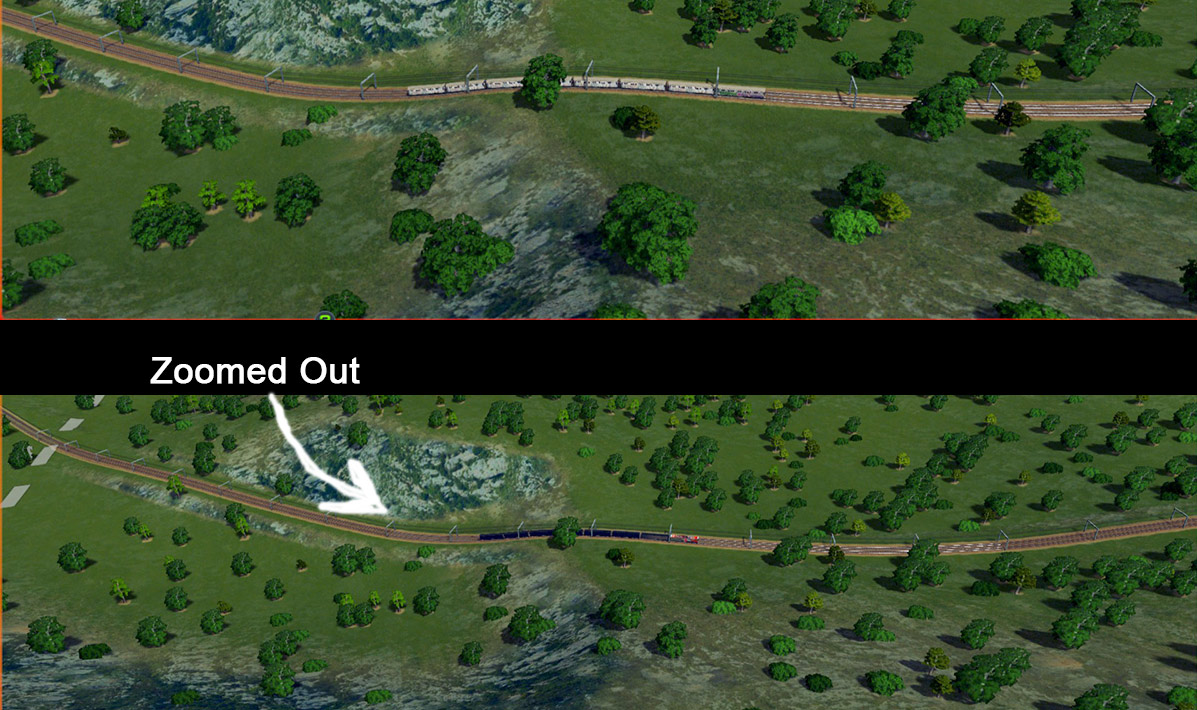
      This is what the train looks like when zoomed out
      BadLod.jpg

      LOD Sketchup File as requested
      CitiesSkylines_SubwayTEST_LOD2.skp

      NOTE: The LOD texture in the file is actually for the trailer cars. The front car in the images have a variation of the same texture but the UVs are the same. So when I want to make different liveries, all I have to do is swap out the parts in Photoshop.

      posted in SketchUp Discussions
      Mistro11M
      Mistro11
    • How to Stay within 0-1 UV Coordinates in Sketchup?

      I'm making a game asset (a train) for Unity engine that requires only using 1 texture map. I got the flow of how to do this in Sketchup but now I have to clean up the LOD for the train. The problem I have is the texture is gone beyond the 0-1 coordinates of the UV and the LOD model displays strange colors in game when zoomed out. I must get the texture map within that 0-1 boundary to fix it. Is there a way to achieve this? How do we locate the 0-1 coordinate of the texture within Sketchup? Does the pins always indicate the origin of the coordinate when we click reset while in position mode?

      posted in SketchUp Discussions sketchup
      Mistro11M
      Mistro11
    • RE: How to Make a Bowl of Random Components

      @pilou said:

      At the "pause" Save your file! πŸ€“
      So if you reload it as a new session of SU, you can change anything before relaunch a new simulation! πŸ˜‰

      Thank you Pilou! That works although I cannot press file>save when in pause. I Ctrl+S but was not sure if it worked. It sat there long enough to give me an autosave so I wasn't worried. When I restarted, it launched normally with my bowl of cereal the way I left it. πŸ˜„

      posted in SketchUp Discussions
      Mistro11M
      Mistro11
    • RE: How to Make a Bowl of Random Components

      One more question...Is it possible to tweak the scene after pausing the simulation? The cereal fell in a perfect way but I want to tweak the materials and export the scene to Thea Studio. Any attempt to select anything outside SP tools results in a reset of the simulation.

      posted in SketchUp Discussions
      Mistro11M
      Mistro11
    • RE: How to Make a Bowl of Random Components

      @rich o brien said:

      i think blender will serve you better in this instance. without suffering from crashes

      Thanks Rich. Yeah, Blender is my other workhorse. I do want to make my cereal with more complex shapes without worrying about crashes so I will try that next.

      posted in SketchUp Discussions
      Mistro11M
      Mistro11
    • RE: How to Make a Bowl of Random Components

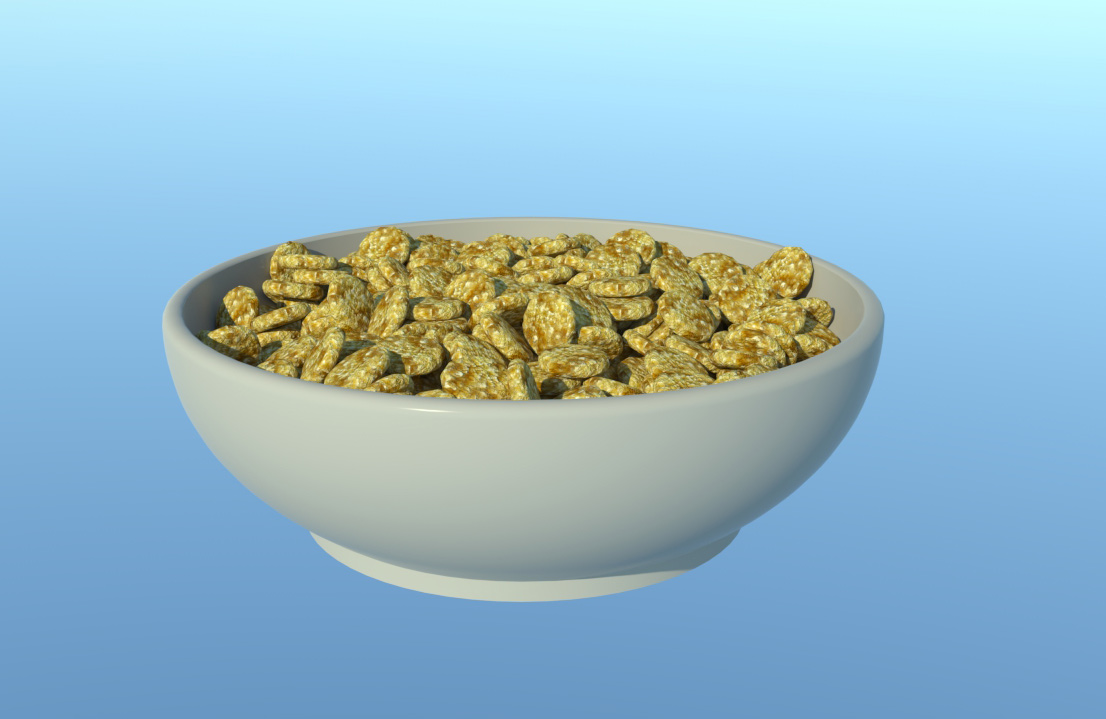
      I figured out why my scene was so heavy. I didn't make the cereal into a component. After making it into a component, it runs much smoother. Thanks again.

      Cereal_Bowl.jpg

      posted in SketchUp Discussions
      Mistro11M
      Mistro11
    • RE: How to Make a Bowl of Random Components

      Show collision is still active. I just got a bugsplat halfway through the animation after multiplying the cereal. What kind of optimizations should I be aware of? I'm thinking my cereal have too many faces. Yeah, I wish I could use this in 2015 64bit.

      posted in SketchUp Discussions
      Mistro11M
      Mistro11
    • RE: How to Make a Bowl of Random Components

      @cotty said:

      Your geometry is too small, if you scale it 10x, it will work.

      Thank you so much Cotty! That worked. It plays slow but it works. What SU version did you use? The cereal triangulated on the way down for me but renders fine.

      posted in SketchUp Discussions
      Mistro11M
      Mistro11
    • RE: How to Make a Bowl of Random Components

      When I select convexhull my cube falls but is triangulated. Seems like something happens to the geometry. Earlier I loaded the box that comes with SP. It fell as expected. Then I used round corner on the cube to modify it. After that, it stays in the air but the mesh face is distorted.

      Here's my skp file. I hope SU version 2014 is ok. That's what I'm using for this. The bowl is made shallow so not to need too many components.
      Cereal_Bowl.skp

      posted in SketchUp Discussions
      Mistro11M
      Mistro11
    • 1
    • 2
    • 3
    • 4
    • 5
    • 15
    • 16
    • 2 / 16