@thomthom said:
What ugly stuff? Got a screenshot?
I posted a screenshot at the beginning of this thread, but it's difficult to get a good photo of it.
 Offline
@thomthom said:
What ugly stuff? Got a screenshot?
I posted a screenshot at the beginning of this thread, but it's difficult to get a good photo of it.
I've been going nuts trying to figure out this "open gl" thing. Could somebody take a look at my rally wheel and, if you can figure out how to get rid of the ugly stuff around the outer edges of the rim when you view it at a distance, could you please explain how you did it? I really need to learn this.
Also, was having big problems with my model after I replaced the old wheels with my new ones, whenever I would move it, rotate it, even consider the possibility of someday thinking about maybe doing anything to it all the textures and a few other things would disappear until I stopped what I was doing. Finally figured it out - even tho the lugnuts accounted for about 6kb in file size, they added a whopping 82,125 edges to the model!! Got rid of them and the problem went away. One more lesson learned, I suspect a very valuable one - I was only concentrating on getting my file size down, paid no attention whatsoever to my edge count. Didn't realize how important it was till now. God, I really can identify with the poor Scarecrow's plight - I need a brain!
I don't want transparent lines, that would be pretty useless, I was asking if there was any way to adjust the transparency of lines, so that they still show but maybe not quite as much. It's a detail thing. But thanks for your help.
@dave r said:
No. You can't adjust the transparency of a line as you are asking.
As to the "sparkly" edge you are seeing, I expect that's an OpenGL thing where the face behind is showing through. To get rid of it, get rid of the face behind there.
I don't get it. How can something behind something show thru? I ask for transparency for lines and it's not possible, but I get transparency on faces that I don't want?  Is there anything in this program that behaves normally, all the time?? Whether it's trying to get around the infernal inferences (which I will never understand why they don't include a command to just turn them off temporarily, at the users risk,when it's necessary for what you're trying to do at the moment) or just trying do something as simple as push/pulling a shape thru another shape, very basic shapes, and if it's in a bad mood or the moon is in the wrong phase either it just keeps pushing out the other side or won't go beyond a certain arbitrary point, etc, etc, it's beginning to feel like I spend half my time working around the strange things it does instead of just working on something in a straightforward manner. I know, I'm inexperienced at all this, and it's not like I paid money for it, and obviously there are ways to accomplish what you're trying to accomplish or there wouldn't be such a huge following or so many amazing models being created. But it does get a bit frustrating sometimes. There, I've vented. Sorry if I put anybody off. Just a noobie rant. Now I'll get back to working on the beast
They really need more angry smilies on here
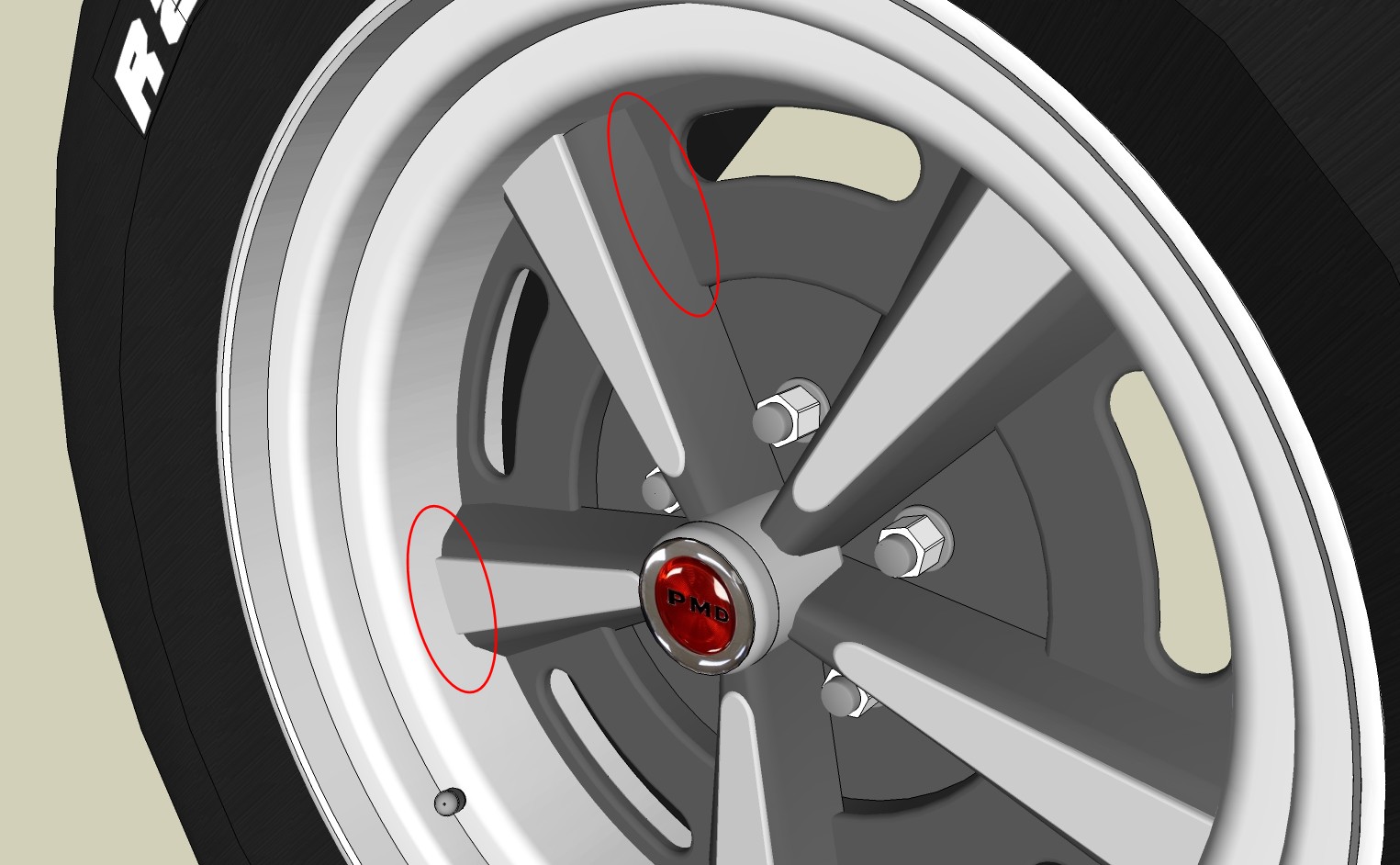
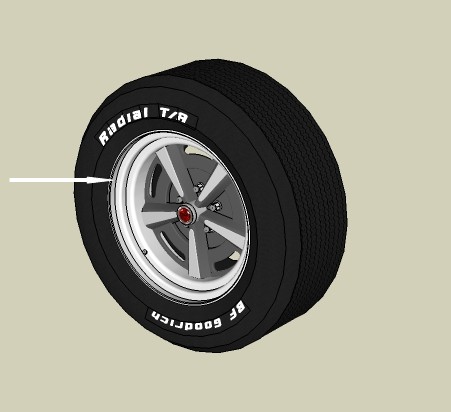
I'm making some rally II wheels for my GTO project, and I have a couple of questions.
Is there any way to have a line show where to components intersect each other (as indicated in first photo)? Sometimes it would add a little visual interest to a project.
On the outer edges of the rims, they look ok when close up, but as you move away they look like they've got St. Elmos Fire or somthing, all sparkly and sort of a herringbone pattern. Really ugly. This doesn't show up well in the photo, naturally.
And as long as I'm here, one more question - is there any way to adjust the transparency of a line? Make it like 50% transparent so it's still there but a little more subtle. Probably not, but you never know till you ask.
Thanks
OK, I've figured out how to do that. I'm gonna get some sleep and try it if and when I wake up. Should be sometime in December.
Getting it set up that way would be easy if you're using a low number of segments, you can easily see them and deal with them. But the whole point of me doing this is to use high segment numbers for a smooth finish, and with that many segments it's impossible to tell where one starts and another leaves off. At least with my limited knowledge. Is there a disadvantage to overlapping the components?
To get any more precise I would have to get down to the molecular level  I know it was probably something I did, but I was very careful, or at least as careful as I'm capable of being considering how much sleep I've gotten lately. For now, overlapping them seems to work fine, so I'll settle for that. I'm gradually finding ways to get my file size down to reasonable levels, learning good stuff in the process. This first project of mine is taking forever, but it's just something to learn on. Between the internet, my books and you guys, I have an almost infinite source of help and information to draw from, so I'll get there.
Well, hiding the edges helped, but there was still a problem. There was a very small gap where the components joined together. Don't know why. I solved that by just not rotating the parts completely, let them overlap just a bit. Works like a champ. And I miscalculated on the file size - it's actually about 1/7 of what it would have been using the old method. Oh joy, oh joy! 

I've always hated those blocky looking circles  I plan on putting this to use in a number of ways in the model I'm working on.
You guys are the best! 
@d12dozr said:
Delete the circular end faces that are hidden when the components join, and hide those edges (shift+eraser or select > rt click > hide)
Jeff beat me...
I'll try hiding the edges. Thanks
If this is what you mean, I tried that.
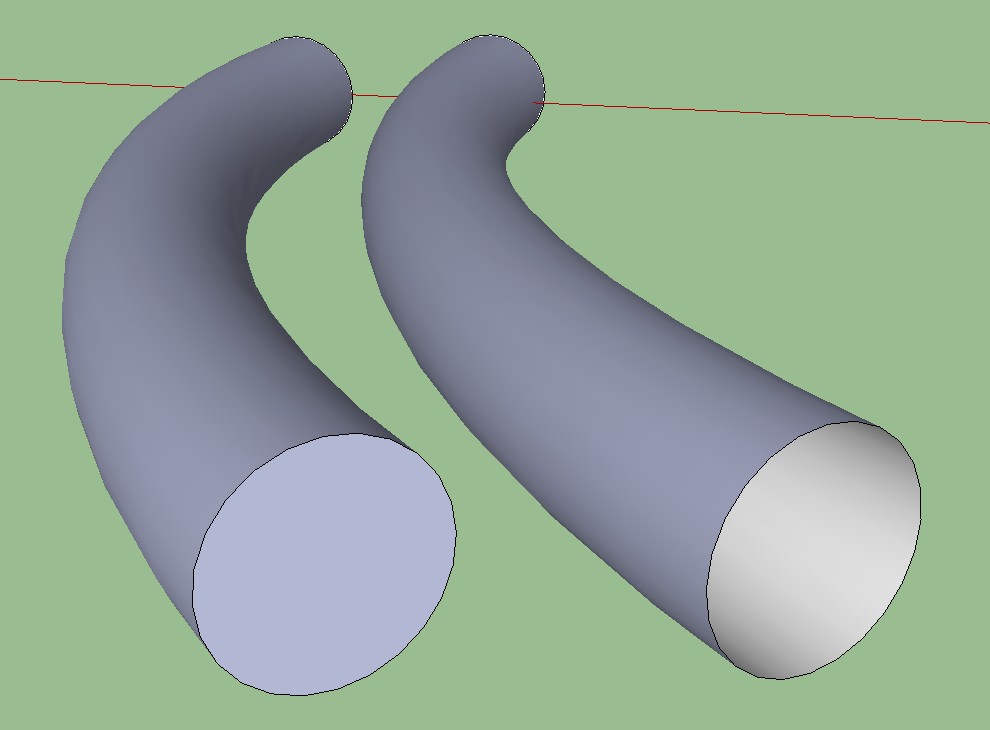
Ok, I've figured out how to get ring of the ring around the middle, but can't do anything with the lines where the components come together.
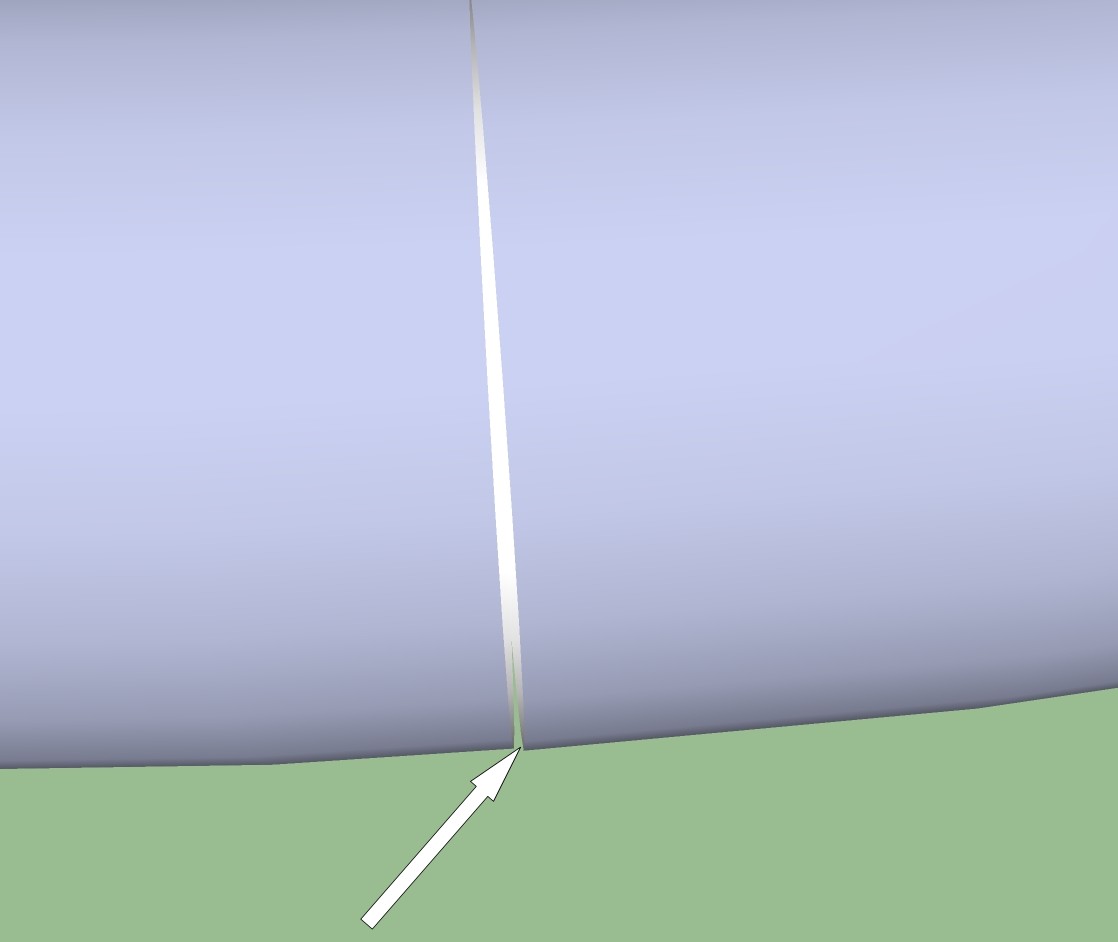
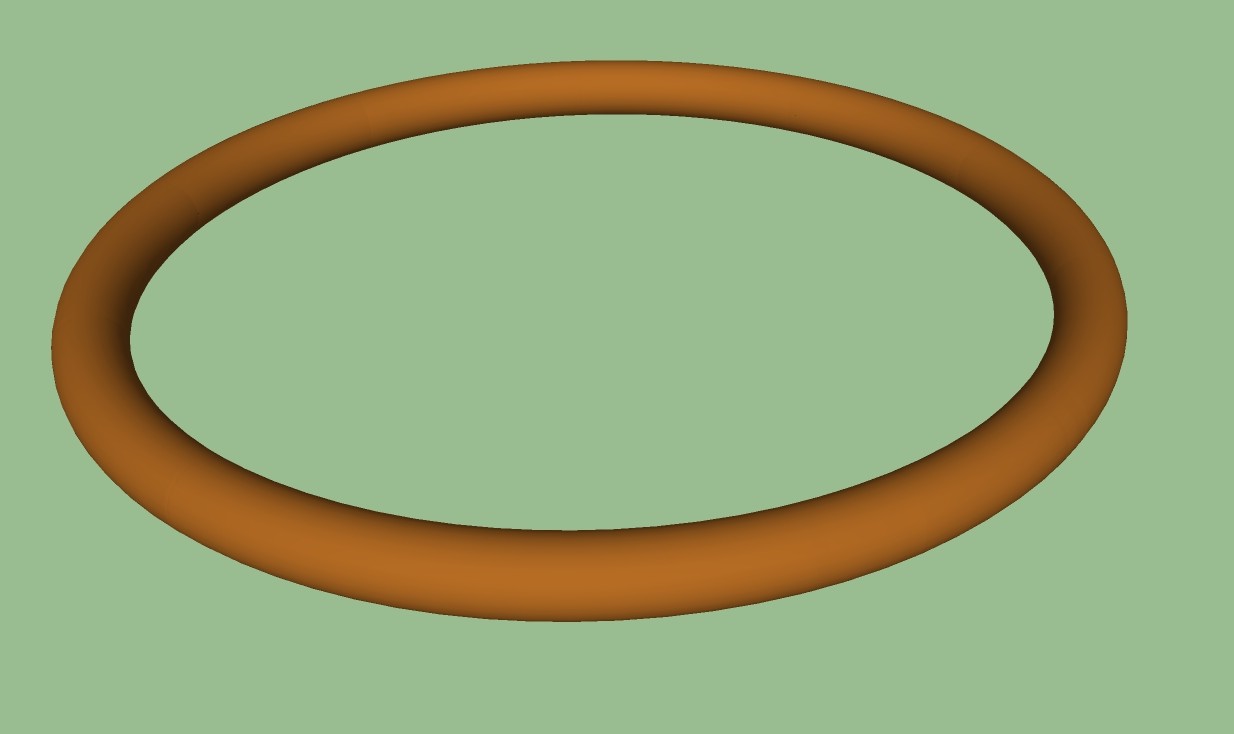
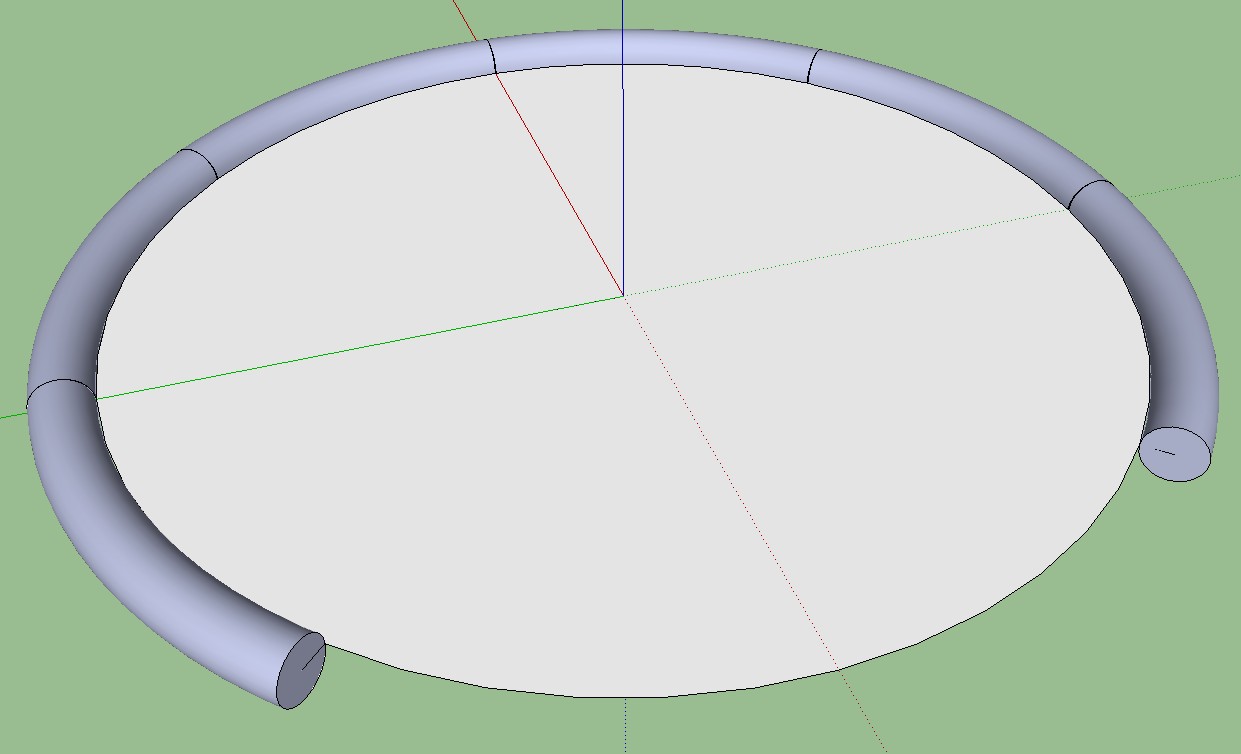
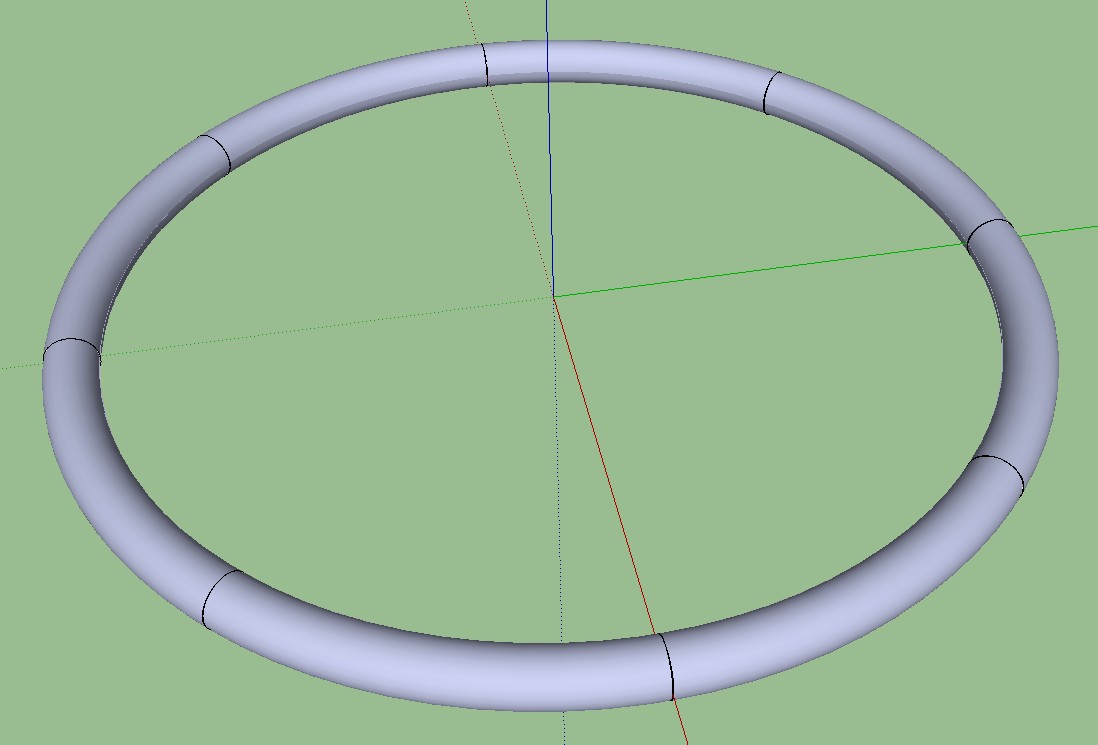
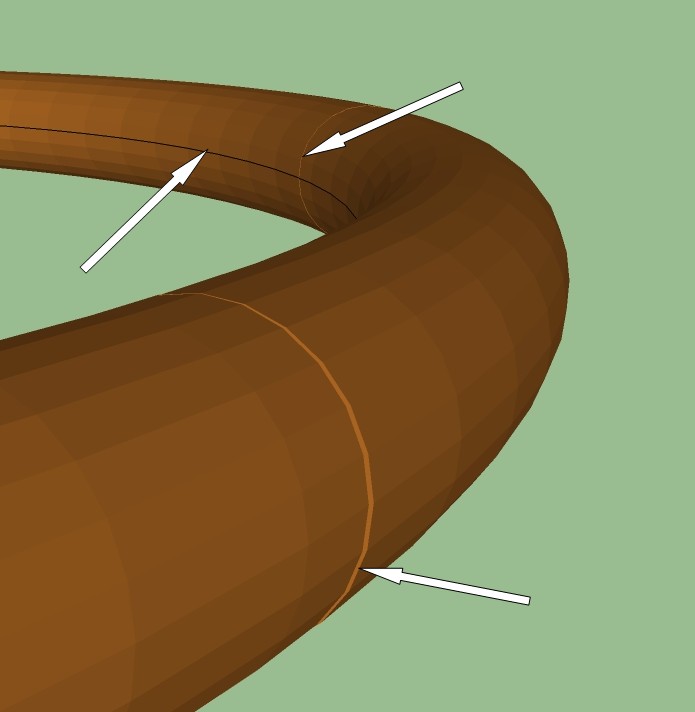
I have been attempting to reduce the size of my model file. I do not like the jagged look of using smaller number of circle segments, and one thing I'm trying is copying and rotating a component around a centerpoint. It works fine, gives me the smooth surface I want and gives me a file less than one quarter the size I would get if creating it normally. The only problem is the lines where the components touch. Also, there is the ring around the inside of the shape that occurs after I delete the disc used to form it. Nothing I do seems to get rid of them entirely, smoothing helps but as you can see by the third photo, they're still noticeable. Any suggestions?
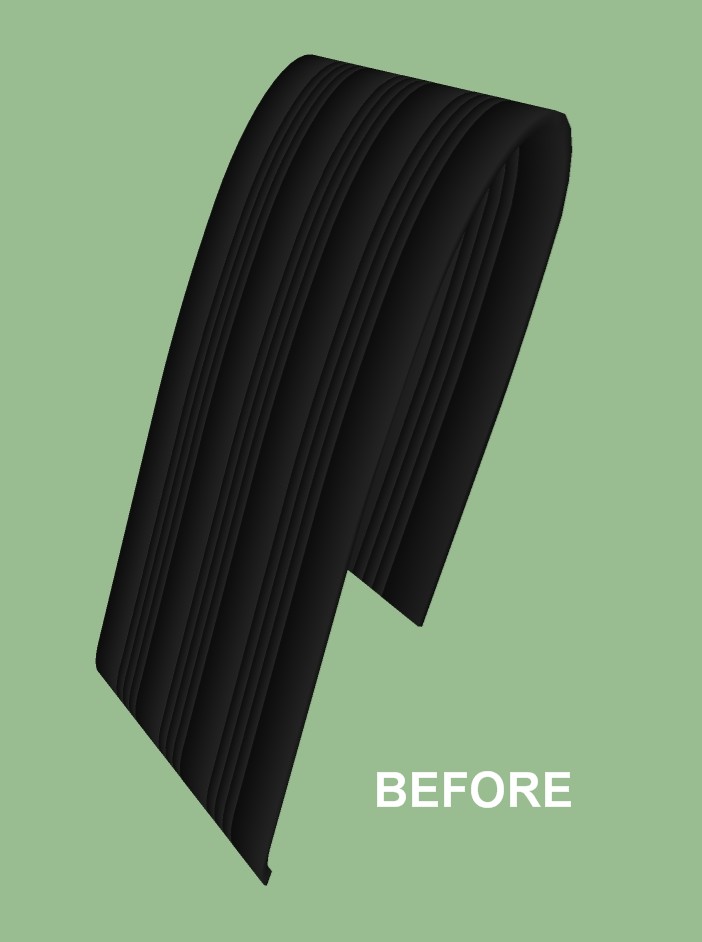
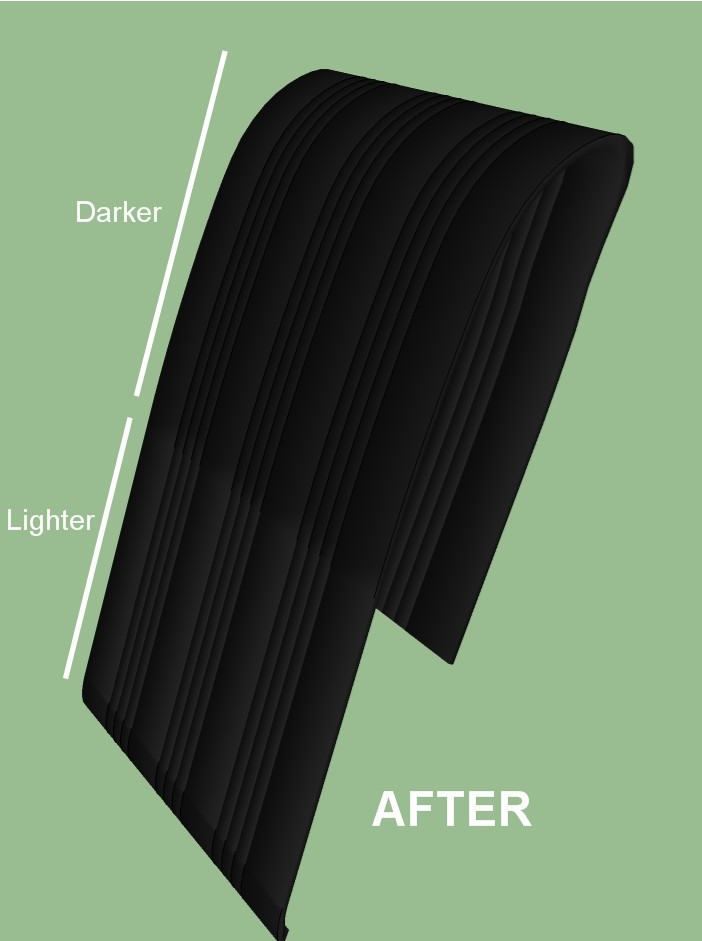
When I used Radial Bending on this object, it did the bending just fine, but the colors changed. As you can see, the lower half of the front face is a different shade than the rest of it. I've tried repainting, it happens no matter what color I use. Any suggestions?
@tig said:
[ensure you haven't got adjusted axes by right-click over them and 'reset']
Oh crap 

 !!!! That never occurred to me. That's because I are a noobie. Couldn't figure out how I could have moved and rotated the entire model "accidentally". Of course I also can't figure out how I managed to "accidentally" adjust the axes, but doing that would have been much easier to do. I normally turn off the axes unless I need them for something, guess I should stop doing that so I could maybe notice sooner if I screw them up again somehow.
I was anticipating having to redo all the changes, and all it took was two clicks of my mouse
Anyhow, that fixed it, all better now (picture here a smiley doing cartwheels, and fireworks, and smiling till his face splits in two). Thanks a million (the check is in the mail, really!)
I know, way too many smilie thingies  , but hey, they're cheap and you've made me so happy with your words of wisdom.
I was working on my model tonite and somehow moved it all askew from where it was. The problem with that is that I have pasted in place many subcomponents and parts and pieces of the main model in other models (or whatever you call it when you open another new, empty instance of SU and paste something in place, do you call that a model, or what, yeah I spose you do) to be worked on and then copied and pasted in place back in the main model (and I know I'll be told that this is not the best way to do this but it works well for me). And tonite I got so carried away making some very involved and time consuming changes to the main model that I failed to frequently save versions as I normally do, and I really don't want to have to do those changes again on an earlier pre-screwed-up version.
Anyhow, what I need to do is find the exact location of a version of the model just before I screwed up the location and somehow move the screwed up model back to those coordinates. This might be made more difficult due to the fact that it also got rotated a bit, somehow.
I hope I'm making sense coz I'm really really tired and there's this high pitched buzzing in my ears and I think I need to get some sleep but I want to solve this problem first or I'll have nightmares. Thanks in advance.
Doing as he suggested restored only about 10% of my thumbnails. For whatever reason the only ones it did restore were for models that I had not yet opened with SU. So I uninstalled/reinstalled SU. No change. Thoroughly uninstalled with Revo Uninstaller, reinstalled. Nada. Finally, in desperation, I tried the Mystic Thumbnails mentioned in the post you referred me to. I now have thumbnails And I can even make them a bit larger, although they tend to get a little fuzzy when you do that. While I like Mystic Thumbnails and would probably use it anyway, it's still just a workaround for a problem that is still on my computer, and I don't like workarounds.
Oh well, it's about time for me to replace my C drive again, I do that once or twice a year to get a fresh start. A hassle, but it's worth it.
Has anyone posted a warning anywhere in the forums about the troubles they might encounter if they attempt to install a second version of SU on the same computer? At least they would be aware of the potential difficulties and could make an informed decision. I only installed SU 7 because I wanted to get around problems with the Zorro plugin. It's a really useful tool, at least to me, but definitely not worth all the trouble I've gone through. I'll just install SU 7 on another computer and use Zorro there, along with any other plugins I may need that seem to have a problem with SU 8. Maybe Google will get of it's butt and fix the problems with SU 8 someday. It's only fair, considering how much I paid for it 
By the way, what about the second part of my original question, any insights there?
Just one more quick question, is there a way to set things up so that I'm not notified when I post a reply to my own topic, just when someone else posts a reply?
Thanks, bye
Dang, had Toto for supper last nite. Tough times all around.
But what kind of click takes me to the land of Oz? I need to go there, badly 