Never mind, I figured it out. As always, thanks so much for your help.
Oops, your profile's looking a bit empty! To help us tailor your experience, please fill in key details like your SketchUp version, skill level, operating system, and more. Update and save your info on your profile page today!
🚨 Skimp | 25% Off until March 30 Buy Now
 Offline
Posts
-
RE: Dome Problem
-
RE: Dome Problem
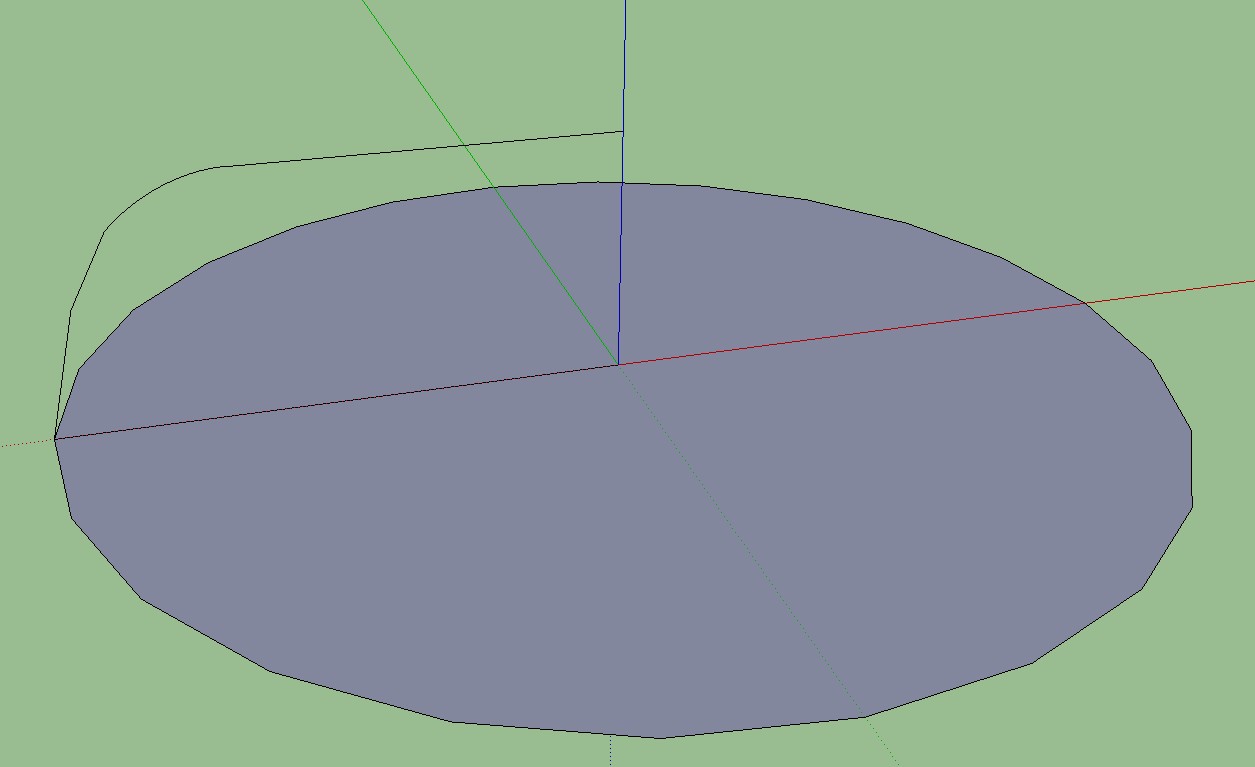
No, I was using the follow me tool, I just wasn't selecting the circle outline first (doh!). Now I have another question - when I make the shape as shown, it doesn't become a surface, any idea why?
-
Dome Problem
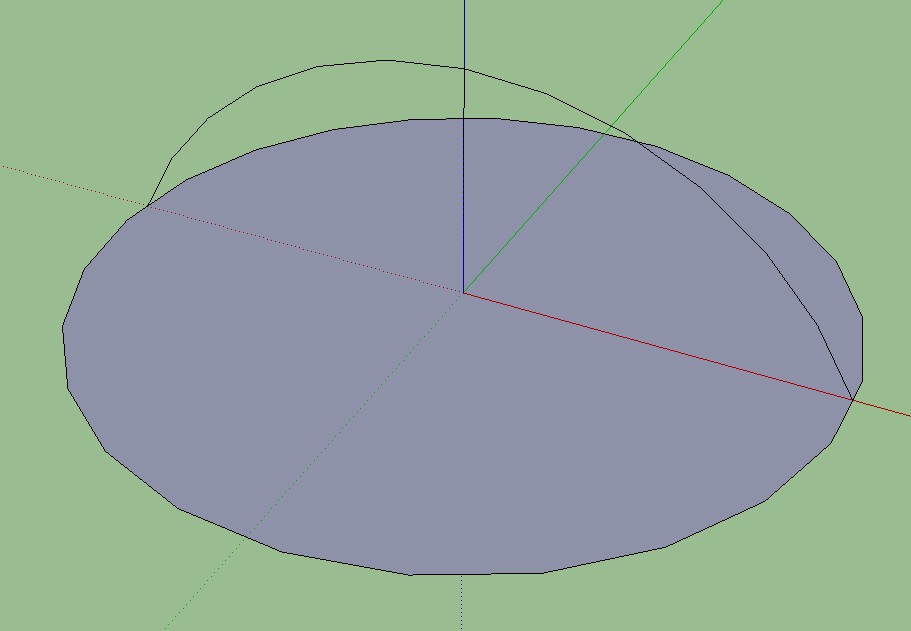
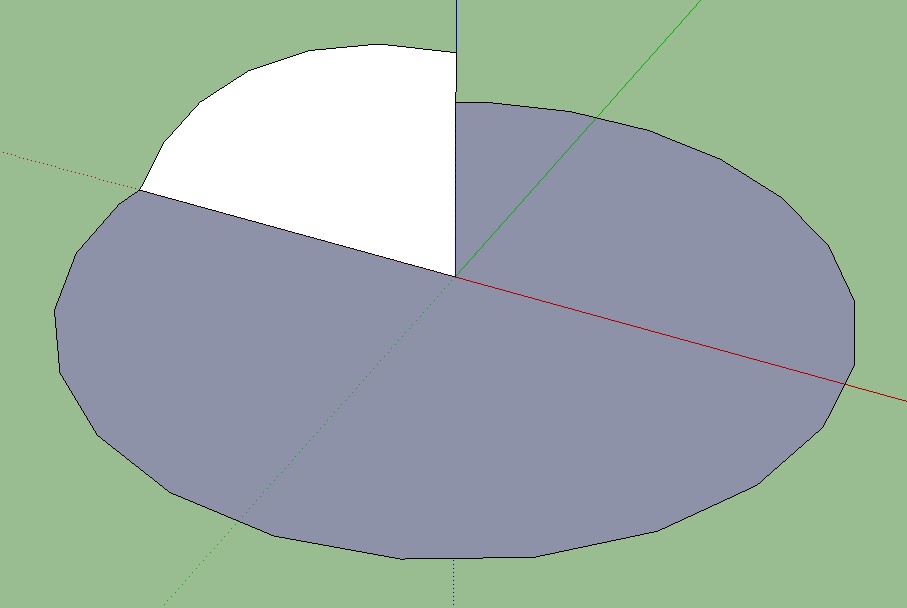
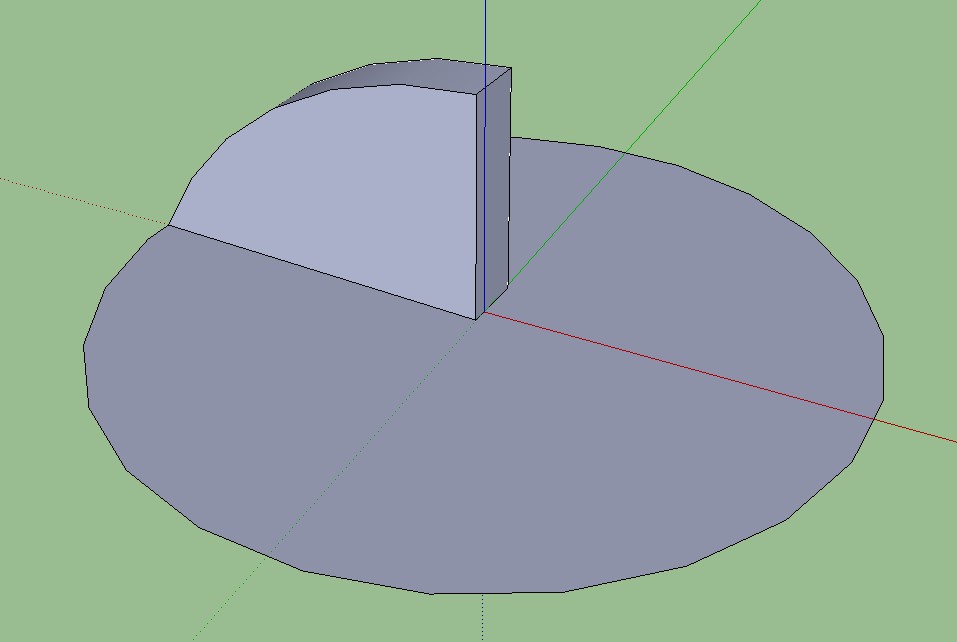
I've downloaded and studied videos, I've searched all over for info, but I just can't seem to create a basic dome. They just won't "extrude" properly when using the follow me tool. Several times I did get it to go almost completely around, but it wouldn't close and the top looked weird. If I don't figure this out I'm going to shoot my dog.
-
Warehouse file size limits
Can anybody tell me the size limit on files to be uploaded to the warehouse? Can't seem to find this anywhere, even in the warehouse (all they mention there is a size limit on the thumbnails). Thanks
-
RE: A Scaling Question
Man, you guys are good! Turns out I had in fact "purged" my model, moved all the hidden stuff to a separate file. I'd forgotten I'd done that, and since it was hidden I guess I never missed it when I scaled down my beastie. Can't get one past the experts!
-
RE: A Scaling Question
Thanks for your response. Actually, scaling it down reduced the file size by nearly one third. Go figure.
-
A Scaling Question
I've been working on a car model for a while now, one I downloaded from the warehouse and am modifying. I just noticed that the thing is 54 feet long! Don't know why the guy who created it made it so huge, but I have several questions concerning this.
(1) Is there an advantage to making your model huge over making it to scale?
(2) If I reduce it to scale (about 17 feet long) what affect will that have on it? I know it will reduce the file size, but will that result in better response time when working on it? Will it affect the detail of the model at all? Are there any disadvantages to scaling it down that much?I just returned from Barnes & Noble after purchasing Sketchup For Dummies and Sketchup the Missing Manual (ouch$$$$), so I hope to be able to figure out a lot of things for myself as I study them, so maybe I won't have to bother you good people quite as much in the future. I must say I love Sketchup, to the point that I've been playing with it instead of winterizing my home, I've downloaded maybe 40 videos from YouTube, and my cats are getting very skinny.
-
Segmenting a circle
Is there a reason why the "round" objects in so many models in the warehouse are so obviously not round but instead have a bunch of sides? Is there a downside to increasing the segments of a circle to make it smoother? thanks in advance
-
Orienting textures
If I understand this correctly, once you apply a texture to a curved surface there is no way to orient it, you just have to accept whatever arbitrary way Sketchup decides to apply it. Is there no solution to this? If I want a texture applied in a direction other that what SU gives me, there's GOT to be a way to do that, otherwise how would everybody create those great models with textures all applied just the right direction on all of their curved surfaces? Any help would be GREATLY appreciated.
-
RE: Rotix problem
I think I found the glitch. When I install (RDB)Randor, Rotix goes away. Delete Randor, Rotix comes back. Apparently a compatibility problem. Dang, should have tried that before I uninstalled Sketchup.
-
RE: Rotix problem
I've done that, several times. Tried a drastic solution - I uninstalled Sketchup, reinstalled it, installed Rotix, and now it shows up. Now all I have to do is reinstall everything else, that should be fun. Thanks for all your help. By the way, is there a way to set it up so that I'm notified when somebody posts a reply to one of my forum questions? I've been on other forums that do that, it's handy.
-
RE: Rotix problem
No, it is nowhere to be found, absolutely nowhere. There's nowhere else to look for it, it's just not there. The other plugins I installed with Rotix are all there, just not Rotix. It shows up in the Plugins folder, but not in Sketchup
-
RE: Rotix problem
Oh, you mean the actual Plugins folder. Yep, it's sitting there fat and happy. I think it laughed at me.
-
RE: Rotix problem
@dave r said:
Did you look in the plugins folder to see that it got installed there and not somewhere else?
I checked everywhere. I even looked under the computer, thought maybe it fell out. In Window/Preferences/Shortcuts (RBD)Randor shows up, but no (RBD)Rotix. Guess what I'll try next is to uninstall all the plugins I installed at the same time as Rotix, then just install it by itself. Maybe there's some sort of conflict. Then if that doesn't work I'll just soak my 'puter in gasoline and light a match. Kinda chilly today, might feel good.
-
RE: Rotix problem
Yeah, many times. Funny thing is, I "installed" several other plugins at the same time, and they showed up ok. The only thing close to (TBD)Rotix in my Plugins menu is (TBD)Randor, which I installed the same time as Rotix. This is driving me nuts, I installed it because I really need to use it on a model I'm working on.
-
Rotix problem
I've downloaded Rotix, put it in my Plugins folder, but cannot find it anywhere in Sketchup. I've checked everywhere, including the Plugins menu, nothing. I've downloaded and installed it several times. Any suggestions?
-
RE: Replacing a color
@thomthom said:
Then the quickest would be to to apply a new material, but edit the existing.
Could you explain what that means?
-
RE: Replacing a color
@gaieus said:
Just put a simple rectangle in the model and paint it with a material you want to replace the other with.
What I'm looking for is a way to simply choose a material from the Paint Box menu, you know, how would it look in this color, or this color. Your method would be a lot slower, and I'm into instant gratification

-
RE: Replacing a color
Thanks, installed Material Replacer and tried it, but it seems to only be able to replace a color with another color already in the scene, not from the color choices within Paint Bucket