@tonygasz said:
I do not understand anything, set as indicated.
when doing surgery just gives an error.
If you don't tell what error (maybe a print-screen), I wonder how somebody could help. 
 Offline
@tonygasz said:
I do not understand anything, set as indicated.
when doing surgery just gives an error.
If you don't tell what error (maybe a print-screen), I wonder how somebody could help.
I have two major problems with the plugin: I can't see the new scaling icon on toolbar and I could not find it on settings webdialog.
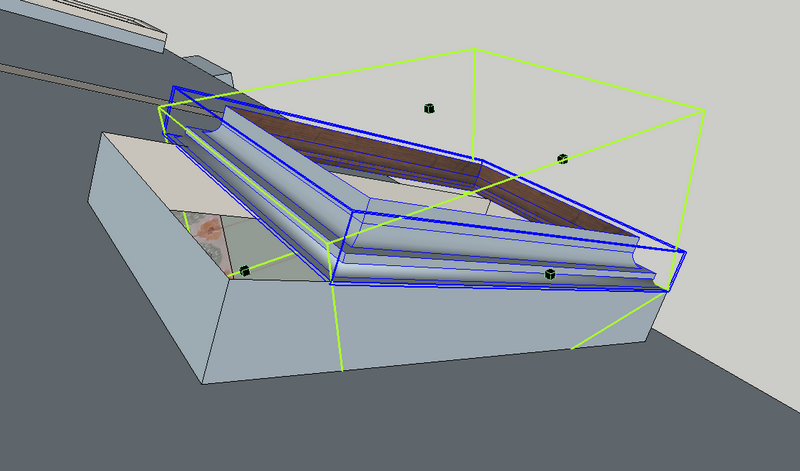
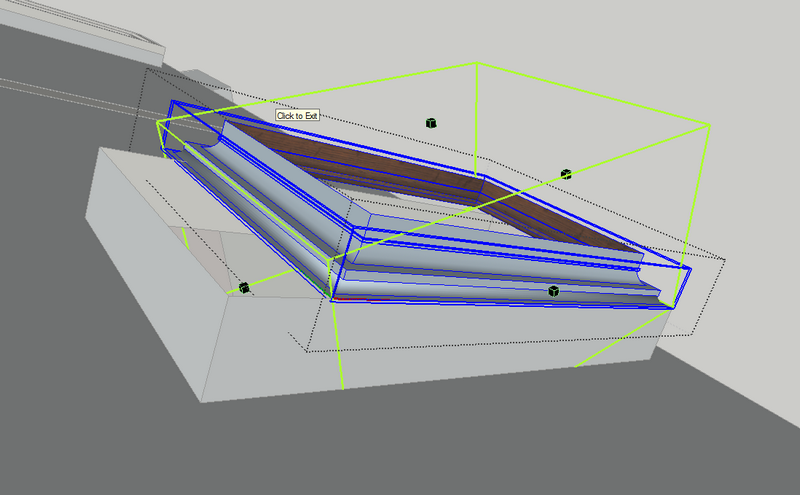
Second problem is shown in the images below. It seems that stretching is made accordingly with global axis, not component's orientation.
I have the last plugin and LibFredo3.7
@unknownuser said:
By the way, is it just for RoundCorner or for other plugins like ToolsonSurface?
Fredo
I will try with TOS too, as soon as I can and I will post the conclusions.
Thanks for your attention.
I just ran into this website where are many IES files. No preview there, maybe somebody have time to make a preview render for them.
Enjoy.
http://www.americanelectriclighting.com/Library/Photometry/default.asp?path=/American_Electric_Lighting
I think this plugin somehow does "somethnig" to the CPU that stops Twilight from work.
How it happens: I have a SU instance where TW is rendering... I work something else in another SU instance and I use the plugin. It is slow responsive, especially when I try to open the inputbox to change rounding and precision values. In the end I can use it. But, when I look on the other SU window, where the render goes on... the passes counter is stopped. If I pause the render, then I resume it, everything works again.
If this is TW related, rather thant RoundCorner issue, maybe Fletcher should be advised?
Thank you.
There are also two buttons: Assign to Material and Get from Material. They seem to do nothing, but I'm sure that they do. I just don't know how to use them.
How to apply texture on created faces? That buttons are related to this? Don't tell me that I must apply texture on every shape created 
Thanks.
A little late, but shouldn't this plugin be renamed in something more suggestive? Like "UV Mapping Tools" ?
There is another "UVTools" plugin here http://rhin.crai.archi.fr/rld/plugin_details.php?id=459
Any tutorial or explanatory PDF, please?
I can't understand all those parameters.
What I understand (or I think I do):
Type - the shape of the "fur"
Density - how much fur on square meter
Max number/ Face - overrides "Density" and limit the number of fur/face (not dependent of face area)
Length - how long the fur is
RootWidth - width at base (if not rectangular)
Divide - segments-define curvature smoothness
direction x,y,z - how the fur is oriented
Units - what units to use (metriv / US)
This is what I understand, with the explanation that I think it is... the other settings I have no idea what they do. Please explain them to me.
I want to make a "furry carpet", but what I get is or all fur oriented in same direction, or many of them, pointing downwards, trough my floor. How to make randomly oriented fur?
Thank you.
Please help me.
maybe many of you already know that, but also, maybe are more who don't know it. I just figured it out 
Well, what is all about? Make a geometry (a cube) and post on top of it a component which have Glue feature. Then push-pull the surface. You will notice that the glued component moves along with the face  . It works in any direction, just put a component that glues on that face.
Simple and Awesome. some things should be by default in SU
@tig said:
Thanks TIG !  It helps me a lot... it looks like I have to think more in English, for better search results.
@dave r said:
I'm not having that problem. could you post a LayOut file that gives you the problem? You don't need to enter the ° symbol because that is assumed.
I have the problem with any file, not one in particular. I pick the rotation gizmo from selected object, start moving it, then input a value and press ENTER -> Fail.
Is it dependent of Regional Settings of Windows?
Problem with LO3 and rotate ... I can't rotate precisely. When I try to rotate and I input a value (90), it says "invalid string". And the value displayed by LO contains degree symbol (ex: 92.3 ∘).
Am I doing something wrong?
Hy, I'm trying to "learn" by doing something and I need some help.
I got the current model's path like this:
model = Sketchup.active_model
pth = model.path
and pth is returned as string, so I cannot do this:
pth = model.path.dirname
My question: how I can convert the returned string to path, so I can get model's directory?
Or is any easier way to get model's directory?
Thanks.
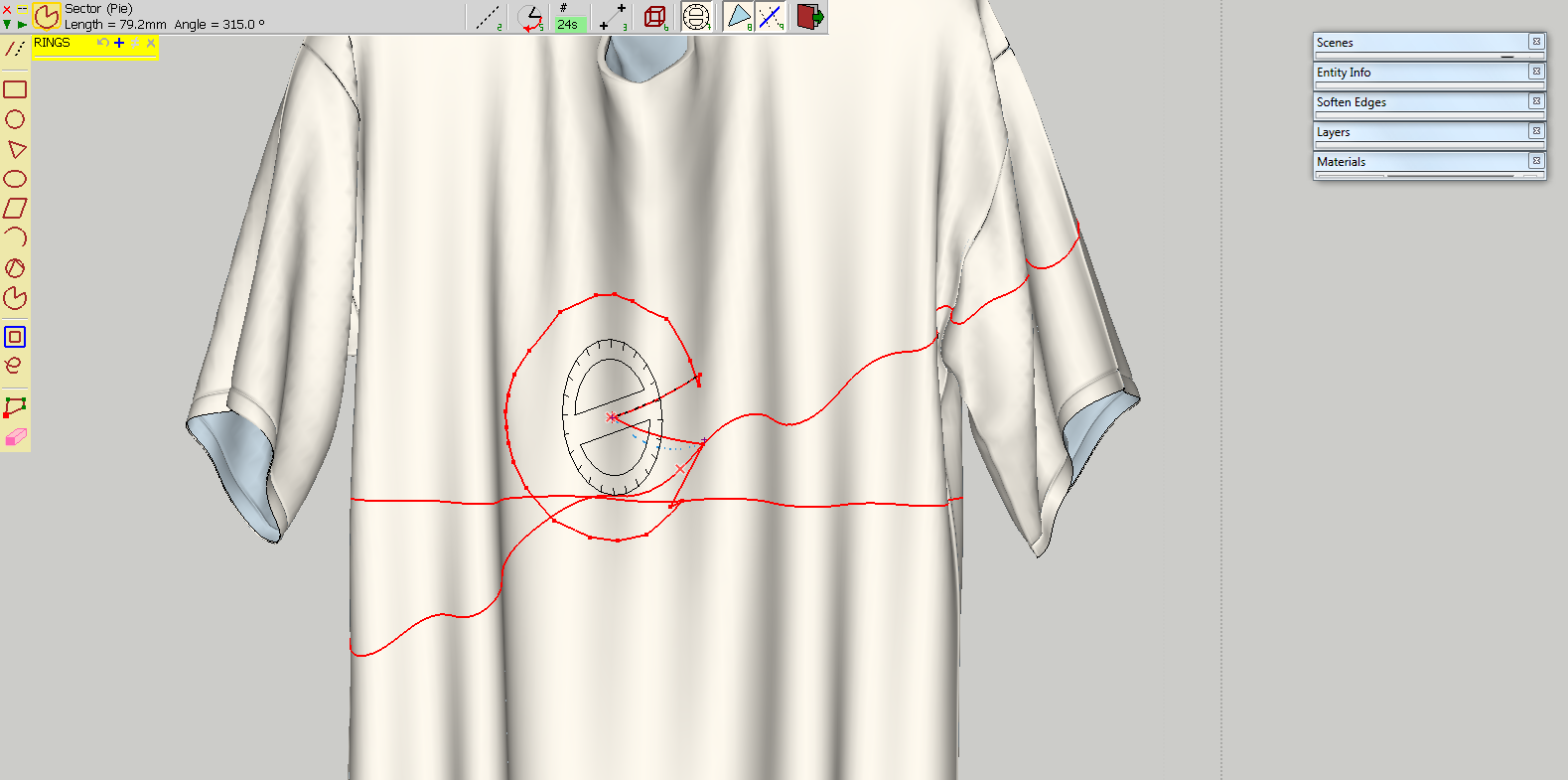
strange Pie on curved surface... in certain points (very sensitive) it draws OK, but if I move a little from that points, it does that or similar.
My directory is TOS_Dir_18, but when I looked inside ZLoader__OnSurface.rb, last update is 20 Jul 2009 - version 1.5
Thanks for paying attention.
EDIT
It might be useful if you could add a Text On Surface feature, I don't know how hard it would be, or if even possible, but I'm thinking to a inputbox for text and a list for font, then that text to be drawn on surface. Not 3d, like Sketchup text, but lines, like geometric shapes on surface.
Even nicer would be some kind of Copy/Paste. To copy lines of a custom plain shape, then paste them on curved surface. In this manner, each vertex position would be recalculated to fold on surface, much better than intersection of a extruded geometry with the curved face.
I need a nice finished oak plank end. I searched internet for a suitable one, but no success...
If someone can provide a texture like that, please do so. Thank you very much. It doesn't need to be seamless, as I need to put it on some plank ends, so the repetition will be at minimum. And I can edit it a little.
Thank you.
@jim said:
The rotation is a result of how SketchUp/Ruby interpolates the object's 'tween position. I'm not sure there is anything you can do about it without a re-write of proper animation.
try to put the axis in such way, to rotate around one. Then you will have to remake the animation, but I guess it will rotate closer to what you want.
@bigstick said:
Wouldn't it be a whole lot easier to post your request on the Artisan forum?
I had no idea that is one !
@massimo said:
@unknownuser said:
Why did you needed Thomthom's UV toolkit plugin? For edges?
Exactly. You can apply the texture on the borders of a plain sheet and then, after bending, you can restore the UV as Gai explained in his tutorial on curved arcs.
Can you point me on that tutorial? thanks

