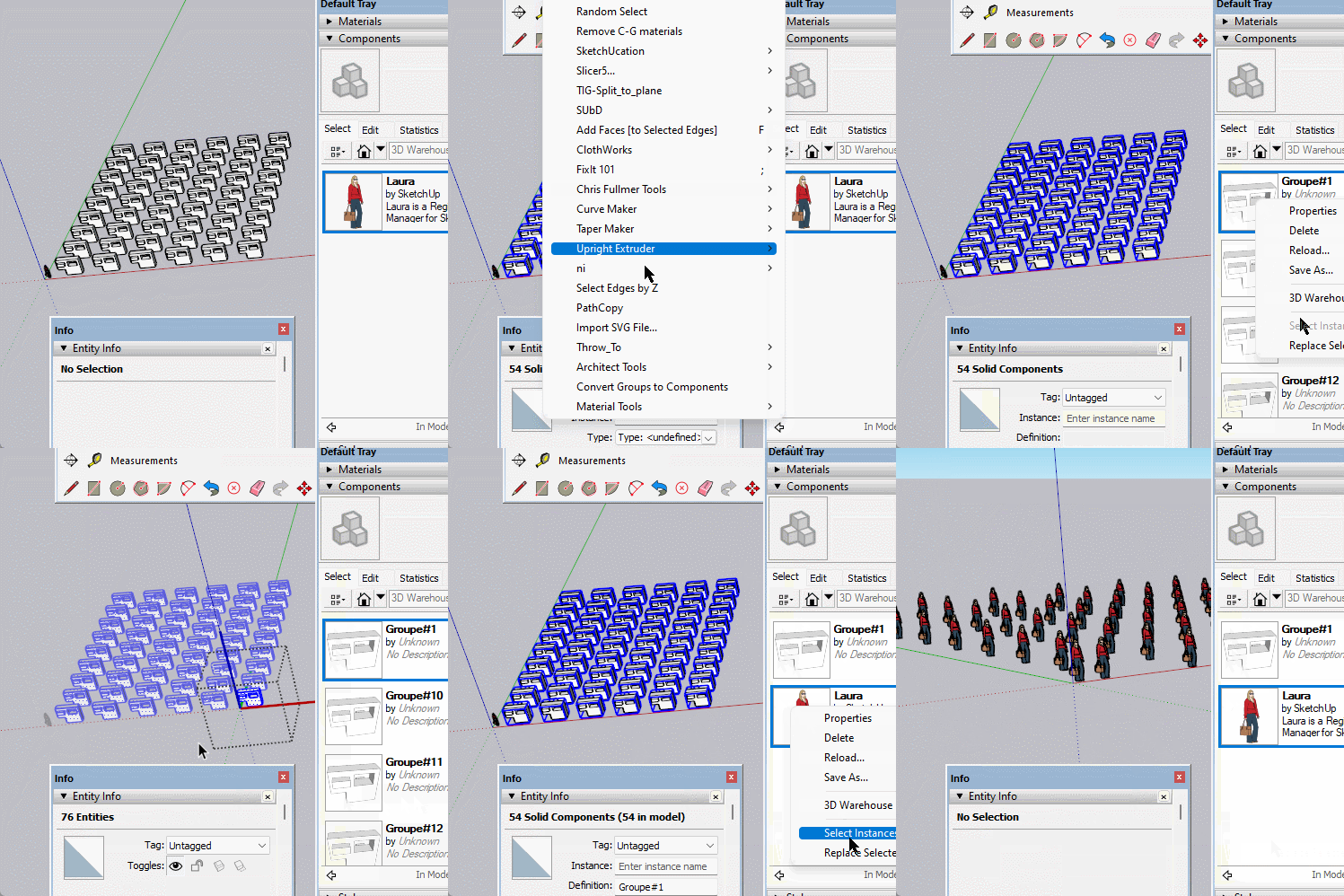
Yes you can use Thomthom's Groups to Components to convert them then replace them with one.
https://sketchucation.com/pluginstore?pln=tt_groups2comps
 Offline
Yes you can use Thomthom's Groups to Components to convert them then replace them with one.
https://sketchucation.com/pluginstore?pln=tt_groups2comps
I understand you are saying it's not currently possible and complex but it is something well worth looking at. The ability to build 'animated components' would be invaluable. Creating animations can be quite complex and it would be nice to be able to build them in their own file but use them in another file.
A simple way to look at it, you have created your forklift and it drives and lifts etc. But you have also built a large complex warehouse with working conveyors. It would be nice to pick up the forklift and drop it into the warehouse complete with its animation functions intact. You may need to program some paths for it but the other actions are retained and can be edited rather than having to go through and set it all up again.
Anyway, something to think about. 
Cheers Rich, I'm sure the hands will get there in the end, just so long as I keep the mind working.
Making knots is always a good brainteaser.
A bit of an exercise getting my hands working together again after an injury. Several very obvious errors included.

Scale is the first most likely issue, how small is your model.
Scale up by 100 and see if it works.
There was a plugin made for people that have this problem with their workflow.
https://sketchucation.com/pluginstore?pln=CoastalConcepts_EditFlag
It's what I thought from your photo, the arc is on the wrong plan.
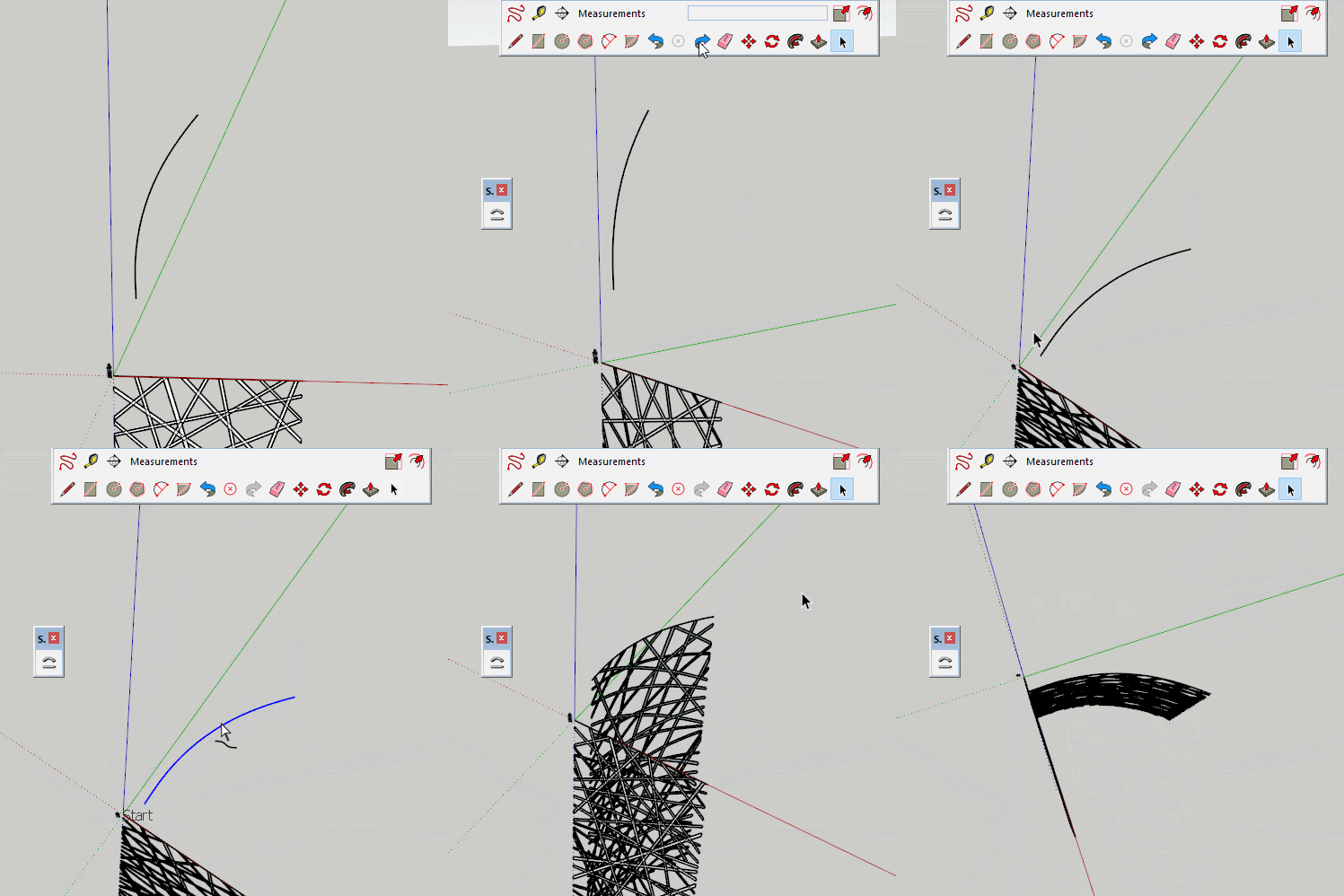
You need to attach your model for us to give a full answer, but it looks like it is doing what you have told it to do.
Looks like you posted the same image twice.
You can trace around the figure using the edge, freehand and arc tools and remove the background.
It would help if you actually asked a question.
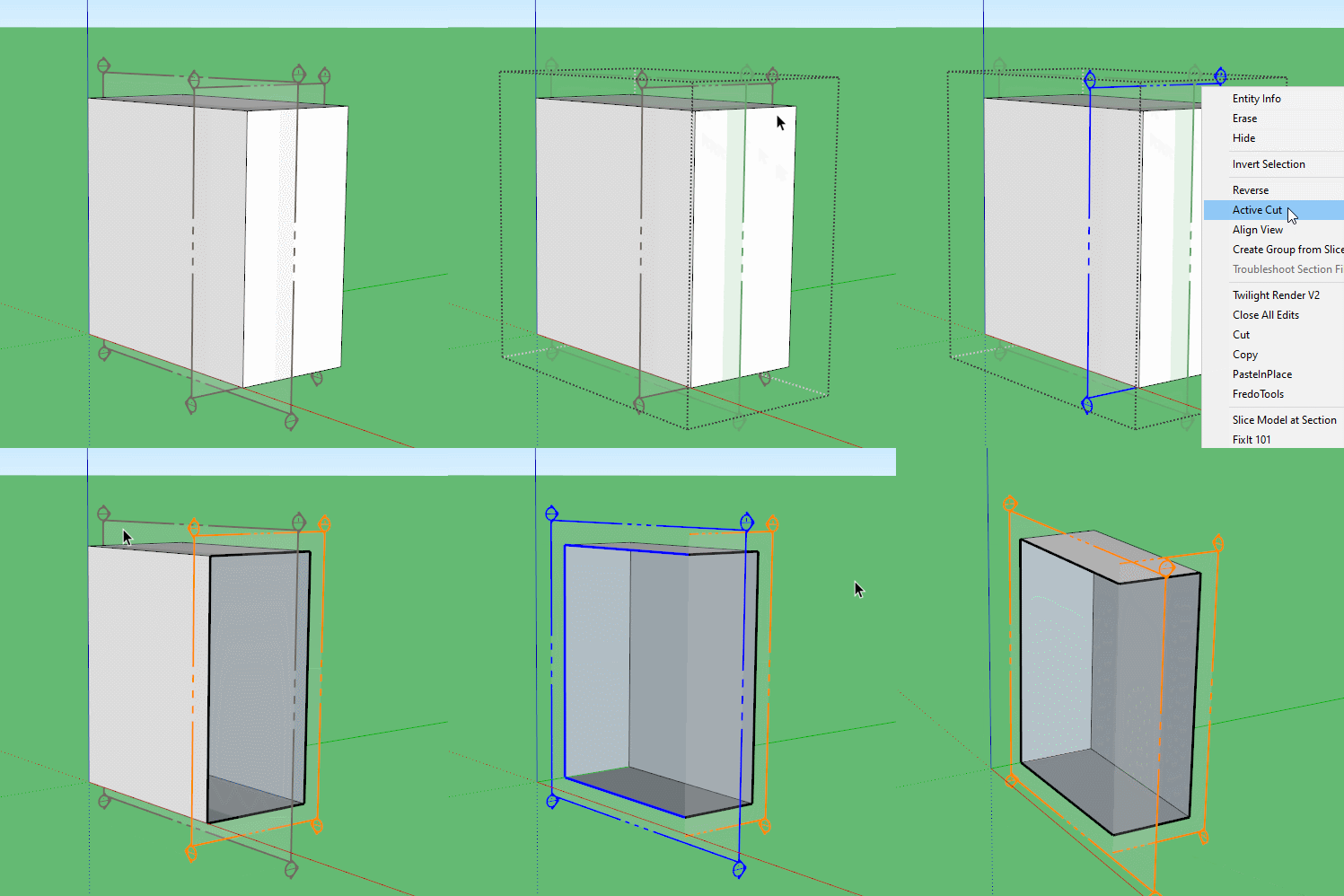
If you mean there is no cut, perhaps you have turned the plane off individually or in view.
You can right click on the section and select Active Cut.
If this isn't the issue could you perhaps add the model and a description of the problem
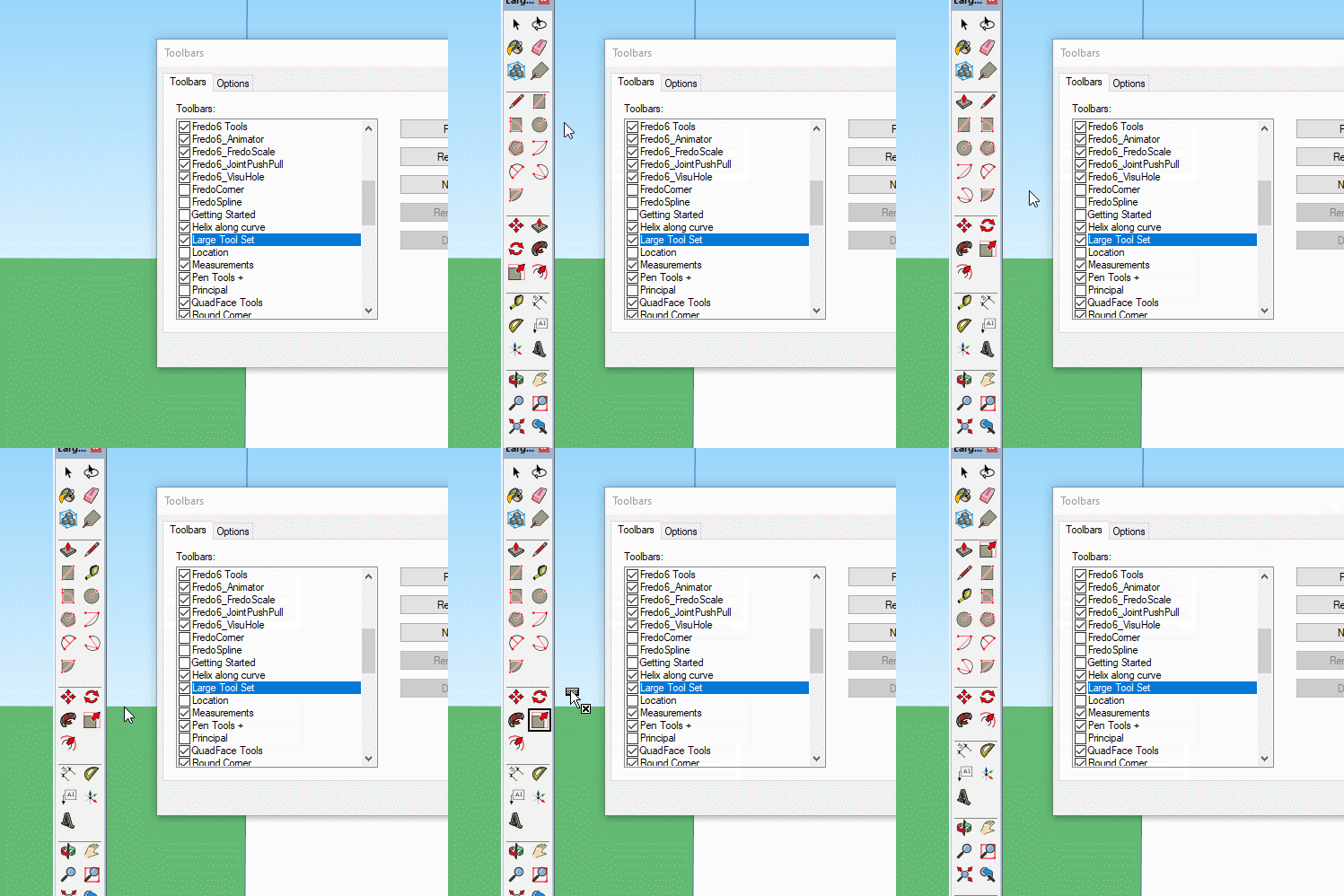
All non extension toolbars are customizable, so you can simply drag the lasso off if you don't want it and arrange the rest as you do want them.
People often complain that have lost a tool, this is because they drag without ctrl, which is what you actually want in this case.
Many render engines will ignore back faces, this causes holes in your renders.
3d printers use the face orientation to know what is air and what is print media.
I cannot think of a reason why having back faces painted and facing out, would be beneficial.
Some times it can be useful to paint back faces because you want the inner space to be a colour or hide 'gaps' that can appear when edges are turned off, and transparent materials can be useful on back faces on occasion.
In a well constructed model all front faces would be facing out as you would be managing them as you go. If you are in the habit of painting everything early on you may well be covering any incorrect orientation.
So simply put, change the style to monochrome and see what is white and correct what isn't.
To make those edges cut the face, you can see they go from dark profile lines to light edge lines.