sketchucation logo sketchucation
    • 登入
    Oops, your profile's looking a bit empty! To help us tailor your experience, please fill in key details like your SketchUp version, skill level, operating system, and more. Update and save your info on your profile page today!
    🔌 Smart Spline | Fluid way to handle splines for furniture design and complex structures. Download

    [Plugin][$] Curviloft 2.0a - 31 Mar 24 (Loft & Skinning)


    已排程 已置頂 已鎖定 已移動 Plugins
    1.3k 貼文 299 Posters 2.5m 瀏覽 297 Watching
    正在載入更多貼文
    • 從舊到新
    • 從新到舊
    • 最多點贊
    回覆
    • 在新貼文中回覆
    登入後回覆
    此主題已被刪除。只有擁有主題管理權限的使用者可以查看。
    • charly2008C 離線
      charly2008
      最後由 編輯

      Hi Thomas,

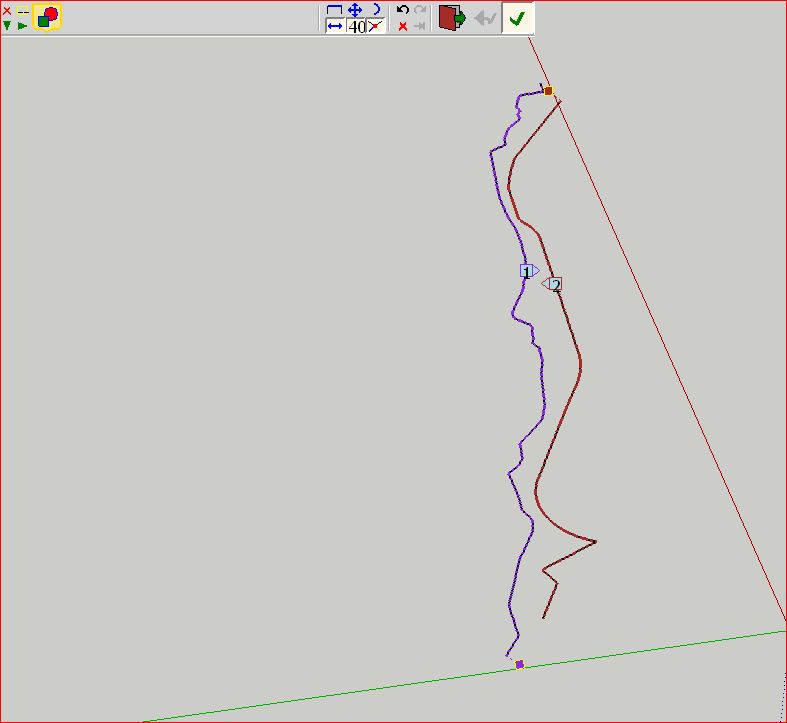
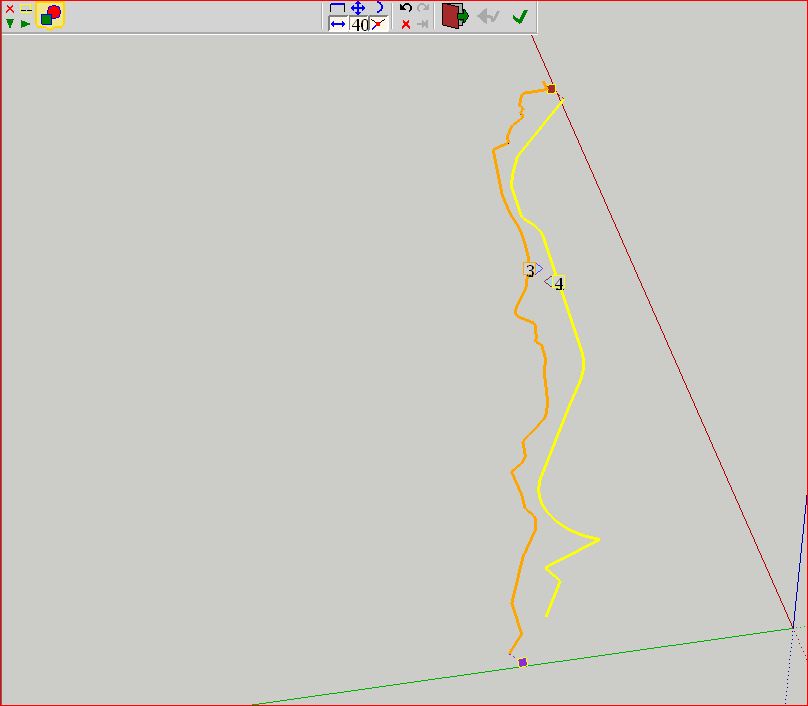
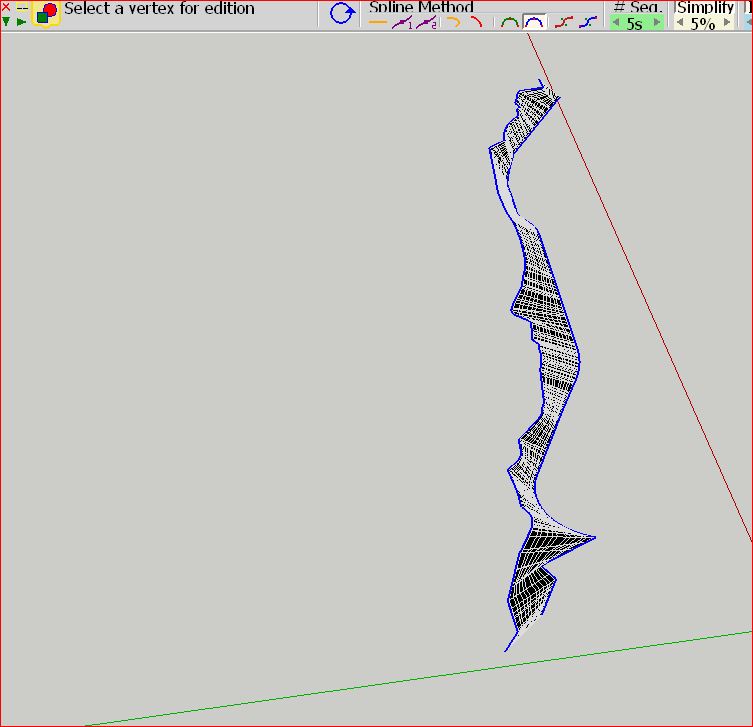
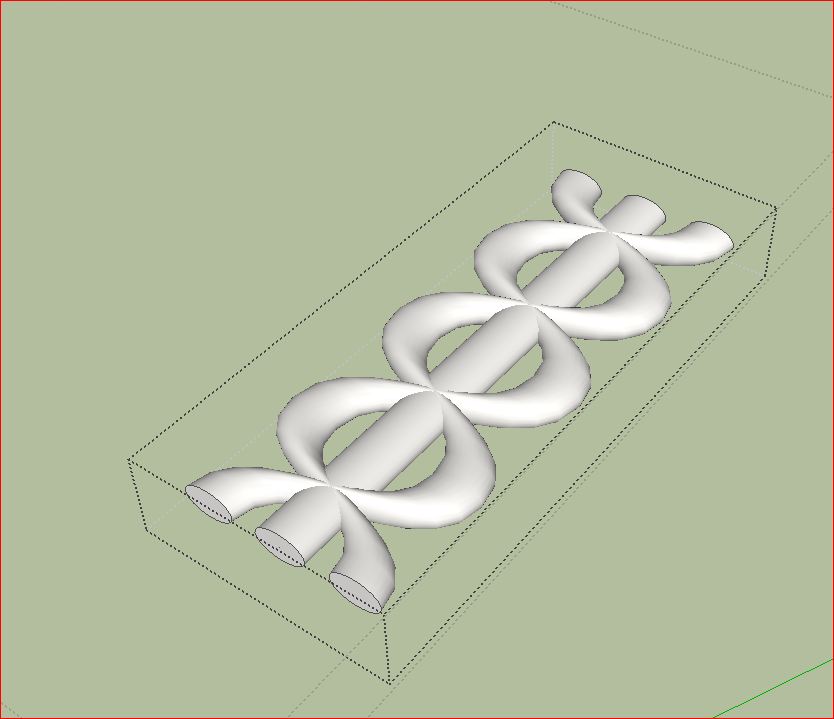
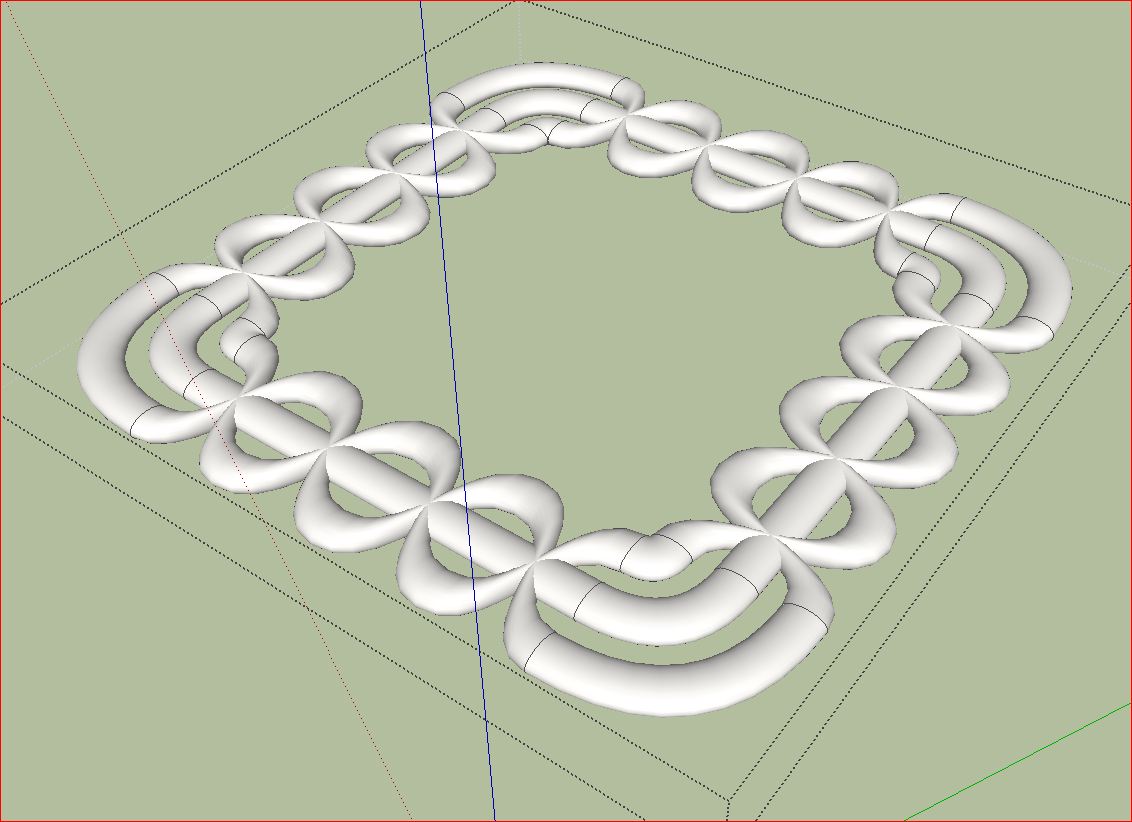
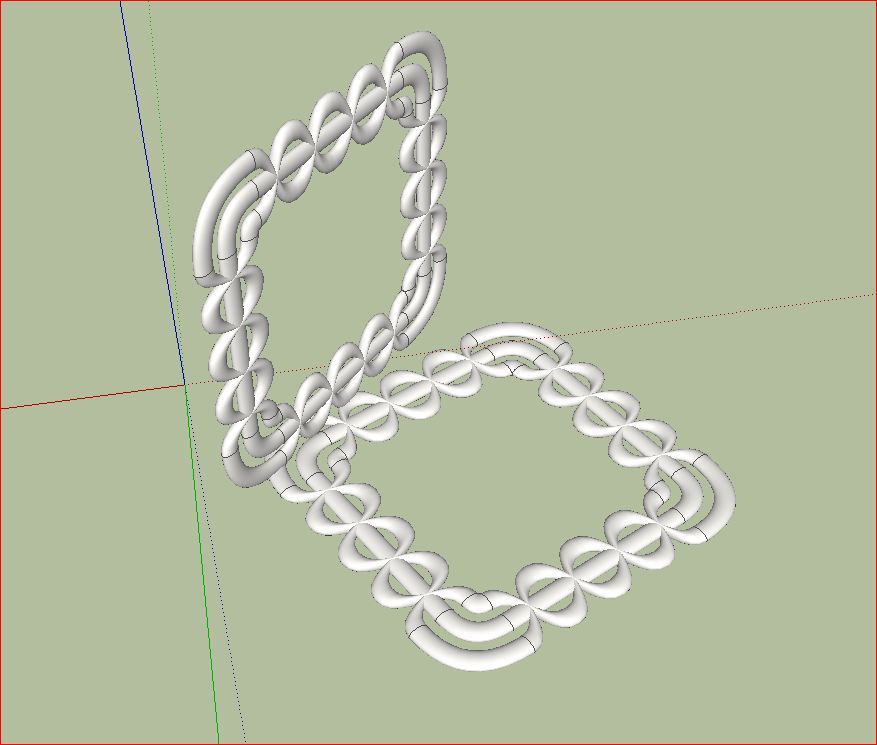
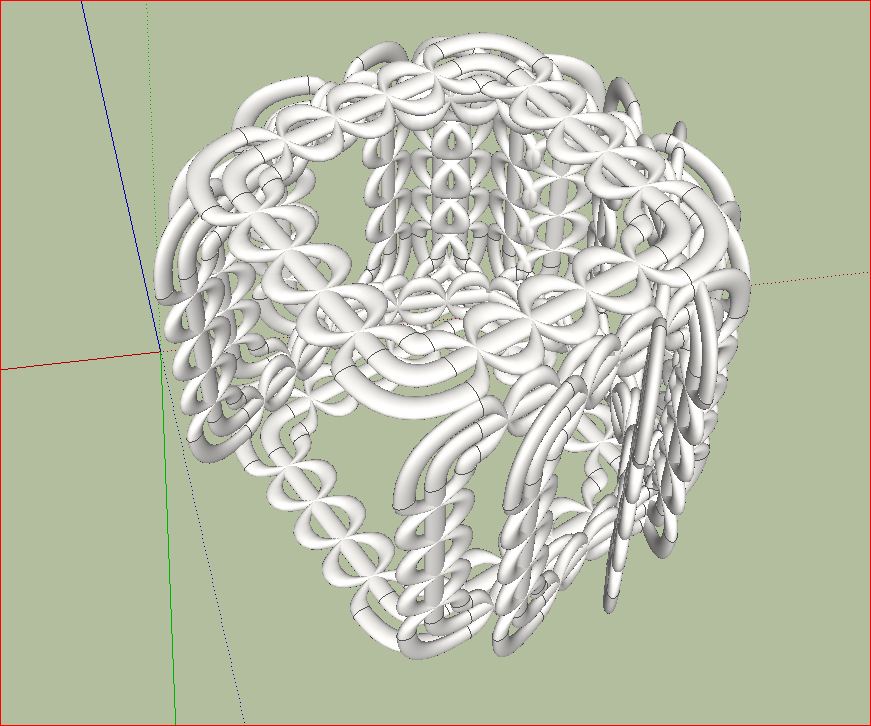
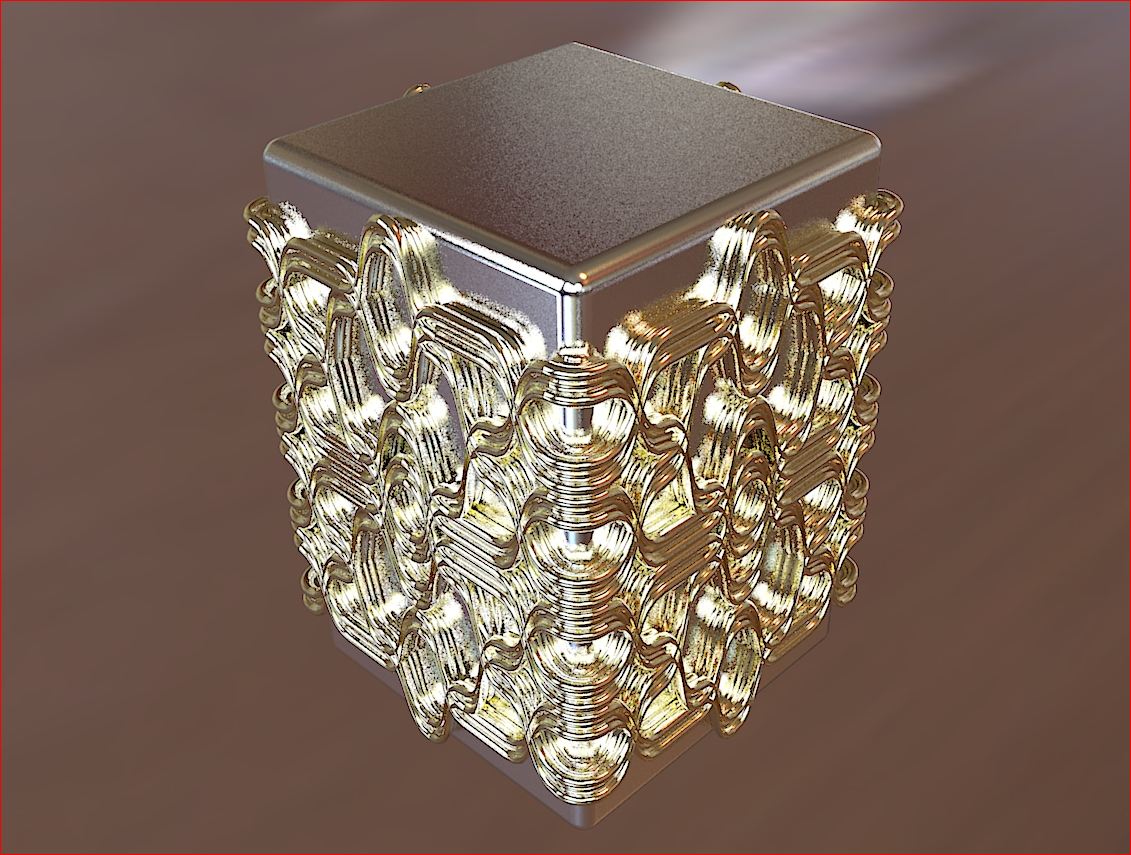
      I tried it again (Without welding). Select the lines, each with double click and activate Curviloft. If the lines have changed the color, select the lines again and re-enable Curviloft. Then it works. I don't know why. Maybe Fredo can answer the question.

      Charly
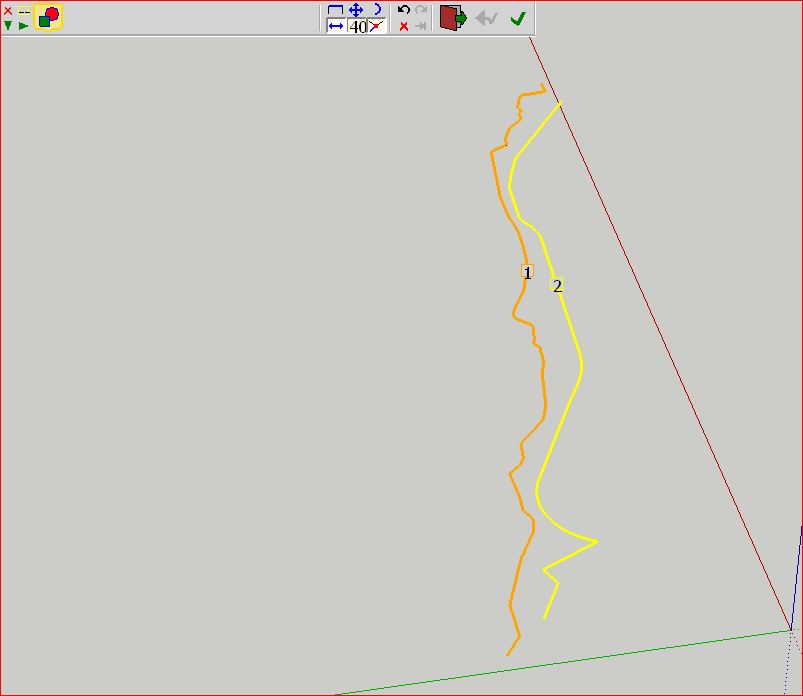

      Unbenannt.JPG


      Unbenannt1.JPG


      Unbenannt2.JPG


      Unbenannt3.JPG

      He who makes no mistakes, makes nothing

      1 條回覆 最後回覆 回覆 引用 0
      • thomthomT 離線
        thomthom
        最後由 編輯

        aaaaah!
        I so very nearly had it there. selecting the curves and extra time so it said 3 and 4 made it computer - but as it generated I got a BugSplat.

        Would you mind upload the mesh you got from that loft? I really need that patch.

        Thomas Thomassen — SketchUp Monkey & Coding addict
        List of my plugins and link to the CookieWare fund

        1 條回覆 最後回覆 回覆 引用 0
        • charly2008C 離線
          charly2008
          最後由 編輯

          Here is the mesh


          CurviError1skp.skp

          He who makes no mistakes, makes nothing

          1 條回覆 最後回覆 回覆 引用 0
          • thomthomT 離線
            thomthom
            最後由 編輯

            cheers!

            Thomas Thomassen — SketchUp Monkey & Coding addict
            List of my plugins and link to the CookieWare fund

            1 條回覆 最後回覆 回覆 引用 0
            • B 離線
              blair
              最後由 編輯

              Is there a way to make a contribution to Fredo through PayPAL or something?

              1 條回覆 最後回覆 回覆 引用 0
              • TIGT 線上
                TIG Moderator
                最後由 編輯

                @blair said:

                Is there a way to make a contribution to Fredo through PayPal or something?

                Of course!
                ..\Plugins\CURVILOFT_Dir_10\Curviloft_donation.html >>> PayPal.com >> fredosix @ hotmail.com

                TIG

                1 條回覆 最後回覆 回覆 引用 0
                • E 離線
                  Efrado
                  最後由 編輯

                  Please some advice,I was triying to reproduce the MOEBIUS thah Fredo did before ,but every time i got bugplash.
                  what am i doing wrong?

                  1 條回覆 最後回覆 回覆 引用 0
                  • Y 離線
                    yokaxi
                    最後由 編輯

                    thanks

                    1 條回覆 最後回覆 回覆 引用 0
                    • charly2008C 離線
                      charly2008
                      最後由 編輯

                      Hello community,

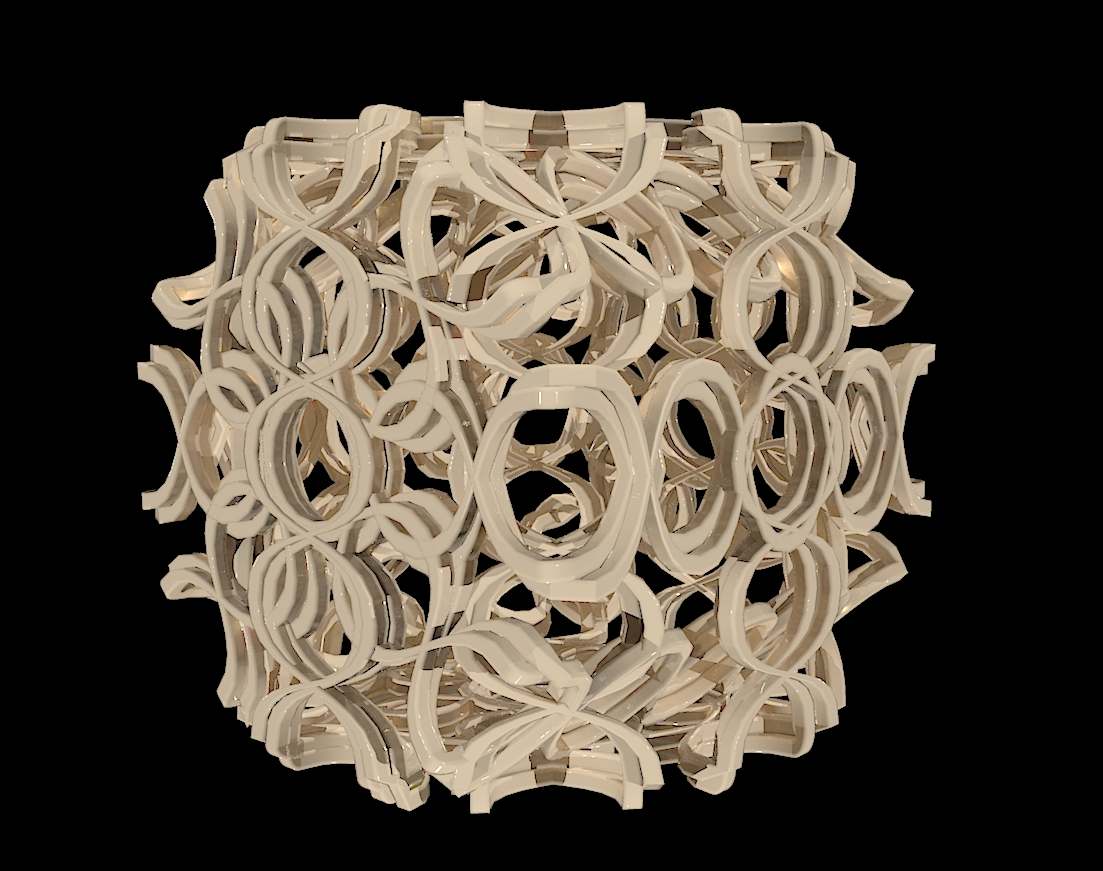
                      please show your ideas, everything what you can do with Curviloft.

                      Charly


                      Bild4.jpg


                      Bild1.jpg


                      Unbenannt2.JPG


                      Unbenannt5.JPG

                      He who makes no mistakes, makes nothing

                      1 條回覆 最後回覆 回覆 引用 0
                      • S 離線
                        SUFractal
                        最後由 編輯

                        WOW! This looks looks fantastic. I believe I have this plugin loaded correctly, however, I do not see any toolbars or tool selections in the drop-downs?

                        Thanks!

                        1 條回覆 最後回覆 回覆 引用 0
                        • TIGT 線上
                          TIG Moderator
                          最後由 編輯

                          @sufractal said:

                          WOW! This looks looks fantastic. I believe I have this plugin loaded correctly, however, I do not see any toolbars or tool selections in the drop-downs?
                          Thanks!

                          Window > Preferences > Extensions... activate it! 😉

                          TIG

                          1 條回覆 最後回覆 回覆 引用 0
                          • R 離線
                            robert111
                            最後由 編輯

                            charly2008 , this example is very nice modeling with curviloft , i like your modeli,g, but i need to make tuto for this example if you can plz

                            thanks charly
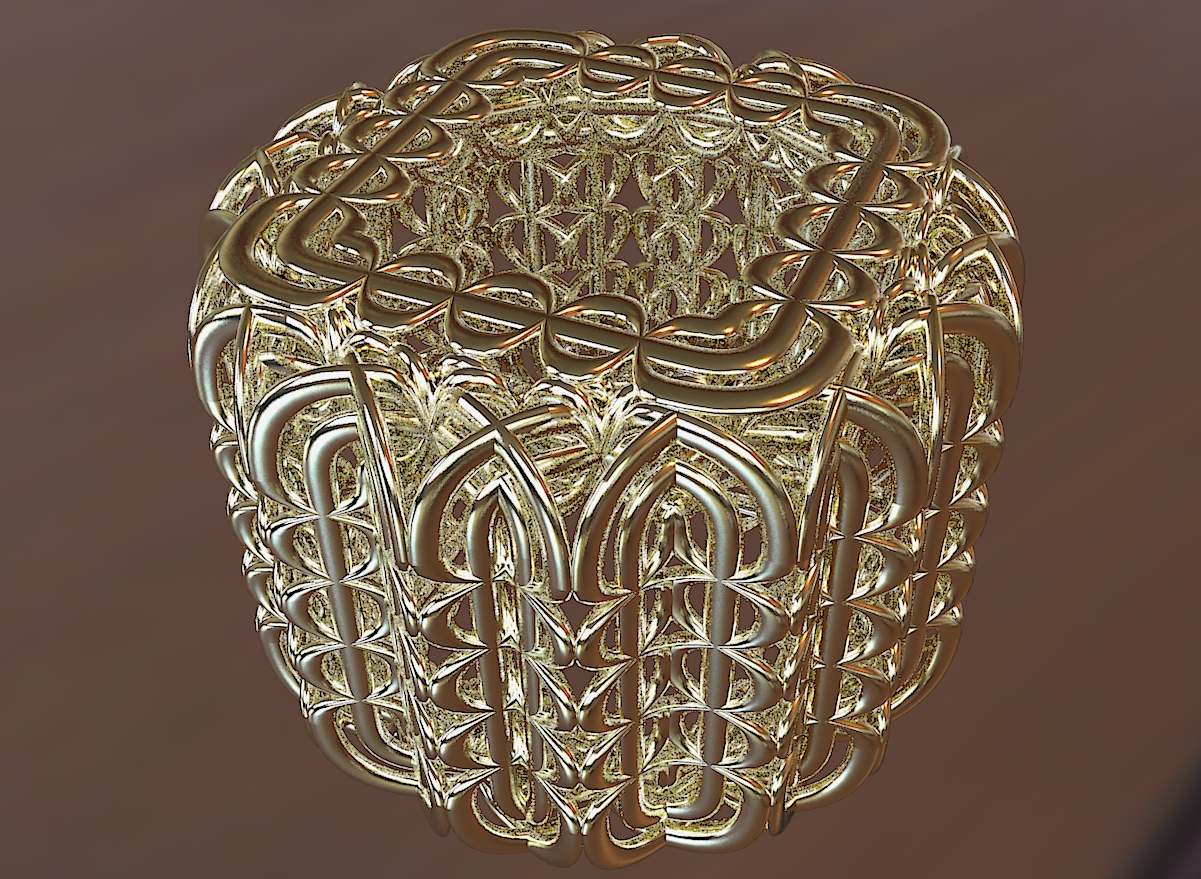

                            Bild1.jpg

                            1 條回覆 最後回覆 回覆 引用 0
                            • charly2008C 離線
                              charly2008
                              最後由 編輯

                              Hi Robert,

                              the workflow is pretty simple. I started with a simple geometric shape. Then copied everything. I have attached the skp file. Here you can see exactly how it is composed.

                              Charly
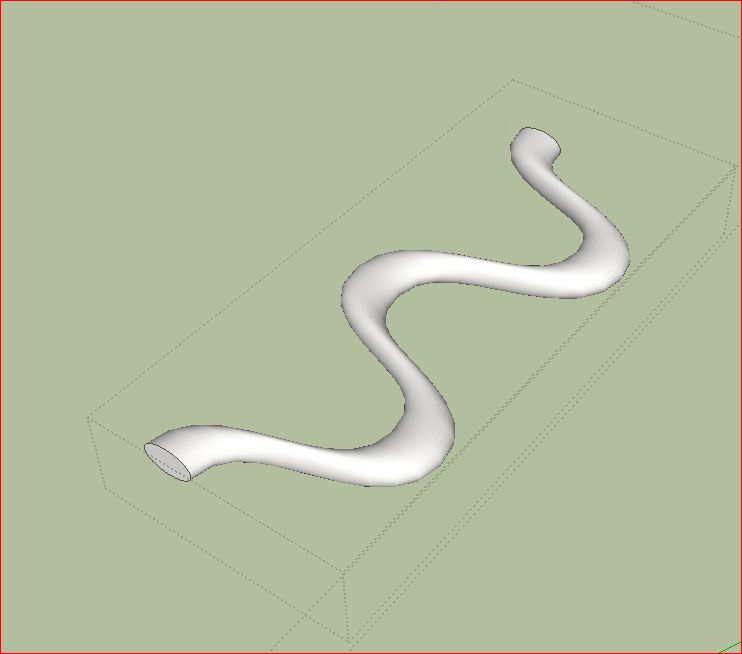

                              Unbenannt.JPG


                              Unbenannt1.JPG


                              Unbenannt2.JPG


                              Unbenannt3.JPG


                              Unbenannt5.JPG


                              Curviloft99.skp

                              He who makes no mistakes, makes nothing

                              1 條回覆 最後回覆 回覆 引用 0
                              • R 離線
                                robert111
                                最後由 編輯

                                thanks charly , and for the seconde image ( black one) ??????

                                1 條回覆 最後回覆 回覆 引用 0
                                • charly2008C 離線
                                  charly2008
                                  最後由 編輯

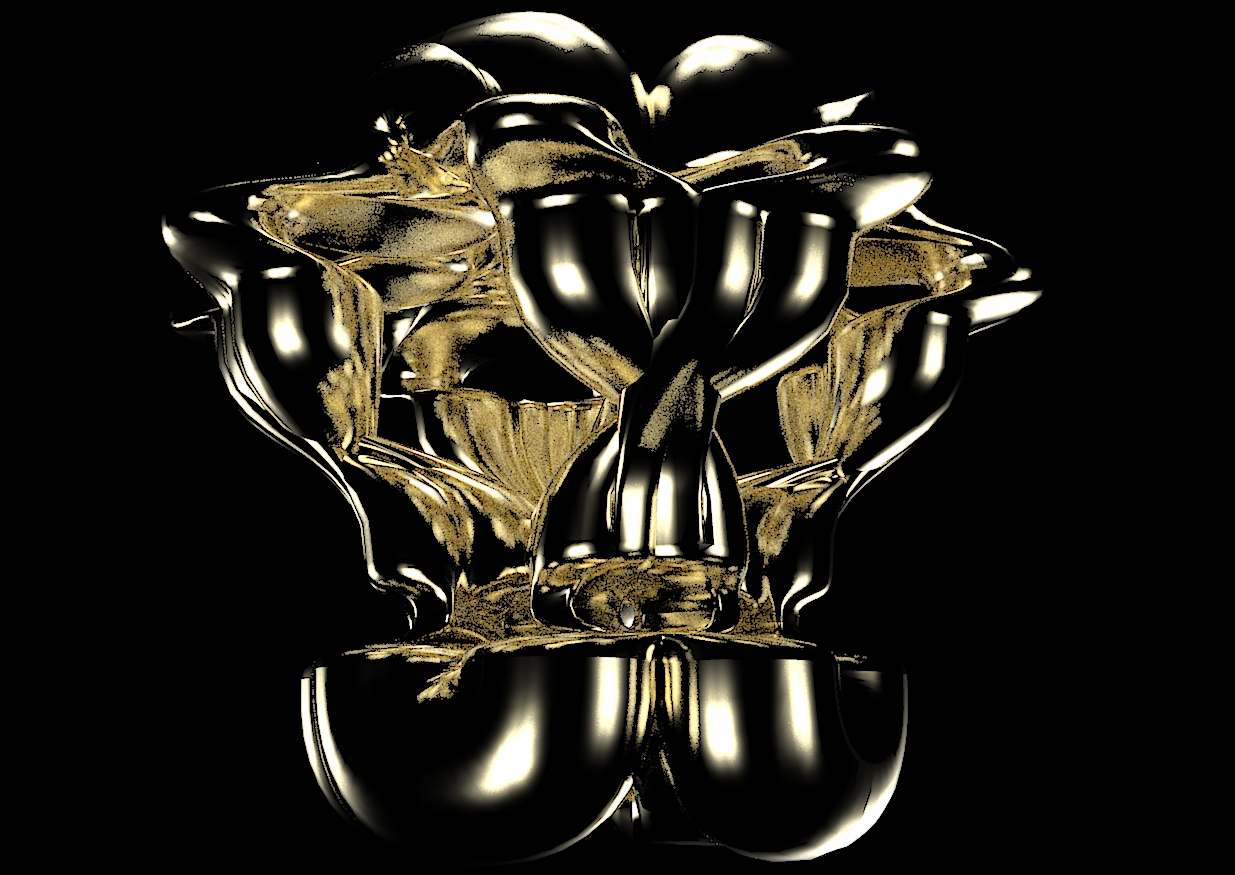
                                  the black background is from Glöbals --> HDR-probe within Kerkythea.

                                  He who makes no mistakes, makes nothing

                                  1 條回覆 最後回覆 回覆 引用 0
                                  • charly2008C 離線
                                    charly2008
                                    最後由 編輯

                                    Hi,

                                    new model with different materials.
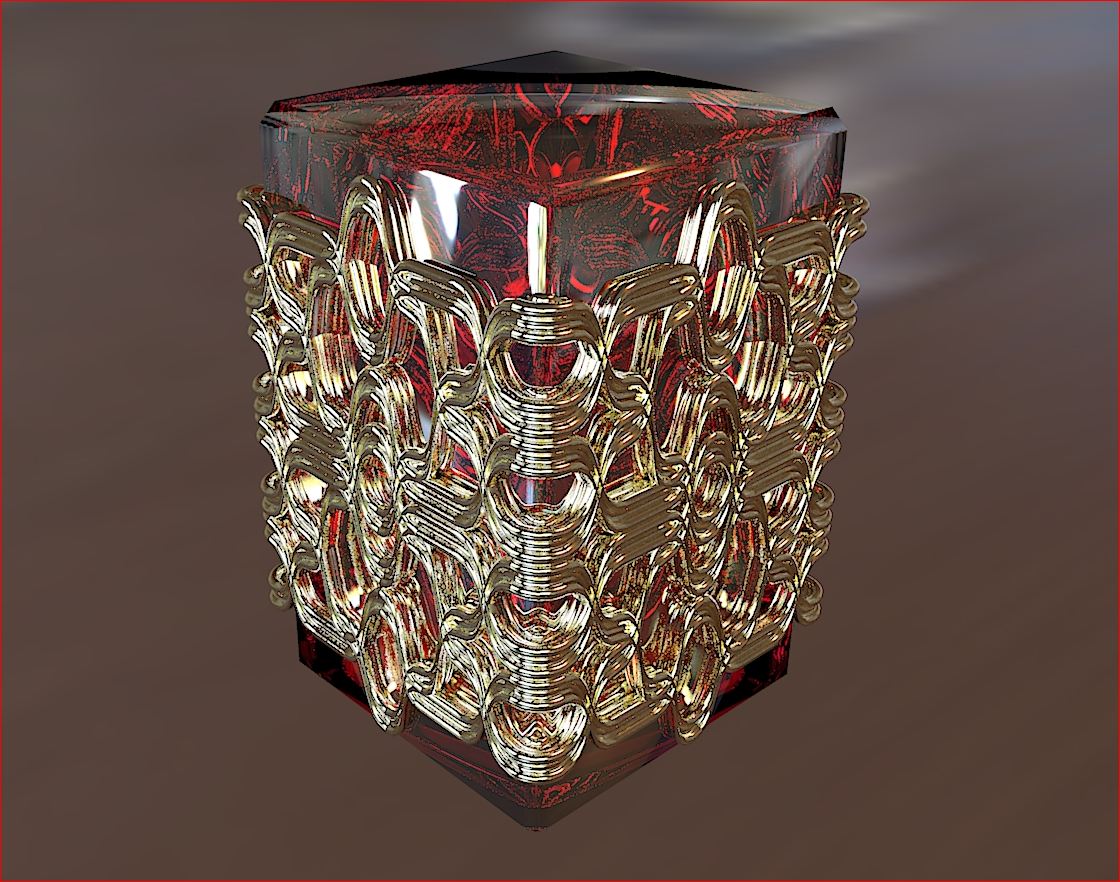

                                    Unbenannt13.JPG


                                    Unbenannt10.JPG

                                    He who makes no mistakes, makes nothing

                                    1 條回覆 最後回覆 回覆 引用 0
                                    • majidM 離線
                                      majid
                                      最後由 編輯

                                      first thanx again for incrediable plugin....really handy.still there is a silly question. I can't figur out how to make this result (as shown in attached picture) ? ( I devided the circle and rectangle to 2 half to reach the desired result)
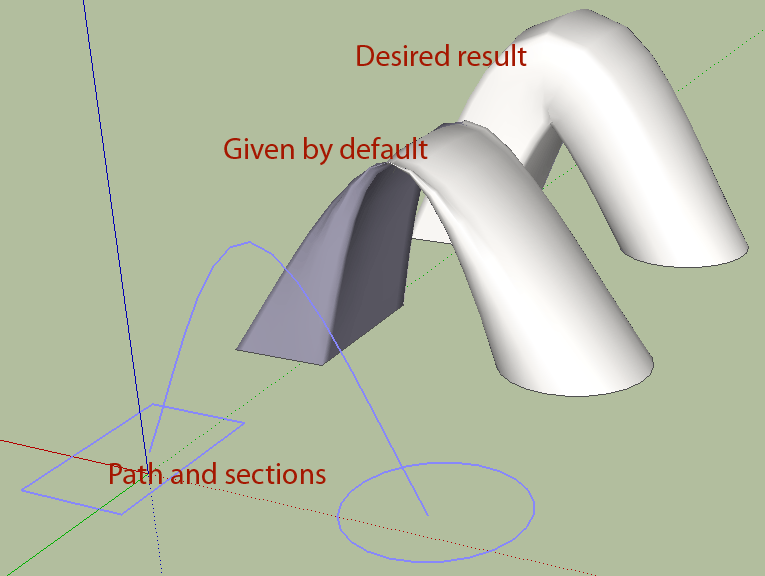

                                      question.gif

                                      My inspiring A, B, Sketches book: https://sketchucation.com/shop/books/intermediate/2612-alphabet-inspired-sketches--inspiring-drills-for-architects--3d-artists-and-designers-

                                      1 條回覆 最後回覆 回覆 引用 0
                                      • pilouP 離線
                                        pilou
                                        最後由 編輯

                                        I believe that plug section is not yet finalized!
                                        try 2 faces and path by Kirill 2008
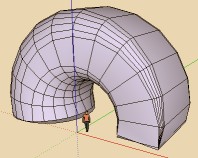
                                        2faces.jpg

                                        Frenchy Pilou
                                        Is beautiful that please without concept!
                                        My Little site :)

                                        1 條回覆 最後回覆 回覆 引用 0
                                        • fredo6F 離線
                                          fredo6
                                          最後由 編輯

                                          @majid said:

                                          first thanx again for incrediable plugin....really handy.still there is a silly question. I can't figur out how to make this result (as shown in attached picture) ? ( I devided the circle and rectangle to 2 half to reach the desired result)

                                          Coudl you post the model, because there should be no problem with that case.

                                          Thanks

                                          Fredo

                                          1 條回覆 最後回覆 回覆 引用 0
                                          • mariochaM 離線
                                            mariocha
                                            最後由 編輯

                                            I had a similar problem.
                                            Solved by getting one face slightly out of the plane of the other.
                                            If this can help. 😄

                                            %(#008000)[Mario C.
                                            Every rule has exceptions, but some.]

                                            1 條回覆 最後回覆 回覆 引用 0
                                            • 1
                                            • 2
                                            • 16
                                            • 17
                                            • 18
                                            • 19
                                            • 20
                                            • 65
                                            • 66
                                            • 18 / 66
                                            • 第一個貼文
                                              最後的貼文
                                            Buy SketchPlus
                                            Buy SUbD
                                            Buy WrapR
                                            Buy eBook
                                            Buy Modelur
                                            Buy Vertex Tools
                                            Buy SketchCuisine
                                            Buy FormFonts

                                            Advertisement