⚠️ Important | Libfredo 15.6b introduces important bugfixes for Fredo's Extensions Update
  • Fragen zur CurviLoft Installation

    3
    0 Votes
    3 Posts
    825 Views
    Dave RD
    @Rosketch install the Sketchucation ExtensionStore (it is required for license management, anyway) and use it to install Curviloft and the required LibFredo6. Once they are installed go to Tools>Fredo6 Collection>Curviloft>License. [image: 1758372625336-screenshot-9_20_2025-7_47_46-am.png] In the license panel click on Purchase License. [image: 1758372646150-screenshot-9_20_2025-7_48_14-am.png]
  • [Plugin] 3D Text Editor

    202
    0 Votes
    202 Posts
    173k Views
    P
    @Dave-R Thanks!
  • I'm looking for a plugin

    1
    1
    0 Votes
    1 Posts
    493 Views
    No one has replied
  • [Plugin]T2H_BuildingStructureTools2.2.4 in20141207

    335
    1 Votes
    335 Posts
    466k Views
    Rich O BrienR
    @Conquer Building Structure Tools 2.2.5 is available with the error about File.exists resolved.
  • no funciona sketchucation

    1
    1
    0 Votes
    1 Posts
    344 Views
    No one has replied
  • [Plugin] Descaler v1.1 20121218

    32
    0 Votes
    32 Posts
    26k Views
    A
    @yeehaa123 Thanks a lot, this really helped! The previous version sometimes not only 'reset' the scale but also distorted the geometry of objects. With your suggested change everything works as it should now. Much appreciated!
  • More Fredo6 plugins becoming paid extensions

    165
    0 Votes
    165 Posts
    81k Views
    Dave RD
    @Steve-Rugg said in More Fredo6 plugins becoming paid extensions: how do I know what extensions that covers? Each license is for a single extension. The extension is named in the license file. This is a license for FredoCorner. [image: 1757987169018-screenshot-9_15_2025-8_44_26-pm.png] As for which one you bought, click on PluginStore and then My Licenses. [image: 1757987376316-screenshot-9_15_2025-8_47_41-pm.png]
  • [Plugin] SCF TOOLBARS

    49
    0 Votes
    49 Posts
    65k Views
    F
    WOW, all these toolbars. Thanks a million. Just a question. Would it be possible that scripts that are used in a toolbar, be move to a separate directory, so one could remove the scripts from the plugins directory, making the pluWOW, all these toolbars. Thanks a million. Just a question. Would it be possible that scripts that are used in a toolbar, be move to a separate directory, so one could remove the scripts from the plugins directory, making the pluging menu smaller.ging menu smaller.
  • [Plugin] Quick selection v 1.1.0

    1
    2
    1 Votes
    1 Posts
    436 Views
    No one has replied
  • Fredo6 Toposhaper Lisensing Questions

    2
    0 Votes
    2 Posts
    483 Views
    Rich O BrienR
    You can use Extensions > Sketchucation > SCFLicense Gloabal Status to check your licenses Toposhaper requires Libfredo to be installed to fully function. If you run the Window > Libfredo Settings > Fredo6 Plugins Information for Sketchucation Support menu command in SketchUp and copy/paste the output into your reply I can take a look at your setup.
  • Asking about Vertex Tools2

    Solved
    8
    1
    1 Votes
    8 Posts
    476 Views
    Y
    Yes..I sent him a message on the link you sent me..I will also contact Sketchup Thank you for the help
  • [Plugin] Purge All

    65
    0 Votes
    65 Posts
    141k Views
    C
    @TIG Good and not-so-good news in your response: It's good to know you're already working on this, although a little sad because it won't be out anytime soon. I use this plugin in my modeling routine and enjoy seeing the report. Thanks for your response and great admiration for your work.
  • [Plugin] Smooth Zoom 2.1.0 - 24 October 2021

    76
    0 Votes
    76 Posts
    86k Views
    TIGT
    The earlier posts in this thread explain how to make a temporary fix by editing the RB file. В предыдущих сообщениях в этой теме объясняется, как сделать временное исправление путем редактирования файла RB.
  • @thomthom Material Replacer upgrade!

    1
    0 Votes
    1 Posts
    85 Views
    No one has replied
  • [Plugin] Solid Inspector

    303
    0 Votes
    303 Posts
    272k Views
    G
    Hello Thom and Forum. Maybe it is too late, but I never succeed installing solid inspector in my SU 8 pro. My laptop is the old one windows 7 64 bit with 2 GB RAM, and it was enough for my daily works. The oldest version found at github is v1.2.0 I read somewhere that v1.1.0 could be work ? an what is the TT_lib version for that. But where is it, can not find that file. Please help Many Thanks !
  • How to make a face from a closed curve in FredoSpline. Methods

    Solved
    3
    0 Votes
    3 Posts
    109 Views
    Didier BurD
    @neverpoint Hi: Most of the spline commands can generate a face when they are closed: [image: 1755244489901-spline_face.gif] If this is not the case, select the spline and type in the Ruby console: spline=Sketchup.active_model.selection[0] # will return something like => #<Sketchup::Edge:0x000001a70b1968e8> face = spline.find_faces # will return something like => 1 (1 being the number of face(s) created or simply redraw a segment of the spline and the face will also be created. [image: 1755244901974-spline_line.gif] Regards
  • [Plugin] angle between planes

    12
    0 Votes
    12 Posts
    13k Views
    Didier BurD
    @stephen2850s : Hi, FYI, you can try my Query+ plugin: [https://sketchucation.com/plugin/2654-queryplus](link url) [image: 1755063699887-queryplusfaces.jpg] It can give you lots of informations (angles, volumes, distances...) about various objects of your model, not only edges [image: 1755063450058-queryplus.jpg] Regards
  • Medeek HVAC

    22
    0 Votes
    22 Posts
    2k Views
    medeekM
    To help with the uptake of this new plugin I will running a promotion for the month of August and September (Aug. 10, 2025 - Sep. 30, 205). If you purchase the mdkBIM bundle both the Medeek HVAC and Medeek Electrical licenses will be included at no additional charge ($120.00 value). Each of those licenses will also be permanent licenses. However this is not automatic, you must email me within 30 days after purchasing the mdkBIM bundle requesting the two additional licenses and I will then issue them manually. They then will become accessible with the Medeek Account Manager the same as your other licenses. I am only posting this notification on the SketchUp forum and the Sketchucation board.
  • Camera Simulation with MSPhysics

    15
    0 Votes
    15 Posts
    10k Views
    F
    MSPhysics for SketchUp 2022 I tried to get the MSPhysics camera models from 2017 to work with the MSPhysics plugin modified for newer SketchUp versions (see GitHub). This was partially successful. The camera, target point, and objects can be moved along curves... This could be useful for model simulations, flyovers, etc. [image: 1754499039766-topview-0004.gif] [image: 1754499093509-camview-0004.gif] [image: 1754499116925-camvieww-0007.gif]
  • Automatic Face Reverser 2025 - Alive or dead?

    3
    0 Votes
    3 Posts
    107 Views
    Didier BurD
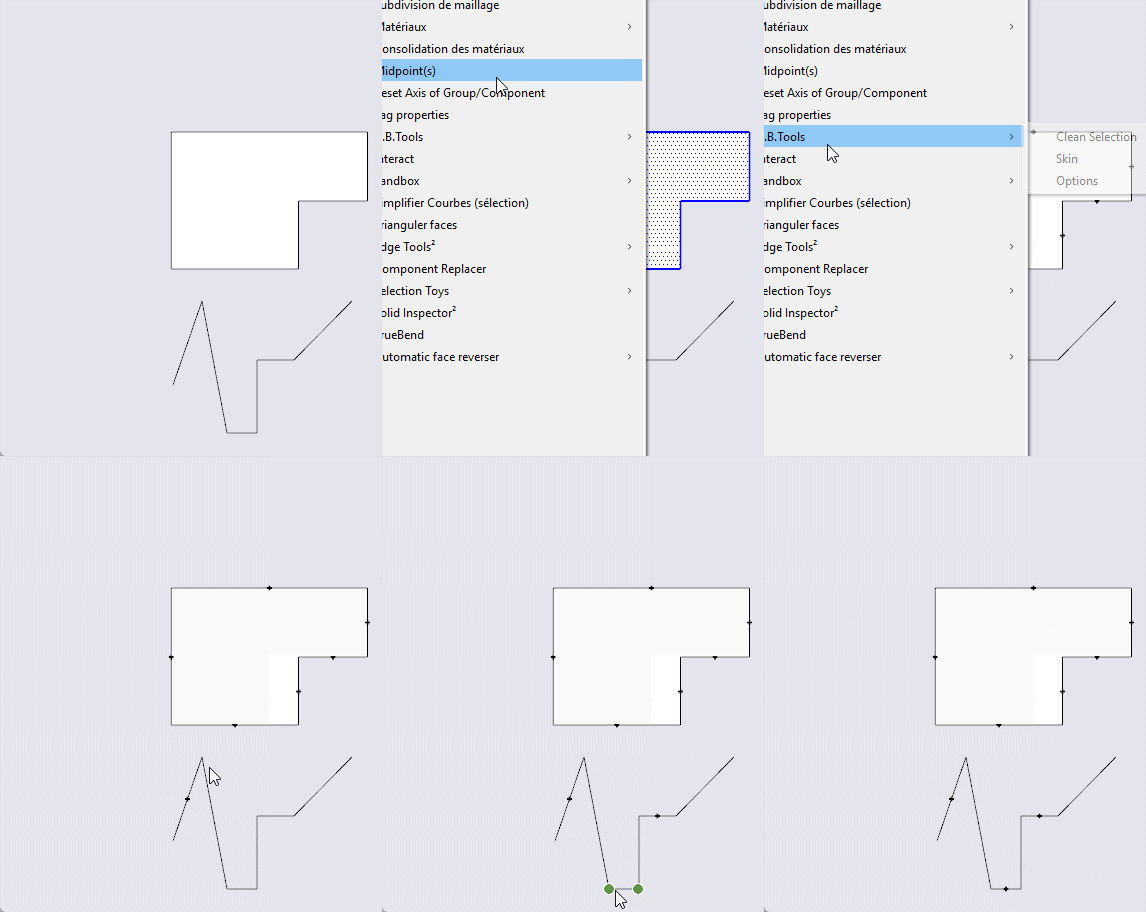
    @kado Hi, Attached here is a rework of this old script. Unzip vbfr.zip and just put the RBE into your Plugins folder. Options are now available in the Tools menu, under the submenu "Automatic face reverser". Hope this helps. vbfr.zip

Advertisement