speaking of posts in the ground.. whats the connection doing there at the base of the columns?
Oops, your profile's looking a bit empty! To help us tailor your experience, please fill in key details like your SketchUp version, skill level, operating system, and more. Update and save your info on your profile page today!
🔌 Smart Spline | Fluid way to handle splines for furniture design and complex structures. Download
M
Offline
Posts
-
RE: Curved Patio Cover Design
-
RE: 3D Basecamp - "The Best of Ruby" presentation
purge.rb - good way to decrease your file size quickly
drop.rb - it like its hot.
-
.xml tutorial?
Trying to get my feet wet with podium, and I'm having trouble finding any sort of guide that explains the xml settings files. The podium forums dont' support searching for three letter words (xml) so its becoming frustrating. Anyone have a resource off the top of their head?
thanks in advance!
-
RE: Warehouse-WIP
re: all the comments about plant variation, all of you might want to check out a ruby called matrix-proximity. Make sure you read the help though, its complex but if you tame it, its great
-
RE: Which version of google earth?
I recommend against paying for the pro version of Google Earth- we purchased it for a masterplan project in our office and it did not deliver as expected. There were a LOT of problems trying to get high quality images to export out of it, and upon calling the service department, I was informed that they knew about the problems and were trying the fix it.. the problem is that the bugs in the program are exactly the features you need by buying the pro version!
Importing and exporting terrain was not different from the free version,
High res exports from google earth would either chop off parts of your model or chop off terrain that was above the horizon when your view angle was shallow,
let me know if you have any questions, because I thought for $400/yr it did not do anything it said it would well- Overall a very amateur product.
-
RE: Which version of google earth?
by the way, bcoleman, you might see this post to help you with that terrain mismatch, its an import resolution issue:
-
RE: Moire patterns in animation?
does sketchup filter repeating textures that converge in the distance? it seems to happen when you get a lot of high contrast parallel lines in a small space, regardless of your settings

-
RE: Commercial development
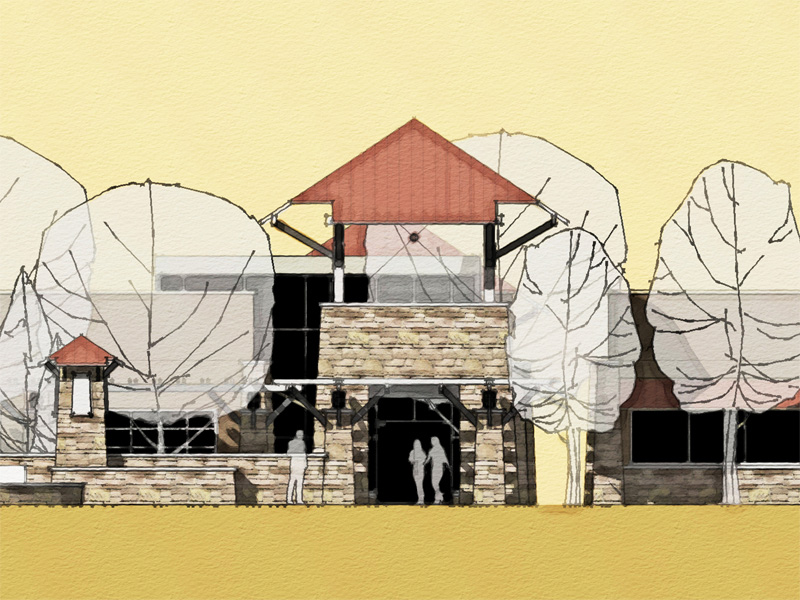
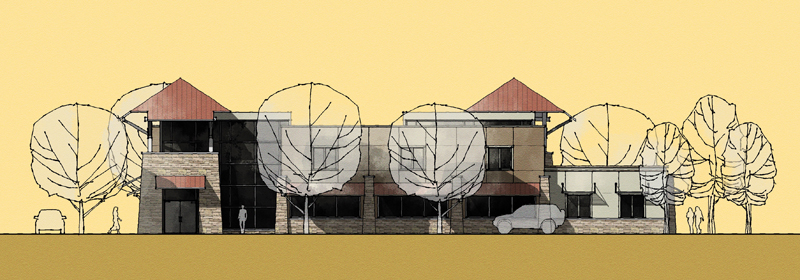
daniel- thanks! the elevations use two techniques in photoshop, one is similar to the dennis watercolor trick, and the other is a variation of the photoshop watercolor tricks in the thread started by majid
-
RE: Sketchup and hand-drawing :)
great texture, i like the minimalist linework and the restricted color range!
-
RE: Repeat last command
this exists as a double click for most things, like offset and push pull, just double click the next surface and it remembers your offset. for moving things, usually your cursor will snap at the previously entered dimension the next time you draw.
-
Commercial development
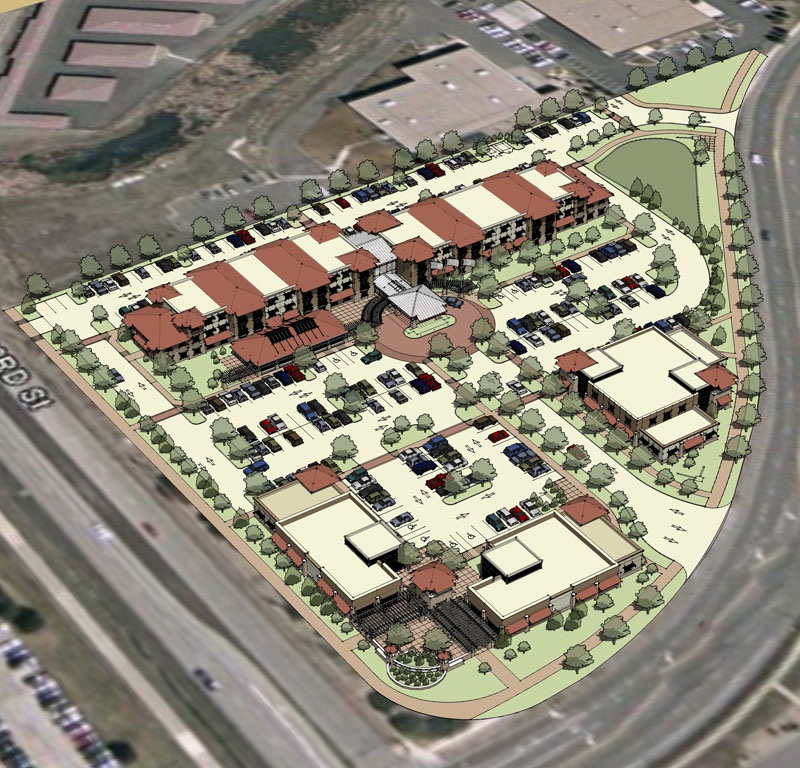
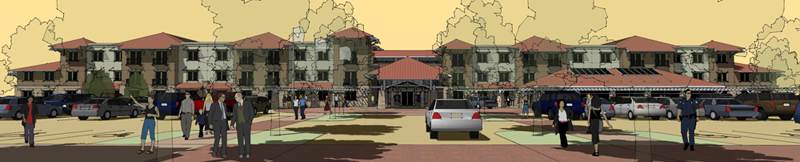
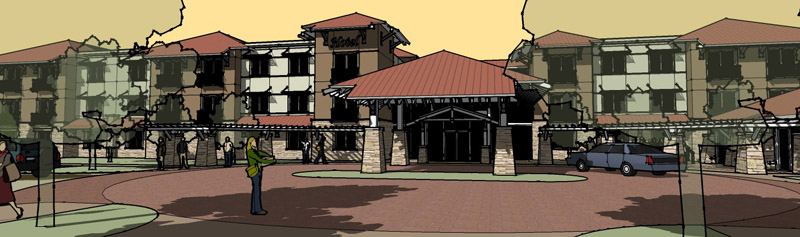
some images in different rendering styles for a commercial development in CO. the main use is a hotel and the outbuildings are restaurants with a plaza and an office/retail building
-
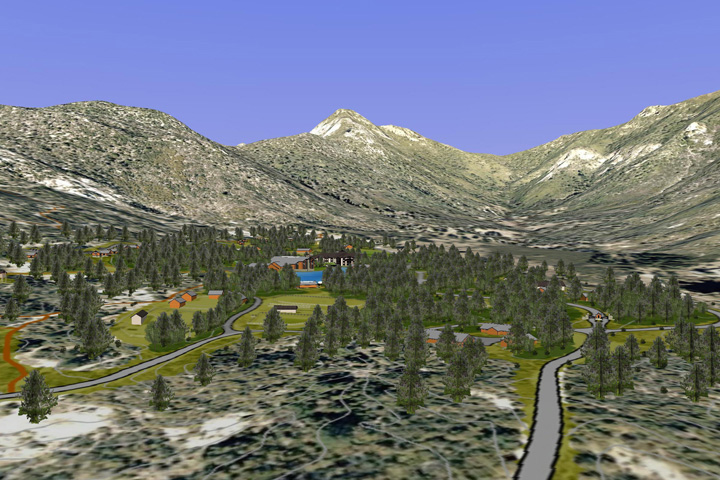
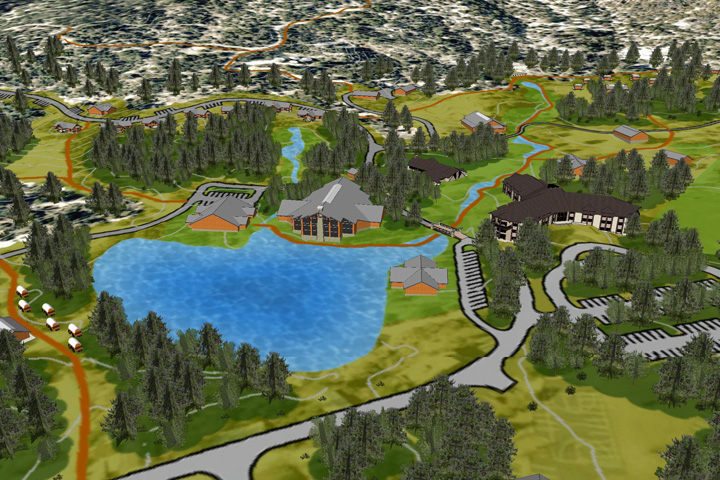
Su+ge camp masterplan
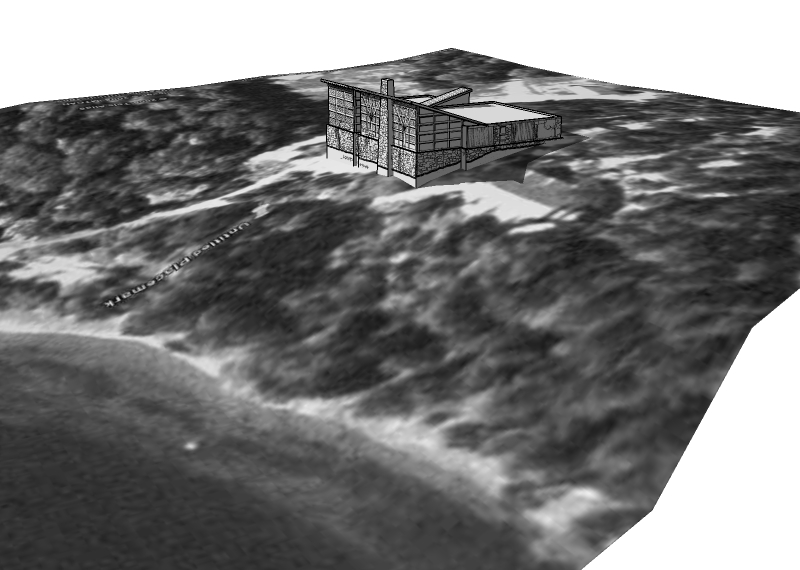
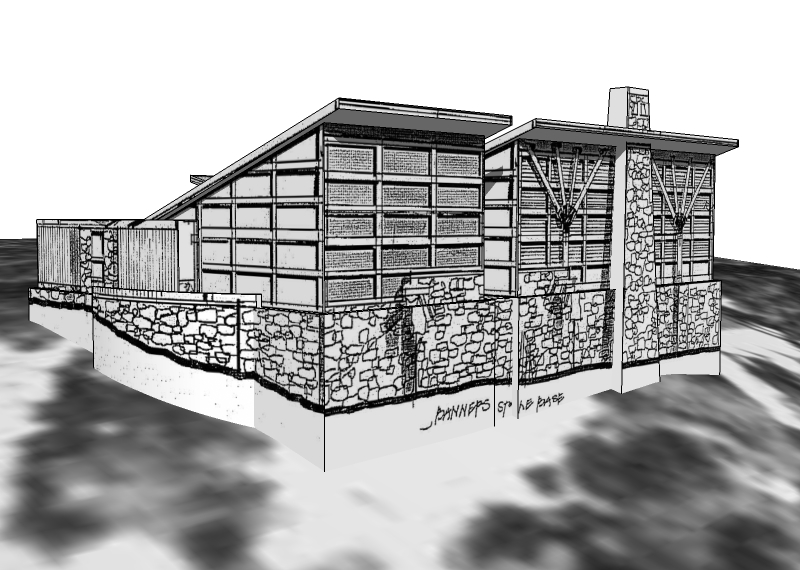
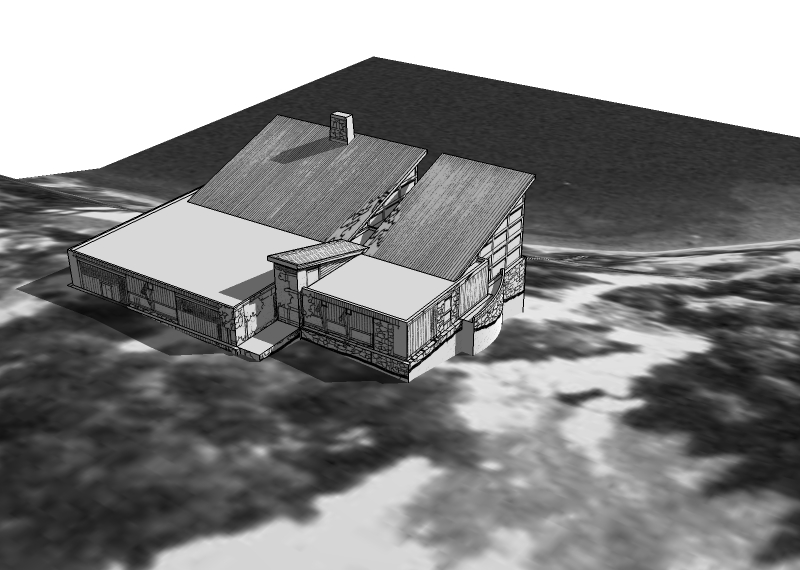
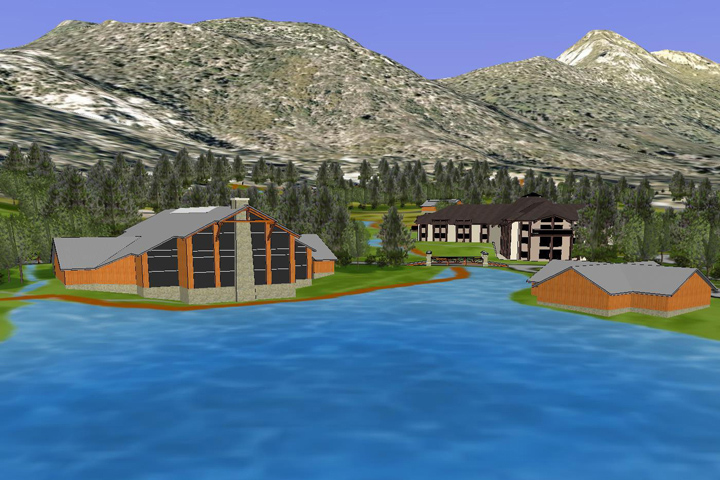
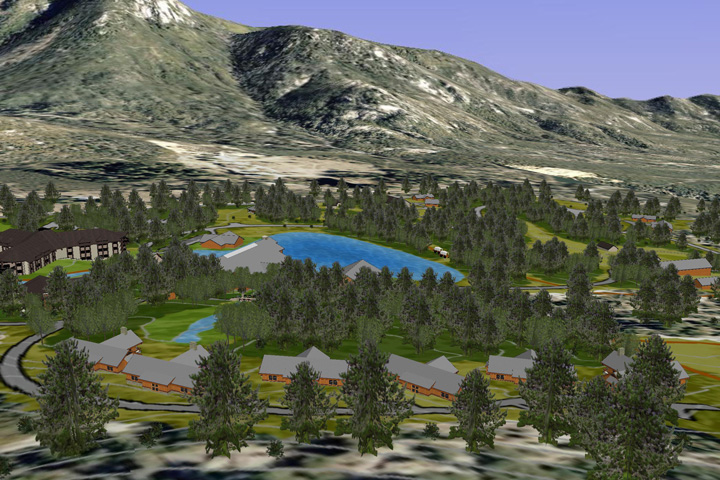
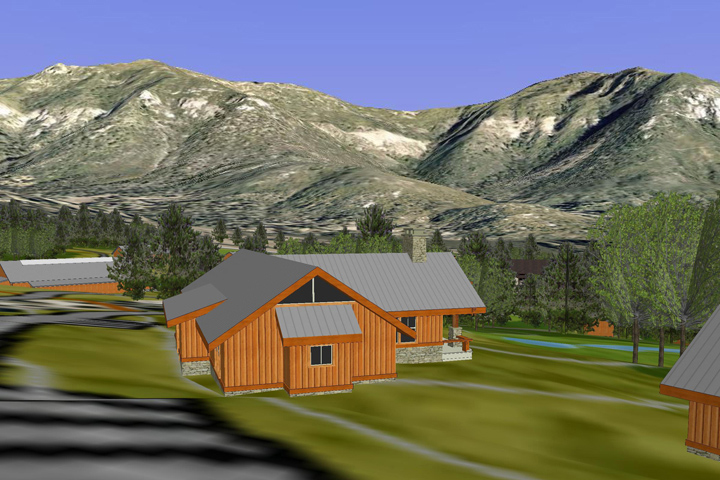
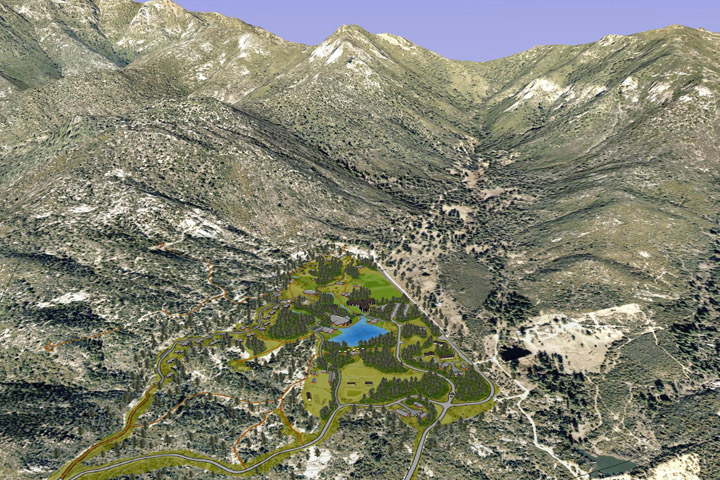
its been a while- here's some masterplan work for a camp in CA. We used a Google Earth animation to present the concept and show how we captured the awesome views from this site...
-
RE: Import keyboard shortcuts problem
update on a solution for this:
sketchup stores all of the shortcuts in the windows registry:
start>run>regedit
browse to
HKEY_CURRENT_USER>
Software>
Google>
SketchUp6>
Settingsyou will see a list of the shortcuts here. delete all of the keys to reset all of the shortcuts to nothing
start sketchup, and use the import dialog to bring in your shortcuts, there will be no conflicts since there are no assigned previous shortcuts
you can see in the registry that your shortcuts are now in the "settings" folder
if you want, you can right click the settings folder and export it to your desktop. from now on, in order to reset your shortcuts to your preferences, just double click the .reg file you created - no conflicts, no problems -
RE: Glossary of rendering terms
this one
http://www.websitetoolbox.com/tool/post/supodiumforum/vpost?id=1772455&highlight=glossary
posted on the podium forum is great
-
RE: How to make SU stop guessing and do what I want
@charlie1138 said:
One problem I have is trying to place things together on a center point. Or when you want 2 things to connect in a way the inference system isn't what you want. Does anyone have any tips for things like this?
Charlie, i think you will find using the tape tool and protractor tool for creating construction lines will be your biggest help here. Attach the "erase all construction lines" command to a short cut key. That way you can go crazy putting constructions lines everywhere and finding intersections then clear it away with the touch of a button