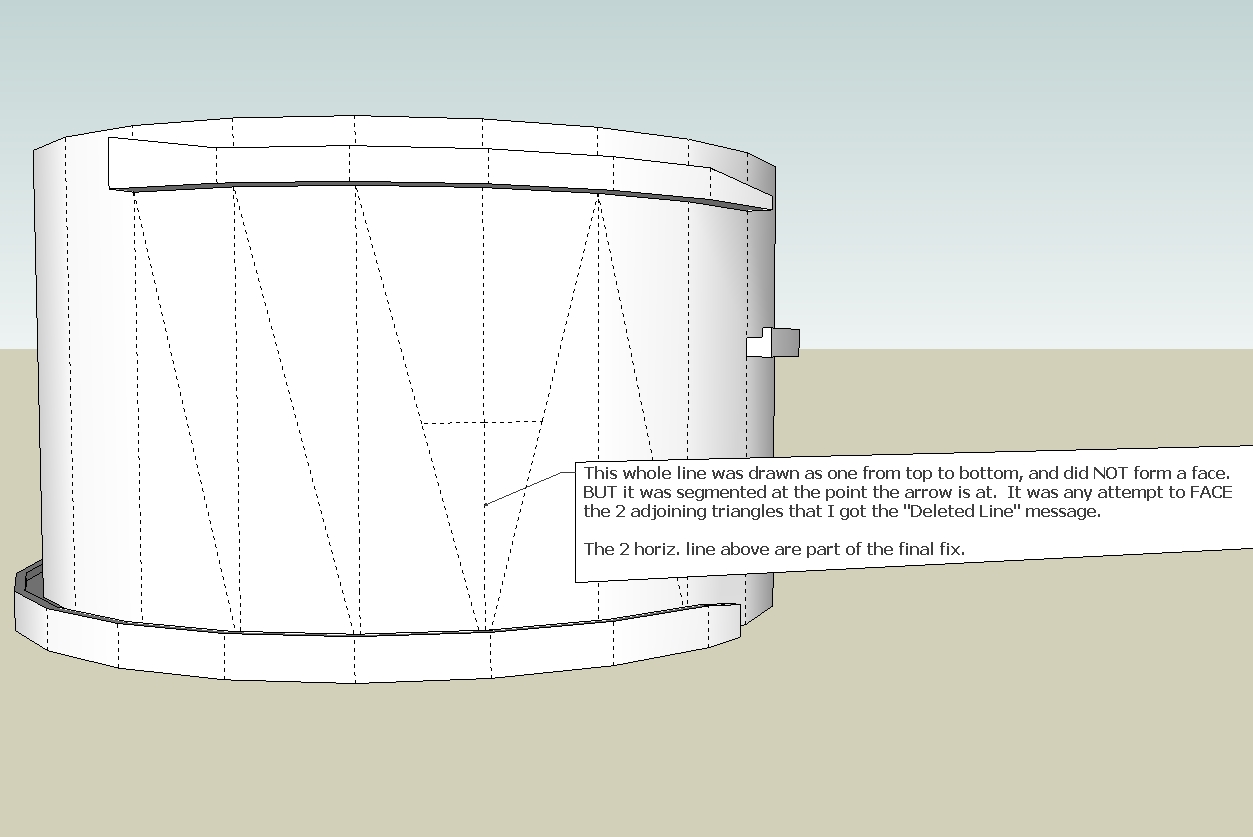
Regarding non-coplanar problems. If the attempt to face keeps failing, even after you have drawn and redrawn all the lines multiple times, here are a few ways to help find the culprit. Not always successful, but usually eliminates the co-linear line problem.
If your triangular, rectangular or multi-line entity fails to face, you need to revert it to triangles. Draw lines from vertex to vertex, being careful to let SU tell you that you are using endpoints only, before you click. Zooming in helps, but if you encounter the clipping plane getting in close, then turn OFF perspective. (Camera; Perspective) Then you can get in real close.
Another problem with drawing lines is where you are trying to draw a line (from A to B) that is not quite on-axis, and SU will tell you it is "constrained by line at point". Simply ESC and draw the line from B to A. Usually works. This is probably the biggest culprit creating co-linear lines.
Now let's say you do have a suspected co-linear line. You delete both of them, and redraw a single line, but the face still won't form. The culprit here is the tiny line segment formed at the vertex after the 2 co-linear lines were drawn. It can be nearly invisible unless you zoom in real close, and that takes time. So rather than go looking at all 3 corners for it, try this.
Turn ON the Entity Info dialog box. You also need to turn on hidden lines. With the object viewed such that there are no other endpoints behind the suspect vertex, use the left to right select in a very small box just covering the vertex, and not any whole lines. If Entity Info says no selection, the problem is elsewhere. If the Entity Info says there is a very tiny line (or more than 1 line) then there is the problem. Just delete all of them. Do all 3 vertexes. This may deface other adjacent faces, but now you can delete a line and redraw it endpoint to endpoint to reform the faces.
Note that this will NOT find a vertex gap, but deleting and redrawing lines at endpoints cleared of tiny fragments will cure the gaps.
Another culprit is trying to face on a curve or arc line. Since there is no real endpoint within the length of the line, placing other lines to form a face may not be right on, and this can create a tiny fragment or gap to throw off the face. Just explode the curve/arc and that will help finding the true endpoints on the curve.
When you have the whole object faced with triangles, you can start deleting the internal lines making all those triangles to get back to your multi-line face. If a face disappears doing this, then that triangle was not co-planar with the rest of the face, and you have to redraw that section in a co-planar manor. Or, just UNDO the deleted line, and make it soft and smooth (Entity Info box again).
And with all that, I still spent 2 1/2 hours yesterday trying to get a triangle to face, and ending up deleting the whole section around it and starting over.