sketchucation logo sketchucation
    • Login
    1. Home
    2. Gus R
    3. Posts
    Oops, your profile's looking a bit empty! To help us tailor your experience, please fill in key details like your SketchUp version, skill level, operating system, and more. Update and save your info on your profile page today!
    ⚠️ Important | Libfredo 15.6b introduces important bugfixes for Fredo's Extensions Update
    Offline
    • Profile
    • Following 1
    • Followers 2
    • Topics 144
    • Posts 1,060
    • Groups 2

    Posts

    Recent Best Controversial
    • RE: Irregular hexagon drawing

      Get the "Random Tools" extension either from here or using Extension Warehouse in Sketchup.

      I did this flat on the ground or a top view.

      Create a hexagon pattern like this.
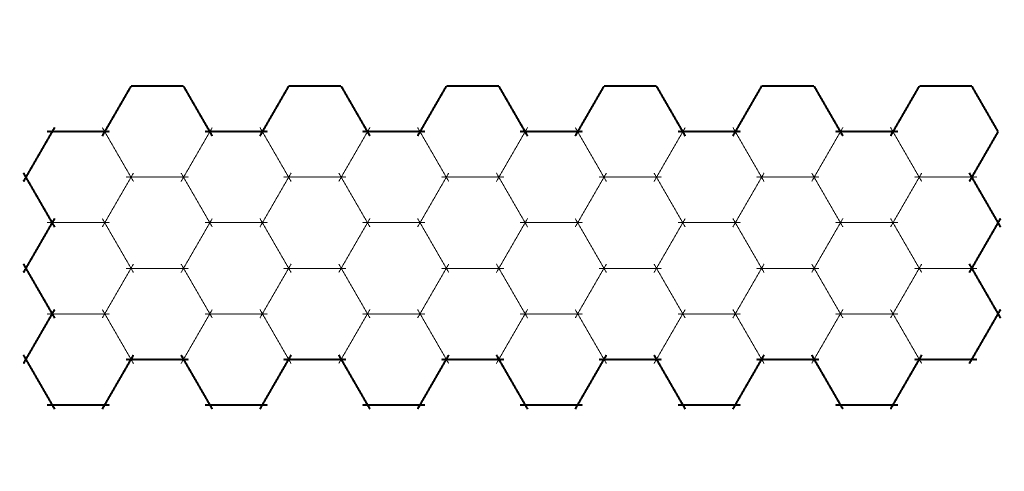
      Random Vertex Positions B.jpg

      Select all and click the second icon (Random Vertex Positions) in the Random Tools menu.
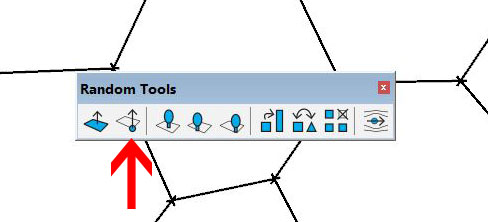
      Random-Vertex-Positions-D.jpg

      Apply something like the following setting. You may have to play with it depending on the size and units of your model.
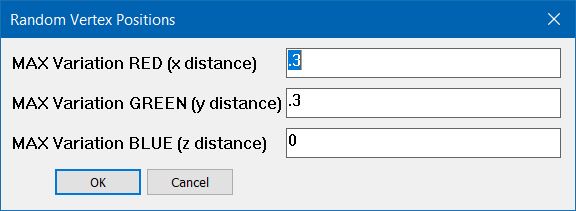
      Random Vertex Positions.jpg

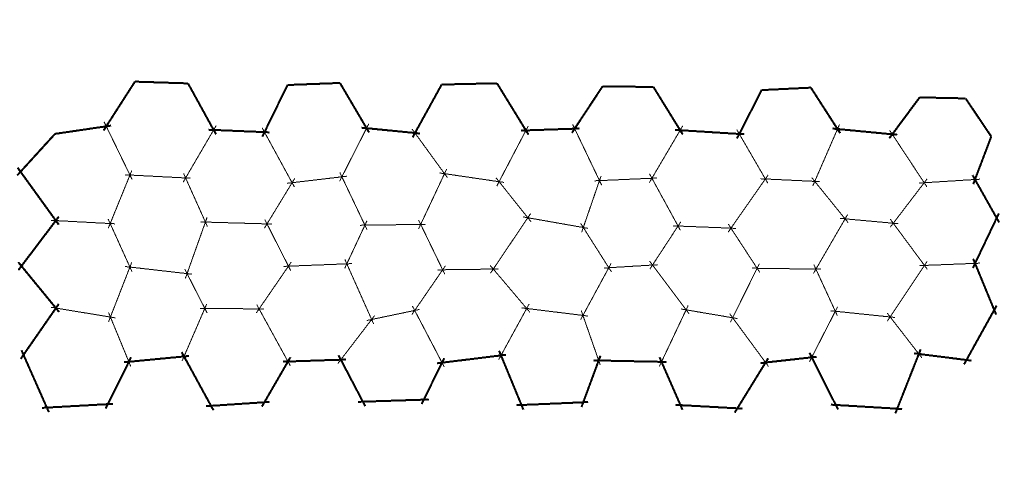
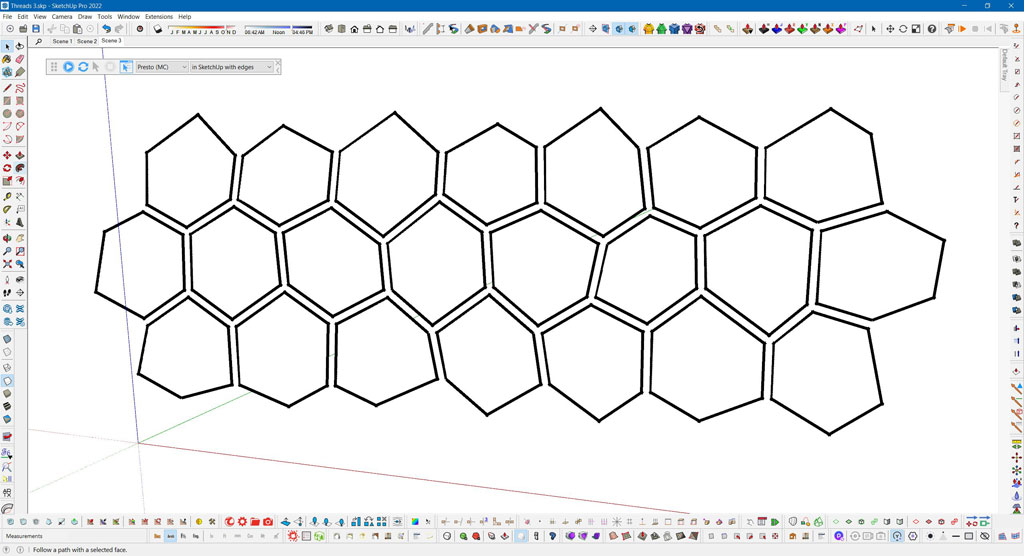
      Results.

      Random Vertex Positions C.jpg

      You should be able to take it from there by adding random texture positions, border elements, etc.

      posted in SketchUp Discussions
      Gus RG
      Gus R
    • RE: Other Work

      Rich, those are screengrabs or screenshots. Spent a lot of time with FS9 so it doesn't look out of the box.

      posted in Gallery
      Gus RG
      Gus R
    • RE: Irregular hexagon drawing

      Something like this?

      Random-Hexagons-01.jpg

      Random-Hexagons-02.jpg

      posted in SketchUp Discussions
      Gus RG
      Gus R
    • Other Work

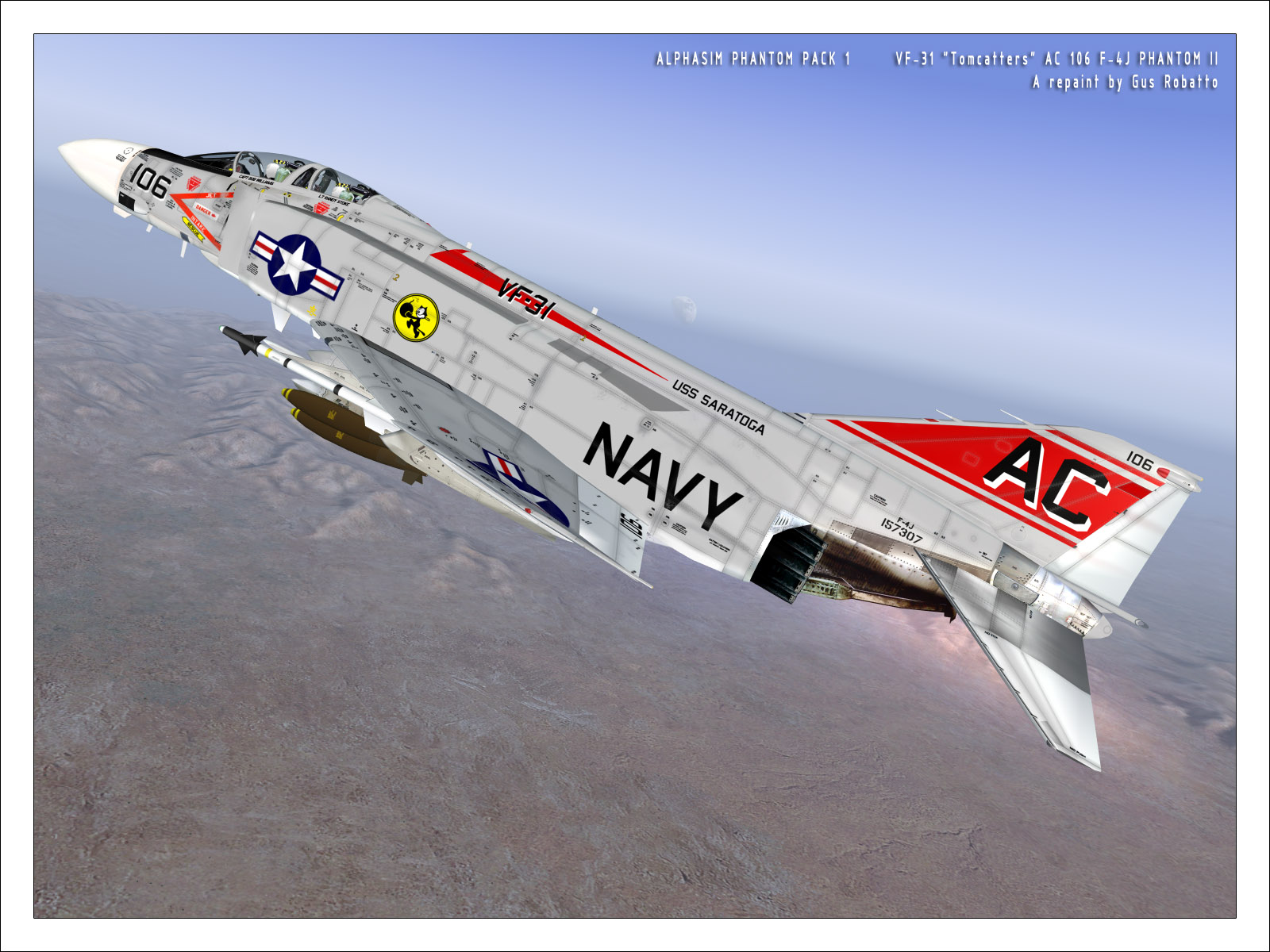
      I was big on Phantom repaints for Flight Simulator.

      VF-84.jpg

      VMFA-333.jpg

      VF-31-106.jpg

      posted in Gallery
      Gus RG
      Gus R
    • RE: Ferrari F40 Wheel Re-Render

      Dave,

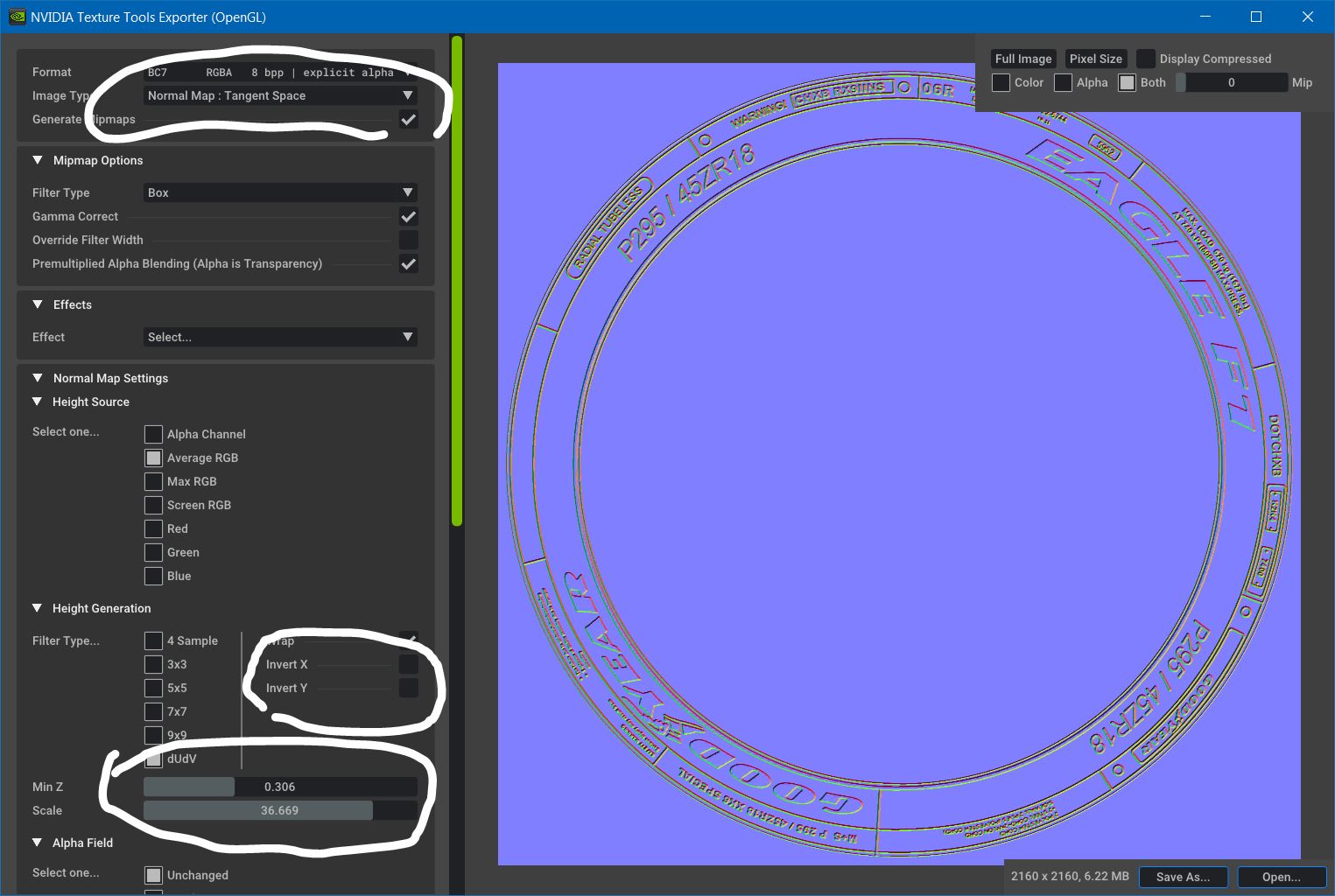
      The Nvidia Texture Tools has a standalone which I'm using which you can get here.

      I only use a couple of features with that to create normal maps.

      Nvidia Texture Tools.jpg

      posted in Gallery
      Gus RG
      Gus R
    • RE: On " How to Round Complex Corners in SketchUp"

      @rv1974 said:

      take a look at plasticity

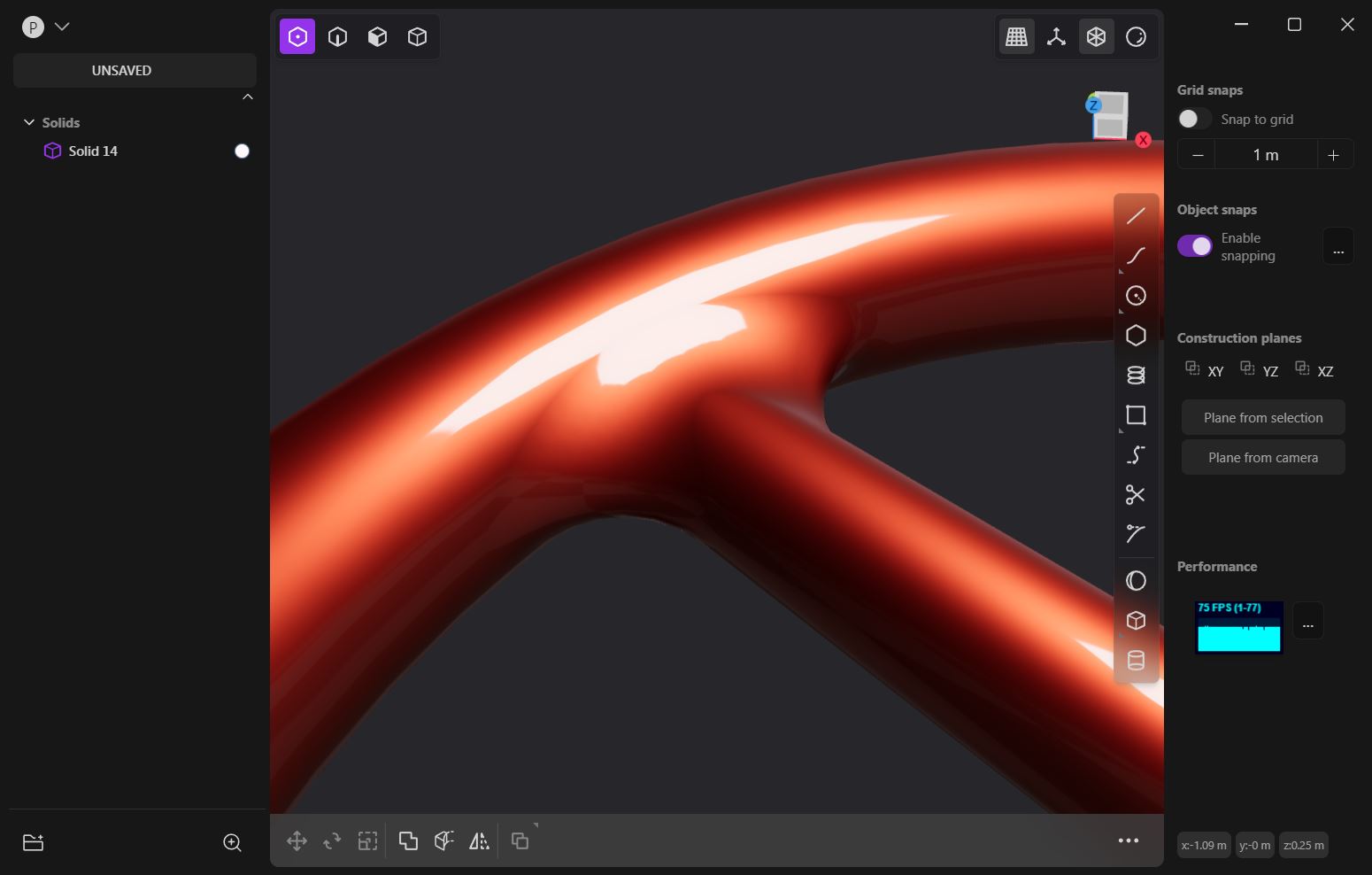
      OK. This took me 5 minutes from opening Plasticity.

      Plasticity.jpg

      posted in SketchUp Discussions
      Gus RG
      Gus R
    • RE: Ferrari F40 Wheel Re-Render

      With the tire I projected the non normal image onto the side wall so it's centered. The normal map is created with the same image. In Thea Render I changed the material of the regular image to a rubber material and then added the normal map to the rubber material.

      posted in Gallery
      Gus RG
      Gus R
    • RE: Ferrari F40 Wheel Re-Render

      Dave,

      The sidewall is just a normal map I created with Nvidia Texture Tools (free) from this image.

      Goodyear-Eagle-Sidewall.jpg

      The tread is a radial array then mirrored of this component.

      Tread Component.jpg

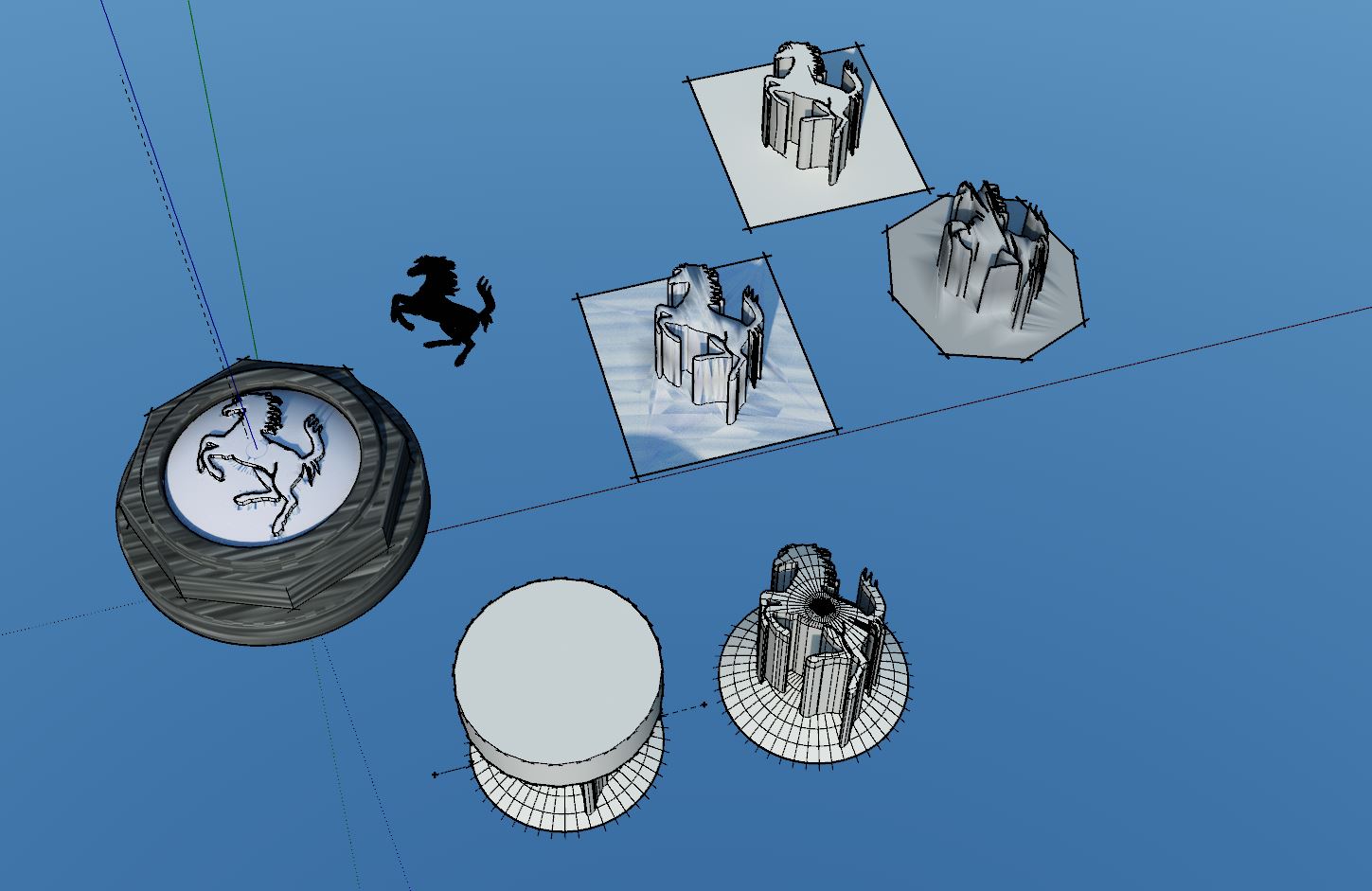
      The Ferrari horse looks something like this. I imported the linework into SU to create the horse outline. I forgot what I used back then but you can use Inkscape to trace the image to create an svg file that you can import into SU with another free plugin. Inkscape is also free.

      Ferrari Horse.jpg

      The spoke work looked like this.

      Spoke Work 01.JPG

      And I guess I did use Artisan for this. It's been over 10 years.

      Spoke Work 02.JPG

      The rest is just basic SU shapes. The etching along the outer rim is another normal map. The tiny Ferrari horse in the air pressure cap is just an image.

      posted in Gallery
      Gus RG
      Gus R
    • RE: Alfa Romeo tipo 33 Stradale 1967

      Looking good. Did you add thickness to the body or is that just around the edges?

      posted in WIP
      Gus RG
      Gus R
    • RE: On " How to Round Complex Corners in SketchUp"

      @rv1974 said:

      @gus r said:

      Making things more difficult is that I can't find any other instructions on this technique anywhere on the internet. I'm sure Blender could do this in seconds. Just a matter of learning Blender.

      Learning chamfering in proper program would take a fraction of time you spent messing in vain in SU and discussing it here.

      True and my intent is to learn Blender but it's about the challenge and this is after all a Sketchup forum and not a Blender forum and it's good for those that want to continue to use Sketchup to learn from these things so I don't see it as being in vain.

      posted in SketchUp Discussions
      Gus RG
      Gus R
    • RE: Ferrari F40 Wheel Re-Render

      Thanks Mike. Maybe I could get new and different work. I keep telling myself that might happen but it never happens.

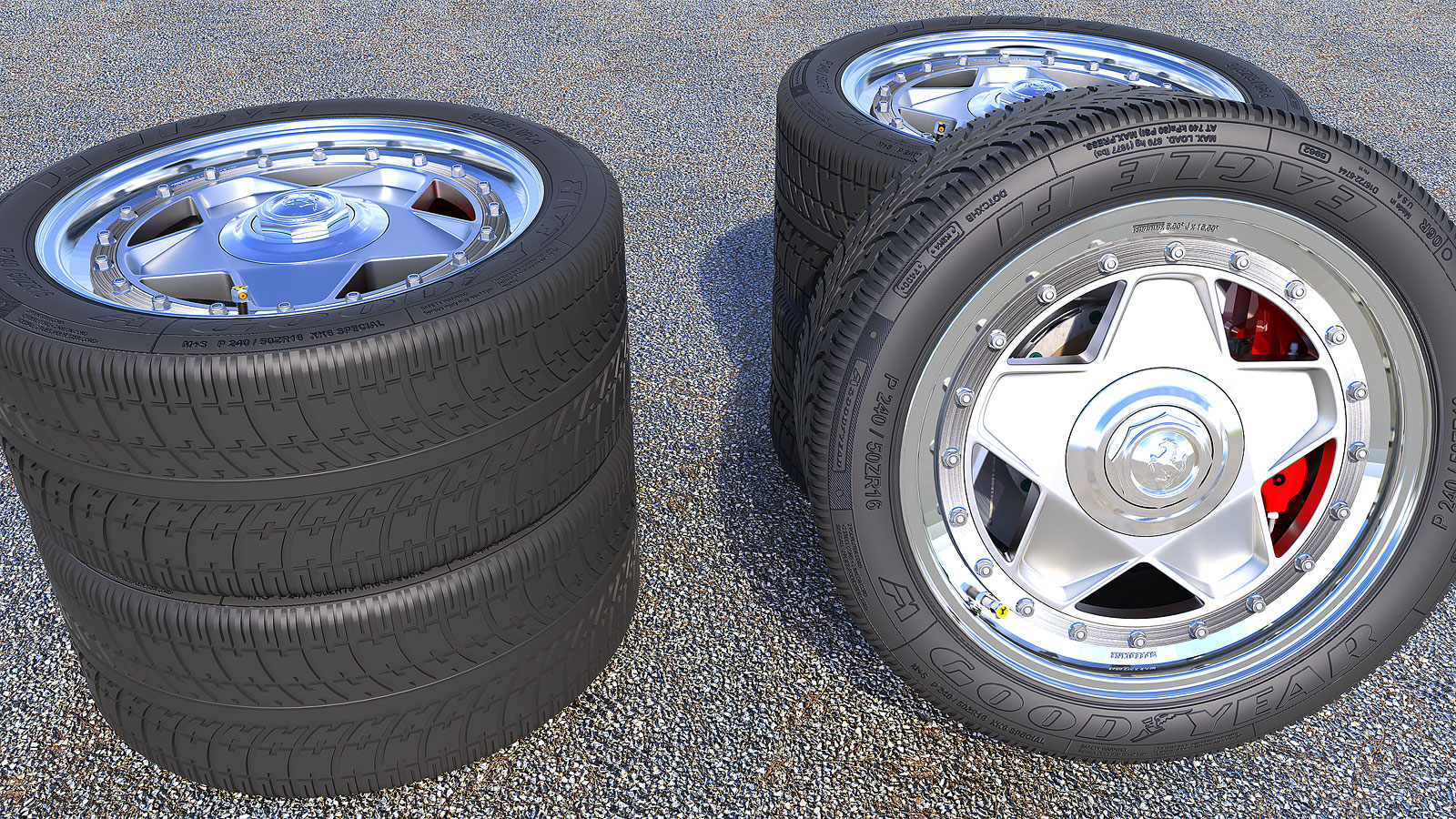
      I increased the tread depth.

      I go back to some of my old SU models and scratch my head at what I was doing back then. For instance there's a component for each tread segment yet the only component that shows up "in model" is the entire tire/wheel. At least it wasn't a group or loose geometry.

      Ferrari-GTO-Wheel-2023-02B.jpg

      Ferrari-GTO-Wheel-2023-02C.jpg

      posted in Gallery
      Gus RG
      Gus R
    • RE: Hunslet Cloister Quarry Engine

      Great work, Dave. Interesting history and I really like the illustrative renderings.

      posted in Gallery
      Gus RG
      Gus R
    • Ferrari F40 Wheel Re-Render

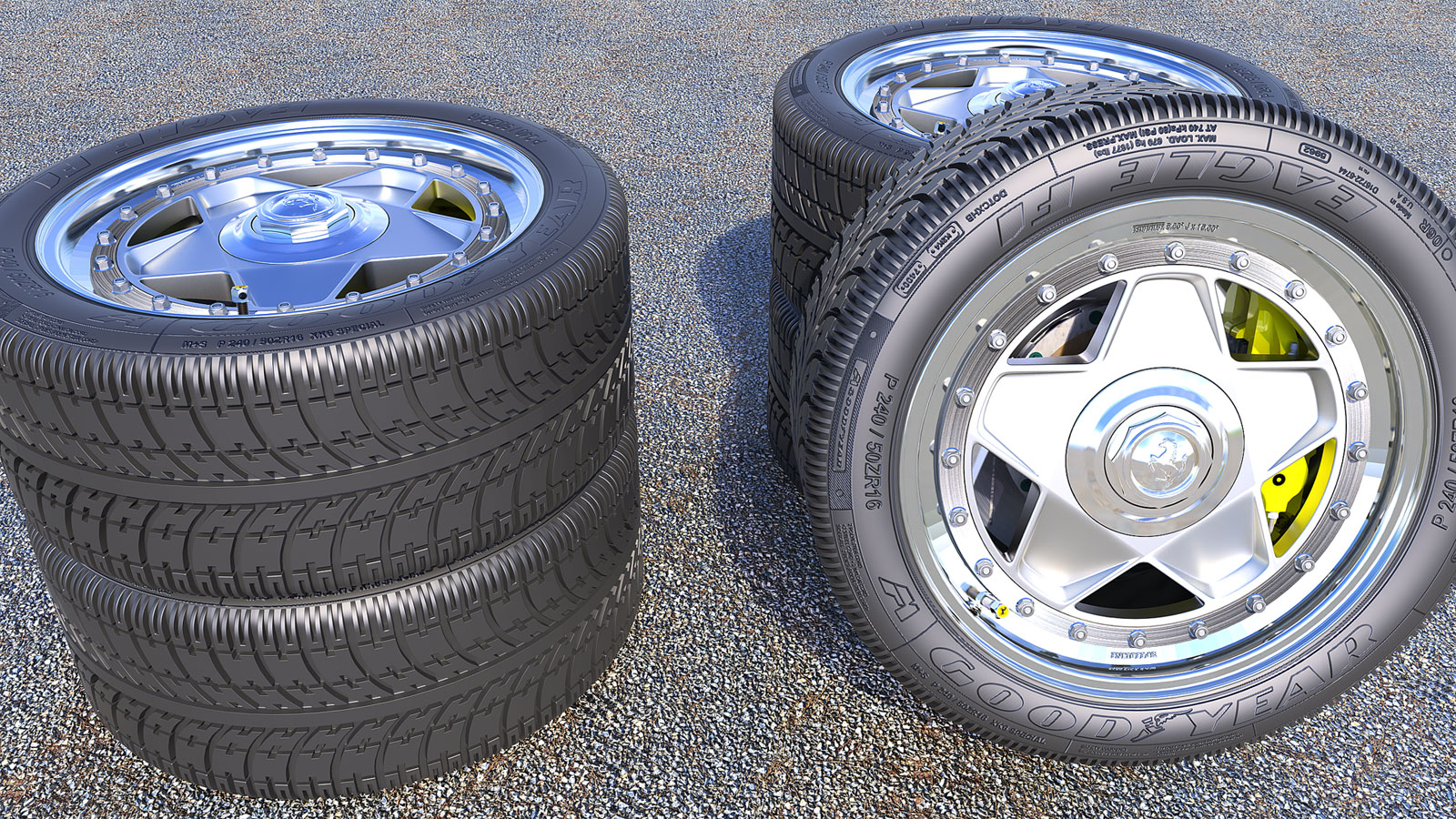
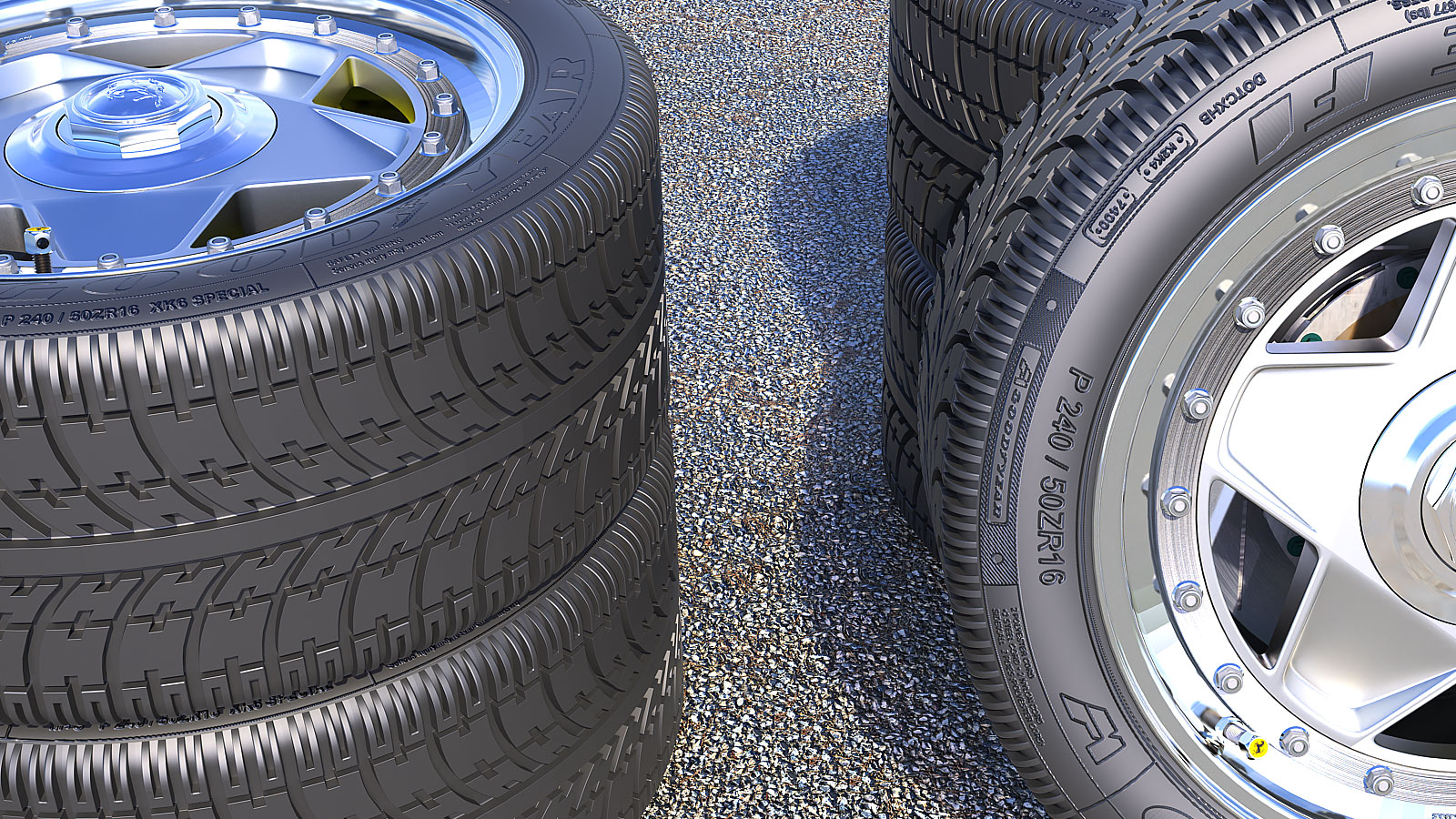
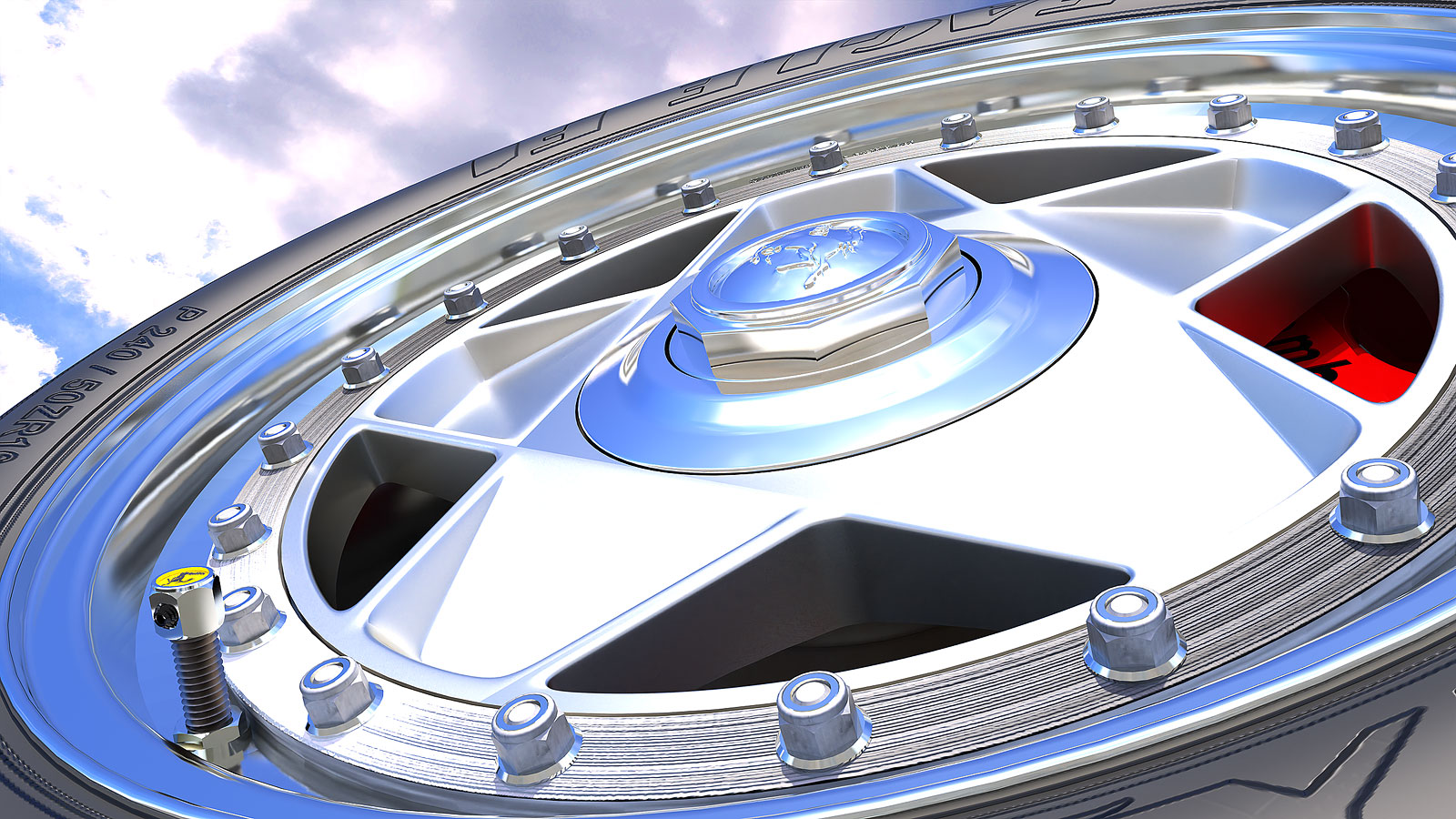
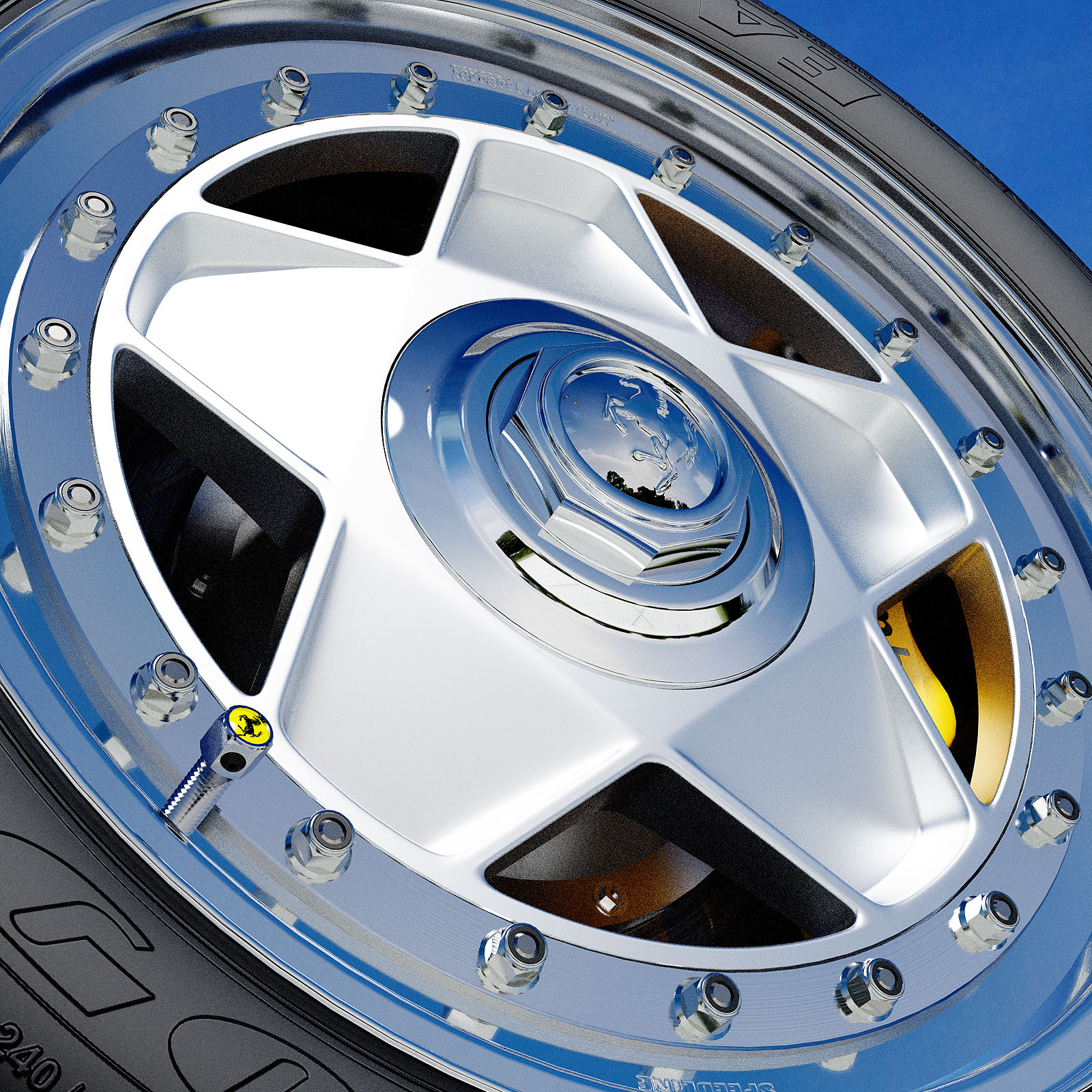
      An old model from 2011 that I originally rendered in Kerkythea. It's a wheel for the Ferrari F40 that I never made. The wheel spokes were made using SubD. The raised lettering on the tire is a normal map and the treads are made up of a single component.

      Ferrari-F40-Wheel-2023-01-S.jpg

      Ferrari-F40-Wheel-2023-01-B.jpg

      This was the Kerkythea render.

      Ferrari-F40-Wheel-Kerkythea.jpg

      posted in Gallery
      Gus RG
      Gus R
    • RE: On " How to Round Complex Corners in SketchUp"

      @box said:

      If you are wanting to do a lot of that sort of thing you may find SUbD works for you.

      That's funny because I'm working on a re-render of a Ferrari GTO wheel where I used exactly that. I was thinking about SubD for this too. Thanks.

      posted in SketchUp Discussions
      Gus RG
      Gus R
    • RE: Generic 2500teu feeder container ship

      @ntxdave said:

      Wow, that tool is awesome! Is Blender passing SU by?

      Blender has a lot of features and you can't beat it for organic and complicated forms but it's too complicated to surpass Sketchup. I have yet to learn Blender but it's a lot easier to lay out and dimension buildings in Sketchup than it is in Blender. It's free which is great. I was considering Rhino at one point since it allow dimensioning similar to Autocad where in Blender it's somewhat of a mystery. I'd like to be able to use both.

      posted in WIP
      Gus RG
      Gus R
    • RE: On " How to Round Complex Corners in SketchUp"

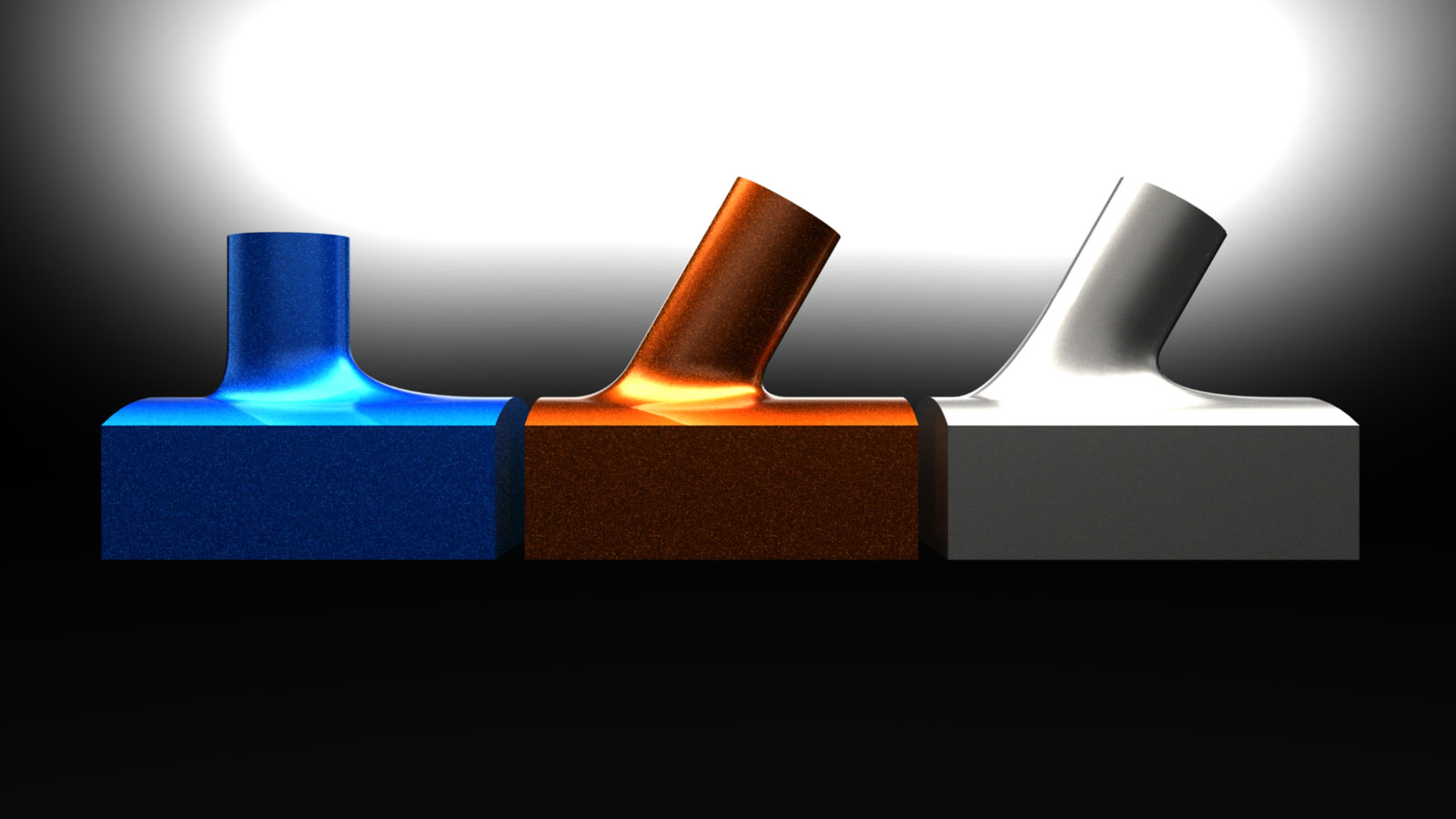
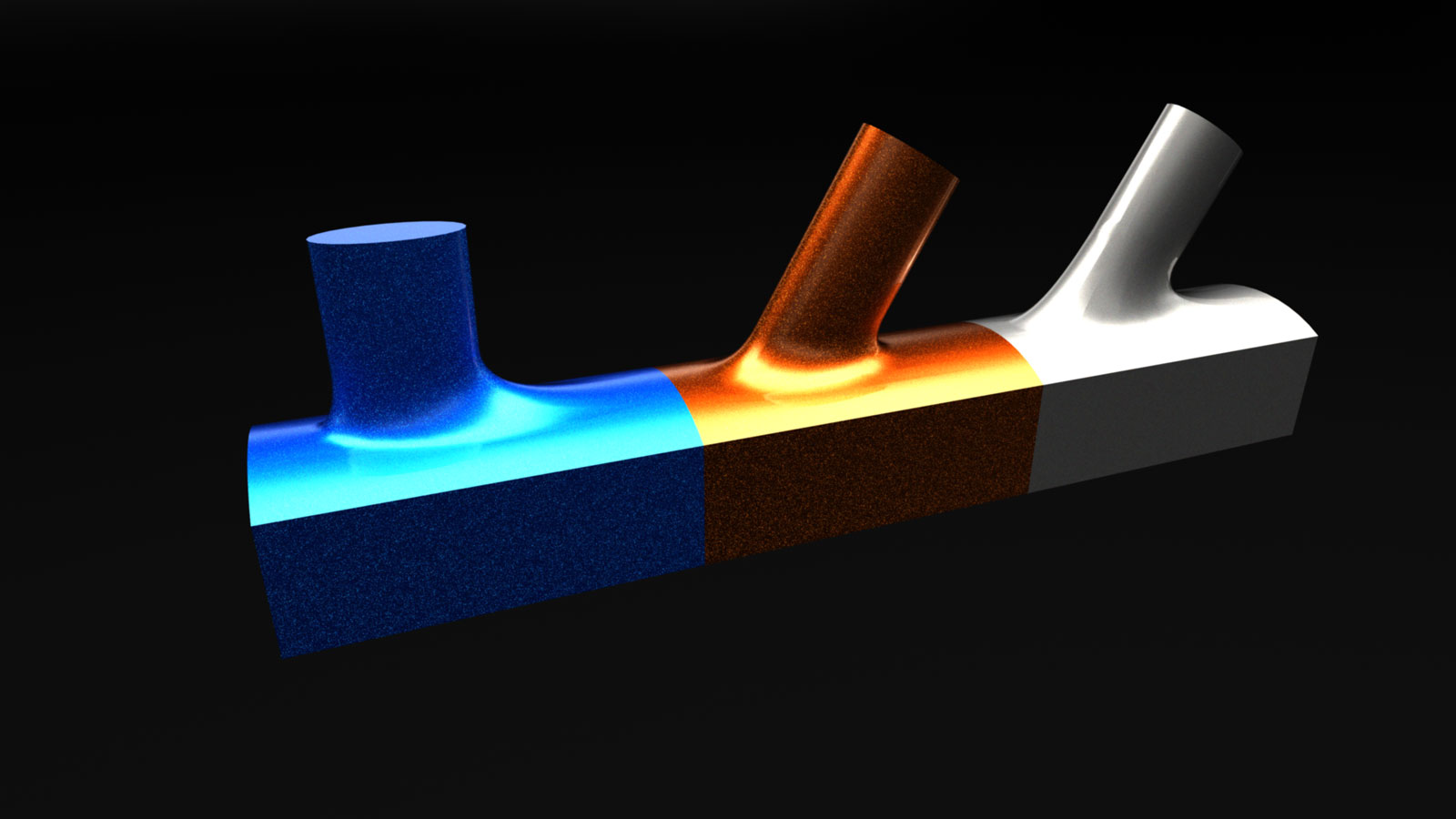
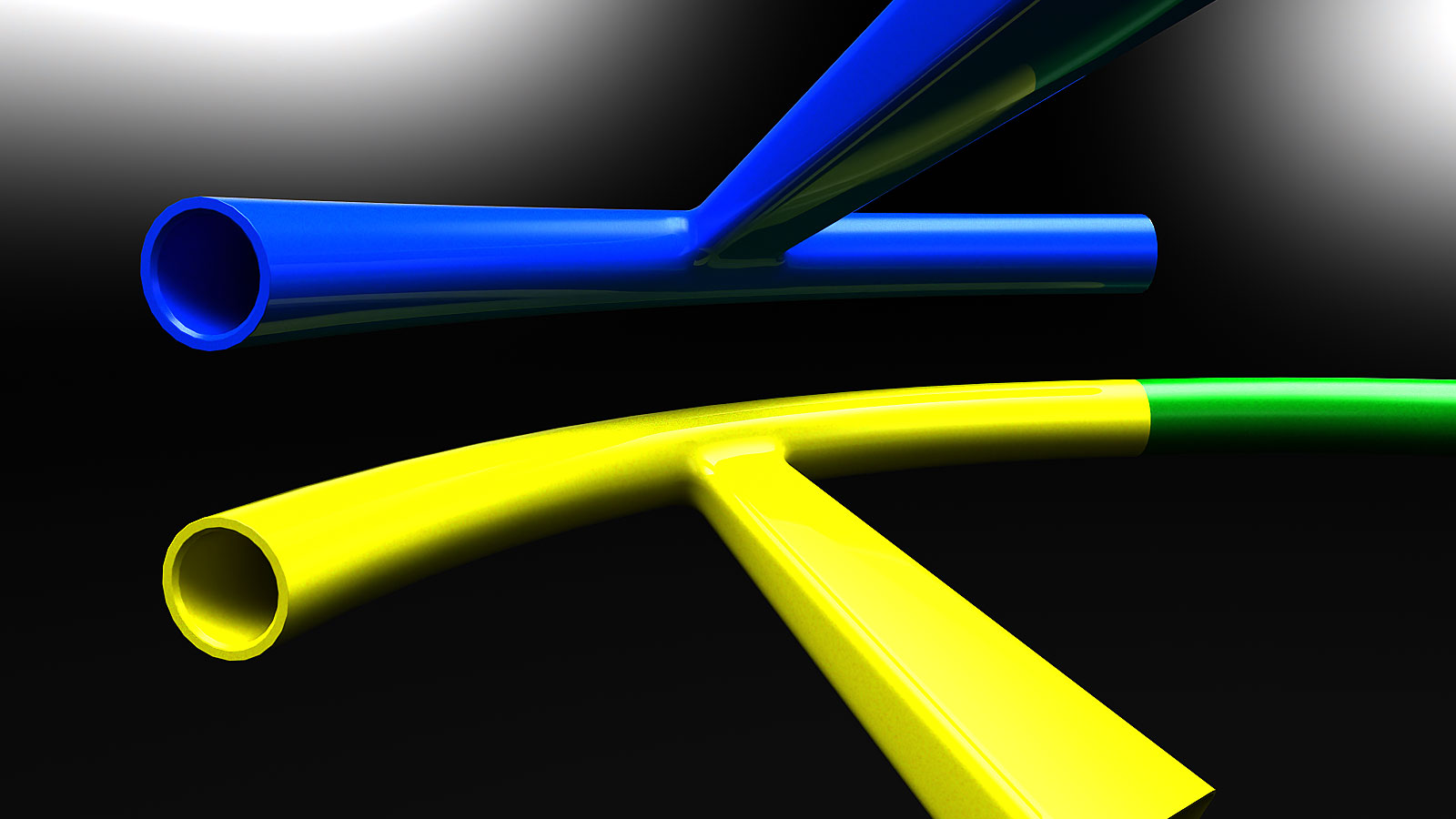
      You can do some pretty cool things with this.

      Turlles-Scene-3.jpg

      Turlles-Scene-2.jpg

      posted in SketchUp Discussions
      Gus RG
      Gus R
    • RE: On " How to Round Complex Corners in SketchUp"

      I think I found a solution with the original process. I just copied the loop at the end of the spoke to the top position of that center loop replacing that center loop. I was able to make it a solid with solid inspector and it needed some very minor clean-up.

      Turlles-Scene-1.jpg

      posted in SketchUp Discussions
      Gus RG
      Gus R
    • RE: Alfa Romeo tipo 33 Stradale 1967

      Looks great. Which subdivide plugin are you using?

      posted in WIP
      Gus RG
      Gus R
    • RE: On " How to Round Complex Corners in SketchUp"

      Thanks for giving it a shot, Box. I tried the skin contours method using a different technique and that worked too. I thought I found another method early this morning and when I went back to try it again it either didn't work or I didn't do it like I did earlier in the morning. I forced it to fillet and everything matched up but it wouldn't turn into a solid even though it looked much better. I guess the need for an object to be a perfect solid is a sort of obsession.

      I think the non-matching number of segments and that middle loop is causing the distortions

      Maybe someone will develop a round complex corner/bevel/fillet plugin.

      posted in SketchUp Discussions
      Gus RG
      Gus R
    • RE: Lines distorted after exploding a group

      Try scaling your model up by 10X or 100X. You can either keep working at a larger scale or scale it down in between routines.

      posted in SketchUp Discussions
      Gus RG
      Gus R
    • 1
    • 2
    • 24
    • 25
    • 26
    • 27
    • 28
    • 52
    • 53
    • 26 / 53