sketchucation logo sketchucation
    • Login
    1. Home
    2. Gus R
    3. Posts
    Oops, your profile's looking a bit empty! To help us tailor your experience, please fill in key details like your SketchUp version, skill level, operating system, and more. Update and save your info on your profile page today!
    ⚠️ Important | Libfredo 15.6b introduces important bugfixes for Fredo's Extensions Update
    Offline
    • Profile
    • Following 1
    • Followers 2
    • Topics 144
    • Posts 1,060
    • Groups 2

    Posts

    Recent Best Controversial
    • RE: On " How to Round Complex Corners in SketchUp"

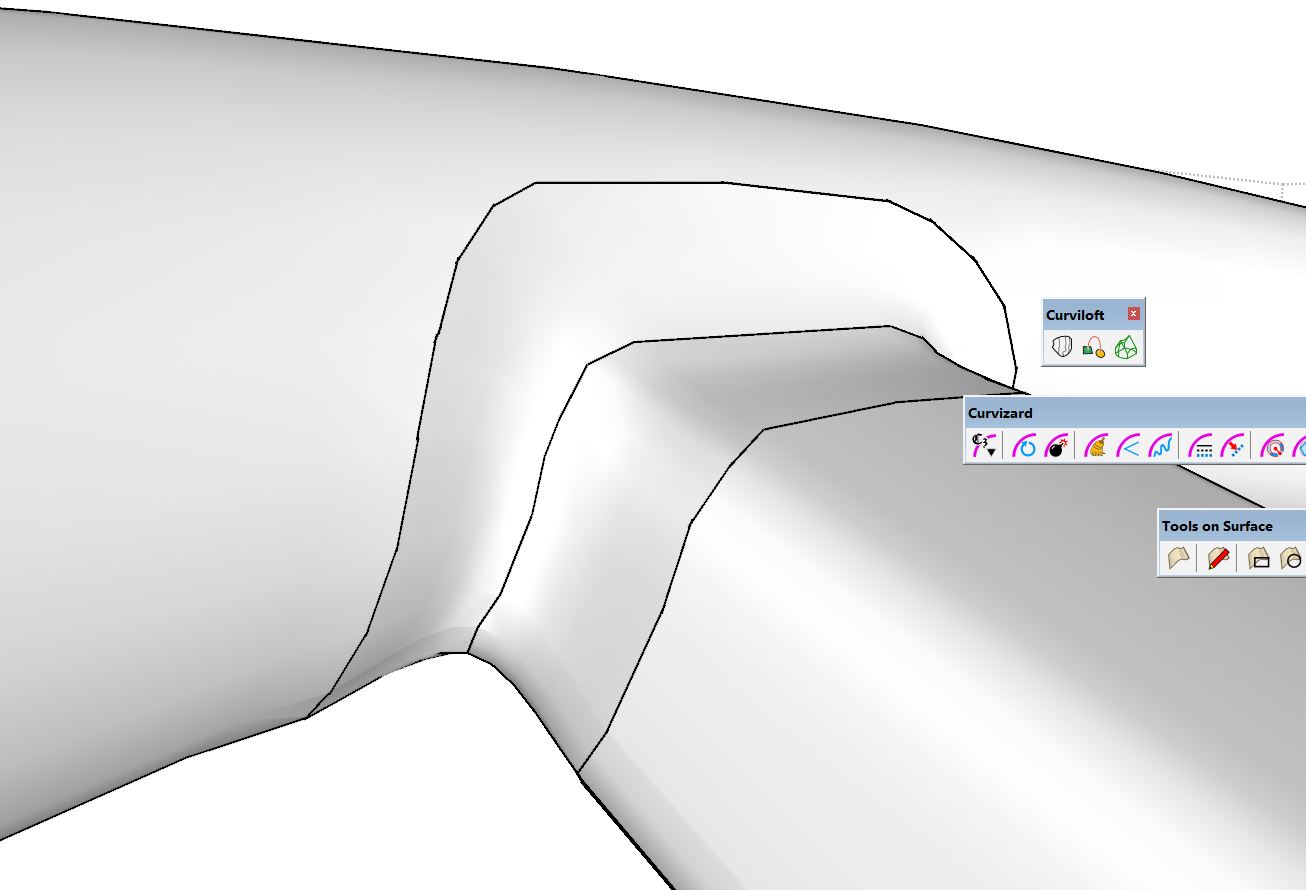
      Yes, it's a group. I can get it to close with no gaps when I use single cubic Bézier curve (2nd image) but it leaves a gap when I use the B-spline smoothing (1st image) which is the effect I'm looking for. That doesn't allow for a solid without time consuming repair even though it can render OK. I tried doing it with the model at 100X the size and that didn't work. I think it might be this particular form.
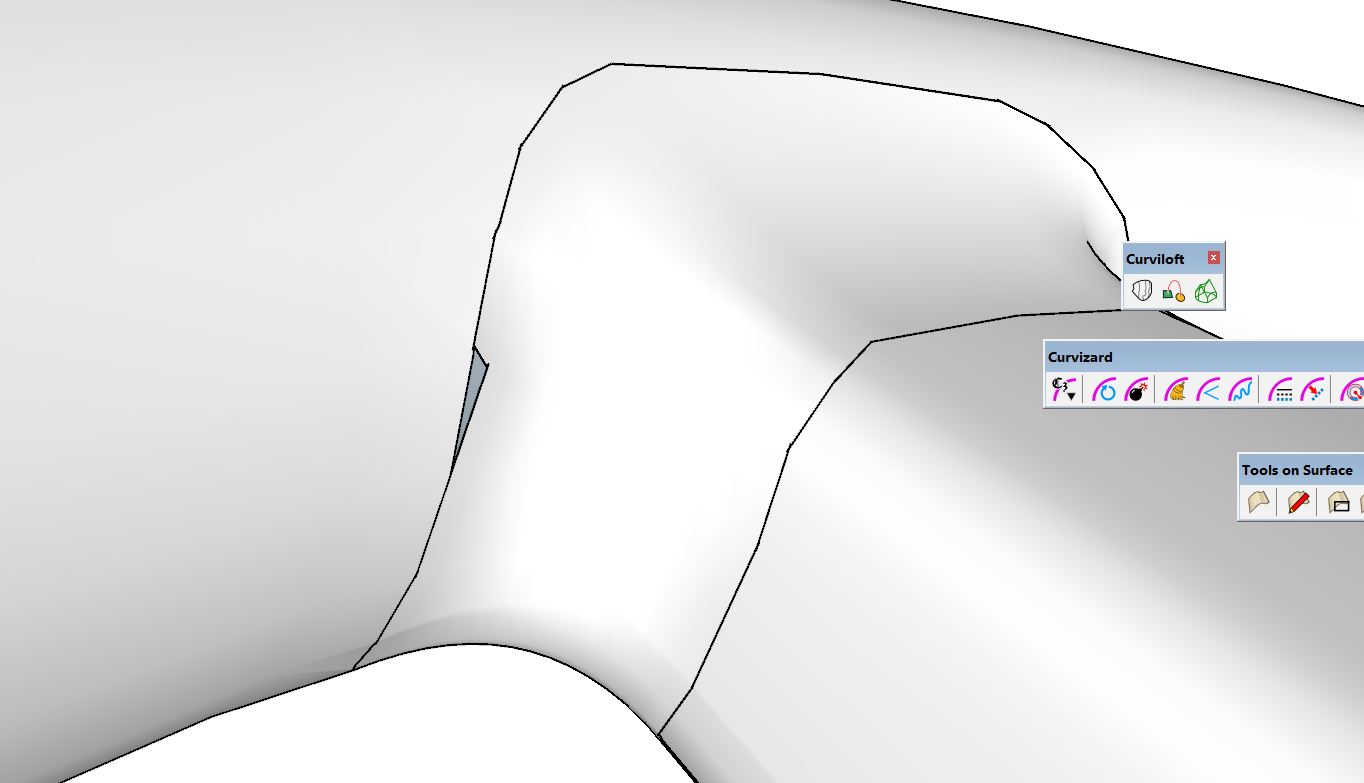
      CL01.jpg

      CL02.jpg

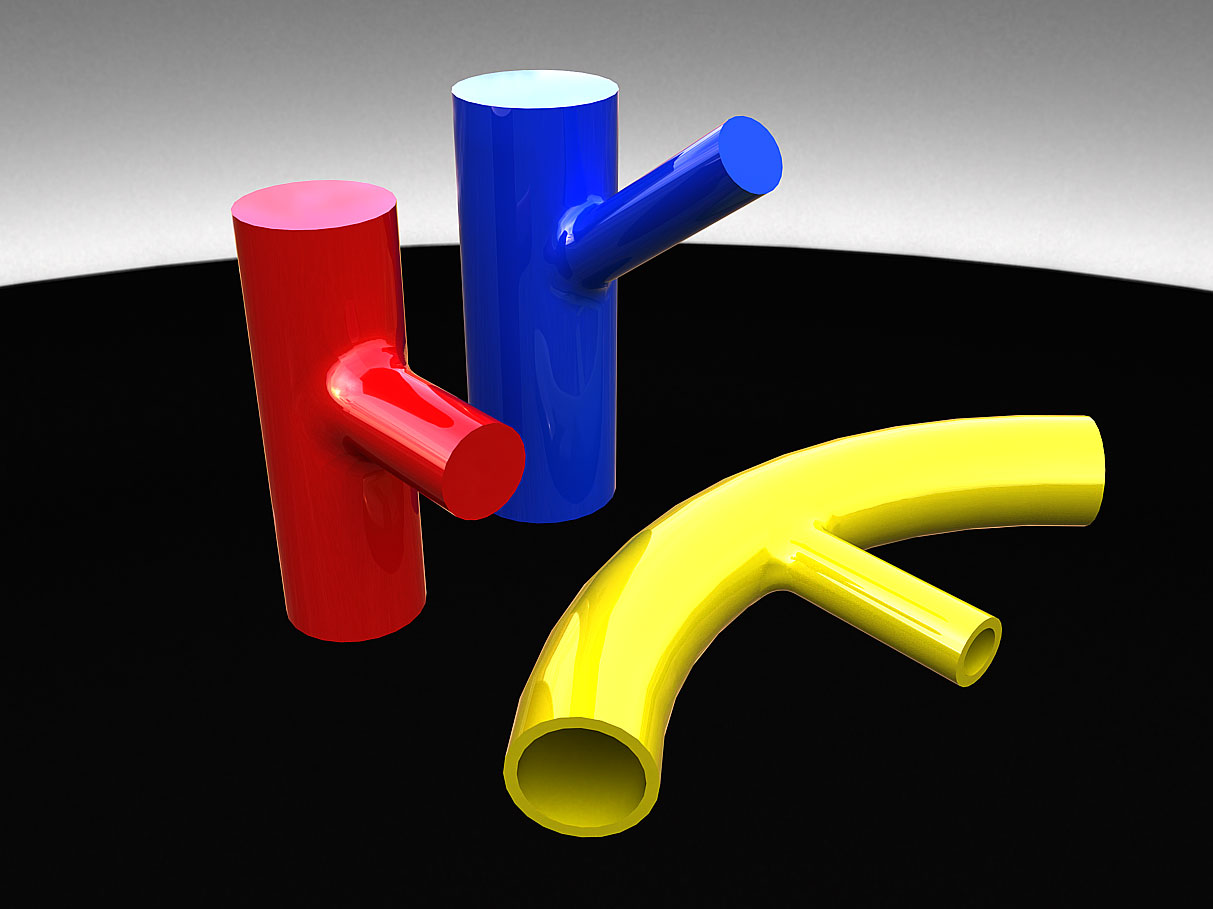
      It works fine with simpler intersections although the yellow one needed some coaxing. I can see a bump on the surface.

      CL03.jpg

      posted in SketchUp Discussions
      Gus RG
      Gus R
    • On " How to Round Complex Corners in SketchUp"

      Has anyone tried this with much success? It works for me sometimes and other time it doesn't. I have some examples that I'm stuck on that I can upload but was wondering if anyone had any experience with this technique. I can get the fillet to loft but it just doesn't connect with the two main elements.

      The video is from TutorialsUp and there are no verbal explanations. Just music. Making things more difficult is that I can't find any other instructions on this technique anywhere on the internet. I'm sure Blender could do this in seconds. Just a matter of learning Blender.

      The sample is below the video. It's not a working project and just something to practice with. I left the 3d offsets in place. Each solid is unique.

      Complex Corners Sample.skp

      posted in SketchUp Discussions
      Gus RG
      Gus R
    • RE: EMD SD45 - Union Pacific

      Thanks Majid. I managed to reduce that wheel from a 1.2 MB component to 146 KB. Laid it out at first in Autocad which imports with 100 segment circles. The Former component was made up of 5 identical components. With fewer segments and making it out of 10 identical components I cut it down to size.

      posted in WIP
      Gus RG
      Gus R
    • RE: Generic 2500teu feeder container ship

      Great work, axeonalias. I know I have to resist the temptation of adding detailed bolts everywhere but since they're components that can easily be changed. Another thing is splitting up symmetrical objects into separate components along an axis line so a bolt alone can be split into six components within the bolt component. If you're viewing an object from 100s of feet away you can't notice the threads or bolt details.

      Speaking of bolts. I just discovered that Blender has a built in bolt and nut maker which allows you to create bolts of various types on the fly. I tested it and exported as a dxf and imported into Sketchup and they clean up well and it's even a perfect solid. I have to go back to my donuts lessons from last spring when I was starting to learn Blender. Anyone that needs bolts or nuts for Sketchup can easily use this since all it requires is some rather basic keystrokes.

      posted in WIP
      Gus RG
      Gus R
    • RE: How to curt hole in log wall

      Thanks Box. I finally expanded my use of Sketchup's solid tools. Got stuck in a routine.

      posted in SketchUp Discussions
      Gus RG
      Gus R
    • RE: EMD SD45 - Union Pacific

      A hand brake wheel and a sand filler cap. The wheel is comprised of 5 radial components except for the lug which is just a group. Sand is used for traction on railroad.

      Hand-Brake-Scene-2.jpg

      posted in WIP
      Gus RG
      Gus R
    • RE: T-60 light tank...

      Kerkythea was my first real rendering experience. It's a good program. Up until 2021 I was using a an i5-2500K desktop. It was really slow waiting for renderings. I started in computers with a 486. Now that was slow. At least compared to today. I did most of my Fender Stratocaster renderings with the old i5 rig which is still running and had to use it during computer emergencies. I got a 10th gen i9 in 2021 and I blinked and they already came out with 11th gen and now we're at 13th gen. 11th gen didn't get many good reviews. I have an i9 10900K now which I upgraded from a plain Jane 10900.

      posted in WIP
      Gus RG
      Gus R
    • RE: T-60 light tank...

      Looking good.

      posted in WIP
      Gus RG
      Gus R
    • RE: EMD SD45 - Union Pacific

      Thanks axeonalias. I do enjoy myself doing this. Sometimes it borders on an obsession while being a challenge to figure out the plans without spending weeks on one part.

      I'm still amazed at the weight of these locomotives. The SD-45 weighs 368,000 pounds.

      posted in WIP
      Gus RG
      Gus R
    • RE: EMD SD45 - Union Pacific

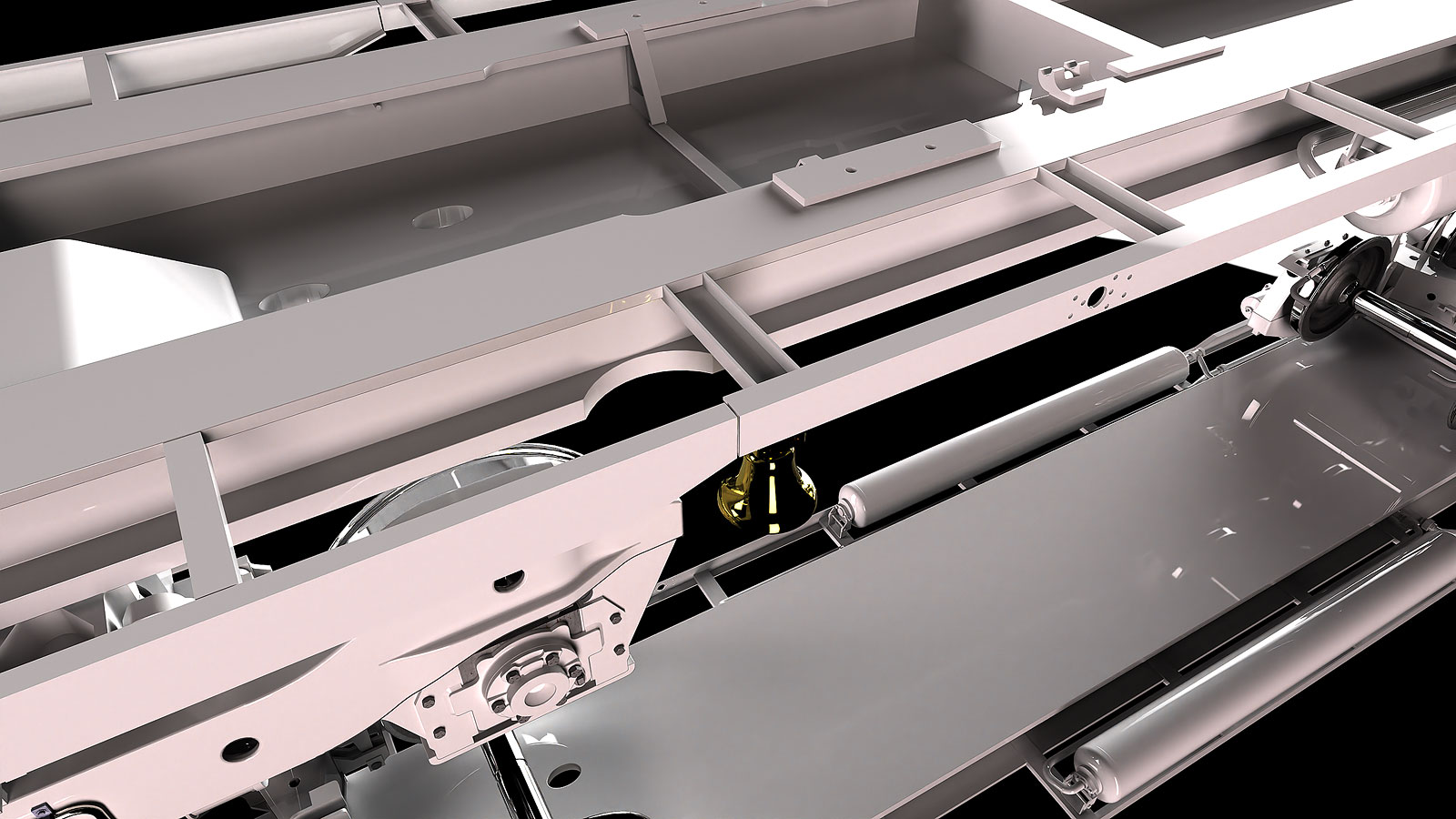
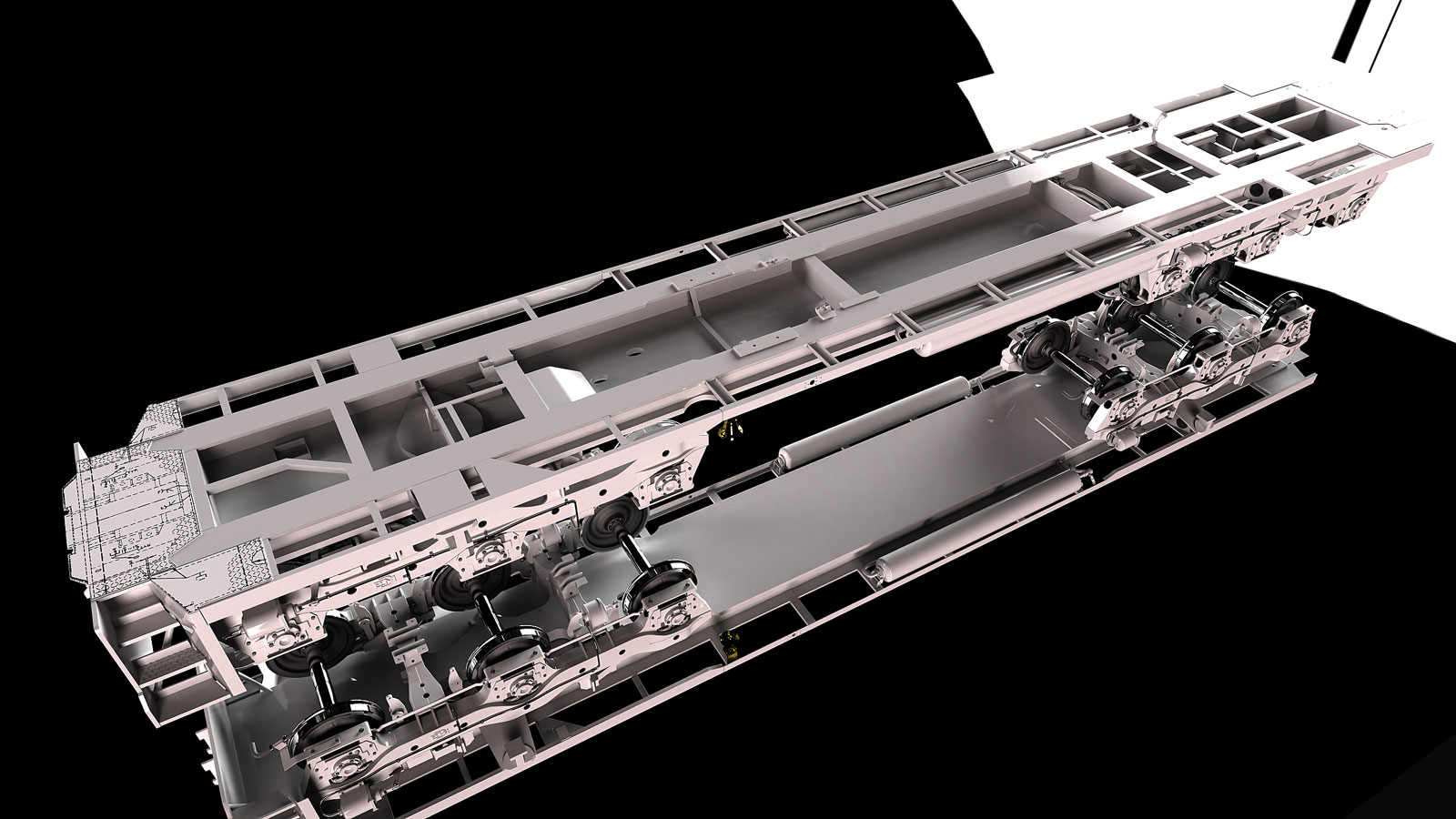
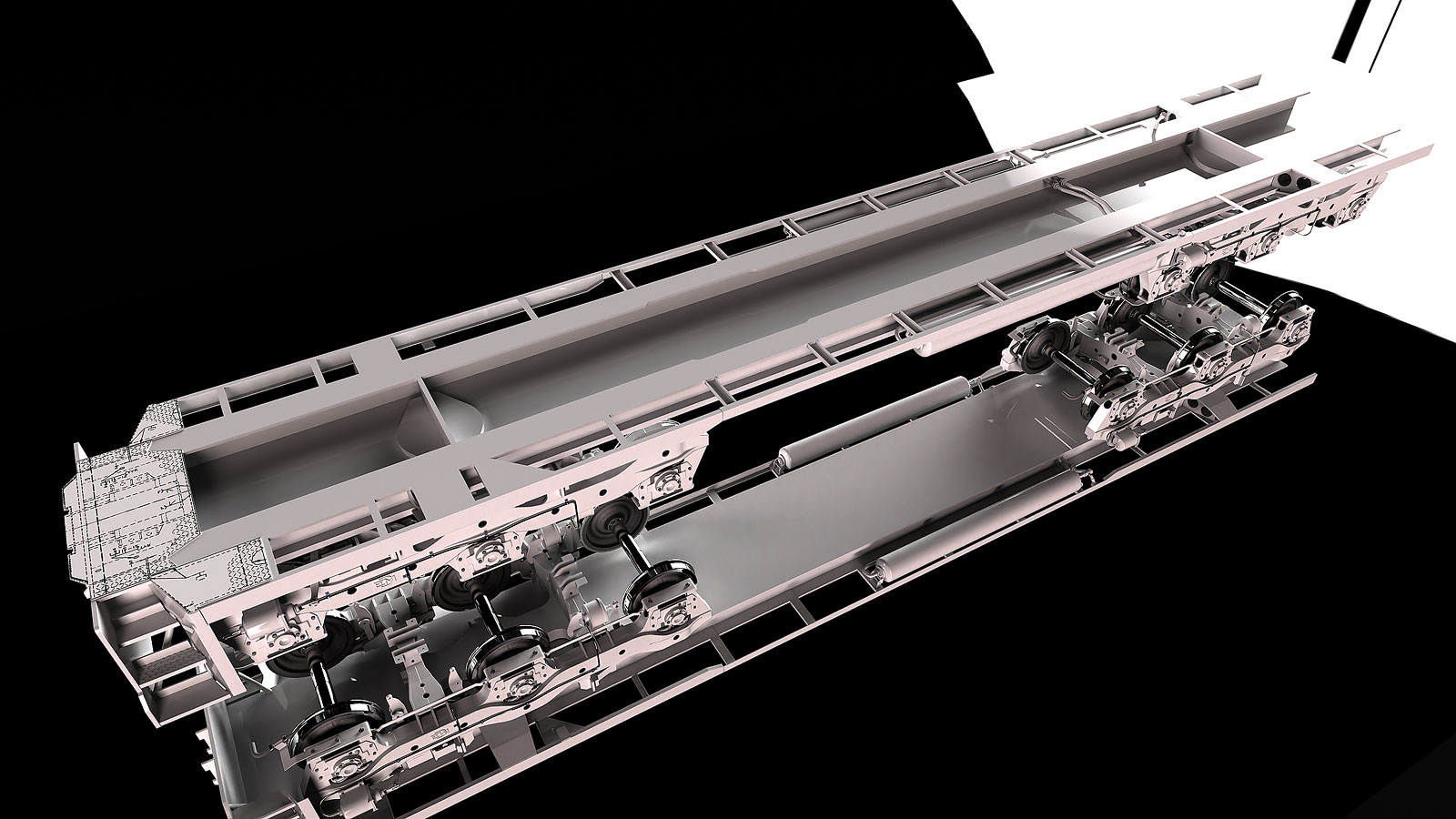
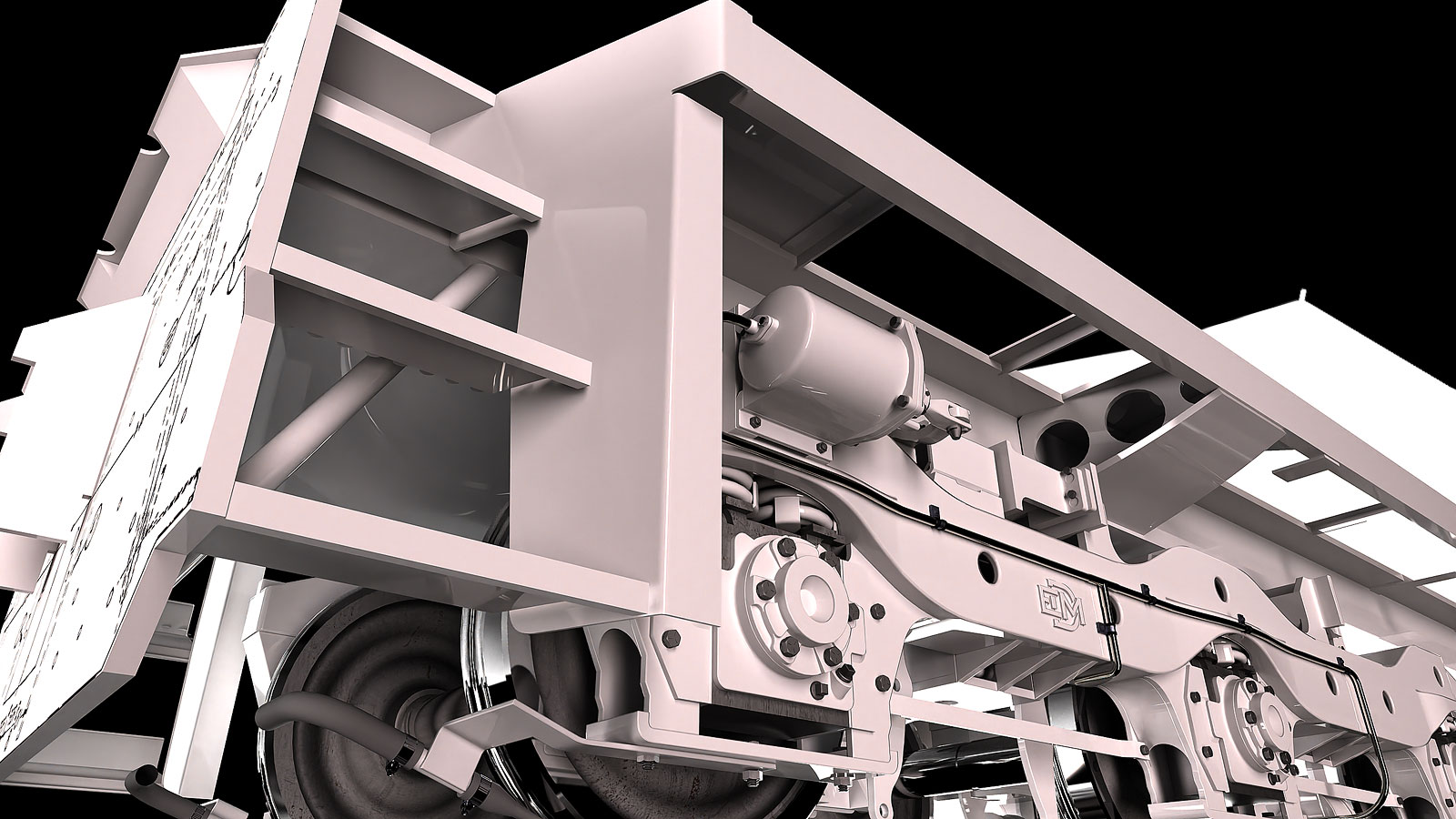
      Added more bells and whistles to the underframe. A lot of this is like ductwork or metal shop in high school. It's tedious but tedious is what creates good detailing. You just work through it.

      Surprisingly there isn't much underneath the underframe.

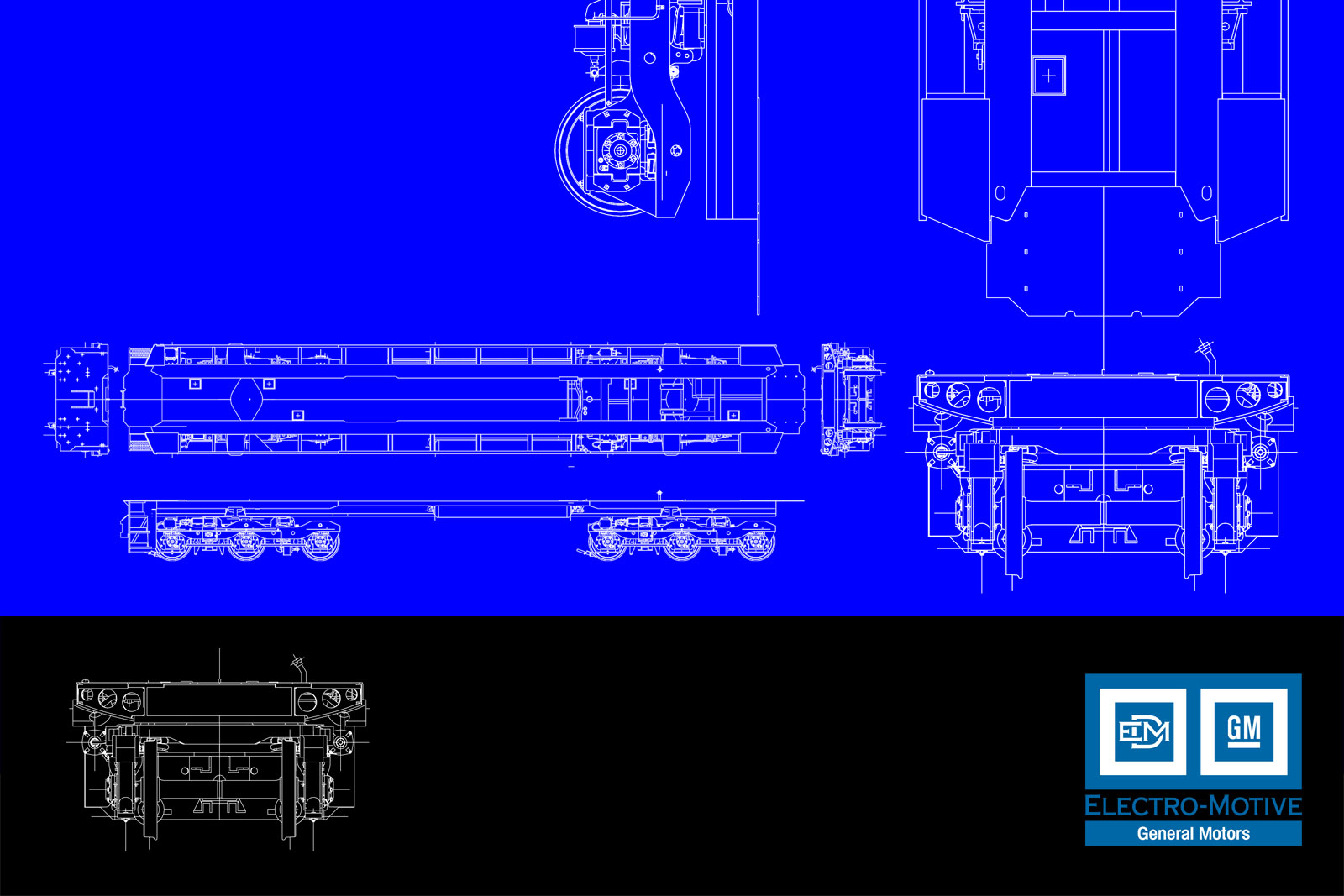
      I also did a little graphic poster. The linework is just a dwg export that I printed to a PDF and tweaked it in Photoshop.

      Frame-8449100-B--S-21D.jpg

      Frame-8449100-B-S-11.jpg

      Frame-8449100-B2-Model-2.jpg

      posted in WIP
      Gus RG
      Gus R
    • RE: Jaguar XKSS Steve McQueen.

      url.jpg

      posted in Gallery
      Gus RG
      Gus R
    • RE: EMD SD45 - Union Pacific

      Thanks Mike and Bryan.

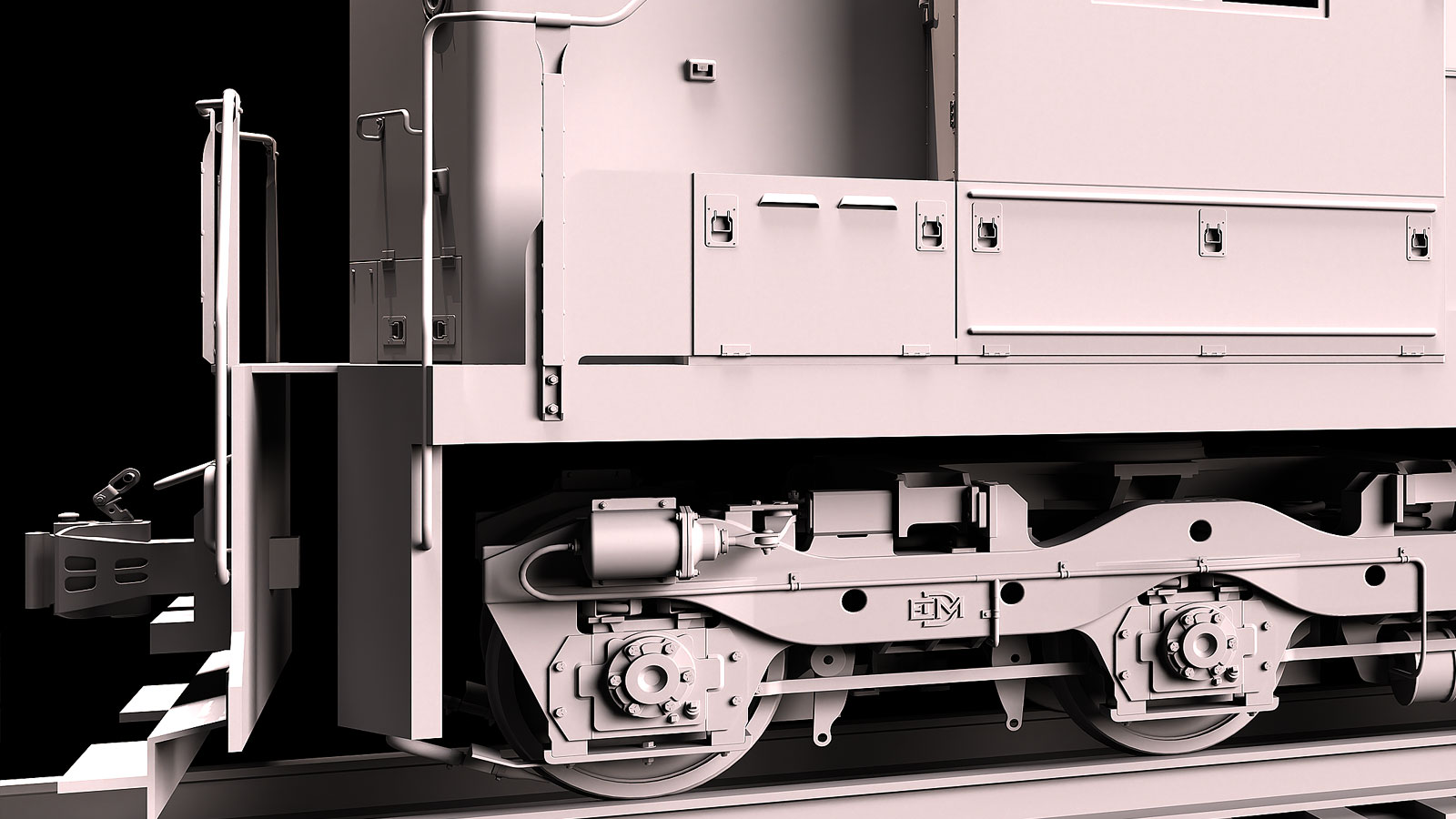
      This is a tough one filled with many intricate details. Fortunately they're mostly at right angles. I can't believe the amount of steel they put in these locomotives. They're monsters.

      This is the underframe. Can't get too carried away since there's plenty more down there. Had to adjust the trucks and the main reservoirs to line up right. Most everything is either dimensioned or traced which is within less than an inch.

      I did a lot of structural drafting and design in the past so that helps. For anyone aspiring to do this kind of work learn about how it's built whether it's furniture or a locomotive. Or a house.

      Frame-8449100-B-Scene-11.jpg

      Frame-8449100-B-Scene-6.jpg

      posted in WIP
      Gus RG
      Gus R
    • RE: How to curt hole in log wall

      Don't worry. I was stumped with the subtract tool at first since I was using Bool Tools for a long time.

      posted in SketchUp Discussions
      Gus RG
      Gus R
    • RE: How to curt hole in log wall

      First you select the solid you want to subtract. Then click on the subtract icon and then click on one of the logs.

      posted in SketchUp Discussions
      Gus RG
      Gus R
    • RE: How to curt hole in log wall

      I'm using the native solid tools. Should be the fourth icon that says "subtract" on mouse over.

      posted in SketchUp Discussions
      Gus RG
      Gus R
    • RE: How to curt hole in log wall

      @ntxdave said:

      I am not 100% sure I understand what you were telling me to do. 😕

      See attached example. It's in version 8 for anyone else to take a look.

      posted in SketchUp Discussions
      Gus RG
      Gus R
    • RE: How to curt hole in log wall

      If you open the attached example you can see how I created unique components for each log that's have identical openings. The white ones are unique. If you create a component you only have to cut that log once wherever there's an opening. With a group you have to cut them one by one.

      Log Cabin Cutout Sample.skp

      posted in SketchUp Discussions
      Gus RG
      Gus R
    • RE: How to curt hole in log wall

      I usually subtract (solid tools) each group one by one while repeatedly pasting in place what I'm subtracting. If what's being subtracted is just repeating you can use a component instead of a group and then you only have to do it once and then make the component unique say for the header where it may not need to subtract the entire log. I see you also have a solid there which I'm assuming is a door and that has to extend beyond the front of the door. I always like to extend the solid beyond the limits of what I'm subtracting since if it's right on the edge it will result in a mess.

      posted in SketchUp Discussions
      Gus RG
      Gus R
    • RE: How many years until SU incorporates all major plugins?

      Somehow I picture Trimble charging a fee to use other people's plugins. Maybe charge a licensing fee to developers.

      posted in Corner Bar
      Gus RG
      Gus R
    • RE: EMD SD45 - Union Pacific

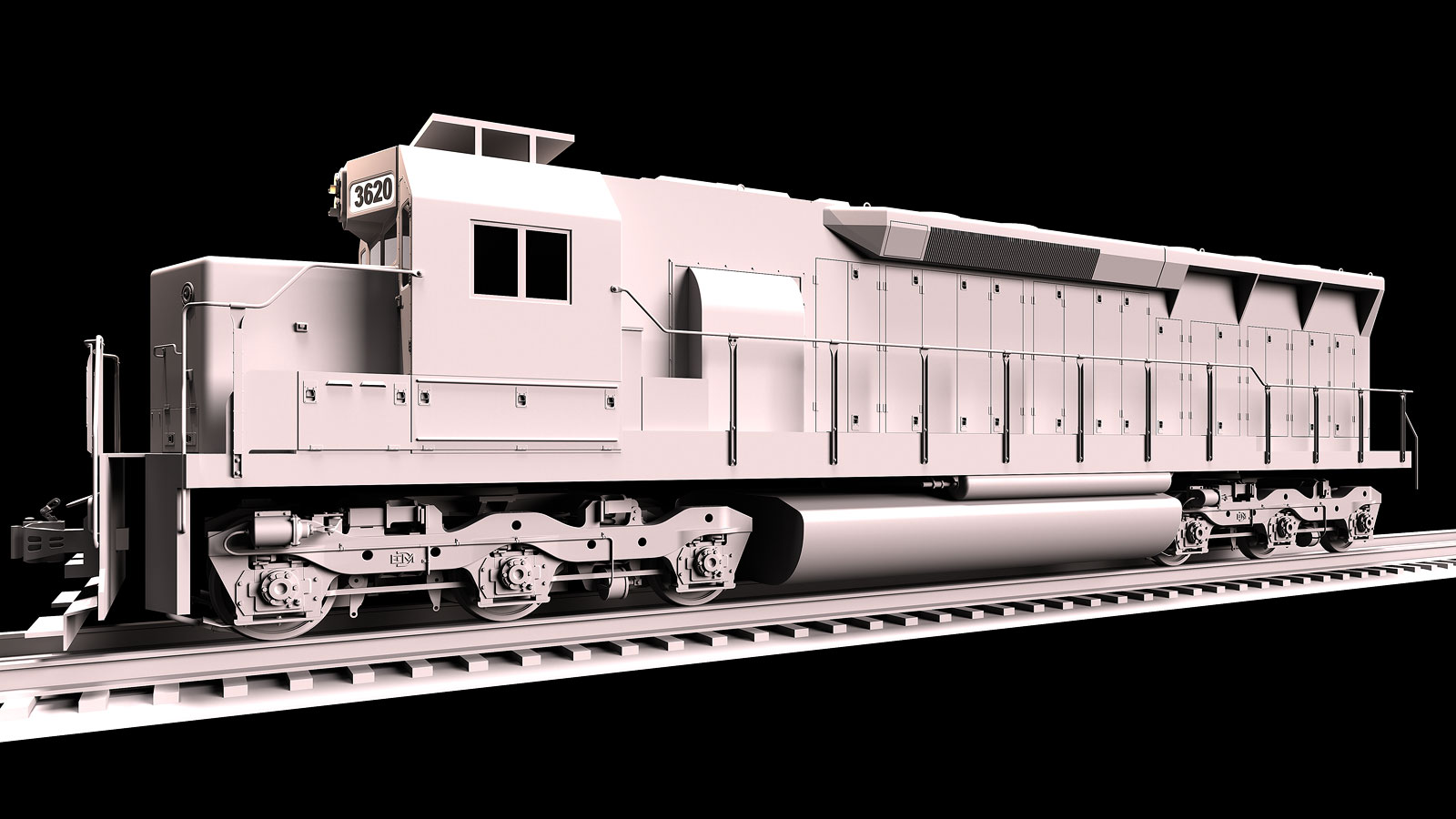
      Clay model of the entire locomotive with everything so far. The two point perspective views seems to distort the wheels.

      SD-45-04-Scene-29.jpg

      SD-45-04-Scene-29B.jpg

      posted in WIP
      Gus RG
      Gus R
    • 1 / 1