sketchucation logo sketchucation
    • Login
    1. Home
    2. Gus R
    3. Posts
    Oops, your profile's looking a bit empty! To help us tailor your experience, please fill in key details like your SketchUp version, skill level, operating system, and more. Update and save your info on your profile page today!
    โš ๏ธ Important | Libfredo 15.6b introduces important bugfixes for Fredo's Extensions Update
    Offline
    • Profile
    • Following 1
    • Followers 2
    • Topics 144
    • Posts 1,060
    • Groups 2

    Posts

    Recent Best Controversial
    • RE: FlexTools Updates

      @halroach said:

      Update your FlexTools!

      • Up to 3X faster performance of Flex components ๐Ÿ˜„
      • Updated Spanish translations - (Special thanks to Rafael Teresa for the hard work!)
      • Updated door component (See the release notes).

      (FlexTools Extension v2.13.0)
      (FlexPack Pro v1.37.3)

      See here how to update.

      Finally re-upped my Flex Tools subscription with the Black Friday discount. My rendering work input is slow.

      Any chance we can get exterior window trim options for the windows? That would be really handy.
      posted in FlexTools
      Gus RG
      Gus R
    • RE: Import an image - export it to .dxf

      While not related you can trace (Path: Trace Bitmap) an image file using Inkscape and then export it as an svg which can then be imported to Sketchup. Then you can export it as a dxf file.

      Quality of the import will depend on the quality of the original image. I attached a sample skp file to see what you can accomplish with Inkscape and Sketchup.

      Peterbilt Logo.skp

      posted in Newbie Forum
      Gus RG
      Gus R
    • RE: EMD SD45 - Union Pacific

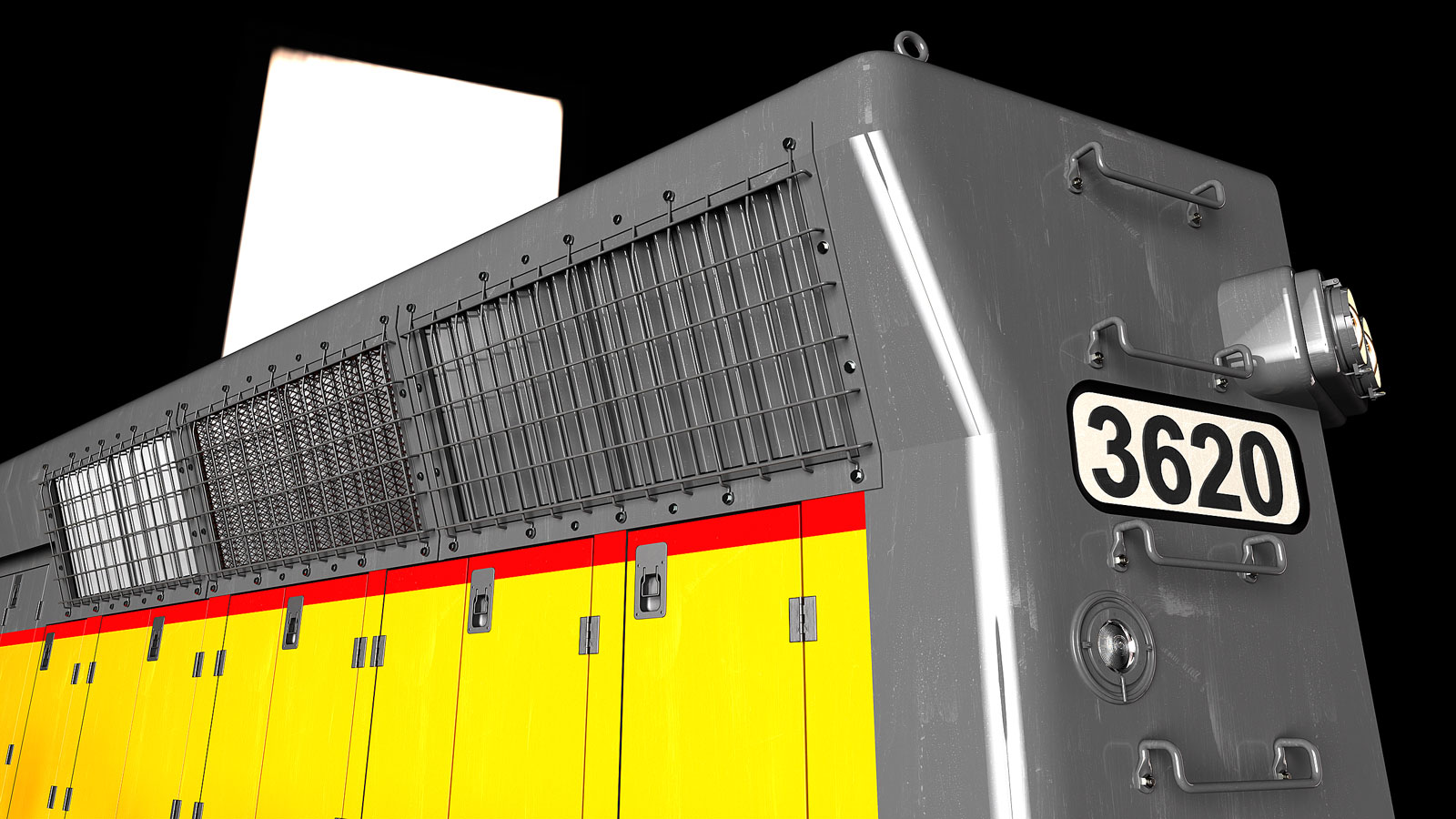
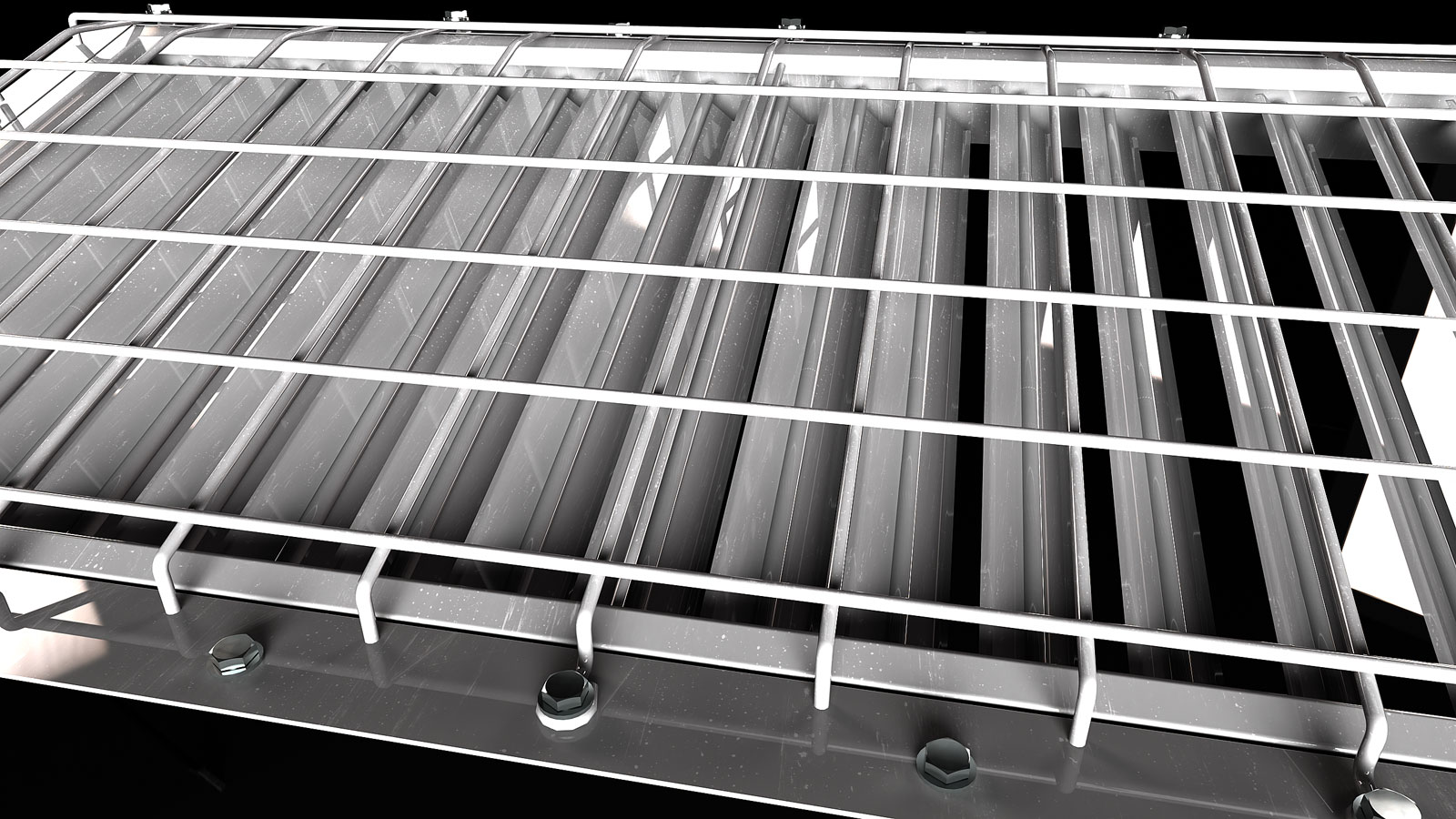
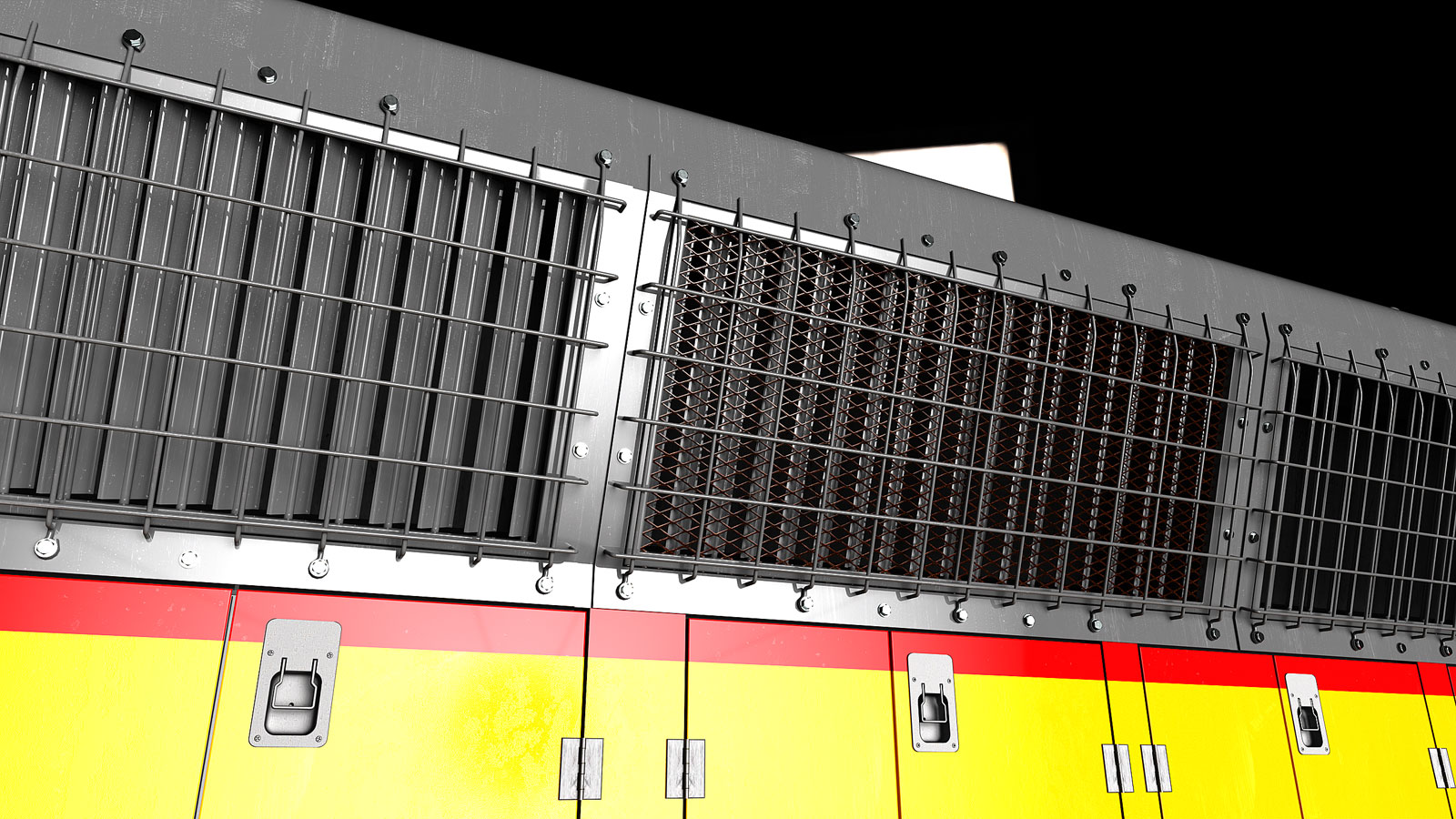
      This is the shutter and grille assembly. The shutters control airflow for air cooling. They're normally open. The inner grille goes on all three on each side of the locomotive. Omitted for clarity.

      SD-45-08-Scene-35.jpg

      SD-45-08-Scene-36.jpg

      SD-45-08-Scene-37.jpg

      posted in WIP
      Gus RG
      Gus R
    • RE: Blue Moon

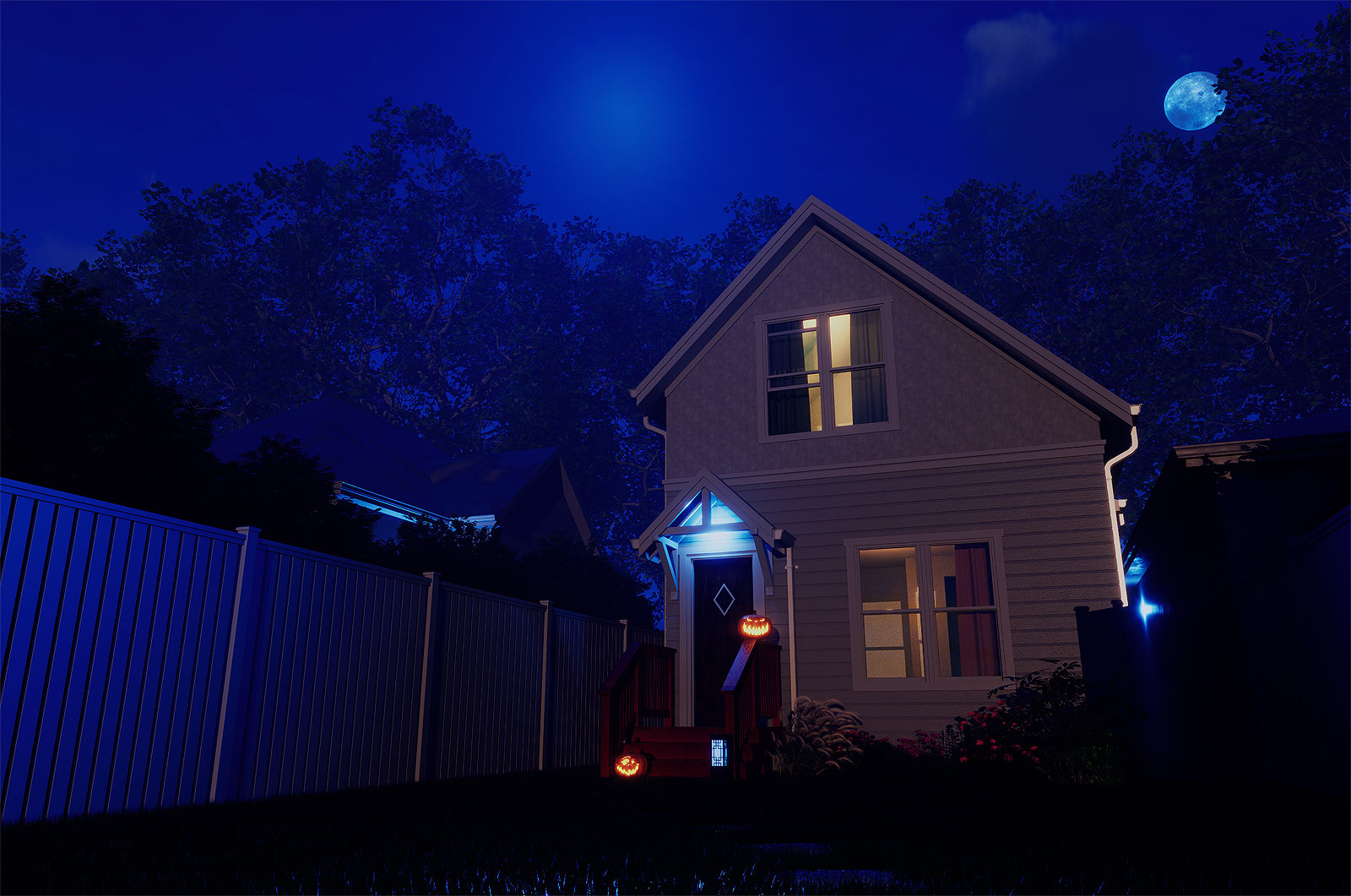
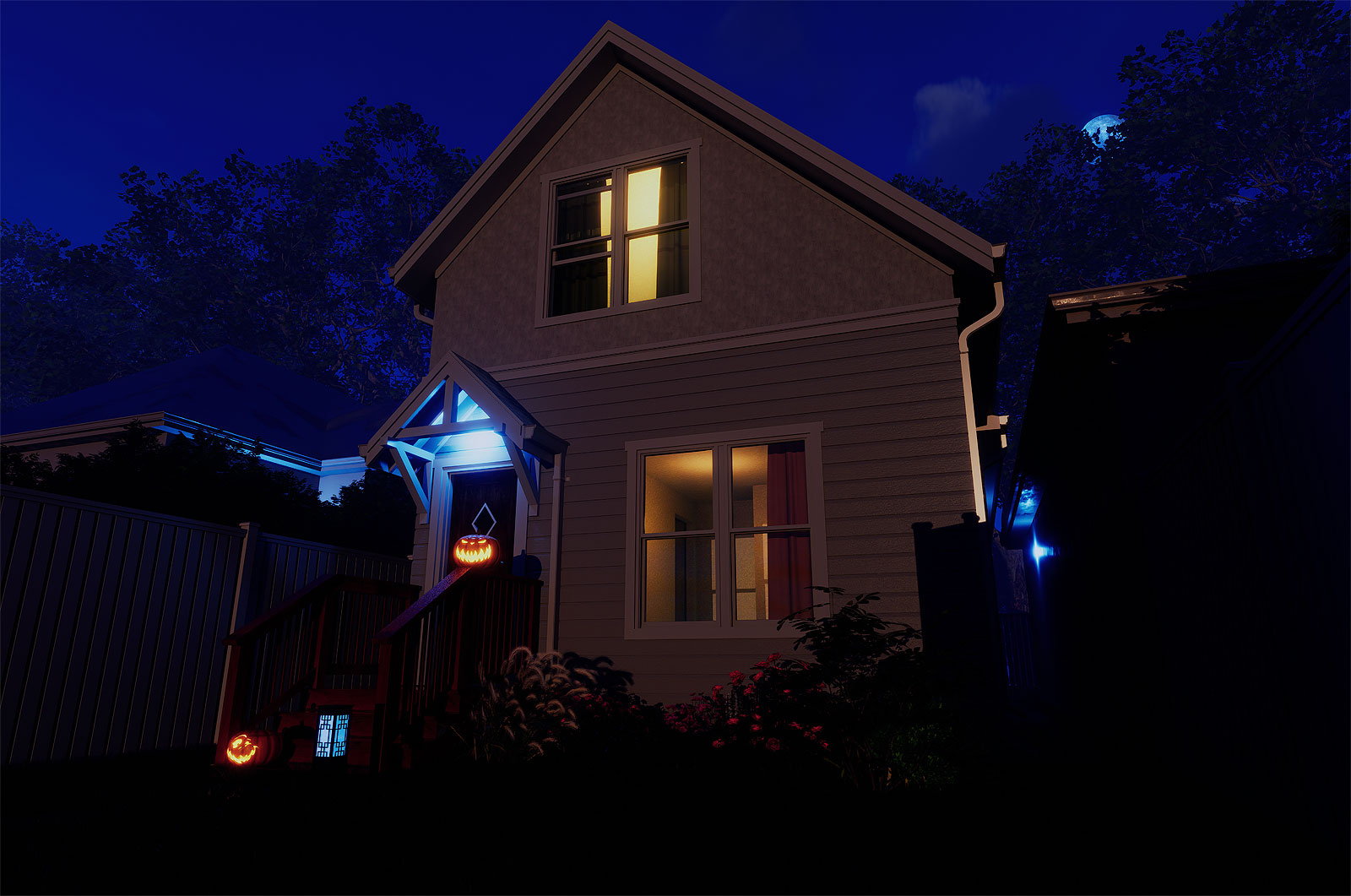
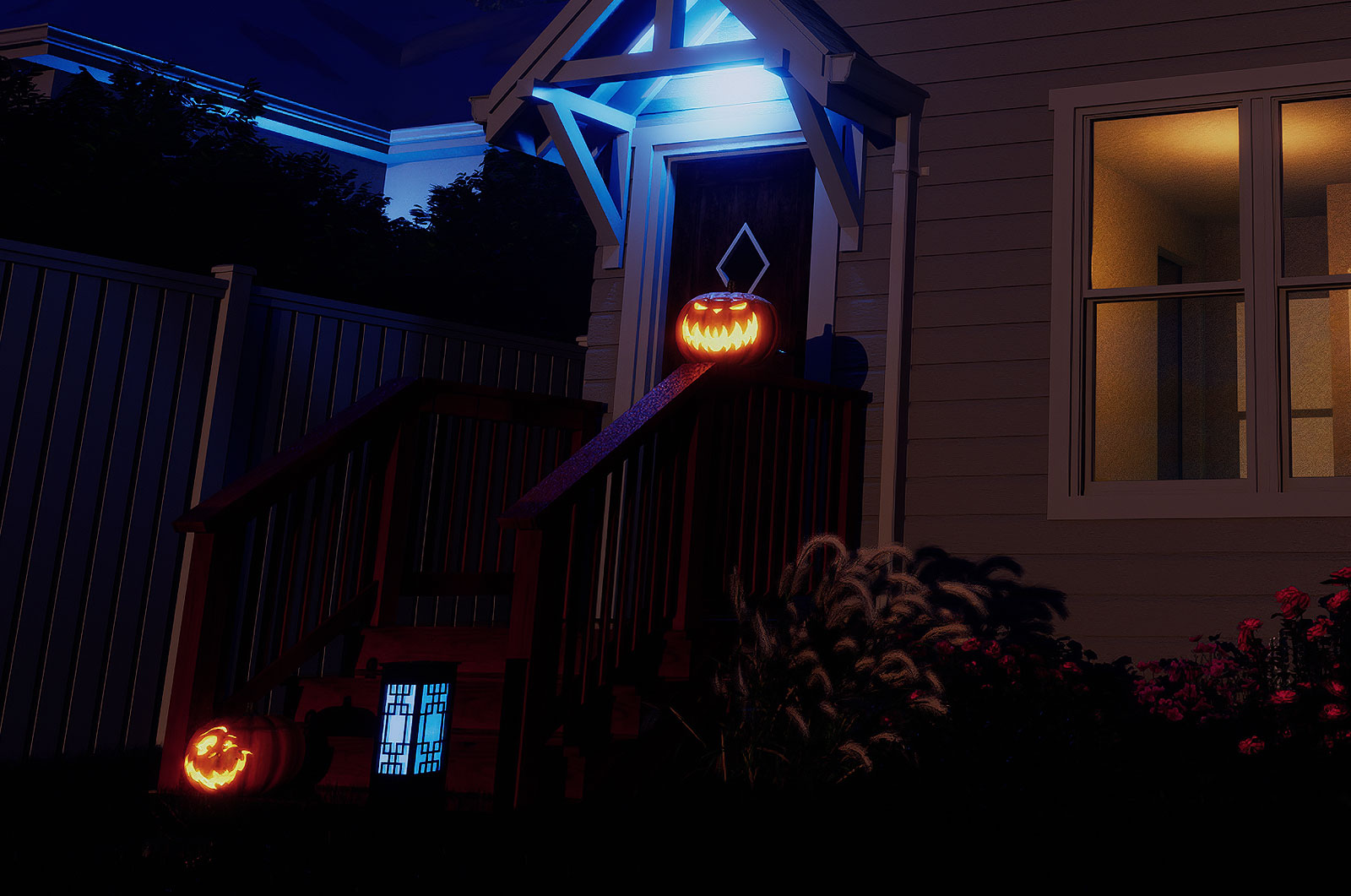
      Pumpkins by Ian W. from 3D Warehouse.

      D5_Image_20231007_182050.jpg

      D5_Image_20231007_182433.jpg

      D5_Image_20231007_182433B.jpg

      posted in Gallery
      Gus RG
      Gus R
    • Blue Moon

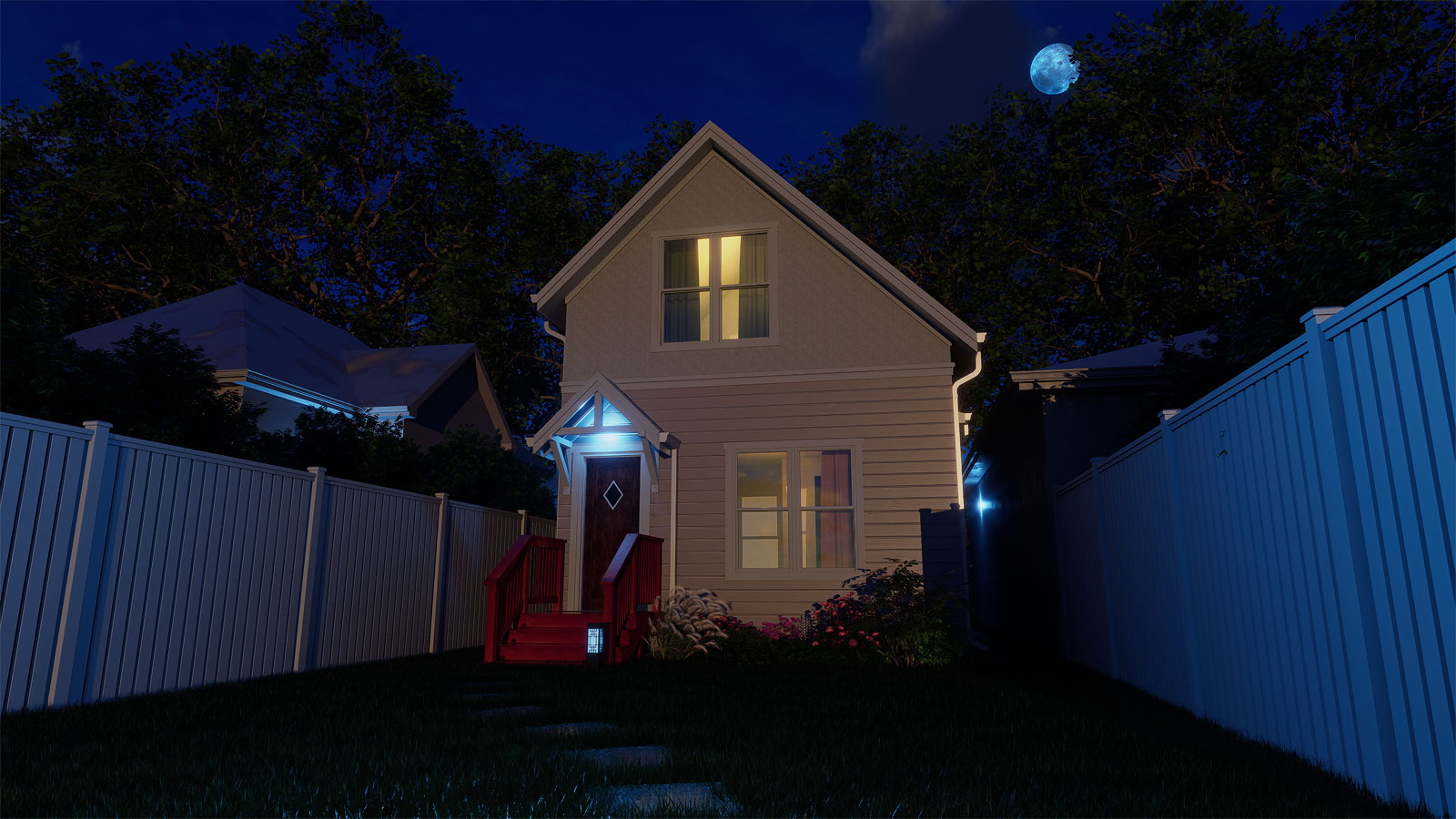
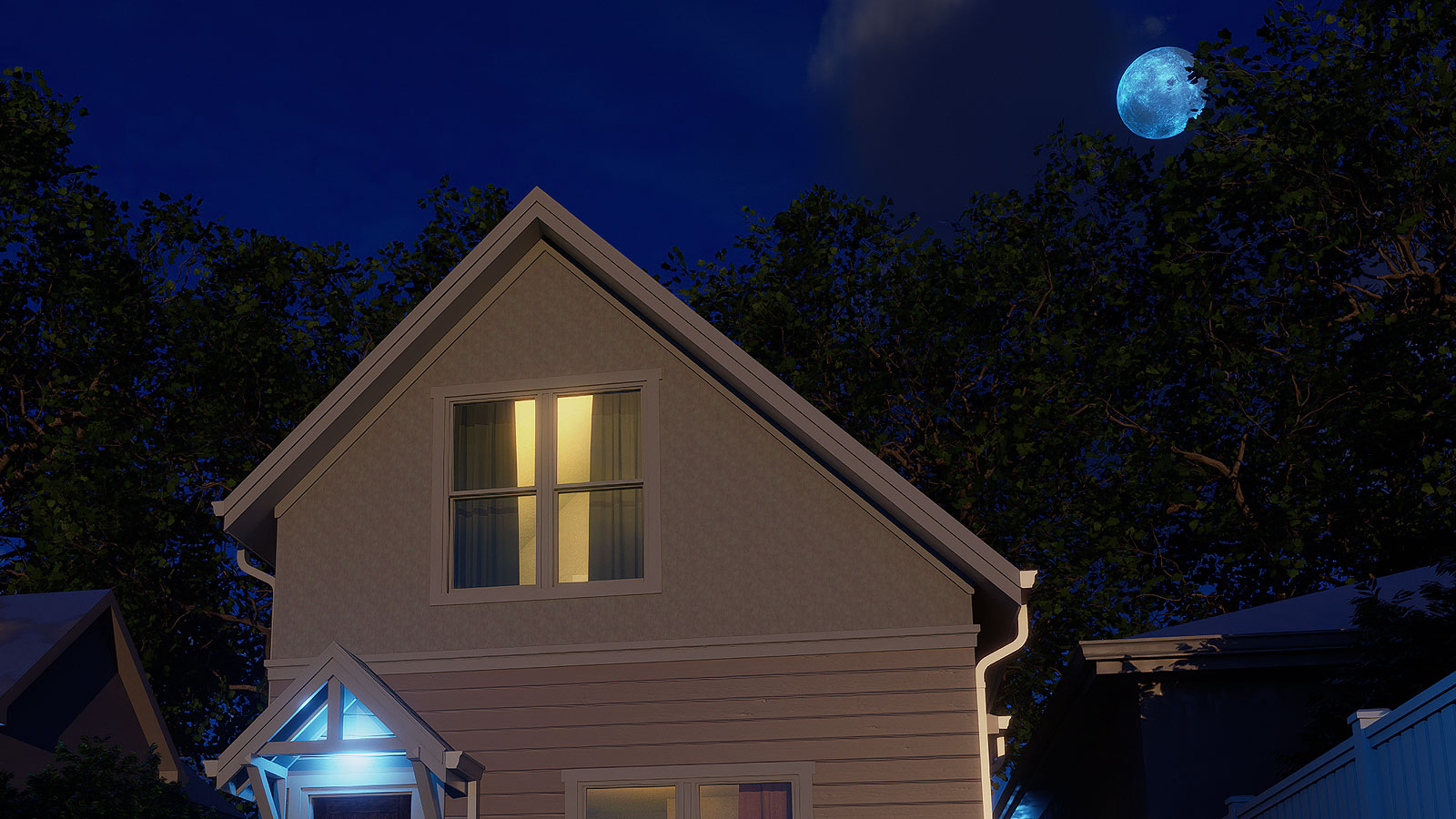
      Another addition and some quick modeling and rendering in D5 Render which comes with a moon.

      D5_Image_20231007_144603.jpg

      D5_Image_20231007_144603B.jpg

      posted in Gallery
      Gus RG
      Gus R
    • RE: EMD SD45 - Union Pacific

      Thanks Dave. Practice, practice, practice. I think in this particular case it helps to be able to visualize distances and think proportionally such as if something is 20 inches long you estimate other parts of an object which may have a diameter of 1 inch. Then if that looks wrong try 1.25 inches, etc. I know in the case of design it's also good to step away from the computer and think about how you'll tackle a project while lying in bed.

      posted in WIP
      Gus RG
      Gus R
    • RE: EMD SD45 - Union Pacific

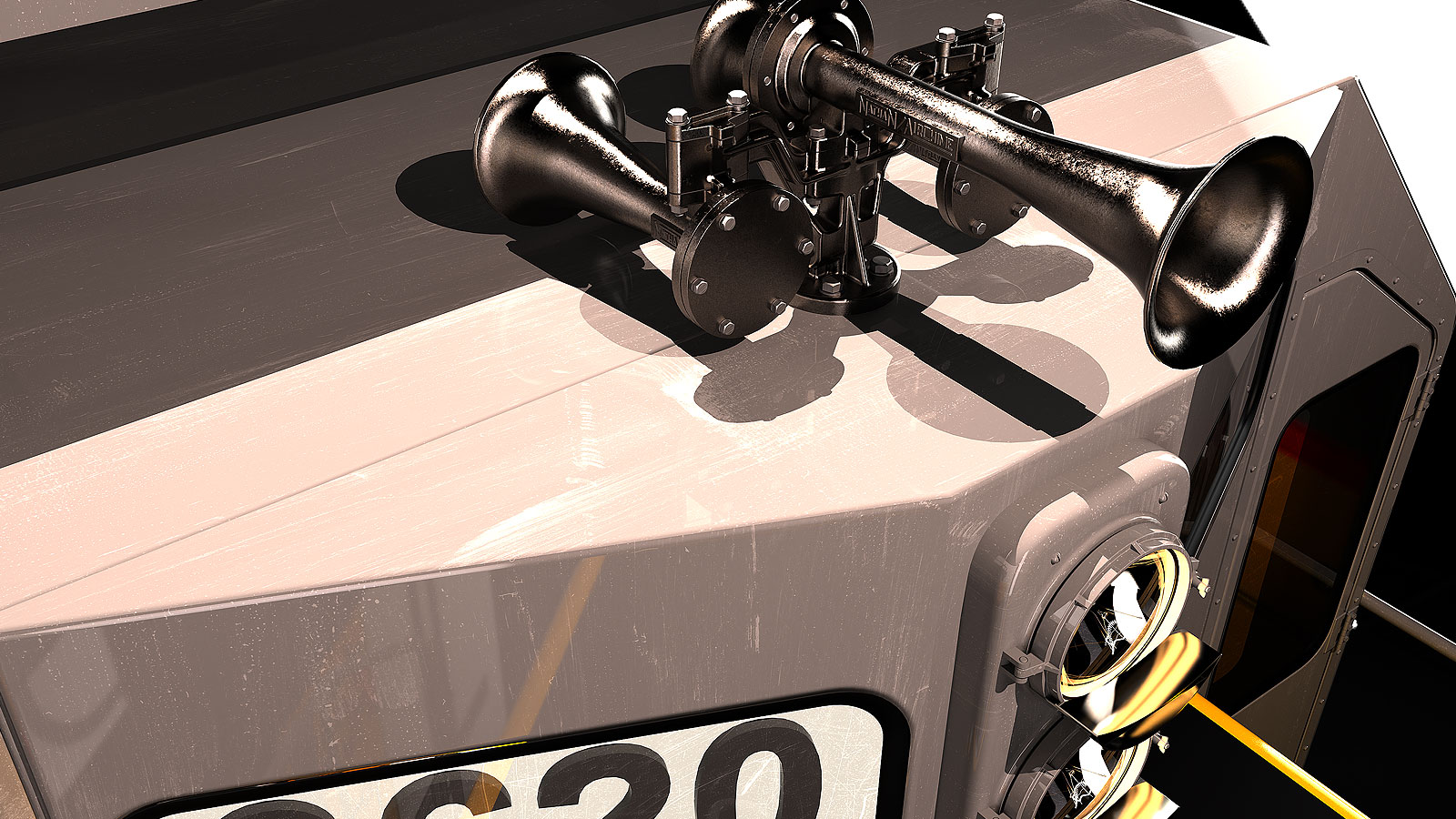
      Here's the Prime Manufacturing 920. It's a copy of the Leslie S-3L. It was a lot easier to model than the Nathan P3. The material is "Cast Iron Texture, Raw" from Poliigon.

      Prime-PM920-Scene-8.jpg

      Prime-PM920-Scene-3.jpg

      Prime-PM920-Scene-9.jpg

      posted in WIP
      Gus RG
      Gus R
    • RE: EMD SD45 - Union Pacific

      SD-45-06-Scene-26.jpg

      posted in WIP
      Gus RG
      Gus R
    • RE: EMD SD45 - Union Pacific

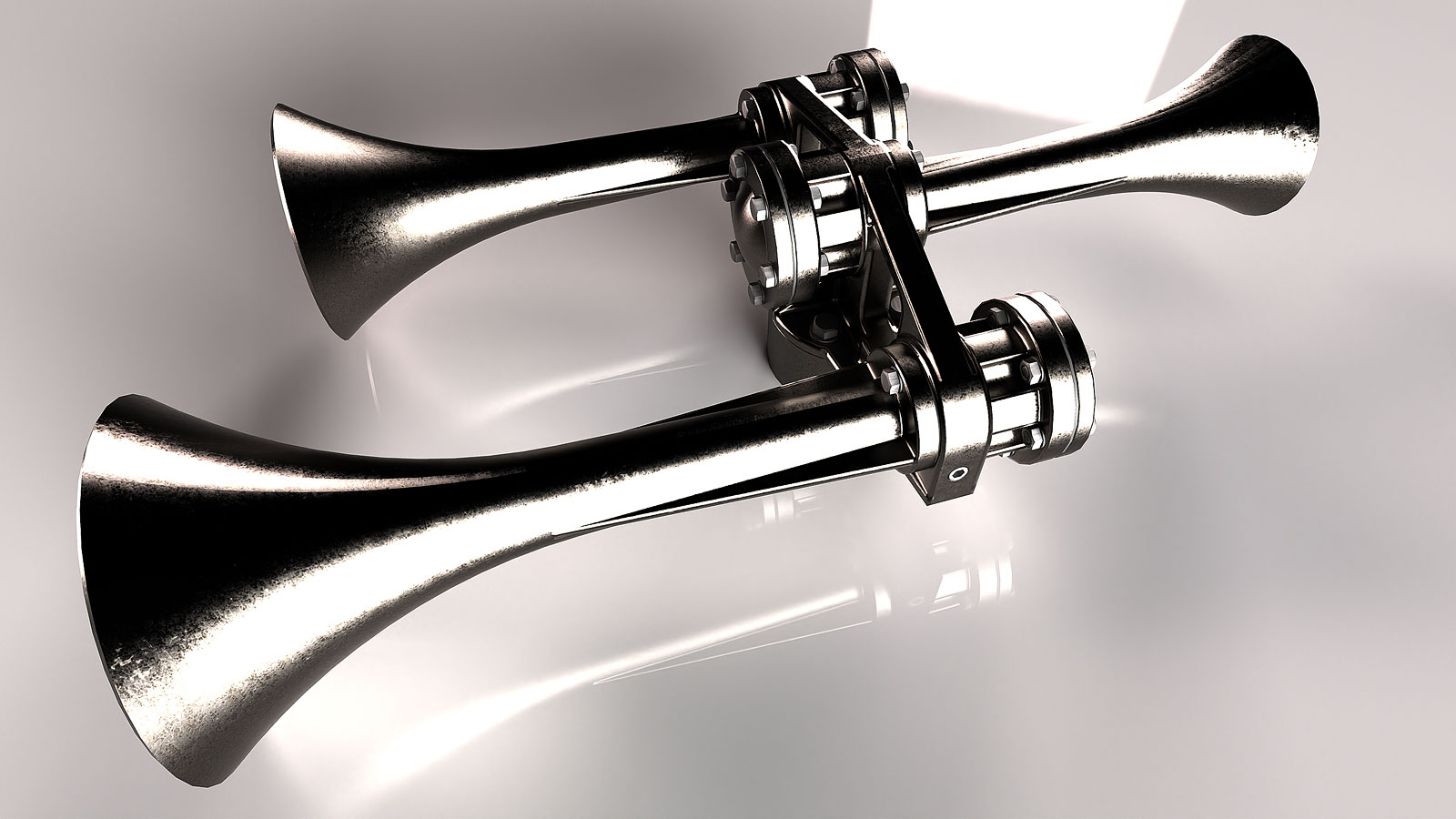
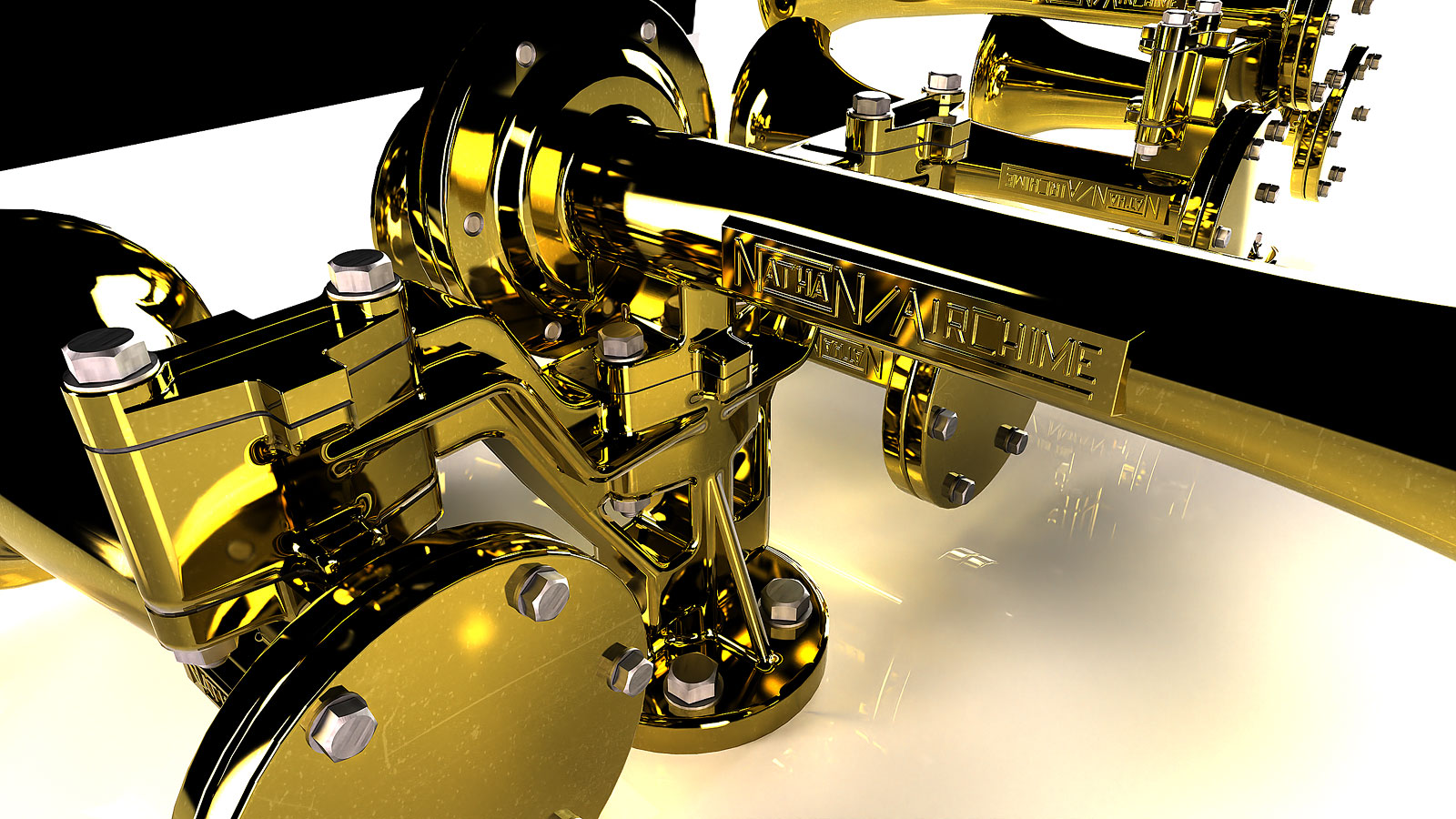
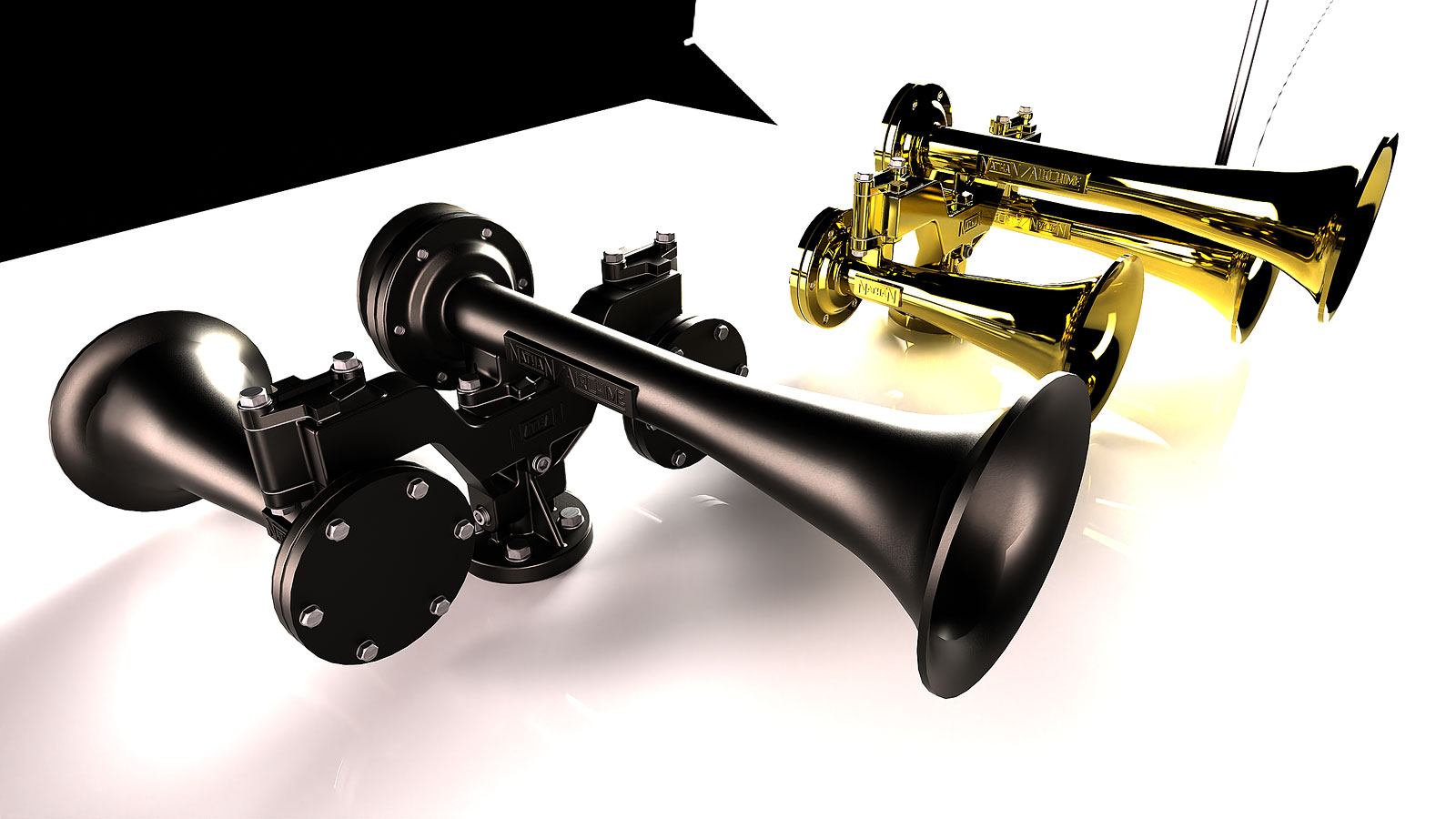
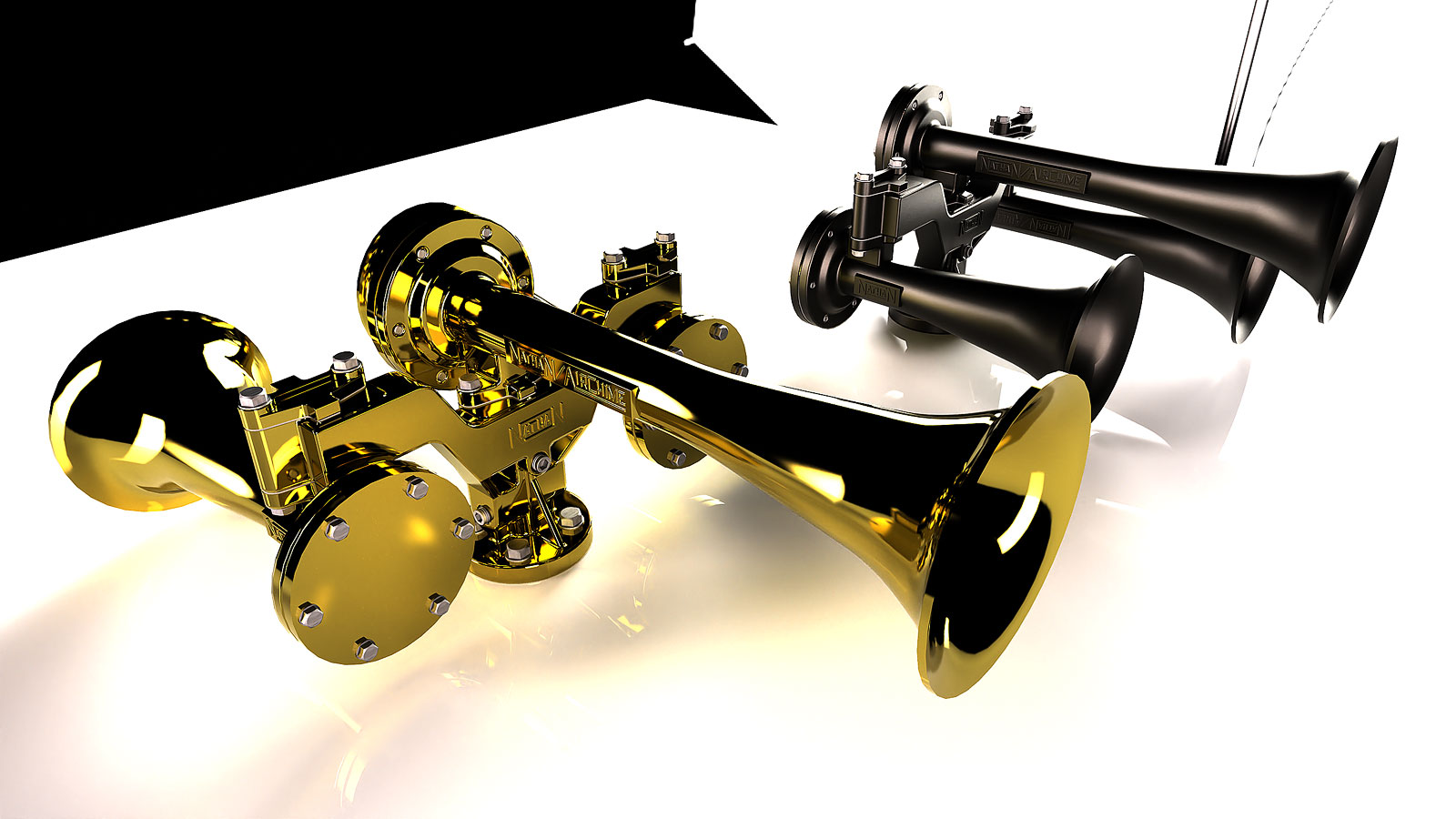
      Thanks Bryan. It looks more like a polished trumpet right now but that's the fun of rendering. The material is Brushed Brass Metal Texture from Poliigon. I added the scratches in a material layer which if from 4K Imperfections.

      I had some of the parts pointing in the wrong direction and fixed that since. It's too detailed to include in the final SD45 model or maybe not since I can always create a Thea proxy. I did the line work for the Nathan logos in Autocad. It wasn't that difficult since it's all straight lines. I'm able to reduce the amount of linework in SU by using Thea's bevel.

      Now I'm thinking about modeling a trumpet.

      Horns-2-Higher-Res-Scene-7.jpg

      posted in WIP
      Gus RG
      Gus R
    • RE: EMD SD45 - Union Pacific

      I've been working on the railroad!

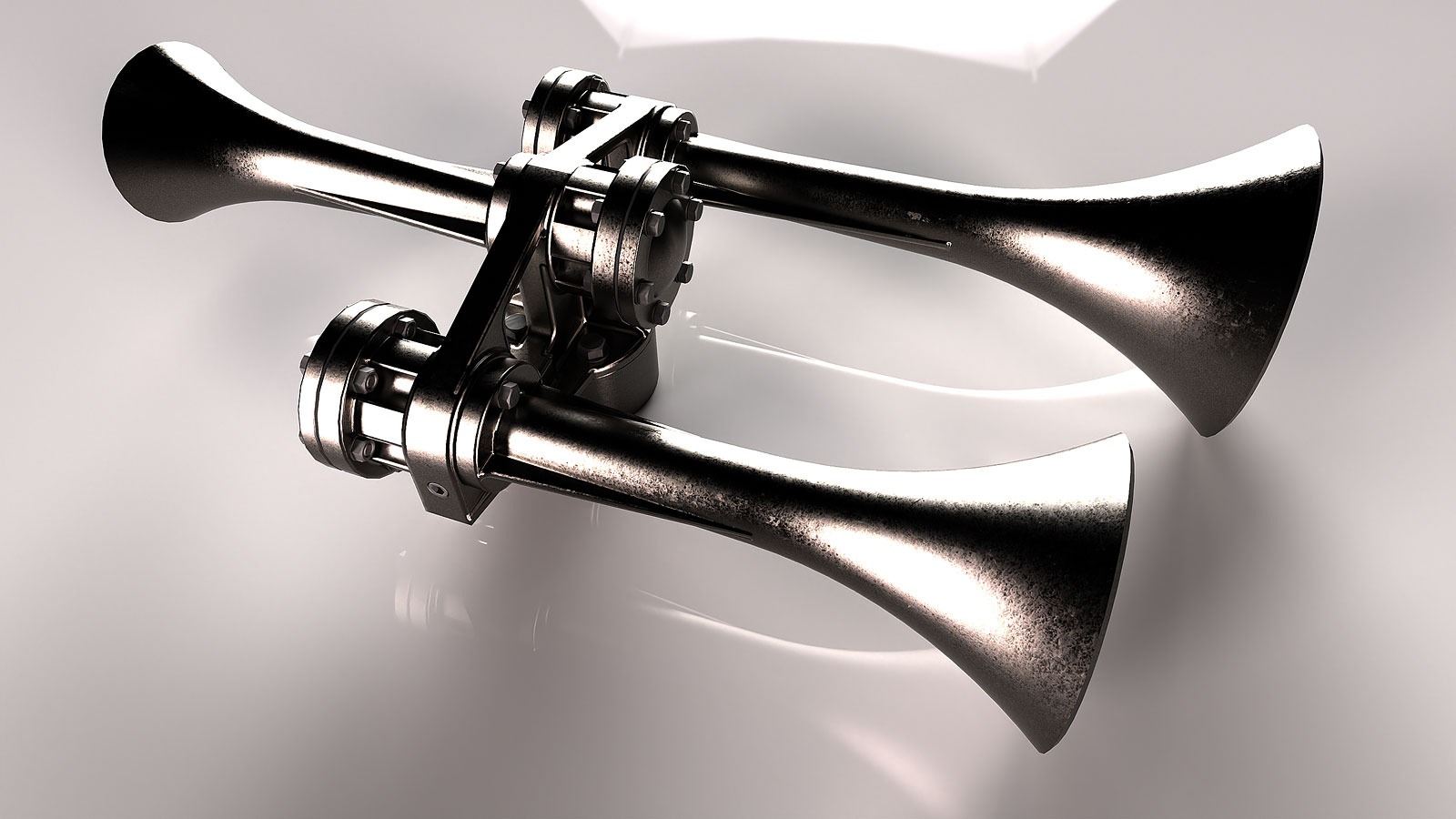
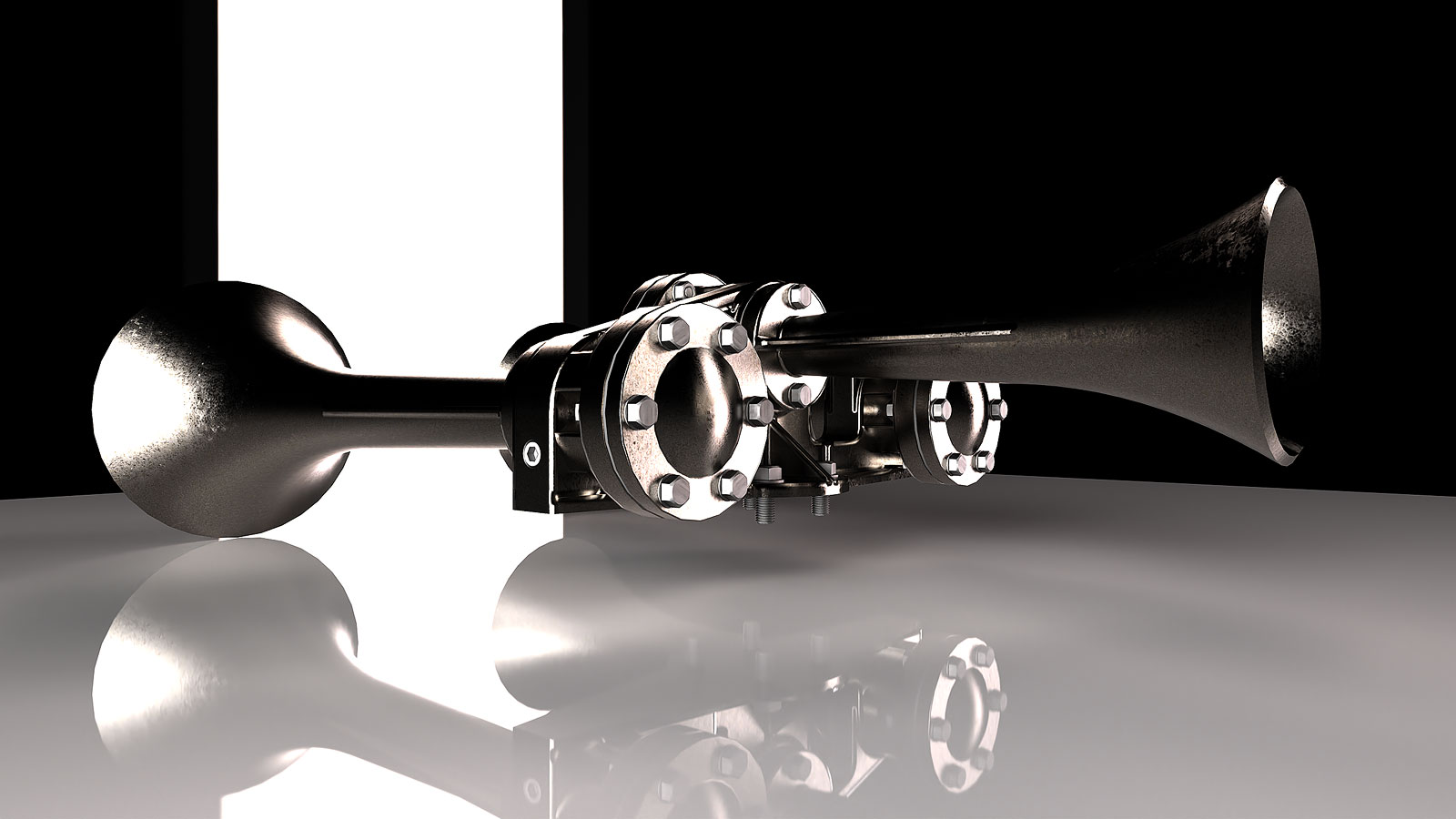
      So, back to the SD45. I haven't nailed down the exact horn used by this number and at first I thought it might be the Nathan Chimes P3 but I think it might be a Prime Manufacturing 920. It can also be a Leslie. I started off with the P3 so I thought I'd soldier through it and possibly beyond what's needed for an overall locomotive model. No plans were available so I had to eyeball it with images of the P3 which required a deep search on the internet.

      The mounting bracket was a little complicated.

      Nathan-P3-A.jpg

      Nathan-P3-B.jpg

      posted in WIP
      Gus RG
      Gus R
    • RE: Upsidedown House

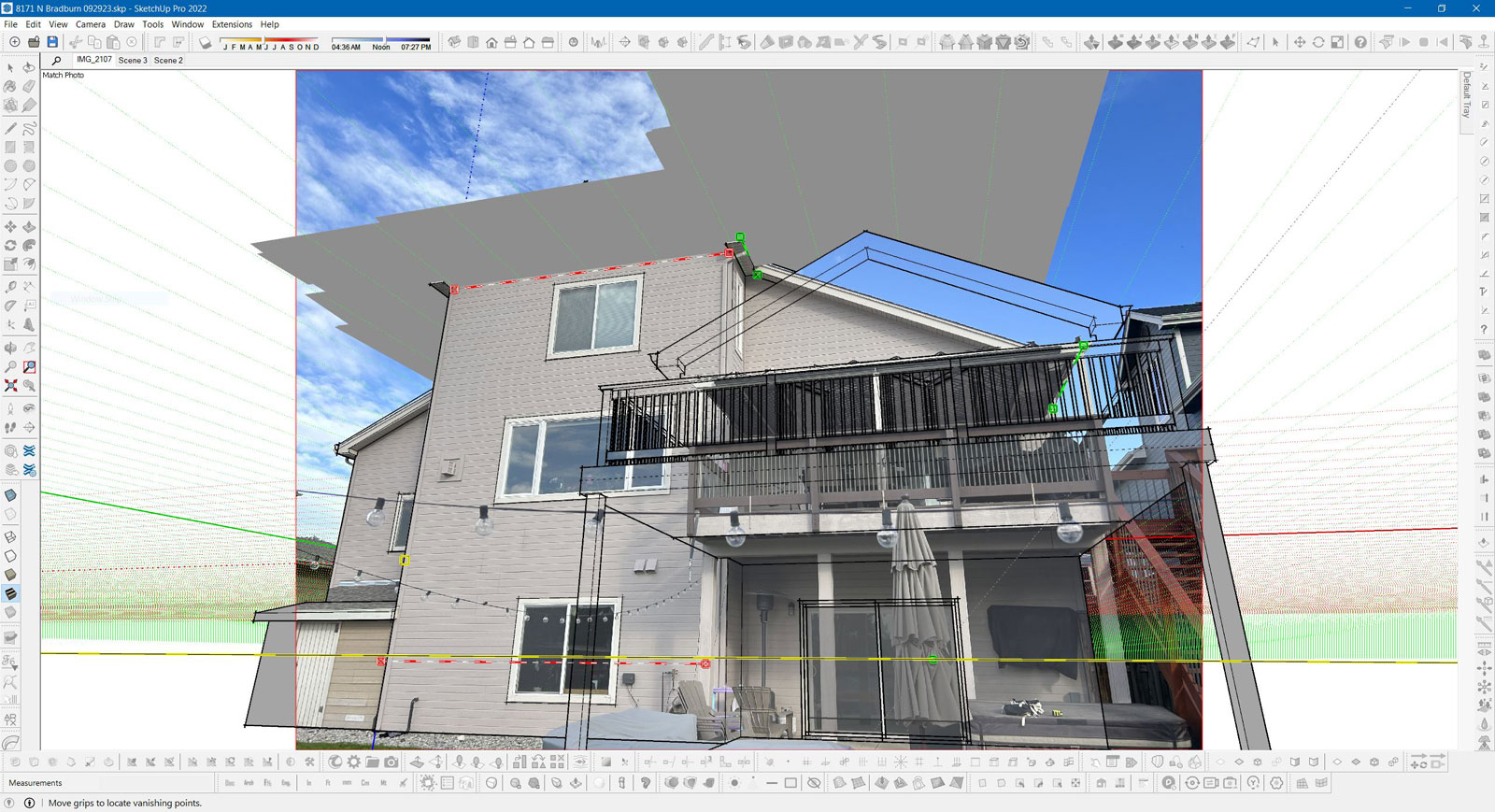
      Thanks. This is what the Photo Match looks like with the inverted ground shadow. ๐Ÿ˜ฎ I think the upside down blue axis was my first clue. It worked out anyway.
      Upsidedown-House-SU.jpg

      posted in Gallery
      Gus RG
      Gus R
    • Upsidedown House

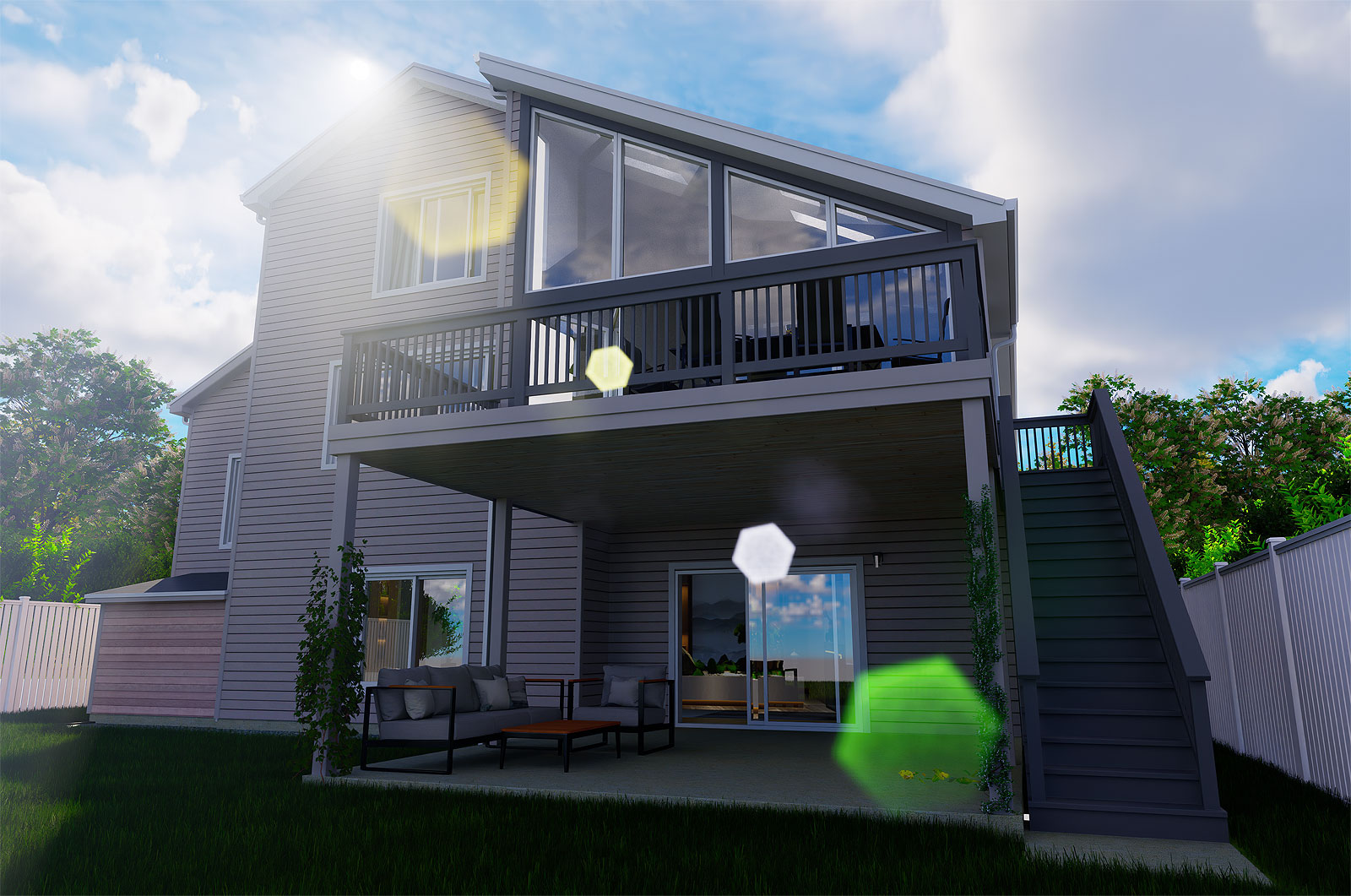
      This is a rendering (D5 Render) for the house I mistakenly laid out upsidedown with match photo. Didn't really need a rendering since it was just elevations. The addition is on the right. Didn't take more than a day.

      D5_Image_20231002_111217.jpg

      posted in Gallery
      Gus RG
      Gus R
    • RE: Model is Upside Down

      @l i am said:

      At the risk of stating the obvious, group the model and rotate it on the appropriate axis 180 deg

      Did that. The match photo model worked out great. Didn't notice it was upside down until I saw the ground shadow hovering over the house. The first clue should have been when I was pulling some gutters with Profile Builder and the gutter was extruding upside down.

      posted in SketchUp Discussions
      Gus RG
      Gus R
    • Model is Upside Down

      I rarely use Match Photo but it appears that I've drawn my model upside down with the ground shadow elevated about the house. Is there any way to change that?

      posted in SketchUp Discussions
      Gus RG
      Gus R
    • RE: Irregular hexagon drawing

      @rich o brien said:

      I thought the original query was that they have this irregular hexagon shape that fits together in a certain pattern?

      I don't know. ๐Ÿ’š

      posted in SketchUp Discussions
      Gus RG
      Gus R
    • RE: Alfa Romeo tipo 33 Stradale 1967

      Looking good, Mike. Need any tires? ๐Ÿ’š

      posted in WIP
      Gus RG
      Gus R
    • RE: End Table

      Reminded me of this.

      Screenshot 2023-09-29 at 13-32-21 Aerolineas-Argentinas-Logo-2002.png (PNG Image 1000 ร— 600 pixels).png

      posted in Gallery
      Gus RG
      Gus R
    • RE: Irregular hexagon drawing

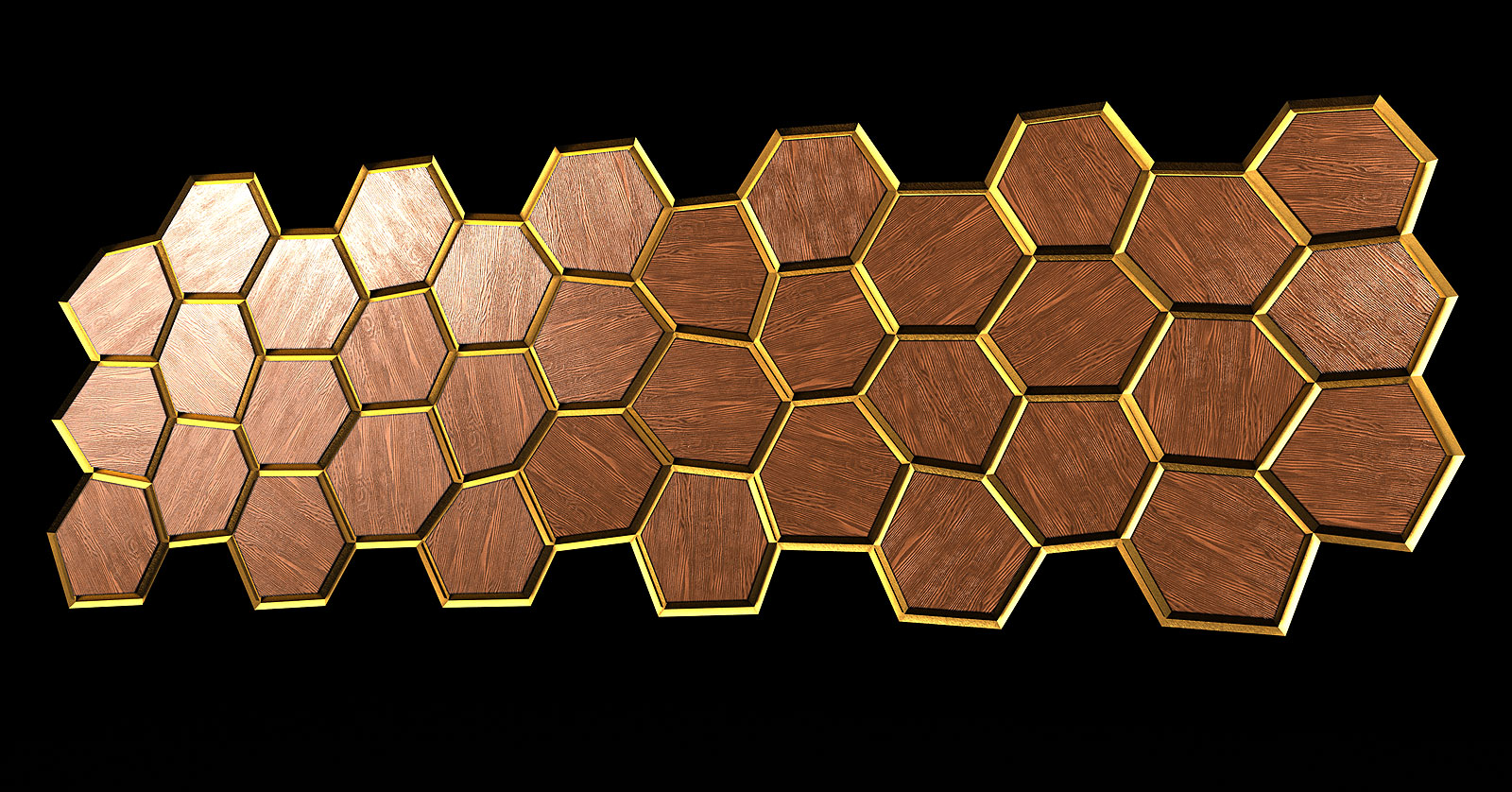
      Thea Render in Presto with 512 passes.

      Random-Hexagons-2-Scene-A.jpg

      Random-Hexagons-2-Scene-B.jpg

      posted in SketchUp Discussions
      Gus RG
      Gus R
    • RE: Irregular hexagon drawing

      I should mention that the hexagons are simply circles drawn with six (6) sides. If you're not familiar that's done by entering 6S (six "s" as in Sam) in the units field.

      posted in SketchUp Discussions
      Gus RG
      Gus R
    • RE: Irregular hexagon drawing

      You can dimension them all as needed and send it to your carpenter from there.

      Random-Vertex-Positions-E.jpg

      posted in SketchUp Discussions
      Gus RG
      Gus R
    • 1 / 1