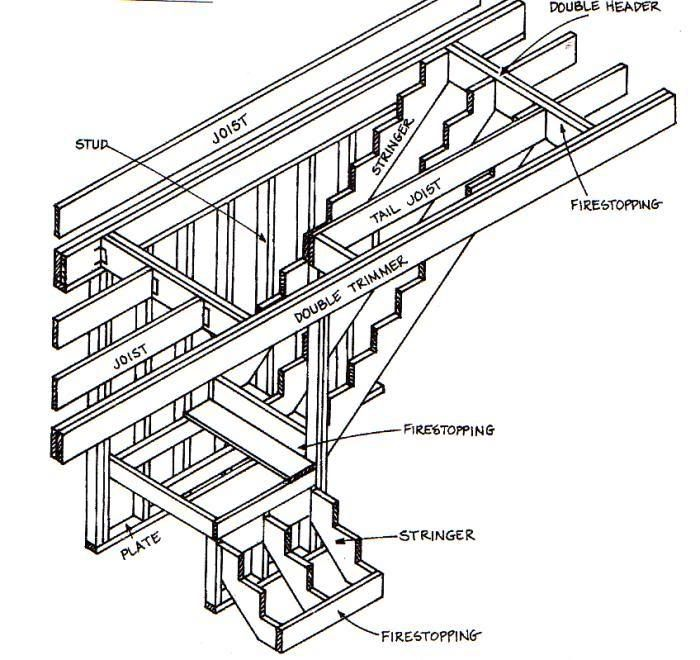
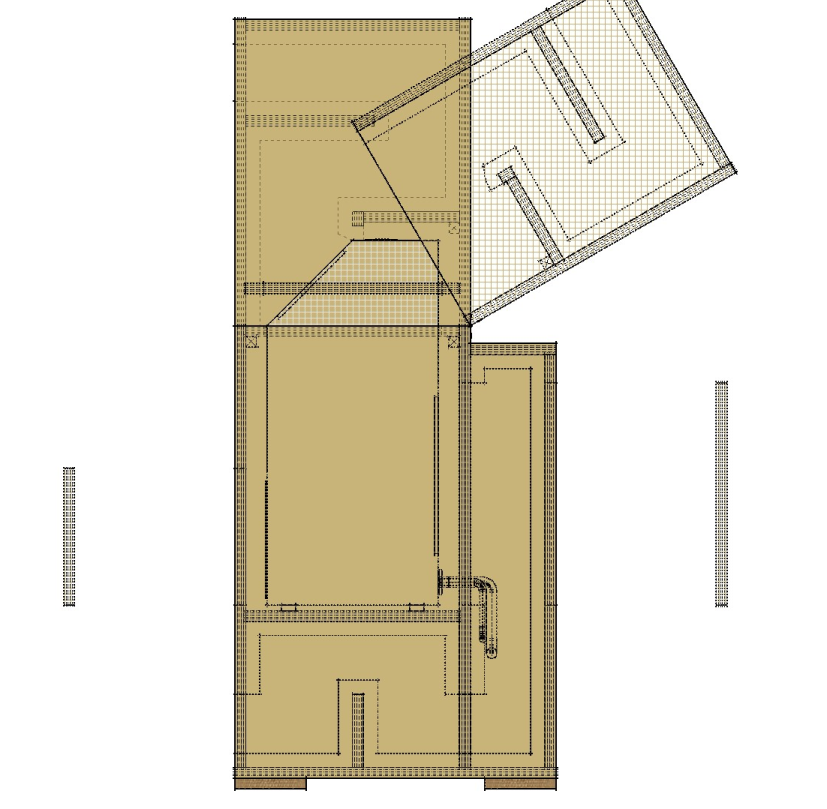
stair openings  basically the x-y position and the length + width of the opening. doubling of the header joists and across (trimmers) as options. possibly right angle openings as well?
 Offline
stair openings basically the x-y position and the length + width of the opening. doubling of the header joists and across (trimmers) as options. possibly right angle openings as well?
it would be awesome for joist hangers esp on the angled parts. currently i use my own dynamic component to build angled versions of the hangers - not technically detailed but sufficient for parts list and for the contractors to build it... not sure about the mitred rim joist but i think i would likely recommend it for my projects where i only have a very small air gap so the mitred ends would be a neat finish.
@medeek quick note - the ability to renew or purchase the floor plugin is failing with a "gateway or proxy" error:
502 - Web server received an invalid response while acting as a gateway or proxy server.
@medeek maybe keep working on it a couple more weeks and then release the beta. it sounds like you're still in the middle of a couple of things that may hamper a good set of beta testing.
i might suggest only simple icons - wood, metal, i-joist and glulam representations and textual info - should be sufficient to select the range of product by type and then list the dimensions. chances are someone engineering this structure would have likely researched the products and specs before going though the effort to lay it out...
what, no physical scale models of a floor joist system as a handy reference?
@medeek thanks! when do you expect to drop the new floor plugin?
@medeek -- no spray foam? actually, probably changing the material on the rafter insulation (first image) would probably represent.
@erzane maybe consider things like MakeHuman or Modo apps.
@Rich-O-Brien no worries. i replied just to document the steps in case anyone was experiencing it...
i didn't see anything obvious but i found my setting for "watching" was set to "not watching" and both the "watch" boxes were checked. so i reset it to "tracking" and unchecked the "watch" boxes, and it is now working.
not sure how those got set - must be something i did? either way, it's functional.
up until 2 days ago, the "unread" option would show a number in the icon, and the list of unread (by me) postings. now it only shows up blank. clearing my cookies, caches, and log out and in - still no go. wondering if something changed (either across the forum or some new setting in my profile?) that simply assumes anyone reading a post marks it as "read" versus on an individual basis.
i'm experiencing a strange issue with the SU 2024 Pro export animation - exporting a jpg set. note - this is the first time i'm exporting since installing it 2 days ago.
firstly - the exported images are retaining color even though the style is without color and using hidden line (back line).
this image should be white.
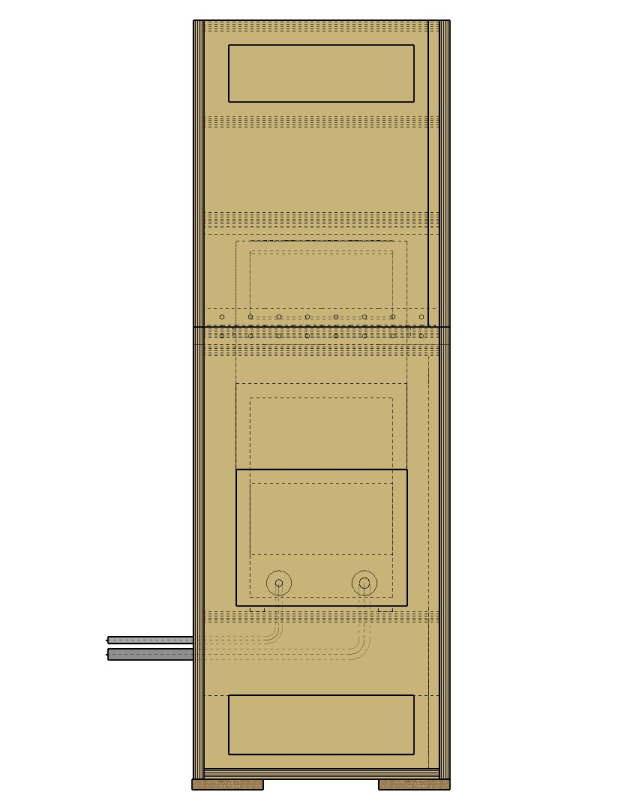
secondly - a group which is hidden in a given scene is showing up as the dot-line hidden view. even though in the scene it's hidden.
definitely should not see the hidden object...
i've tried turning off the aliasing. no-go; going back to the "classic" engine. no-go.
definitely not working as expected. in 2023 this all works as expected. note - i'm using my customized style from 2023 in 2024, however, even using the default 2024 styles, same issues.
might be simpler if the model (presumably viewed in an object) and the model information (text) were in a single iframe. using CSS to make them look nice once you get it sorted.
@Bert-Hoogmartens you might need to do some scripting and create an HTML based UI for it.
@Box said in How to stop irrelevant posts showing up in our feed.:
@box didn't you have like 50,000 reputation points before the upgrade?
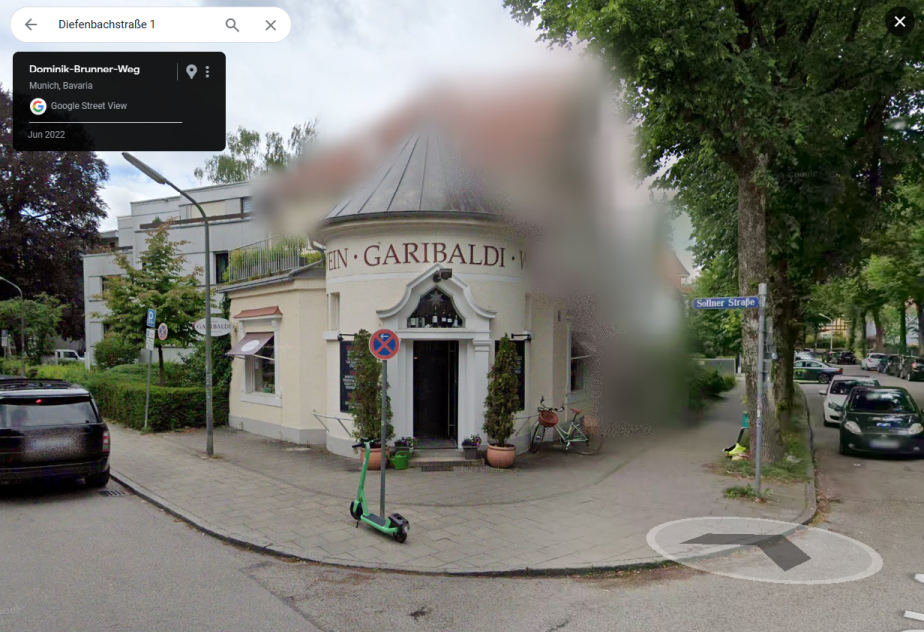
@majid secret spy technology called google maps plus you mentioned where you were staying so finding a garibaldi store was fairly easy... 
@majid nicely done! when you see it in the maps, it's not as pretty though LOL.