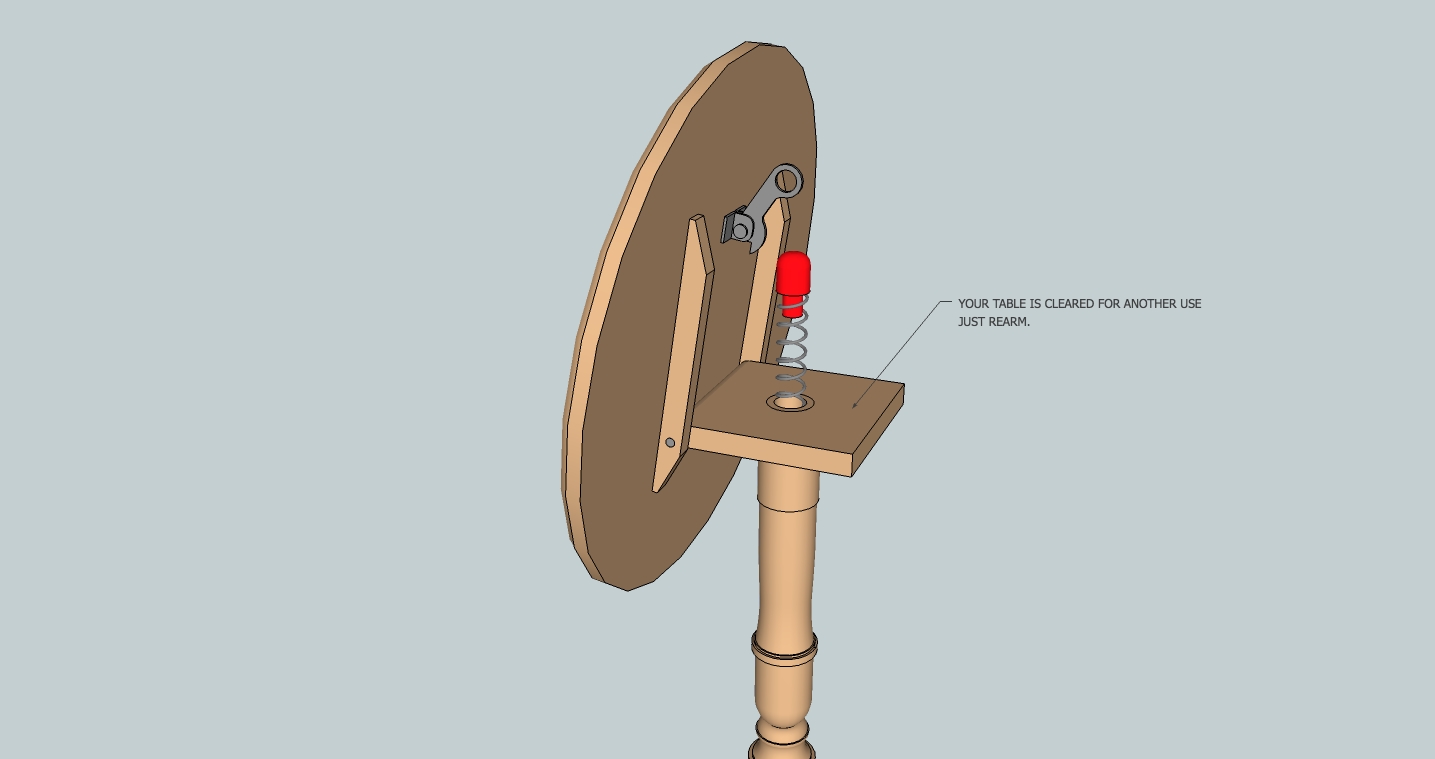
It works fine now.
Great job thank you. 
Oops, your profile's looking a bit empty! To help us tailor your experience, please fill in key details like your SketchUp version, skill level, operating system, and more. Update and save your info on your profile page today!
Urasik Extensions | Lots of new extensions to check out Learn More
 Offline
Posts
-
RE: [Plugin]Hole on Solid tool v1.6.3 upadate Jan 09, 2012
-
RE: Shape bender
If you want accuracy in your drawing follow those steps:
_Draw the line on red axis the same length than the arc ( not the radius, the length)
_Draw the shape to be bend the same length than the arc
_Make this shape a group or component
_Select it, call shape bender
_Select the line
_Select the curve
_wait a few, press enterDone, it works fine for me with your dimensions.
EDIT: attach your file so we can what's going wrong.
-
RE: [Plugin]Hole on Solid tool v1.6.3 upadate Jan 09, 2012
Trying to play with it I got this:
@unknownuser said:
Error: #<NameError: uninitialized constant BST_HoleOnSolid::TST_common>
/Library/Application Support/Google SketchUp 8/SketchUp/Plugins/create_hole_on_solid.rb:37:inreset' /Library/Application Support/Google SketchUp 8/SketchUp/Plugins/create_hole_on_solid.rb:31:ininitialize'
/Library/Application Support/Google SketchUp 8/SketchUp/Plugins/create_hole_on_solid.rb:318:innew' /Library/Application Support/Google SketchUp 8/SketchUp/Plugins/create_hole_on_solid.rb:318 /Library/Application Support/Google SketchUp 8/SketchUp/Plugins/create_hole_on_solid.rb:37:incall'
/Library/Application Support/Google SketchUp 8/SketchUp/Plugins/create_hole_on_solid.rb:37SU8 Mac 10.6.
-
RE: Remove all instances of a component?
@unknownuser said:
Not quite. A plugin isn't required. If it's not already open, just open the Components window (Window->Components). Select the "In Model" components. Right-click on the desired component and choose "Select Instances". Then, press the Delete key.
Well that true I tried it but it does not select nested components, TT selection tool does.
-
RE: Remove all instances of a component?
When you right-click on a selected component , in the context menu choose "instances", "select all".
Edit: I thing this comes with TT selection toys
http://forums.sketchucation.com/viewtopic.php?t=14975#p114380 -
RE: Problème Mise à niveau Round Corner (v 2.3)-Users MAC
En general je procède comme suit:
télécharger, décompresser. j'obtiens un dossier, je l'ouvre.
Je copie son contenu et le colle dans le dossier Plugin et ça roule( je ne copie pas ce dossier dans Plugin).
verifier que la version de lib fredo est à jour :@unknownuser said:
Oui,
"LIBFREDO6_Dir_37"
est installée ....chez moi LIBFREDO6_Dir_42
-
RE: Tapered extrude along curved path??
shape bender by Chris Fullmer
http://forums.sketchucation.com/viewtopic.php?t=18210 -
RE: V5 Beta MOI 3D on MAC / PC April 2022 !
No Alternate trial version for mac , would buy a PC version just to test the Beta??
-
RE: Pb de coupe, et norme dessin technique
2D tools de TIG possede un outil hachure, il ne contient pas le symbole isolation mais il suffit de créer un .jpg et de le placer dans le dossier Plugin/2Dtool/hatching.
-
RE: Rotating a cylinder parallel to a specific plane
Move tool do it to:
-group the cylinder
-choose move tool
-you notice red point on the bounding box when the cursor is over it
-put the cursor on a red point it become a rotate tool.
go to an other face of the bounding box to change axis. -
RE: Shape bender doesn't really work
@unknownuser said:
I did that too. but the curved shape became too big. Is there a way to control it?
Make the curve the shape and the line the same length (entity info).
-
RE: Need advice Macbook air or Macbook pro
On apple store bottom left there is a "Refurbished Mac" link.
I bought my MB pro 15" there and it works fine even with lots of apps running. -
RE: [Plugin] Extrude Edges by Rails
if you want to lathe your profile choose the lathe tool, fourth icon in the tool-bar AND type the angle (360° for a full revolution) .
It's hard work to cut a plank with a hammer. -
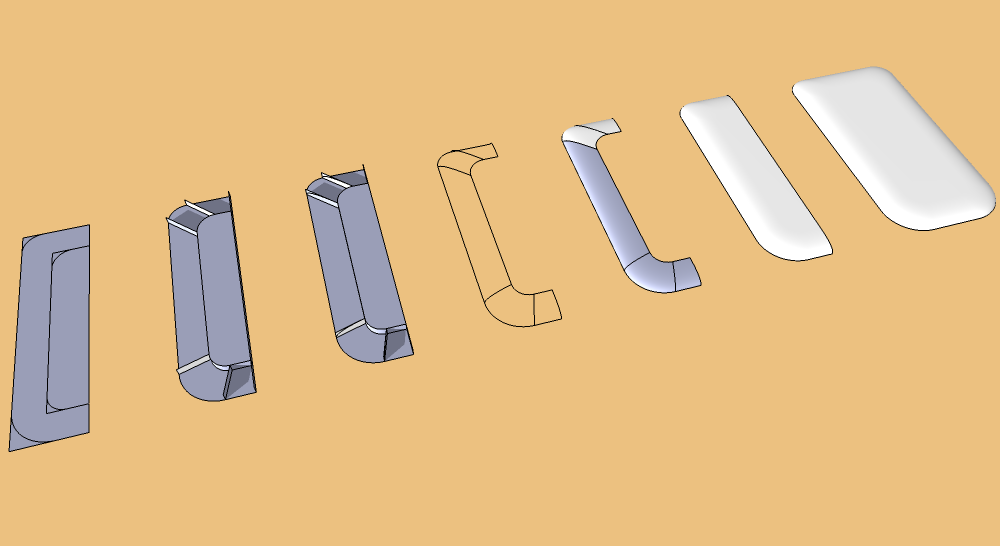
RE: Rounding an edge
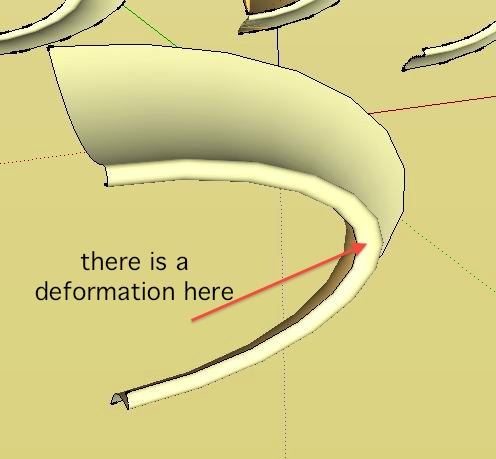
there is a deformation of the arc if you extrude with only two profiles.
It happen sometime when you have a U turn.
-
RE: Rounding an edge
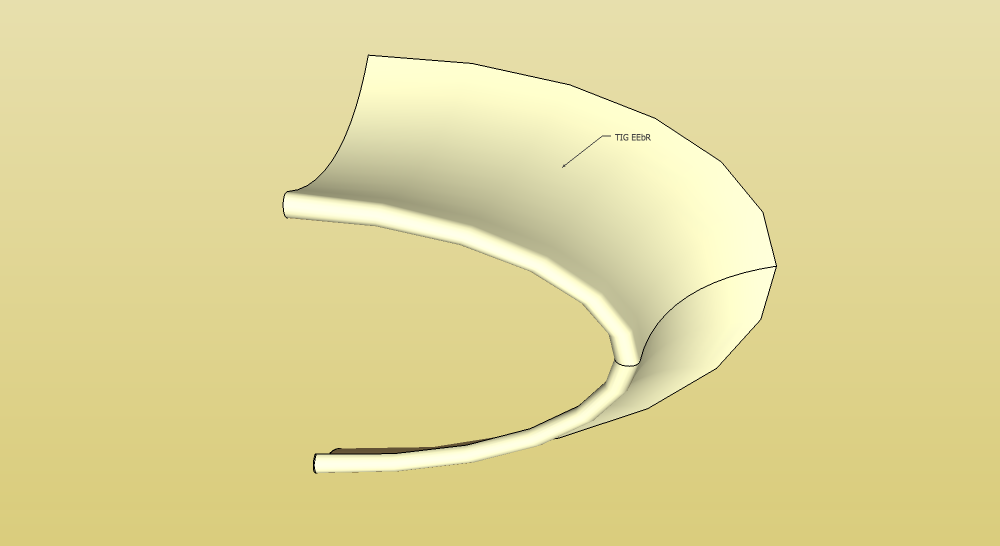
If you create a third profile and skin in two steps it woks fine with EE by Rails.
-
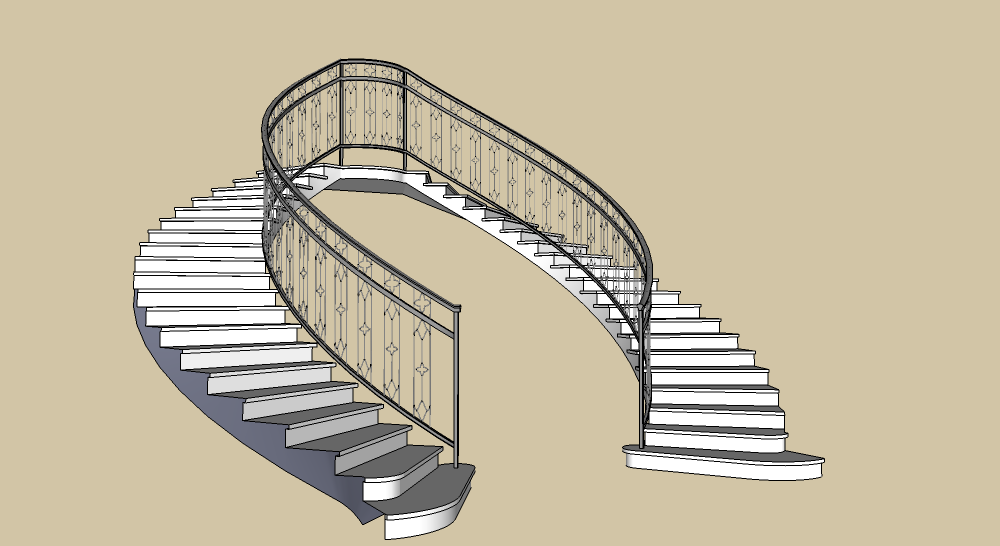
RE: Curved Railing
TIG extrusion tools
CF shape bender
follow-me
some_work.rbYou should really decrease the amount of segments of arcs and radius and use components as often as possible ( my model is only 440 KiB and could be reduce).
Just for the pleasure.