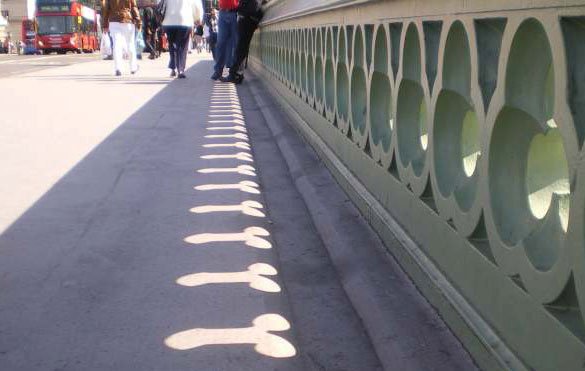
another attempt.
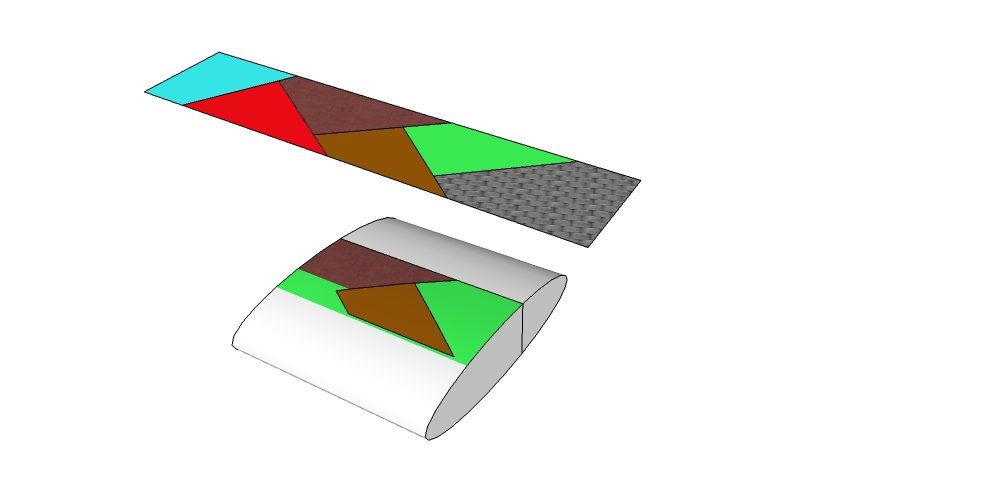
 Offline
It does not work fine for me, Mac issue?
ruby console says:"WARNING: make_unique is a deprecated methodof Sketchup:Group"
If you want to play.
Geodesic_SketchUp.rb
clf_components_onto_faces.rb
roundcorner
and little work.
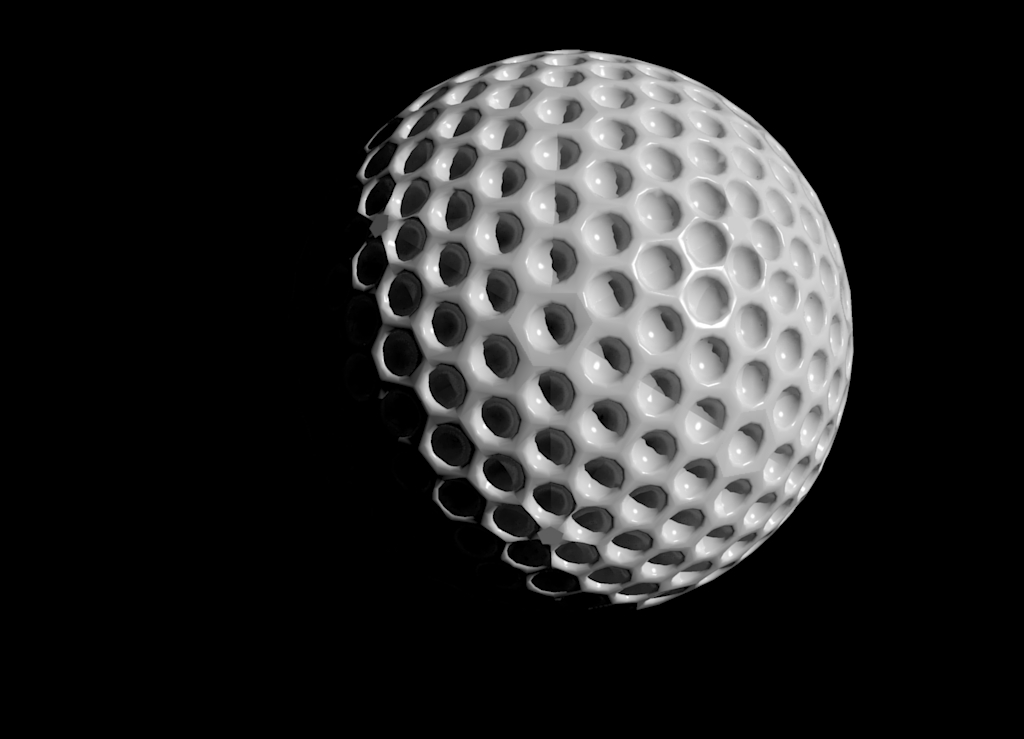
Yes I know that and use it a lot.
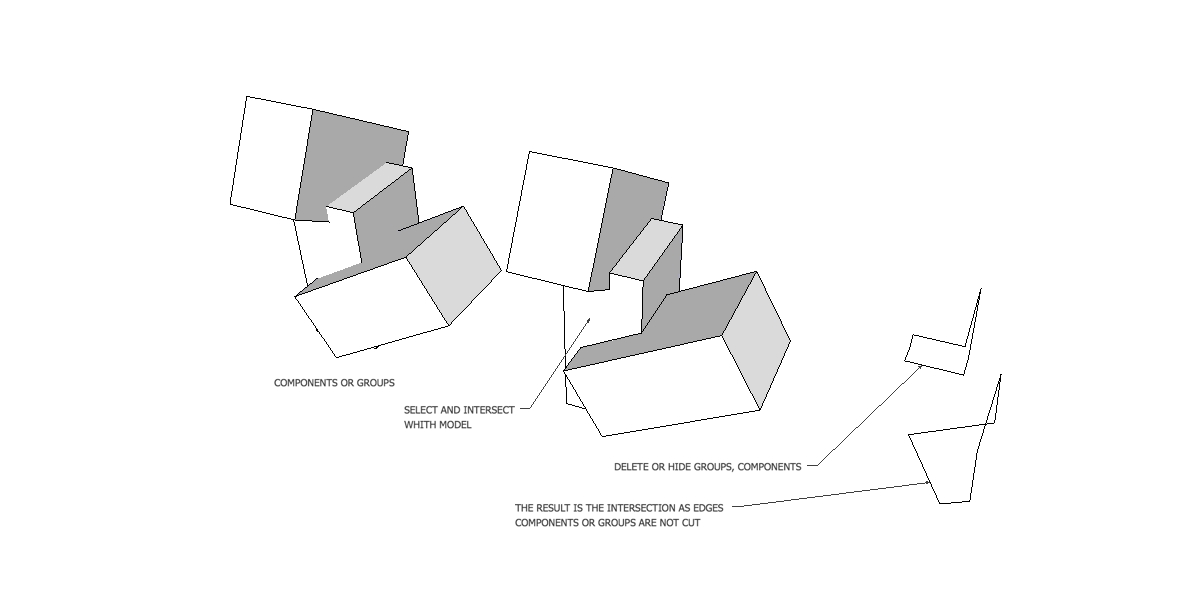
I think it can be useful to get this intersection separate to create new geometry to connect two volumes.
I used to redraw this intersection by hand to get this, if I'd know!
As I alway use Intersect with surfaces, I never notice before today that if you select groups or/and components then intersect with model/selection ,the result is an independent intersection made of segments.
See attatchments.
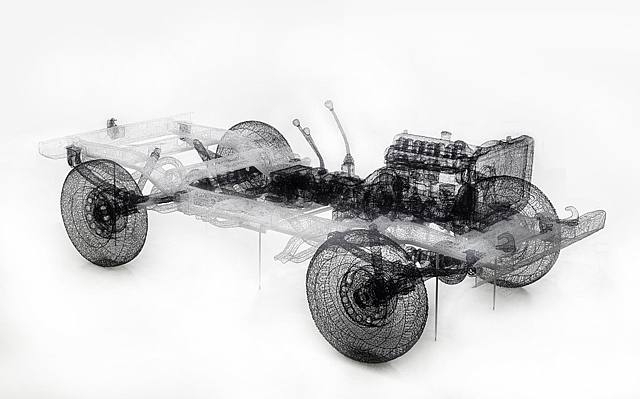
Google " Shi Jindian " and discover a great "real 3D mesh" Artist.
Enjoy!
http://www.artnet.com/artwork/426081136/beijing-jeep-no1.html
Hi and thank you,
You wrote on your blog
@unknownuser said:
Alternatively, you can save the contained files anywhere (e.g. your USB memory stick – the H: drive in my case) and then load it into SketchUp (no restart required!) by opening the Ruby Console (Window > Ruby Console) and entering this (modify for your setup):
load "H:\PluginLoader.rb"
This is exactly what I need.
When I extract the ZIP I get this:
(file)PluginLoader
as_loadpluginloader.rb
as_pluginloader_readme.txt
as_pluginloader.rb
(file)as_plugins
(file)as_pluginloader
as_pluginloader.rb
My question is : what command line should I type in the Ruby Console as I work on Mac an my key is named USB?
Thanks in advance.
@unknownuser said:
Dave R wrote:
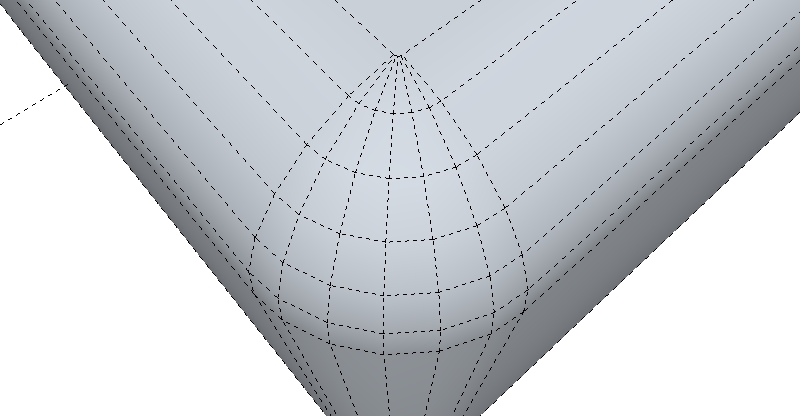
Those little chevron-shaped faces are common with Follow Me when you run a profile around an arc of the same or smaller radius.
Here is my way to avoid this:
@ Thomthom
@unknownuser said:
Does it happen on any model, or just this one?
it happen when I have a lot of components, for this model 100 definitions of components 1269 copies of components
@unknownuser said:
Does it happen on other computer you try on?
I have'n try
@unknownuser said:
Does it happen if you temporarily disable hardware acceleration in SketchUp? (If so - have you updated your graphic drivers?)
I'll give it a try next time
@Gaieus
@unknownuser said:
Does it help if you copy all (normal) geometry and paste it into a new file? (I have seen such unexplainable ghosts already but then they stayed in the old model).
I'll give it a try next time
thanks for replies
Sometimes ghosts appear in my model, then I have to close the file and re-open to get rid of them.
Note that thy do not appear in export.
????
The model is about 7MB.
Any ideas about this?
I'm working on a Mac Book Pro 2,53GHz intel core 2 duo 4Go 1067MHz DDR3 ,NVIDIA GeForce 9400M
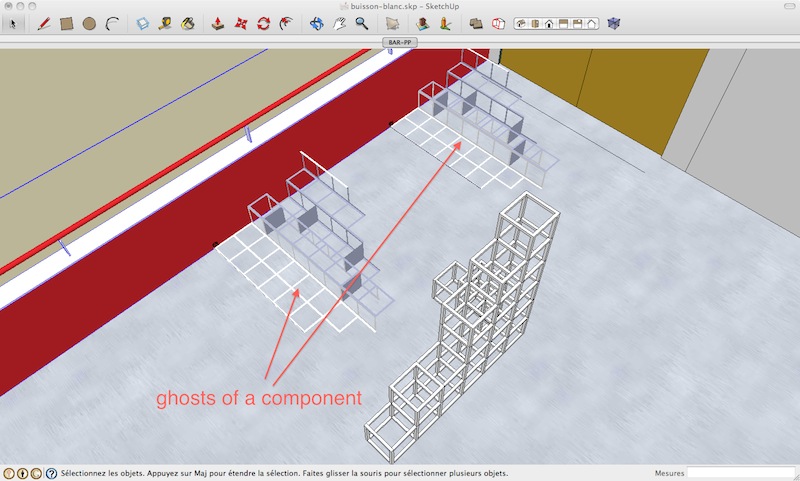
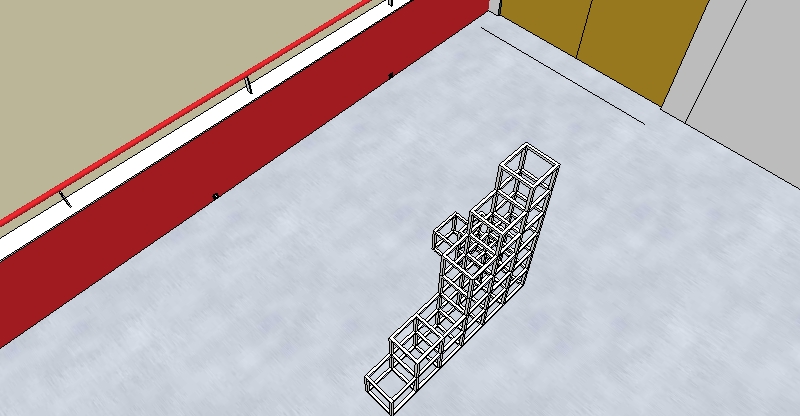
select one component, right-clic, clic on entity info.
Thank you so much for your answers, I notice that Fredo have recently implemented something like an "Update Observer" don't know how this work but it would be a great thing if it could scan every plugin installed.
@unknownuser said:
if you're a volunteer you could do it
I was thinking of something like the big red button named Plugin Index
@ TIG
ShapeBender thread has 766 posts!
What I was thinking would be a thread where you could avoid reading congratulations, how to install the plugin, how to use it...etc,etc.
Just an index pointing problems and with a link if it is fixed.
I have found a conflict between ShapeBender and HolePunchTool.
When both are installed running ShapeBender make SU crash at the end of the process (hit Enter).
As we have a Plugin Index could we have a Plugin Conflict Index where we could find know issues between plugins?
I spend hours to find out witch one was incompatible.
Have a good day.
I'm always trying to do it with native tools, instead of round corner follow me tool would do it but a little much time.
I am trying to bend a profile with precision, let say a 4000mm radius bend at 90°.
the only way I found to do this is to first calculate the length of the arc: PI2000, then use the bend tool and type 6283,20 (PI2000) and bend 90°.
Could it be possible to just type the desired radius in VCB ?
let say you want a circle with 31 divisions, select circle tool then type 31s hit enter
or if you already have a circle, right clic the perimeter choose entity info then set 31s for the number of segments.
if needed, right clic the perimeter choose explode the curve.
you could use Smartpushpull plugin.
http://forums.sketchucation.com/viewtopic.php?f=323&t=23341&hilit=smartpushpull
I applied it on each faces, then erase unwanted geometries about 5 mn work.