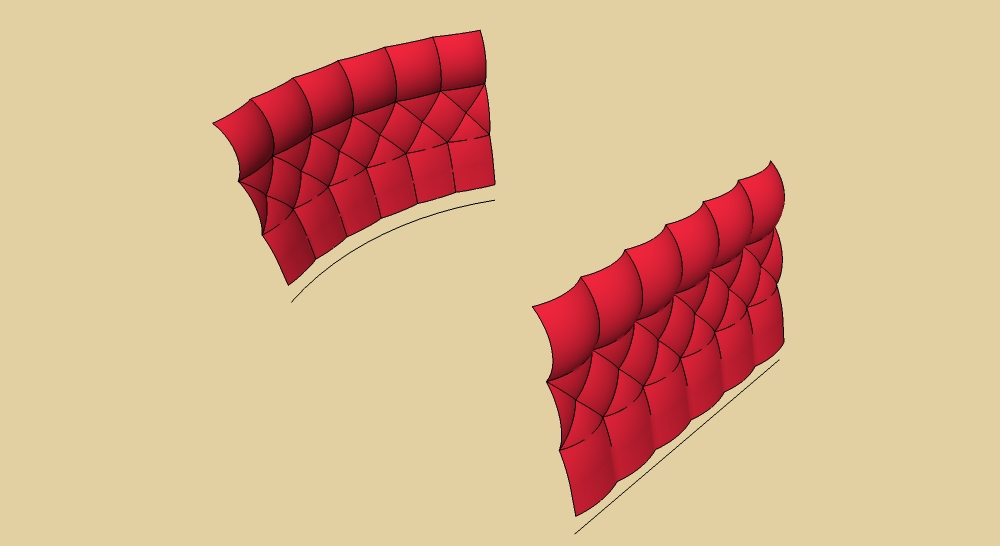
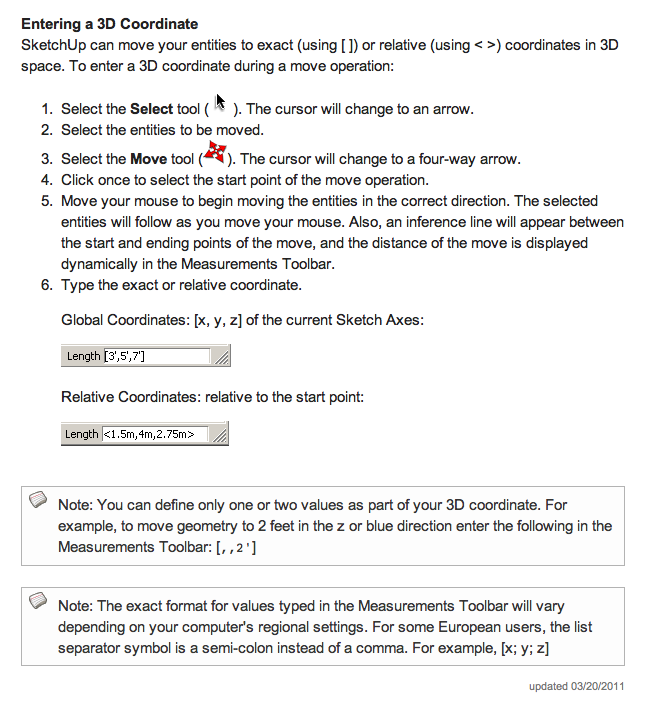
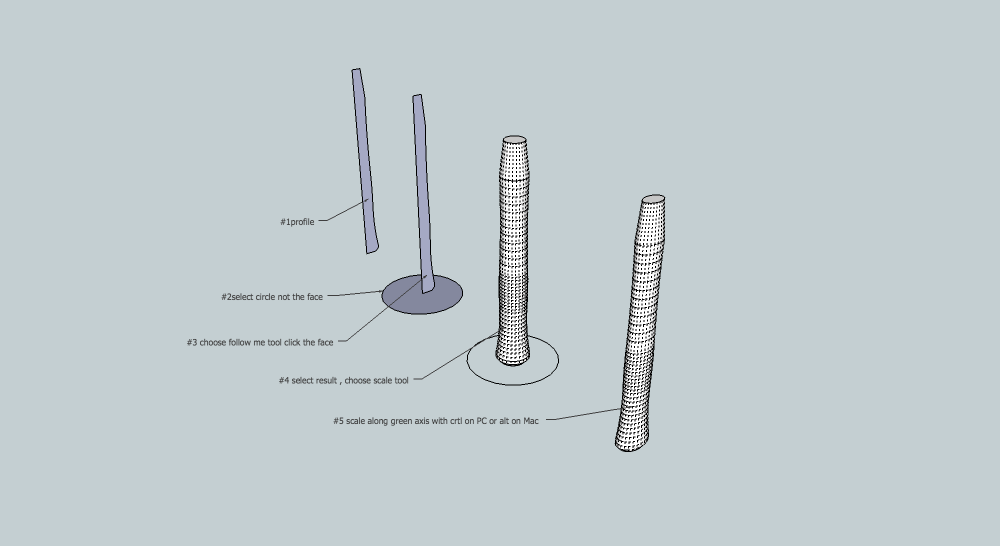
For Mac user as I know:

 Offline
This is in use in industry for conveyor:
[flash=425,344:2fzqjq11]http://www.youtube.com/v/9MSO2jcy1GQ[/flash:2fzqjq11]

May be this one:
http://forums.sketchucation.com/viewtopic.php?f=323&t=33908#p298004
I haven't test it.
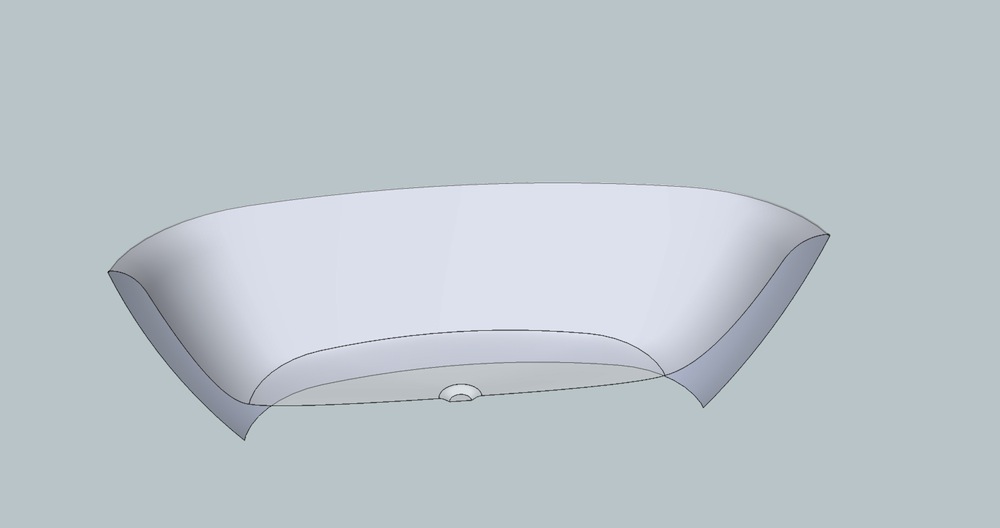
I suggest you first tuft flat surface , then bend it with shape bender or Fredo scale; could work.
You could use TIG's Extrude edges by edges:
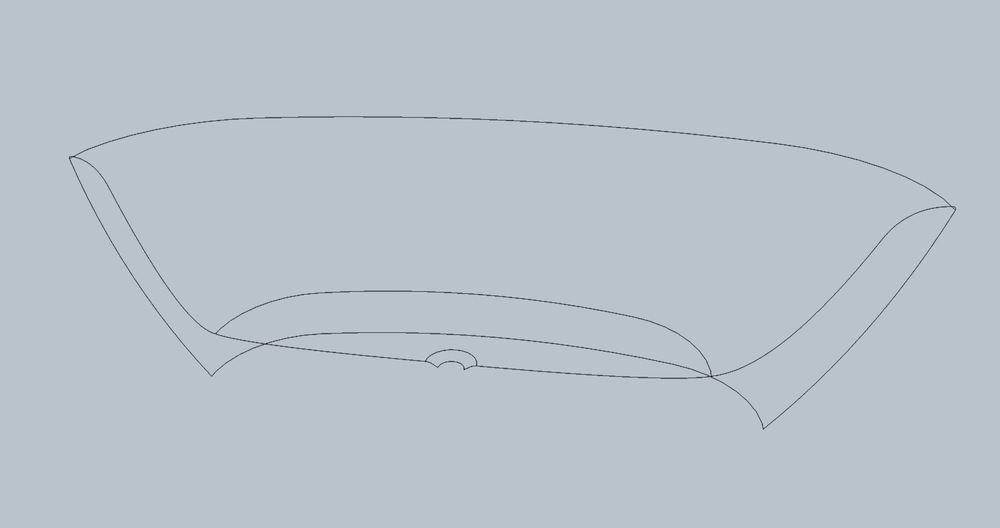
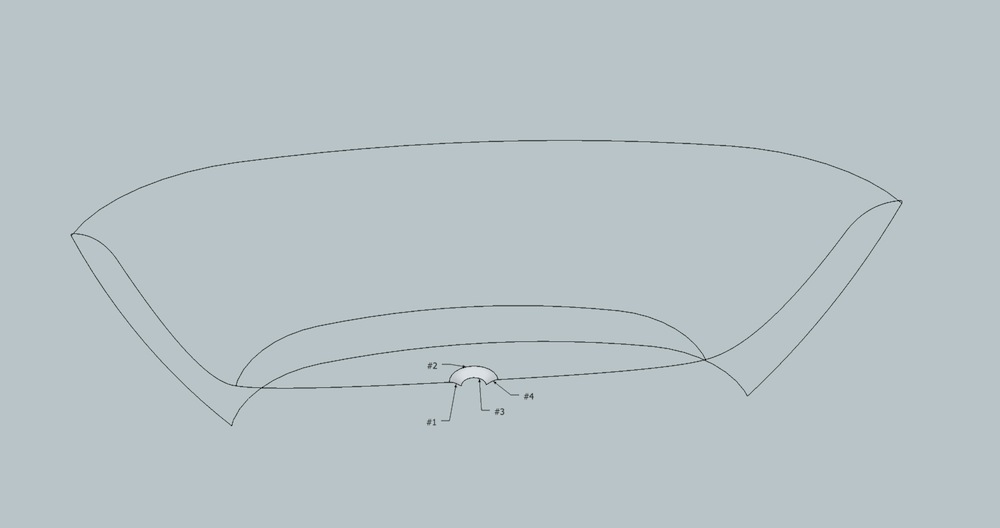
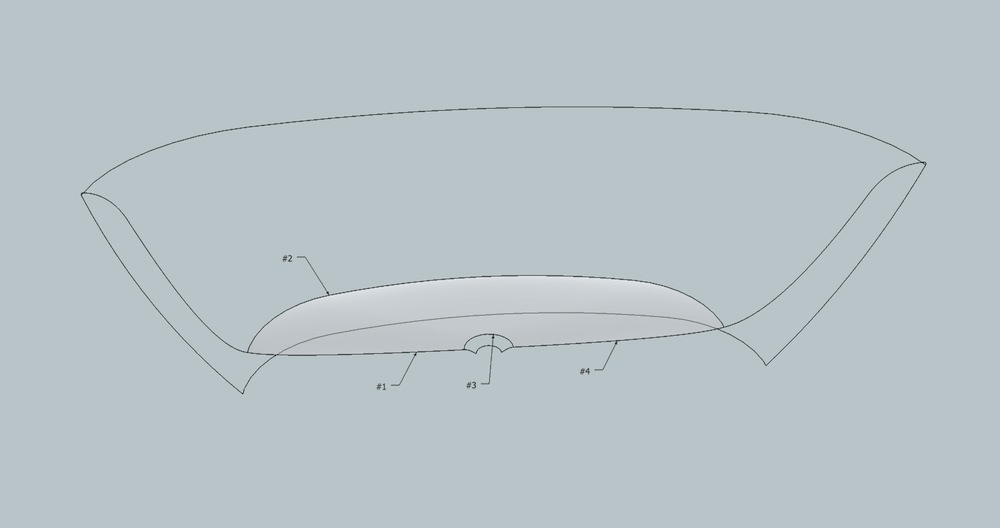
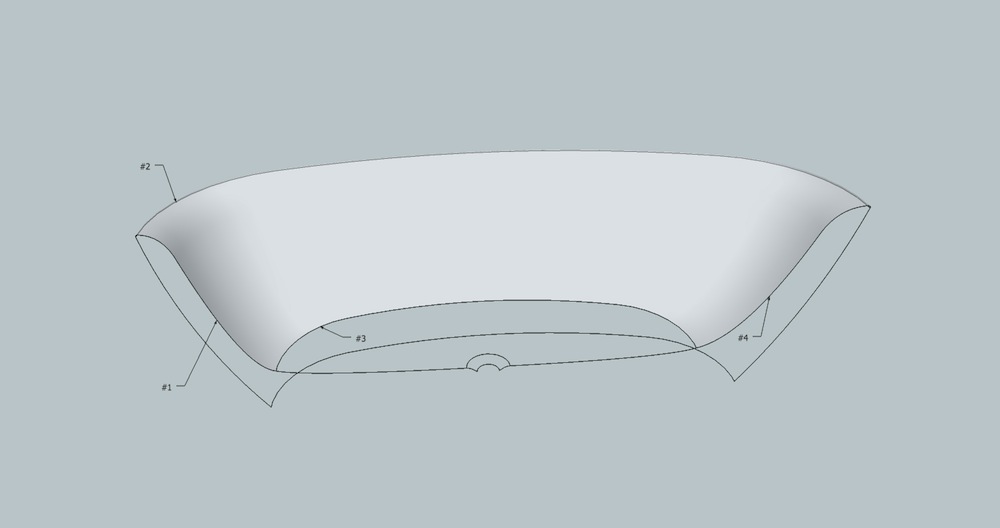
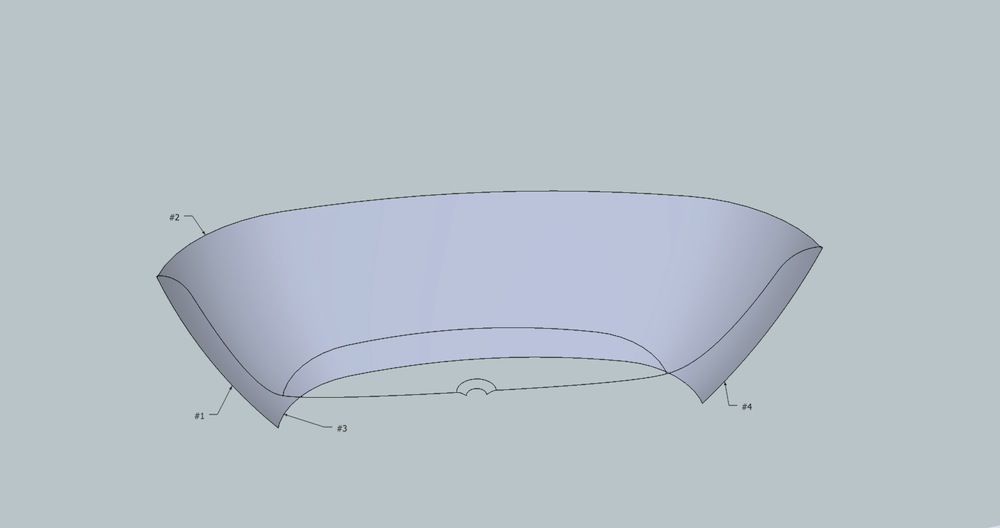
@ cornel
As I can remember Moses received Ten Commandments from "God", is there anything else to know, who wrote the bible ?
ps: Tell us more about you, we don't even know where you come from.
the holy bible seems to be your stick, can't you stand up by yourself?
@unknownuser said:
Gilles method is a good one too. Didn't work for me right now saying the group created by "convert lines to tubes" plugin is not a solid, whyever.
It does for me, be sure to check in input box "create a group"=no, "each tube is a group"=yes
#1- make your shape a group before drawing lines to bevel
#2- draw the lines a little longer than the edges of the shape (according to the radius)
#3-Tool/convert lines to tube:"create a group"=no, "each tube is a group"=yes "precision"= 4
#4-Solid tools "outer shell" with all the tubes, gives one solid
#5-Solid tools "subtract" N°1 tubes, N°2 shape
#6- its done
PS: this plugins always wants to apply home material?
I like this one.
There is a .spk here:
http://sketchup.google.com/3dwarehouse/details?mid=54480c3f10d11b172c973bc3541ea680&prevstart=0

You could do three components:
window
vent
window + vent.
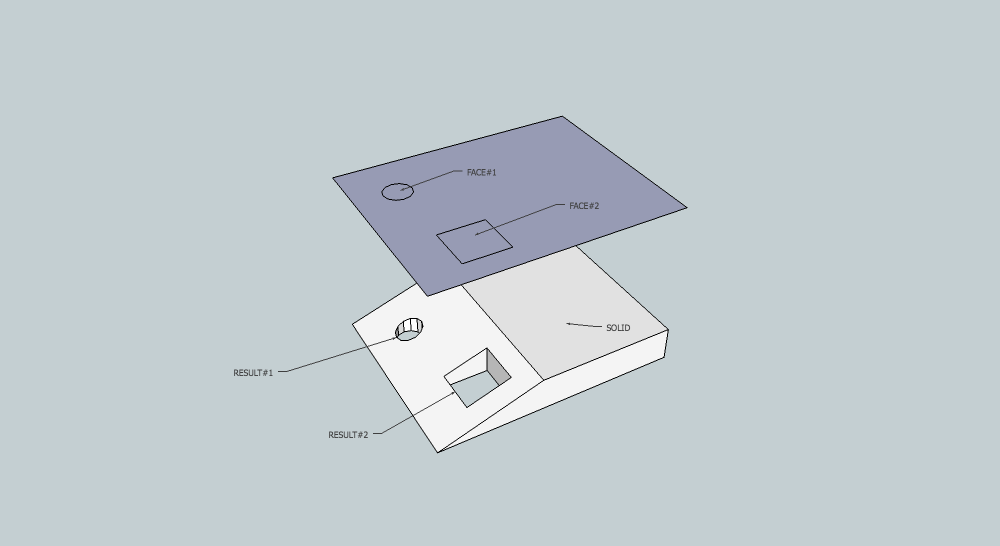
There is also the very new Hole on solid
http://forums.sketchucation.com/viewtopic.php?f=323&t=41582&hilit=hole+on+solid#p368373
Another solution: set circle to 12 segments, it will work fine with R= 4,5mm and it decrease the amount of edges.