@fredo6 said:
@edson said:
hi fredo,
I am having similar problems to nickchun (immediately above). I have found out about switching to Edge by Material but I cannot grasp how to choose a color and apply to edges. thrupaint seems to be stuck with the face color.
what it is the workflow to chose a color and apply it to an edge? thanks.
You need to disable the Face button in the palette. Then you will only paint edges.
Fredo
fredo,
this is not my point. I do have the Face button disabled.
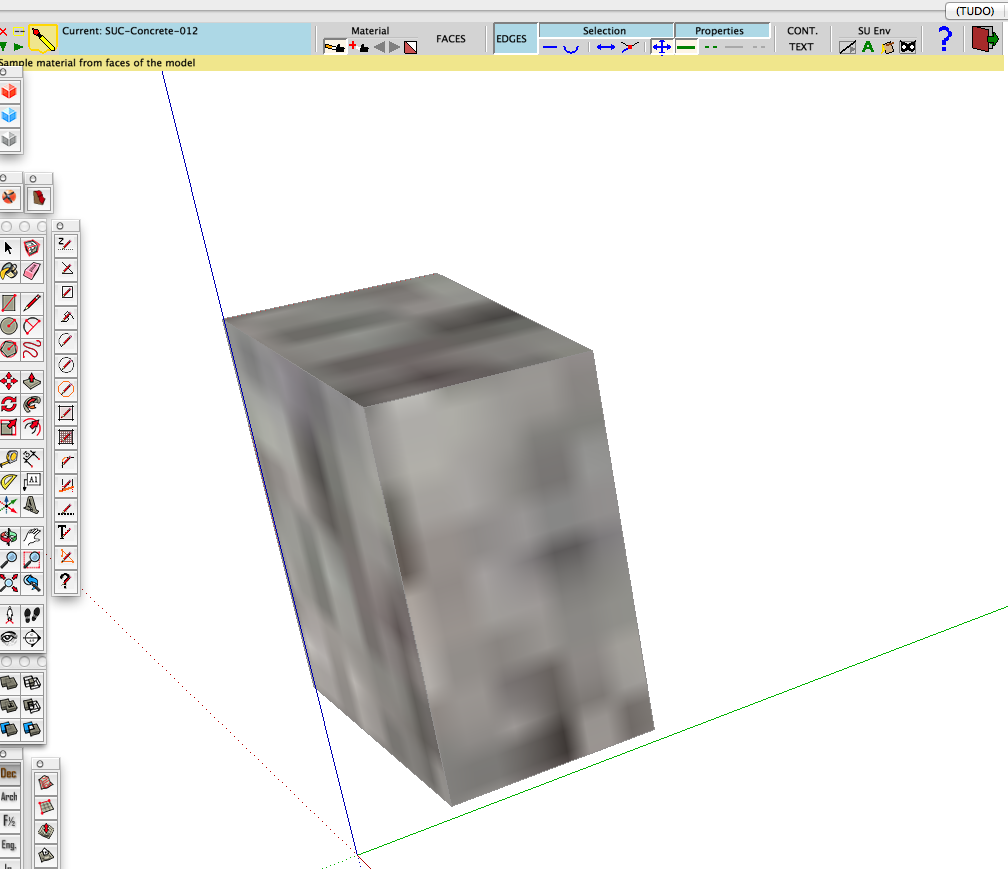
my problem is not being able to paint the edges with the color/texture I wish to. if you look at the screen capture below you will see that ThruPaint is stuck with the material I applied to the faces, and I can only paint the edges with that texture. how can choose and apply another color/texture to the edges? in the video I see you chosing a color and applying it to edges.