I hope you are right Pete. I just hope they stop flip flopping. Also I wouldn't be so irritated if I didn't love the software, of which I have high expectations. I also realize it's in it's infancy compared to other softs and so I haven't lost faith in them just yet. Their attentiveness to the user base and awareness (and addressing) of our concerns is encouraging. Time will tell.
Oops, your profile's looking a bit empty! To help us tailor your experience, please fill in key details like your SketchUp version, skill level, operating system, and more. Update and save your info on your profile page today!
Check out Febhouse | New extensions for Shadow Analysis in SketchUp Download
 E
Offline
E
Offline
Posts
-
RE: Lumion - Test drive
-
RE: Lumion - Test drive
Exactly. Looking at what you get with programs like Vue or even Modo, Lightwave, C4D, etc. (I know it's not apples to apples, but just speaking about development and support costs being reflected in the market price) Other programs, which are in the existing price range of Lumion or cheaper and continue to develop more and more features with realtime raytracing, ecosystems, rigging, physics, etc. without adding it to the pricetag, then looking at what you can actually do in Lumion Lite and it feels like you are paying extra for simplicity, speed and a lack of learning curve. (rather than complexity) Creating a more robust piece of software with all the bells and whistles at the current price would seem to bring in more new consumers, rather than hoping to meet projections and boost bottom lines by digging deeper into the pockets of the existing user base. Hopefully someone, somewhere is working on a free open source project similar to Twin Motion or Lumion to offset the scales of the marketplace and keep the costs in check.
-
RE: Lumion - Test drive
As far as I can tell service pack 2 only contains tonemapping features. I don't think the release hold up has anything to do with working out bugs and based on the previews, it's probably been ready for a while now. It's about taking the time to take what should be SP2 features and breaking them out into plugin packs, creating a new online store to sell the users the plugins and content, reworking the software security and authorization methods to more easily connect the user to the store and generally finding more ways to boost profits. In my opinion Act 3D should've better defined their business model with Lumion from the beginning as it really is beginning to feel like they are just making it up as they go. As of now, I'm more curious as to the price of the plugins than anything else. If I end up having to pay hundreds more for the plugins, I will be really disappointed and lose a lot of faith in these developers. Hopefully we find out in next week or so.
-
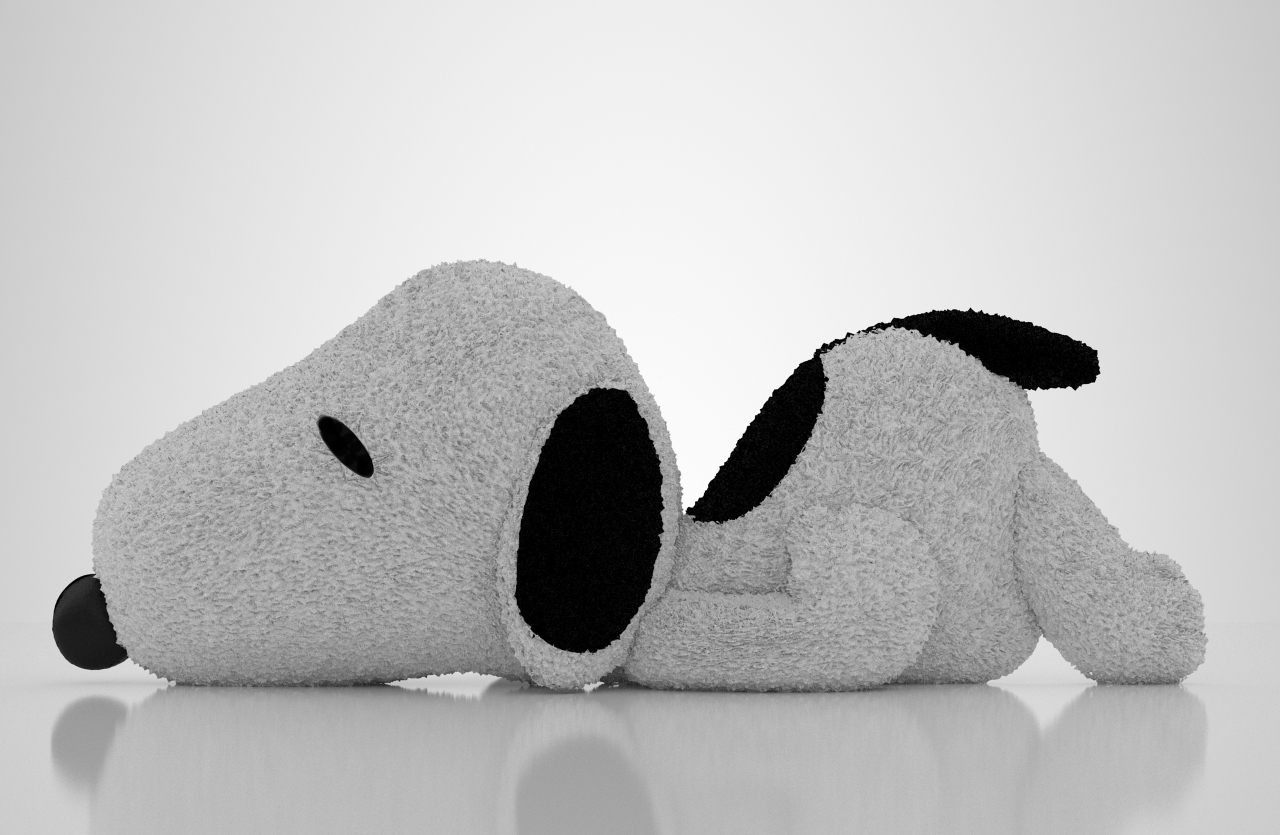
RE: Model this: Snoopy
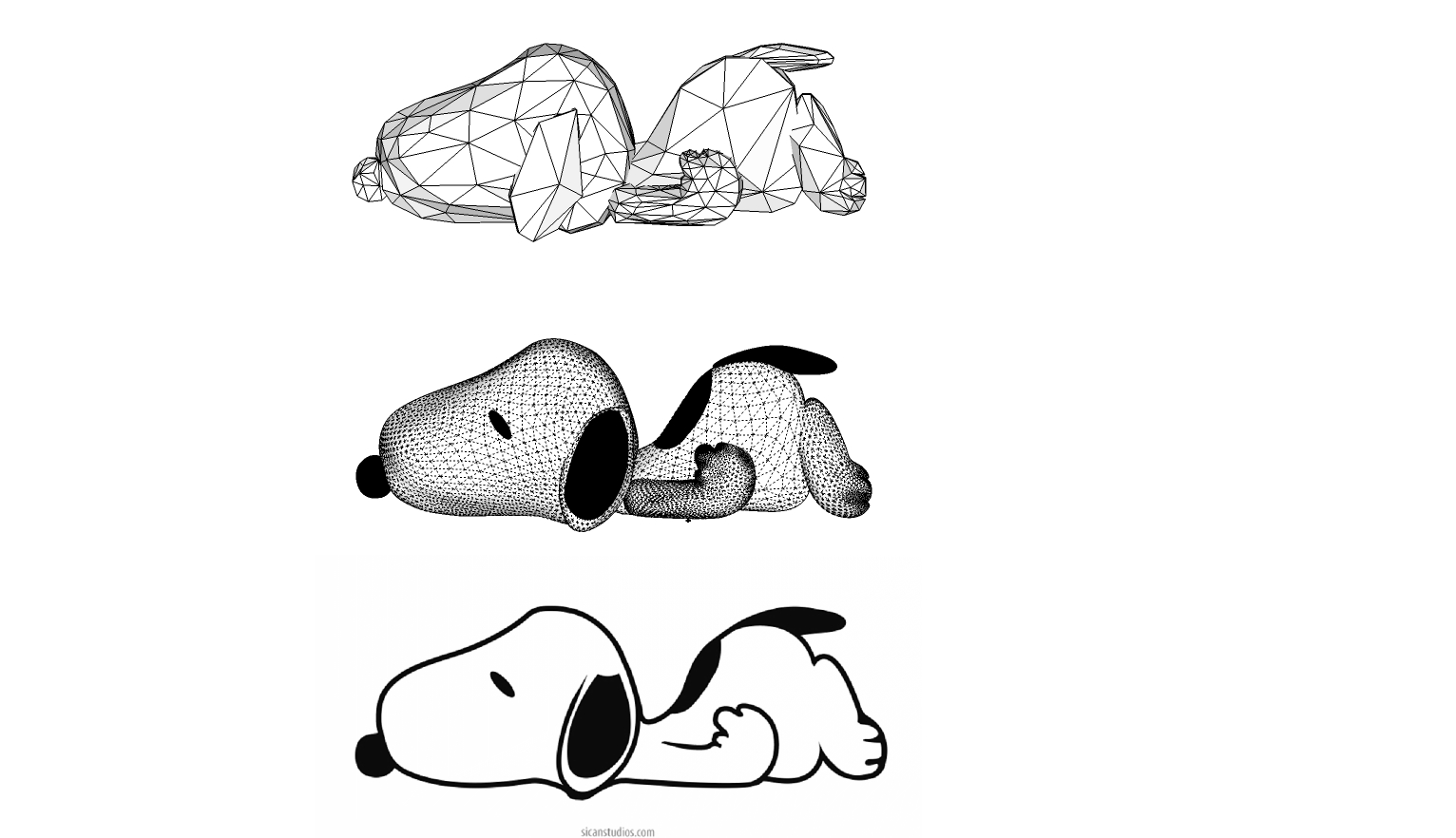
Gave it a go. Made my proxy by a little different method. I used the line tool to trace the shape, then used TIG extrude edges by vector to create a quad strip outline. I extruded the edges again, then scaled them in from center. Repeated this 2 or 3 times to create the buldge and then closed the final shape. Then I select it all and run the reduce polygon tool in Artisan, once at 50% then again at 30%. Then I used smooth sculpt to selectively even out the vert clusters before running subdivide and smooth at two iterations. It seems to work out by starting with quads and then letting polyreduce iterate them into triangles before running SDS. It's a bit of reverse engineering, but was rather quick and painless.

-
RE: [plugin] Divide By Material
Nice work Sam.
 Thanks for the update. Perhaps update the first post as well.
 -
RE: Nagra III Tape Recorder
Brilliant modeling! You can really see the detail in the Thea render. Love the before & after scroll over on the website Pete....that's a really powerful effect.
-
RE: Show Me Your SketchUp
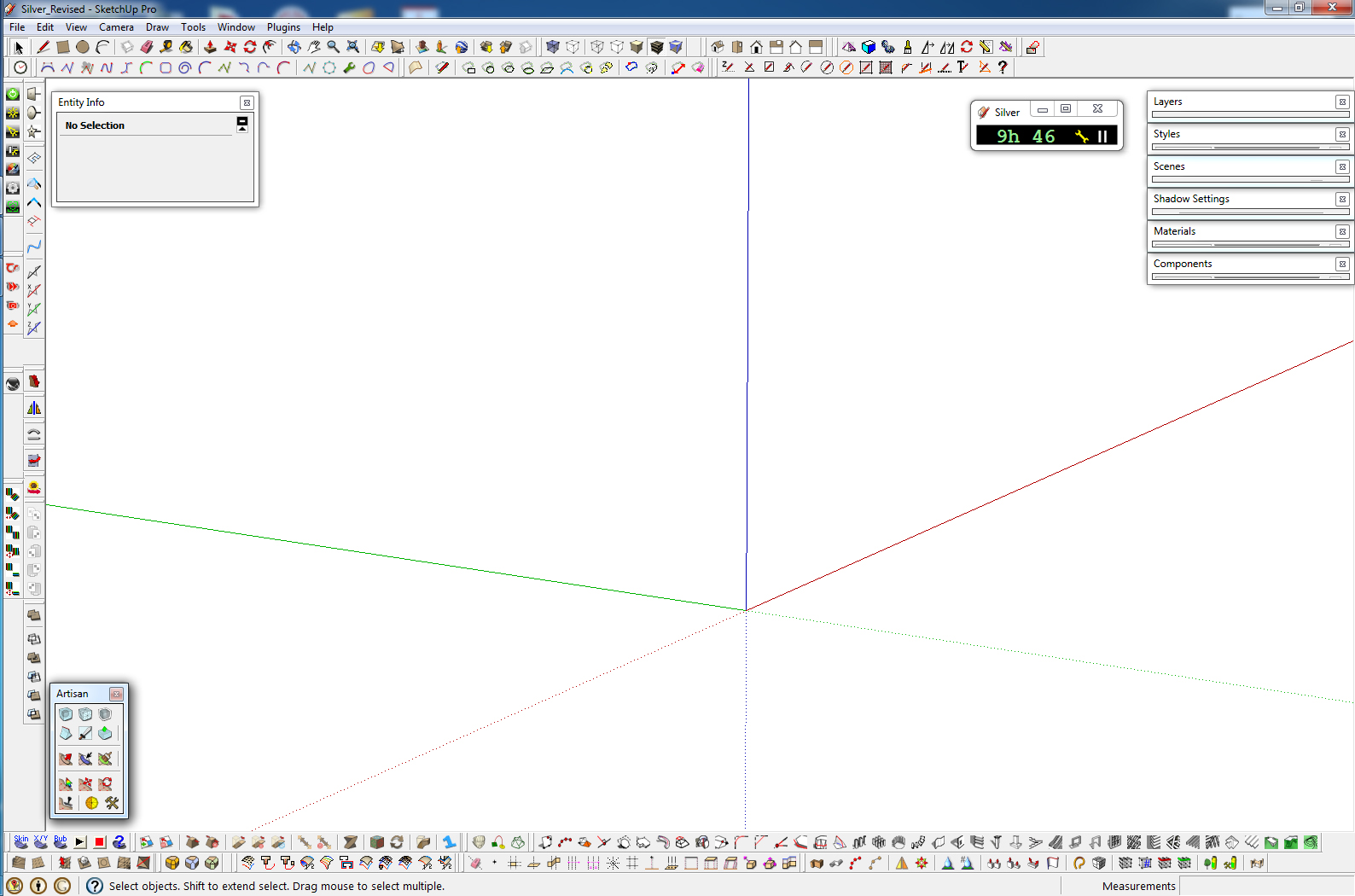
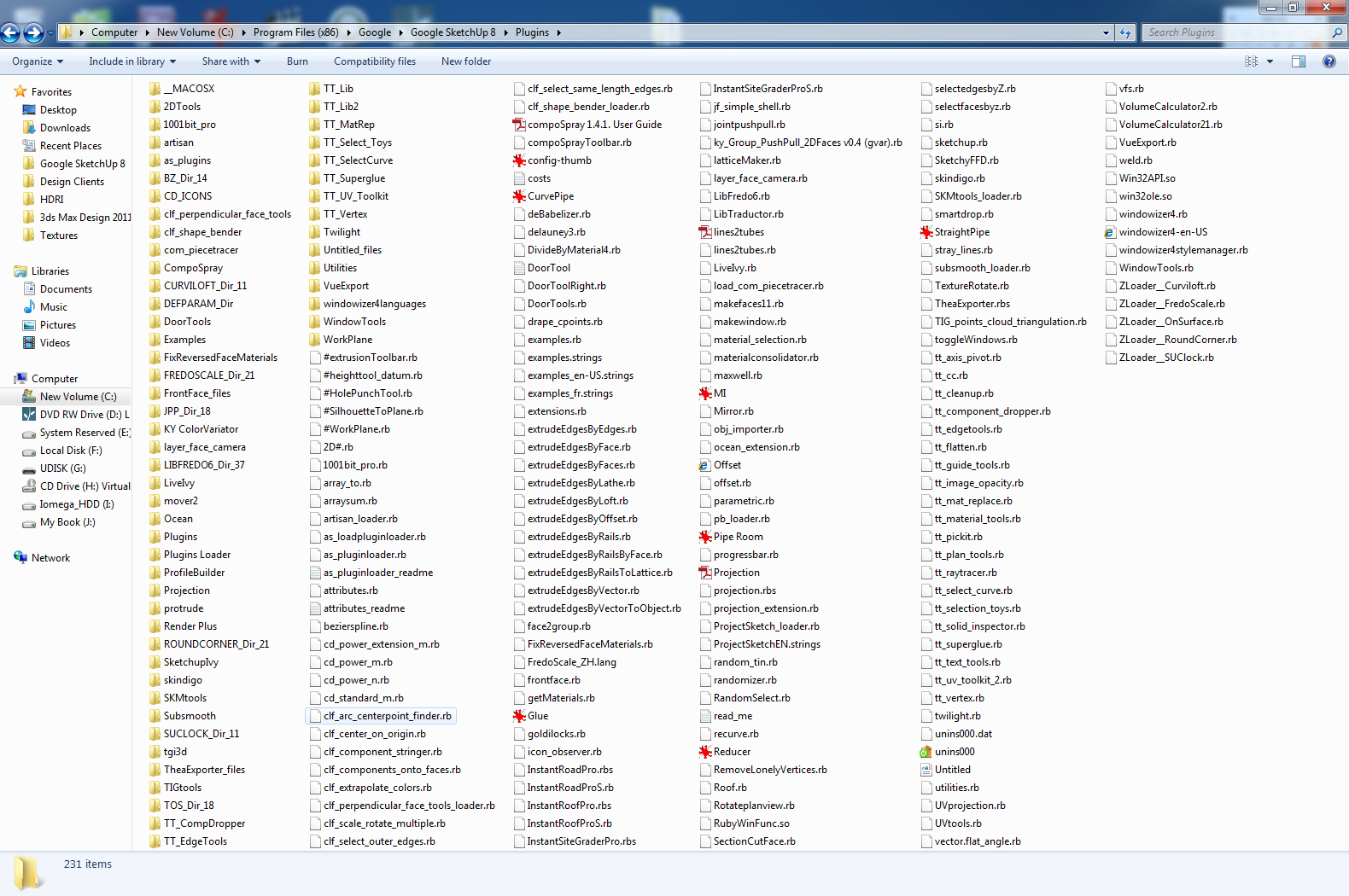
Here's mine. I try to organize toolbars by groupings. Drawing plugins together, mesh manipulation plugins together, render plugins together, etc. Since they tend to get scrambled so often, it's easier to remember the layout.
-
RE: [Plugin] Drape Cpoints
Tibet, here is a quick tutorial on the bedsheet.
[flash=800,600:pdjve3kf]http://www.youtube.com/v/wIcHHsjQ-Mo[/flash:pdjve3kf]
-
RE: [Plugin] Drape Cpoints
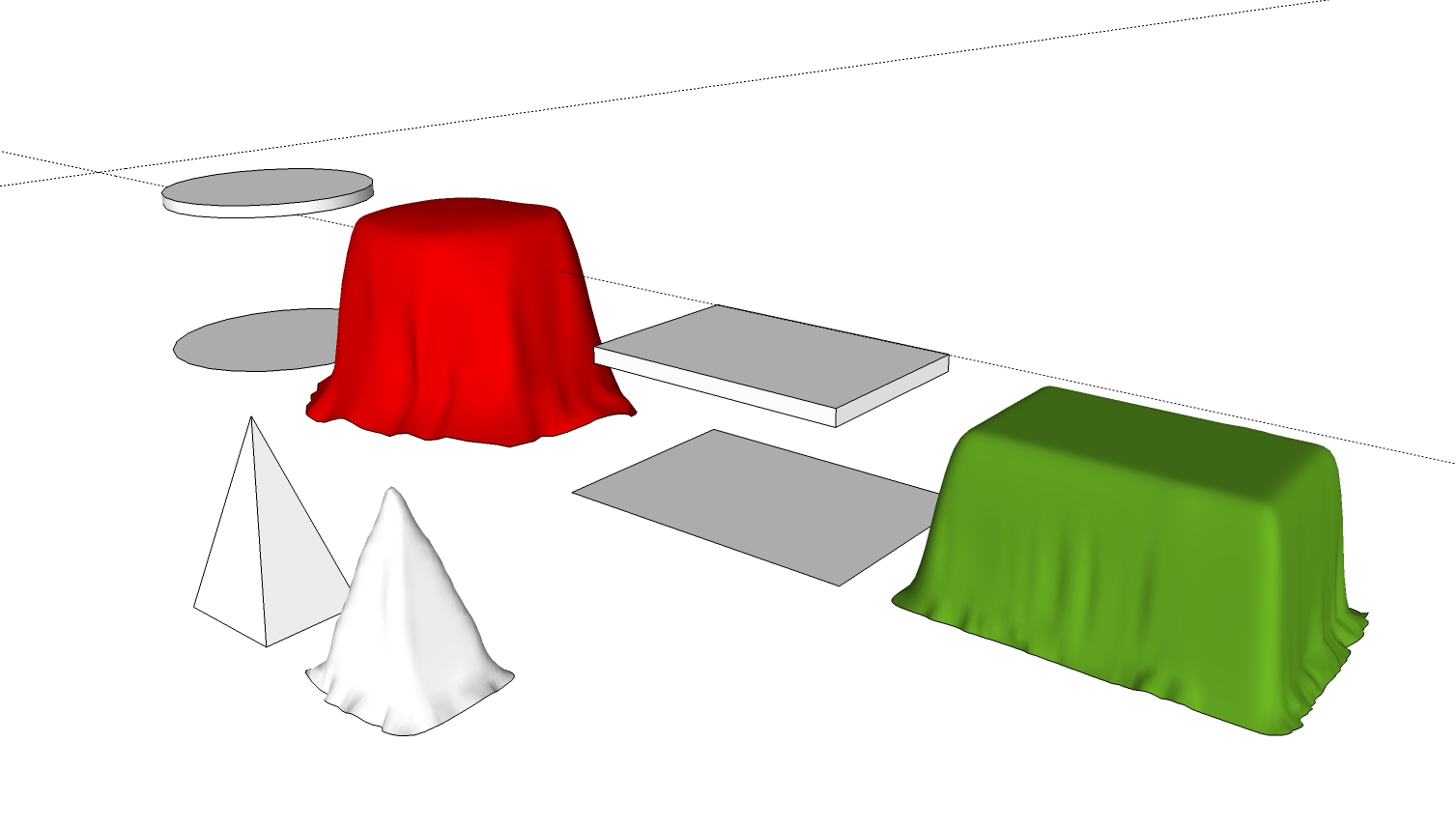
Thanks guys..glad it was helpful. Here's a few tests of the method on different shapes. It's not as good as a physics based cloth simulation, but the results are fairly convincing. For table cloths, you just need to make sure you have a ground shape object that is slightly larger than the table and in the same group, so that the Cpoints will drape down and onto the ground. The same method can be used to make water in a stream bed or snow on a rooftop.
-
RE: Jacque Fresco - Genius!!!
In a world set to plundering and no future planning outside the realm of deep profits, it's refreshing to see those set to push the limits of progress and plan for a society motivated by logic and sound reasoning. It's a real zeitgeist.

-
RE: Subdividing faces for displacement plugin
Thanks Sam. Good tool. It seems you have to select all faces by material and then also choose the material in the drop down for it to work properly. Might make more sense to just have it either divide the selected faces, or allow you to run the plugin with no selection and then divide by material. Current method seems a tad redundant. Either way it is a time saver and much appreciated!
-
RE: Render bugs my landscape?
I'm assuming the sand texture from Maxwell has a displacement map applied? The "from contours" method is the best solution I've found to get the base mesh. When you make it from push/pulled contours as you show, you will get the those sharp edges around the perimeter. This can be fixed by using ThomThom's Edge Tools http://forums.sketchucation.com/viewtopic.php?t=24593 and making the edges colinear from end to end. You could also use the Smooth option in the Artisan plugin to help average out the terrain. There are other options to further optimize the "from contours" mesh, such as Didier Burrs Terrain reshaper http://forums.sketchucation.com/viewtopic.php?t=11320, or using TIG's drape Cpoints and Triangulate points plugins....which will help prep the terrain for easier sculpting by using Artisan or Sculpt Tools from BTM. There may also be an option within Maxwell to weld verticies or smooth geometry which could help with displacement, but it's been a while since I've played with the demo.
-
RE: E-on-Lumenrt render for Sketchup
Does anyone know if LumenRT supports any type of artificial lighting? ....ies, point, spot, etc.? All examples on the site are sun lit only, so I'm curious.
-
RE: Subdividing faces for displacement plugin
How about using Soap Skin & Bubble, but just using the "skin" button to generate the even subdivisions? It works well as a subdivision skinning tool. Double click the face, hit skin, set the subdivisions, let it process, then explode the group.
-
RE: [Plugin] Extrude Edges By Offset v1.0 20110525
Woo-hoo! Can't tell you how many times I've wished for this!!!! TIG you are the MAN!
-
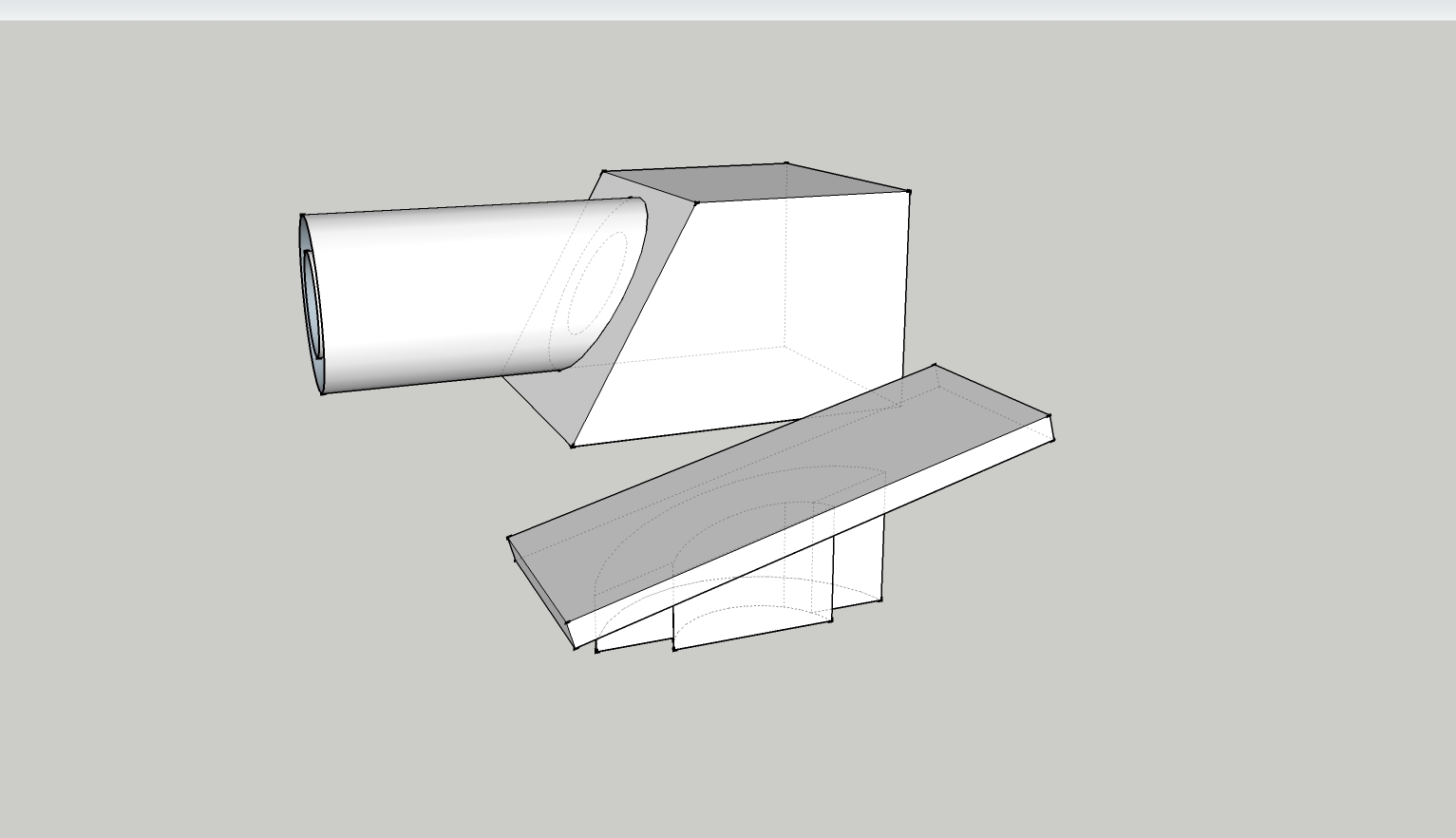
RE: [Plugin] Extrude Edges By Vector To Object v1.4 20110528
Wow, great one TIG. Works great on the testing I did. (There is a project edges tool in the Projections toolset that does something similar, but the new faces remain perpendicular to the object. This is more practical in most cases.)
(Not sure if Rich was hinting or renaming, but an extrude edges by offset would be a very useful addition to the toolset
)
-
RE: Problem back faces in vray max
You have duplicate faces, back face materials or reversed faces in Max?
Just a suggestion, but if someone is going to spend $5K on a modeling/rendering package, going through the help files and manual should be the first order of business.

In sketchup, makes sure your faces are all oriented properly. In Max 2010-2012 you can import .skp files directly. Only 2012 supports SU8 files, others need saves as SU7 first.
To mess with faces in max, you need to get to the face (Polygon) mode. All geometry comes in with an Edit Mesh modifier applied. Click on the object, go to the modifier panel, select polygon mode and select faces you want to delete. You can also check the show normals box to make sure your faces are correctly orientated and that the normal lines are facing outward. There is a flip button in the modifier if they are not.
-
RE: Render Mach Studio pro
WOW!!! ....wonder why? Thanks Pilou for sharing this great find!