sketchucation logo sketchucation
    • Login
    1. Home
    2. EarthMover
    3. Posts
    Oops, your profile's looking a bit empty! To help us tailor your experience, please fill in key details like your SketchUp version, skill level, operating system, and more. Update and save your info on your profile page today!
    ๐Ÿ”Œ Easy Offset | Offset selected faces in SketchUp in positive and negative offsets. Download
    Offline
    • Profile
    • Following 0
    • Followers 0
    • Topics 112
    • Posts 1,768
    • Groups 3

    Posts

    Recent Best Controversial
    • RE: Cloth, fabrics, towels, bedding, rugs and stuff like that.

      @chedda said:

      This is marvellous designer right ?

      Link Preview Image
      Marvelous Designer - The ultimate digital cloth creation tool

      The industry standard for realistic 3D cloth modeling and simulation. Unleash creativity with our Academy Award-winning 3D clothing design software!

      favicon

      Marvelous Designer | Official Site (www.marvelousdesigner.com)

      Was thinking the same. However could be done easily in 3ds Max using the basic cloth and garment modifiers. Takes time to create a collection like this though, so well worth the money to liven up a scene. ๐Ÿ‘

      posted in Gallery
      EarthMoverE
      EarthMover
    • RE: Terrain from contours - improve on native 'from contours'?

      Here's another set of contour lines from my current project. All welded up.


      Coleman Topo.skp

      posted in SketchUp Discussions
      EarthMoverE
      EarthMover
    • RE: Terrain from contours - improve on native 'from contours'?

      Can't wait! Thanks Fredo!

      posted in SketchUp Discussions
      EarthMoverE
      EarthMover
    • RE: Complex roof modeling - need advice

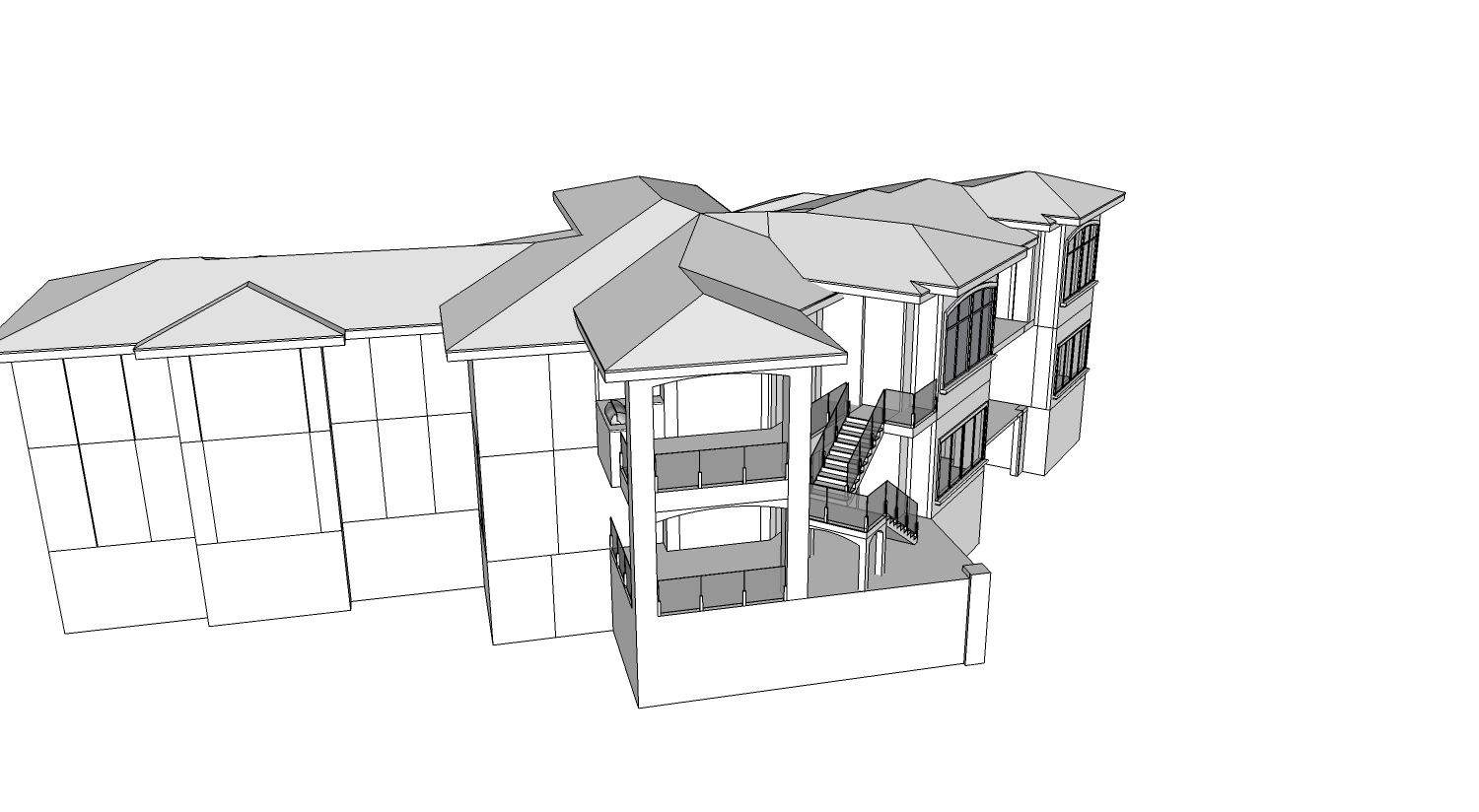
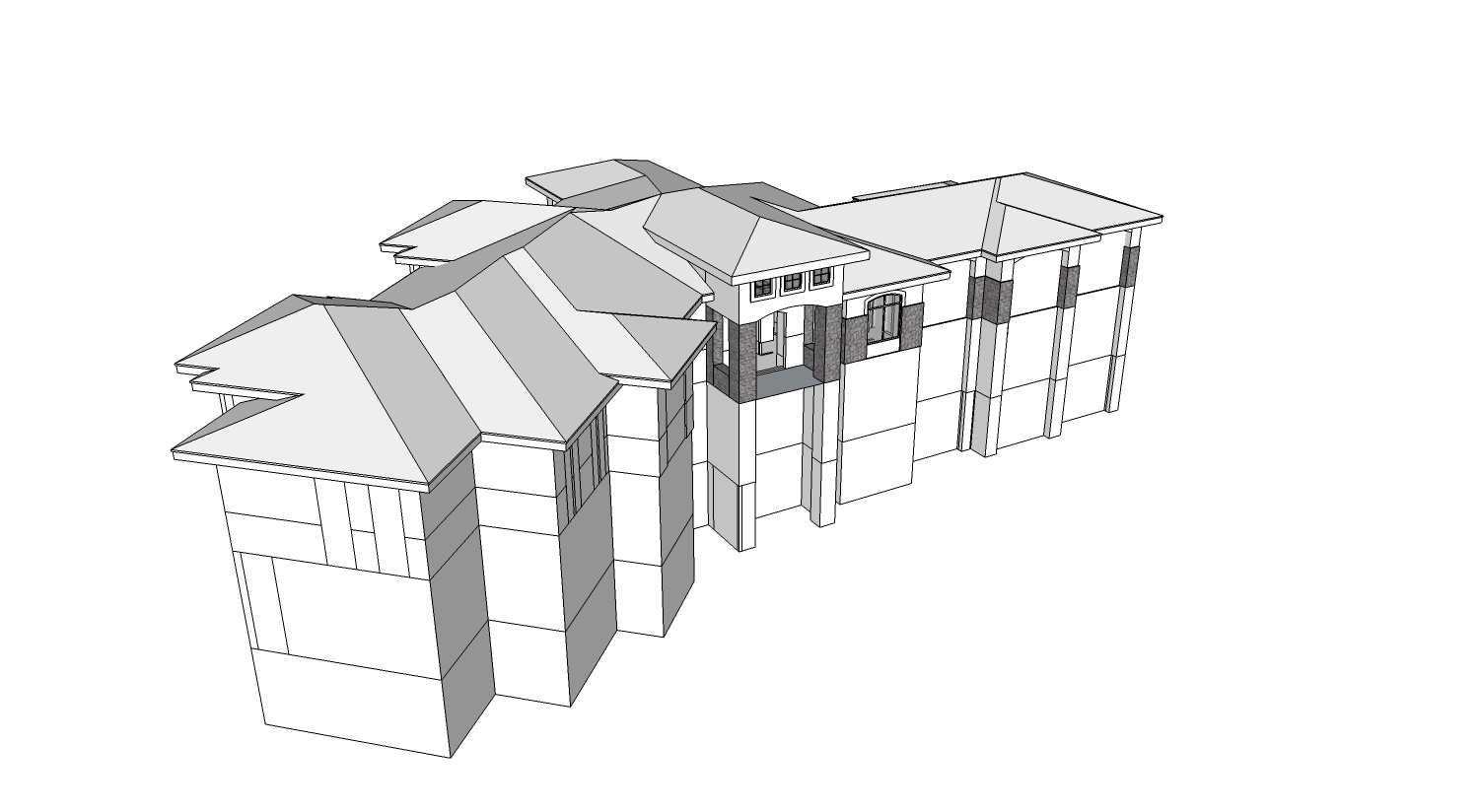
      Thanks gents. Got it resolved for the most part. Learned a ton. Too many roof building plugins around....makes one lose the skill of solving the roof puzzle. It took me really analyzing it and looking at the turns in the ridge. Still not 100% perfect, but it's pretty close.


      Coleman 3D Model Roofsolve01.jpg


      Coleman 3D Model Roofsolve02.jpg


      Coleman Roof Solved.skp


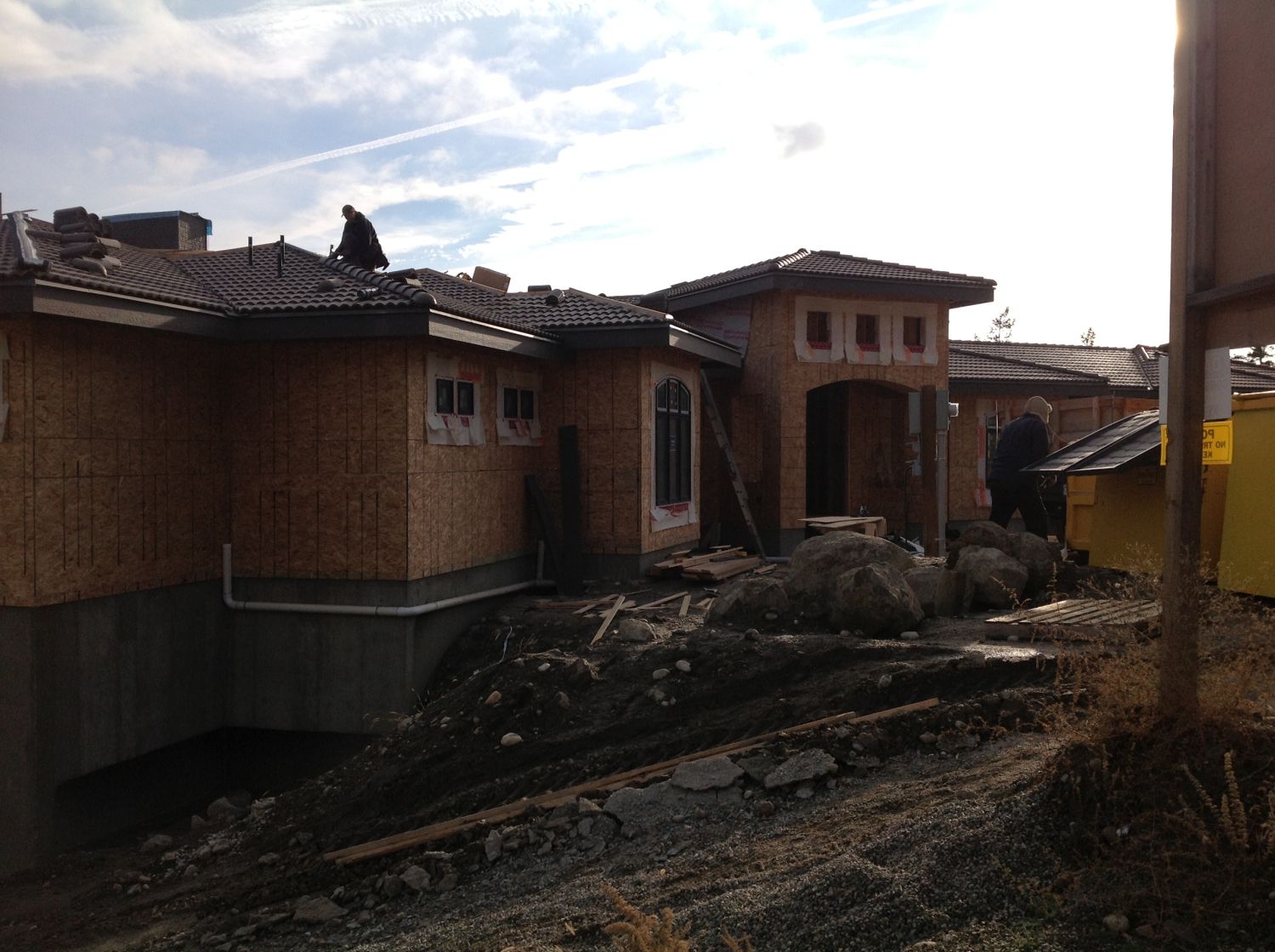
      Photo 2012-11-27 10 46 20 AM.jpg

      posted in SketchUp Discussions
      EarthMoverE
      EarthMover
    • RE: Complex roof modeling - need advice

      Thanks so much Dale. ๐Ÿ‘ That sounds like a logical approach and may make it easier to solve the transitions. If I figured out the height at that angle from ceiling to ridge and drew a vertical line at that height, could I then move that line to all the connecting points along the ridge and connect them to the points along the eaves and still maintain my slope angle? I'll give it a play and report back.

      posted in SketchUp Discussions
      EarthMoverE
      EarthMover
    • RE: Complex roof modeling - need advice

      Pbacot - Yes, pitch is 4/12 throughout and consistently except the crickets. Plate height is true to the drawing. Overhang is 2' and fascia height is 12". It's reflected in the CAD drawing in the model. I think the roof is just about done, I'll see if I can wrangle up a photo of the real house going in.

      Rich - I was so excited this morning to see the new plugin you are talking about. I was hoping it would just go through and clean up the mess on my face angles, but alas it was pulling verts a bit too randomly. It would great if you could lock one of the verts on a polygon. I'll have to play with it a bit more.

      Pilou- I'm well aware of TIG's plugin. It is always my first option. As I mentioned in my original post the "volume roof" you speak of, is one I roughed together to get the idea of how it should work. I know the faces are not co-planar, that is my whole issue. I want to make a roof exactly like that but with clean co-planar surfaces. The logic is just escaping me on how exactly to break the shape up with the varying heights and have it all fit together at the ridge line.

      I was hoping and architect or someone with roof design experience could give me some clues. I'm okay with doing it manually, just want it to be clean.

      The Vali plugin gets the closest as it represents variable heights, but it keeps crashing on me. I was hoping Build Edge would do it so I bought it today, but it struggled with it. I think it's the weird juncture points between the 45 degree direction change. No sure though.

      Thanks for the help thus far. ๐Ÿ˜„

      posted in SketchUp Discussions
      EarthMoverE
      EarthMover
    • RE: Complex roof modeling - need advice

      Sorry Pilou. Thought it was, must have saved over it. V7 attached.


      Coleman Roof Issues.skp

      posted in SketchUp Discussions
      EarthMoverE
      EarthMover
    • Complex roof modeling - need advice

      Need some help if possible.

      I have a roof I've been fussing with for way too long. I'm modeling from a CAD drawing, which is probably why I may be over thinking it. Looking for some advice from the pros here as to a better way to go about creating what I need. I've tried all available roof generating plugins including Vali roof pro version, Build Edge paid version, 1001bits pro, etc. etc.

      I gave up going the plugin route and decided to hand model the roof, which I was able to do by moving verts around with Vertex Tools and stitching together the surfaces, but this is cheating it. This would work except I need to add spanish tile to the roof using a plugin and I need clean planar geometry for each slope to make this work.

      The major difficulty I'm having is that there are variable wall heights and so the eaves are set at a half dozen different heights, while the ridge remains consistent across, with the house split on a 45 degree angle.

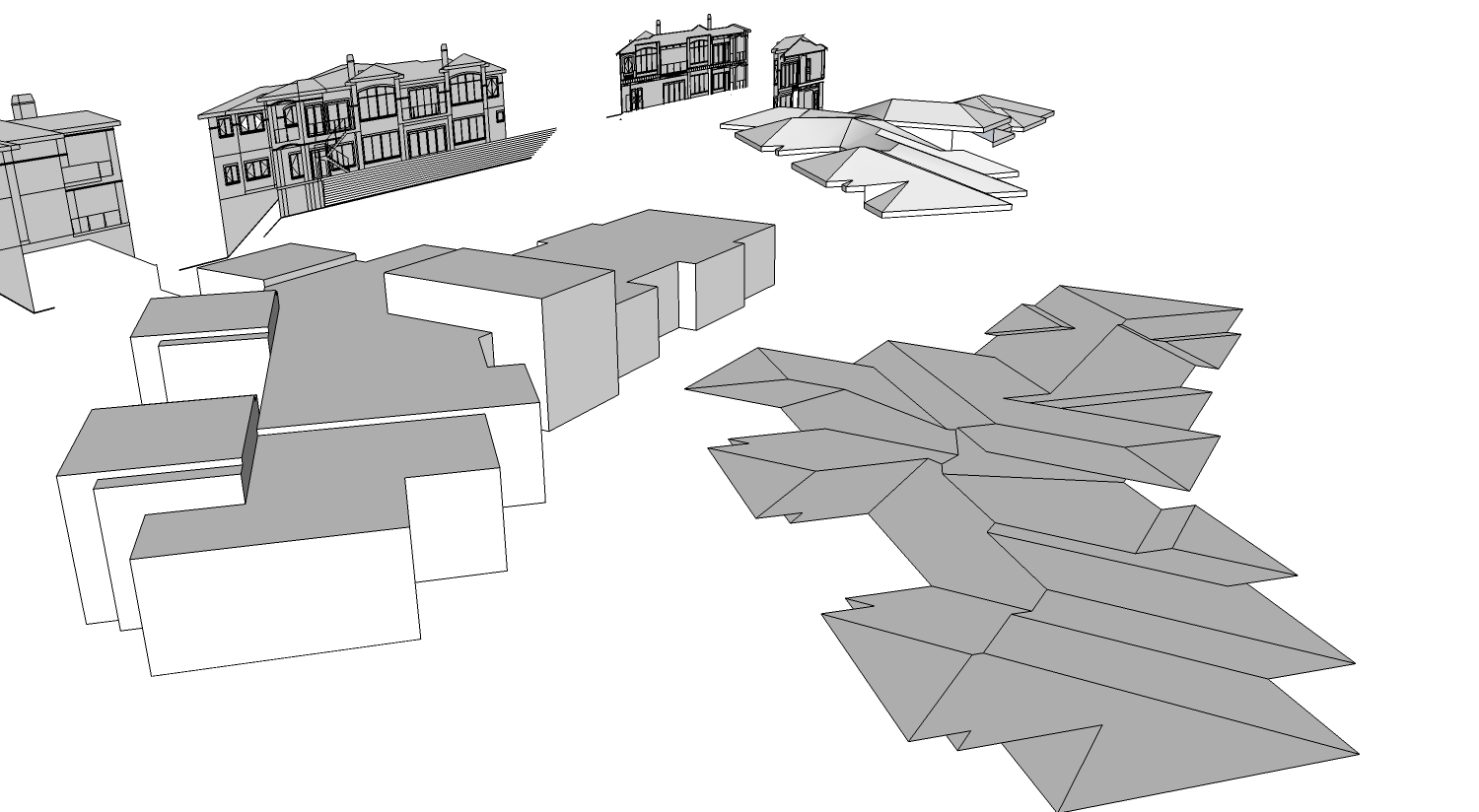
      I'm certain there is a better way to break this roof apart into sections so I can have everything match up. For now I'm going to detach each roof surface and make each one co-planar separately for generating the roof tile, then line them back up and use the ridge tiles to try and hide the gaps. If anyone can take a look at the model, which I've simplified down to a simple multi level box and cad imports, please advise on a better method so I at least can explore the technique for next time. Nothing would make me happier than having a "Doh!" moment. This is giving me a major headache at this point as I'm becoming overly obsessed with finding the solution while the deadline looms. ๐Ÿ˜ณ


      Coleman Roof Issues.skp


      Coleman Roof Issues.jpg

      posted in SketchUp Discussions sketchup
      EarthMoverE
      EarthMover
    • RE: {REQ} Replace texture with solid color and retain UV mapping

      @cotty said:

      @earthmover said:

      UV map a texture to a surface and then replace the texture with a solid or default color....except without overwriting the UV coordinates

      Did you use the save UVs and load UVs options of SketchUV for this? At which point does this go wrong?
      (texture -> save UVs -> color -> triangulate -> load UVs)

      Yep, tried it many different ways. To no avail. The coping test model I posted will export with over 3K in textures even after triangulation. I guess I could unwrap it in another program and bring it back and see if that helps. I think it is the quad mapping that has the issue. Triangulation seems to work on other types of surface mapping which is not dependent on vertex count.

      I've also noticed that if I delete all the decimated textures from the exported folder and then import the dae, that it will come in to another software with no textures applied, but the UV mapping embedded. Saves on importing time, but still the long wait on the front end.

      So there is no way to embed UV mapping with a texture file? That is what I really wanted to know.

      TIG has a bulk DAE exporter plugin which has a tick box for exporting textures or not. I'll see if he thinks it's possible to tweak his code to export the UV's but override the saving of the textures themselves. This is where the time factor is. Reapplying them in a secondary software would be much faster.

      posted in Plugins
      EarthMoverE
      EarthMover
    • {REQ} Replace texture with solid color and retain UV mapping

      This is a bit of a bizarre request, but would it be possible to, via ruby or otherwise, UV map a texture to a surface and then replace the texture with a solid or default color....except without overwriting the UV coordinates? Basically I'm looking to embed the UV coordinates into surfaces for export to .dae. I'm trying to avoid texture decimation on skewed textures. I've tried multiple solutions including triangulation with both TIG's plugin and SketchUV. My last DAE export resulted in 6800 texture files and took 35 minutes. I found that if I export the same DAE out of 3ds Max using the Open Collada plugin, it will export with no texture for those surfaces where texture decimation will occur. Yet it will retain the UV mapping to the faces. Exporting out of Open Collada takes under a second. Once it's imported into another software, the missing texture can be applied and will map perfectly using a single texture. I would rather reapply the texture in another software rather than to have the long export / import times.

      Here is a model of a bullnosed pool coping which demonstrates the issues. Mapped with Thru Paint Quad mapping. - https://www.dropbox.com/s/zrmh34wvbyl4aac/Coping.skp

      Any solutions welcomed.

      This could also be useful to map a bump texture to a solid color surface.

      posted in Plugins
      EarthMoverE
      EarthMover
    • RE: [Plugin] Xref Manager

      ๐Ÿ‘ Thanks TIG! Not sure how I missed this. Really could've used this on my latest project. Can't wait for the revamp.

      posted in Plugins
      EarthMoverE
      EarthMover
    • RE: WIRED MAGAZINE 3D COVER PRINT

      Very Cool!!! Congrats. Very encouraging to see.

      posted in Gallery
      EarthMoverE
      EarthMover
    • RE: [Plugin] LSS Toolbar 2.0 Beta

      All the tools are great. The voxel tool is really cool, albeit buggy. I love that you can pick a component instance and fill a volume with it. It essentially becomes a scatter tool. Will be great for making plants, etc.

      posted in Plugins
      EarthMoverE
      EarthMover
    • RE: Rapid Protoyping - FDM

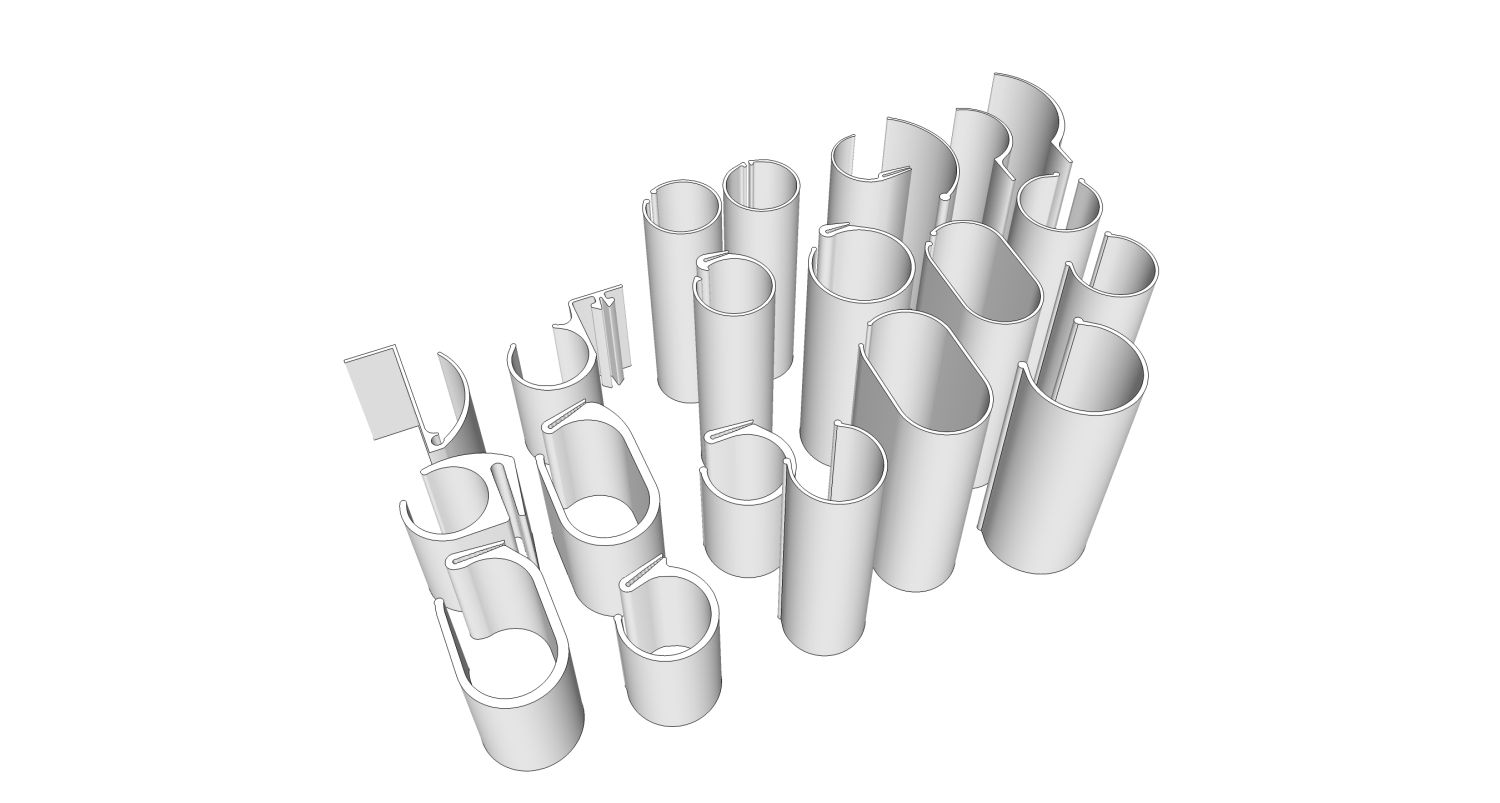
      Thinking FDM as the final products are going to be PVC or a recycled vinyl siding material (UV Rated). Trying to emulate with some durable enough to put some stress on them. I guess ABS would be the closest? Also there are very small teeth on the mouth opening. What are the benefits of SLS besides cost? Is there a better DPI? Definitely open to suggestions. Need to send them off in the next day or so.

      Thanks Marcus, for taking the time to answer.

      posted in SketchUp Discussions
      EarthMoverE
      EarthMover
    • Rapid Protoyping - FDM

      Trying to find a good, reputable rapid prototyping company to print some FDM parts for me.

      Anyone have a company they can recommend? Looking for fairly quick turnaround. New to 3D printing. Have the solid models exported to .stl. Anything else to consider?


      PV Profiles1.jpg

      posted in SketchUp Discussions sketchup
      EarthMoverE
      EarthMover
    • RE: Mystery window with a picture of a ruby

      @thomthom said:

      @gaieus said:

      That's Fredo's plugin update window (some other developers also use it). Click on the ruby image and a small dialog opens letting you know which plugins are up-to-date and which need to (or can) be updated to the latest version.

      Also, there is a checkbox not to open this window for the next 30 days or so...

      Or type in 999 and it never shows up.

      Good advice. It gets a bit annoying. I would rather just check the plugin forum every few days.

      posted in SketchUp Discussions
      EarthMoverE
      EarthMover
    • RE: Fender Stratocaster - Finished

      WOOOOW! The strings and whole headstock is amazing! Can't wait to see more close ups. Great job!

      posted in Gallery
      EarthMoverE
      EarthMover
    • RE: Happy Birthday Earthmover (Adam)

      You guys are awesome. ๐Ÿ˜ฎ However, my birthday is not for another 4 months. ๐Ÿ˜† Eighth day of the last month. Hahaha, I just looked and realized I inverted the day and month in my profile. 12/8 not 8/12. ๐Ÿ˜† I will store this thread in my Outlook calendar and refer back to it in a few months. ๐ŸŽ‰

      posted in Corner Bar
      EarthMoverE
      EarthMover
    • RE: Summer dusk NPR

      Gorgeous images. Love the overall color pallet. ๐Ÿ‘

      posted in Gallery
      EarthMoverE
      EarthMover
    • RE: [Plugin] Material Tools

      Thom, possible to add removing materials from all groups and components? Not the materials on the inside surfaces, just anything applied to a group or component itself and replacing it with default?

      posted in Plugins
      EarthMoverE
      EarthMover
    • 1 / 1