How can I make this boat have a flat bottom? I would like to slice it where the horizontal plane is. I saw Dave R's instructions in "Cut object in half and have it separated", but can't duplicate it.
Oops, your profile's looking a bit empty! To help us tailor your experience, please fill in key details like your SketchUp version, skill level, operating system, and more. Update and save your info on your profile page today!
Urasik Extensions | Lots of new extensions to check out Learn More
D
Offline
Posts
-
Flat bottom
-
RE: Color Change - PDF
Dave R.,
I understand why in the SU file there are different shades of gray according to the light source.I was just wondering why the PDF doesn't duplicate the colors that are in the SU model.
-
RE: Color Change - PDF
[quote="Dave R"]If you're going to make your PDF exports from SketchUp instead of LayOut you might as well skip the textures and just use colors.
But, why do the side walls change color? They are not textures but rather increments of gray.
-
Color Change - PDF
Why do the colors change when I export to PDF?
In the SU model:
The walls of the Top View & the Side View are R:245 G:245 B:245In the PDF output (File/Export/2D Graphic/Save as type PDF):
The walls of the Top View are R:171 G:171 B:171????
The walls of the Side View are R:245 G:245 B:245I have to do hundreds of these diagrams, so I prefer not to have to use LO every time.
-
RE: Where are my Book Marks?
Thank you, Rich.
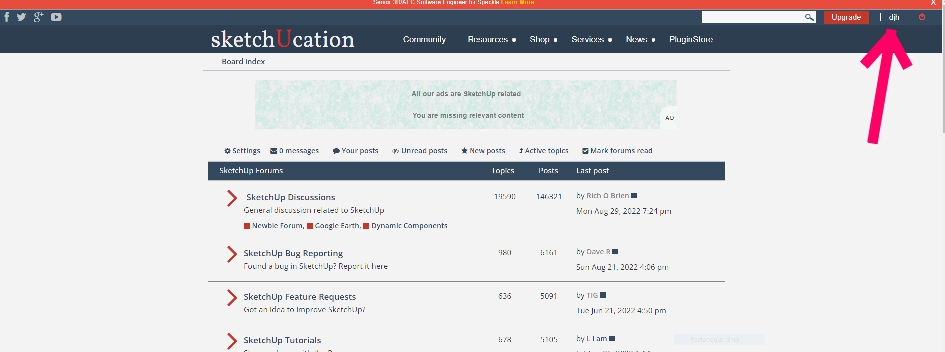
I didn't realize that clicking my profile name in the upper right corner would open the "User Control Panel".
-
Where are my Book Marks?
How does one find saved bookmarks?
Board index > User Control Panel* > Manage bookmarks**
- Link on the (almost) top left
** 3rd link in the left navigation menu
I can't find "User Control Panel" to open "Manage Bookmarks".
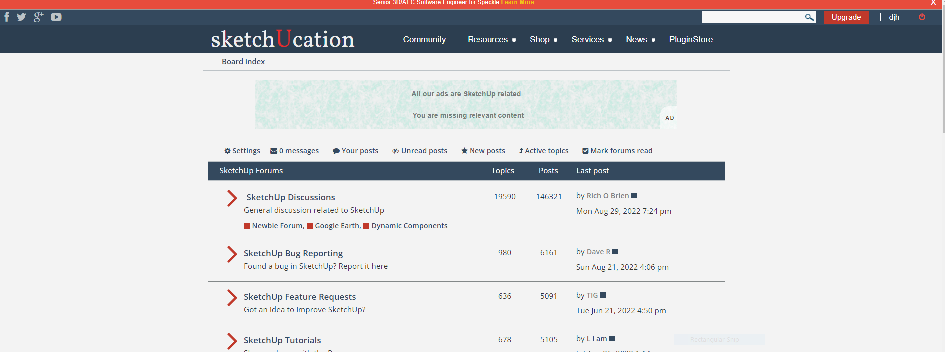
- Link on the (almost) top left
-
RE: ZOOM TO SELECTED OBJECT
Dave R and box,
Thank you for your helpful suggestions. -
RE: Aligning multiple components to sit on one plane
Select the components, open Windows>Ruby Console, paste this one-liner and press enter.
Sketchup.active_model.selection.grep(Sketchup;;ComponentInstance).each{|ci|
 ci.transform! Geom;;Transformation.translation([0,0,-ci.transformation.origin.z])
}
This will put all selected components on the XY plane.[/quote]
sdmitch, thank you. Just what I needed. Just have to be careful to copy and paste the whole thing, even the last } which is on the bottom line.
-
RE: Install an Extension
Dave R.,
Thank you. I just had to read the instructions from the developer:
Dotted Line for SketchUpHow to use
Download and install the lastest version
Select edges (only) in SketchUp
Right-click on the selection and click Replace by dotted lines...
Edit the properties and click "Ok"It was installed and I didn't even realize it.
-
Install an Extension
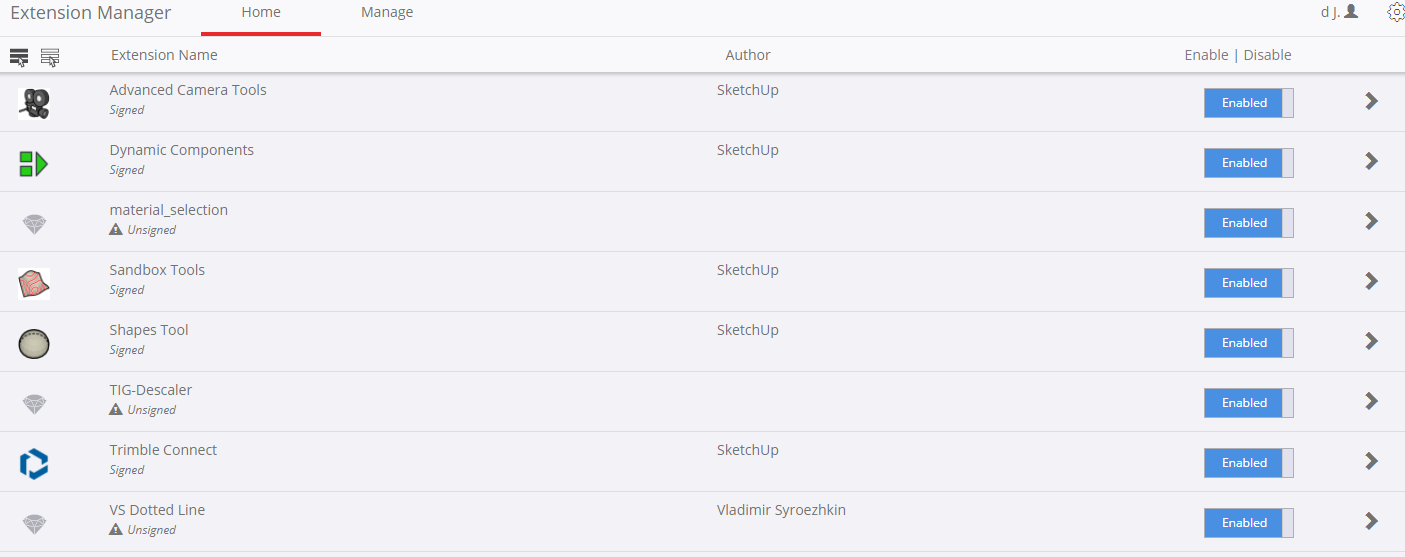
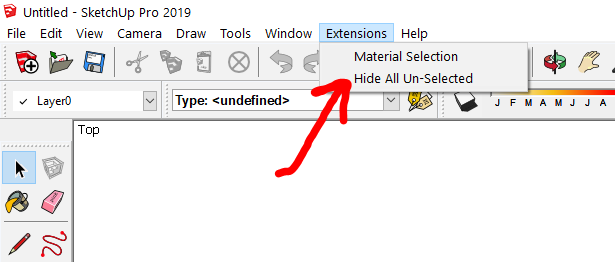
I wish to install an Extension.
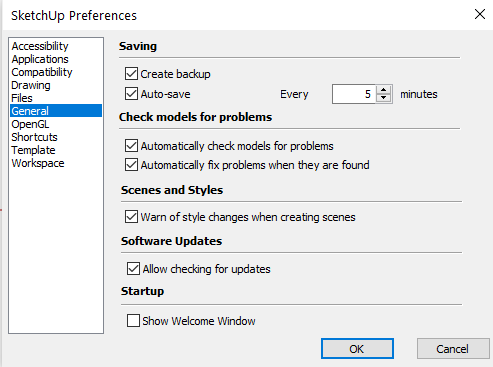
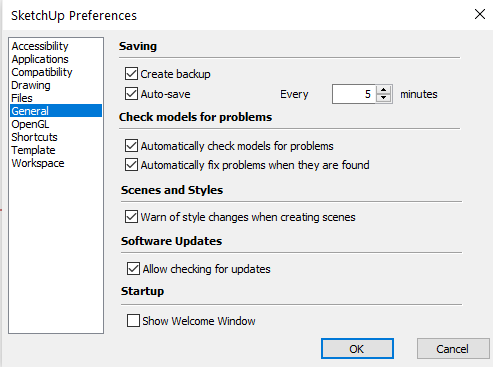
The instructions are: SketchUp Preferences. Pick Extensions. Then Install Extensions.
In my menu of SketchUp Preferences, there is no option "Extensions" (see attached).
The installed Extension appears in the Extension Manager but not in the menu Extensions.
May I ask for your assistance?
-
RE: Join lines
@tig said:
If it's only a few instances, then there's a simple manual fix...
Use a Style showing end-points - so you can see them!
Use the Move tool with nothing preselected.
Pick the end of the split line and move it to the end of its cousin.
You can move a vertex if nothing else is selected - otherwise the Move tool assumes you want to move the selected objects !
You now have one line where there were two...
Obviously if there are lots of split lines a script is more efficient...
Thank you, TIG.
-
RE: Tutorial: Export Sketchup to Pdf file
Can one export all of the scenes toPDF at once?
-
RE: Saving all scenes as JPEG?
@jean lemire said:
In animation settings, disable scene transition and set the scene delay to 0.
In Menu File --> Export --> Animation choose JPG in the file type pulldown list.
When you will click on Export, one JPG will be created for each scene.Brilliant, Jean Lemire.
Can one export them as PDFs? -
"x-ray" and "shaded"
Can one make one object have an "x-ray" face and another object have a "shaded" face in the same model/scene?
-
Too Dark
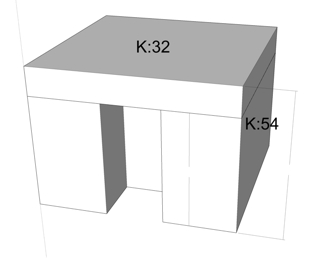
How can one make the shading lighter in the SU file?
For example, to change the lightness from K:54 to K:20 and from K:32 to K:10?
-
RE: Man
Box, I'm sorry my question wasn't clear.
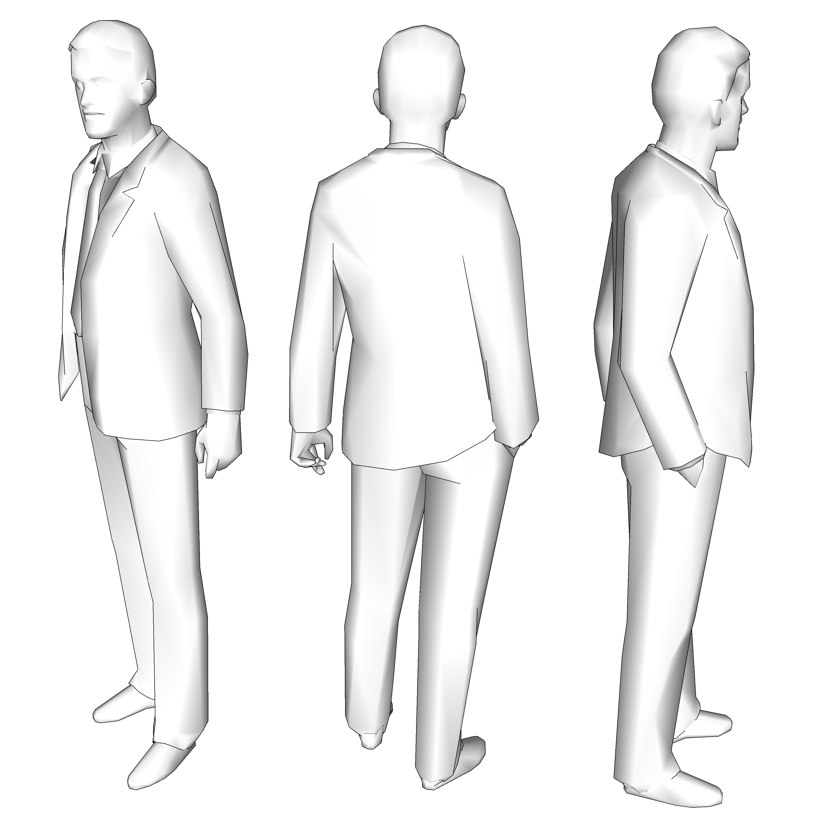
I would like to make the men in the SKP file without any lines or shading - just one solid color as in the JPG.

-
RE: Man
Box, thanks for replying.
Sorry, I don't quite understand what you suggested.