Good stuff 
Oops, your profile's looking a bit empty! To help us tailor your experience, please fill in key details like your SketchUp version, skill level, operating system, and more. Update and save your info on your profile page today!
Check out Febhouse | New extensions for Shadow Analysis in SketchUp Download
 D
Offline
D
Offline
Posts
-
RE: [Link] How Google finally mapped North Korea
I think streetview is gonna be a little tough though

-
RE: Complex roof modeling - need advice
Oops missed your post Jean.
-
RE: Complex roof modeling - need advice
@earthmover said:
Thanks so much Dale.
That sounds like a logical approach and may make it easier to solve the transitions. If I figured out the height at that angle from ceiling to ridge and drew a vertical line at that height, could I then move that line to all the connecting points along the ridge and connect them to the points along the eaves and still maintain my slope angle? I'll give it a play and report back.Adam
The main reasons that there will be different ridge heights is a difference in the width of the building, because as you can understand a 4/12 pitch spanning 16' will have a lot less chance to rise than a 4/12 pitch spanning 24', therefore the ridge on the 24' span is higher.
You can deal with this by raising the wall height,(or truss heel) and therefore the ridge, but there is a consequence to this, in that your fascias won't line up, that is unless you increase the overhang on the raised roof.
This of course is a generalization, as is depends on how the faces of the building sit in relation to each other, with a roof everything is case specific.
If you arbitrarily raise the ridge, you will be altering the slope, unless for instance the front plane of the roof is longer than the back plane (1e. salt box style), but the consequence here will be at the intersection of the roof, be it either hip or valley.
Sorry I don't have the time to delve into your model, but I'm swamped at the moment.
I think the key to your roof here is making sure the information you have on wall heights, and building widths is accurate. Then it is just a matter of filling in the blanks.
Oh and as a side note. Dave Richards just PM'd me and told me that if you type the pitch in the VCB 4:12 there is no need for angles. As I explained to him, I've just memorized the angles over the years so it is just second nature to me. So another SketchUp DOH moment. -
RE: Complex roof modeling - need advice
Is it the hips that are confusing?
if it were me, Since each end of the building that will become a hip could essentially be a gable,I would start with your eave overhang, and fascia depth, and knowing that a 4/12 is 18.43 degrees create gable ends first. Then Pushpull them through to intersect. This is going to be a longhand method, and since the fascia heights will vary, and we don't know the heel heights of the truss, you will have to make some assumptions, but if you start with series of gabled roofs, their intersecting geometry will solve what seems like a complex puzzle at the ridges, if you break the house up into solveable roof areas, just one at a time.
The hips are just 45 degree angles that can be created from the gables., and complexities at the eave is geometry that once you have started I believe it will become obvious what it will take to make it work.
I think this approach should work for you. -
RE: Big money betting big on housing
Regionally, where I live in BC Canada, the market tends to be buoyed up by retirees. So although I don't think there are great increases in housing starts, I am amazed at how the market that I sit in, which relies on custom designed new residences, is holding up. I don't think it was really affected by the Sub-Prime debacle.
On the other hand, Canadian Banks fared quite well, as our laws prevented some of the gravitation to what turned out to be worthless paper investments. But as a consequence the government still tightened up the rules some more, and now marginal, or first time buyers are intently scrutinized, and there are a lot less of these mortgages being approved.
Housing starts are a huge economic indicator, so if these remain flat, no matter where you live, it is a telltale symptom of a weak economy. -
RE: Cloth, fabrics, towels, bedding, rugs and stuff like that.
I don't know, something like that might take some hands on work
Pete these look awesome!
-
RE: How can I draw this worktop?
A quick way. Draw a rectangle bigger than your cabinet, group it, and move it down so it can intersect with the cabinet.
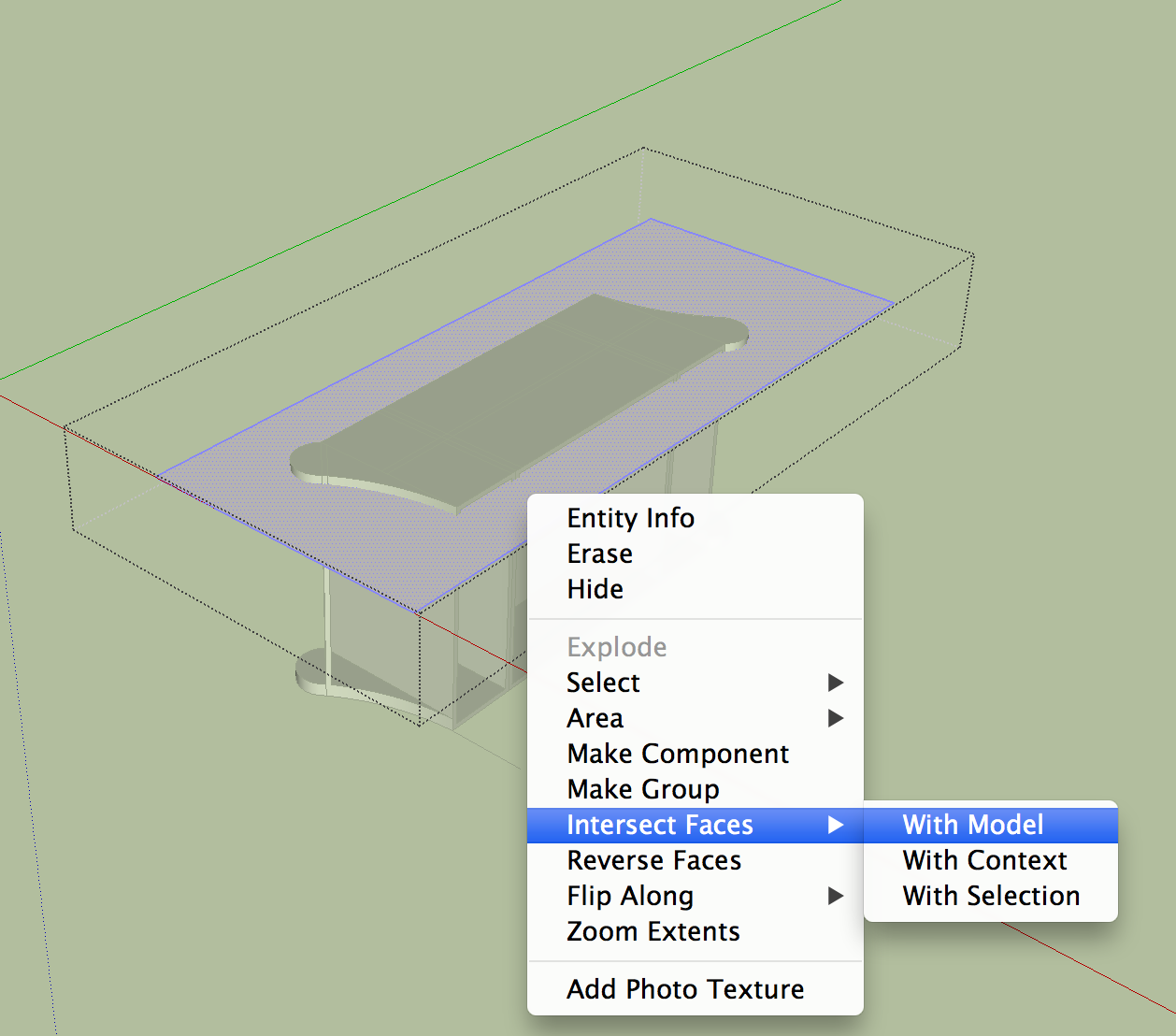
Right context click while you are inside the group, and choose "Intersect with Model".
Lift the rectangle up away from the cabinet, and erase unwanted geometry.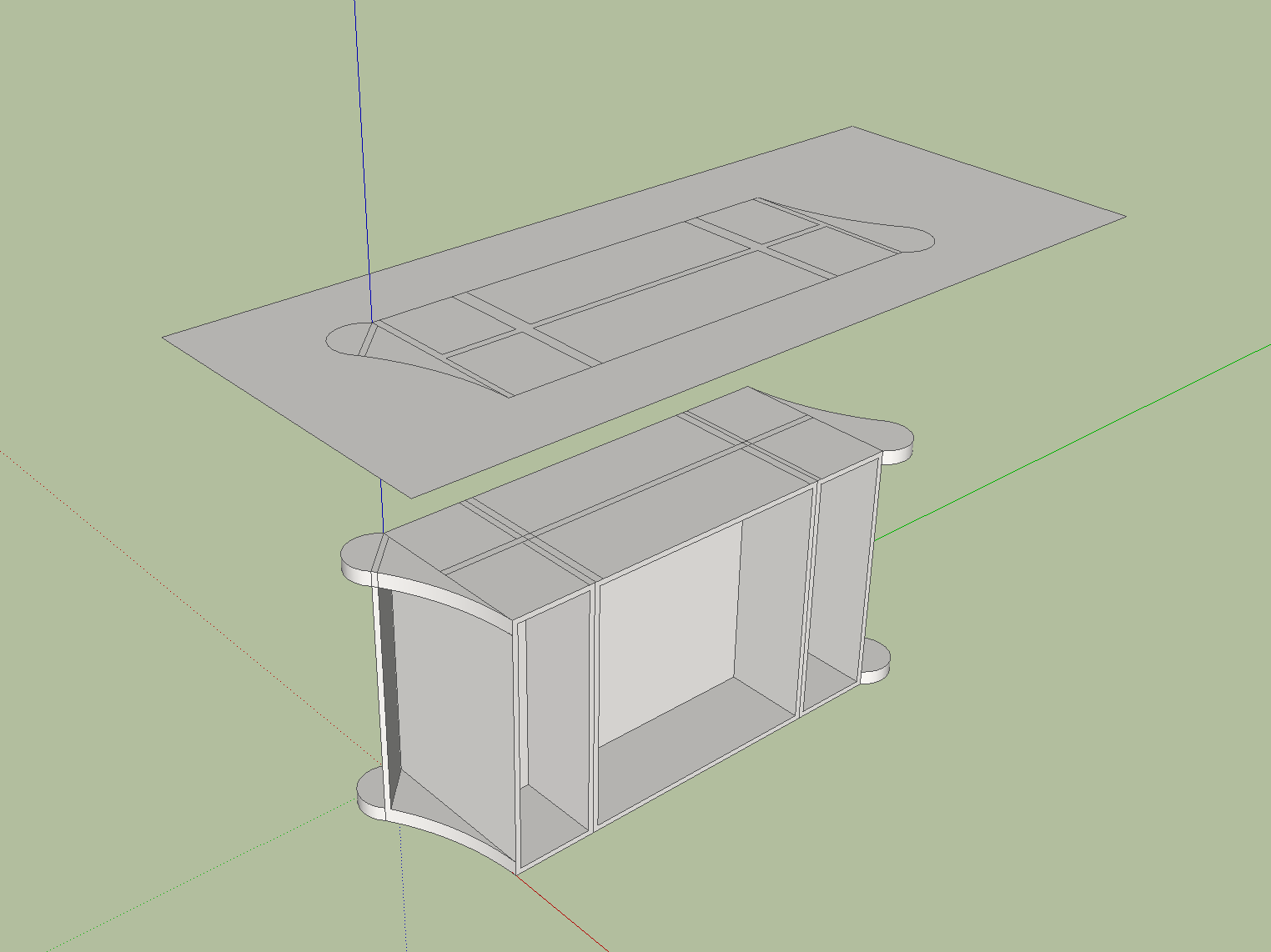
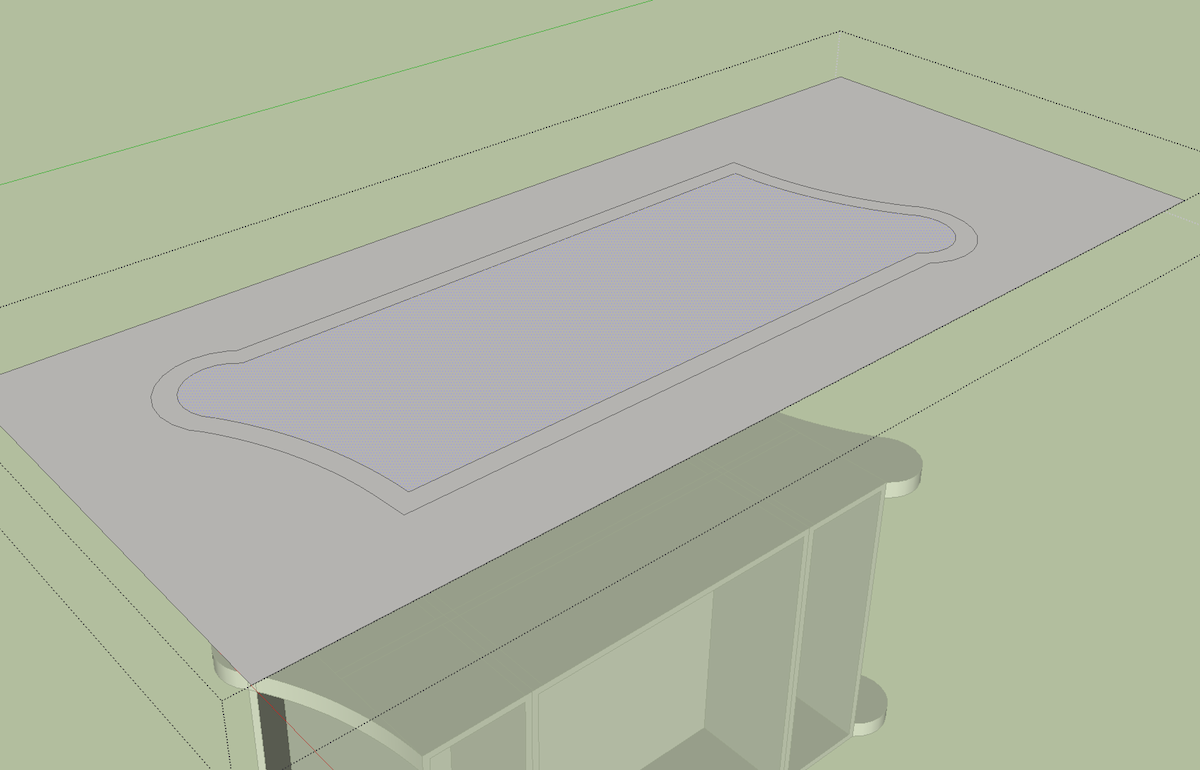
Use the offset tool to get your overhang, erase unwanted geometry, and pushpull away.
-
RE: A Thread for Fine Design
A Variety of inspirational works by Li Xiaodong Atelier
http://www.lixiaodong.net/en_home.aspWater house

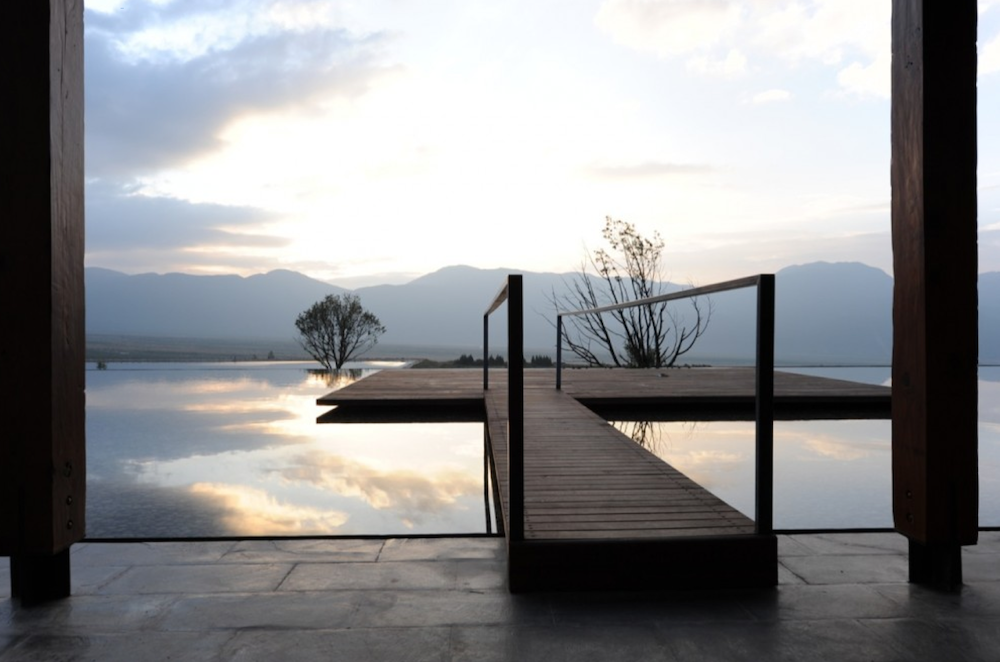

LiYuan Library



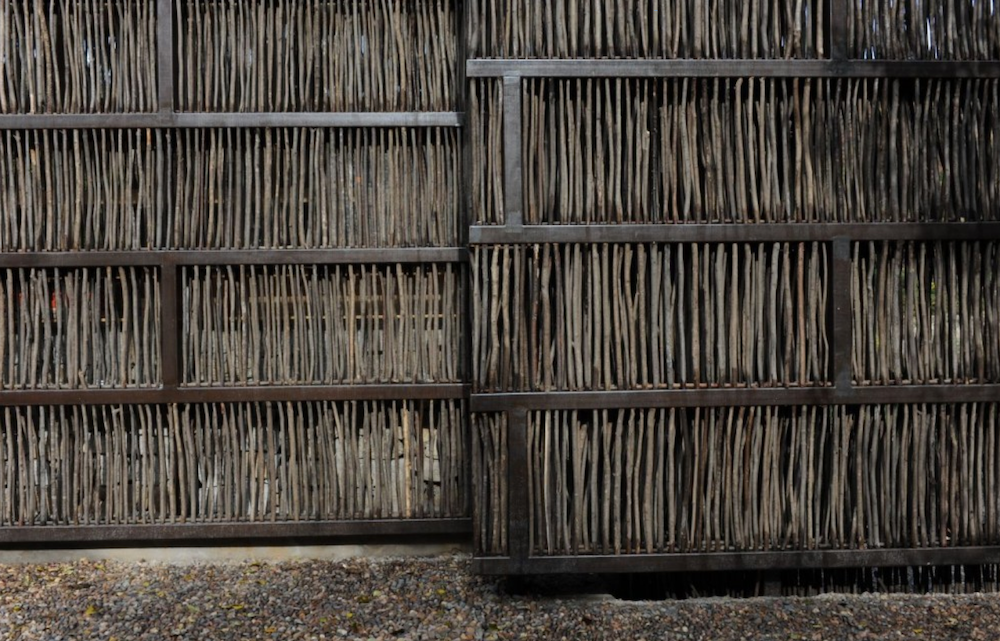
Yuhu Elementary School
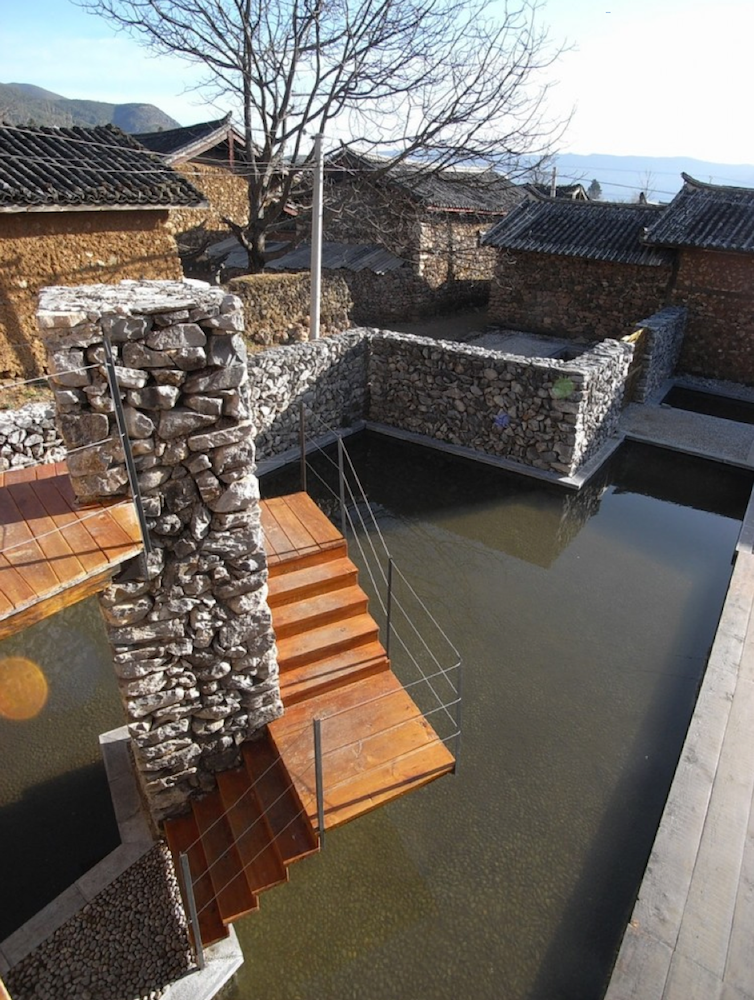
-
RE: A Thread for Fine Design
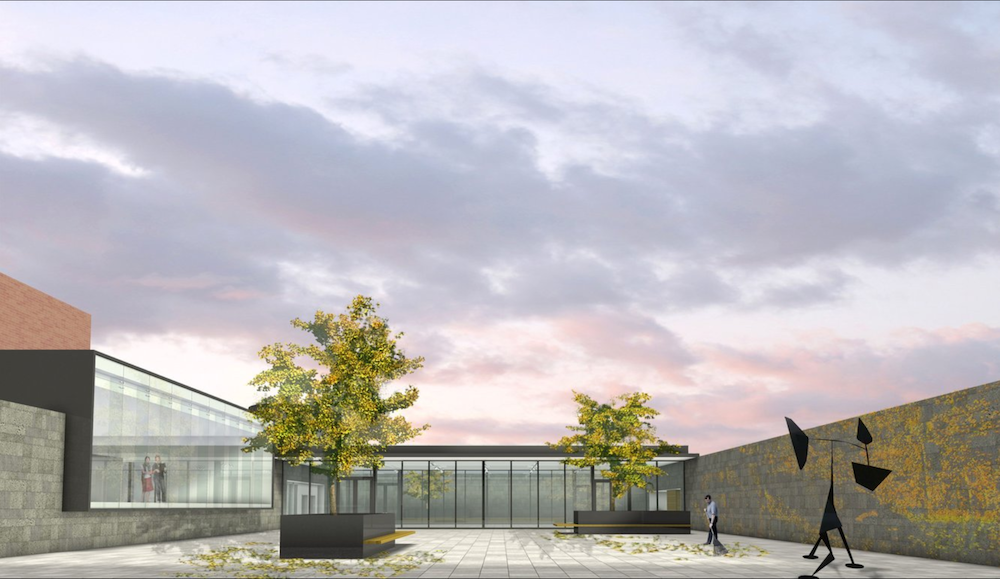
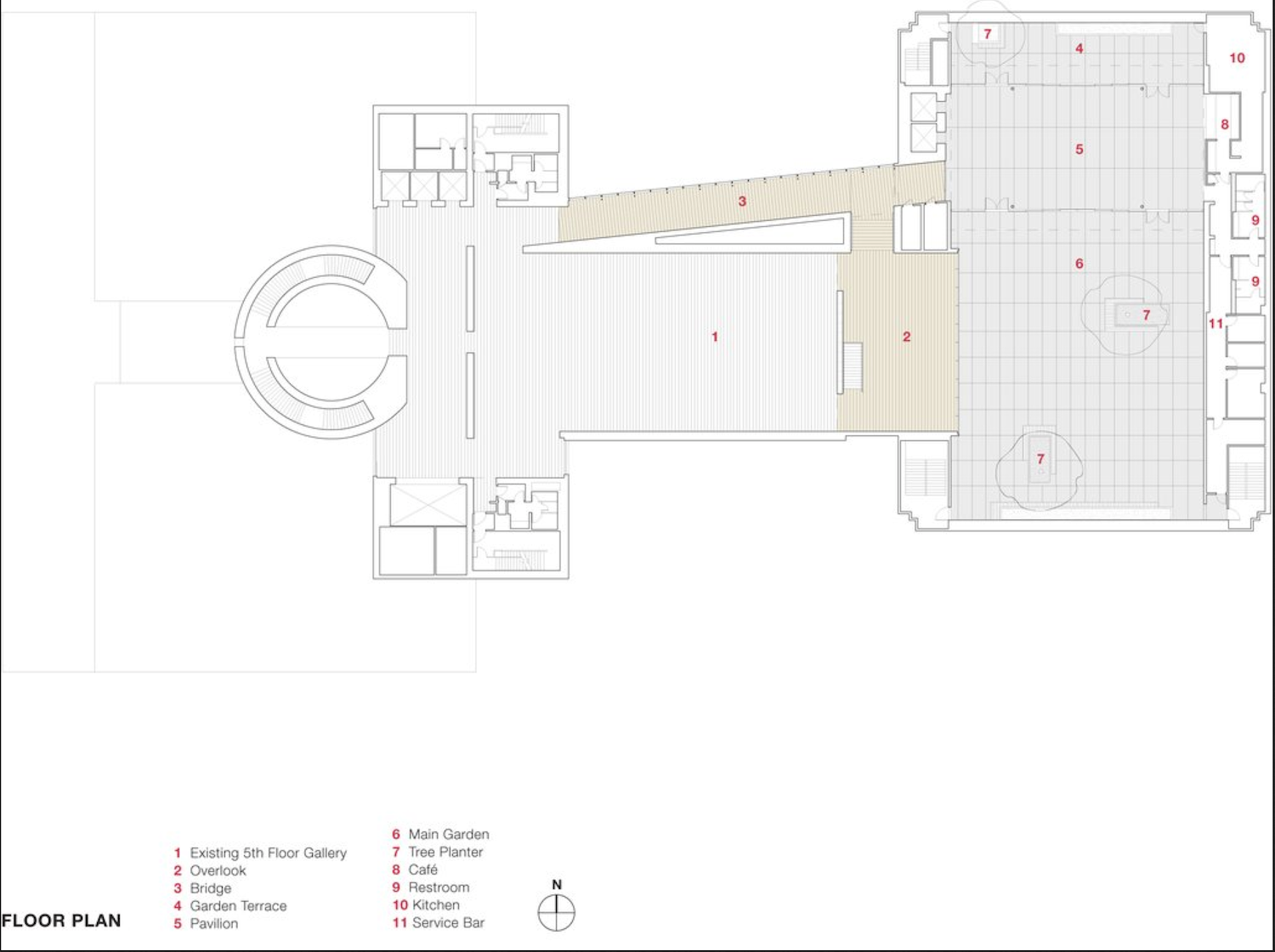
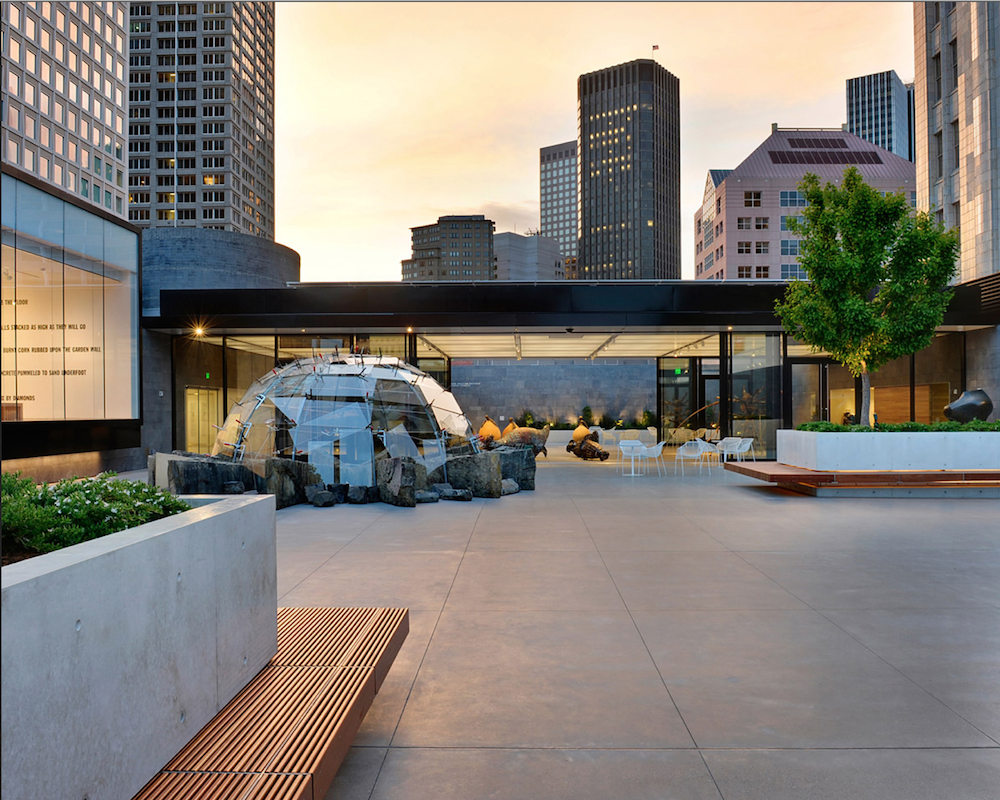 Jensen Architects
SFMOMA Rooftop Sculpture Garden
http://jensen-architects.com/our_work/featured_projects/sfmoma_rooftop_garden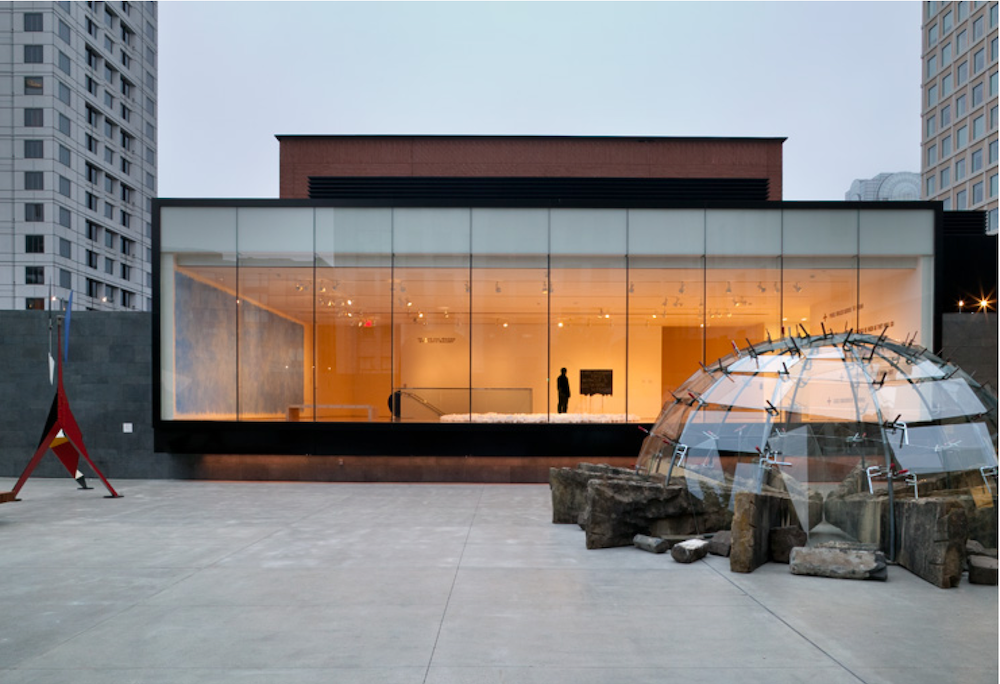
-
RE: Is it just me, or is Sketchup absolutely bloody fantastic?
Sorry, it's just you. (Well maybe there's a couple more of us)
-
RE: Work Bench Detail
Bad habit loving words...
from the old meaning of tactile - tangible - clear and defined (in a tactile way)
But I digress -
RE: Sketchup needs to be BIM
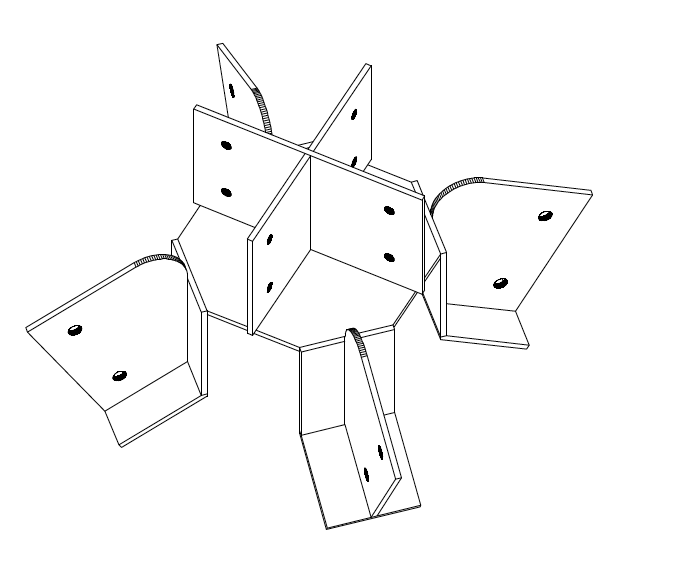
This reminds me of a connector I put together for a project a few years back for ridge and valley timbers over a log post. Didn't have the luxury of a plasma cutter though, so it was hand fabricated. It was pretty much mostly buried anyway but it made for an interesting structure. These kinds of details are fun to design.
-
RE: Large empty white screen pops up causing me to force quit
More off topic
 of course Jeff You are absolutely right. When I first got it I took a ruler and measured diagonally across the screen (like for old TV's) and it was 17"+- , and that has always stuck with me.
Truth is the 15" MacBook is only a little over 14" with just over 13"of viewable screen.or from an aspect ratio view...
For a 16:10 aspect ratio screen:
screen width = screen height * 16/10
MacBook Pro: 15.4" diag. is 13.06" W x 8.16" H
These are screen dimensions only, not the dimensions of the computer.
Gai
Where you really notice the difference is in Hi Res photography. But since a lot of applications are not optimized for retina, sometimes I really don't notice any difference. -
RE: Large empty white screen pops up causing me to force quit

I have the Retina display on a 17" MacBook Pro, and I have never experienced this.
This dialogue box is simply telling you you have 2 other SketchUp files open as well as the one you are working with, and you have not saved them recently.
If you have not opened these files, they could be partially to blame.
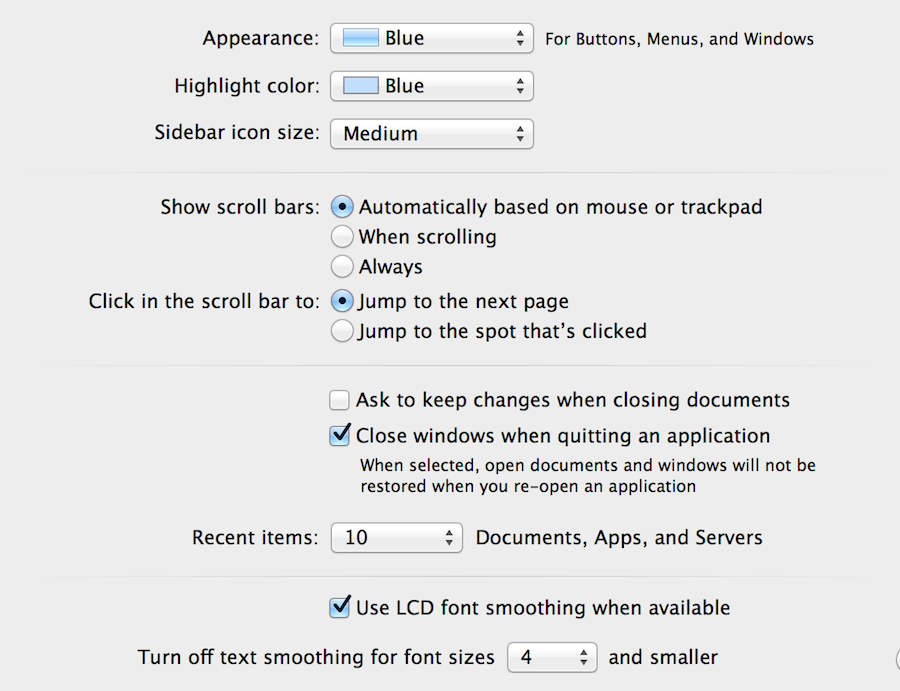
I notice you are on Mountain Lion, and there is an option in the OS (I'm new to Mountain Lion) that automatically opens any previous files when you start an application.
If you go to your System Preferences under the Apple dropdown menu at the top left of the screen, and go to "General"
You can make sure the "Close Windows when quitting an Application button is checked. You can also un-check the ask to keep changes dialogue to if you wish.
-
RE: Designing and creating high quality furniture
Welcome Shanna
I agree that Dave R is the go to guy for woodworking and furniture.
He has a great bog, really worth the visit, and a huge tool in your arsenal.
It's called Design Click Build and you can visit it here: http://www.finewoodworking.com/blog/design-click-build
A fantastic plugin for you if you are having your designs manufactured is "Cutlist"
which, if you do a little pre-prep in your model will print out a full, and detailed list of parts that you can pass on to your cabinetmaker. Here is a download link https://www.box.com/shared/ce18vpk36l Once again Dave writes about it in depth in several articles, just type cutlist in the "search" box on his site, and they will come up.
And if you want a taste of the kind of help you can get here, have a look at this recent thread. http://sketchucation.com/forums/viewtopic.php?p=451998#p451998
Anyway, looking forward to seeing some of your work.