@fletch said:
Ben, look at my example of roof tile above very closely - you will see that you should use a TINY .bmp... I mean TINY.
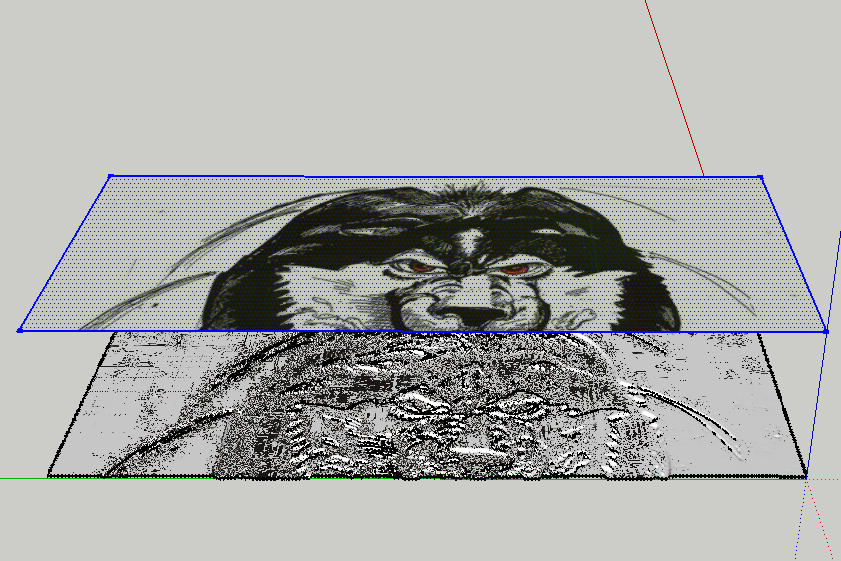
Then scale the mesh that is generated UP in SketchUp, then PROJECT your texture DOWN onto the face. Be sure the texture position is set to PROJECTED.
Remember that BLACK is the lowest point, and WHITE is the HIGHEST point on the final mesh... so make sure to create your displacement map appropriately... a sketch like that is not likely to give you the exact results you want... depending on what you want I guess.
Thom Thom, I used your plugin to helpme create this image... thanks again!
It is KEY to use a very good displacement map and very small resolution.

Fletch, thanks for the reminders. The bmp was a scanned in sketch that I tried. Perhaps not the best to use. Thank you anyway.