sketchucation logo sketchucation
    • 登入
    Oops, your profile's looking a bit empty! To help us tailor your experience, please fill in key details like your SketchUp version, skill level, operating system, and more. Update and save your info on your profile page today!
    🔌 Smart Spline | Fluid way to handle splines for furniture design and complex structures. Download

    [Plugin][$] Curviloft 2.0a - 31 Mar 24 (Loft & Skinning)


    已排程 已置頂 已鎖定 已移動 Plugins
    1.3k 貼文 299 Posters 2.5m 瀏覽 297 Watching
    正在載入更多貼文
    • 從舊到新
    • 從新到舊
    • 最多點贊
    回覆
    • 在新貼文中回覆
    登入後回覆
    此主題已被刪除。只有擁有主題管理權限的使用者可以查看。
    • fredo6F 離線
      fredo6
      最後由 編輯

      TIG,

      The main problem with have with the SU API is that there is no Bulk methods to work on a set of elements for Smoothing, Reversing, Orienting, etc.... (whereas these methods exist in the natural GUI). As a result, doing it by program results in long response time, even longer that to generate the basic mesh geometry. We could ask the SU Google Team to add these methods in a next version, but you know there is no guarantee.

      For face orientation, my plan is to calculate the orientation in the algorithm itself (based on the ordering of points in the Geom::PolygonMesh construction).

      For the time being, I consider this is not a critical issue for the user, because s/he can always orient, reverse and smoothen instantly the face mesh, even complex, via the native SU GUI (of course, Orient Face should be more known). I assume that users need Curviloft occasionally and do not need to generate 20 meshes by minutes.

      Fredo

      1 條回覆 最後回覆 回覆 引用 0
      • T 離線
        taekle
        最後由 編輯

        Fredo6

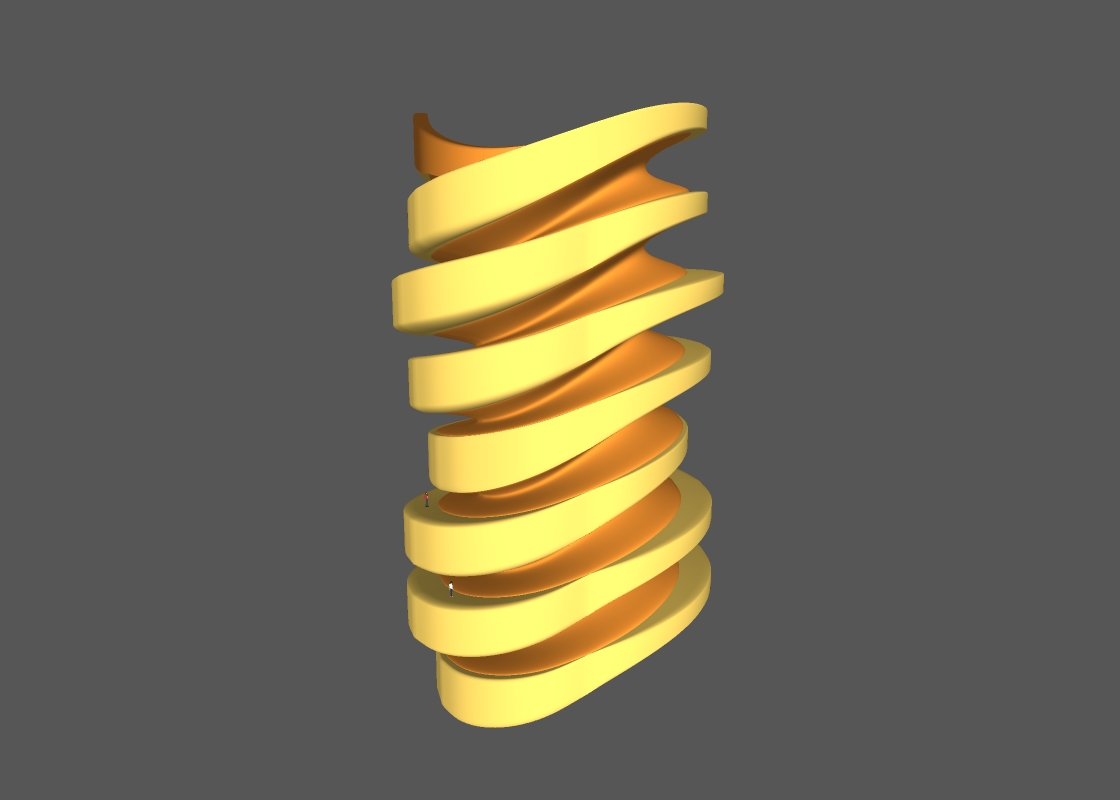
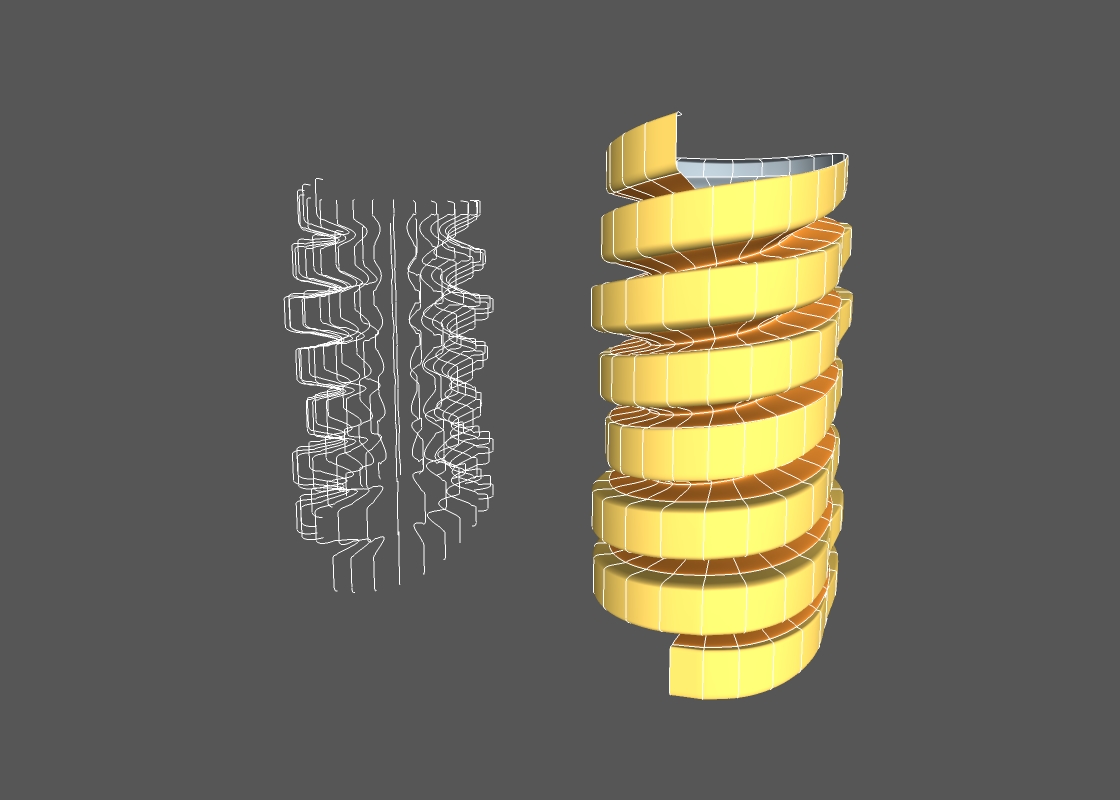
        I did this with DC and loft by splines.
        After making transformed copies of only two profiles, then I launched loft by splines.
        Here is my other post which contains more images and information.
        http://forums.sketchucation.com/viewtopic.php?f=289&t=30749#p270943

        Thanks for your efforts I could go further in my DC investigation. 😄


        spiral by loft


        spiral_loft_c_1.jpg

        http://taekle.blogspot.com

        1 條回覆 最後回覆 回覆 引用 0
        • thomthomT 離線
          thomthom
          最後由 編輯

          Hi Fredo

          I just tried the Skinning feature.
          At first I thought it failed to create the mesh - but then I realised it had created it, just not in the current context. I was working on some curves inside a component with Hide Rest of Model enabled - so I did not see the mesh getting created.

          Thomas Thomassen — SketchUp Monkey & Coding addict
          List of my plugins and link to the CookieWare fund

          1 條回覆 最後回覆 回覆 引用 0
          • fredo6F 離線
            fredo6
            最後由 編輯

            @thomthom said:

            Hi Fredo

            I just tried the Skinning feature.
            At first I thought it failed to create the mesh - but then I realised it had created it, just not in the current context. I was working on some curves inside a component with Hide Rest of Model enabled - so I did not see the mesh getting created.

            Currently the mesh is created as a Group at the first level of the model. That's a small bug.
            Anyway, I will probably improve this part, in particular the possibility to use existing groups, if you build the mesh piece by piece

            Fredo

            1 條回覆 最後回覆 回覆 引用 0
            • TIGT 離線
              TIG Moderator
              最後由 編輯

              It's quite straightforward to make your new mesh-group in the same 'context' as the selected curve edge[0], in the form entities=edge.parent.entities group=entities.add_group()
              Then the 'group' for the new mesh will be in the same 'context' as the curve's 'edge'... 🤓

              TIG

              1 條回覆 最後回覆 回覆 引用 0
              • fredo6F 離線
                fredo6
                最後由 編輯

                TIG,

                The bug is simply that I used model.enntities instead of model.active_entities, which is the current working context.

                I cannot rely on edges context, because Curviloft can actually 'borrow' contours from Edges that can be within different groups or components.

                fredo

                1 條回覆 最後回覆 回覆 引用 0
                • TIGT 離線
                  TIG Moderator
                  最後由 編輯

                  Got you...
                  So just add the active_ to entities and it works !!! 😒

                  Line#198 in CurviloftGeometry.rb
                  @top_group = @model.**active_**entities.add_group

                  TIG

                  1 條回覆 最後回覆 回覆 引用 0
                  • charly2008C 離線
                    charly2008
                    最後由 編輯

                    Hi,

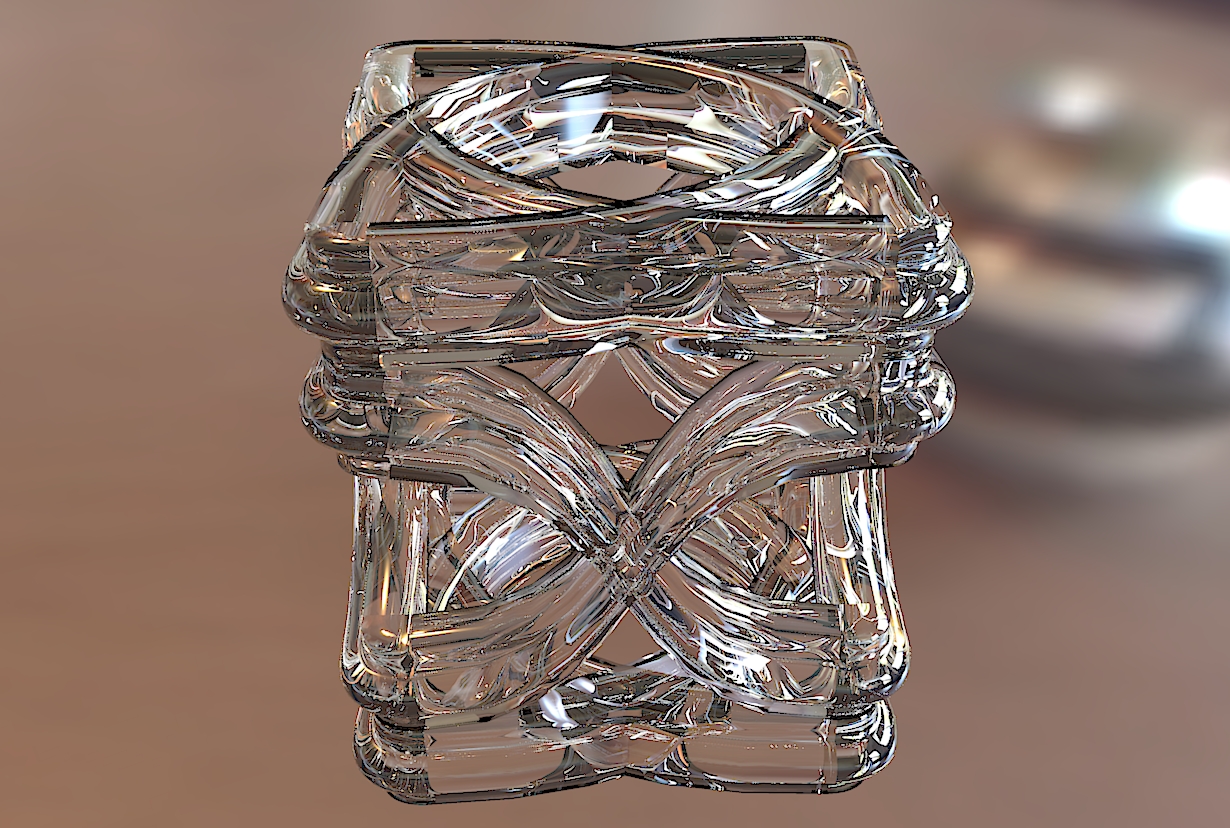
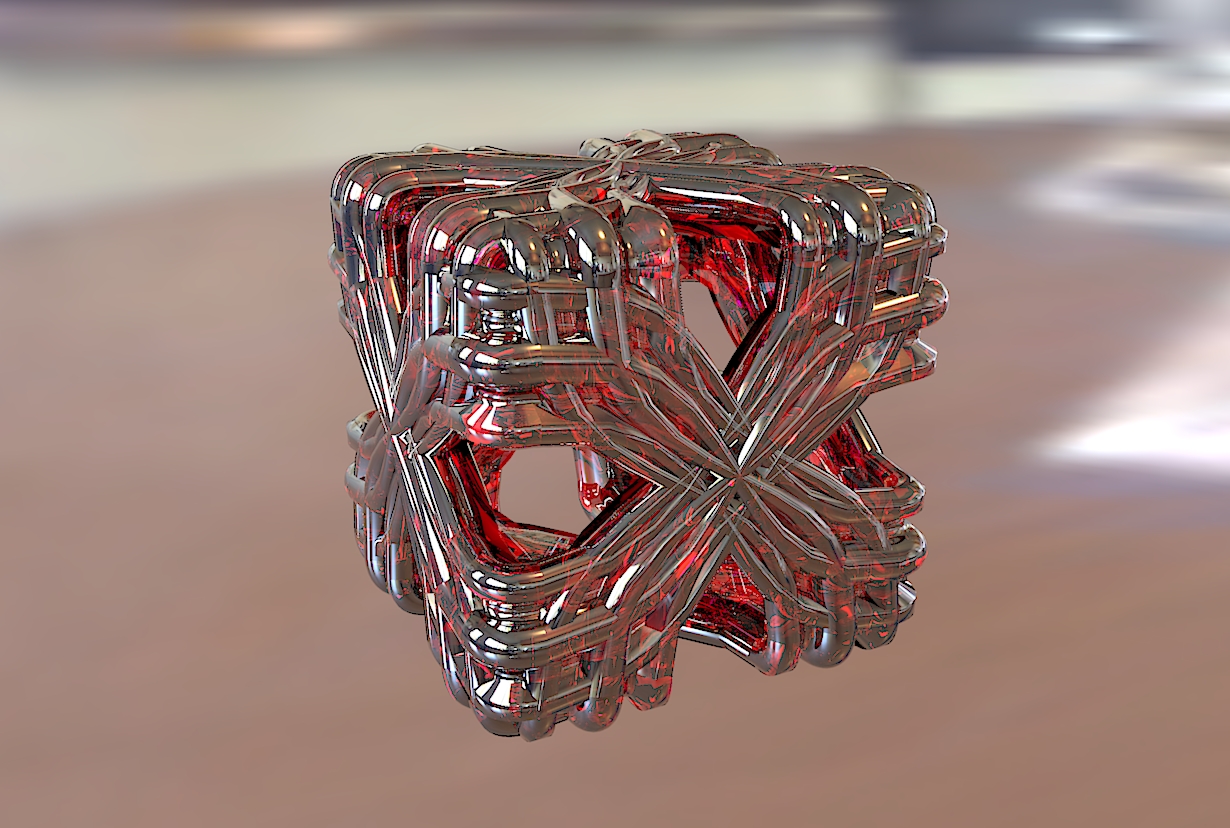
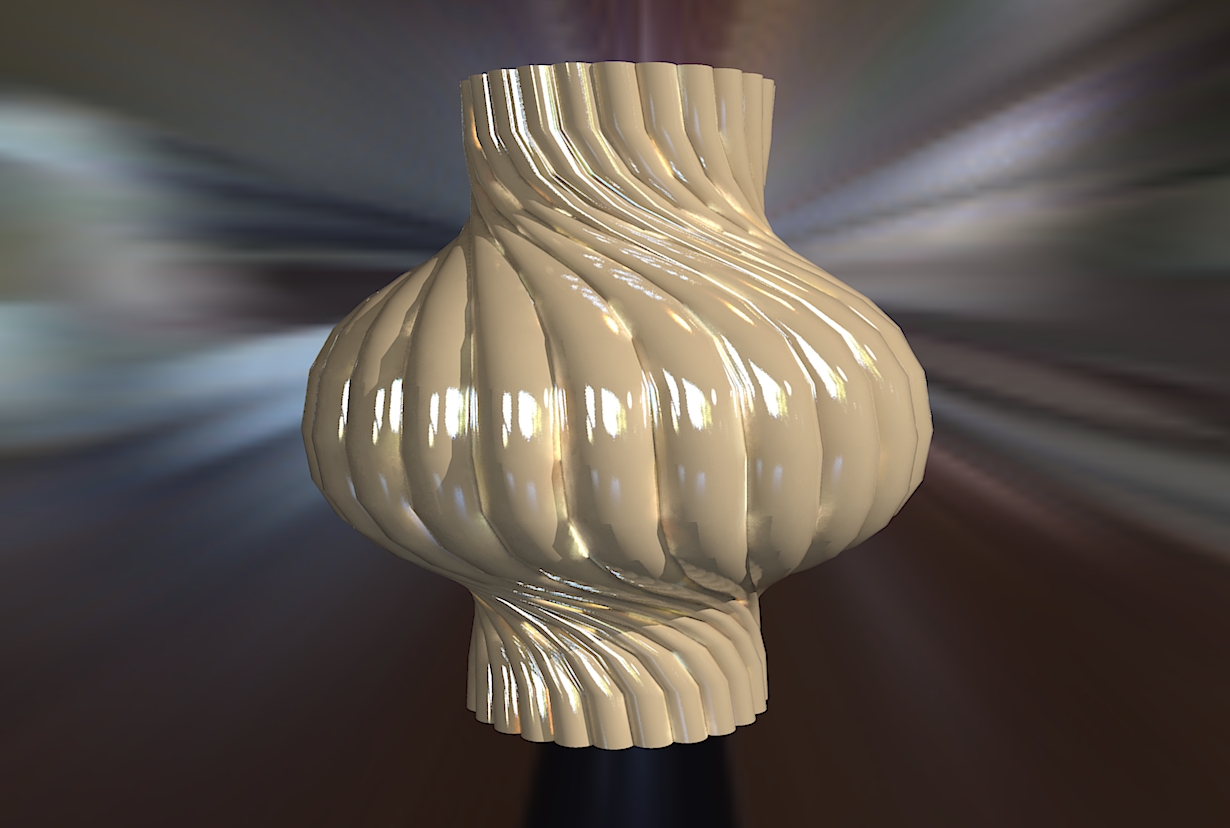
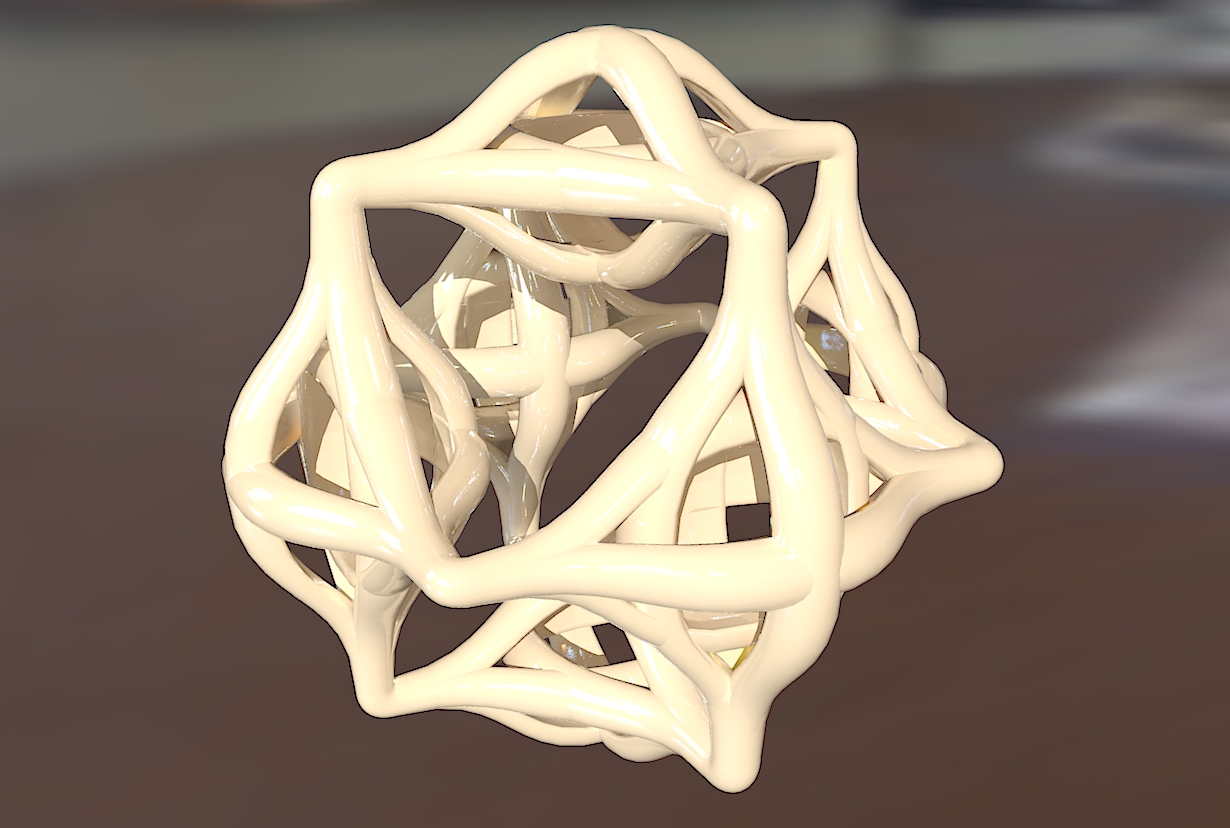
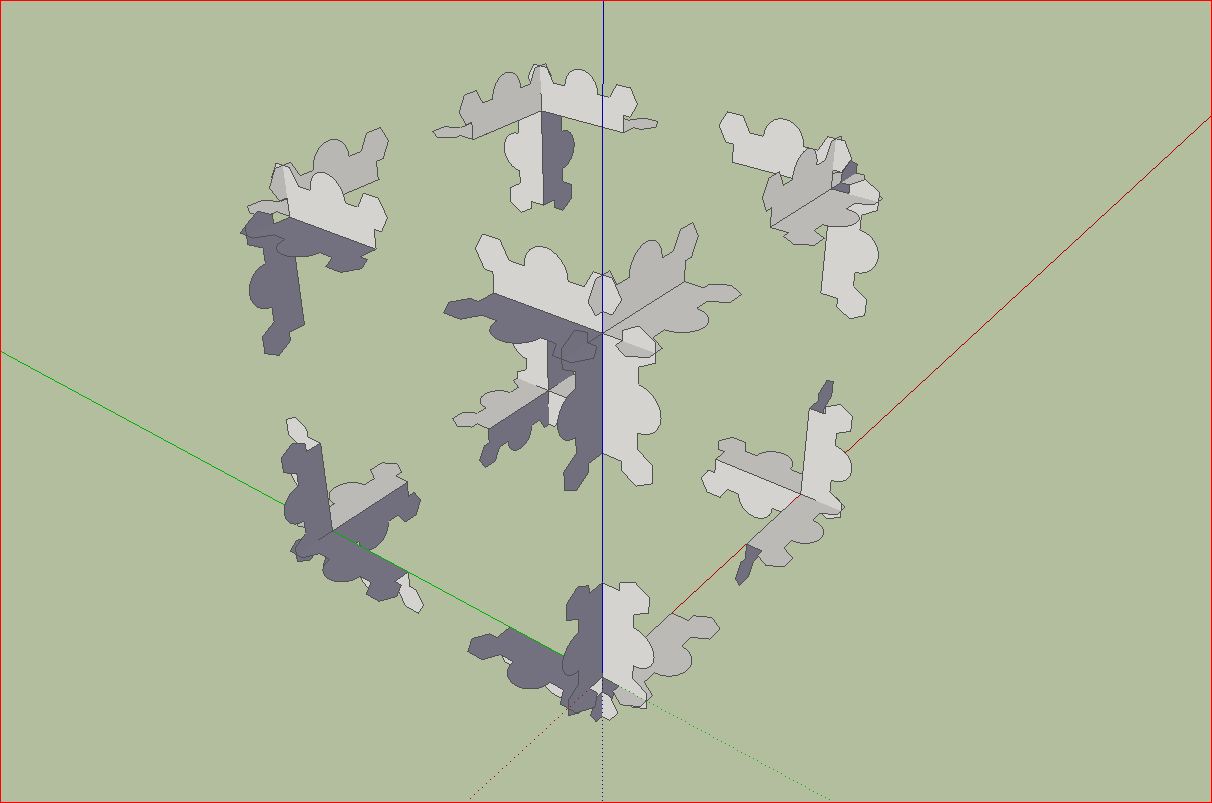
                    some further simple constructions with Curviloft. The last image show the basi construction.

                    Charly
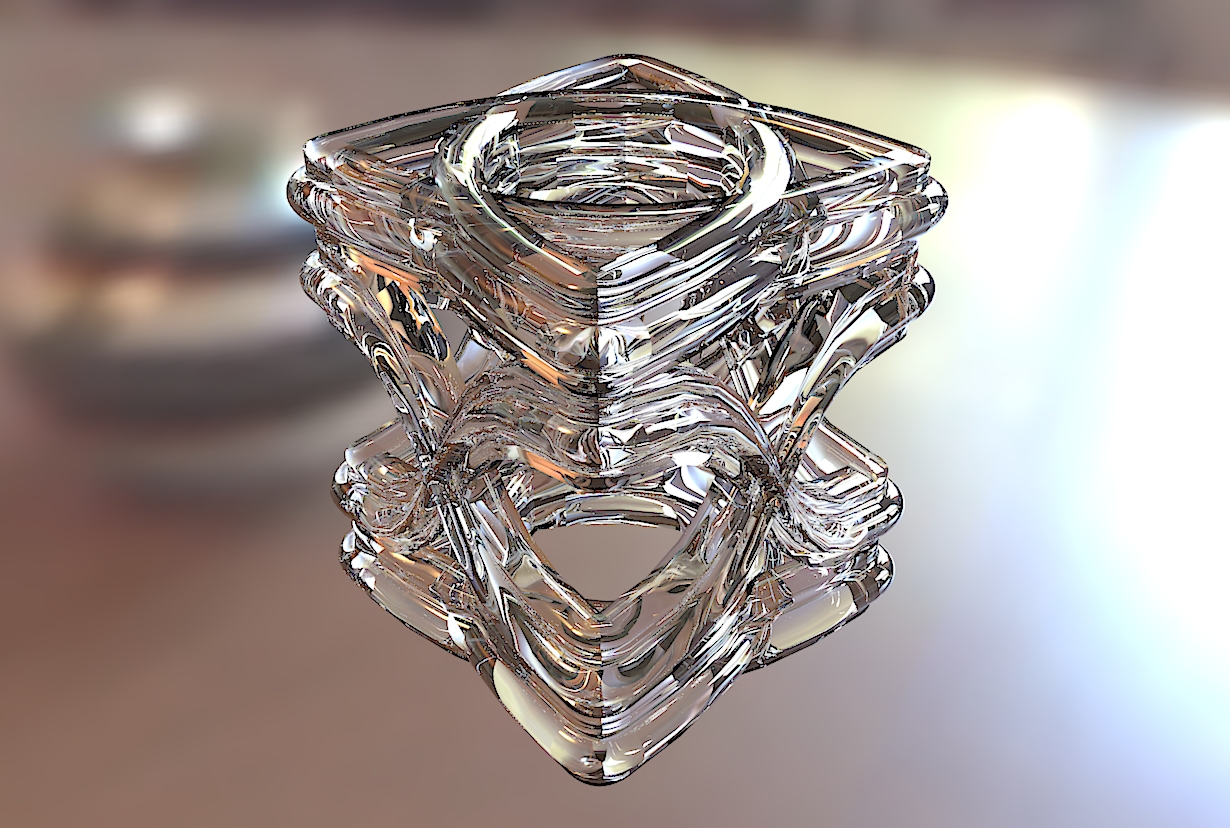

                    Fantasie.jpg


                    Fantasie1.jpg


                    Unbenannt1.JPG


                    Unbenannt (2).JPG


                    Curviloft95 Basic Construction.skp

                    Unbenannt3.JPG

                    He who makes no mistakes, makes nothing

                    1 條回覆 最後回覆 回覆 引用 0
                    • pilouP 離線
                      pilou
                      最後由 編輯

                      Cool geometric exploration ☀

                      Frenchy Pilou
                      Is beautiful that please without concept!
                      My Little site :)

                      1 條回覆 最後回覆 回覆 引用 0
                      • ken28875K 離線
                        ken28875
                        最後由 編輯

                        Wow, that's pretty cool. 👍

                        Who would think that Sketchup could do such a thing with a few click of the mouse.

                        Follow Your Dreams.

                        1 條回覆 最後回覆 回覆 引用 0
                        • D 離線
                          d12dozr
                          最後由 編輯

                          Amazing stuff, Charly 👍

                          3D Printing with SketchUp Book
                          http://goo.gl/f7ooYh

                          1 條回覆 最後回覆 回覆 引用 0
                          • charly2008C 離線
                            charly2008
                            最後由 編輯

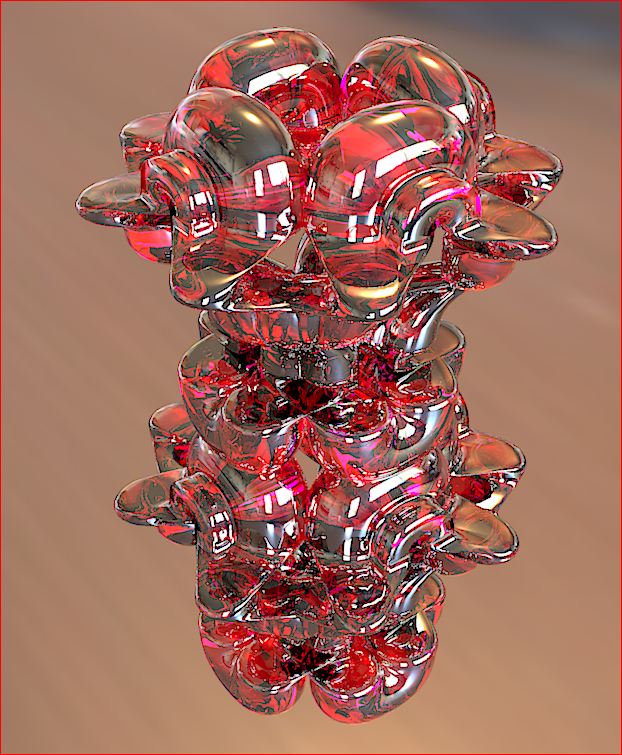
                            Hi,

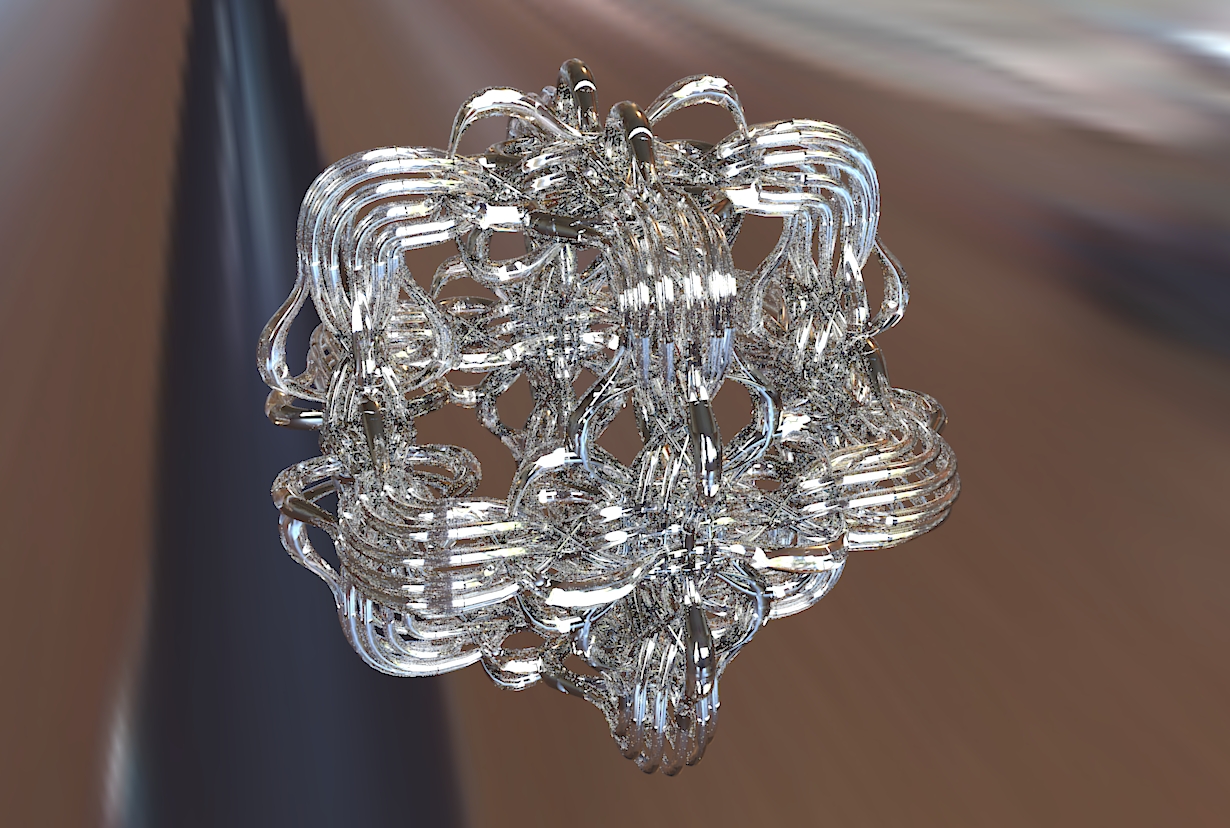
                            some new curviloft objects.

                            Charly

                            Unbenannt1.JPG


                            Unbenannt2.JPG


                            Unbenannt5.JPG


                            Unbenannt6.JPG


                            Unbenannt7.JPG


                            Unbenannt8.JPG

                            He who makes no mistakes, makes nothing

                            1 條回覆 最後回覆 回覆 引用 0
                            • ken28875K 離線
                              ken28875
                              最後由 編輯

                              Wow, this is really cool. 👍

                              Could you please show the screenshots of the sketchup geos?

                              Thank you, Sir.

                              _KN

                              Follow Your Dreams.

                              1 條回覆 最後回覆 回覆 引用 0
                              • R 離線
                                robert111
                                最後由 編輯

                                charly2008
                                can you make juste one tutorial for yours nice jobs

                                1 條回覆 最後回覆 回覆 引用 0
                                • charly2008C 離線
                                  charly2008
                                  最後由 編輯

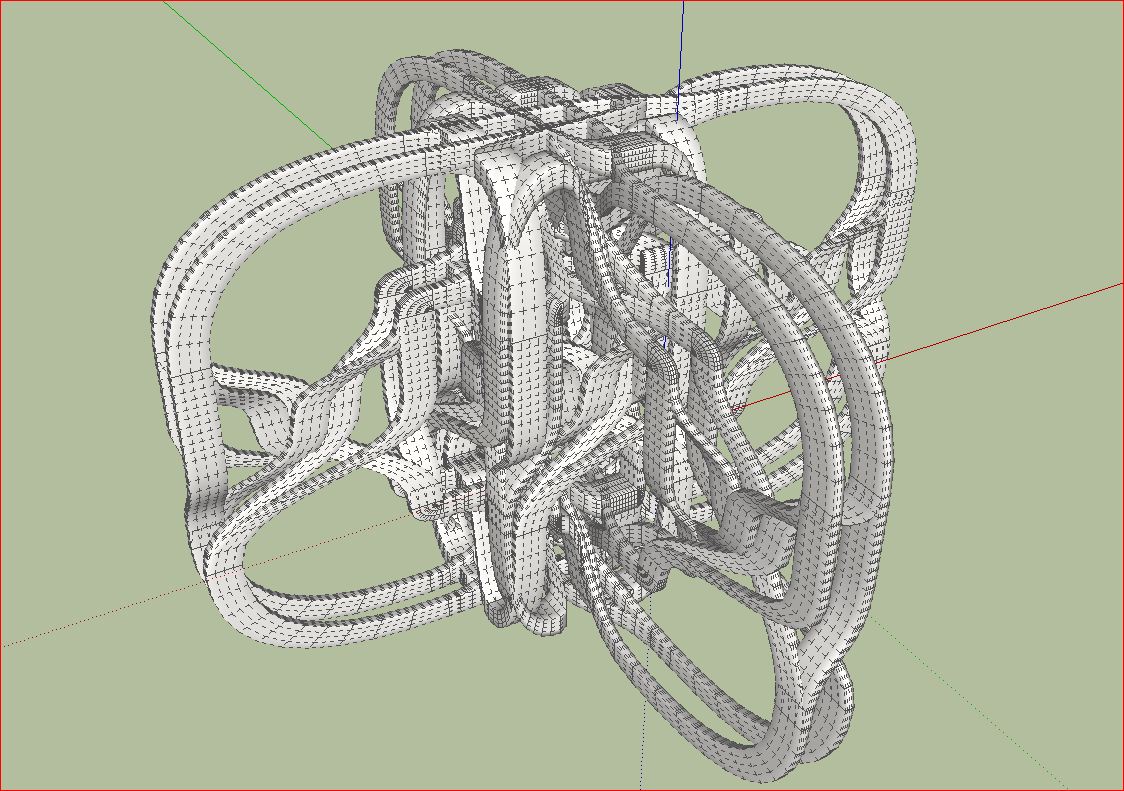
                                  Hi Ken, hi Robert,

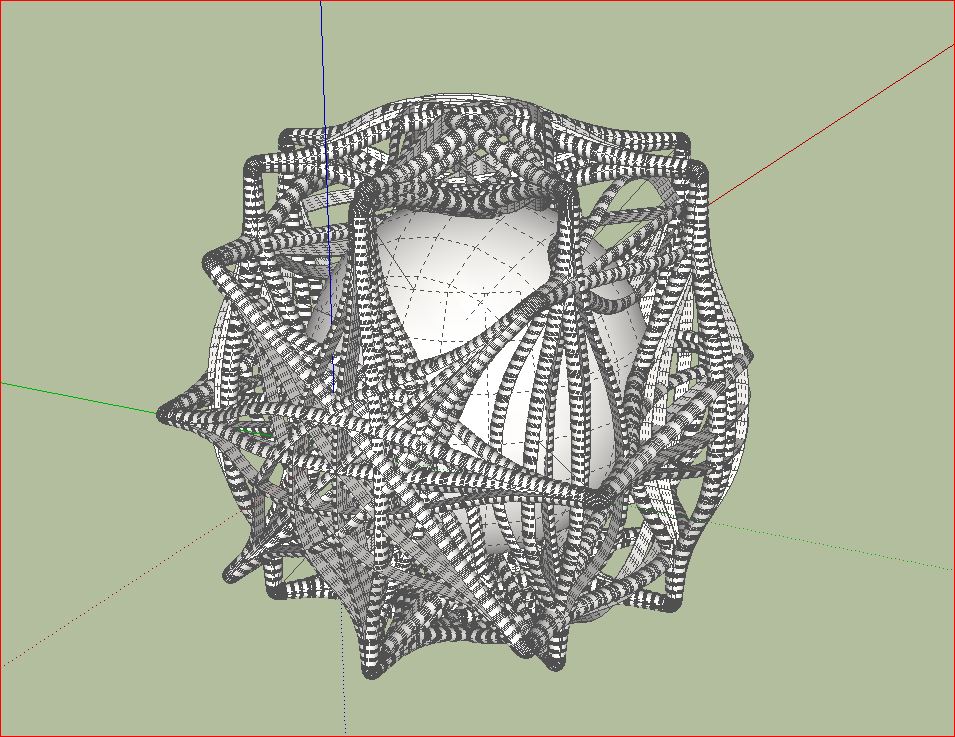
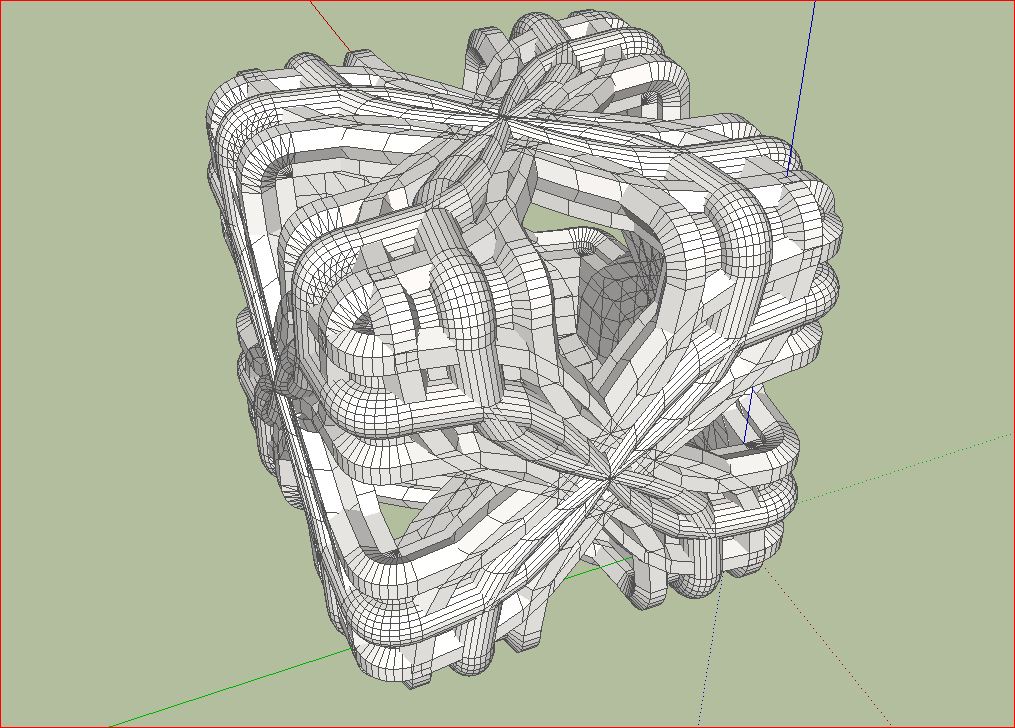
                                  at first a few screen shots from SketchUp.

                                  Unbenannt.JPG


                                  Unbenannt1.JPG


                                  Unbenannt2.JPG


                                  Unbenannt5.JPG

                                  He who makes no mistakes, makes nothing

                                  1 條回覆 最後回覆 回覆 引用 0
                                  • mitcorbM 離線
                                    mitcorb
                                    最後由 編輯

                                    You have a great imagination, and I assume your knowledge is less limited than many 😄 👍 👍

                                    I notice in the SKup captures that the geometry is coincident but not intersecting. I did not realize that a render app would tolerate this?

                                    By the way, which render app is it?

                                    I take the slow, deliberate approach in my aimless wandering.

                                    1 條回覆 最後回覆 回覆 引用 0
                                    • D 離線
                                      dedmin
                                      最後由 編輯

                                      👍 👍 👍 👍

                                      1 條回覆 最後回覆 回覆 引用 0
                                      • charly2008C 離線
                                        charly2008
                                        最後由 編輯

                                        Hi mitcorb,

                                        I use Kerkythea. With Kerkythea I have the most experience. I consider myself still a beginner as regards to rendering. I would recommend anyone to begin with Kerkythea and to study the program thoroughly. This is a good basis for understanding other rendering programs.

                                        Charly

                                        He who makes no mistakes, makes nothing

                                        1 條回覆 最後回覆 回覆 引用 0
                                        • charly2008C 離線
                                          charly2008
                                          最後由 編輯

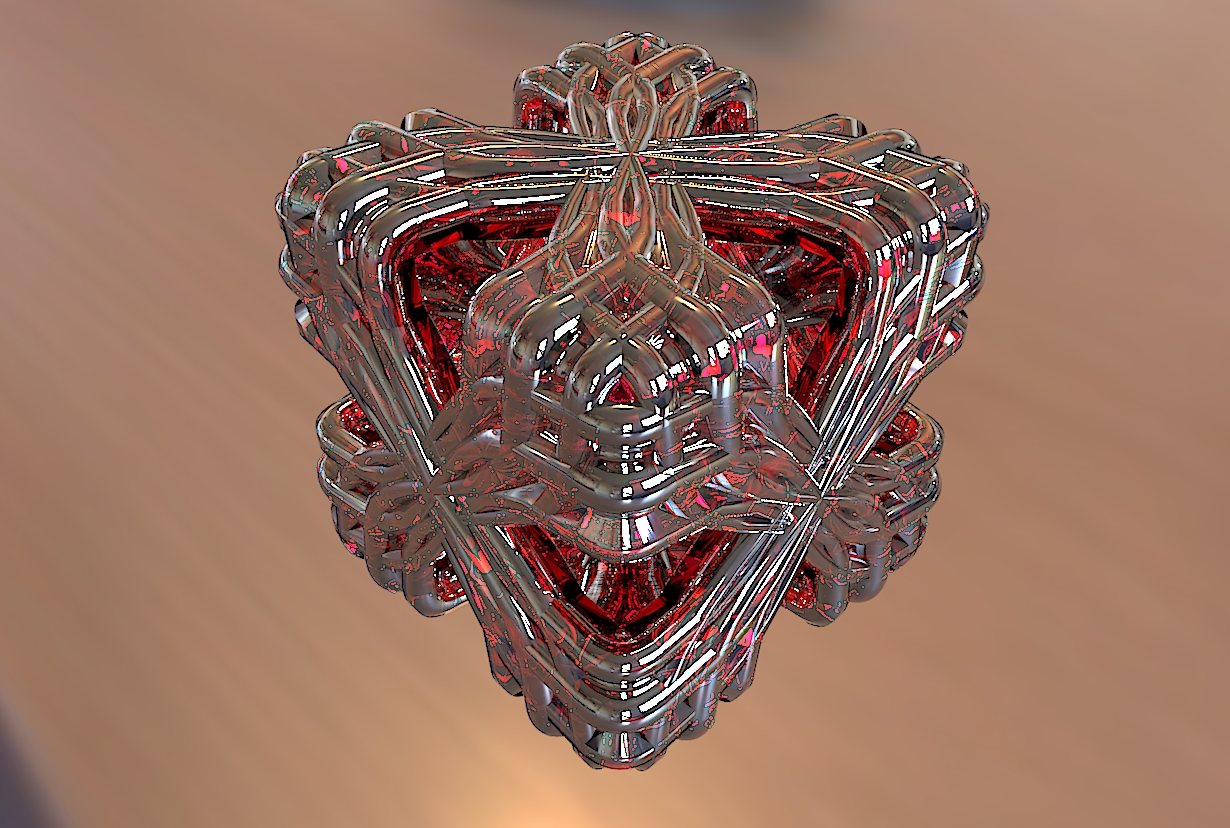
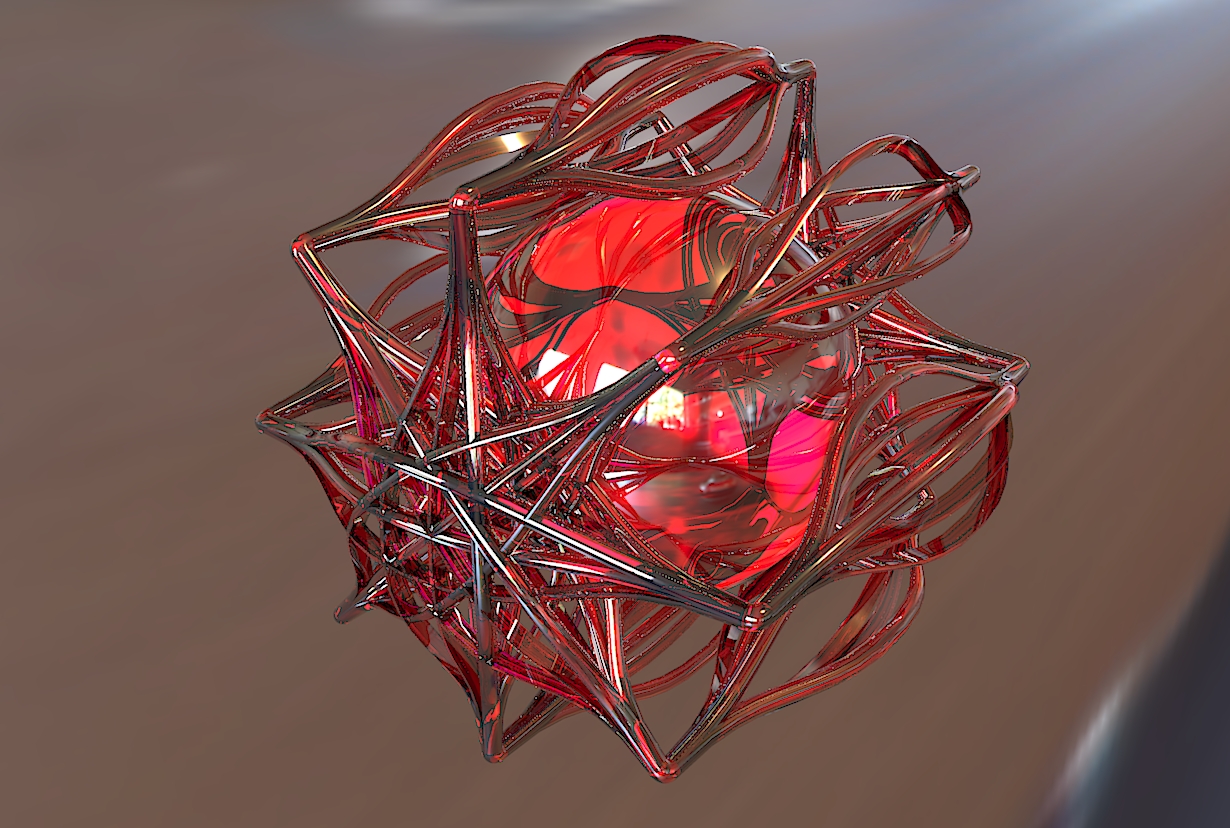
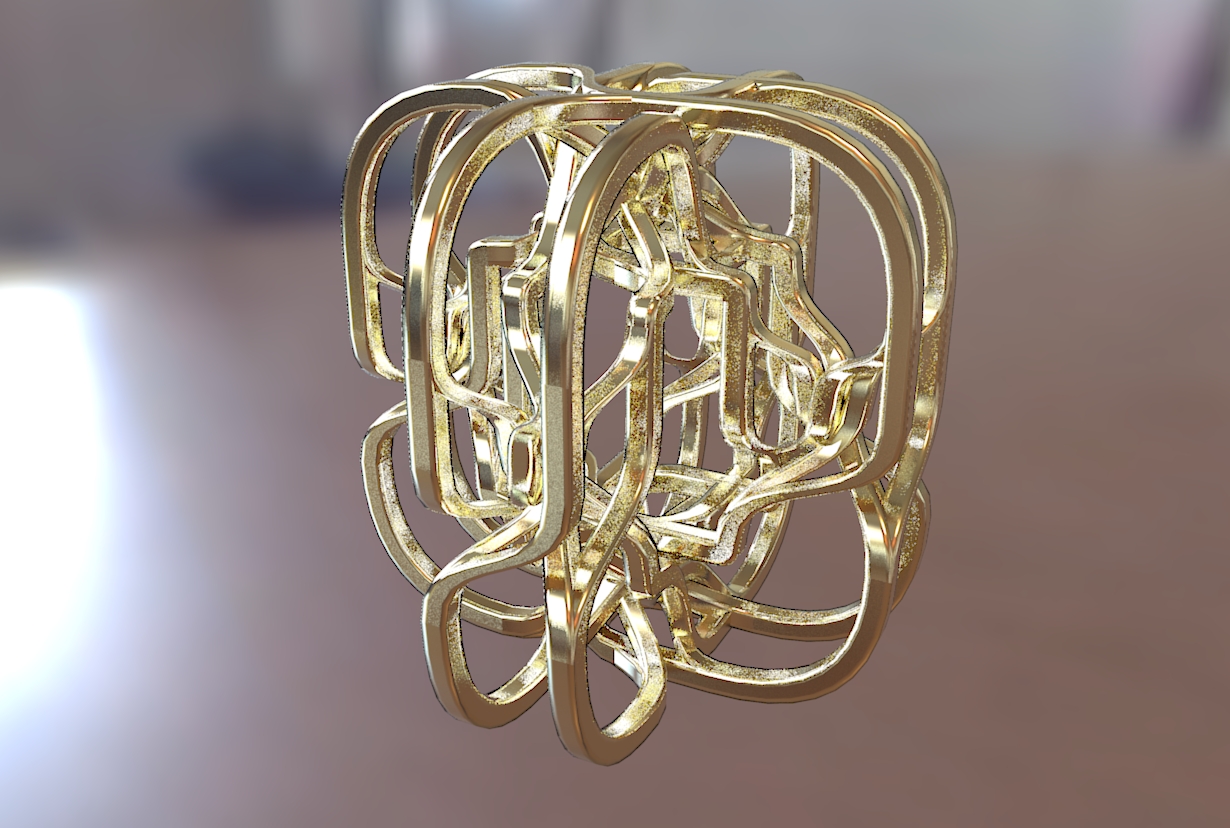
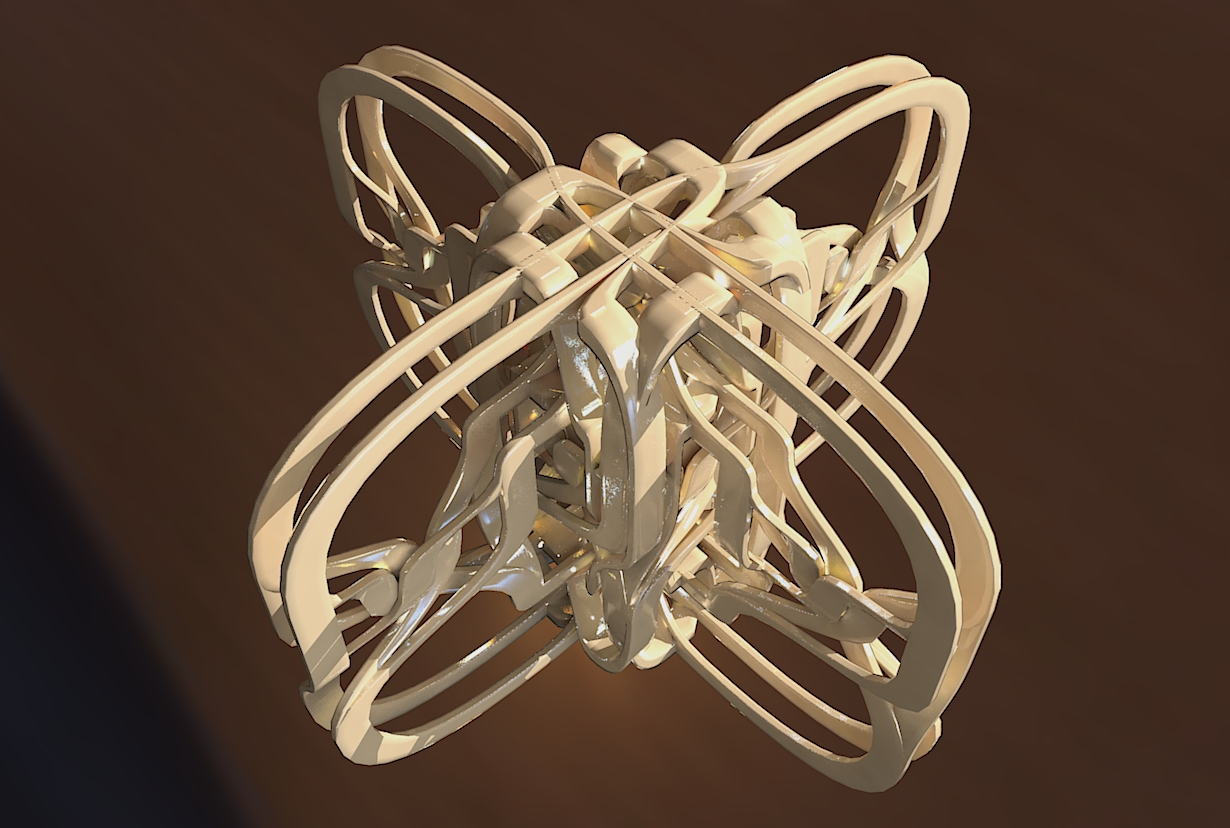
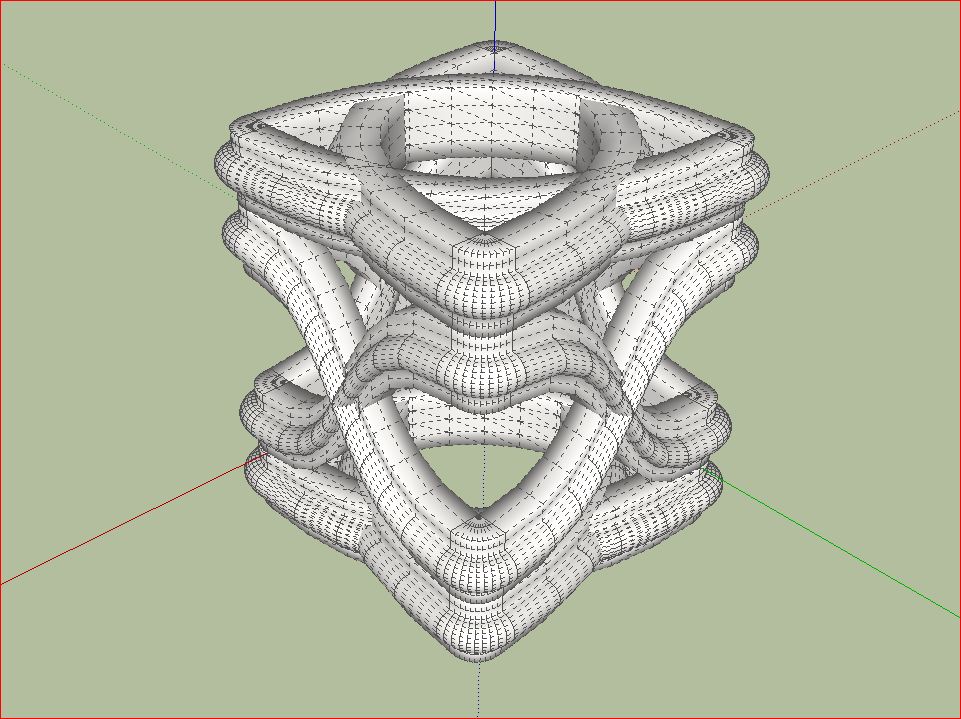
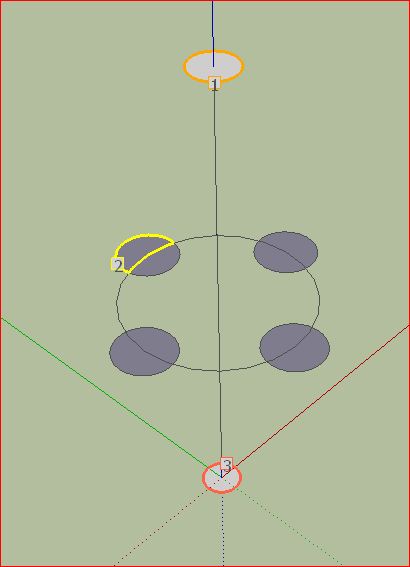
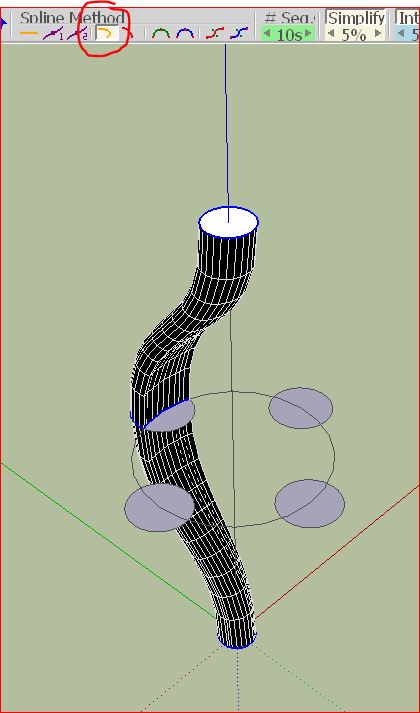
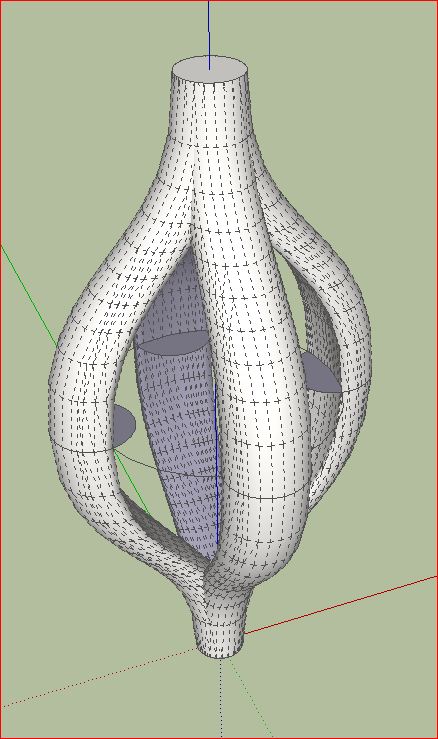
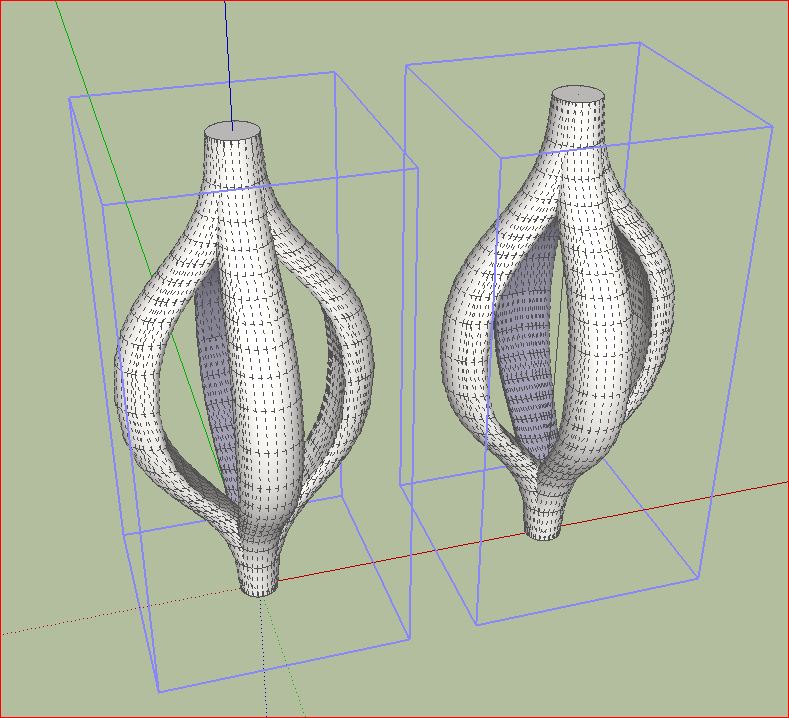
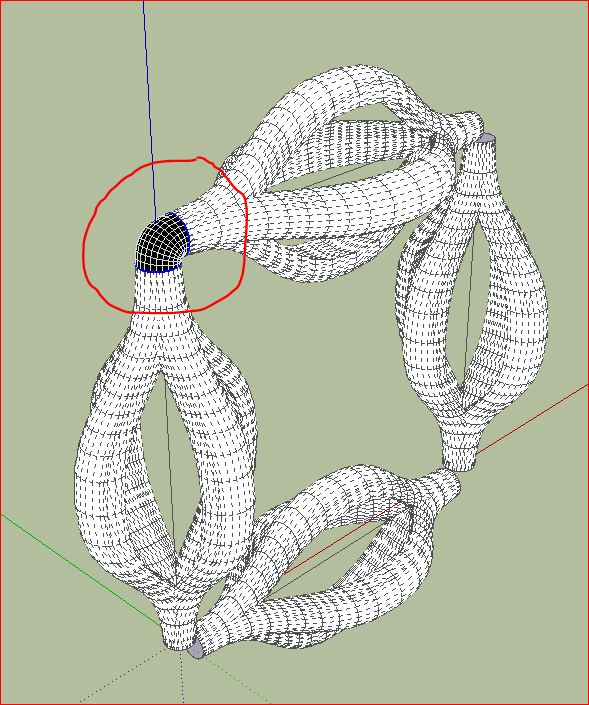
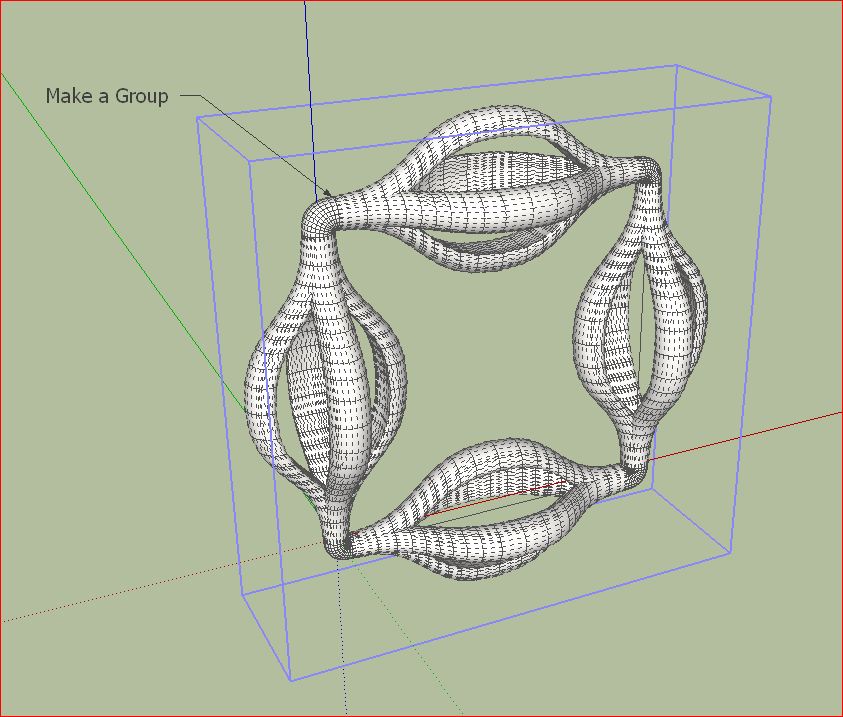
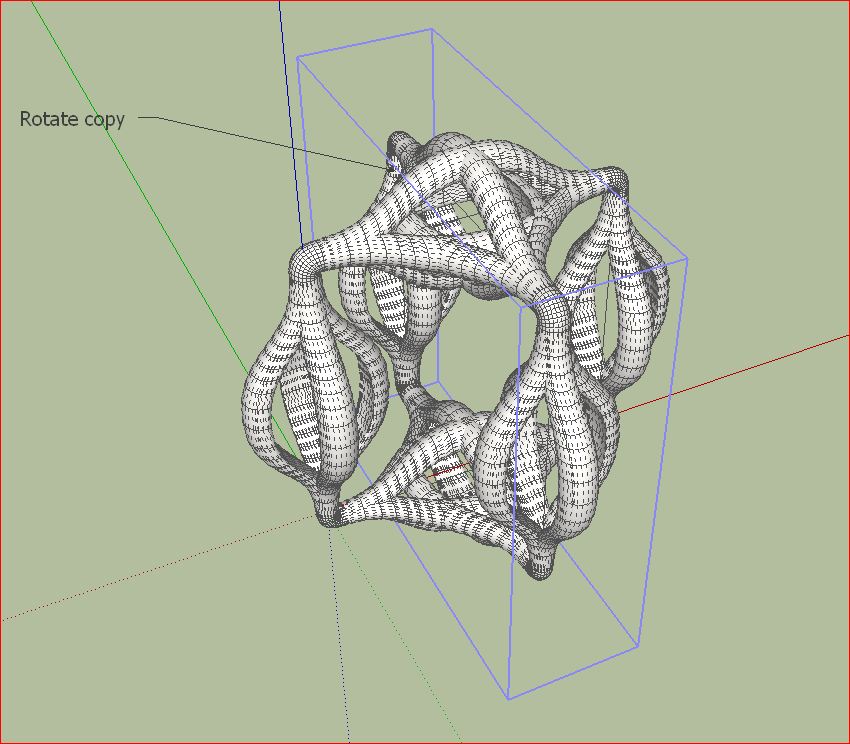
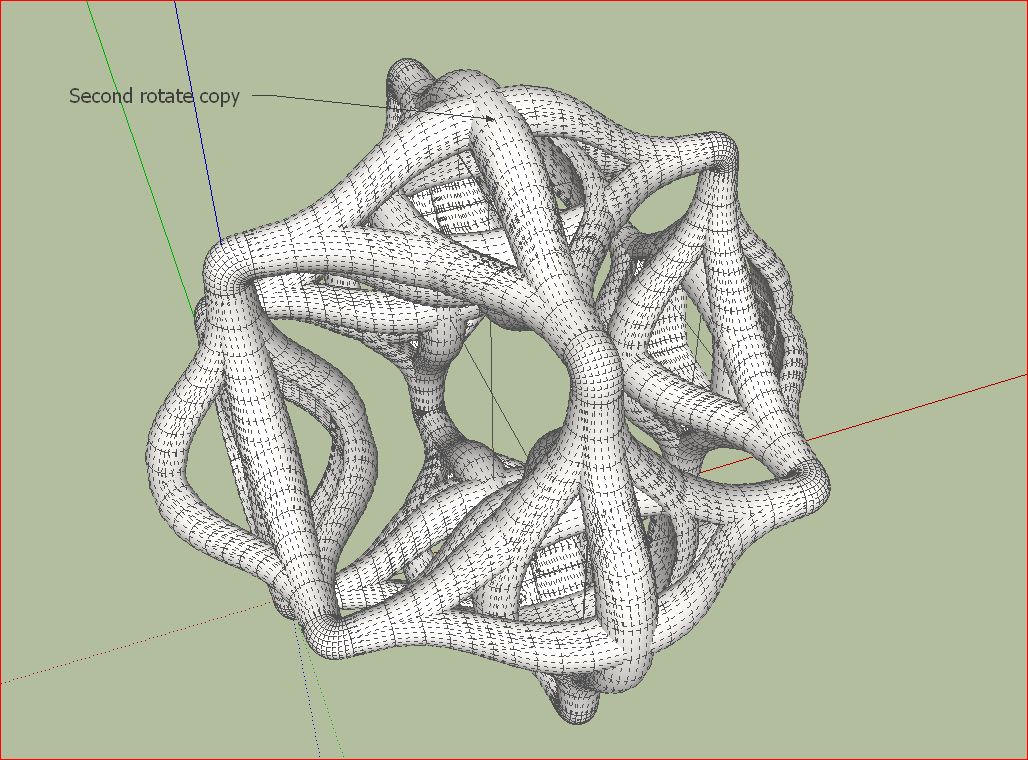
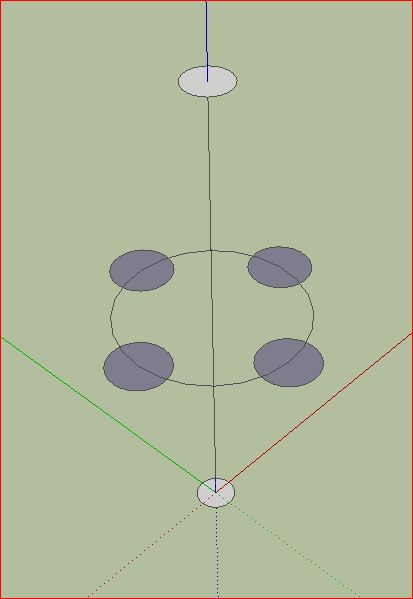
                                          I usually start trying to construct a basic form. Then you can play with the spline Methods. Then make a group and copy them and connect them several times. Make it a group again and use again rotate copy. It is very easy. The result is mostly interesting geometric objects. Useless but nice to see.

                                          I would be very interested in what ideas others user have. Has someone already used it for architectural purposes?

                                          Charly

                                          Unbenannt.JPG


                                          Unbenannt1.JPG


                                          Unbenannt5.JPG


                                          Unbenannt6.JPG


                                          Unbenannt7.JPG


                                          Unbenannt8.JPG


                                          Unbenannt9.JPG


                                          Unbenannt91.JPG


                                          Unbenannt92.JPG


                                          Unbenannt93.JPG


                                          Untitled.skp

                                          He who makes no mistakes, makes nothing

                                          1 條回覆 最後回覆 回覆 引用 0
                                          • R 離線
                                            robert111
                                            最後由 編輯

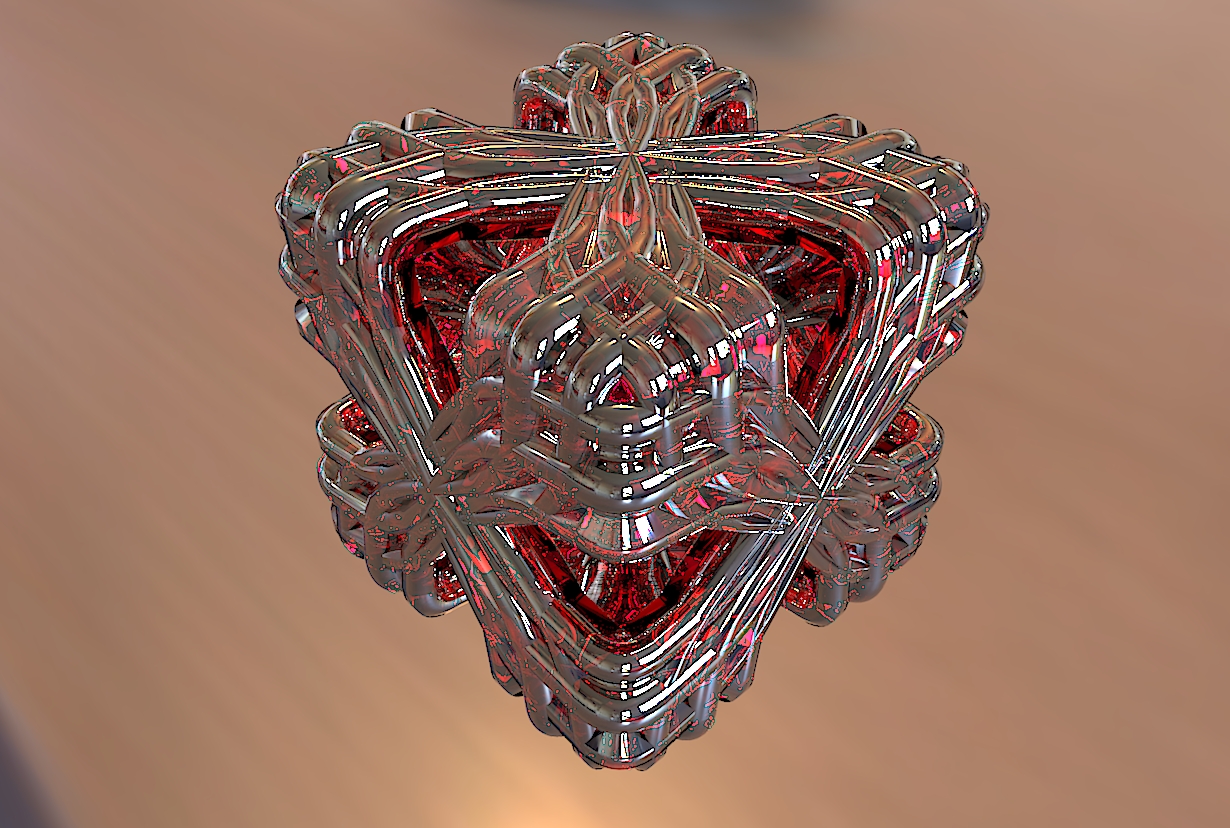
                                            charly thanks for your nice tuto , but i am interresting for this objet
                                            if you can make tuto too ,

                                            Unbenannt%20%282%29.JPG

                                            1 條回覆 最後回覆 回覆 引用 0
                                            • 1
                                            • 2
                                            • 3
                                            • 4
                                            • 5
                                            • 6
                                            • 7
                                            • 8
                                            • 65
                                            • 66
                                            • 6 / 66
                                            • 第一個貼文
                                              最後的貼文
                                            Buy SketchPlus
                                            Buy SUbD
                                            Buy WrapR
                                            Buy eBook
                                            Buy Modelur
                                            Buy Vertex Tools
                                            Buy SketchCuisine
                                            Buy FormFonts

                                            Advertisement