⚠️ Important | Libfredo 15.8b introduces important bugfixes for Fredo's Extensions Update
  • Sauna?

    WIP
    5
    1
    4 Votes
    5 Posts
    156 Views
    Mike AmosM
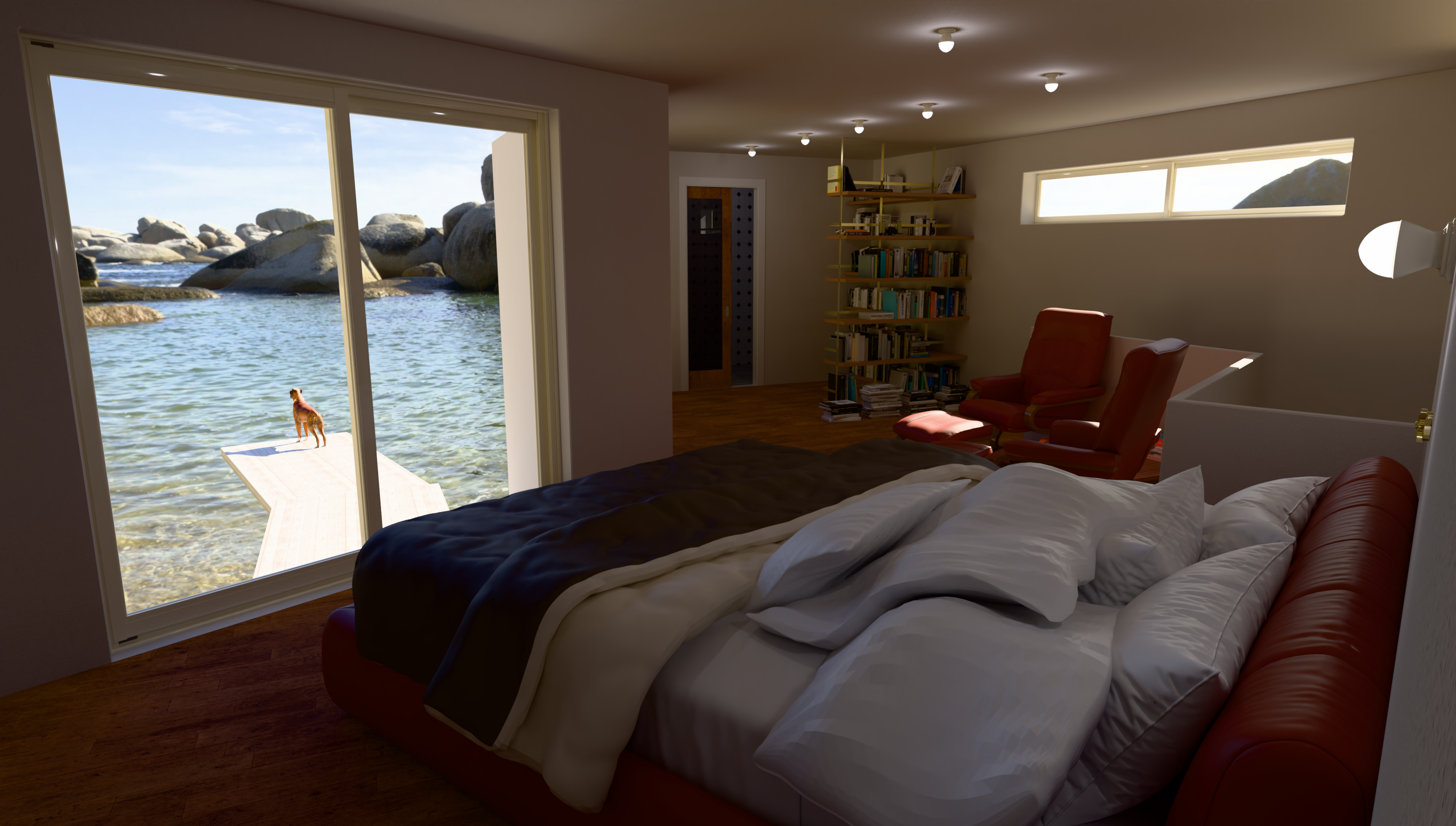
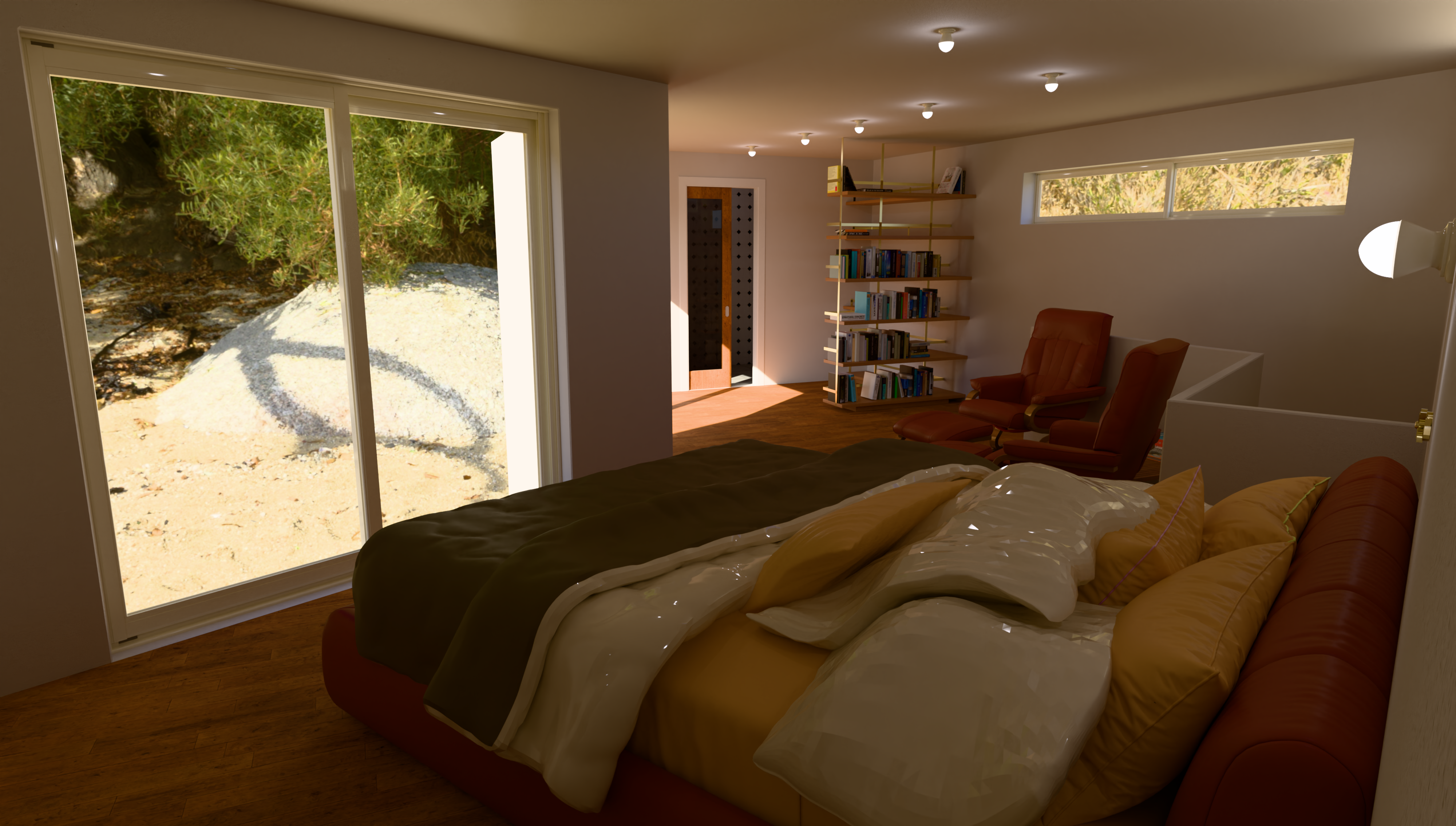
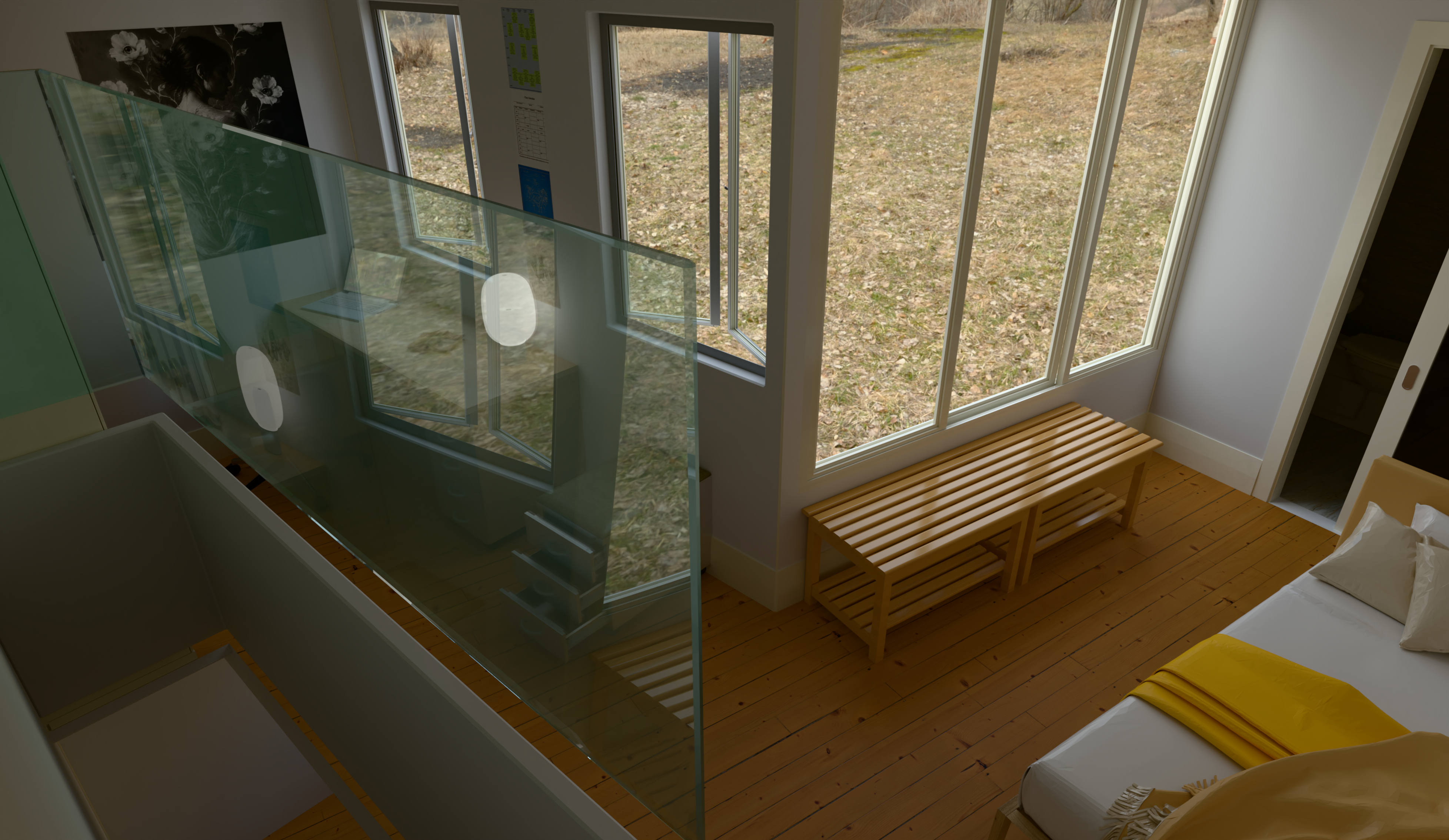
    ATM, there are two windows both on the west (Right) of this render. You may see on. Seeing as I do not 'do' window ledges, the window openings are not readily apparent. There is a logic to this. I frankly got fed up to my molars with females mostly, putting ornaments or flowers on ANY flat surface. I like to be able to open windows without relocating tat every time. I know, fully paid up member of the annoyed ol' git fraternity/club. I am looking at a method to introduce my favourite natural light system here, the sun/solar tube. I shall have to see how effective it will be.
  • 0 Votes
    4 Posts
    165 Views
    TIGT
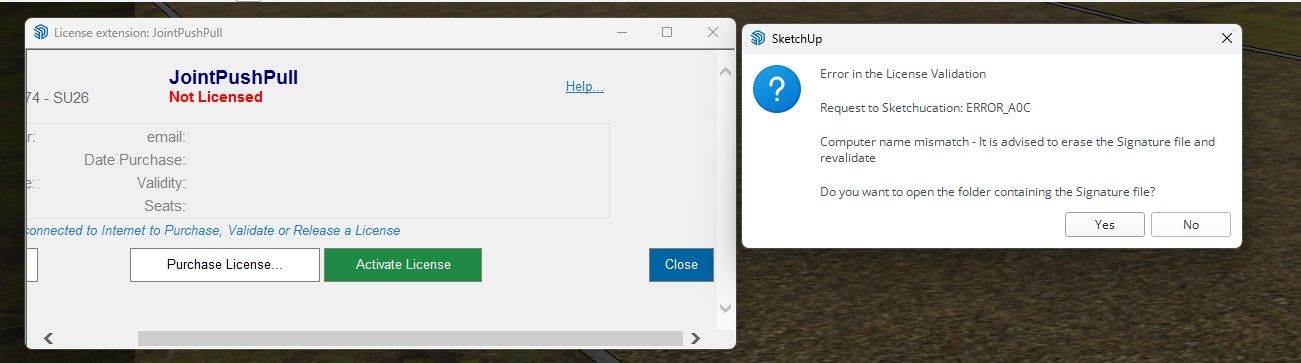
    Before trying the following please read the whole post as the answer might be a misunderstanding... Use the SketchUcation ExtensionStore to install JointPushPull, FredoCorner and LibFredo6 again. Then restart SketchUp to sync everything. If you are still getting the licensing error[s] check that you have installed the proper license for the extensions I suspect that you have a license for Fredo's RoundCorner and this is not the same as the installed FredoCorner, which expects a separate license file. There have been a few reports of users confusing the two extensions and their respective licenses. Although the two are similar in what they do, they are not identical, and they need to be licensed separately. So ensure you have the correct extensions installed and their matching licenses validated, after that a SketchUp restart should get both properly licensed and error free.
  • Rayscaper render.

    WIP
    34
    2
    3 Votes
    34 Posts
    919 Views
    ntxdaveN
    In order to get this topic back on track, I have created a new thread to discuss the materials issue(s). Here is a link to that thread https://community.sketchucation.com/topic/164671/create-new-or-adjust-materials
  • Medeek Engineering

    Plugins
    46
    1 Votes
    46 Posts
    11k Views
    medeekM
    After the Beam calculator I need to put together the post/column calculator, then the footing calculator, then the shear wall calculator and then maybe the FTAO shearwall calculator.
  • 2 Votes
    6 Posts
    276 Views
    fredo6F
    NEW RELEASE: LayOps v1.3a - 18 Dec 25 Requirements: >= LibFredo6 15.6a LayOps 1.3a is a release including: Extension of validity Home Page of LayOps for information and Download. Main post of this thread.
  • [Plugin] MatSim (Material Simulation) - v1.7a - 17 Dec 25

    Plugins
    37
    4
    0 Votes
    37 Posts
    2k Views
    fredo6F
    NEW RELEASE: MatSim v1.7a - 17 Dec 25 Requirements LibFredo6: v15.6a or above Sketchup version: SU2017 and above MatSim 1.7a includes changes for: Extension of validity Home Page of MatSim for information and Download. Main post of this MatSim thread.
  • [Plugin] FredoSketch - v1.7a - 17 Dec 25

    Plugins
    35
    4
    0 Votes
    35 Posts
    5k Views
    fredo6F
    NEW RELEASE: FredoSketch v1.7a - 17 Dec 25 Requirements: LibFredo6 15.6 FredoSketch v1.7a is a maintenance release: Extension of validity Home Page of FredoSketch for information and Download. Main post of this FredoSketch thread.
  • [Plugin] SketchyFFD (mind.sight.studios)

    Plugins
    17
    0 Votes
    17 Posts
    19k Views
    TIGT
    Try visiting the owner's website and follow the instructions carefully. The things you need to select to get the tool to work is a little complicated, but once you understand it it's pretty straightforward...
  • [Plugin] Pic2Shape - v1.3a - 17 Dec 25 (Image Contouring)

    Plugins
    30
    4
    4 Votes
    30 Posts
    3k Views
    fredo6F
    NEW RELEASE: Pic2Shape v1.3a - 17 Dec 25 Requirements LibFredo6: v15.6a or above Sketchup version: SU2018 and above Pic2Shape 1.3a is a maintenance release including: Extension of validity Home Page of Pic2Shape for information and Download. Main post of this Pic2Shape thread.
  • [Plugin] ElevationProfile - v1.4a - 17 Dec 25

    Plugins
    14
    5
    1 Votes
    14 Posts
    731 Views
    fredo6F
    NEW RELEASE: ElevationProfile v1.4a - 17 Dec 25 Requirements: LibFredo6 15.6a ElevationProfile v1.4a is a release including: Extension of validity Home Page of ElevationProfile for information and Download. Main post of this thread.
  • [WIP] Reconstruction of my favorite disco Palladium New York

    Gallery
    51
    0 Votes
    51 Posts
    13k Views
    jo-keJ
    @Rich-O-Brien I am working currently on a longer version... Grok is great. It understands exactly what I want
  • [Plugin] ClothWorks v1.8.0 - 28 Apr 2024

    Plugins
    699
    0 Votes
    699 Posts
    643k Views
    A
    Hi there... I have SketchUp 2026 version, is there any other way to buy licence and install to my Windows ?
  • [Plugin] Multiple Offsets (Updated 09-Feb-2014)

    Plugins
    37
    0 Votes
    37 Posts
    75k Views
    HornOxxH
    ...and works so well now!! Thanks Tig!
  • Still believe government even have an IQ?

    Corner Bar
    1
    0 Votes
    1 Posts
    59 Views
    No one has replied
  • How to release seats of Roundcorner?

    SketchUp Discussions
    5
    0 Votes
    5 Posts
    197 Views
    fredo6F
    @rodrigogier I released all 3 seats....
  • [Plugin] Selection Toys

    Plugins
    594
    0 Votes
    594 Posts
    380k Views
    akynxsA
    @thomthom said in [Plugin] Selection Toys: Hello ThomThom, I would like to report a possible compatibility issue with the Selection Toys plugin when using SketchUp 2026. After updating to SketchUp 2026, Selection Toys no longer behaves as expected. In my case (and according to other user reports), the plugin causes problems related to the interface and toolbars, such as tools not appearing correctly or toolbar customization not working properly. When Selection Toys is disabled or removed, SketchUp 2026 appears to function normally again. This issue seems to be related to changes introduced in SketchUp 2026 rather than a specific workflow error, as the plugin works correctly in previous versions. I wanted to bring this to your attention in case it helps with investigation or future updates. Thank you very much for your work and for maintaining such an essential extension for the SketchUp community.
  • need sub D license help

    SUbD
    2
    0 Votes
    2 Posts
    75 Views
    Rich O BrienR
    A license allows one person to use SUbD on any number of machines, but the license cannot be shared with anyone else. https://evilsoftwareempire.com/subd/help
  • Dynamic Component Attribute default Units

    Dynamic Components sketchup
    6
    0 Votes
    6 Posts
    2k Views
    T
    Hey Mike, I'm sure you figured this out already, but when you first create the attribute type a number with the inch mark like 0" or 0' in the value box and hit enter. This will set the unit for that attribute to inches. This only works for the first time a value is entered. After that first initial value, you will need to use the attribute info dialog to make changes. In addition, you can use 0 to set it to text (not "Default: Text") and 0cm to set it to centimeters. If anyone knows a shortcut for setting the unit to Decimal Number, I would love to hear it!
  • 1 Votes
    2 Posts
    71 Views
    Rich O BrienR
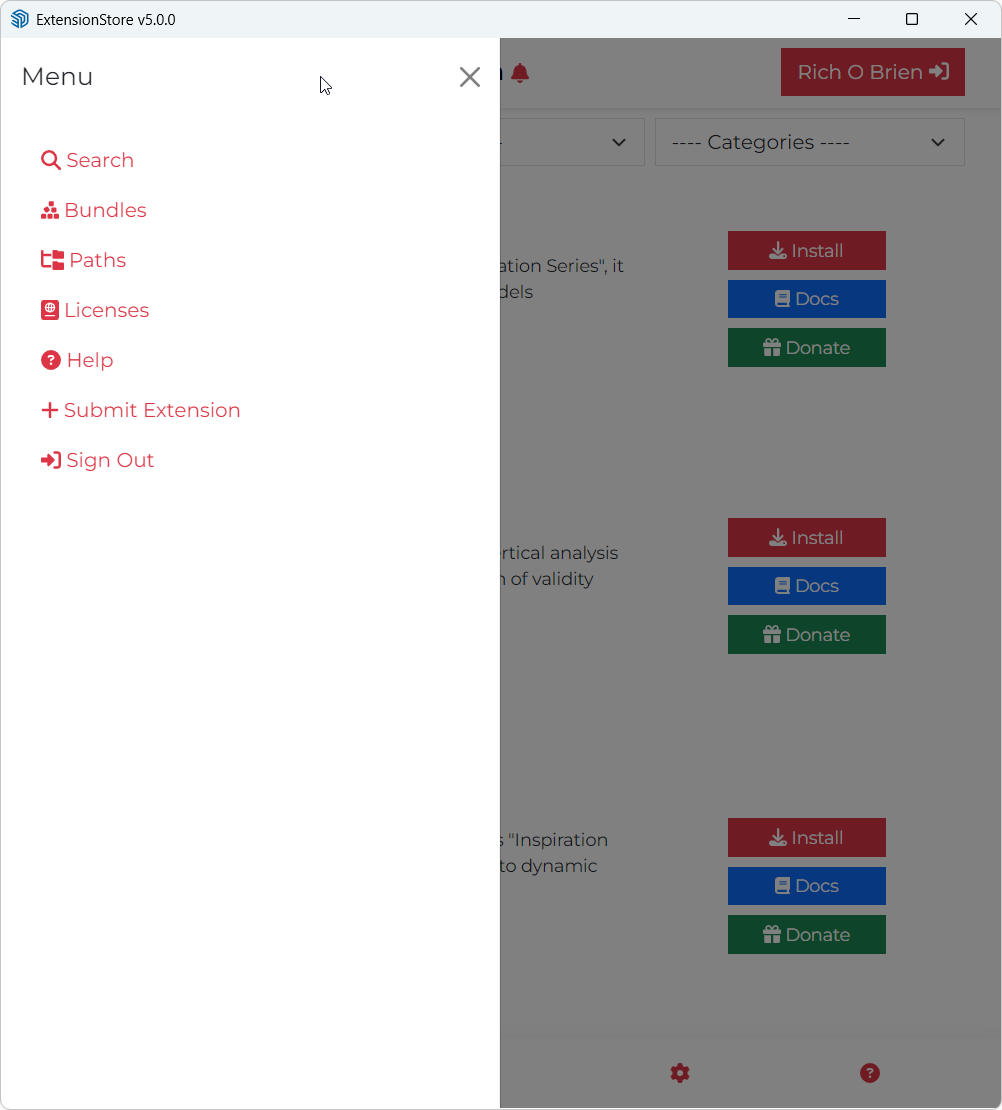
    @tsur said in 'Search' window; 'Recent' doesn’t display most recent extensions updates.: most recently updated items, nor are they sorted by most recent — it would be very convenient if they were. Yes, we are reworking these in early 2026 along with other new features to make search and listings more intuitive Submit Extension': it says "Want to share (Y)our creations on our platform?... That should be fixed now
  • A Car Park (again!)

    Gallery
    9
    1
    6 Votes
    9 Posts
    214 Views
    jo-keJ
    Ah, OK. Thank you