Wrap-R for SketchUp
-
-
I just discovered this awesome looking plugin. I got the trial version and started playing with this. Usually when I'm making a game asset, I make the texture map first and adjust as I go along. I would usually do my UV mapping in Blender where I could move the islands to where I want them within the texture. But when I start WrapR, the texture I assigned in Sketchup does not show up in WrapR and the "Sketchup Texture" option is greyed out. How do I bring in my texture after launching WrapR from Sketchup?
BTW, the help button takes me to the home page and I don't see an obvious way to navigate to the user guide from there. Is there any more documentation for this that explain working with textures?
-
Make sure your texture is square 1 : 1
For documentation see : https://wrap-r.com/docs-wrapr-sketchup.html
Still not complete as I've more to add soon
-
yes, slowly slowly catchy monkey.
enjoy the trial! if you need a refresh let me know
-
@rich o brien said:
Make sure your texture is square 1 : 1
For documentation see : https://wrap-r.com/docs-wrapr-.html
Still not complete as I've more to add soon
Ah...my texture is 1:2. Sometimes I need the room. Any chance to support textures beyondn 1:1 dimensions in the future? Or is it because of the 1:0 space thing?
-
@rich o brien said:
yes, slowly slowly catchy monkey.
enjoy the trial! if you need a refresh let me know
Ok, thank you!
-
Wrap-R is beautiful to work with. Amazing little thing with a very intuitive workflow based on Blender's but with the Sketchup user in mind...
-
Wrap-R OSX version, please!
-
-
Hi Rich,
I was wondering if an update was in the pipeline... has the new SU SDK allowed too improve on packing/optimzing UV algorithms?
-
I already replied to your email.
But we have to wait for the next SDK to see what goodies SU expose to us.
We do have a new unwrapping method for non-manifold meshes. But having a Smart Unwrap method is the goal to minimize to workflow for those that need very quick and dirty unwrapping.
-
Yup, I know.
I just wanted to launch a beacon here to tell others that info, in case they were wondering...
-
@rich o brien said:
Make sure your texture is square 1 : 1
I recently re-discoverd Wrapr and I'm loving it - great tool! Any chance non-square textures will be supported? (2048x1024)
-
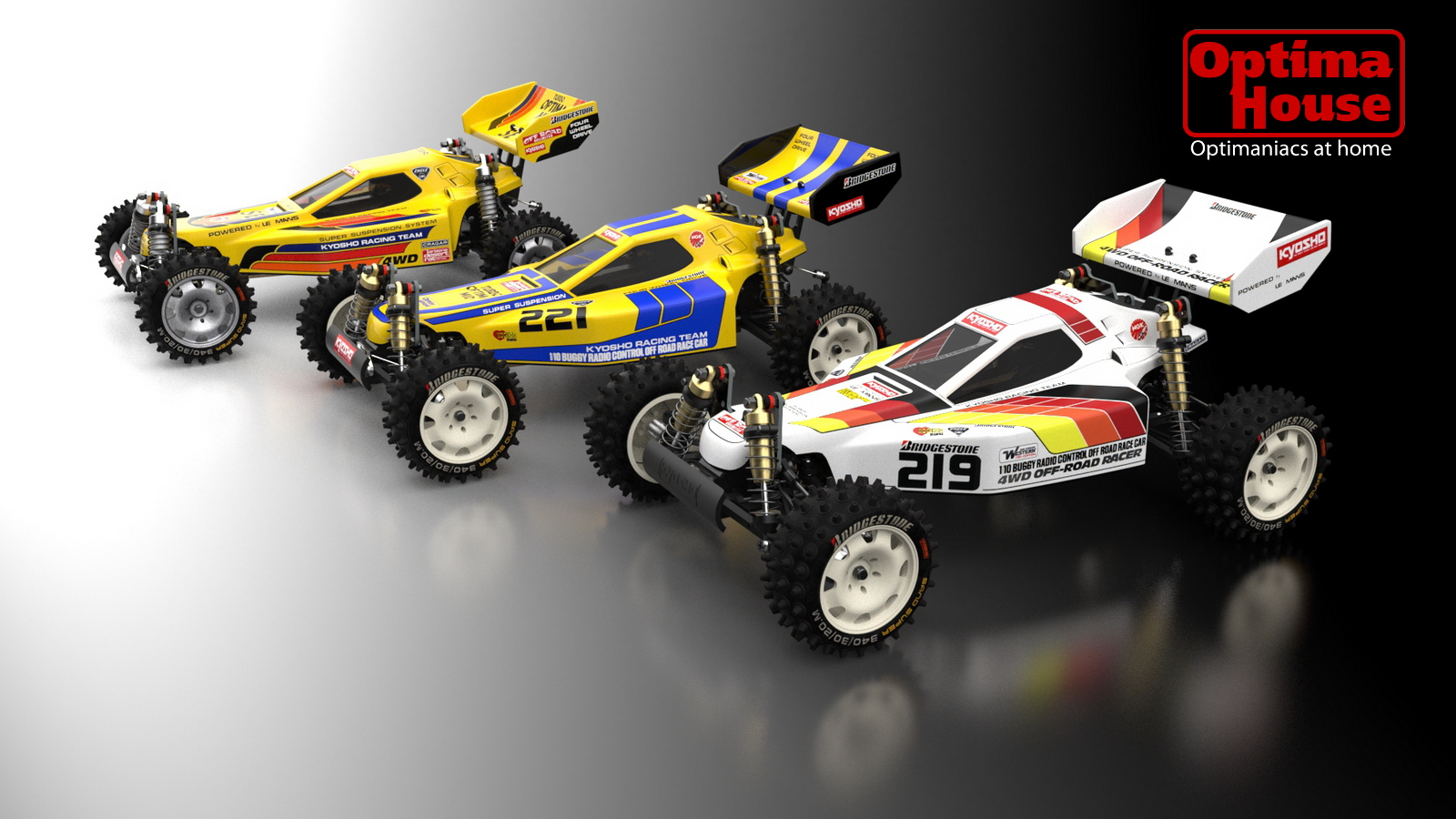
Ah! I forgot to post the final result...
Modeled in Sketchup pro 2017/8 + QFT + SubD
Unwrap in Wrap-R
Bodies painted with Substance Painter 2
Rendered with Thea 1.5/2
-
-
thanks Rich!

-
Question: will there be an update for 2019 soon OR should we use the 2018 Wrap-r version?
-
@kaas said:
Question: will there be an update for 2019 soon OR should we use the 2018 Wrap-r version?
+1
-
@kaas said:
Question: will there be an update for 2019 soon OR should we use the 2018 Wrap-r version?
Wrap-R 2018.4 is SU 2019 compatible. It can be downloaded from here: https://s3.amazonaws.com/wrapr-download/WrapR-installer_2018_4.exe
The new features of this release compared to the 2018.2 version are:
- 2019 compatibility
- Won't create the surplus hidden Wrap-R layer in the .skp file
- Improved error handling
- Limited Ngon support
- Group and Component support
- Untextured faces support
- License fixes
- Context menu added
- Modified "Save" workflow
- New Ruby plugin to support the above features
- Modified plugin installer
- Modified Relax Function
- Improved 3D display performance
- Check for updates in Help nemu
We plan to release the 2019 version of Wrap-R with loads of new features later this year.
-
Some new about Mac version?







Hello! It looks like you're interested in this conversation, but you don't have an account yet.
Getting fed up of having to scroll through the same posts each visit? When you register for an account, you'll always come back to exactly where you were before, and choose to be notified of new replies (either via email, or push notification). You'll also be able to save bookmarks and upvote posts to show your appreciation to other community members.
With your input, this post could be even better 💗
Register Login


Advertisement