@box said:
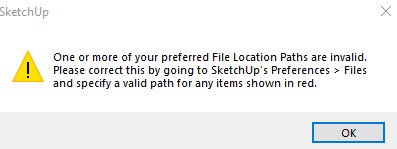
Sounds like your IT department broke the Permissions of your installation.
You will probably need them to do this:
Find the Install.exe file, select it and right click and choose Run as Administrator, then choose Repair when given the option and follow the prompts.
Thank you, yes I did remind IT that part. But not sure if they missed it. Bec not common, normally users will just double click install.exe. My user account is already set an admin level too when it was installed. I'll just try to reinstall. Yeah a bit frustration that a simple step missed will snowball into such big errors haha. Thanks!
 .. The link no longer available, anybody knows an alternative? Thanks!