GREAT !!! - I hope you've patented this !!

Thanks!
ok - I'm curious to see your future render
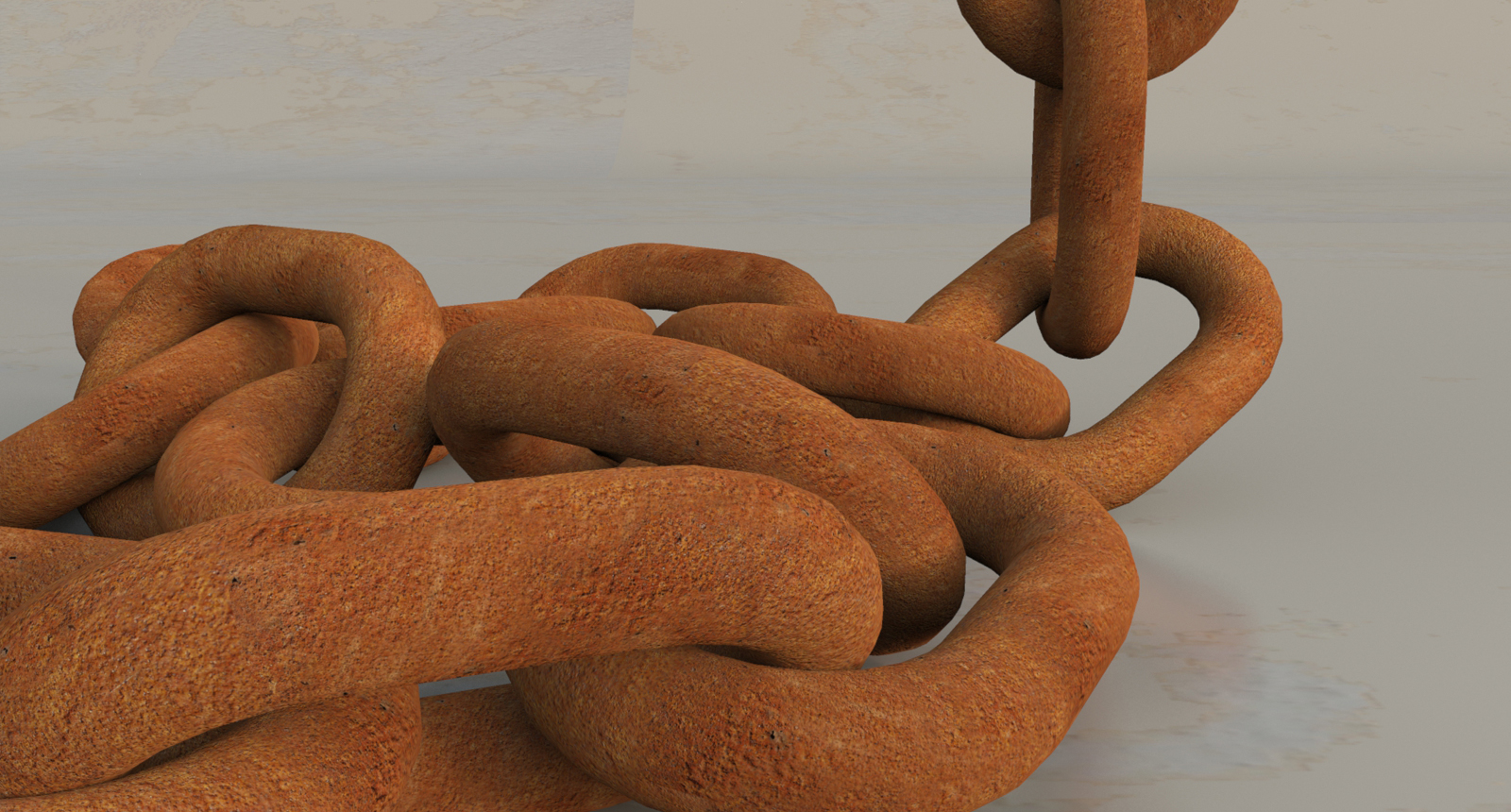
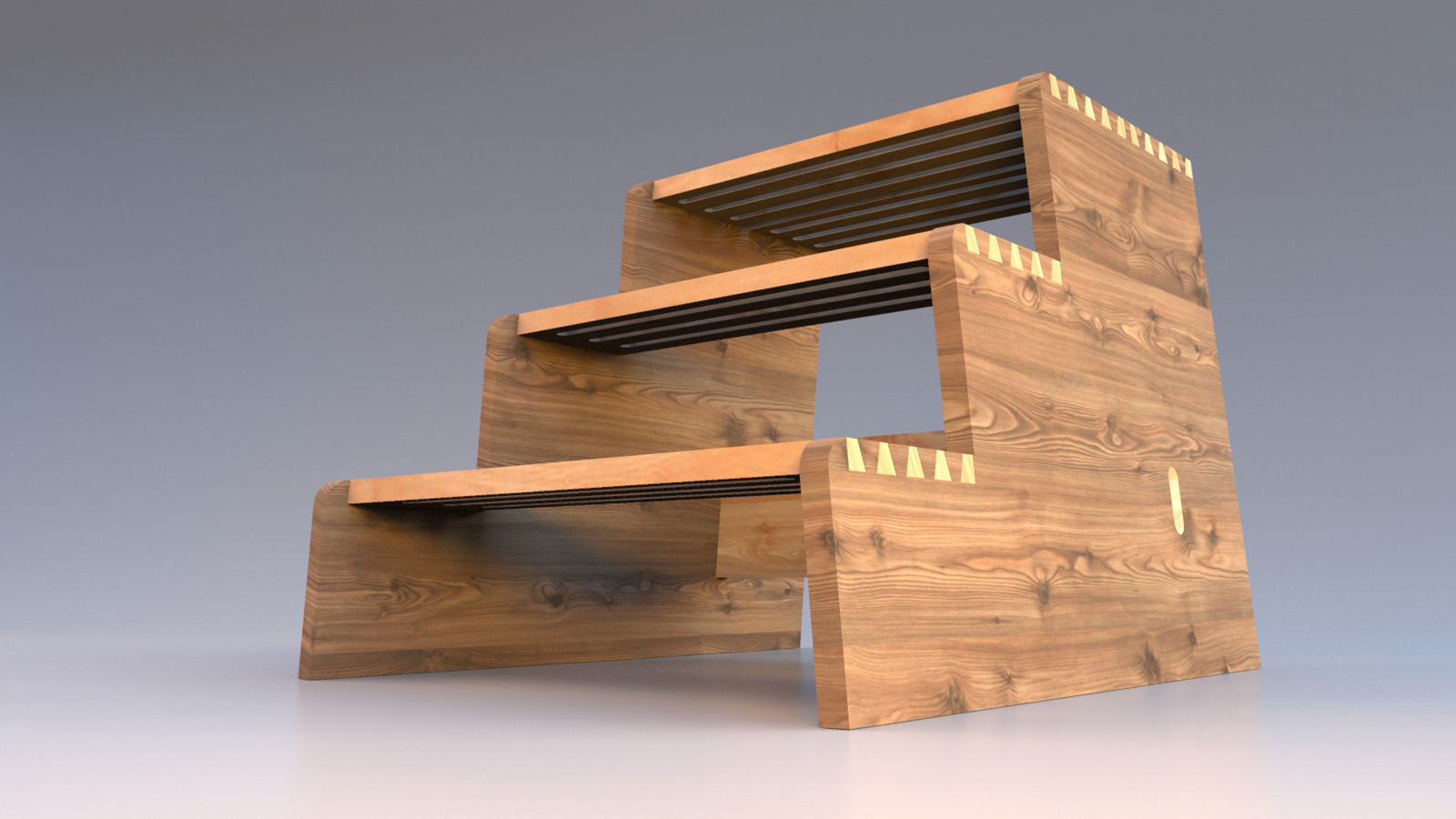
Here is a little selection of Easter Eggs.
Thank You all for your support and for all the great stuff you offer here!
Without these tools everything would be much harder or even impossible! For example
Artisan Organic Toolset, Thru Paint, Joint Push Pull and Tools On Surface from Fredo6,
Draw Helix from Peter Brown, Chris Fullmers Perpendicular Face Tools, and and and ...
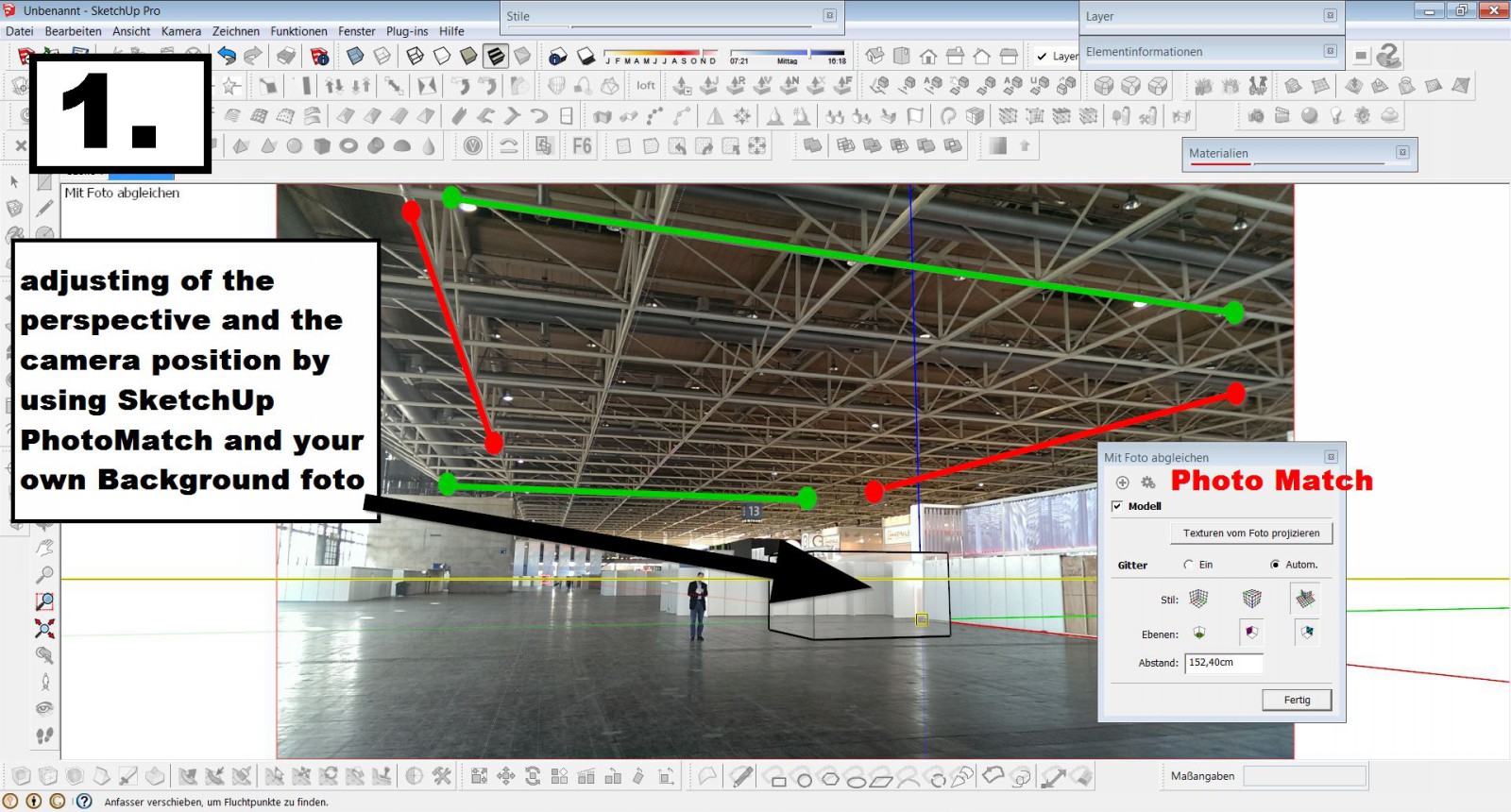
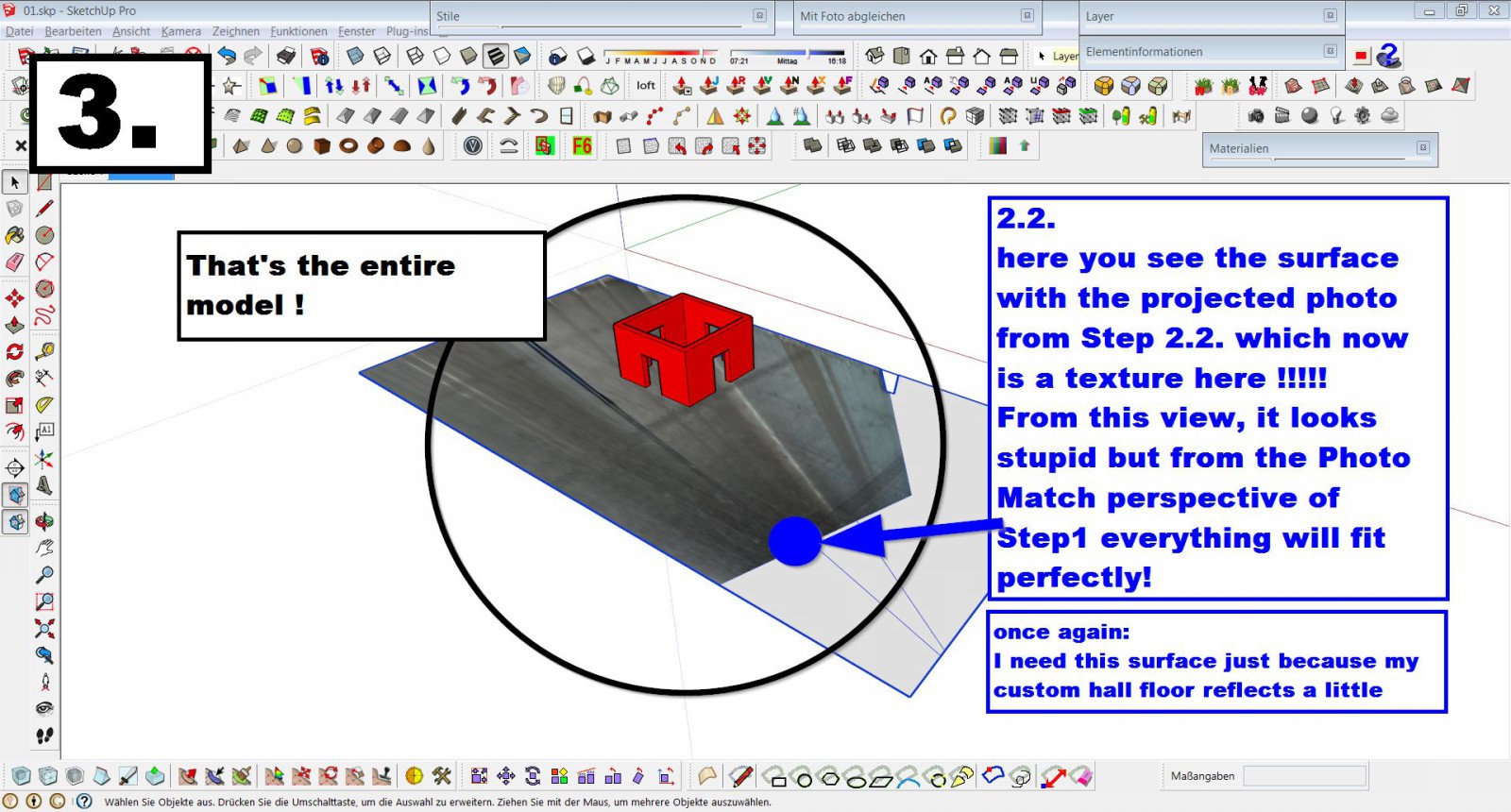
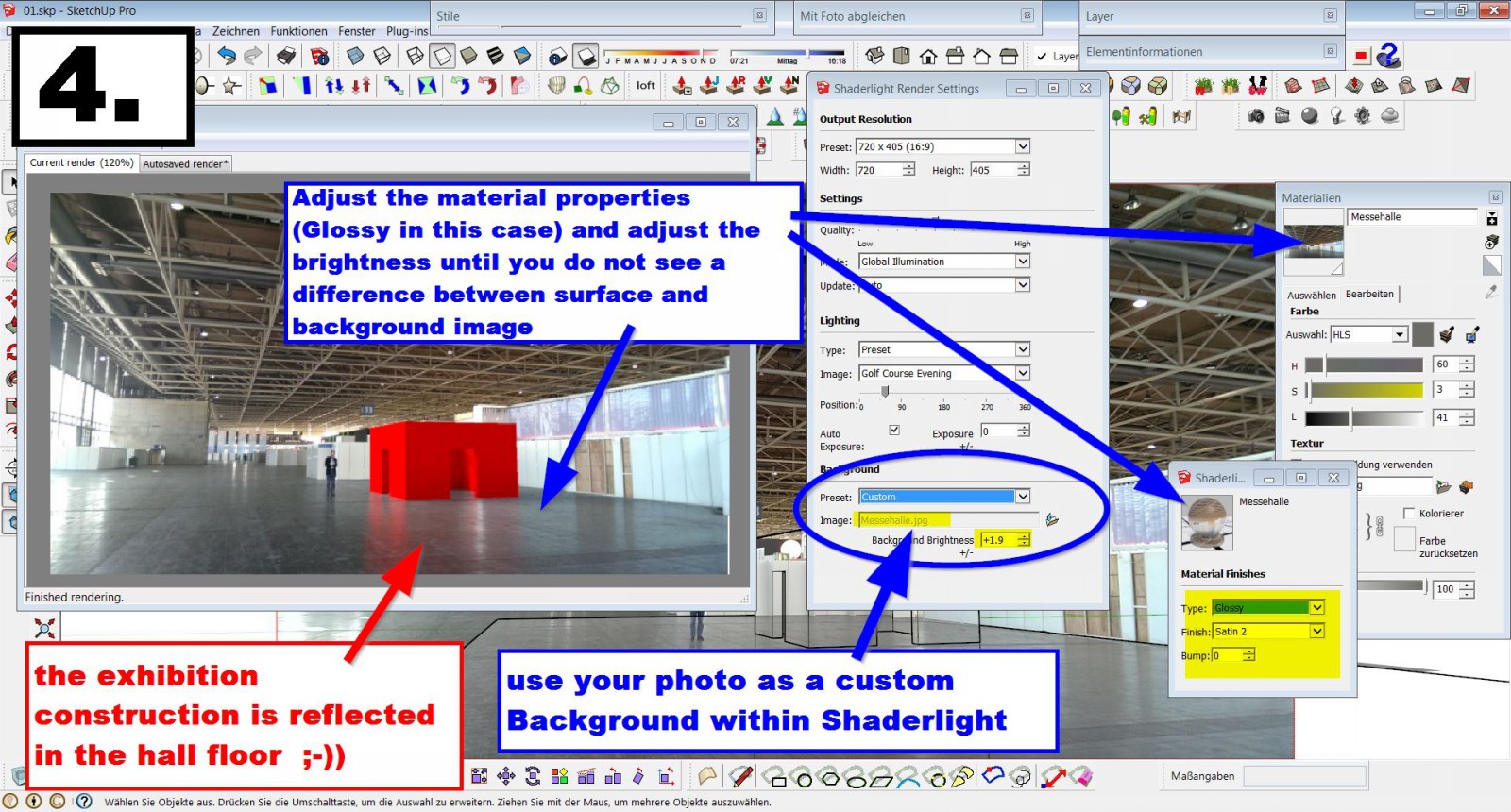
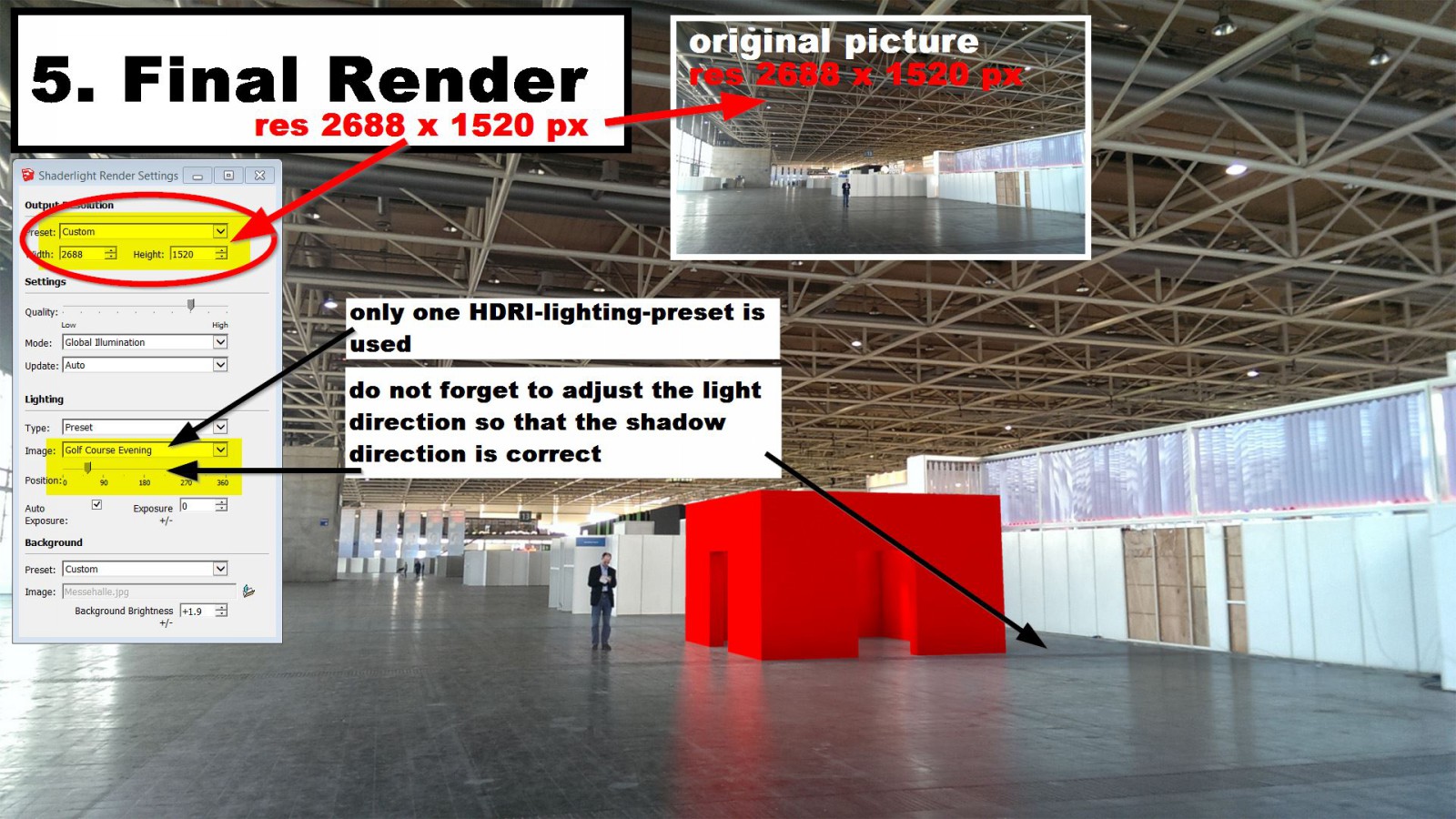
The Renderwork is done with Shaderlight.
for those who want to take a look at the model:
https://3dwarehouse.sketchup.com/model.html?id=u90d9d799-57fe-4897-8f70-a1703265851c

AUA !!! for years I have been working with SketchUp - And I have not even noticed this
shortcut behavior! 
Many thanks for this valuable tip
Hi All
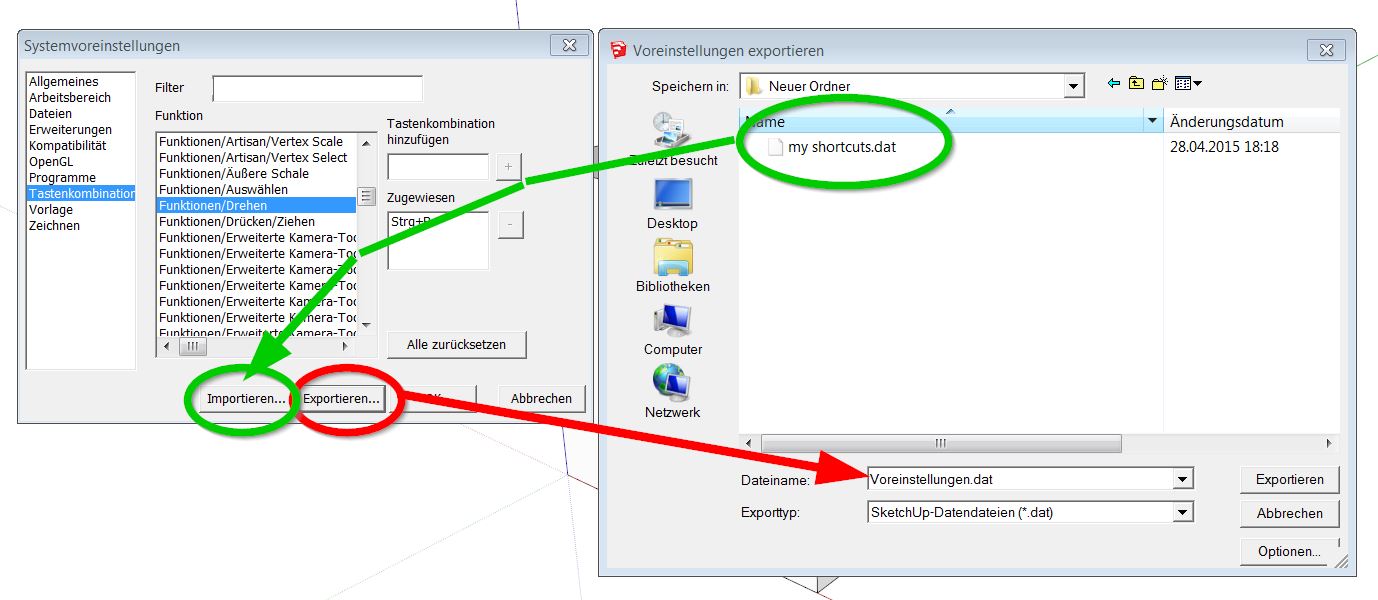
is there any possibility to supplement the native SkUp right click "Flip Along Group´s Red, Green, Blue (Axis)"-tool by any own shortcuts (Alt-X, Alt-Y and Alt-Z for example)?
I couldn´t find this possibility in the Preferences-Shortcut-Settings ...
Regards
Sorry - how embarrassing to me!!
I didn´t even notice that this is a purchase-plugin.
Regards to All
hi HDPV,
first thank you for this great tool!
I have used it for some time and it worked great so far, but since a few days I get the message
that I should do an update as soon as I use the plugin (please see screenshot). This is the only plugin that causes this error by now.
I run SketchUp 2013 Pro and SketchUp 8 Free on Win7 64bit. I get this message on both versions.
any help is appreciated - thank you
Thank You
only half as good without your plugin !!
by the way: it has remained in the dream and there was only enough for a beetle which was also a good car
)
Regards !
Hi All,
Since I use Artisan, I have the need to improve my uv-texturing skills 
I want to use the UV-Tools plugin but I don´t get it to run on SketchUp 2013 - I´m certainly
doing anything wrong. The only footprint is the "UVtools.rb"-file (?) but inside SketchUp
I dont´t get any icons or any context menu
I appreciate any help
once again THANK YOU! - A wonderful tool that I use almost daily

... such a great tool and so much surprising fun !!
)
Thank You so much Tak2hata

thanks TIG for your answer
First: I have updated my profile infos - thanks for your note about that.
Yes, your guess about admin settings is correct. I use a private SKUP8 free and SkUp8 Pro in my job, both OS are Win7. Unfortunately, the changed settings have not led to success. Instead SKUP has not started again.
I had no other choice than to use a "system restore point"(?).
I would like to add another question (please do not laugh at me): normally, I install a plugin by adding a rb file and a corresponding directory (if any) into the plugin directory of my current SKUP version. Is that what you call "install"? - Or do I have to use another procedure to install the current QuadFace rbz file.
HornOxx
Hi Everyone
Unfortunately I get the following error message after I took over Quadface (great tool!!) in my plugins. Also my toolbars can not be reproduced again. Does anyone have an idea what I have done wrong?
""tt_lib2 detected that some of the files in SketchUp´s plugin
folder has ended up in Window´s Virtual Store. It happens
because of insufficient permissions for the plugin folder. Please
move the files into the real Plugins folder.""
Greetings, HornOxx
wow - what a great plugin - thank you so much!
I work a lot with the Adobe bundle and I'm really not a fan of it - but one thing I love as well, namely the layer management. So I am very happy with your plugin. Just the possibility with the typical Adobe ALT shortcut is great or even the possibility to work with layer groups. So far, your plugin works without error (SKUP 8 with Win7/64Bit).
One thing I still do not understand: The use or the possibilities of the locksmbol here - does the lock prevent of deleting a layers or should it lock the layers content as well?
I would appreciate a note about this question...
Once again many thanks for this great plugin
)as always - a great tool again ! thank you
Great - Thank you so much !!!
I discovered this great tool so late 
Hi TIG
I was so eager for this wonderful tool that I
have not finished reading !!!
)
Thank you!