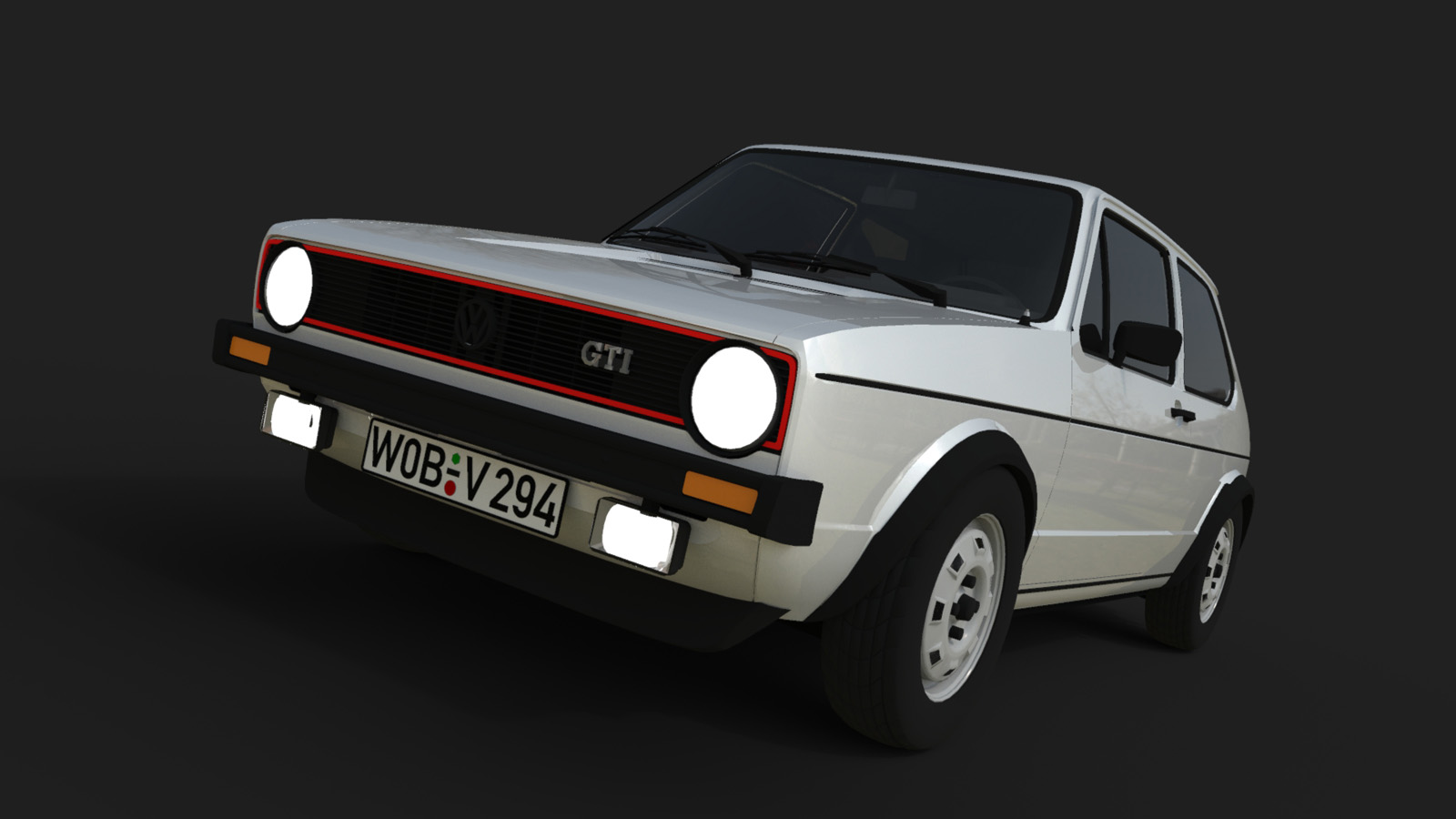
Fabulous Texture!
as if you could touch it

Oops, your profile's looking a bit empty! To help us tailor your experience, please fill in key details like your SketchUp version, skill level, operating system, and more. Update and save your info on your profile page today!
Check out Febhouse | New extensions for Shadow Analysis in SketchUp Download
 H
Offline
H
Offline
Posts
-
RE: 2400 year old tricycle
certainly not the right thing for the mountain stage of the Tour de France

Great Model!
-
RE: Reference models used in the making of the LAZARUS comicbook
WOW !!!
Great vehicle designs - just on the threshold into the future.
I wonder when will you get an offer from Ducati, BMW, Kawasaki, Honda, Yamaha ... -
RE: Useful SketchUp Output for Postpro of Renderings
Thank you Cotty, and again AUA !!!
How could I have missed this wonderful plugin ????Forget, what I have written here but
maybe you like the rendering at least ...
-
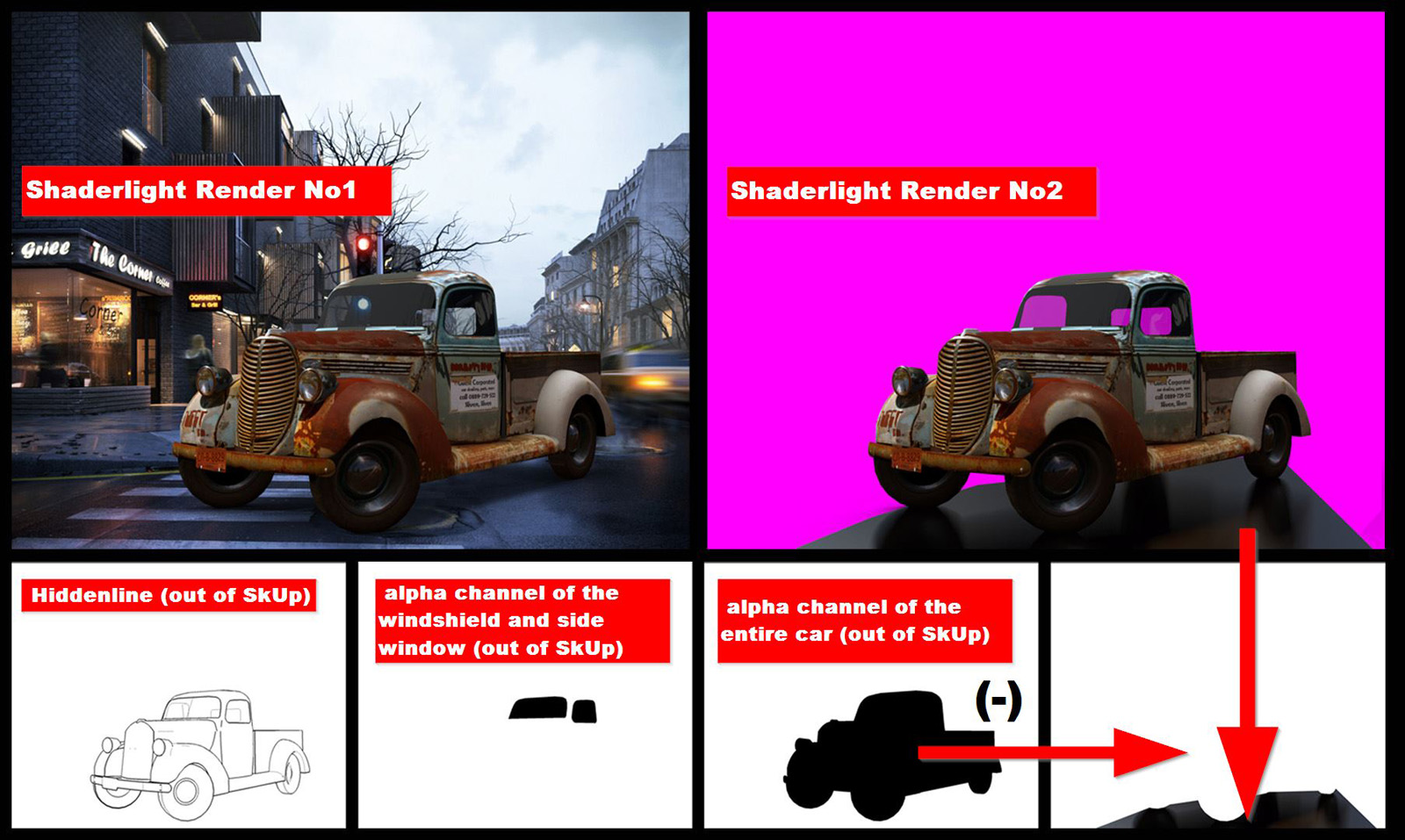
Useful SketchUp Output for Postpro of Renderings
Hello Everyone
I am working with the Shaderlight render plugin. From the perspective of an architect, Shaderlight is
a very easy-to-use tool. However, it is missing some features that are very useful for a later post
production in Photoshop or GIMP (etc). For example, there is no possibility to render detailed alpha
channels or material ID channels.With this work I would like to show how useful it is to use not only the Shaderlight
rendering tool for itself but also the material coming directly out of SketchUp.
Long before a rendering is done, SketchUp provides a lot of useful material, which we can use
later for our post-production.It’s nothing new that SketchUp can do hidden line renderings. Such a hidden line rendering is always
an important thing if you want to or need to emphasize contours or joints. And even if that’s not
necessary - do this anyway - This does not take much time, and I always recommend here an export
to PNG and always without anti-aliasing.For post production in Photoshop or GIMP, always alpha channels are needed. Shaderlight is not able
to provide these alpha channels but SketchUp can do this!!!! You just can change the desired
materials temporarily into a high contrast colour within SketchUp (for example black and white). This
way you can also produce material ID channels. Also here, I recommend an export to PNG and always
without anti-aliasing.In the attached example, the old car should not only cause shadows on the street, it should also
reflect on the wet road somehow in a glossy manner. For this reason I made a second rendering, only
the car and a mirroring surface under the car. In order to merge these two renderings into one
picture, I needed the alpha channel of the car. To insert a silhouette of a driver, I also needed the
alpha channel of the car´s windshield and side window. All of these alpha channels SketchUp has given
me, with just a few clicks and very fast.
Sometimes it even makes sense to do a "Chalk Rendering" which is the Shaderlight name for Ambient
Occlusion (which I have not used in this example). With a Ambient Occlusion Rendering you can give your rendering a lot more depth and spatial appearance later in post-production.Regards
PS: The Model is downloaded from the 3D-Warehose

-
RE: Sketchup is better than Maya
"...wrestling with Blenders modelling hell ..."
that´s great I agree!
-
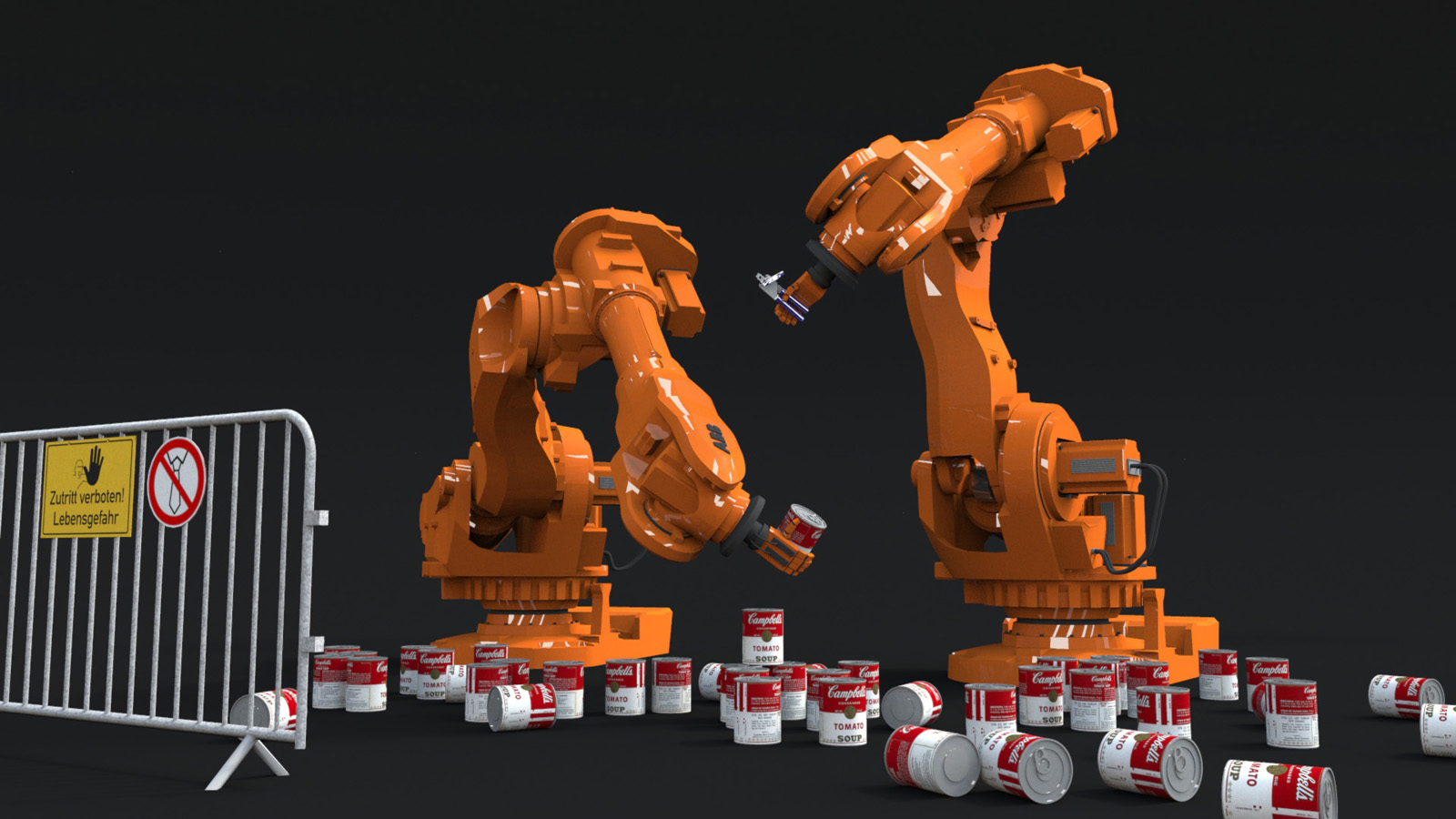
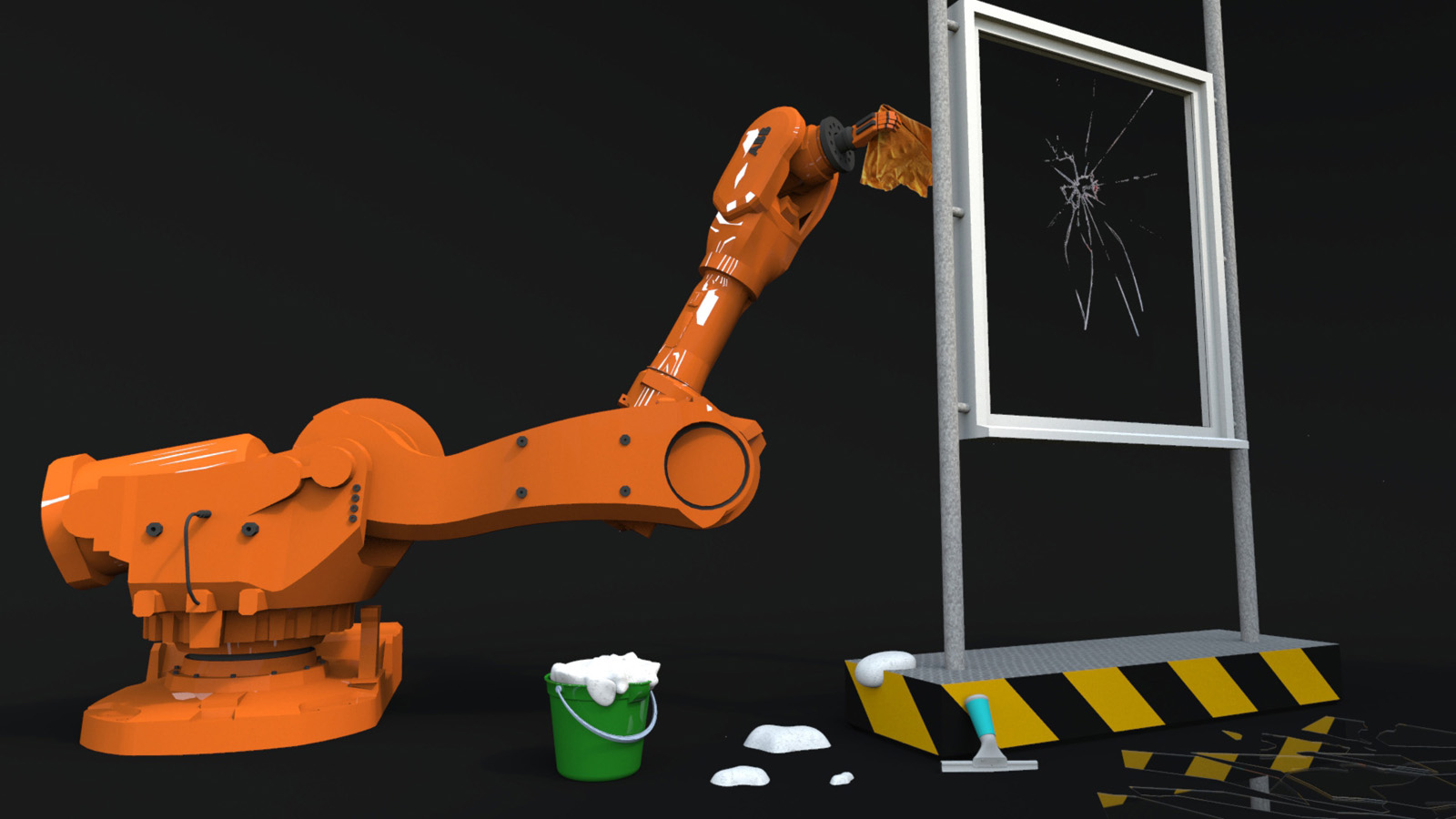
High Technology conquers our Homes
High technology conquers our homes.
The result of a very cold and very rainy Saturday ...(Almost all models are from the 3d warehouse. I added only a little detail work.
The soup cans are randomly scattered by using Renderizas Canvas Plugin)
-
RE: Easter greetings to the SketchUcation Community
Thanks!
ok - I'm curious to see your future render -
Easter greetings to the SketchUcation Community
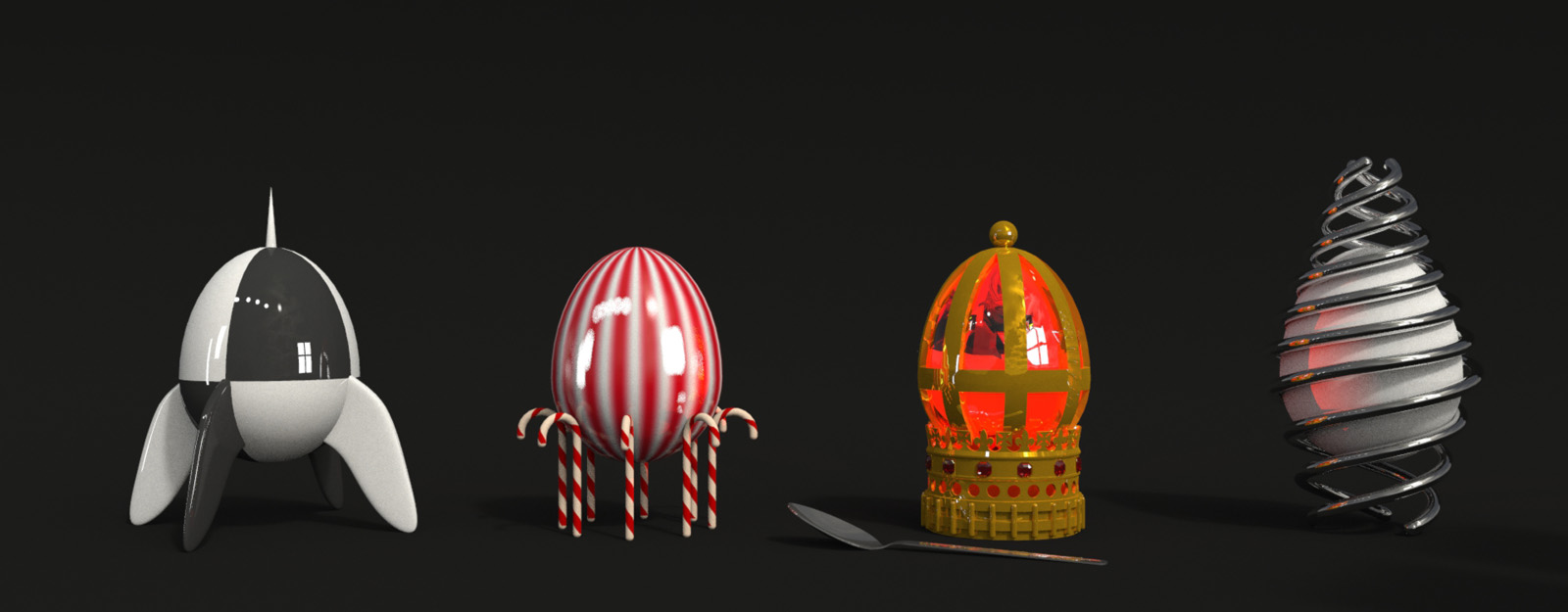
Here is a little selection of Easter Eggs.
Thank You all for your support and for all the great stuff you offer here!
Without these tools everything would be much harder or even impossible! For example
Artisan Organic Toolset, Thru Paint, Joint Push Pull and Tools On Surface from Fredo6,
Draw Helix from Peter Brown, Chris Fullmers Perpendicular Face Tools, and and and ...
The Renderwork is done with Shaderlight.for those who want to take a look at the model:
https://3dwarehouse.sketchup.com/model.html?id=u90d9d799-57fe-4897-8f70-a1703265851c
-
RE: Flip Along Axis by Shortcuts
AUA !!! for years I have been working with SketchUp - And I have not even noticed this
shortcut behavior!
Many thanks for this valuable tip
-
Flip Along Axis by Shortcuts
Hi All
is there any possibility to supplement the native SkUp right click "Flip Along Group´s Red, Green, Blue (Axis)"-tool by any own shortcuts (Alt-X, Alt-Y and Alt-Z for example)?
I couldn´t find this possibility in the Preferences-Shortcut-Settings ...Regards
-
RE: [Plugin][$] S4u_Transformer
Sorry - how embarrassing to me!!
 I didn´t even notice that this is a purchase-plugin.
Regards to All
-
RE: [Plugin][$] S4u_Transformer
hi HDPV,
first thank you for this great tool!
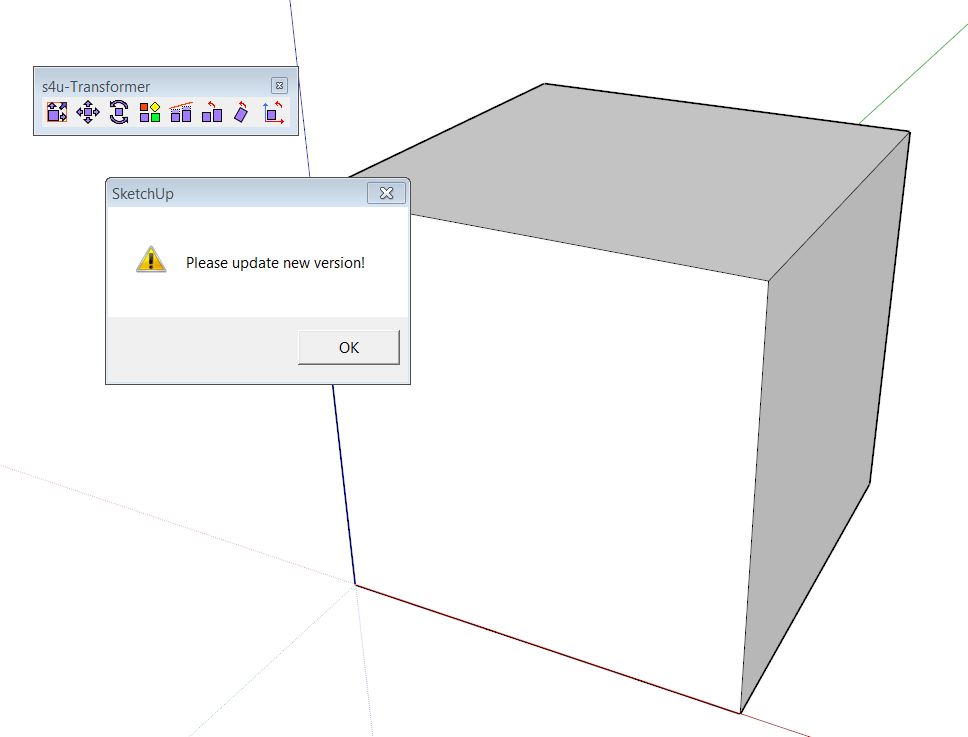
I have used it for some time and it worked great so far, but since a few days I get the message
that I should do an update as soon as I use the plugin (please see screenshot). This is the only plugin that causes this error by now.
I run SketchUp 2013 Pro and SketchUp 8 Free on Win7 64bit. I get this message on both versions.any help is appreciated - thank you
-
RE: [Plugin] Camera Tools
Thank You
only half as good without your plugin !!by the way: it has remained in the dream and there was only enough for a beetle which was also a good car
)Regards !
-
RE: [Plugin] UVTools v0.1
Hi All,
Since I use Artisan, I have the need to improve my uv-texturing skills
I want to use the UV-Tools plugin but I don´t get it to run on SketchUp 2013 - I´m certainly
doing anything wrong. The only footprint is the "UVtools.rb"-file (?) but inside SketchUp
I dont´t get any icons or any context menu
I appreciate any help -
RE: [Plugin] Scale and Rotate Multiple (UPDATED Dec 22, 09)
once again THANK YOU! - A wonderful tool that I use almost daily
-
RE: [Plugin] Make Fur v.2.1.0(20140323)
... such a great tool and so much surprising fun !!
)Thank You so much Tak2hata