Oops, your profile's looking a bit empty! To help us tailor your experience, please fill in key details like your SketchUp version, skill level, operating system, and more. Update and save your info on your profile page today!
🔌 Easy Offset | Offset selected faces in SketchUp in positive and negative offsets. Download
 Offline
Posts
-
RE: MSPhysics 1.0.3 (16 October 2017)
@anton_s said:
Hi, gilles,
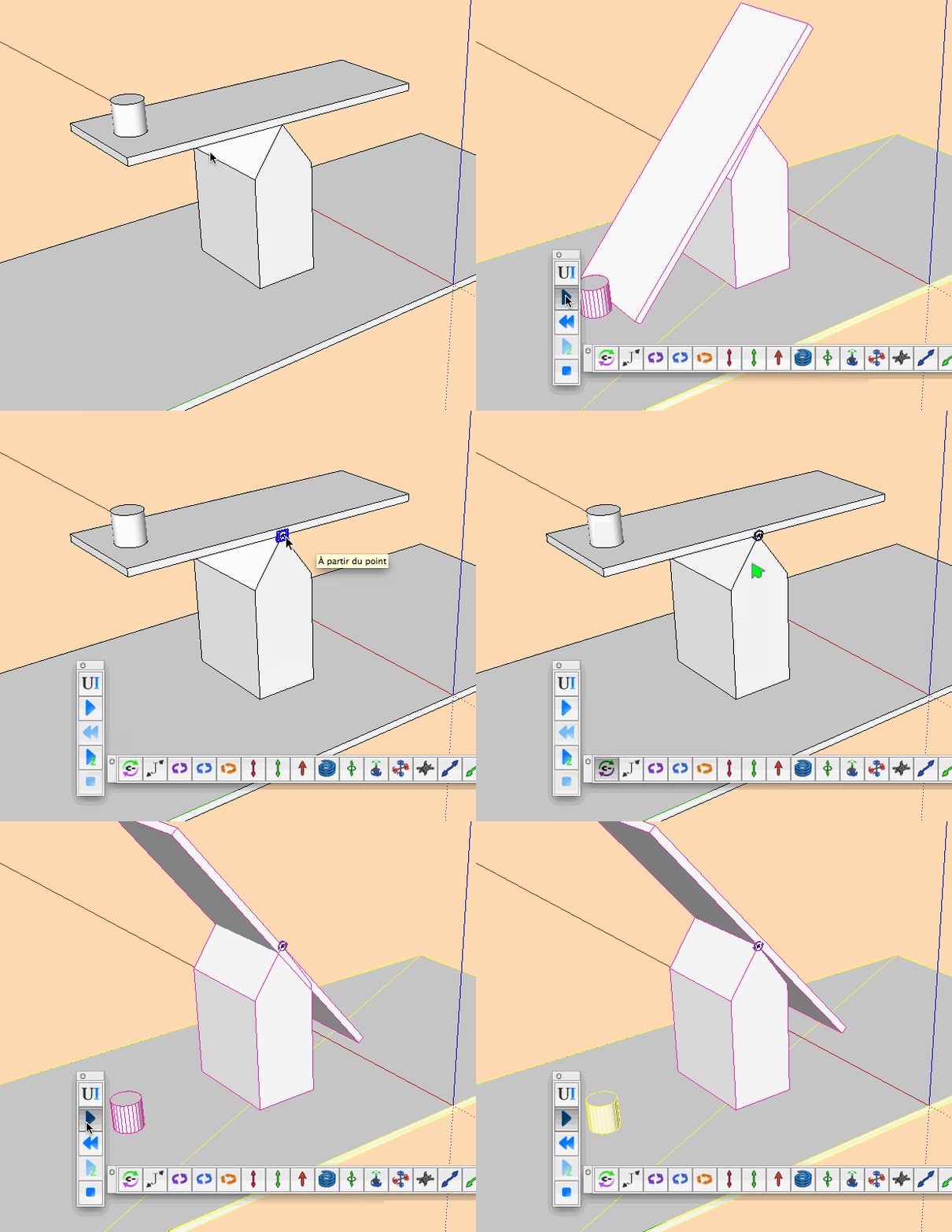
To fix that, you have to select the joint, open MSPhysics UI, and check the "connected collide" option.
Regards,
AntonWorks fine

A lot to dig in, I go back to the mine.
-
RE: MSPhysics 1.0.3 (16 October 2017)
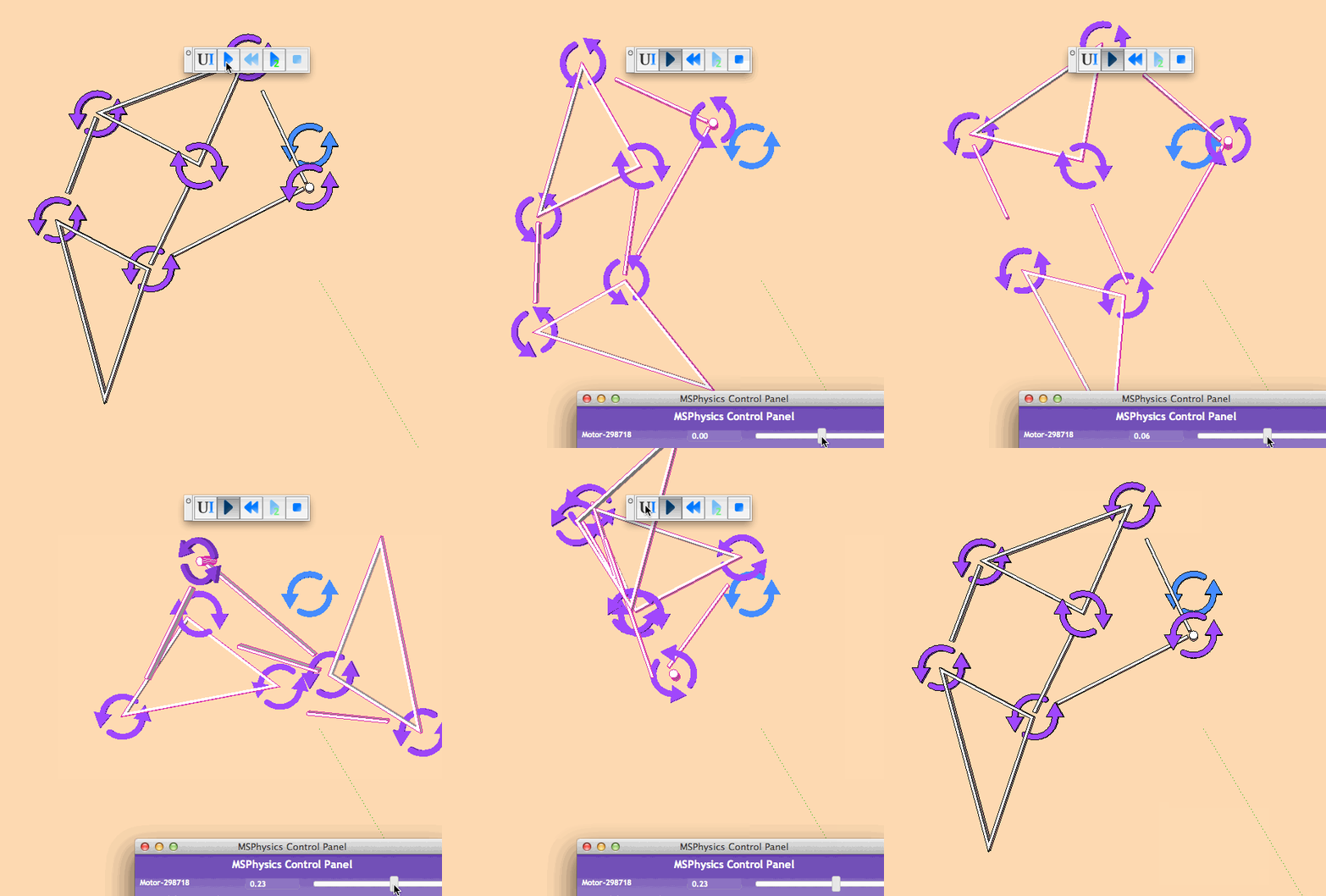
I think I have some issue with hinge when I link it to a parent:
Mac OSX 10.8.5, SU2015.
-
RE: Flatten a pipe
Fine, scaling up to X100 and processing a hole works fine and gives a solid.
-
RE: Flatten a pipe
It may be tiny surface issue so scale up the model to X100 or X1000 before perform such operations, and post your model in SU 2015 version please.
-
RE: Bumps went guly on surfaces with rounded shapes inside
Could you the sketchup geometry with hidden geometry on, and post the model in V15?
-
RE: Flatten a pipe
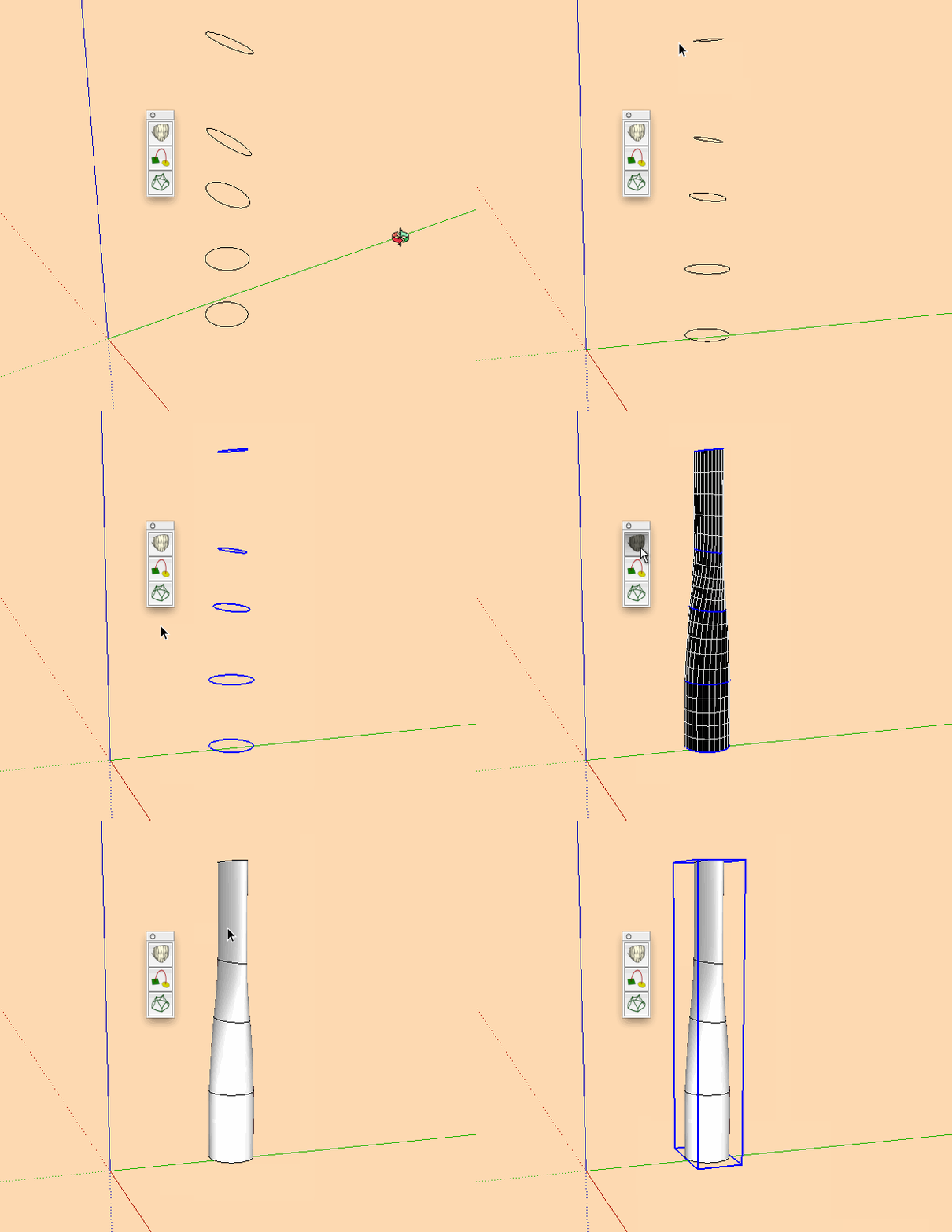
Not exactly what you want but the method.
Curviloft:
http://sketchucation.com/forums/viewtopic.php?p=248195#p248195
-
RE: Une idée sur ce tracas?
Va falloir arreter les louanges sinon je vais avoir du mal à passer la porte de chez moi et j'ai du boulot demain.
-
RE: Une idée sur ce tracas?

Plugin Store Download | SketchUcation
Extending SketchUp has never been easier with a suite of tools that make installing and disabling plugins and extensions a one click operation.
(sketchucation.com)
-
RE: Une idée sur ce tracas?
@pilou said:
J'ai pas! (ni dans 2015, 20165, 2017)
Quel est ce plugin? (une couche de plus! )
)
En espérant que ce soit un "rbz"!
Mais je doute que cela résoudra mon problème du genre glisser un ".rb" classique dans le répertoire Plugins?
m'enfin, faute de grives…Extension store est le gestionnaire de plugins de Sketchucation qui permet de telecharger et gerer ses plugins.
Pour les .rb on peut les convertir en archive: .zip .rar puis changer l'extention en .rbz et utiliser/ sketchup/preferences/extensions/installer l'extension.
-
RE: Tensile tent form finder
@endpoint said:
Hi all,
For some time I am looking for a plugin that accurately forms a tensile tent structure form.
There is already the Soap Bubble plugin that works for simple tent forms.There also is a plugin that you can download form http://de.sergeferrari.com/serge-ferrari-sketch-3/ The problem is that it doesn't work with the newer SU versions. Is there somebody in this community that could take a look at the code of the script and do some recoding/debugging so that this plugin also can be used in the newer versions.
Your efforts will be highly appreciated.
Thanks in advance,
J-PMay be you could send a mail to Ferrari asking him if could update is plugin or share the code…
-
RE: ASSEMBLY / ASSEMBLAGE
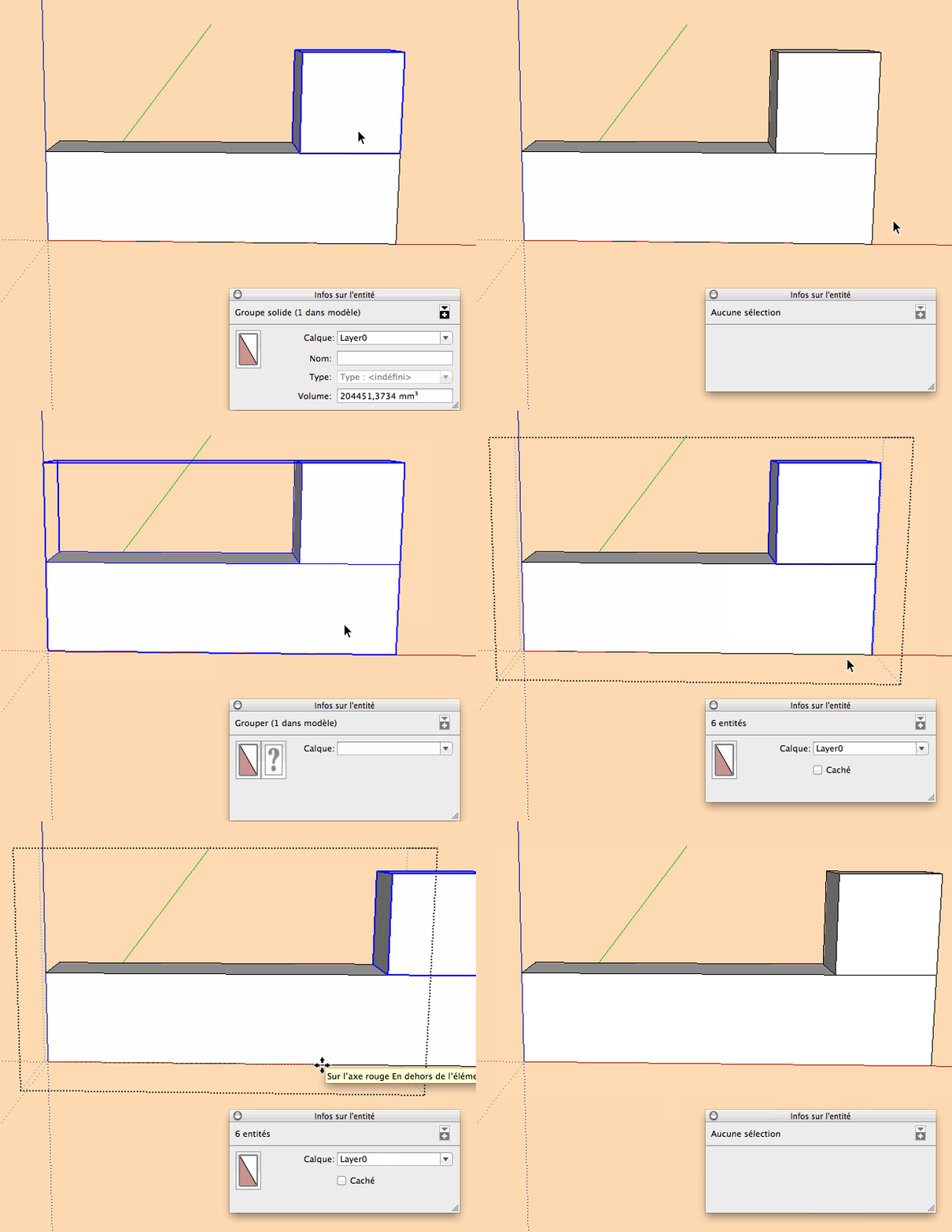
Inserer le groupe bleu dans le groupe jaune, selectionner le groupe bleu +la face du groupe jaune au niveau de l'intersection et deplacer de 300mm.
-
RE: [Plugin] Animator - v4.6a - 18 Dec 25
@fredo6 said:
@gilles said:
It would be fine for the "Screw" mouvement to have the option that it is the combination of translation+spin,or the combination of translation+rotation, so you could screw an object relatively to an external axis.
Screw is just a shortcut to Translation + spin by the same direction as the translation, and gravity center.
For a Screw movement with custom or exotic parameters, then it's better to design the two movements and group them into a reusable clip.Otherwise, doing it in the standard tool "Screw" would make the GUI too complex.
Fredo
This a good reason, thanks for reply.
-
RE: [Plugin] Animator - v4.6a - 18 Dec 25
It would be fine for the "Screw" mouvement to have the option that it is the combination of translation+spin,or the combination of translation+rotation, so you could screw an object relatively to an external axis.
-
RE: Il va y avoir de l'animation! :)
merci Fredo, on va charger la dernière version.
Encore bravo!!.
-
RE: Il va y avoir de l'animation! :)
@ Fredo 6, quelques infos sur disfonctionement de Screw?
-
RE: Il va y avoir de l'animation! :)
@gilles said:
@chri said:
@gilles said:
Mais à l'évidence, dans ton animation le filet de la vis ne suit pas celui de l'écrou…
Donc?Tu as raison ,Gilles, cela aurait du marcher , mais a l’évidence ,non !
On a même l'impression d'un mouvement de rotation en accélération alors que le paramètre EASING est sur linéaire.Voici fichier et parametres
Il faut que Fredo nous aide encore une fois .
Chri
Y'a un petit truc qui me gratte là, dans le fichier joint je pense que la vis et l'écrou tournent à droite.
Dans tes GIF visiblement l'écrou est a gauche… Quelque chose qui m'échappe?L'écrou est bien dans le bon sens, c'est soit un mirage soit un coup de fatigue soit un verre de trop, vous pouvez voter.