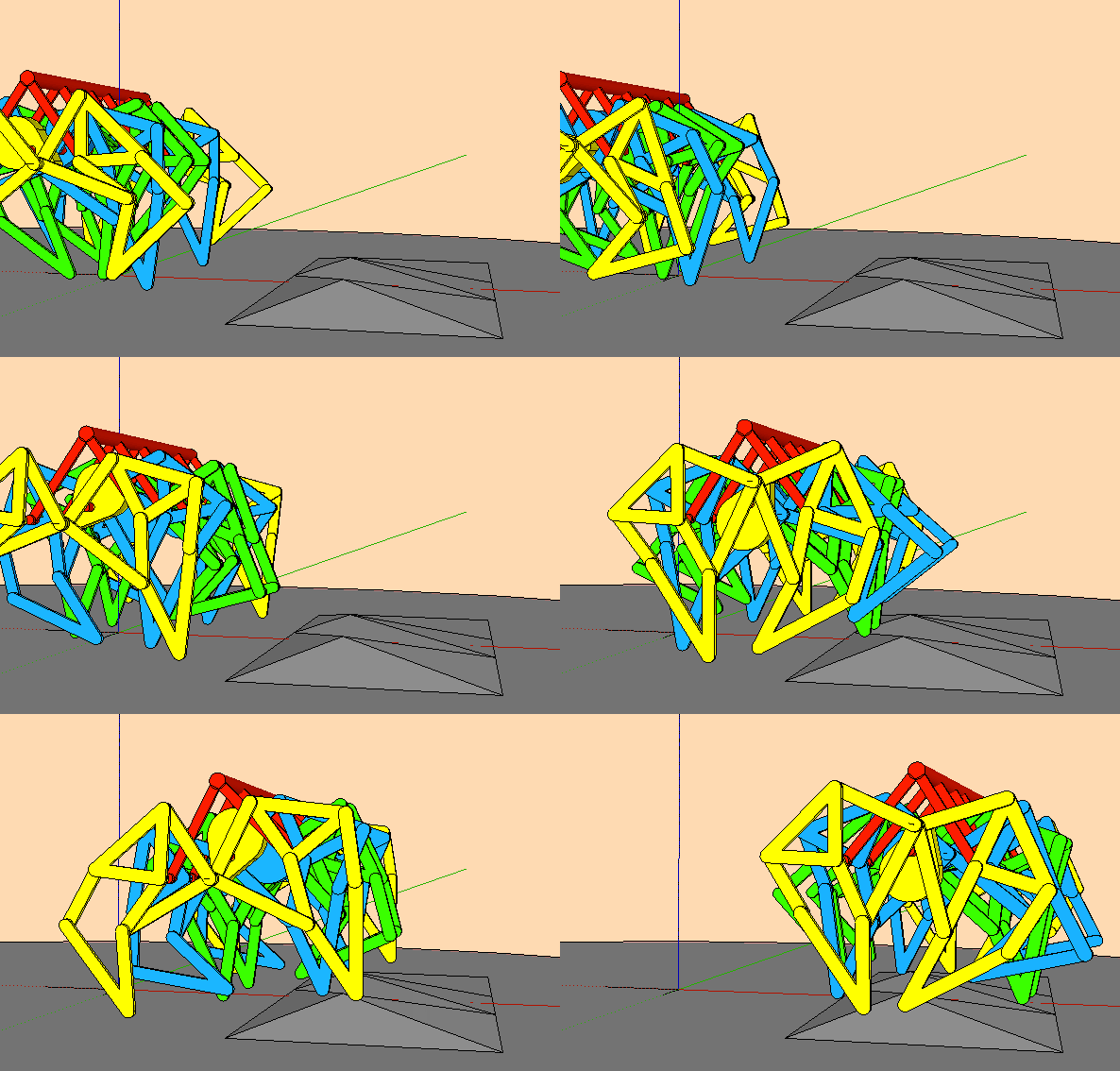
The model is far from perfect, so do one by yourself if you want good results.
Oops, your profile's looking a bit empty! To help us tailor your experience, please fill in key details like your SketchUp version, skill level, operating system, and more. Update and save your info on your profile page today!
🔌 Easy Offset | Offset selected faces in SketchUp in positive and negative offsets. Download
 Offline
Posts
-
RE: Complex surface divide into regular quads
-
RE: Cette fois je n'utilise pas Sketchup, ouf !
Des lions se serait bien…et puis des martyrs?
-
RE: Cette fois je n'utilise pas Sketchup, ouf !
Des lions se serait bien…et puis des martyrs?
-
RE: Insert Component by "Drawing"
You should post to dynamic components.
-
RE: Young Banksy
Never seen this kind of pavement before, is this a local pattern?
-
RE: How to create a model "skin" for 3D printing
You should post post your model SU V8 so everyone can open it, also if some of the groups are not solid try Solid solver (TIG) or/and solid inspector (Thomthom).
Then select all the groups you want to intersect with the major group, explode them and group, you should have a solid group; proceed outershell. -
RE: Complex surface divide into regular quads
Lot of work after this to make a decent model…
-
RE: How to create a model "skin" for 3D printing
You should have use boolean first, now you can group your geometries and try Solid Solver.
-
RE: [Plugin] BezierSpline - v2.2a - 22 Apr 21
@surfmike said:
Hi! Is there any chance to override the maximum segments (300s) for each bezier curve made?
//MikeSelect the 300s curve, right-click/Explode, right-click/Convert to Catmull spline = 1800s.
-
RE: MSPhysics tests and questions
Just playing with basics,
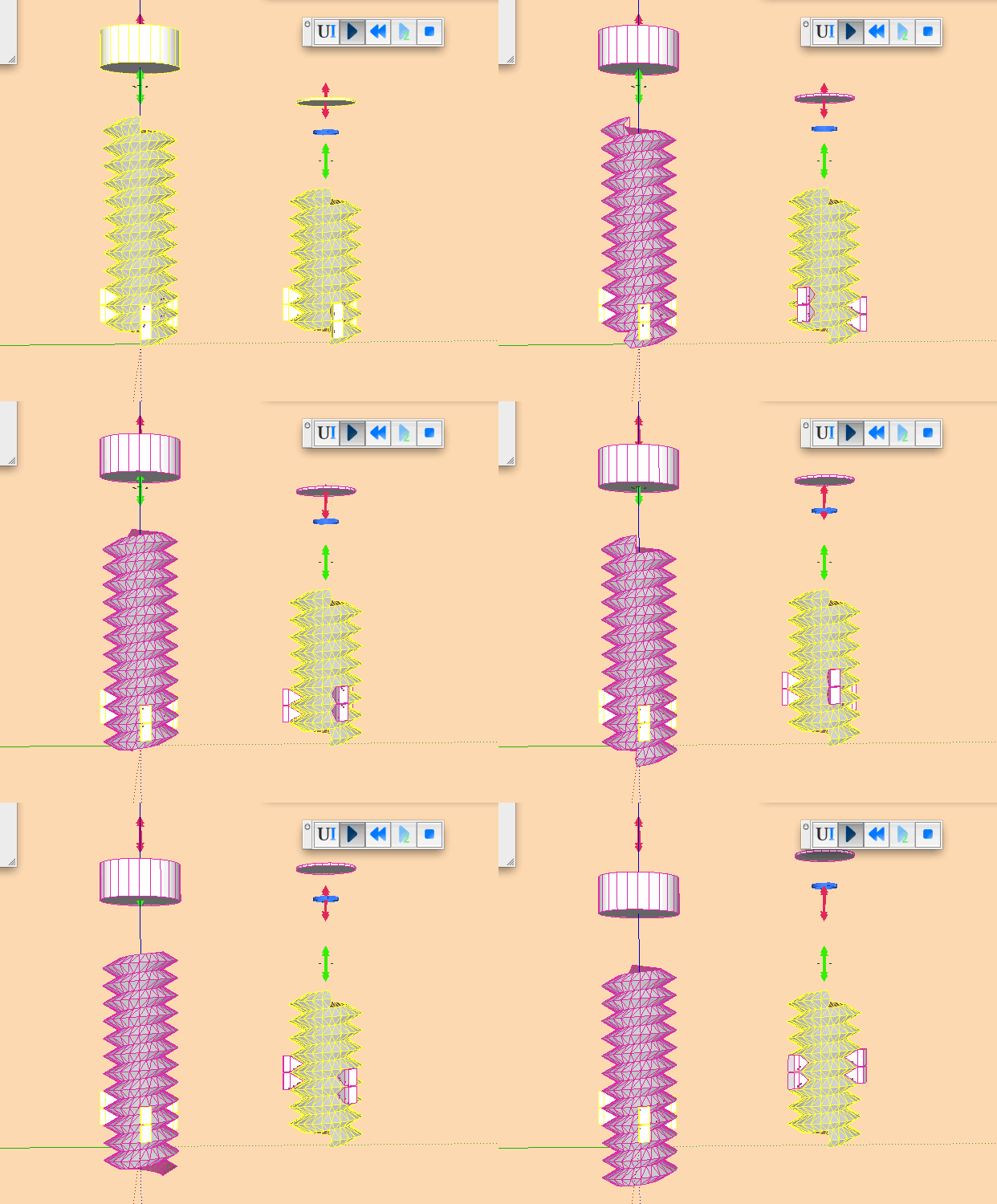
brought me to some questions:When you at the screws,
-one is static mesh and is collision shape fits perfectly.- to achieve the same collision shape for the mobil oneI had to it with several components.
Any reason the soft isn't able to calculate the same collision shape but not static?
To make those movements running well I used a workaround.
For rotation we have hinge, motor, servo.
For translation we have slider, piston, why not a linear motor?
For translation + rotation we have corkscrew, why not motor + linear motor , servo + piston, servo + linear motor , linear motor + piston?
For curve we have curvy slider and curvy piston, why not a curvy motor and curvy piston?Nota bene: just curiosity here, no request.
-
RE: [Plugin][$] Curviloft 2.0a - 31 Mar 24 (Loft & Skinning)
@surfmike said:
JGB,
Thanks for helping out, I fully understand your instructions.
However, when I color the line by axis it shows beziers with parallell red end lines (7,2mm on above, 0,045mm in the below line) in each half.
Maybe 0,045mm is too short to be recognized correctly, but in the final skinning group there's parallell lines alright even though 0,045mm became 1,06mm (see attached pic).
But the issue is that inbetween those perfectly parallell lines the skin gets a "V" shape... (???)
//Mikael[attachment=0:vpj5k8ov]<!-- ia0 -->red_line.png<!-- ia0 -->[/attachment:vpj5k8ov]
P.S The unconnected edges was a unpleasant result of copy/paste 300s beziers from SU2016 to 2015. D.S
You don't need to copy/paste from SU2016 to 2015, just Save as and choose the SU version.
Also when you work at this scale make a component, copy/paste this component, scale the copy X100 or X1000 and work with the copy, 0,045mm is far from the tolerance of SU to create faces.
-
RE: [Plugin][$] Curviloft 2.0a - 31 Mar 24 (Loft & Skinning)
[a
Hi.
The model consists of two components.
I've done all curves with "Classic bezier curve", and all are "infinite curves" following the green/red/blue axis when placing control points.
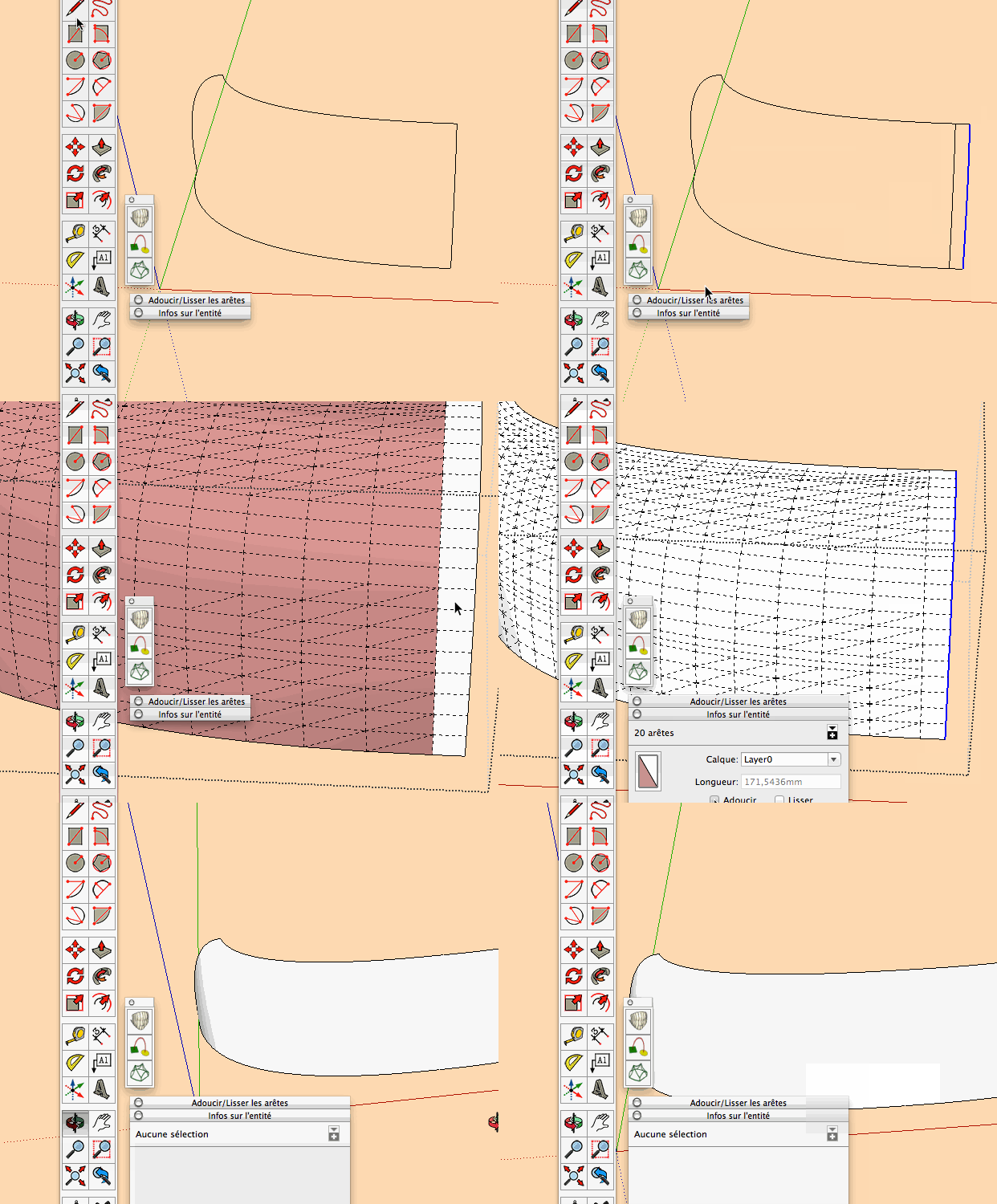
Still I got some kind of "V shape" in the front curved panel, see picture and file (concerning file size I had to remove the mesh).How can I avoid this? I tried to elaborate by changing settings but with no luck.
The person solving this will be a Nobel prize prospect...
Thx!
//Mikael[attachment=1:ni34c5df]<!-- ia1 -->Front 1.5 fix SUC.skp<!-- ia1 -->[/attachment:ni34c5df][/quote]
[attachment=0:ni34c5df]<!-- ia0 -->tangent.gif<!-- ia0 -->[/attachment:ni34c5df][quote="surfmike"][attachment=2:ni34c5df]<!-- ia2 -->Screen Shot 2016-12-16 at 20.44.08.png<!-- ia2 -->[/attachment:ni34c5df]
Give me the Nobel (don't forget the$
 ).
).
-
RE: MSPhysics 1.0.3 (16 October 2017)
I had issues with MS UI: modifying values, sometimes works sometimes not.

Then I notice this: typing a value +enter or tab does not work.

Typing a value + click outside the input box works…Just for anybody else having the same troubles.
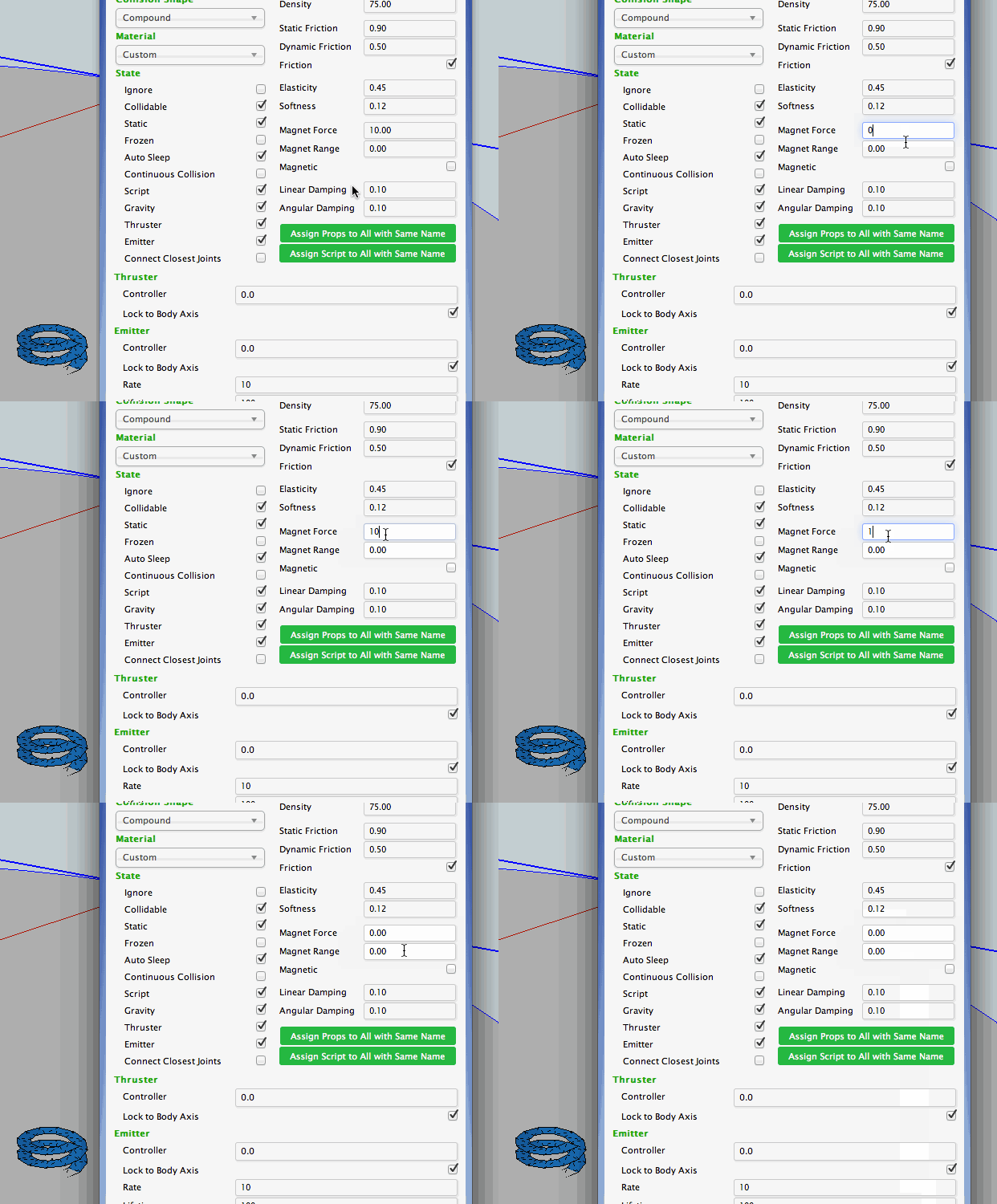
Mac OSX 10.8.5, SU2015.
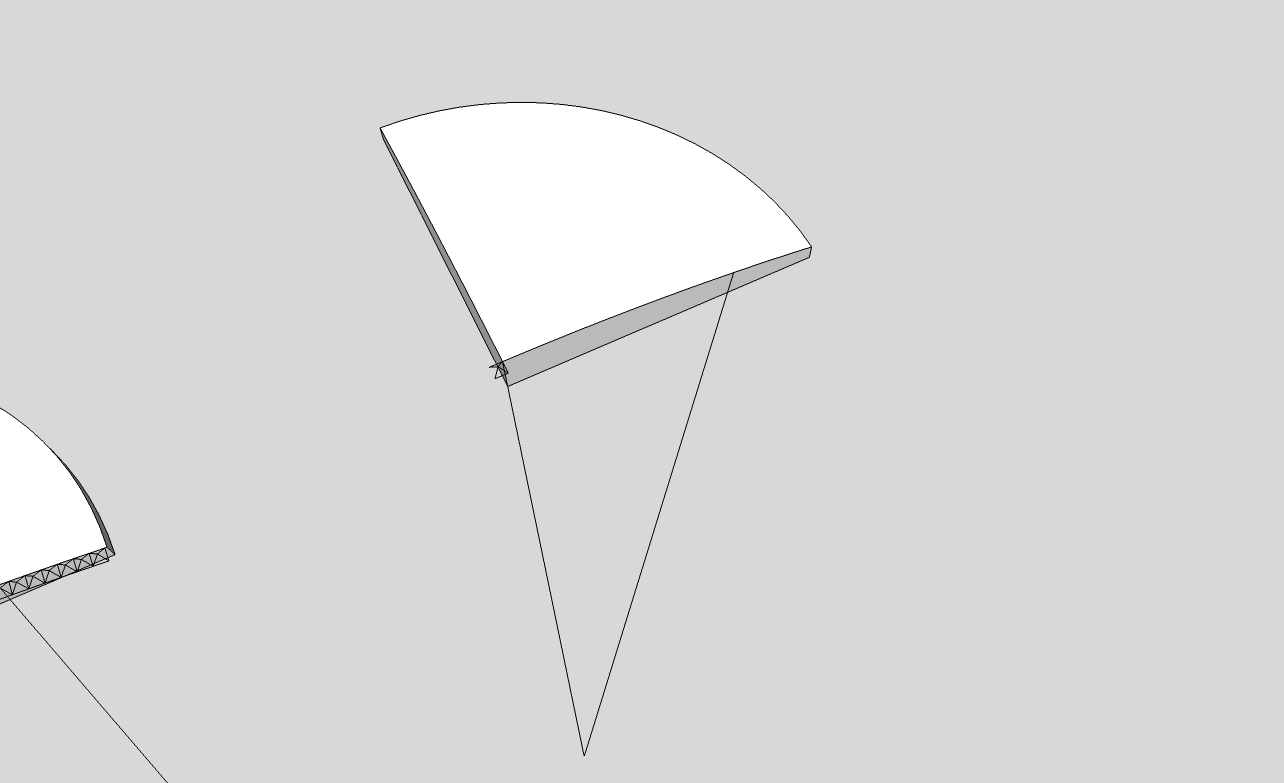
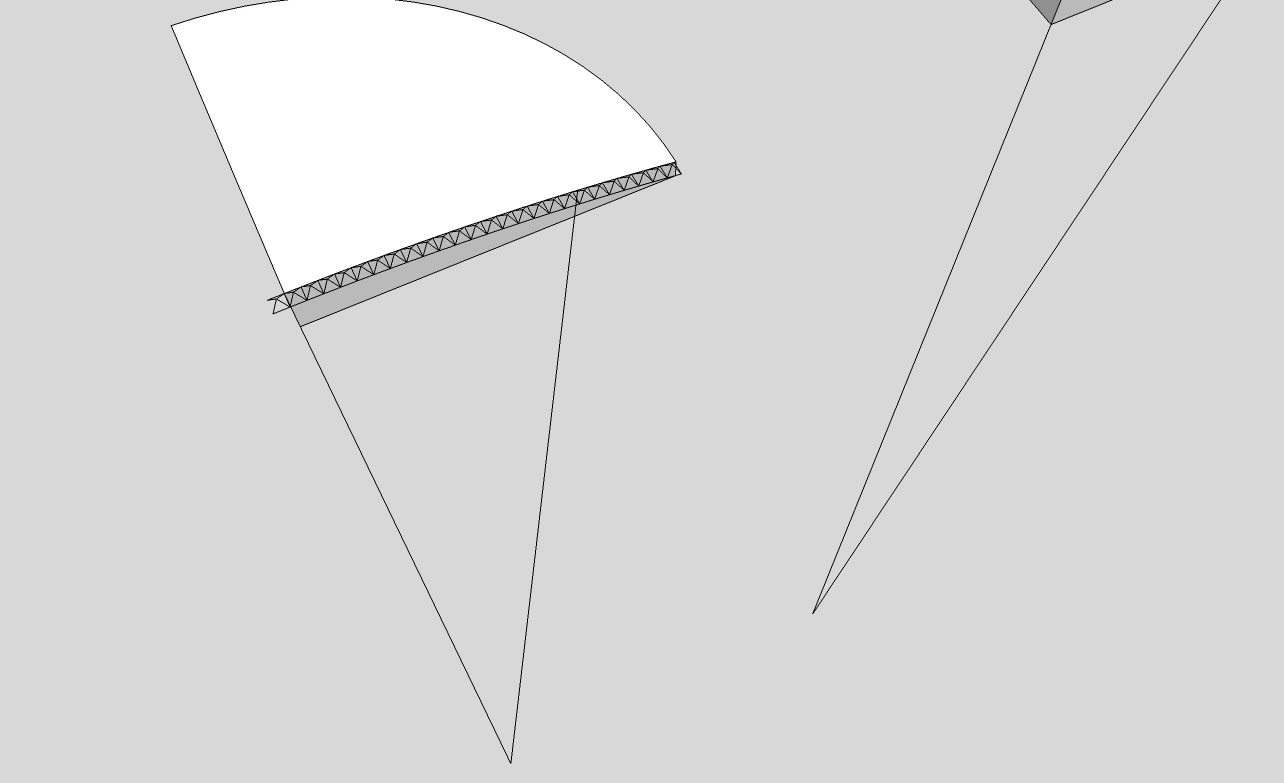
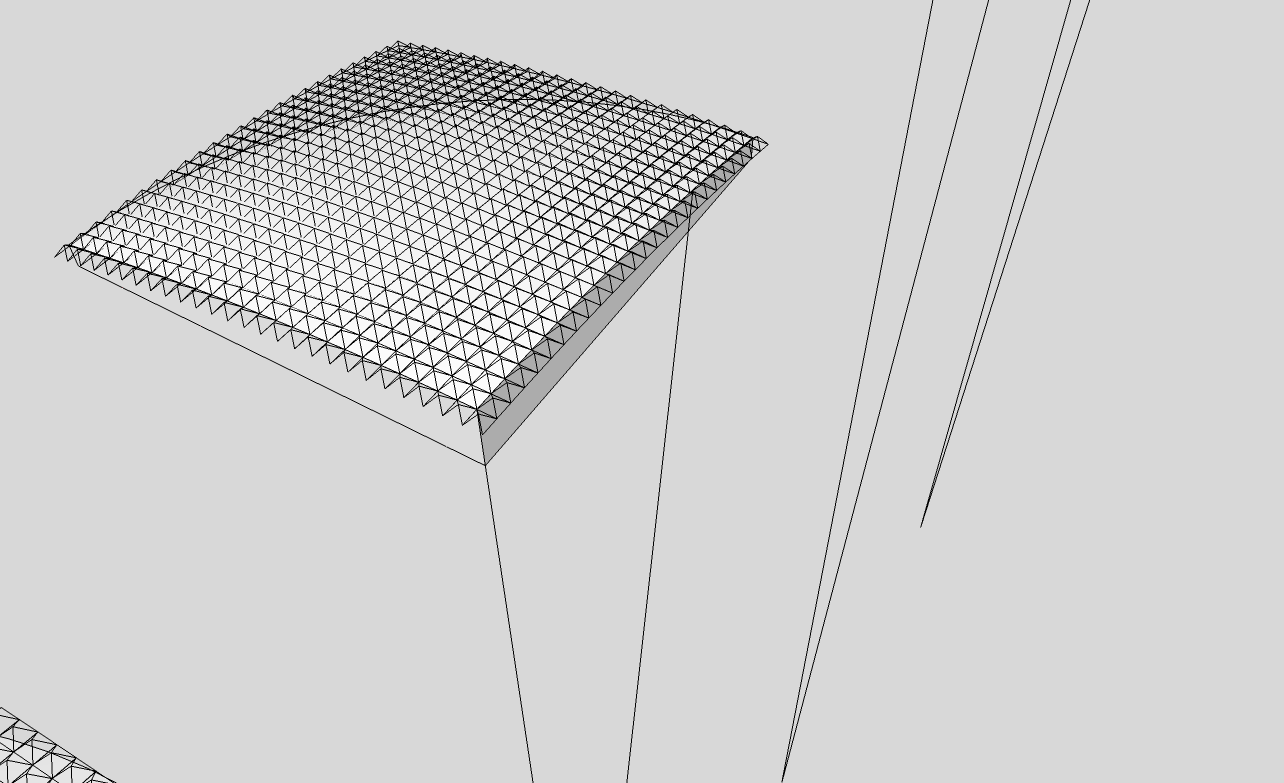
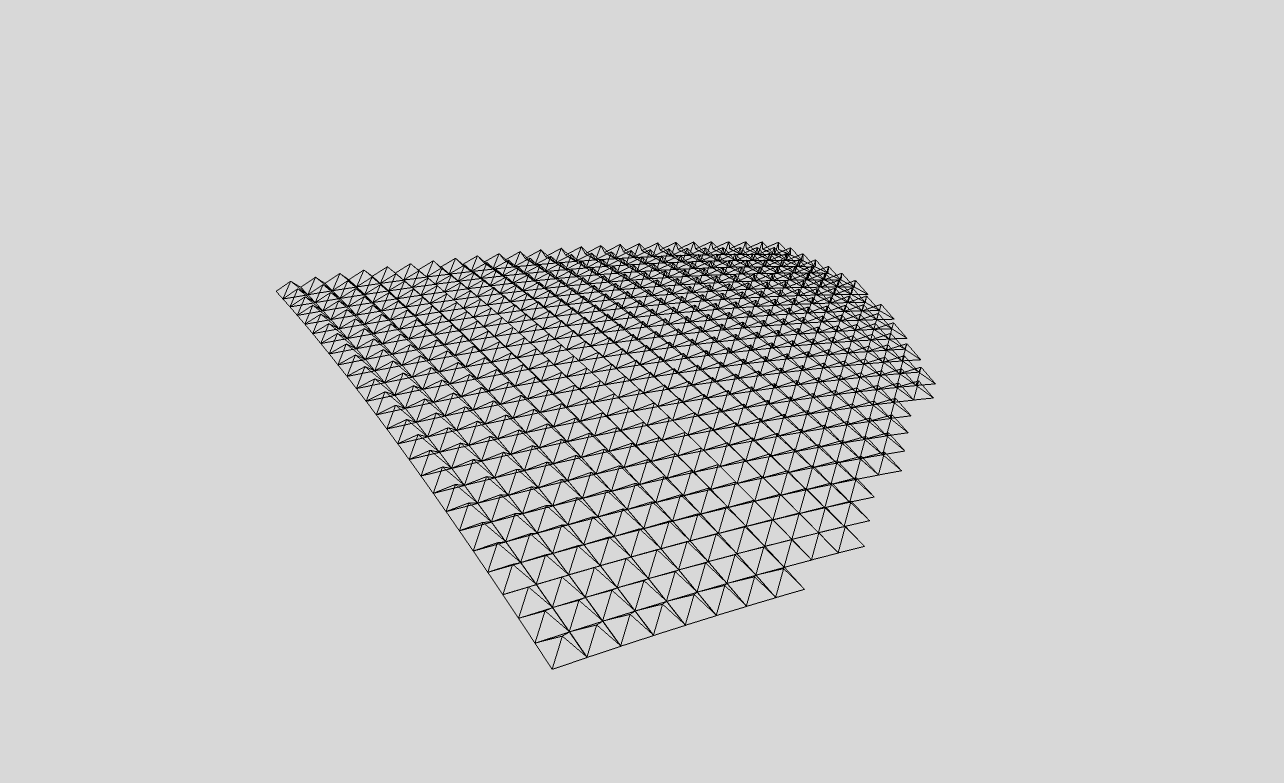
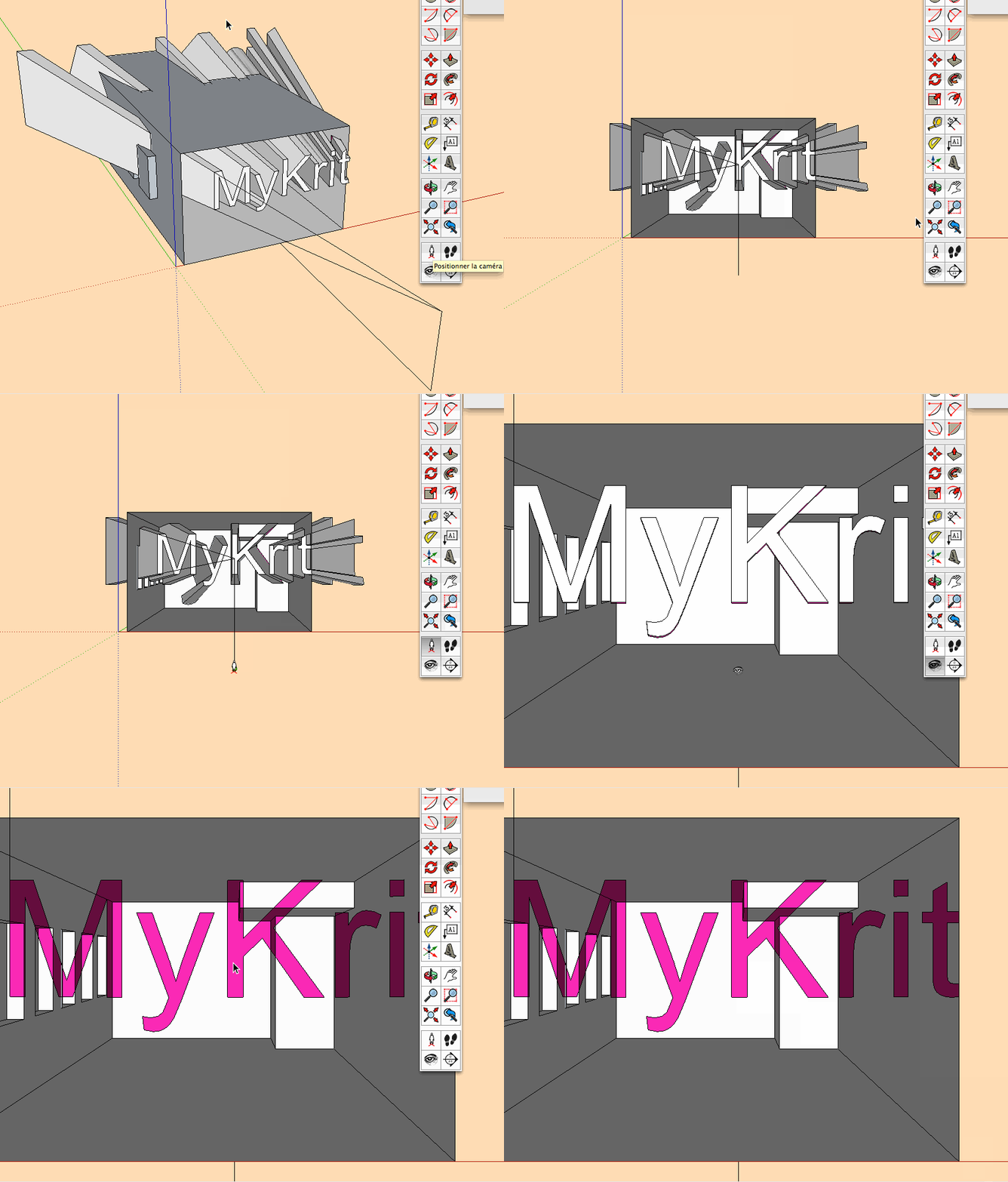


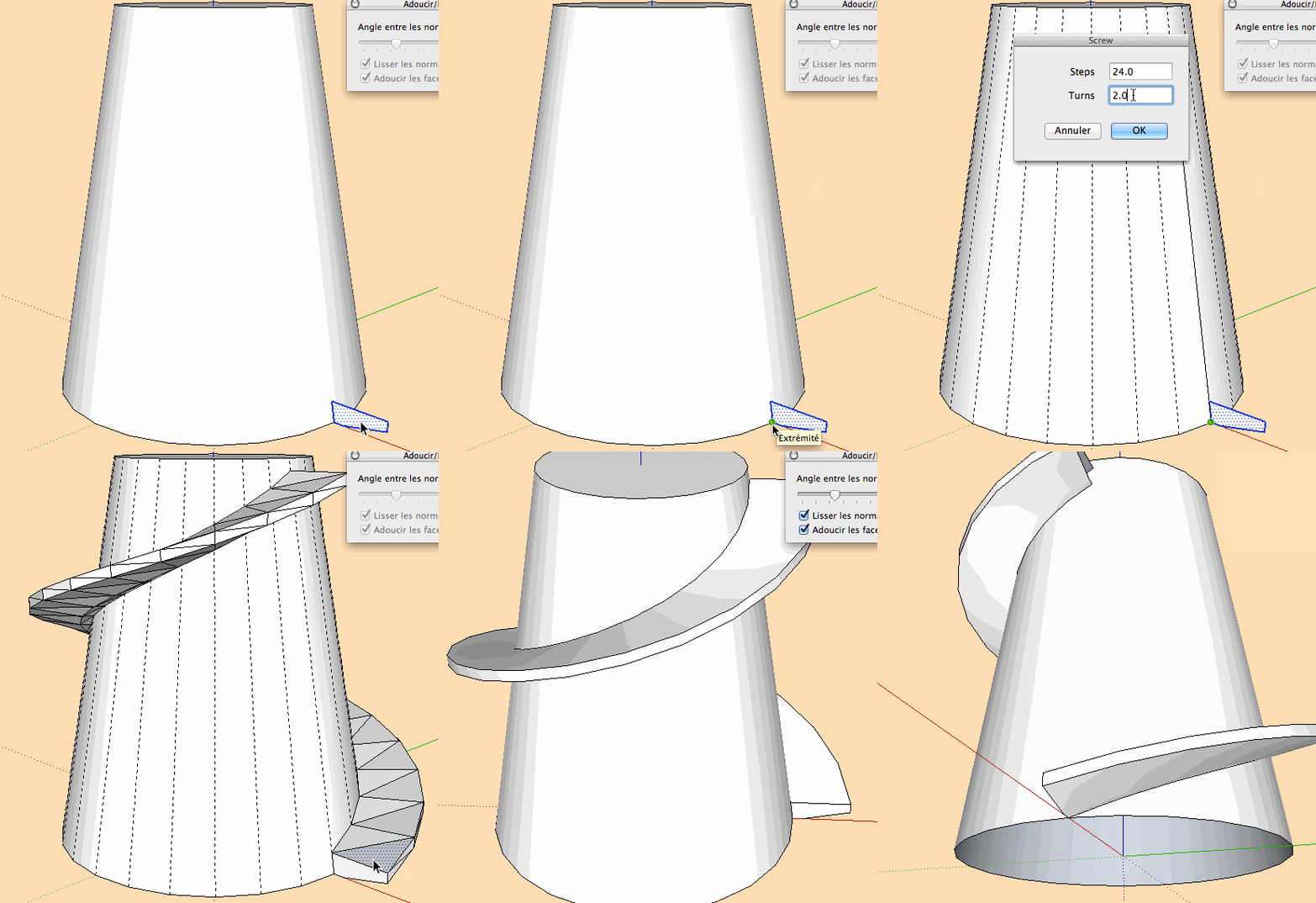 Something like this?