@cotty said:
@cotty said:
Not the direct way, but a kind of workaround:
- select edges
- extrude lines in blue direction (TIG extrude tools or Didiers Projections)
- Scale with shift pressed
- move up the scaled edges
Example:
[attachment=0:1yudu5tp]<!-- ia0 -->offset_noncoplanar.jpg<!-- ia0 -->[/attachment:1yudu5tp]
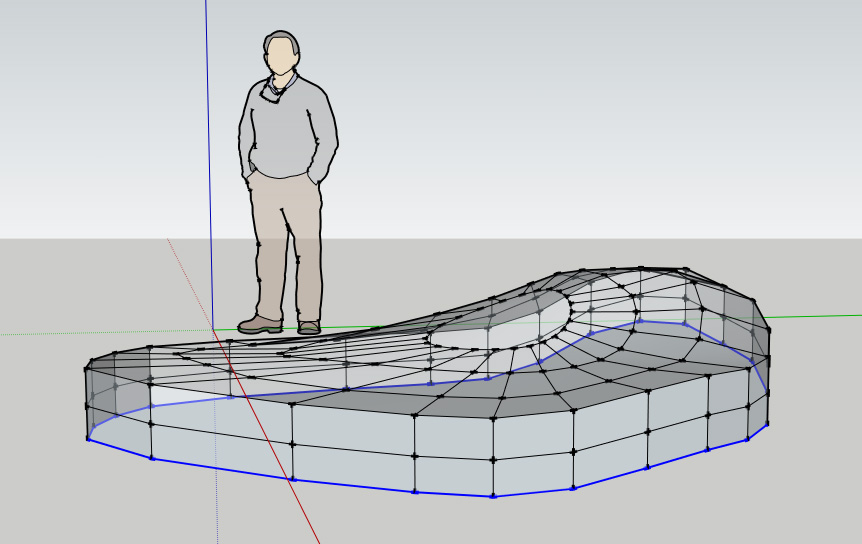
yes this is the offset im talking about. your workarounds are all fine but i want to know whether is possible to project out a face with equal distance ( as in normal coplanar offset)
I tried doing the scale from center by pressing ctrl but this will not give me uniform offset distance
if my object is not circular as your example..


 ' love sketchup modeling...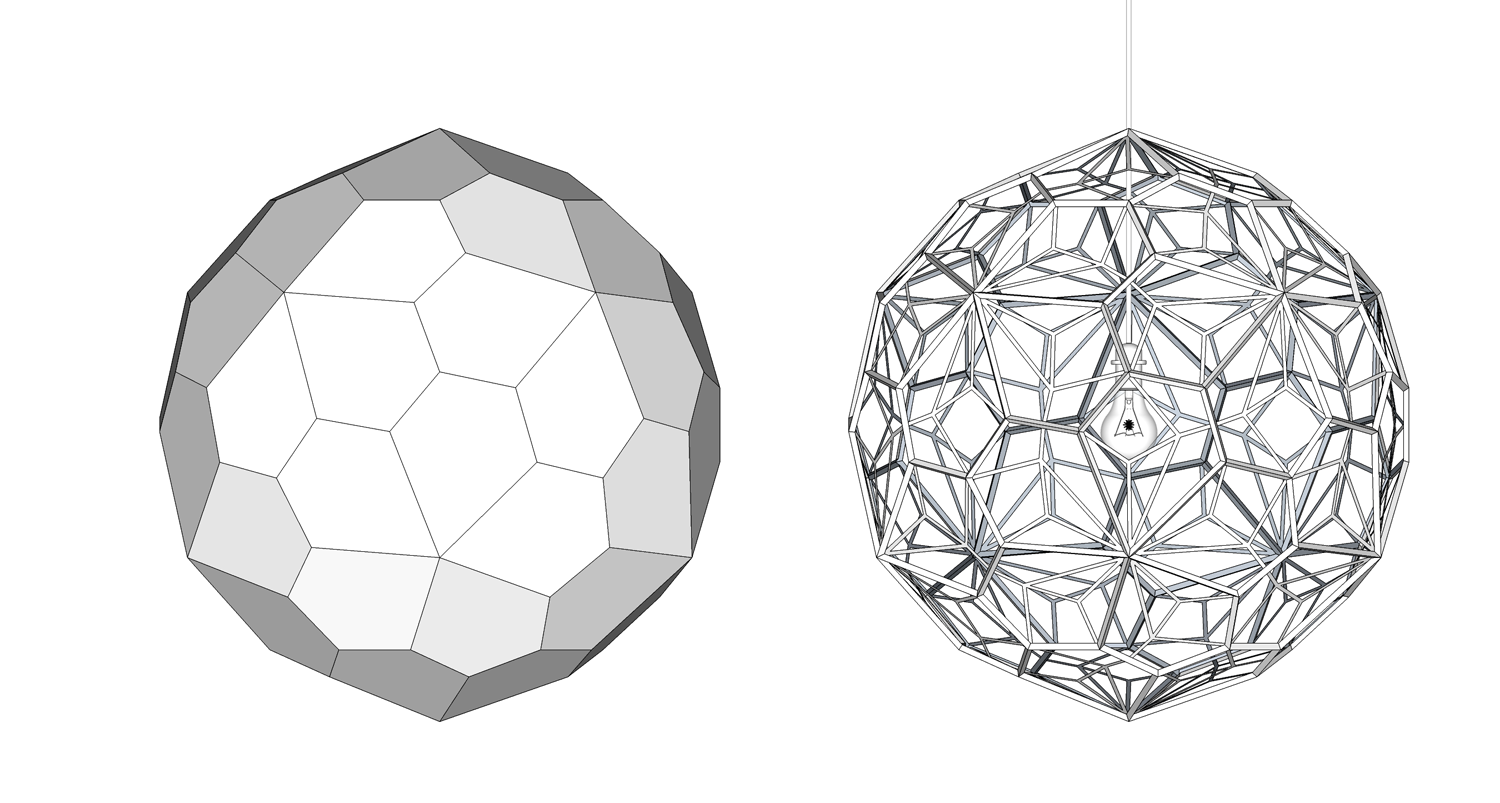
 ! Somebody said, "Clients don't look at the wires- they never count polys" They dont need to know the processs you went through to approve a design. If you consumed 100 hours against something done in 2 hours, but ultimately produces the same result, that doesn't make the difference. The ultimate winner is the one the client is most impressed with.
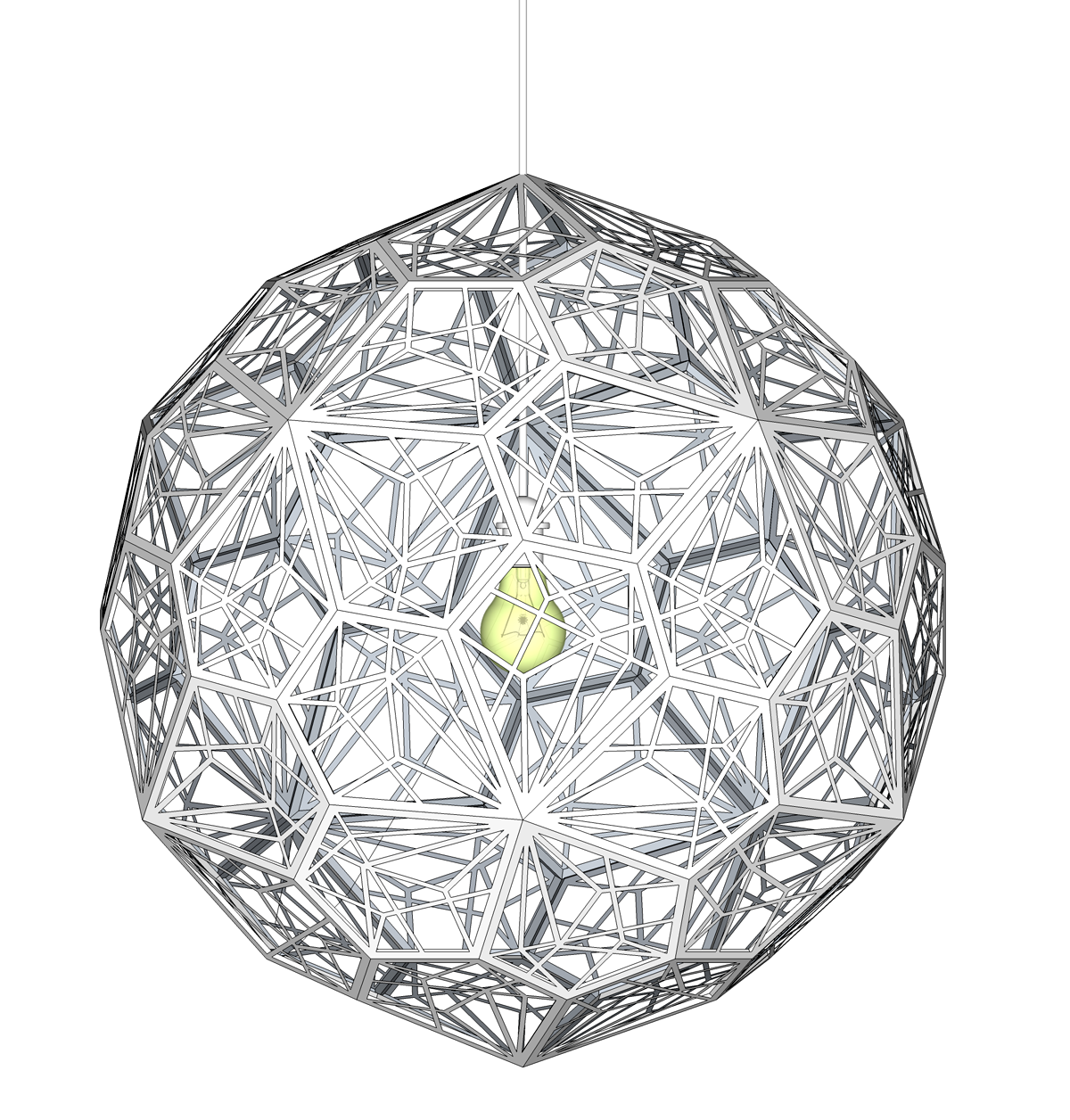
 and ask, will I ever get to do something like this?