Nice job, I really like the layout, could use some more renders. So how do you like Podium 2, I've been away from it for awhile now. Did you do your own coding for your site or use some software?
Mike
Nice job, I really like the layout, could use some more renders. So how do you like Podium 2, I've been away from it for awhile now. Did you do your own coding for your site or use some software?
Mike
I would make each block a group, then edit that group to import a texture.
Mike
This is a great place for help, if you could post at least a pic or even better the model, I'm sure you'll get plenty of advice and help.
Mike
Thanks for the comments David. About it being flat, I did desaturate the image some cause it seemed too colorful before, maybe I did it too much. Also the setting is pretty accurate. Thanks again.
Mike
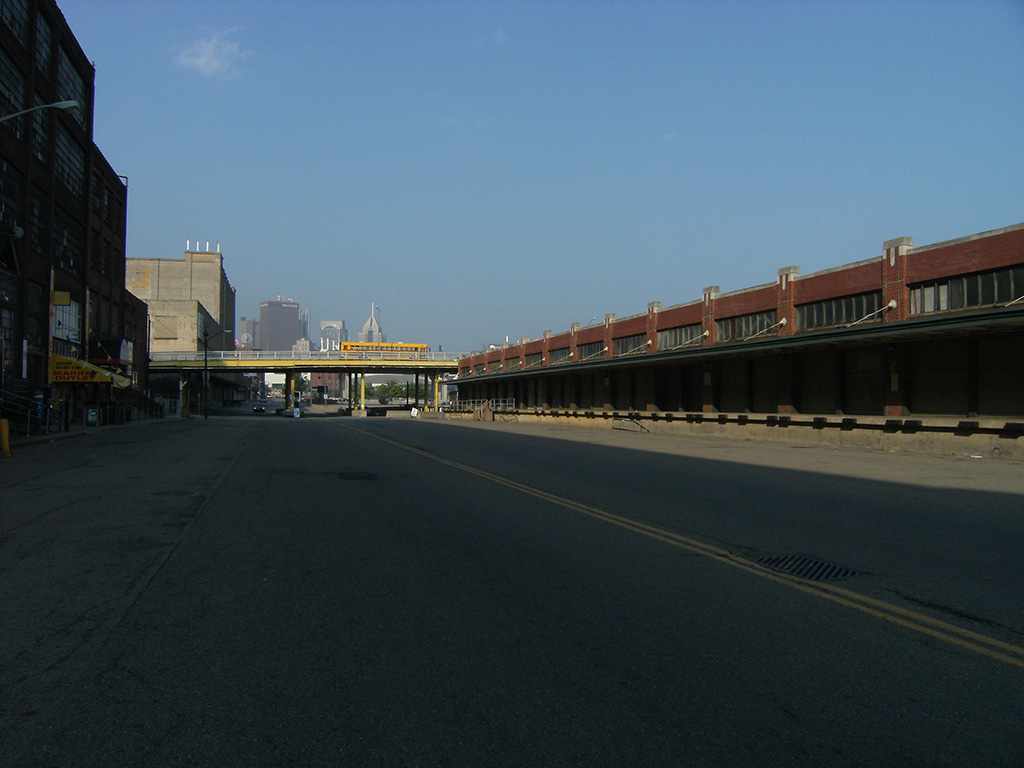
I think that I've been looking at this too long, but "something" just seems to be missing. I need some C&C from you guys. I already got the obvious, like the shrubs and table and chairs. Need some "wow" to this image. Thanks.
Mike
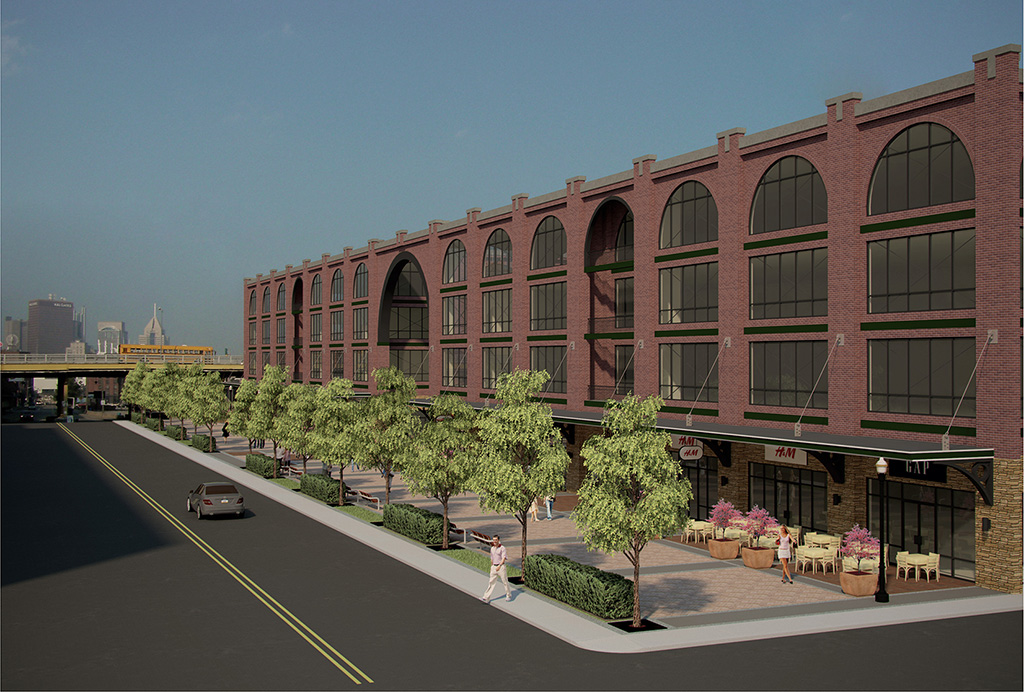
Make the alpha channel visible, the other channels invisible, then make sure you are working on the alpha channel, use select by color range to pick the black background. Now make the other channels visible and the alpha channel invisible, go back to your layer, the background selection should still be showing, cut, now you can place your new background behind your layer. Or you could save the selection, open whatever image you want to use for the background and load your selection, cut, now you can place your new background on top of your layer.
Mike
What you are referring to is called level of detail (LOD), it's used by video games, as you move around, close objects are highly detailed, mid range objects less detailed, and far away objects may just be something as simple as a cube with a texture mapped to it. You can also model this way in SU, think about how your scene is gonna be setup, model objects that are close to the camera with lots of detail and less detail the farther away they are from the camera. There is no feature in SU to do that automatically. The best you could hope for is some kind of plugin, if it's even possible. You would probally have to make three models (high, mid, and low detail) of everything you wanted in your scenes and the plugin could replace objects based on camera distance but I don't know Ruby so like I said, don't even know if it's possible.
Mike
Mine never seem to be the exact same size so normally I just follow this go 2 school tut, http://www.youtube.com/watch?v=SZWYtDDbSFY
Mike
fymoro, you can try this to reduce your file size. Make a patch of your carpet, explode your fur group, erase everything except 3 or 4 carpet strands, then make those strands a component, then run the fur plugin using the make from compnent instance feature, you'll have to adjust your settings till you get what you like. Thats what I did in the scene below, it has a large contured site, quite a few 3D trees, and lots of grass, but weighs in at 31mb, still managable working on, opening, saving, but it does take awhile for Vray to parse.
Mike
There's also Wire Fusion, they have a free version and a 30 day trial of the professional package.
http://www.demicron.com/index.html
Mike
Thanks. I've always thought that your renders were pretty impressive, now that I've learned you're only 17 and have only been using Vray for a year makes it even more impressive.
Mike
I would think that since SU on Mac doesn't have that option, that it's probably "built in" somehow or if not maybe you can control in in your graphic card settings. On a pc with no AA, straight SU looks like s@#t.
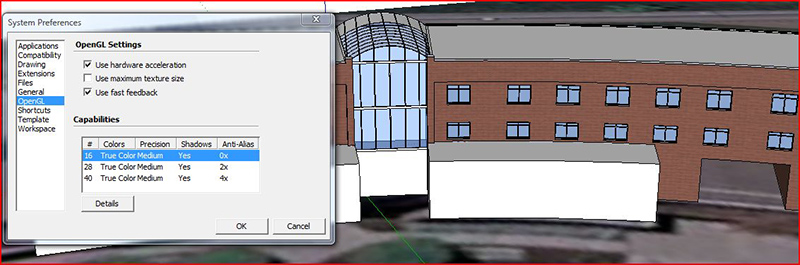
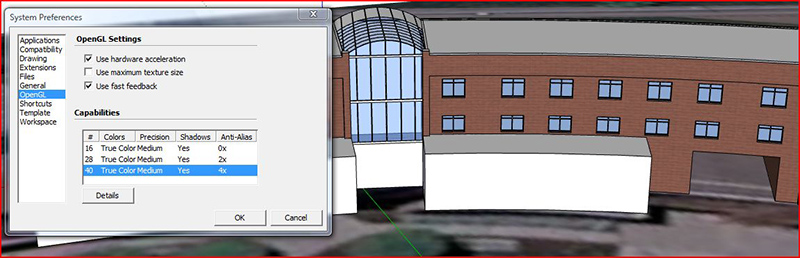
Chris, I really wasn't trying to compare to other forums or even hint at something negative, was just curious how viable a resource this forum is for say someone trying to hawk a plugin or rendering solution or any type of SU "accessories" I already know what a great resource it is for SU knowledge.
Mike
Better question, of those how many are pretty active in the forum?
I just tried to render your model in Podium, it did not finish processing geometry, I'm guessing that I ran out of RAM even though I have 4Gb, your model has almost 2 million faces. Alot of RAM is required for a renderer to process geometry for a large model. I will try in Vray also, it might allocate memory differently. A few things that you could try are, 1)Think about what scenes you'll be using and model accordingly, things that are farther away in your scene need less detail. 2)Maybe try a external renderer like Kerky or Thea.
Mike
The same happens to me though there isn't a consistent time pattern, sometimes it's like twenty minutes and other times it could be an hour. It's been like this for as long as I can remember, just got used to logging in again.
Mike
Two things really stick out to me, first there's some repetiveness in your street texture and second, the white is too white, smooth, and clean. Definitely think a slight bumpmap and some water streaks and dirt marks would help.
Mike