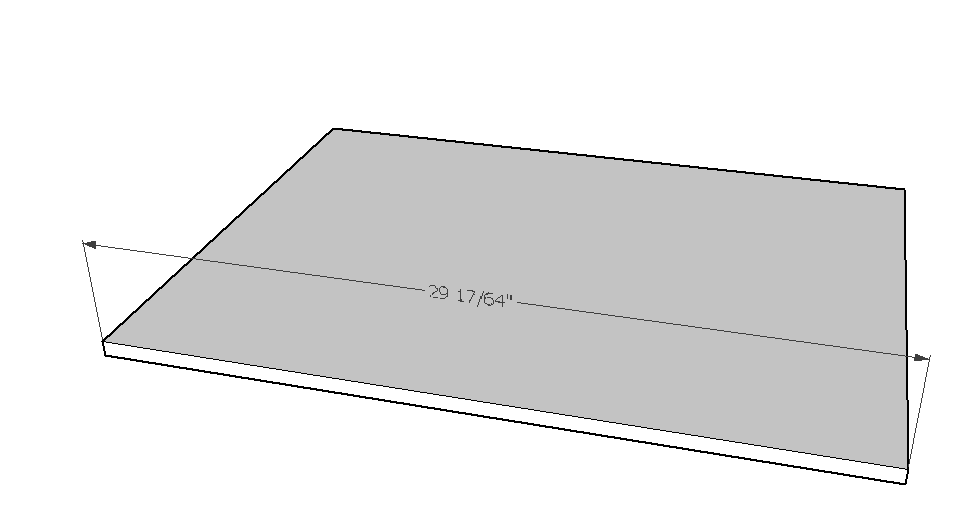
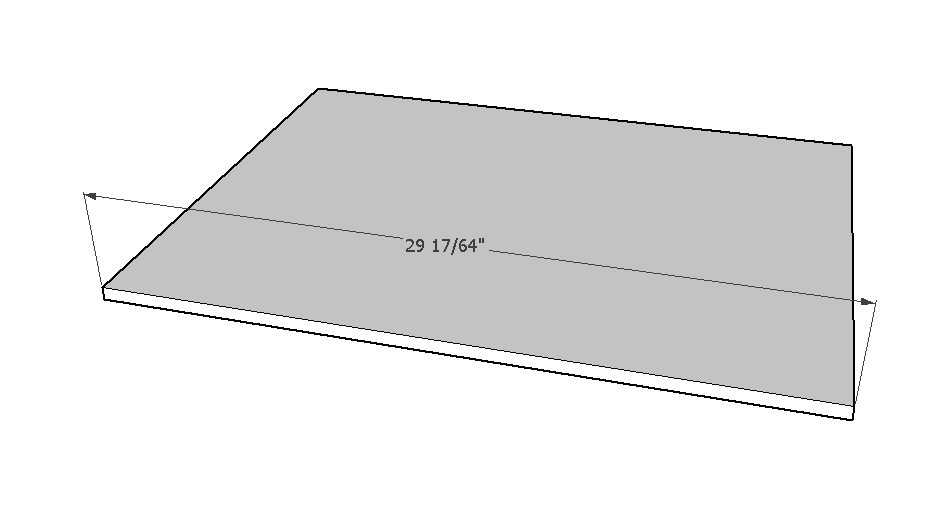
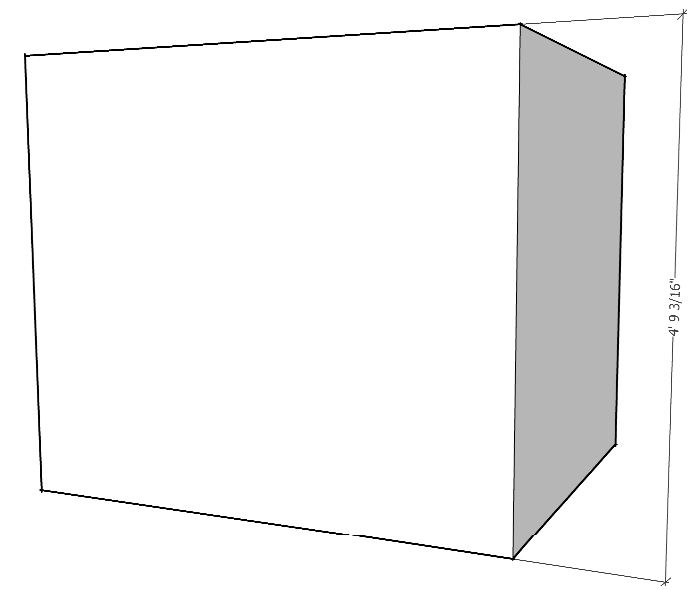
Measurment text in black area
-
I don't see it in 2015.
-
I see it in v2015.
-
I wonder why I don't have any issue on my machine with this.
-
@tig said:
I see it in v2015.
+1
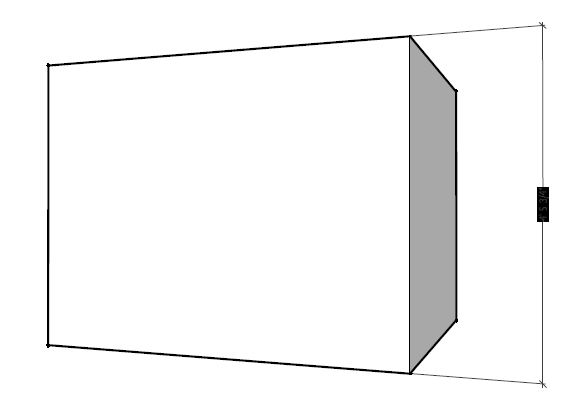
Camera set to Parallel Projection....default views (top/front/right..etc) gives expected results.
Perspective views not so much.Charlie
SUv15
MS Win7 64 Bit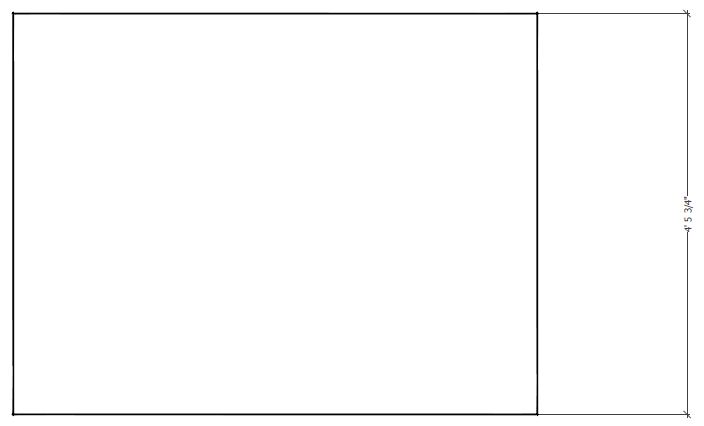
-
@dave r said:
I wonder why I don't have any issue on my machine with this.
maybe its due to different gfx cards / gfx card settings / OS versions / ...?
-
@dave r said:
I wonder why I don't have any issue on my machine with this.
Could still be Print Driver........I am using Adobe Acrobat ProXI.
Charlie
-
@unknownuser said:
@dave r said:
I wonder why I don't have any issue on my machine with this.
Could still be Print Driver........I am using Adobe Acrobat ProXI.
Charlie
So maybe the issue is more with print drivers? I don't have a printer connected to my PC and the default "printer" is set as One Note.
-
I get it when using PDF995, which I think uses some 'ghostscript' arcanery...
-
@dave r said:
@unknownuser said:
@dave r said:
I wonder why I don't have any issue on my machine with this.
Could still be Print Driver........I am using Adobe Acrobat ProXI.
Charlie
So maybe the issue is more with print drivers? I don't have a printer connected to my PC and the default "printer" is set as One Note.
My WAG......Printing w/HLR yields a partially vector based file....no? (lines are vector...& text appears to be raster....to me anyway)
I tested this using windows XPS writer.......which I am pretty sure saves as a .jpg or similar image file. (all raster)
I do not have any other print driver installed to test further.Charlie
PS:
XPS Writer does not black out the text.
-
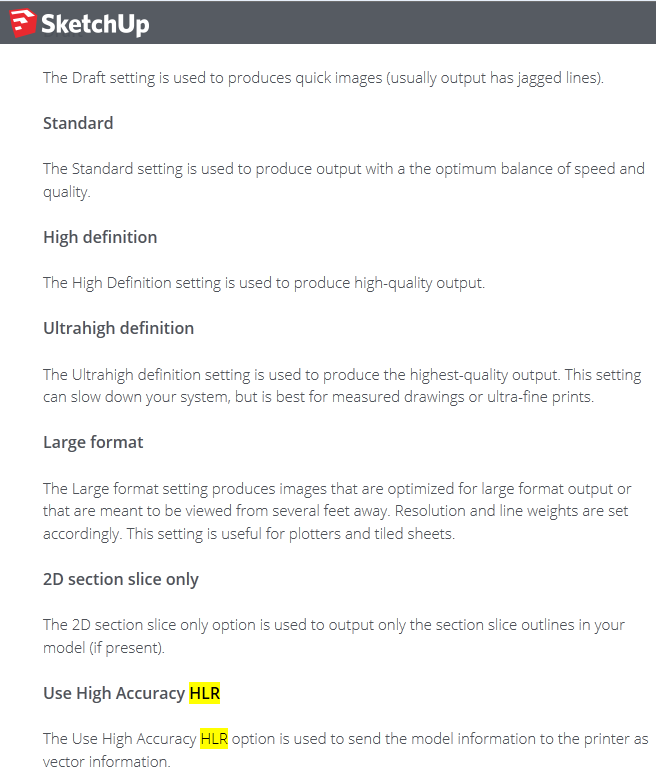
Just following up........I looked to the Trimble SU........Knowledge center.......(search) HLR.
As I suspected.......the HLR print (output) option is vector based output.
So...somewhere......somehow.....the black dimension boxes are cause/effect of......??
SU dimension text fails to convert/display as vector?
User "success" in printing to HLR (w/o blacked out dimension text) .....most likely does not contain any vector based attributes. (IOW: print driver is really printing as .jpg/or other "image" file)
I do not have an answer/solution.......but to say the HLR print option......when used with a vector capable print driver.......will unfortunately create the blacked out text/dims. as depicted above.
Best,
C


Hello! It looks like you're interested in this conversation, but you don't have an account yet.
Getting fed up of having to scroll through the same posts each visit? When you register for an account, you'll always come back to exactly where you were before, and choose to be notified of new replies (either via email, or push notification). You'll also be able to save bookmarks and upvote posts to show your appreciation to other community members.
With your input, this post could be even better 💗
Register Login


Advertisement