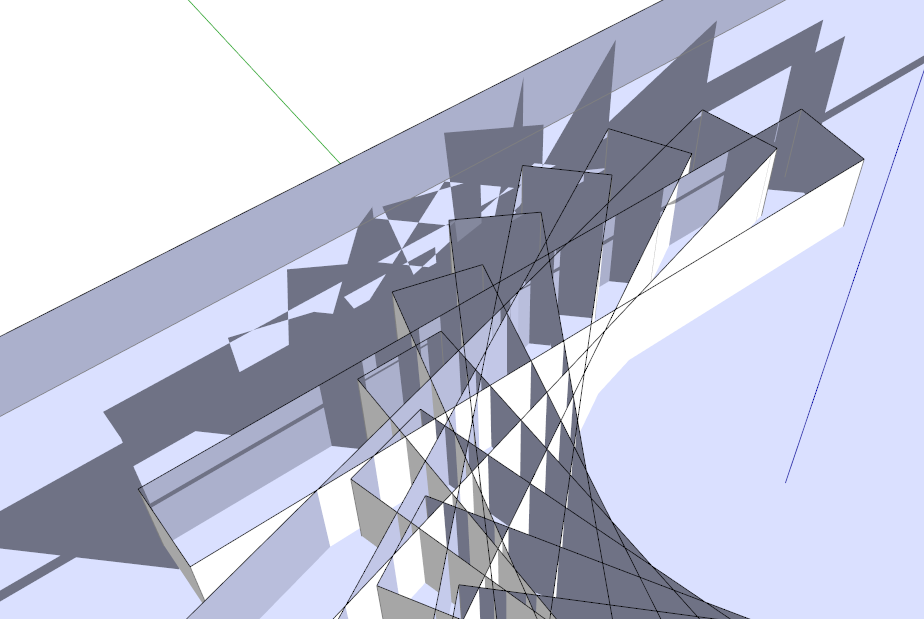
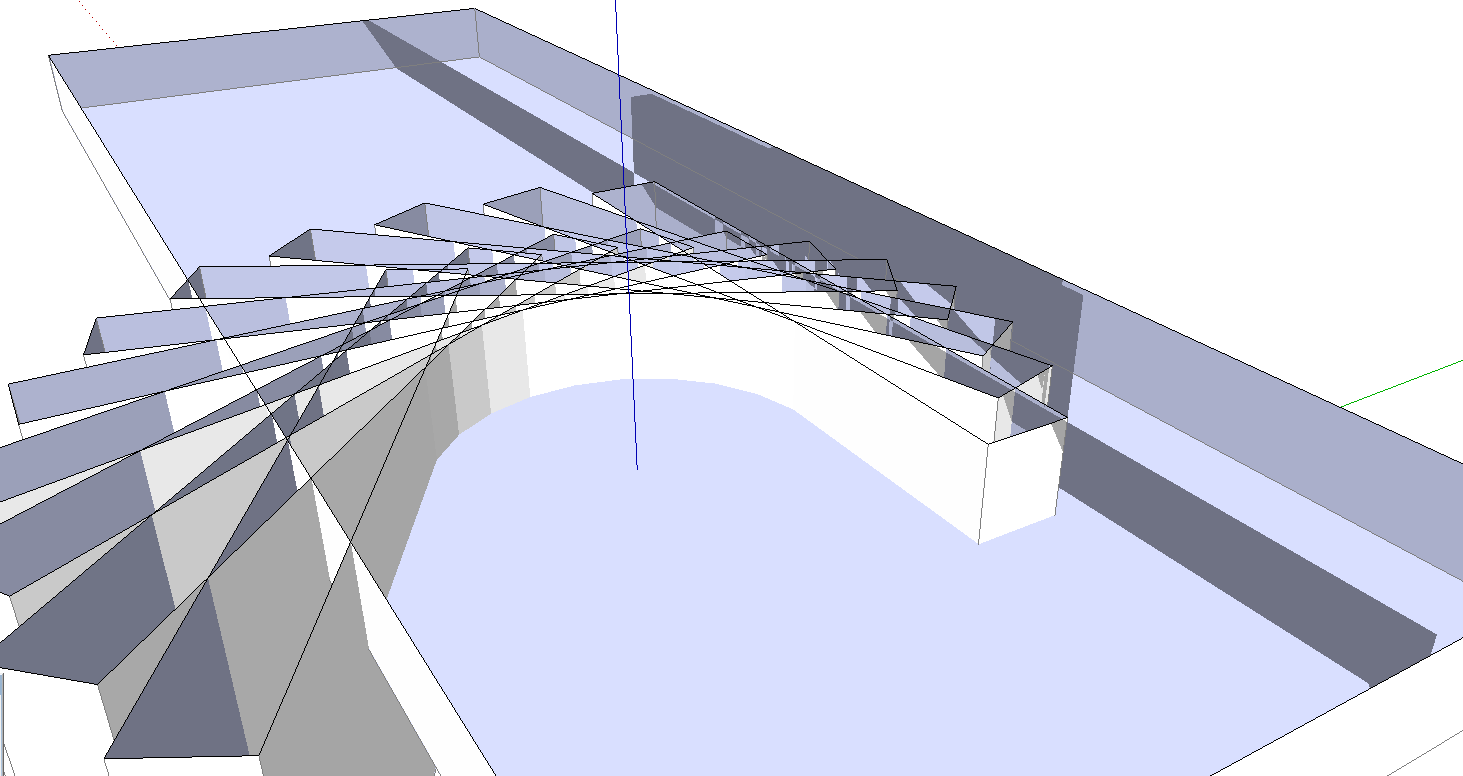
SU 2014 section cut shadow bug
-
See it here too
-
That's ground level isn't it? I can't tell as the file is 14 and I don't have that.
-
@krisidious said:
That's ground level isn't it? I can't tell as the file is 14 and I don't have that.
It's not ground level. The ghosted shadows are visible only when there's geometry behind it. With just the background behind the ghost - it's gone.
I can't reproduce it in SU2013 so must be new.
-
I see it too in your model. That is weird.
-
I see it too - PC v2014.
The geometry above the section_plane appears to be casting weird shadows on what's visible below it...
However if I purge unused in Model > Statistics the issue stops.
BUT if I only purge the unused Components it does not.
You have three materials called '$Irr Cache', '$Light Sprite' and 'glas'.
If I purge those [now unused] the issue stops, suggesting it related to the materials messing with the SKP's data-base - although 'fix_issues' does nothing !Very oddly... if leave the unused components in the SKP... but I 'Delete' any one of those three materials from the Materials Browser, that fixes the issue.
Deleting any one of them resolves it - as if something in the Materials data-base is foobar !A non-destructive solution [in case you want to use the components/materials later on] is to add a new material to the Model with the Material Browser's '+' button - this immediately fixes the phantom-shadow issue [
 ], even when that new material is unused - then you can just Delete that unwanted material from the Materials Browser - the fix is not reversed by that. This 'material-add' seems to jolt the Model's Material data-base into normality, which in turn stops the phantom-shadow issue
It is VERY weird !
-
Good catch, TIG. Editing one of the materials in an external editor seems to fix it as well.
-
@tig said:
You have three materials called '$Irr Cache', '$Light Sprite' and 'glas'.
If I purge those [now unused] the issue stops, suggesting it related to the materials messing with the SKP's data-base - although 'fix_issues' does nothing !Very oddly... if leave the unused components in the SKP... but I 'Delete' any one of those three materials from the Materials Browser, that fixes the issue.
Deleting any one of them resolves it - as if something in the Materials data-base is foobar !A non-destructive solution [in case you want to use the components/materials later on] is to add a new material to the Model with the Material Browser's '+' button - this immediately fixes the phantom-shadow issue [
], even when that new material is unused - then you can just Delete that unwanted material from the Materials Browser - the fix is not reversed by that. This 'material-add' seems to jolt the Model's Material data-base into normality, which in turn stops the phantom-shadow issue It is VERY weird !
Thank for your reply TIG. '$Irr Cache', '$Light Sprite' are materials created by LightUp every time I open a file in SketchUp.
I tried your suggestions but they only seem to temporary 'fix' the problem.
- Purge all materials so only the default material is left: after a few scene changes, it's back
- create a new material. At that moment it's 'fixed' but after a few scene changes it's back.
very strange...indeed.
-
What are your graphic cards? Does it happen with Hardware Acceleration turned off?
-
Nvidia GTX680 here. It does show with Hardware Acceleration turned off.
-
Thanks. It has been reproduced internally and logged.
-
Update: Workaround: enable scene transition.
-





Hello! It looks like you're interested in this conversation, but you don't have an account yet.
Getting fed up of having to scroll through the same posts each visit? When you register for an account, you'll always come back to exactly where you were before, and choose to be notified of new replies (either via email, or push notification). You'll also be able to save bookmarks and upvote posts to show your appreciation to other community members.
With your input, this post could be even better 💗
Register Login


Advertisement