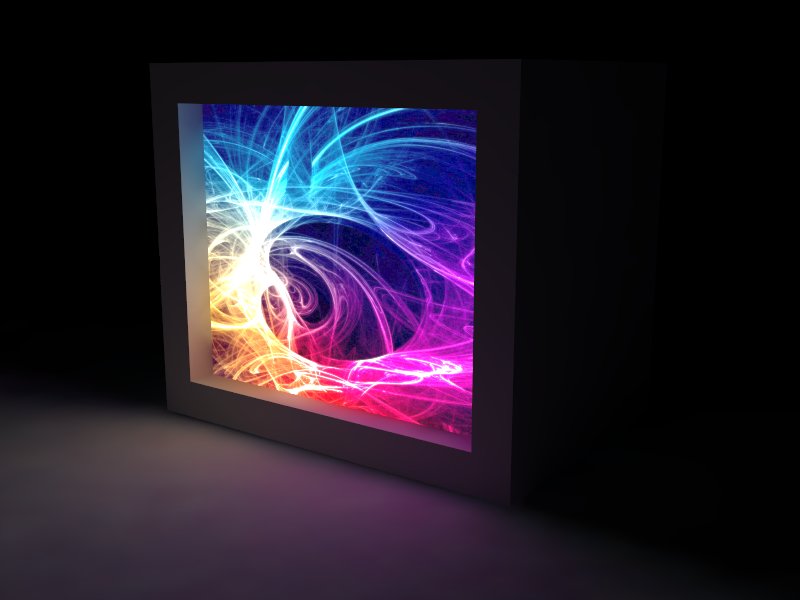
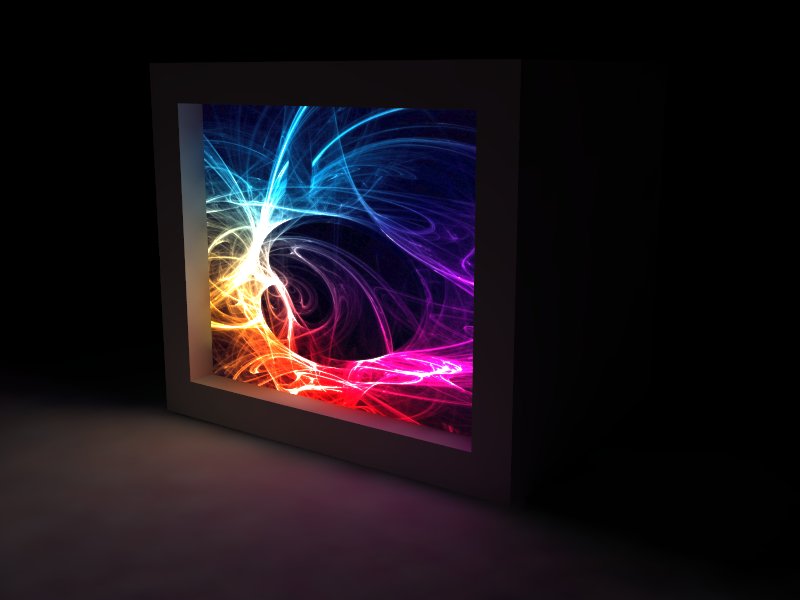
You can do ortho views with phys cam on in the latest version of V-Ray.
Oops, your profile's looking a bit empty! To help us tailor your experience, please fill in key details like your SketchUp version, skill level, operating system, and more. Update and save your info on your profile page today!
⚠️ Important | Libfredo 15.6b introduces important bugfixes for Fredo's Extensions Update
V
Offline
Posts
-
RE: Best Rendering Software
-
RE: How can i render regular panorama in vray sketchup
-
You can try ThomThoms Vray Toys and edit the ratio of your viewport in SU
http://sketchucation.com/forums/viewtopic.php?t=15491 -
You can play with the different camera types under your Phys Cam settings.
-
-
RE: Duplicate materials with Proxies
I've sent reports on this bug, or what I think is a bug. For now, just be conscious of it and either create unique names or you will have to remap the textures if needed. SU creates the 1,2,3,etc for the duplicates but VR does not remap those changes to the IDs in your proxies. I do the same thing with "Branch" "Bark" "Leaf" and things get screwed up when I import different tree types. It's probably best to have TREE01 with TRUCK01, LEAF01, etc. Just to be clean about it.
-
RE: Way to vray render a section without deleting anything?
Does VR4SU have a clip plane feature on the VR Physical Cam?
-
RE: Enabling 64Bit Rendering
Actually DR is 64 bit, and this if how it works locally. You start the 64 DR spawner on your local machine, when you render, use DR and turn off Dont Use Local, but make sure you local IP is checked in the DR spawners list. What this does is send your render to the 64 bit spawner and render out of the confines of 32 bit SU. You wont see your LC pass though.
-
RE: Render methods and setting - distributed rendering - vray
Are you using 2.0?
I see a huge boost in rendering times even with just 2-3 computer slaves. There really isnt a whole lot to setup. Have the slaves on and running the spawner. Make sure all of your licensing is setup correctly, click render. Assets are transferred quickly and I see a boost in both my LC pass and IR passes. If it's working, you will see more render buckets at final pass time. If your machine is running low on RAM, just open the 64 bit spawner on your machine and check "Dont Use Local Machine" and just make sure localhost is checked on in your DR setup. With this method, you will not see you LC pass, but it is essentially 64 bit rendering on your local machine because you are no loner confined by SU's 32 bit environment.
Now this is all assuming you are on 2.0, if not, then DR is pretty busted and I wouldn't recommend it.
For more info on DR, see the manual
http://help.chaosgroup.com/vray/help/sketchup/150PB/distributed_rendering.htm -
RE: New feature - Material result - vray 2.0
You can create a custom channel in the VFB. For example, if you want a channel of a 2-sided curtain material for post processing. You can use this feature with lights also, so you can get the result of a single or multiple lights for post work.
-
RE: Render vray with 4d virtual builder & vray 2.1 scene support
I have to +1 this as well. It has happened to me a couple of times on not just hi-res renders, not just DR either. It happened to me last week and there was a 'ghost' SketchUp running for a few days on my machine and I had no idea it was there until I ctrl alt del and saw it sitting there.
I think VR needs to be told to wait, let's say like 20 seconds or something before moving on to the next scene?
-
RE: Render improperly processed?
Sorry to sound crass, but if you need help loading a preset, then you really need to look at the manual and some tutorials. V-Ray is not a magic rendering engine. You will never have clean noise-less renders if you don't learn the parameters of the engine and understand them clearly.
If you are using 2.0, then this is how you load a preset.
http://help.chaosgroup.com/vray/help/sketchup/150PB/tutorials_preset.htm
Bookmark this page and reference it... a lot.
-
RE: How to render SU Fog settings in VRay?
I've heard rumor that we might get environment fog in 3.0 but its a no no in 2.0. You can try faking it with a ZDepth pass maybe?
-
RE: V Ray Shadow Intensity
If you are using an HDRI as a dome light, you only need to disable the GI and BG in your Environment. You should exposure in PC. I dont know why you would ever disable this.
-
RE: Render improperly processed?
If you are using 2.0, my first recommendation is to try one of the interior presets. Try the High Quality or Very High Quality. Your render times will be longer, but longer renders equal cleaner renders.
-
RE: Vray render 7 out 8 core freezing
Prepass 7 out of 8?
Why would you ever need settings like that?
Try the presets, looking in the 64 bit rendering technique using the spawner.
-
RE: Vismat materials
Wow, smart person. I wonder why your illegal software doesn't work?
What a butt wipe.
-
RE: V-ray invisible object reflection
This takes the award for craziest thing I have seen.
-
RE: Gamma for material editor?
I think you will run into many issues here. Max has a bunch of options in how it treats the Gamma in the viewport as well as the material editor. I wouldn't hold SU to the same standards as Max.
-
Use Proper Color Space for Emissive Materials
I always wondered why my emissive materials always looked washed out and lacking vibrance. If it's a JPEG or a PNG, make sure you use sRBG Color Space for the map. Duh!!! Can't believe it took me this long to figure out.