Could be a million things. We need more info man. Version of SU, version of VR, is it a large file with displacement and proxies, etc etc.
Most likely you are running out of memory.
Could be a million things. We need more info man. Version of SU, version of VR, is it a large file with displacement and proxies, etc etc.
Most likely you are running out of memory.
You must have Show Samples turned under Irradiance Map. Turn it off
Im not trying to cause trouble here. All I am saying is I found this plugin and imported from Onyx, XFrog, and OBJs exported from Max and they have all come in nicely. Theres a free demo if you want to check it out. If not, no problem.
I disagree. Here is an example. I downloaded this free sample. http://xfrog.com/product/AS06.html
I imported the largest file #9 as a 3Ds. The trunk doesn't import at all and the leaves are mapped to only the front faces, which I do realize can easily be resolved with ThomThoms plugin, but its just one more step as well as rotating the YZ.
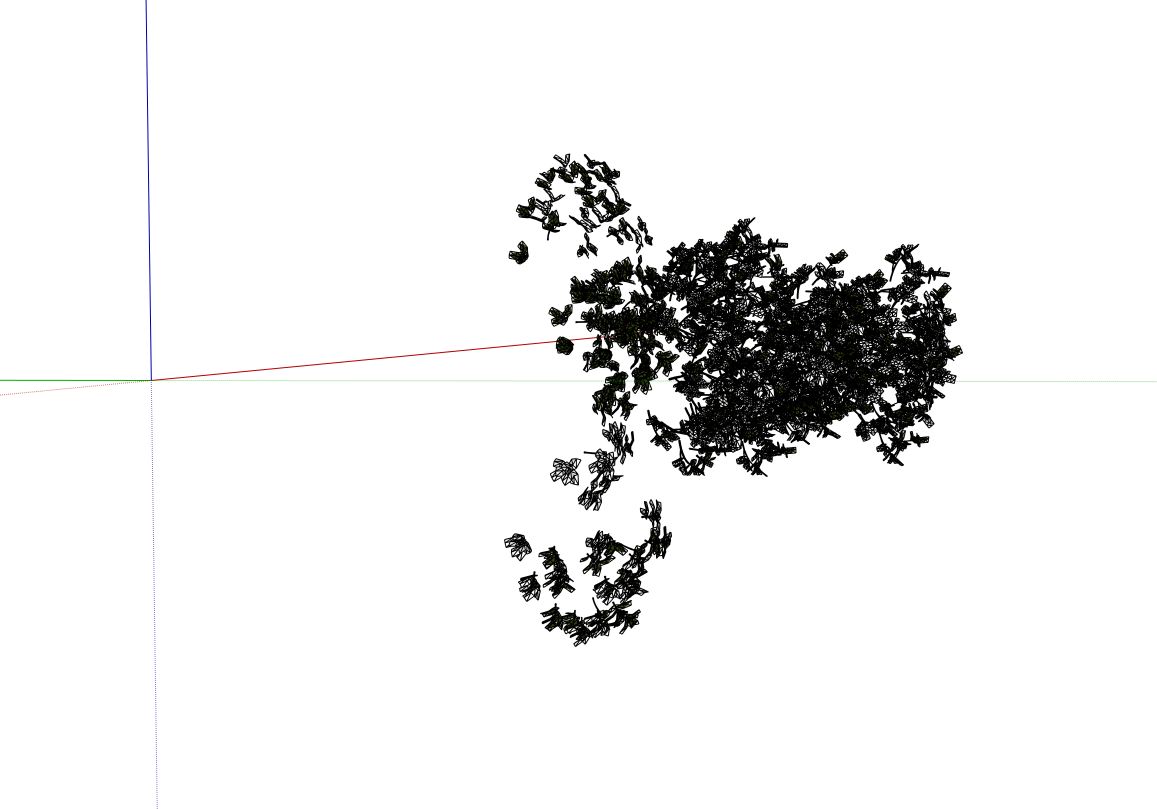
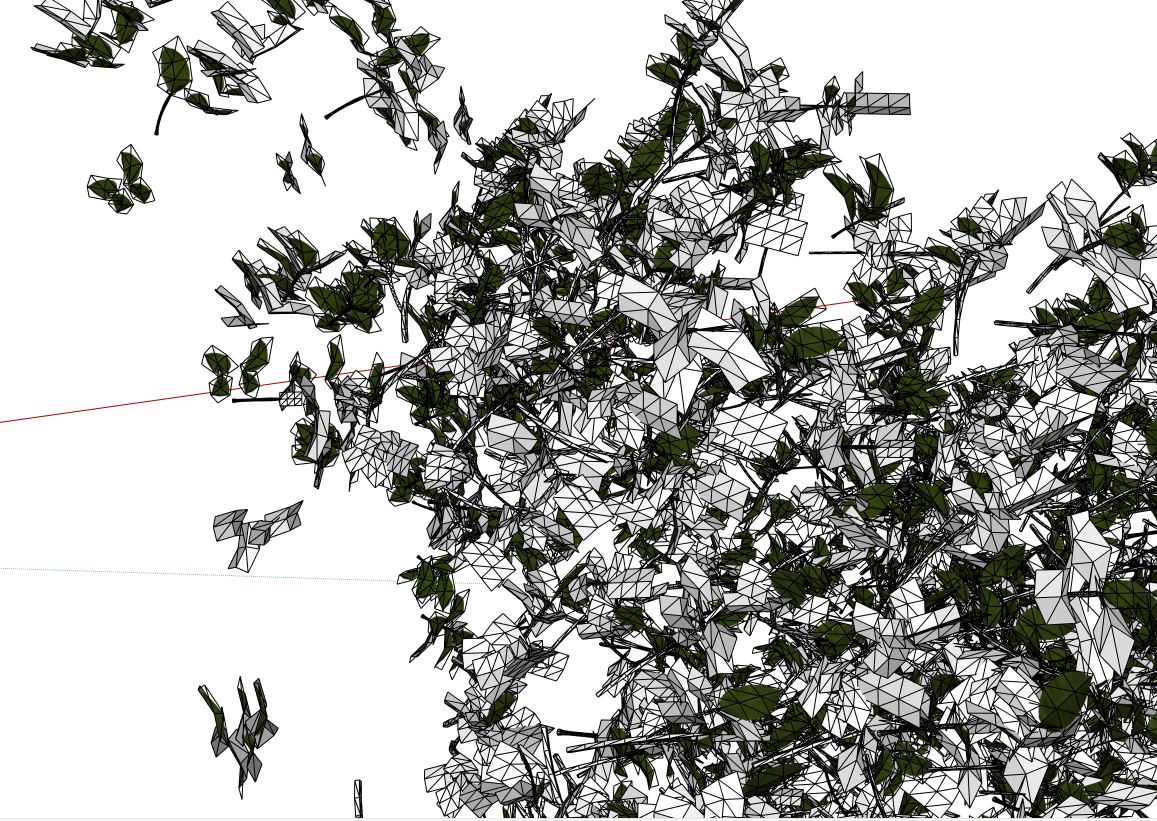
OBJ Imported with FluidImporter
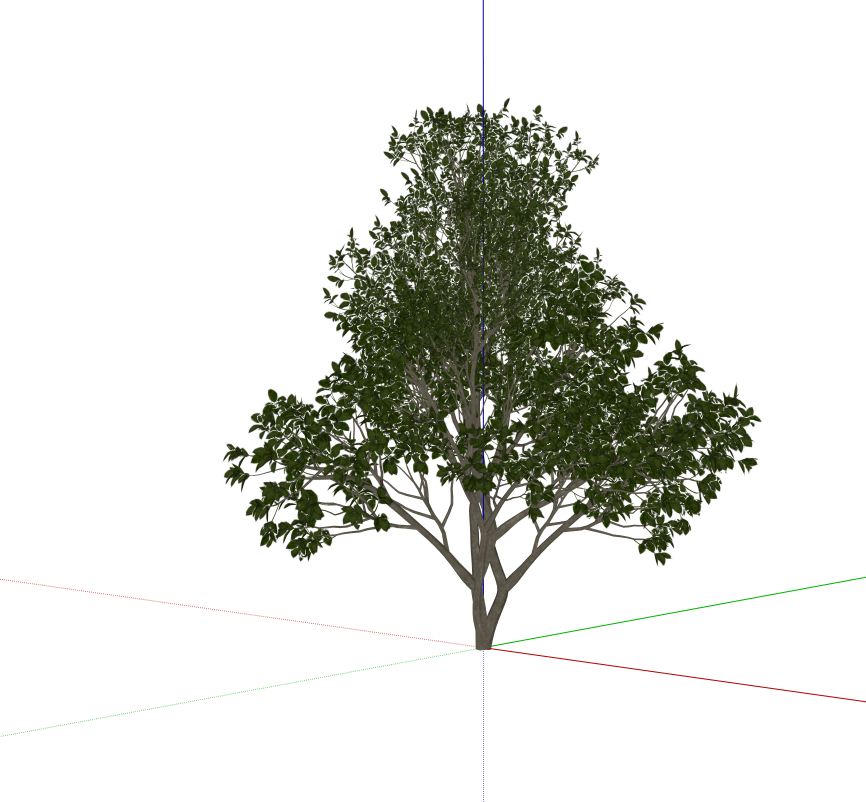
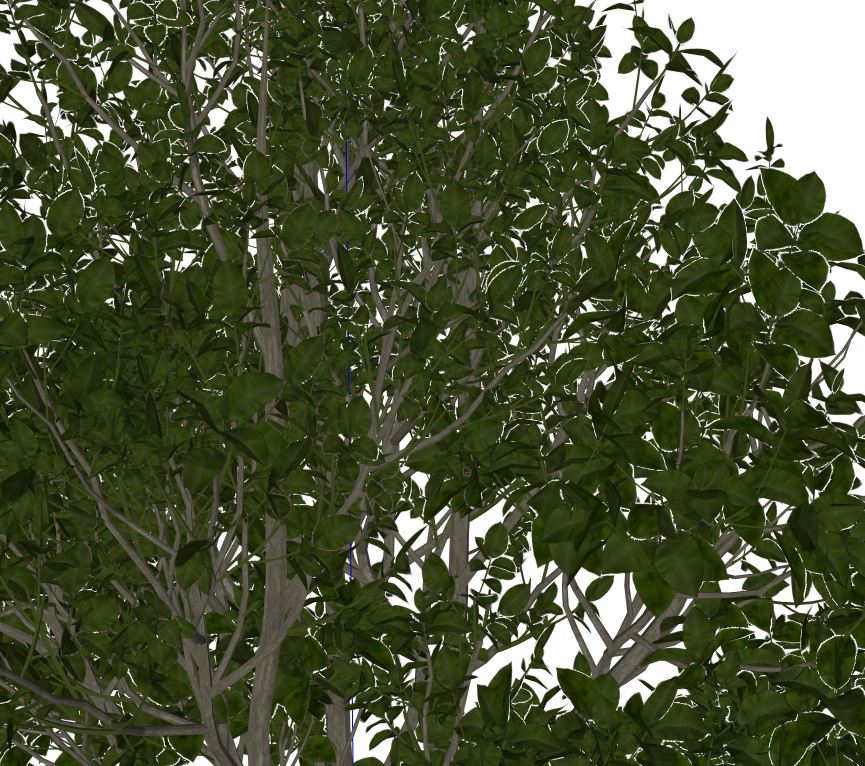
The whole process from importing the OBJ and making a proxy took less than a minute.
In general, I have had very little lucky with some 3DS files. Max has a polycount limit on exporting them and have also have issues with materials coming into SketchUp. Maybe Xfrog has decent files, but I this plugin would provide a solution to getting all types of 3D files into SketchUp.
Here's a quick sample of an XFrog tree imported directly from their OBJ file. Just imagine how you can build up your component and proxy library now!
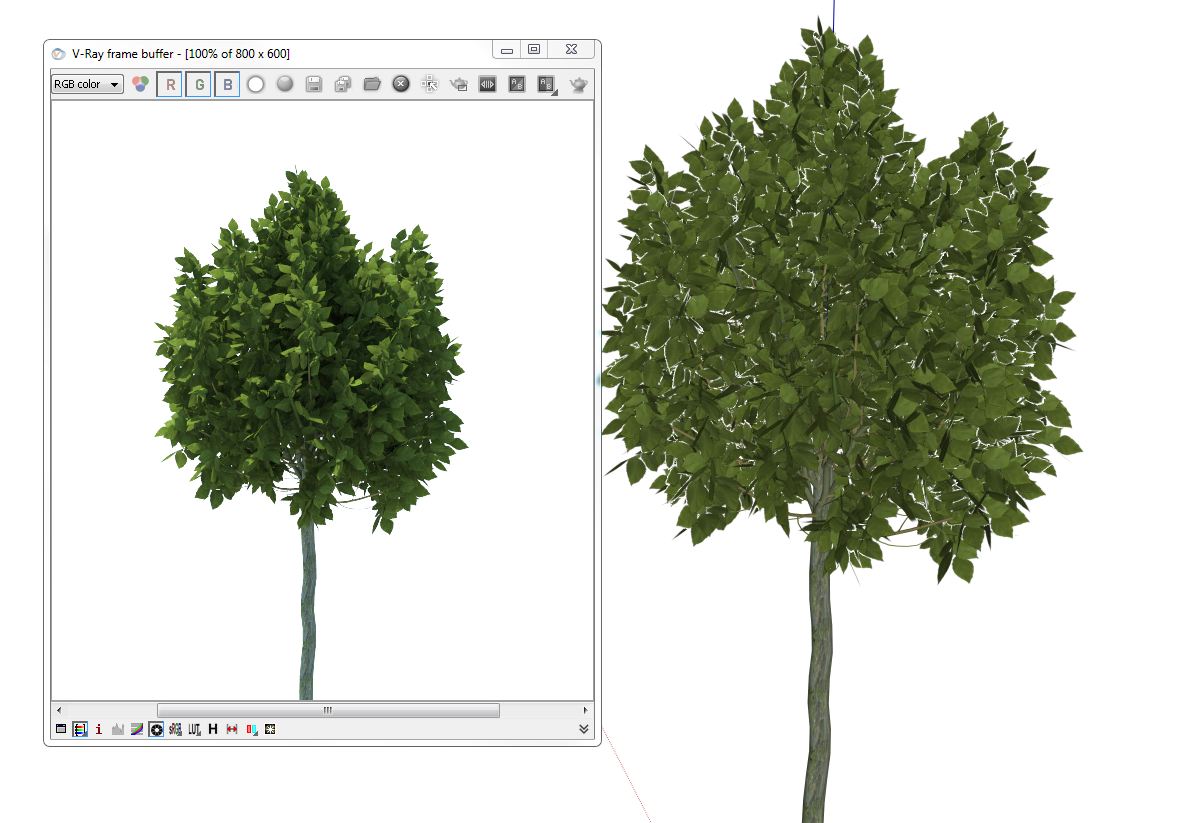
Allows you to import OBJ files with textures and does it in a a few seconds. Now you can import your OBJs from Onyx, Xfrog, Evermotion, etc. and turn them into proxies right inside of SketchUp.
You need what's called a studio setup. HEre is a decent tutorial and I also think Fernando did one on YouTube.
Normal maps are now in the current version of VR4SU. It's been in there since 1.6 I beleive.
There is a little bit of info here about some the object spaces.
In my very honest and humble opinion, 1.49.01 is just not a great rendering plug-in. 2.0 and moving forward is where you want to be. Stop killing yourself with that bug-ridden version and update as soon as you can!
Sounds like you have an older version that has the missing texture bug. Earlier beta versions of 1.6 was doing this when it couldn't find an associated map for a VR texture. I would update to the latest 2.0 or try regenerating v-ray materials from the debugging menu of V-Ray.
If you match your viewport ration in V-Ray, then what you see in SU will always be what comes out of V-Ray. If you want to customize the ratio, for example, you what a true 16:9 proportion, then you can use ThomThoms V-Ray Toys plugin.
TIG has a great OBJ importer.
http://sketchucation.com/plugin/733-obj_importer
Yes, I do believe I have come across this same issue and that fixed it.
It's a setting in reflection used to simulate brushed metals.
In VR 2.0 there is a pack scene feature. This copies all the files (HDRI, maps, IES, etc) into a ZIP file. Its located in the V-Ray menu.
Nice tutorial on Ronen's site.
That sounds like an old old bug from 1.49.01 I think. The best way to avoid this is to upgrade to 2.0 where a million bug fixes and improvements have been made.
I agree with the above. I find these appear when I have metals in my scene. Are you using emissive materials at all for your lighting?