Strange why it deletes all geometry instead of want you want deleted? I presume it's not 'Grouped ' or a 'Component'
As for the mouse, sometimes supplied drivers can cause conflict, especially on Macs. Did it work fine with SU6?
 R
Online
R
Online
Strange why it deletes all geometry instead of want you want deleted? I presume it's not 'Grouped ' or a 'Component'
As for the mouse, sometimes supplied drivers can cause conflict, especially on Macs. Did it work fine with SU6?
@unknownuser said:
Decreased Productivity provides tools for you to discretely and efficiently navigate the web in situations where you might otherwise not be able. In other words, you can more safely goof off at work!*
You gotta love the description 
Here's the link - https://addons.mozilla.org/en-US/firefox/addon/6682
Disclaimer - I in no way condone nor encourage 'Goofing Off' whilst in gainful employment. Anyone who uses this AddOn does so at their own risk. You are responsible for your own actions.
For research purposes i spent the day [in work] trialing this AddOn and it gets
Sorry Andrew about that but I was unable to locate v6 within google? I'd happily delete the link if you can provide a link
Nice job
Can i ask which render engine you used? Also did you UV map the scarf?
If you start the copy array and type 360 in the VCB and followed by 22/ you'll get Todd's result
Maybe he was using an older version of SU because mine goes to 0.0 too???
In this topic...
http://forums.sketchucation.com/viewtopic.php?f=323&t=17948
At the bottom of Fredo's first post is the plugin you need

You'll also need to install the LibFredo from this topic
http://forums.sketchucation.com/viewtopic.php?f=180&t=17947#p144178
Again it's at the bottom of the first post
A chinese language pack was recently added for Chinese users to download so unless you're Chinese or can understand Chinese you don't need it
There is no worries in installing this on your PC if you follow the instructions
Same as the way you copy using the Move Tool
[flash=853,505:2xv312yj]http://www.youtube.com/v/CRjnlPRG6rU[/flash:2xv312yj]
Would Copy Array using Rotate Tool work for you?
Couldn't resist posting this as i was playing around with glass and plastic settings in Twilight
Know it not NPR but.....

Make the Extruded Polygon a 'Group'
Draw the Pipes from its faces
Draw the Base
Right click Extruded Polygon and choose Hide
Triple click Pipes and Base
Intersect with Selected
Delete 'Unwanted' Geometry and redraw missing faces
Triple click Base and right click 'Make Group'
From 'Edit' menu select 'Unhide > All'
Check out Aidan Chopras Videos, http://www.youtube.com/user/aidanchopra, it's very helpful and i'd recommend the book too.
Make sure you visit back here too because you'll find lots of great help here
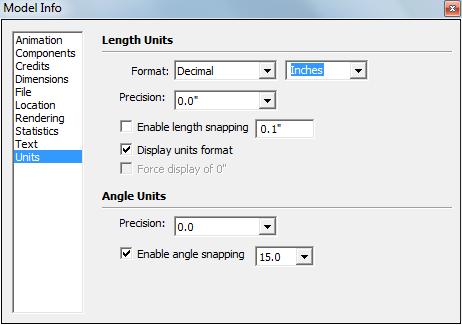
From 'Window' > 'Model Info' you can change Format and Precision of your measurements to achieve the following results...
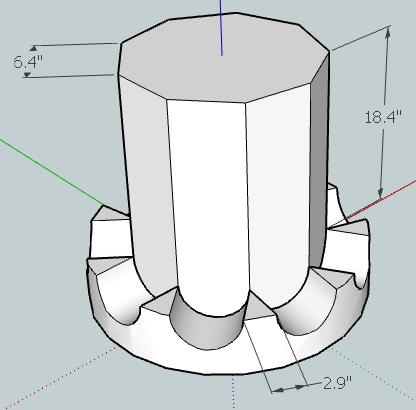
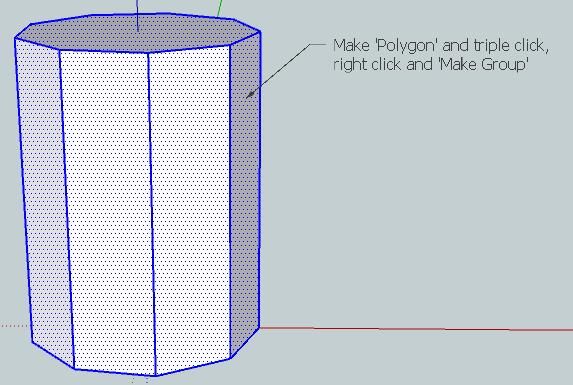
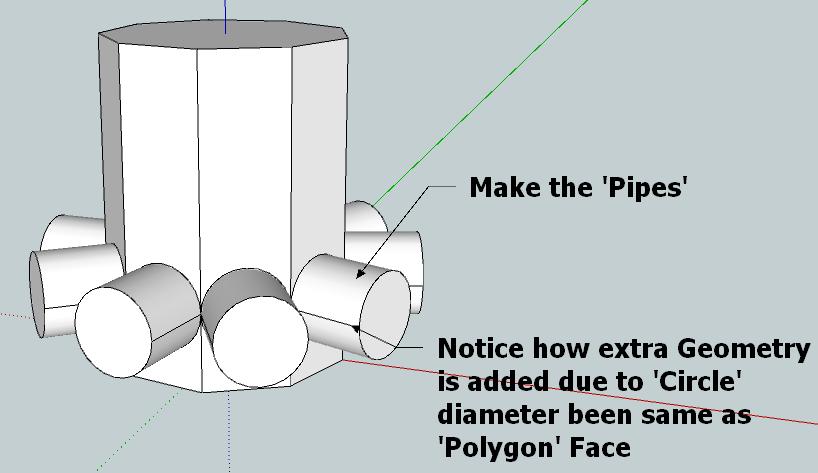
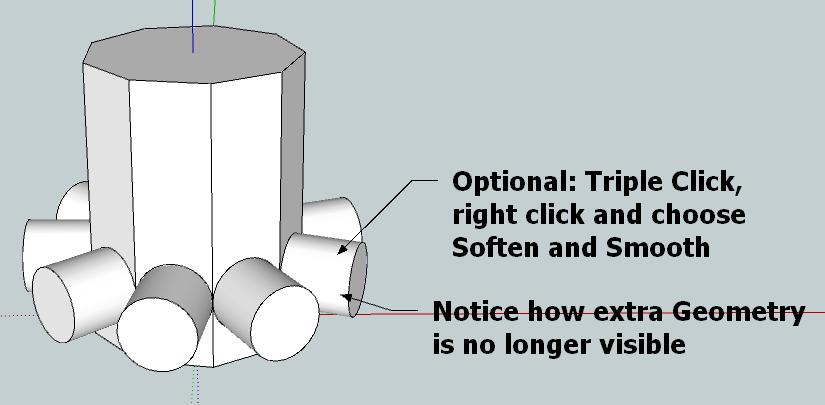
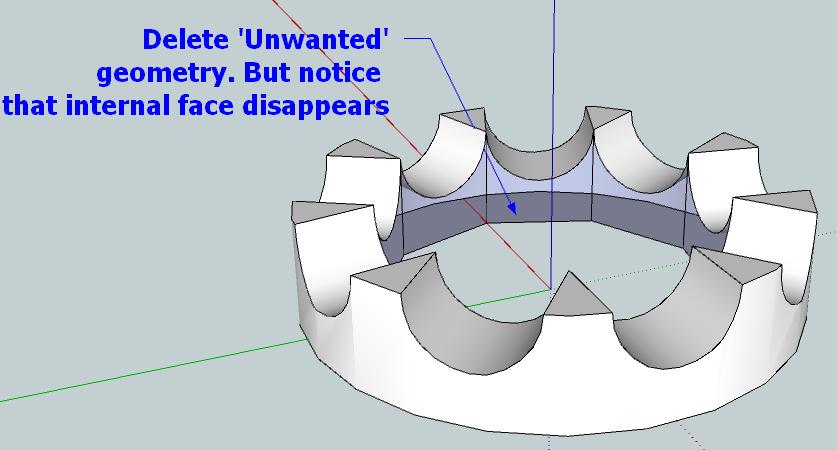
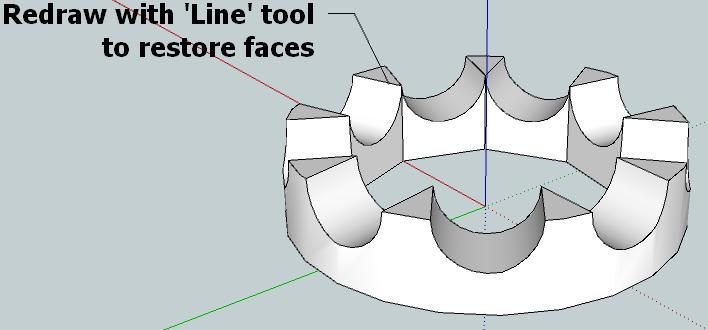
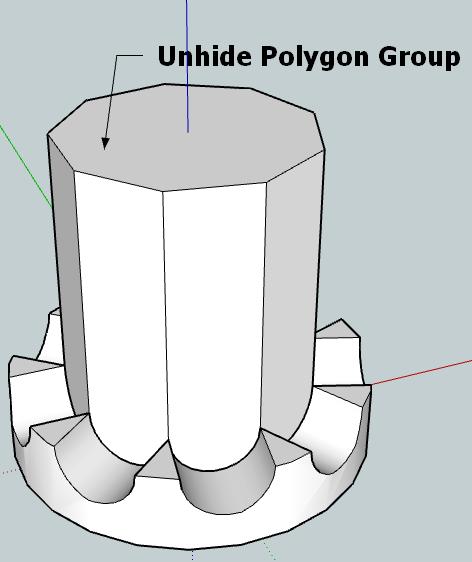
Does this make sense???
There are easier methods to do this but if you are new to SketchUp i think this may help? 
[EDIT] Gaieus beat me to it 
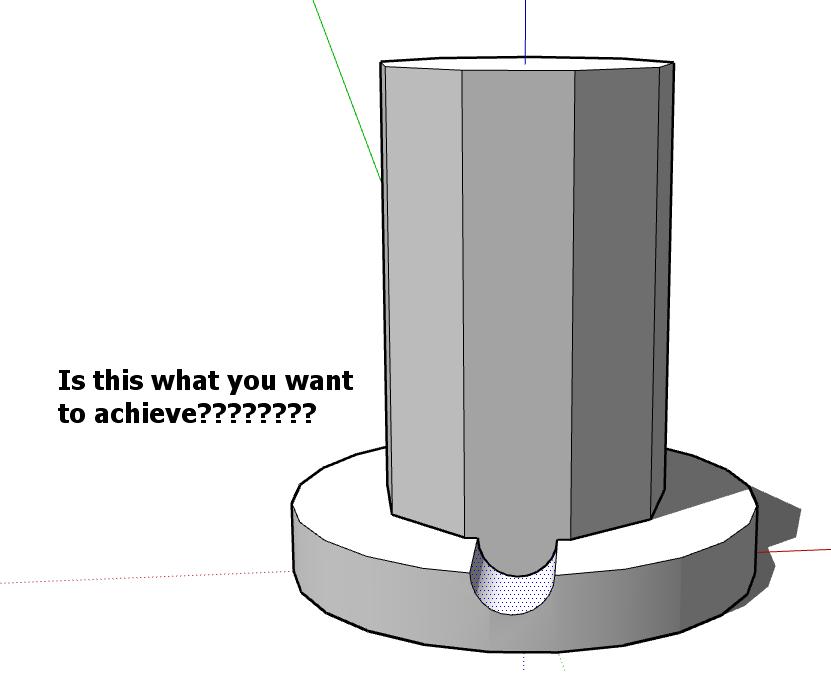
This is a simple method to achieve your 'Hole through Pie'
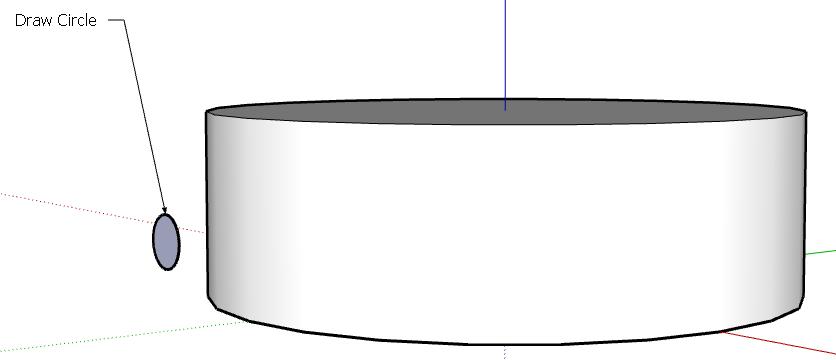
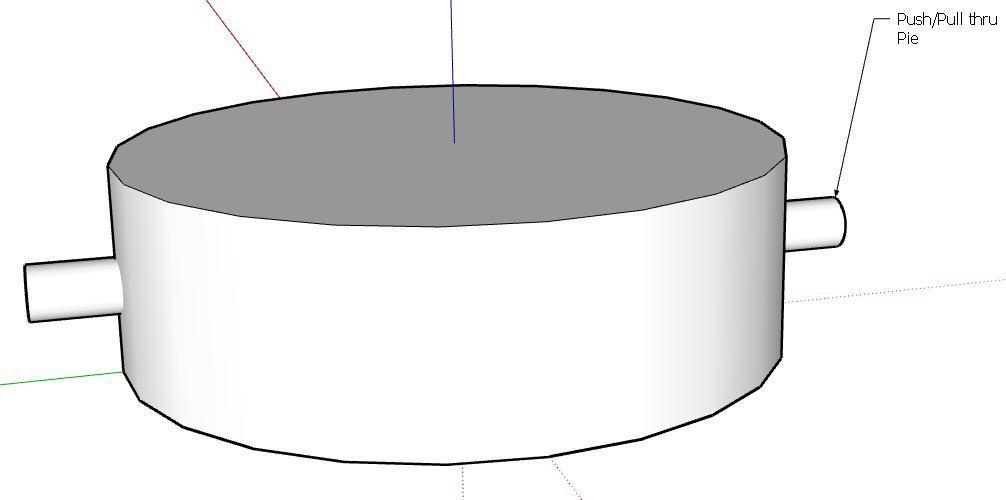
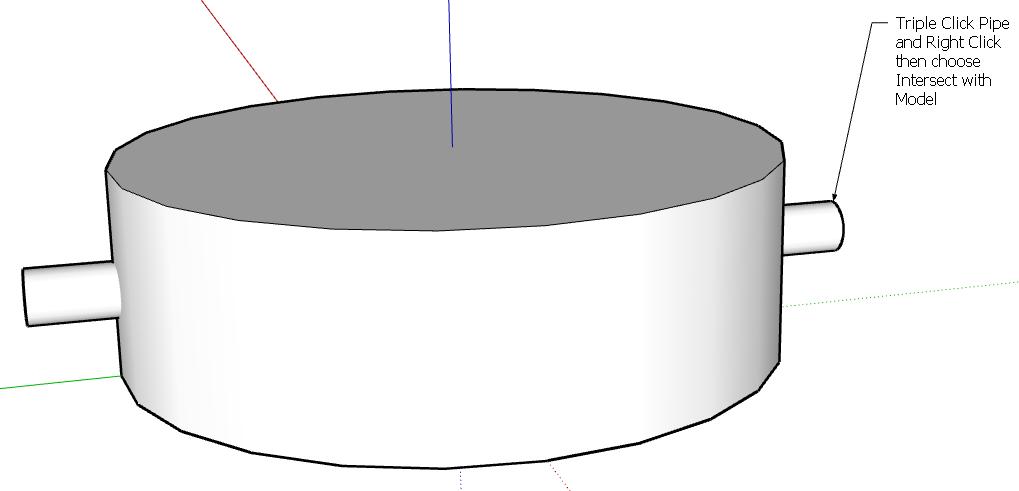
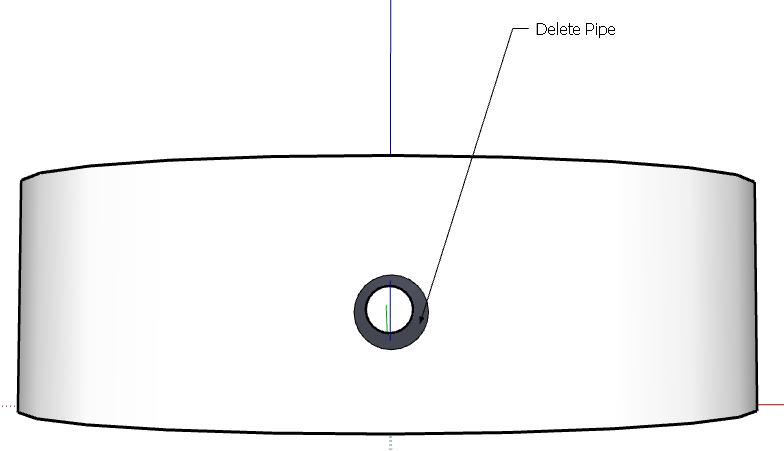
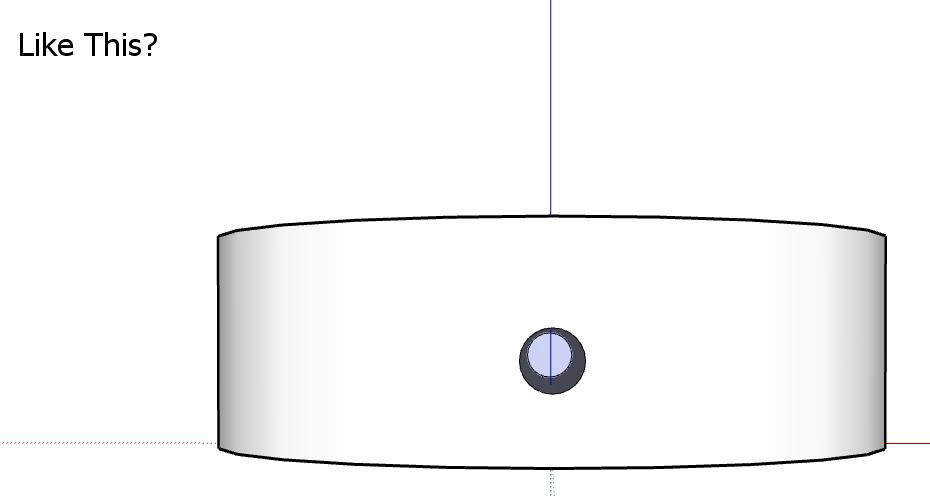
There are Plugins which make this mush easier. Tools on Surface and Joint Push Push would be worth installing to see the difference from Su's native tools
Thom,
That'd be an excellent feature and much appreciated
Rich
Looks like you could make very strange models
or
very rude ones 
For those who suufer from slow connections or poor battery life...........
Just a quick fart around with Twilight and CS4
Rendered at Easy04 with one Omni Light and Background Image of Moon from Google Images
Added 'Deep Blue' Photo filter with CS4

Well done everyone else, fantastic submissions so far and a great thread too Pete