http://forums.sketchucation.com/viewtopic.php?f=180&t=16909
This thread shows how they work and where they are 
 R
Online
R
Online
http://forums.sketchucation.com/viewtopic.php?f=180&t=16909
This thread shows how they work and where they are
Okay, here's my ATTEMPT 
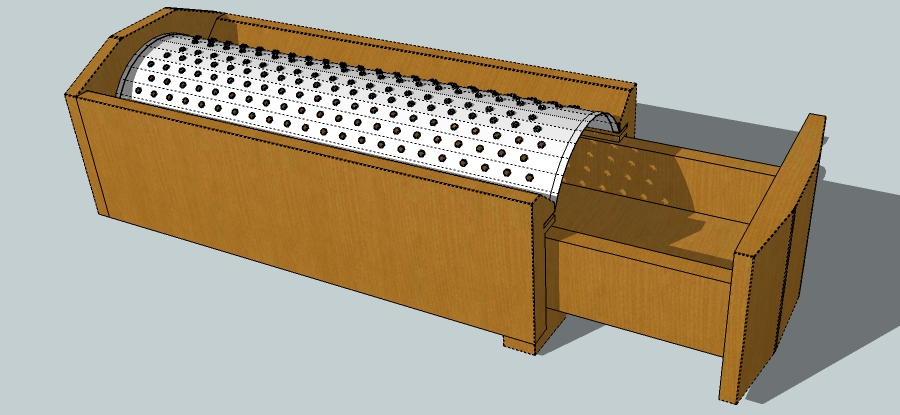
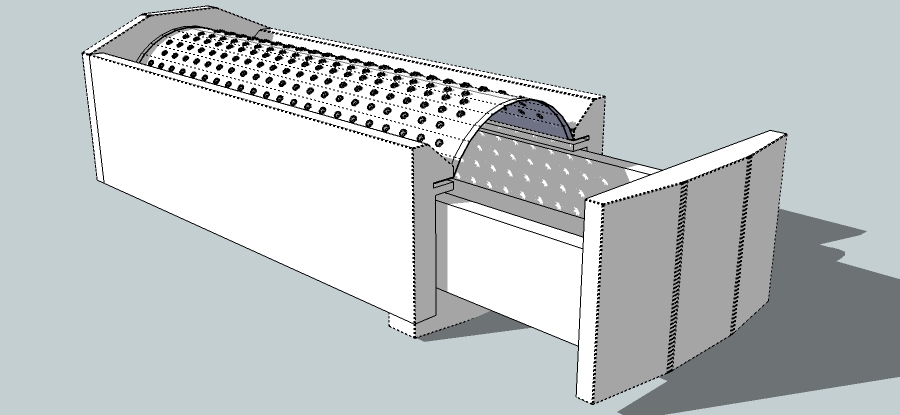
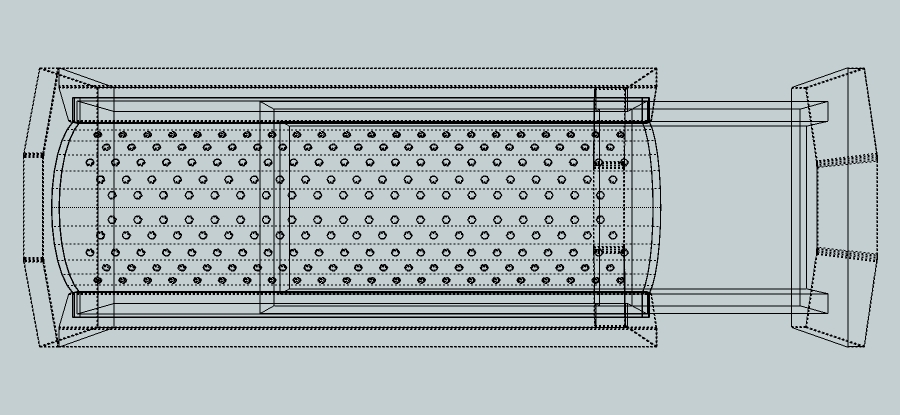
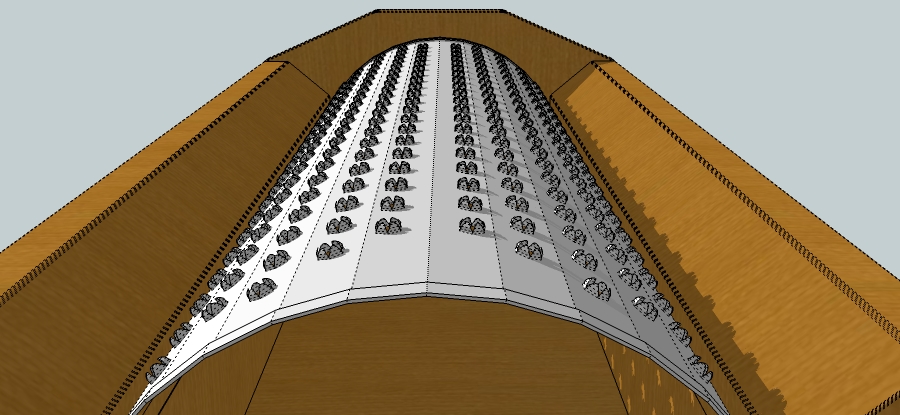
Fun challenge and used 2 Ruby Scripts
To keep Poly count low in kept the graters as simple as i could, here's an example...
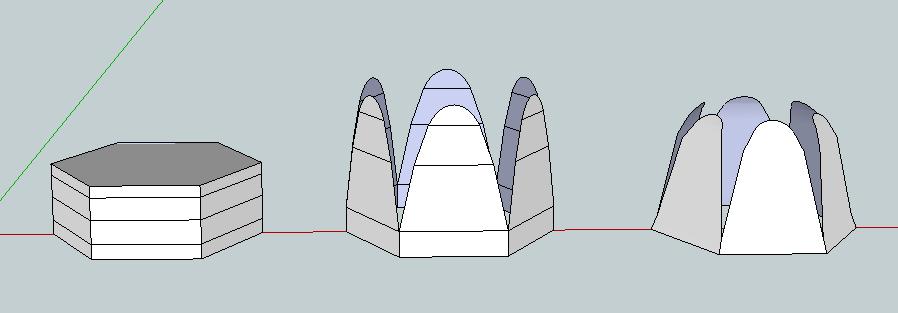
Also used Photo Match to rough out the dimensions...
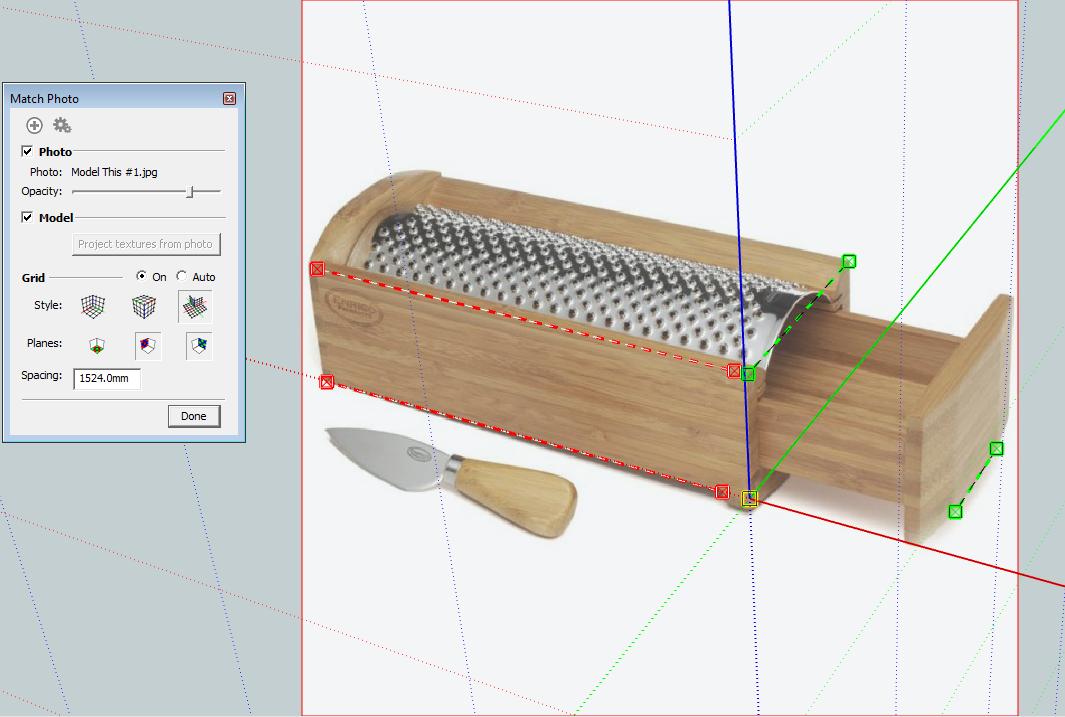
If someons feels the need to view it in SU here's a link...
http://www.box.net/shared/a5s44qcd8m
I didn't want to clutter the 3D Warehouse with Cheese Graters!!!
"You can't defend the indefensible - anything you say sounds self-serving and hypocritical."
Diane Abbott
Would others consider/agree that the general consensus seems to be.......
No texturing
Hidden Geometry 'On'
Clay Render [Optional]
Useful Models but not complex [due to time constraints/User ability]
Does this sound reasonable? I'm just trying to summarize the overall mood of the responses so far and in no way coerce the discussion away from those that think it should be more challenging and concept orientated.
Maybe Beginner/Intermediate/Advanced Challenges that would neatly tie into 'Render This' Challenge? Or is this too confusing?
Hi,
I use Twilight and was wondering how to get the home screen to emit light and be reflective at the same time?
Can i set it as glass and 'Fake Emitter' simultaneously?
Good challenge Pete 
Should the models be of exactly the same object? For example rather that picking a screwdriver and getting different variations, the challenge would be -
Model this.....

Then everyone would be playing the same tune?
As Jean would say 'Just Ideas'
I wouldn't mind getting into those drawers 
I modelled for 2 yrs without using any plugins. Mainly due to lack of internet connection where i lived and no access to web in work. When i did discover what plugins could achieve it was a difficult crossover to learn new workflow and techniques.
But overall it is amazing what developers are producing for SU at the moment.
As for 'Gurus' it maybe extremely easy to place that label on anyone but to test it is where it gets grey. As SU is used from Architecture to Landscaping to Engineering aspects, a 'Guru' in one field maybe apprentice in the other.
Why not use plugins? Because you have the choice!
Nice layout and very colorful
I've used moonfruit for awhile but have left it untouched in months
How did you find the UI etc?
Christmas is coming....in 2010
It's cancelled this year due to economic downturn!
Lots of love,
Rodolf the Red Nose Render
Great idea and I look forward to learning new techniques
should this be in it's own area like extensions, tutorials etc?
Hi Katie
did you try the 3d warehouse for furnishings to save having to model each one?
There are lots of plugins here you can use to create all sorts of shapes try the sticky on the extensions forum which visually shows what the plugins can do?
And welcome to SCF
I frequent the Sage site before posting a 'dumb' query here as I find that the examples over there are well written and clear.
Googles groups overall is a maze that is easy to get lost in but every now and then I find a gem amongst pebbles.
As for SCF, the help I get here is immeasurable I just wish the tutorial section was updated more often. It cries out for more attention.
Did I hear someone shout 'GET OFF THE FENCE!!'?
Your work is very creative and the detail is amazing.
The Space Explorer reminds of the alien ship in Arthur C Clarke's Rama Series. He too mentions all about spin/gravity and from what I remember that ship even had an ocean!
Keep up the good work
We still have the rugby to look forward to Mike.
Oh and the cricket
Picture A is Hidden Line SketchUp Model
Picture B is Textured SketchUp Model
Picture C is Rendered SketchUp Model
All 3 Pictures are from precisely same View Point
Now Fade from Picture A to B to C using, as Miguel kindly suggested, MovieMaker
Et Voila, stunning transition from sketch to Render
EDIT - Miguel beat me to it.......and explained in one line what took me six
your link displays this message?
The URL contained a malformed video ID.
Hi,
Great render and i really like the video. What's the tune?
Did you accidentally hide it?
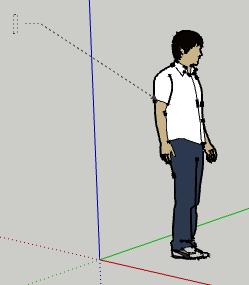
If so just click Edit>Unhide>All it should show.....
Or
Is it on a layer that has it's visiblity turn off?
If so enable that layer in the Layer Dialog Box.