Version 4.6.4b - 06.16.2026
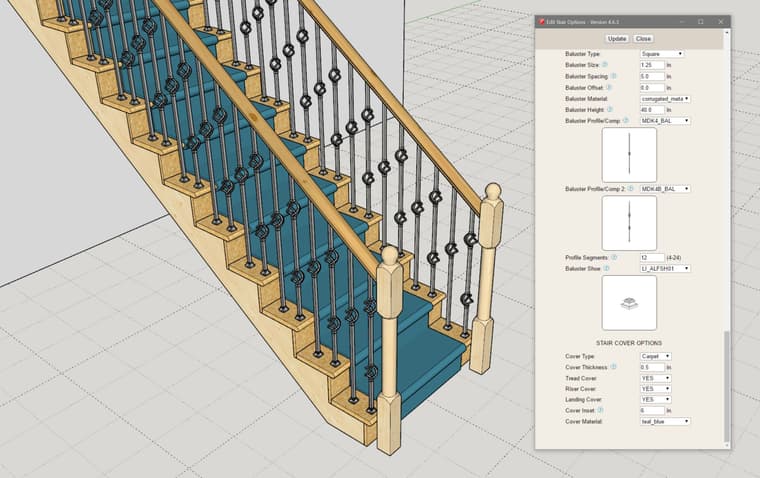
- Added preview thumbnails into the stair draw and edit menus for posts, balusters and baluster shoes.
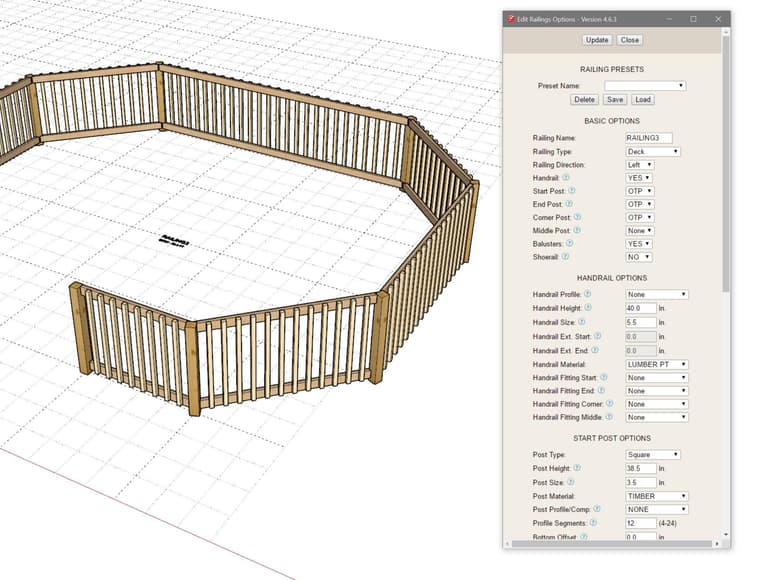
- Added a "None" handrail profile for deck railings that effectively disables the cap rail.
 Offline
Version 4.6.4b - 06.16.2026
Version 4.6.4 - 06.15.2026
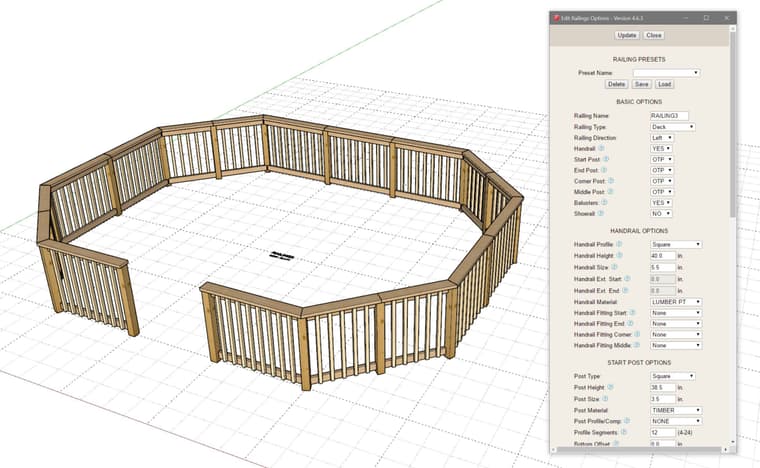
Note that when Railing Type is set to "Deck" there will typically be a cap rail along with an upper and lower rail. The upper and lower rail provide the support for the balusters or pickets.
I will probably need to enable an option to disable or turn off the cap rail.
Version 4.6.3 - 06.14.2026
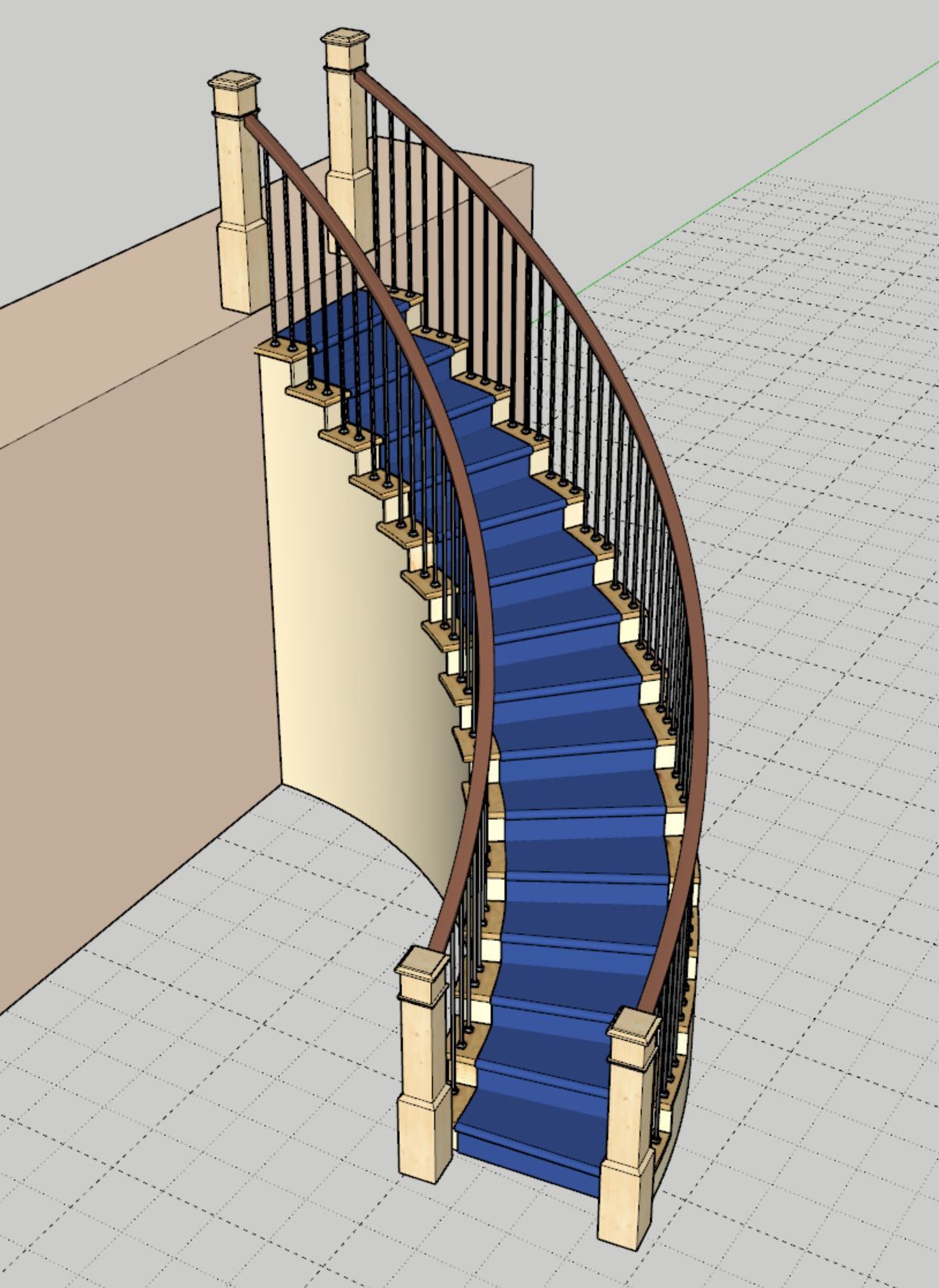
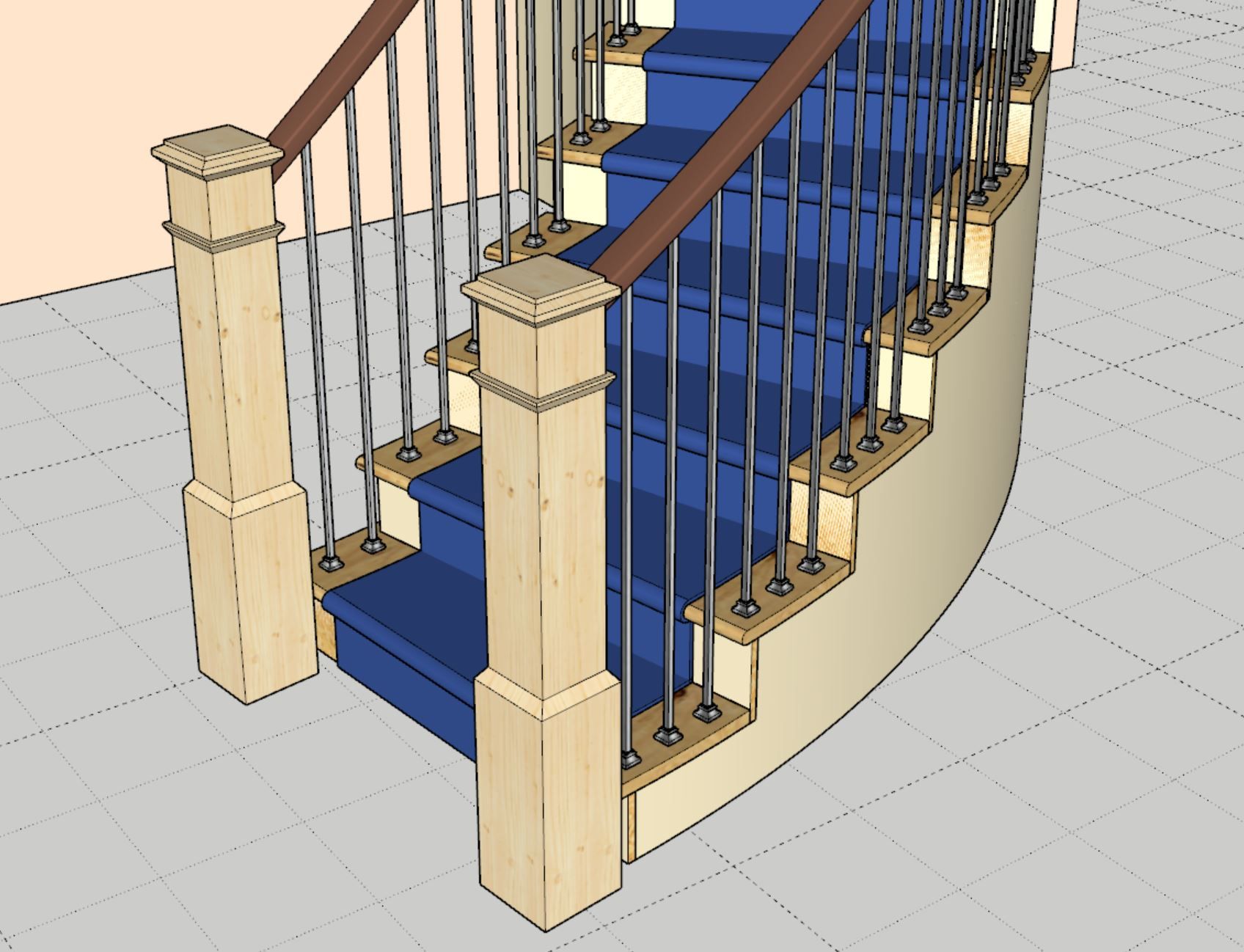
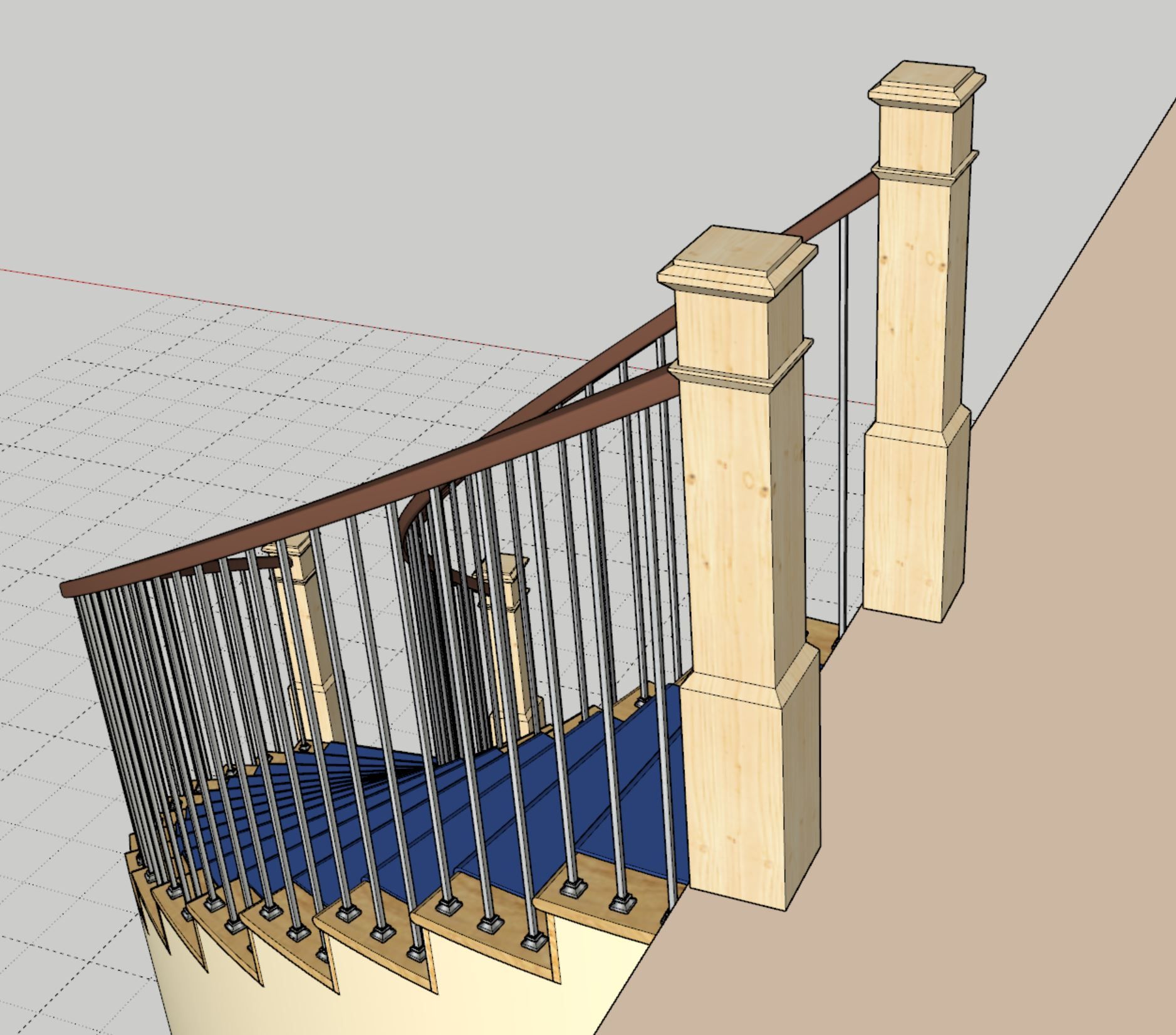
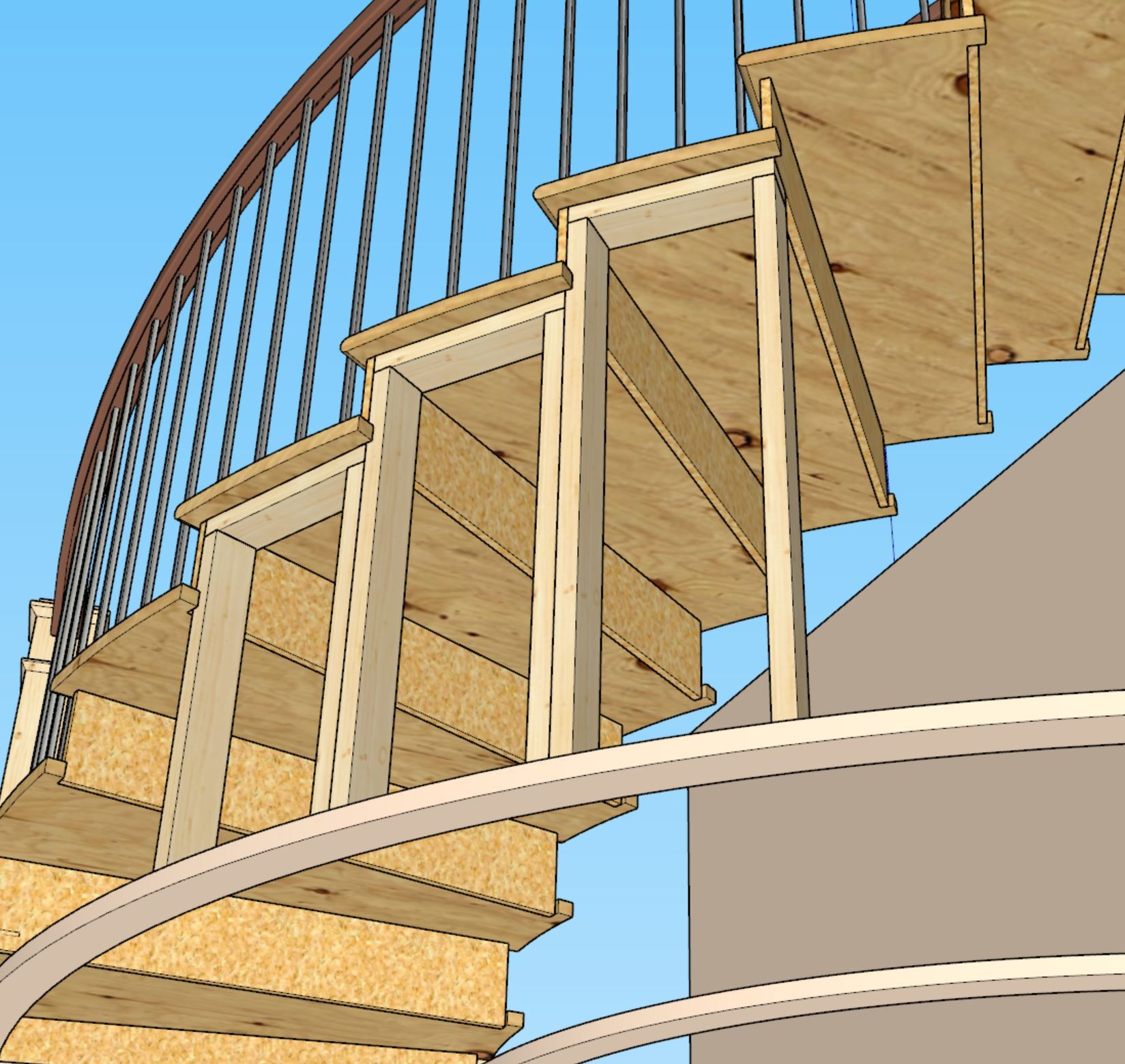
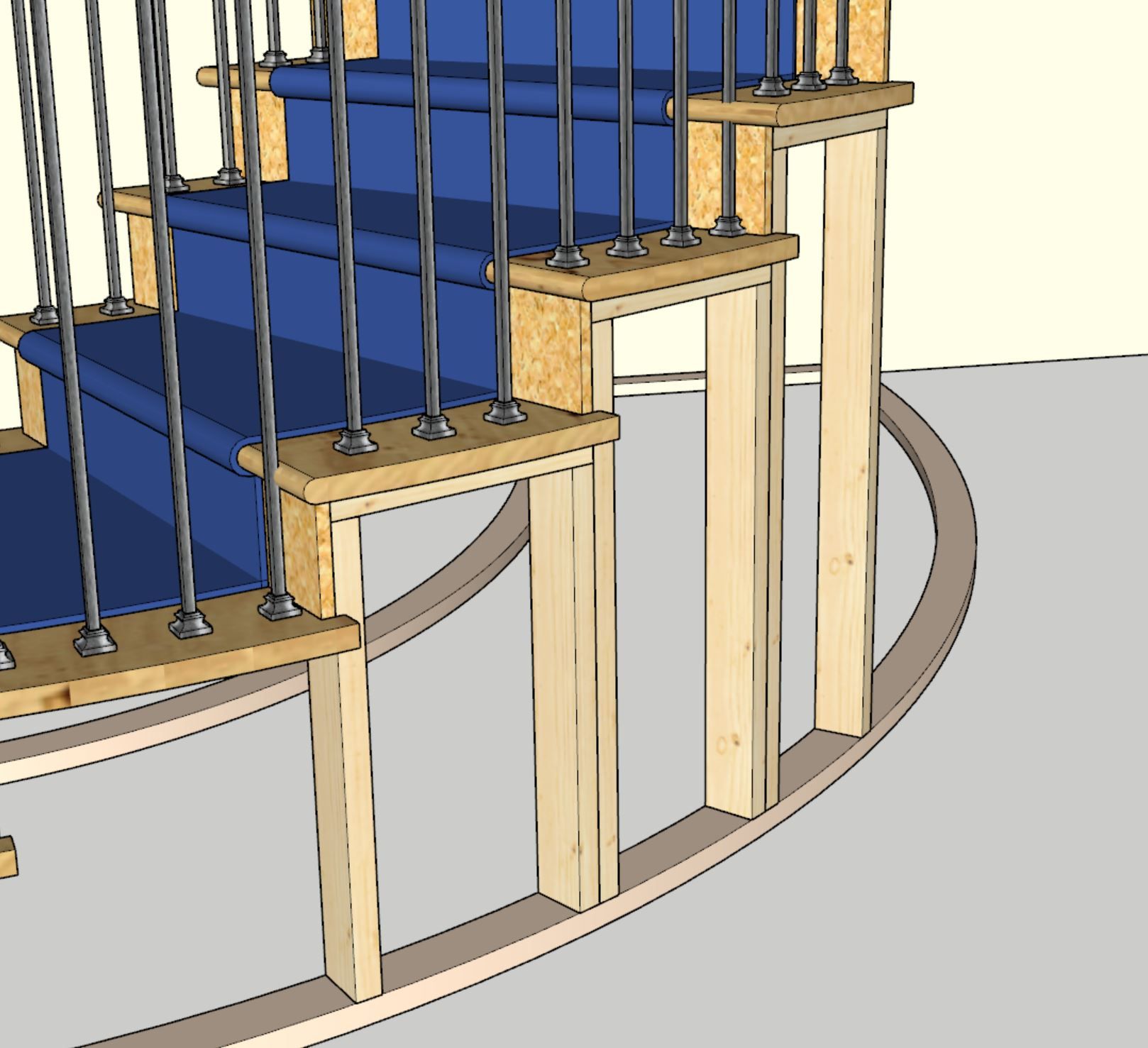
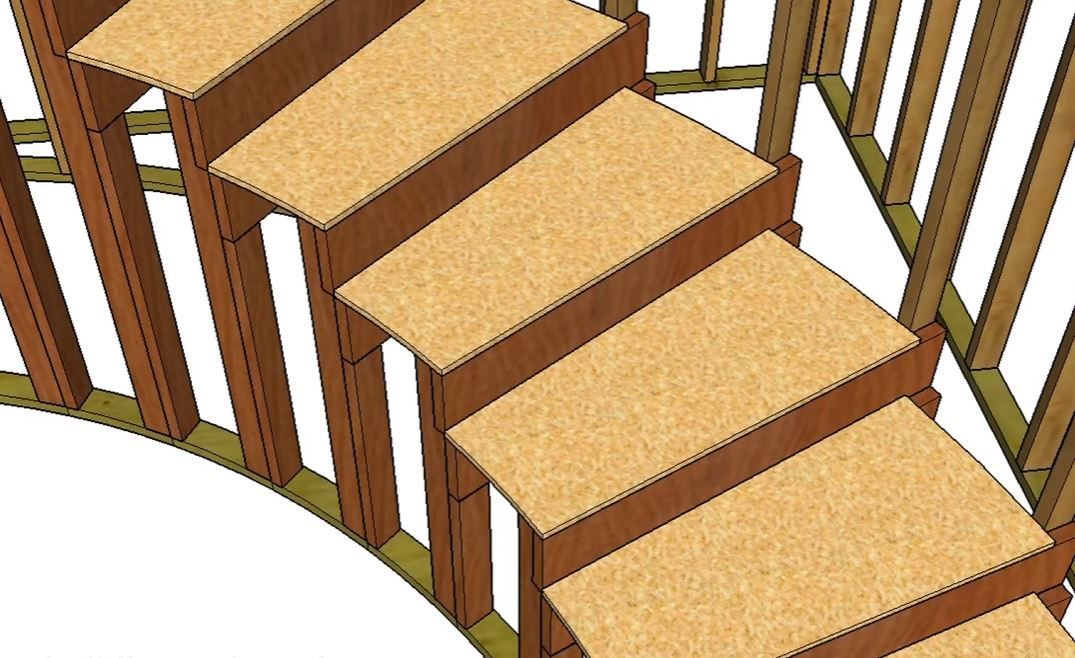
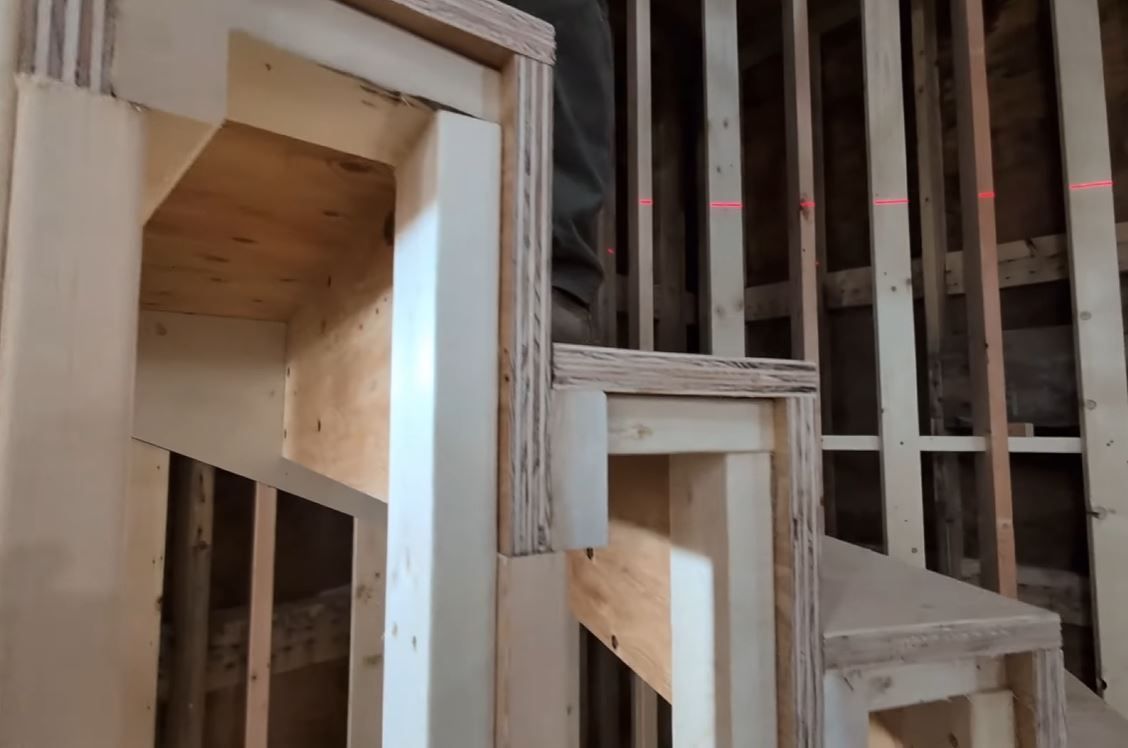
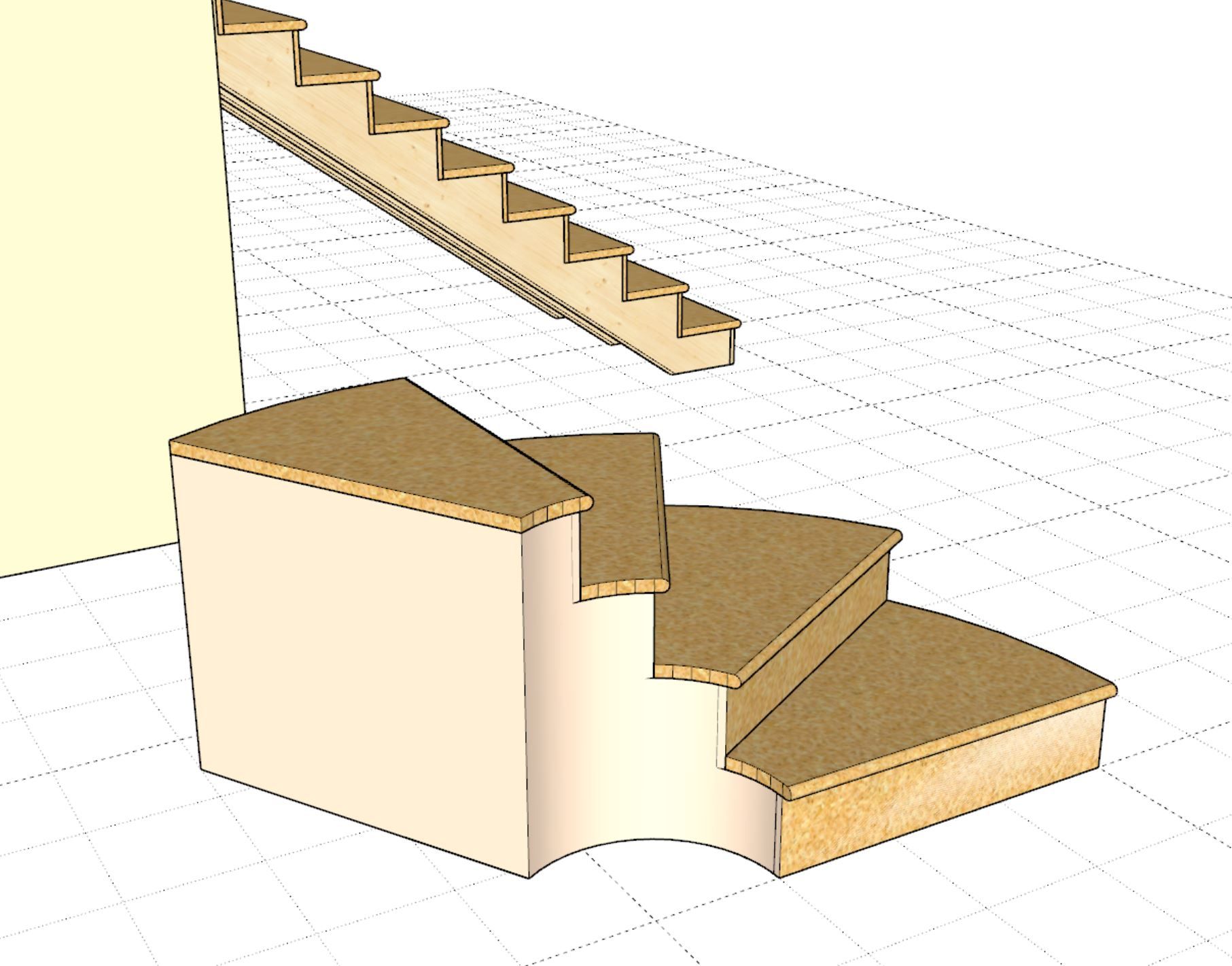
I've been also thinking about the framing that goes under these stairs and it seems to me that the methods are as varied as there are carpenters. I could provide a basic curved wall framing as shown in the screenshots below but I don't know how much use this would be to anyone as they will probably frame it differently, thoughts?
Here are a couple additional screenshots of slightly different framing methods applied to a curved staircases:
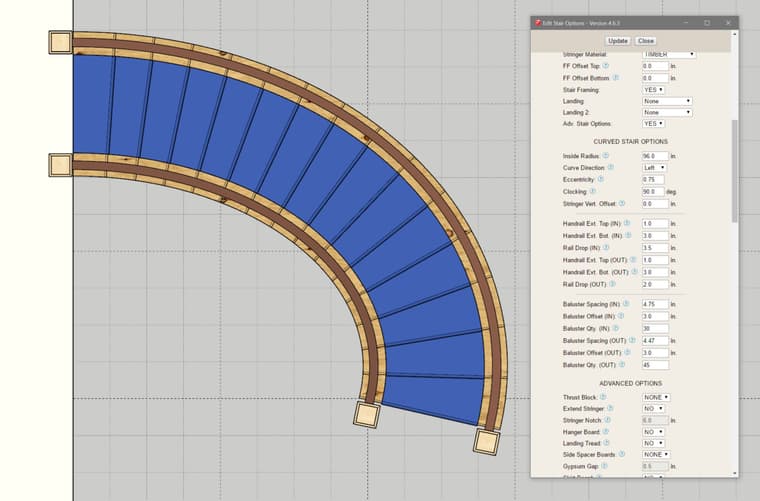
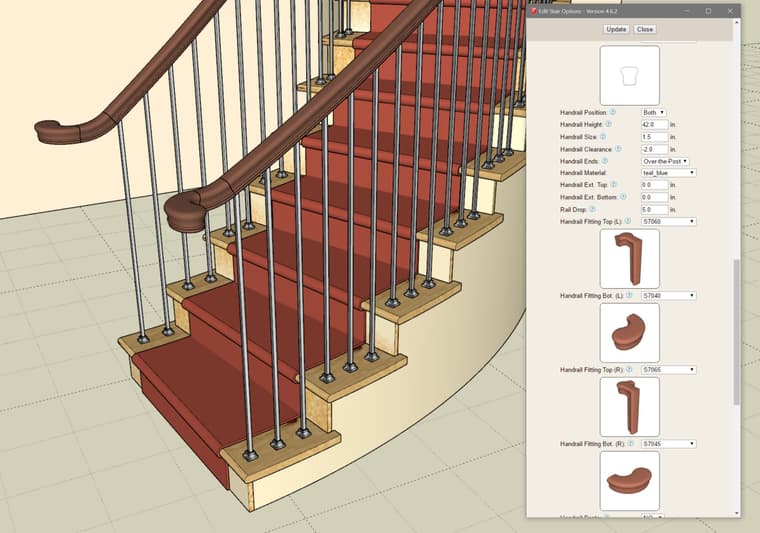
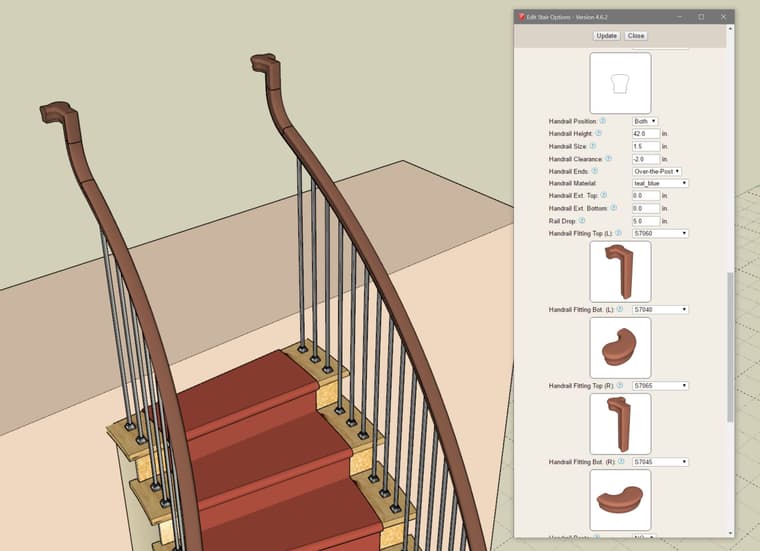
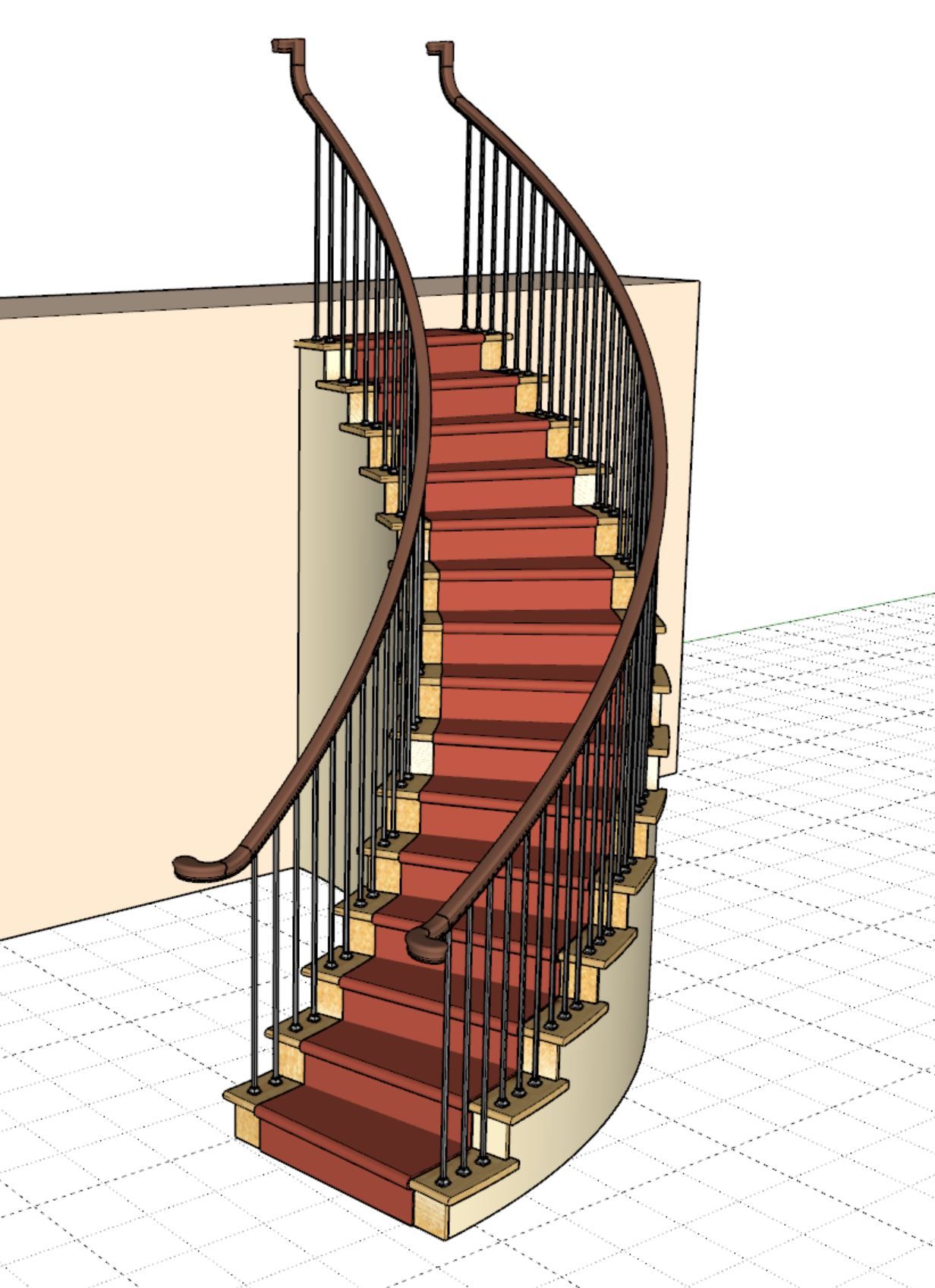
It appears that I have handrail fittings mostly working now for both circular and elliptical curved stairs. However just as with the balusters we will need a separate handrail ext. for top and bottom and a rail drop for each side (inner and outer handrails). This means another six parameters in the curved stair menu. Due to the asymmetry or nature of these curved staircases there is really no way around it.
Version 4.6.2 - 06.10.2026
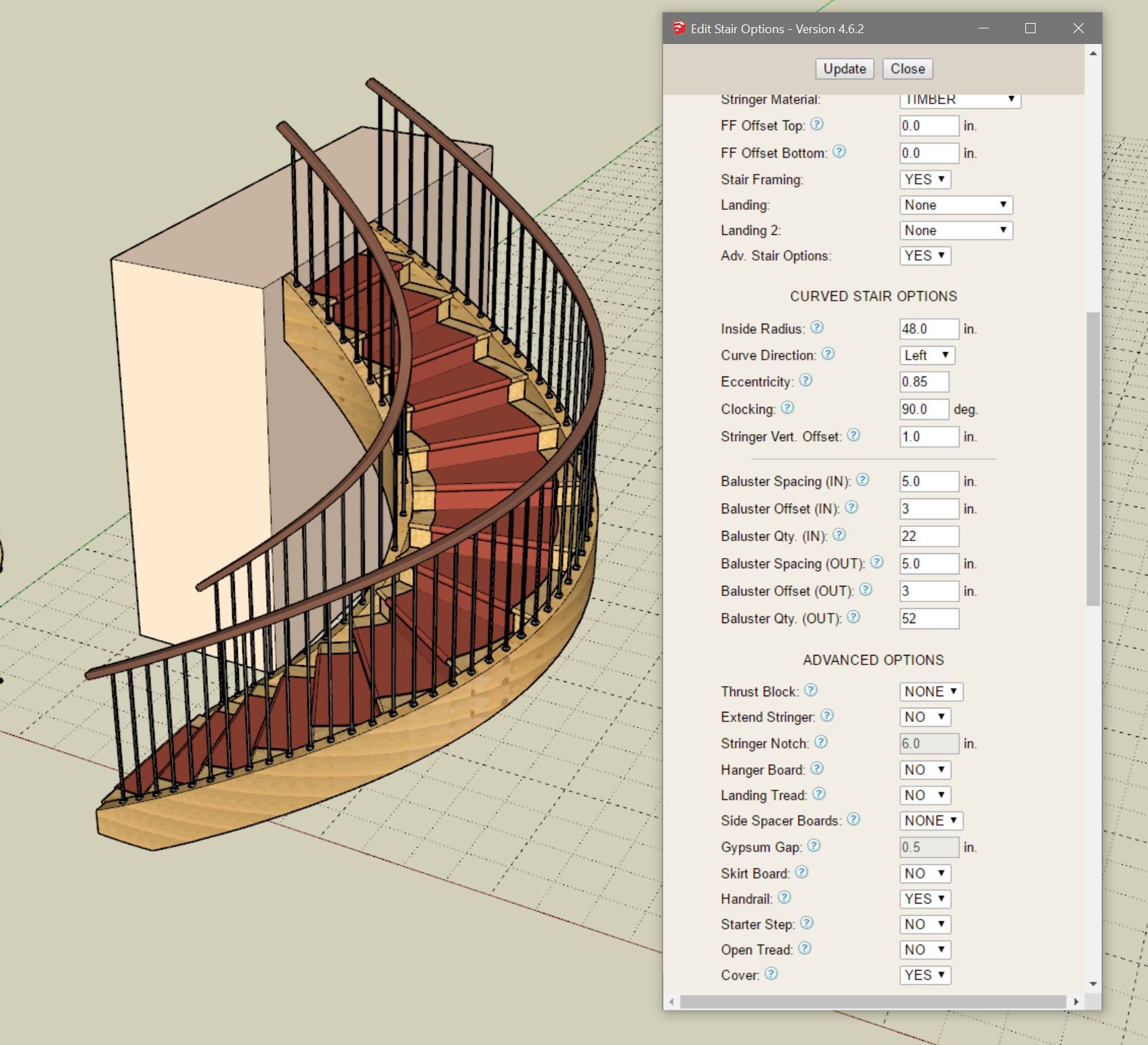
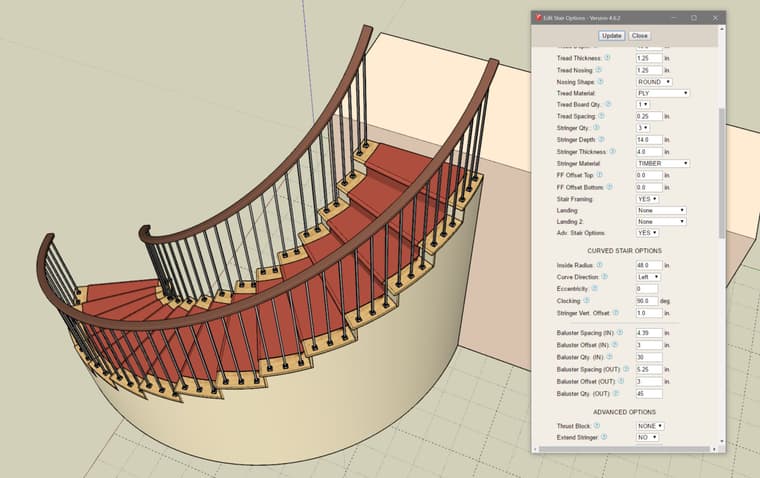
With circular stairs it is possible to carefully control the spacing of the balusters so that a specific number of balusters lands on each tread (two on the inner and three on the outer). However with elliptical stairs the tread arc length may vary significantly so this may or may not be as controllable. I may need to come up with a different way to space balusters on elliptical stairs.
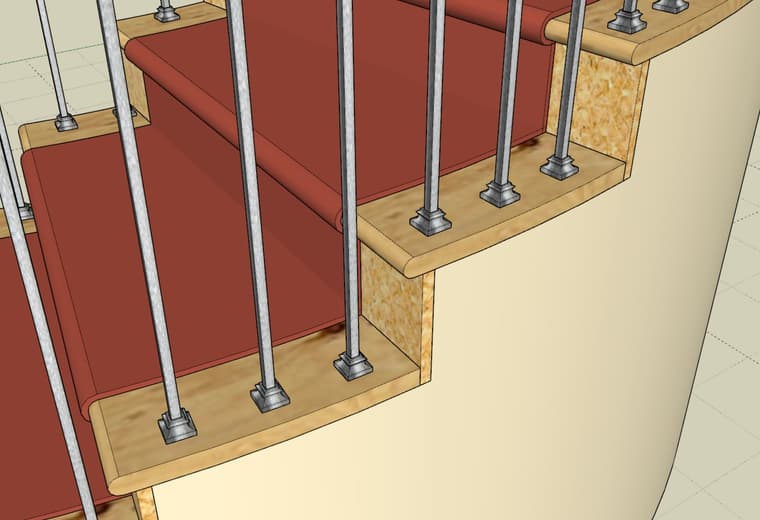
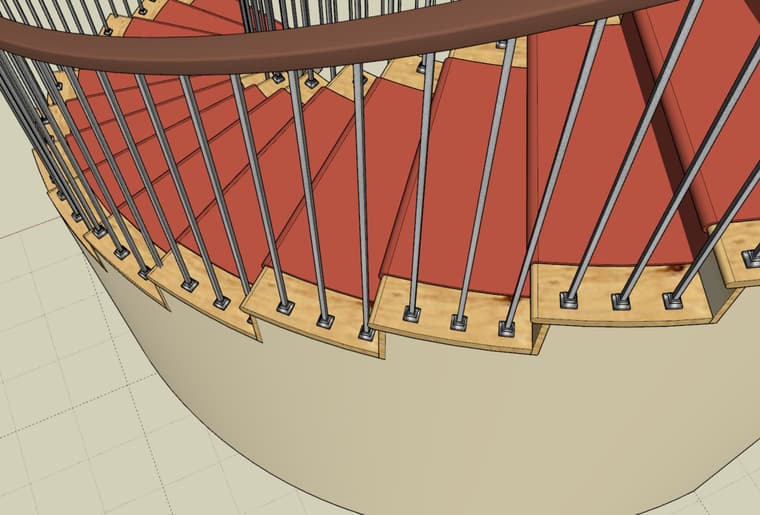
Note that in the second screenshot where the balusters are attached to the closed stringer this is not an issue.
Each side can be adjusted separately with the addition of the six new parameters within the Curved Stair Options sub-menu. This level of granularity is required for curved stairs at the expense of making the menus a bit longer.
Balusters on curved staircases is a bit challenging, I'm not going to lie. My algorithm(s) are mostly working, and I think, as I suggested in my previous postings, I will need to add in some additional (curved stair specific) parameters. At this point I really hate to add more parameters to these already substantially bloated menus. Too many settings and options tend to overwhelm the casual or new user, but at the same time we need enough controls or knobs to fully adjust these assemblies, its a bit of a trade off I guess. As the Japanese say "Shikata ga nai" (仕方がない).
This screenshot is of a "circular" curved staircase with 1/2" square balusters and baluster shoes. As you can see the baluster spacing is not quite right for either side (inner and outer handrails). To get exactly 2, 3 or 4 balusters per tread one will need to carefully and probably iteratively adjust the spacing. Since these arc lengths won't be nice even numbers the exact spacing number will be some fractional value. I've got some ideas on this to make things a bit easier for the user to compute these exact spacings but I need to experiment with it further.
Its funny how when I start down one of these rabbit holes I don't usually don't know the full solution to the problem or even fully understand the problem itself. But as I slowly unravel and work my way through one of these problems it ultimately becomes clear and then along the way I seem to always find better ways to address the problems that I encounter.
Version 4.6.1 - 06.06.2026
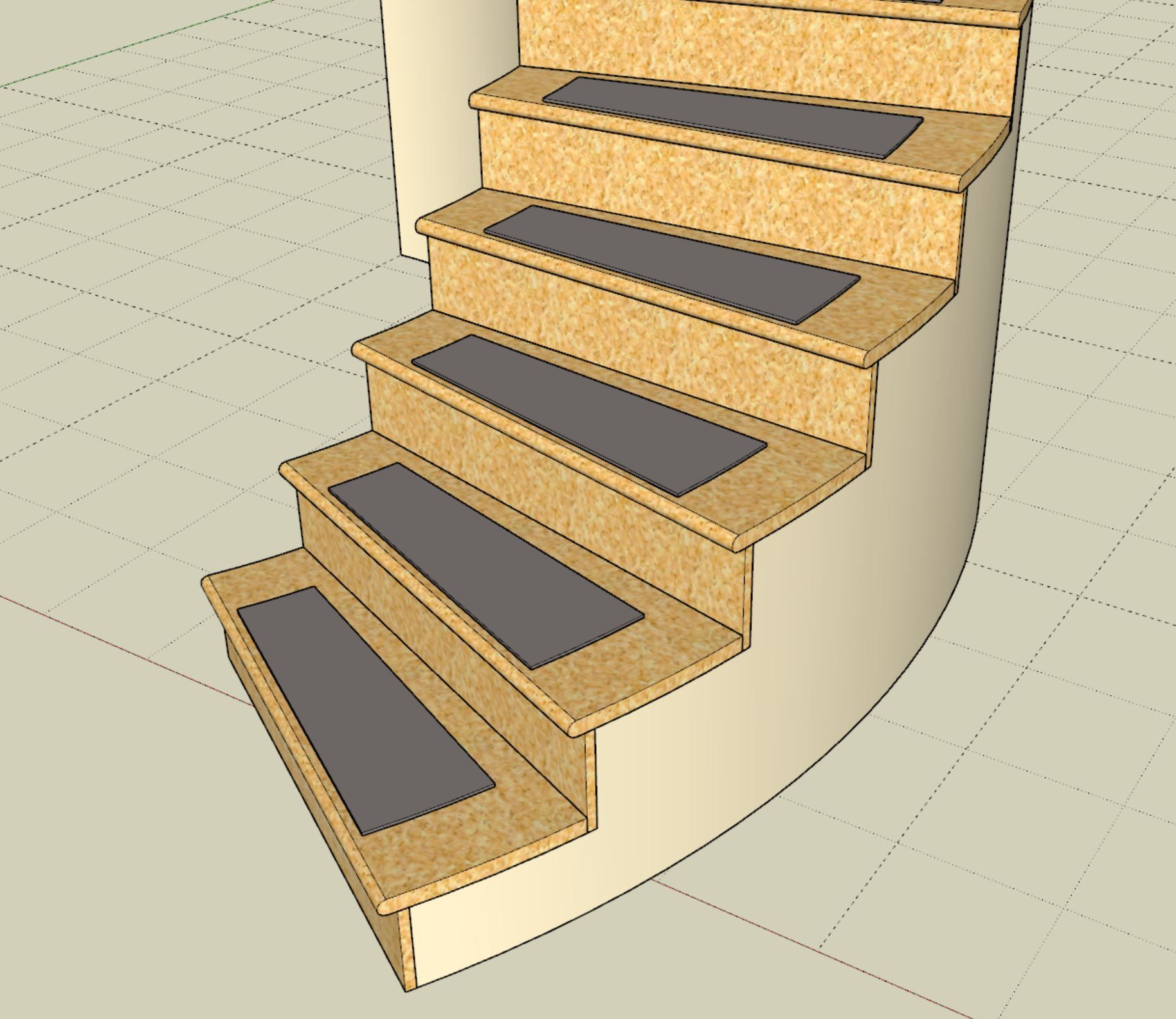
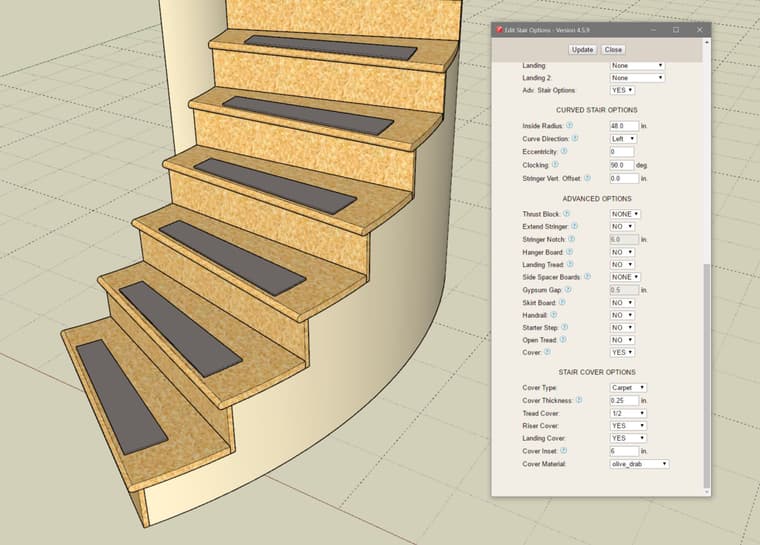
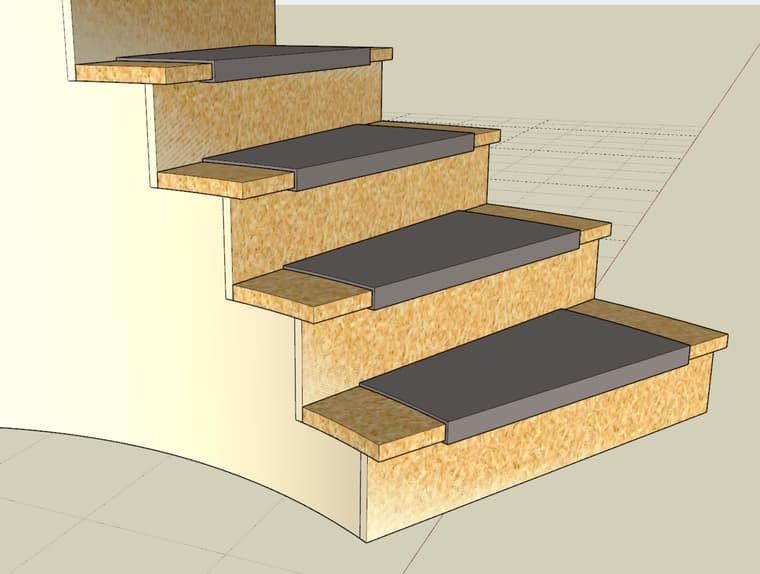
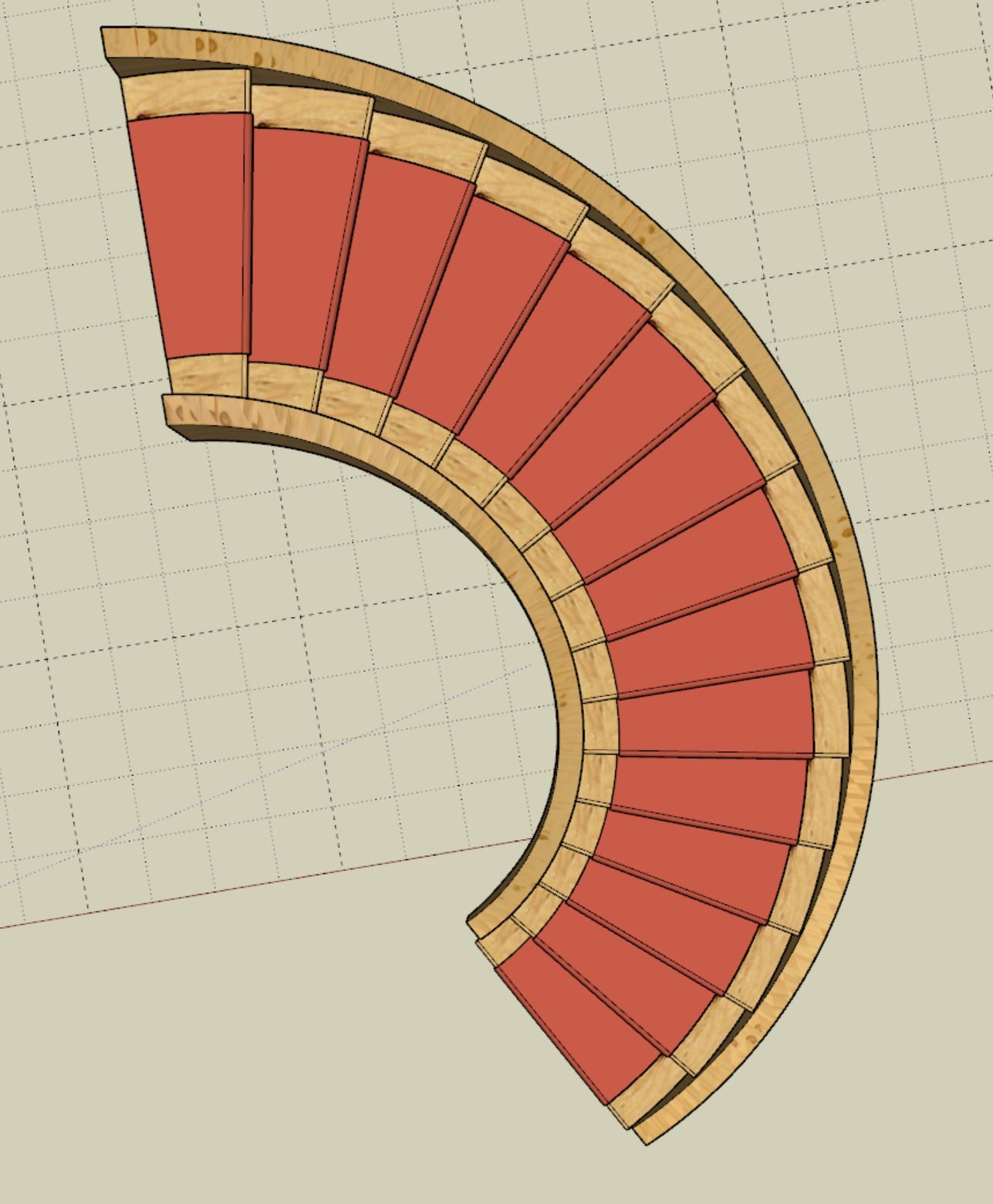
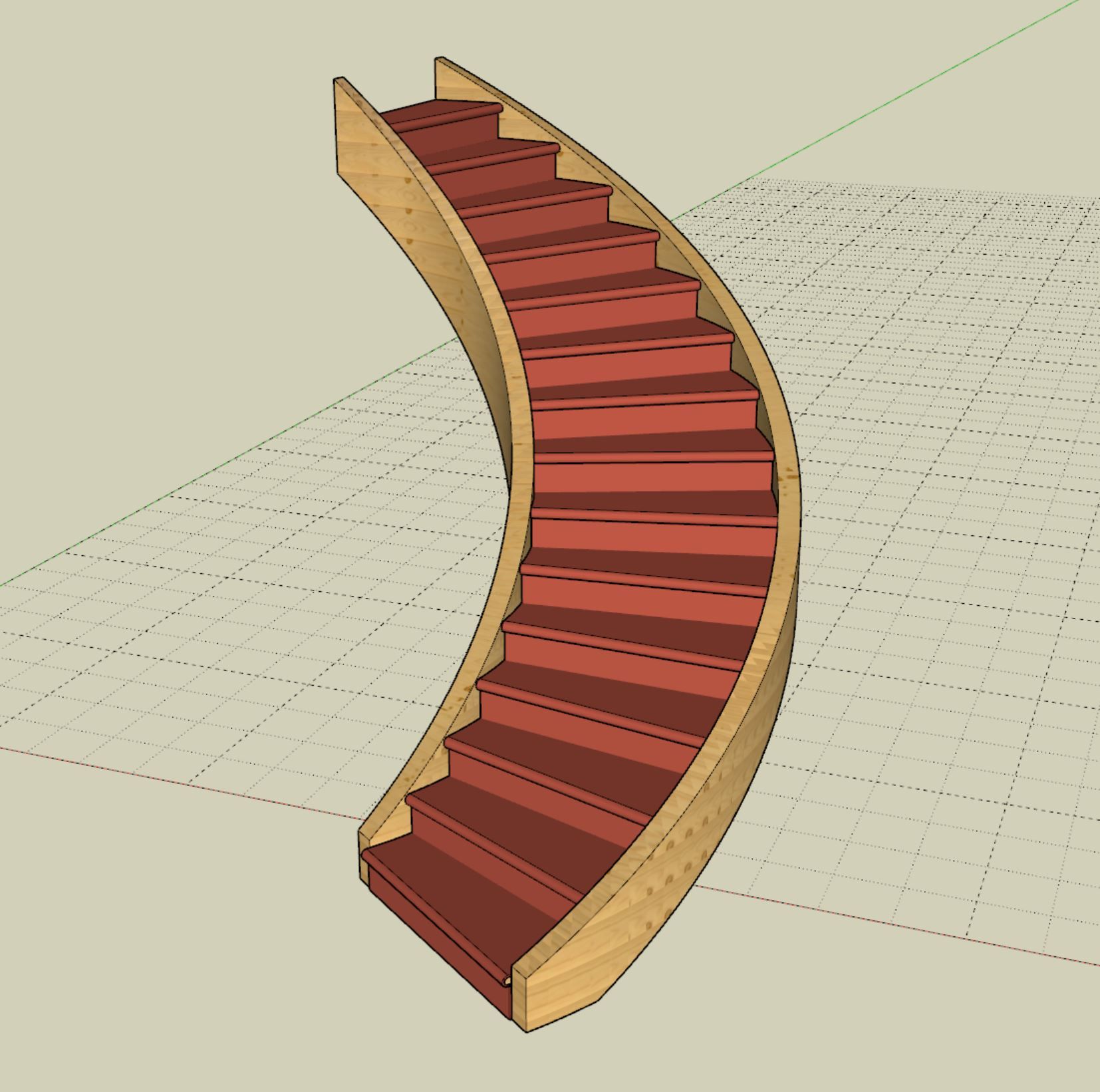
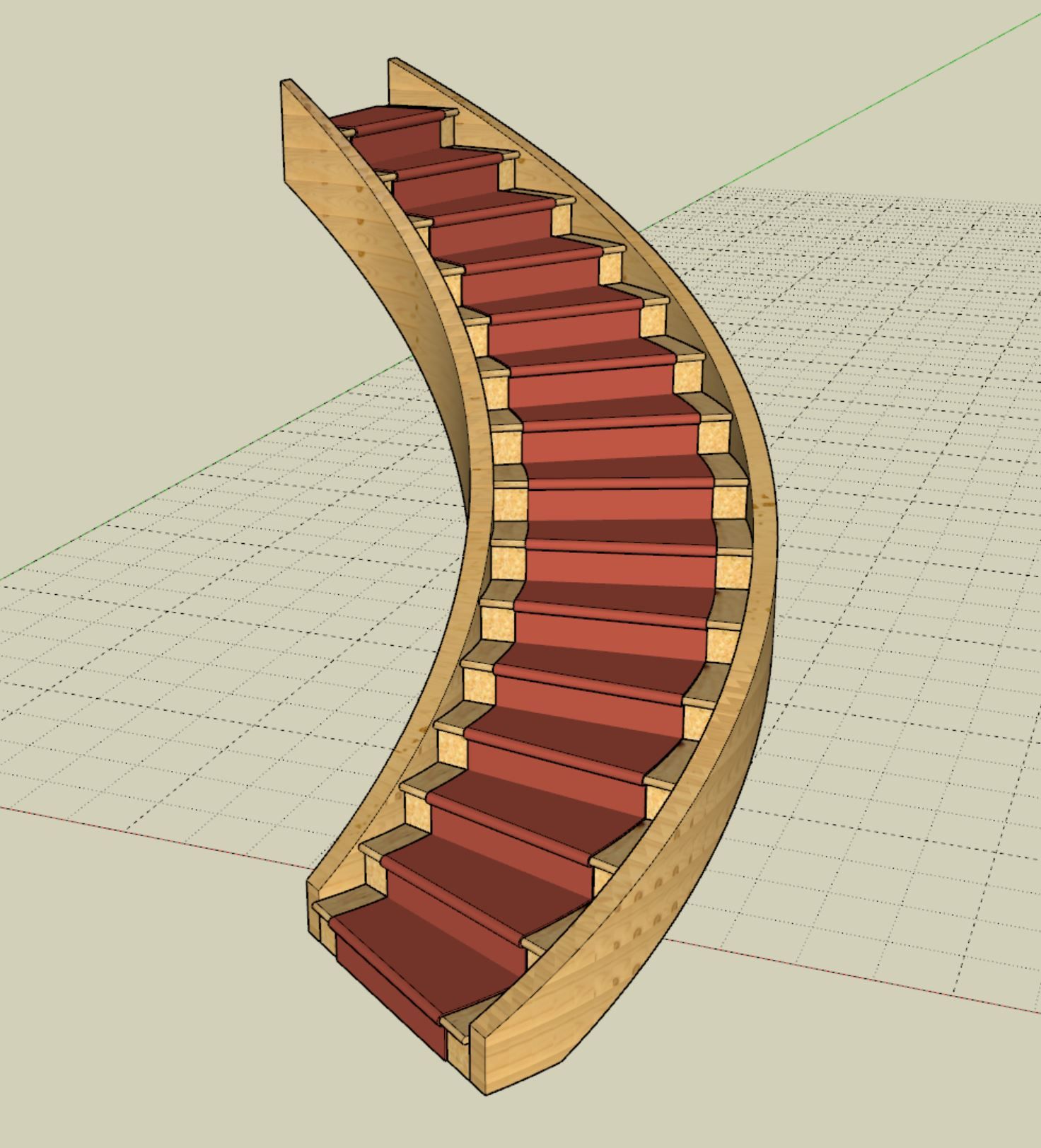
Version 4.6.0b - 06.06.2026
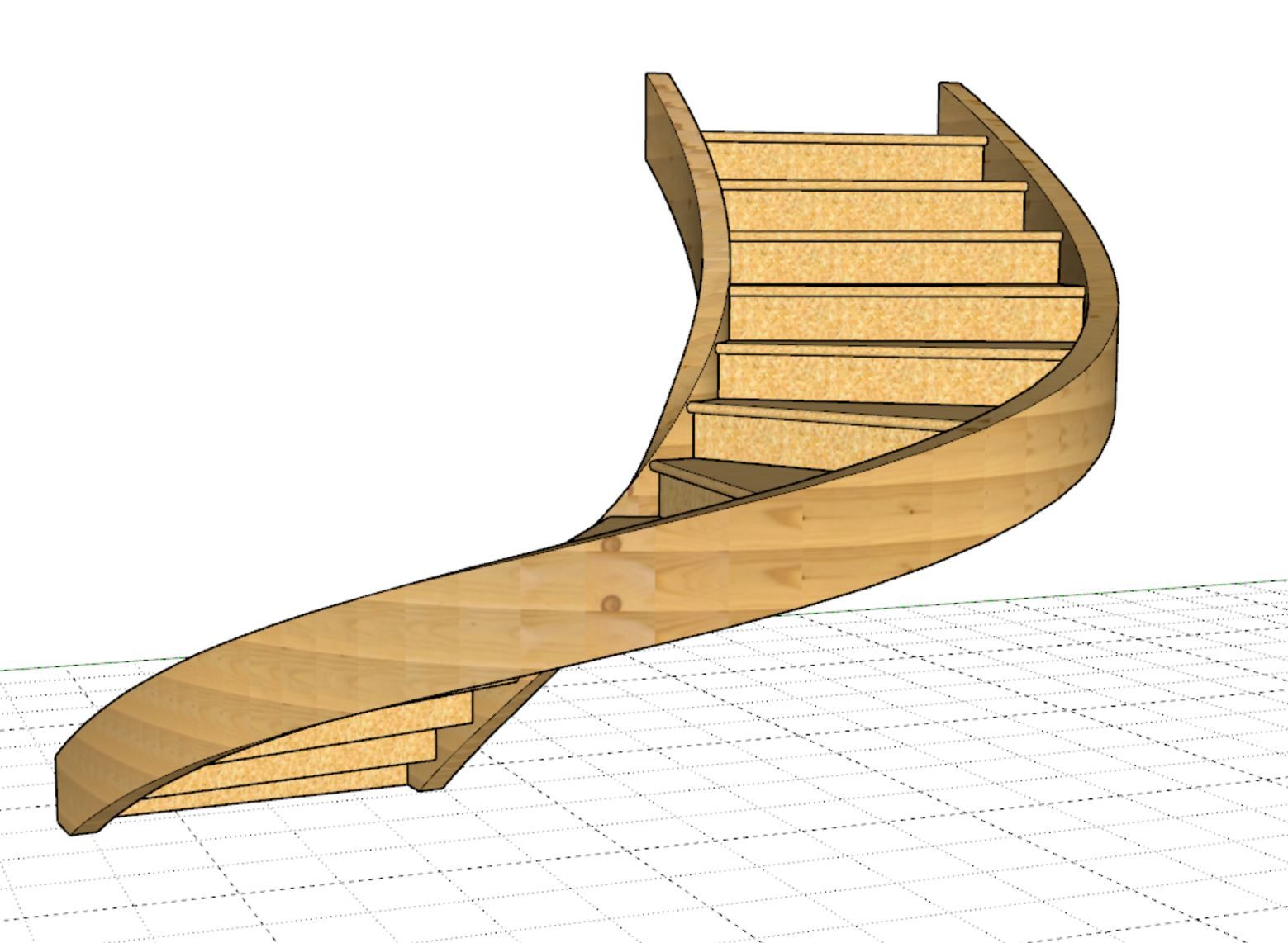
After mucking around with the follow me API call and a few other algorithms I decided to strike out on my own yesterday, and with a little help from ChatGPT and quite a few iterations I was able to finally generate the closed helical stringers. Using the same principle and by rotating the profile I am now able to generate a similar mesh for the handrails. These are high poly but it does look great and we now have eliminated the twisting issue that I had never resolved using other methods. So a major step forward.
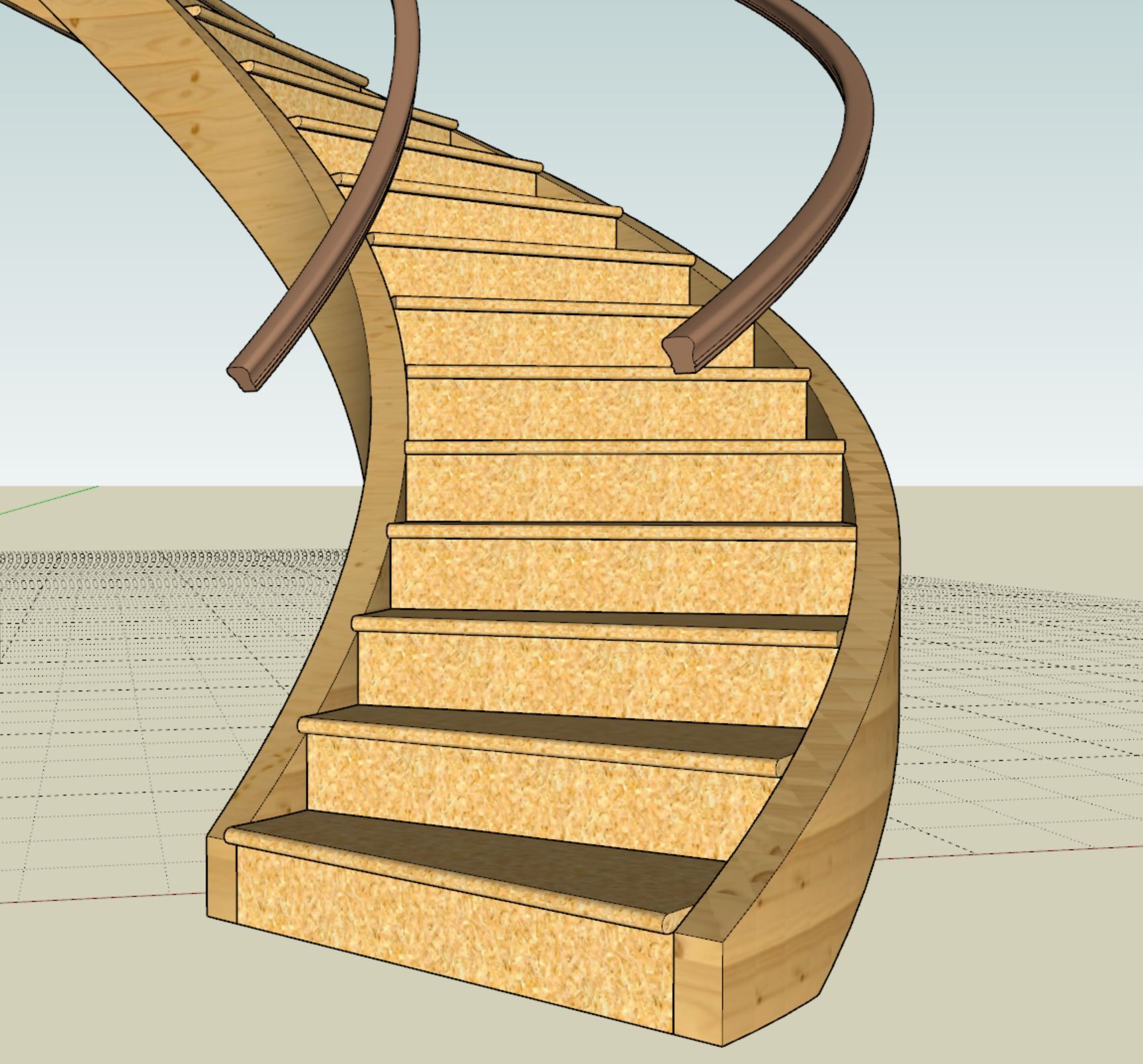
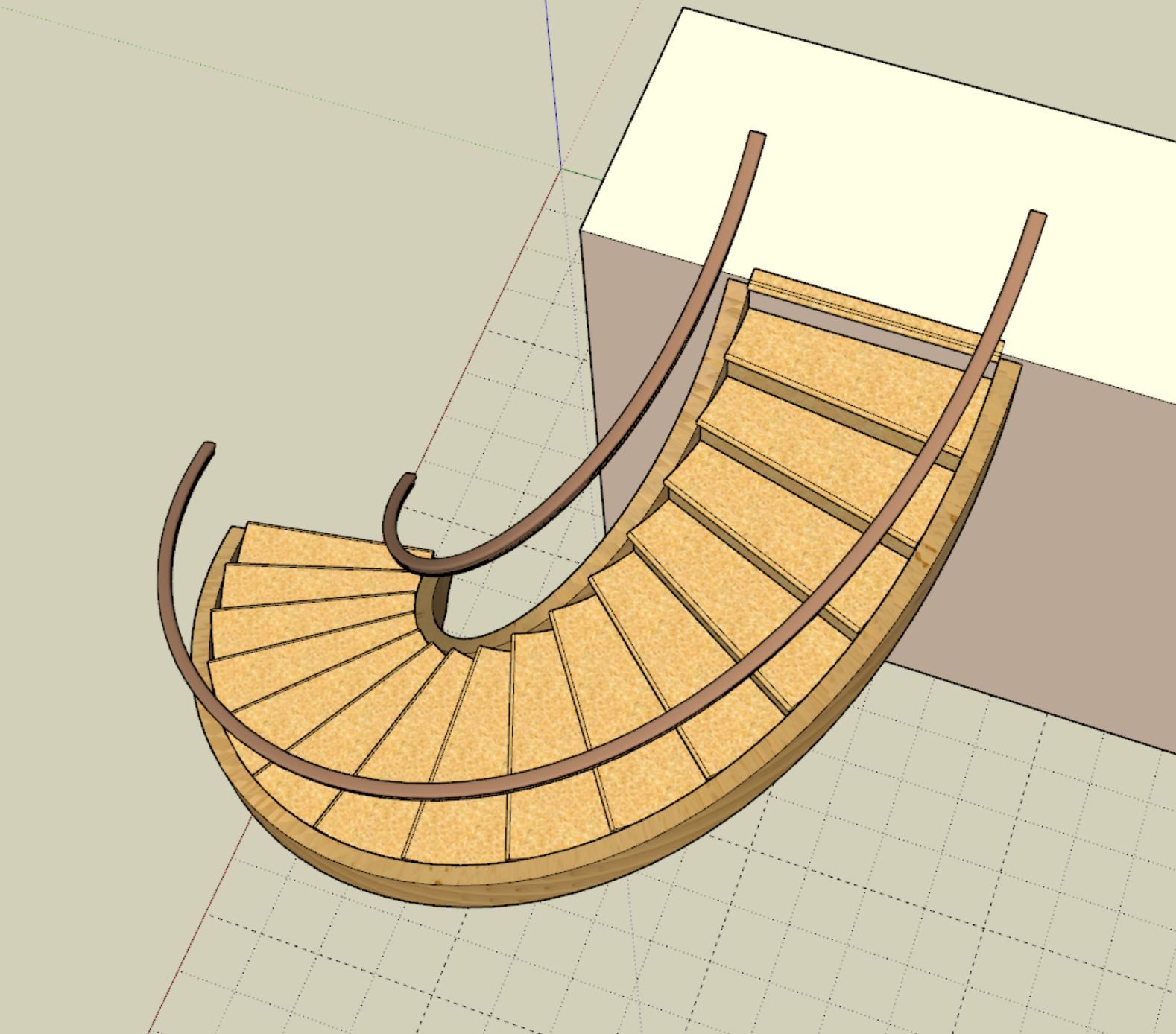
Medeek Wall: Version 4.6.0 - 06.03.2026
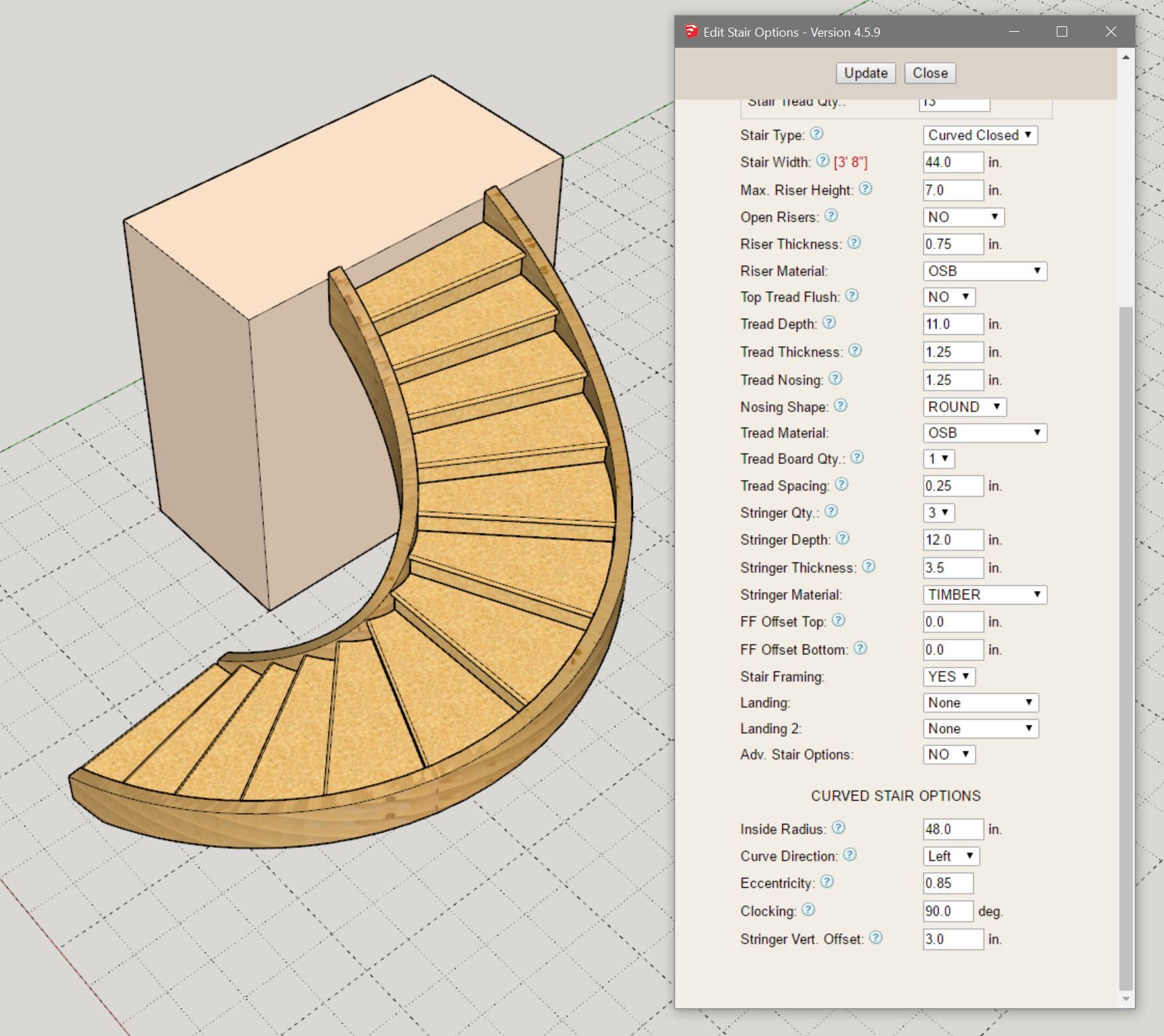
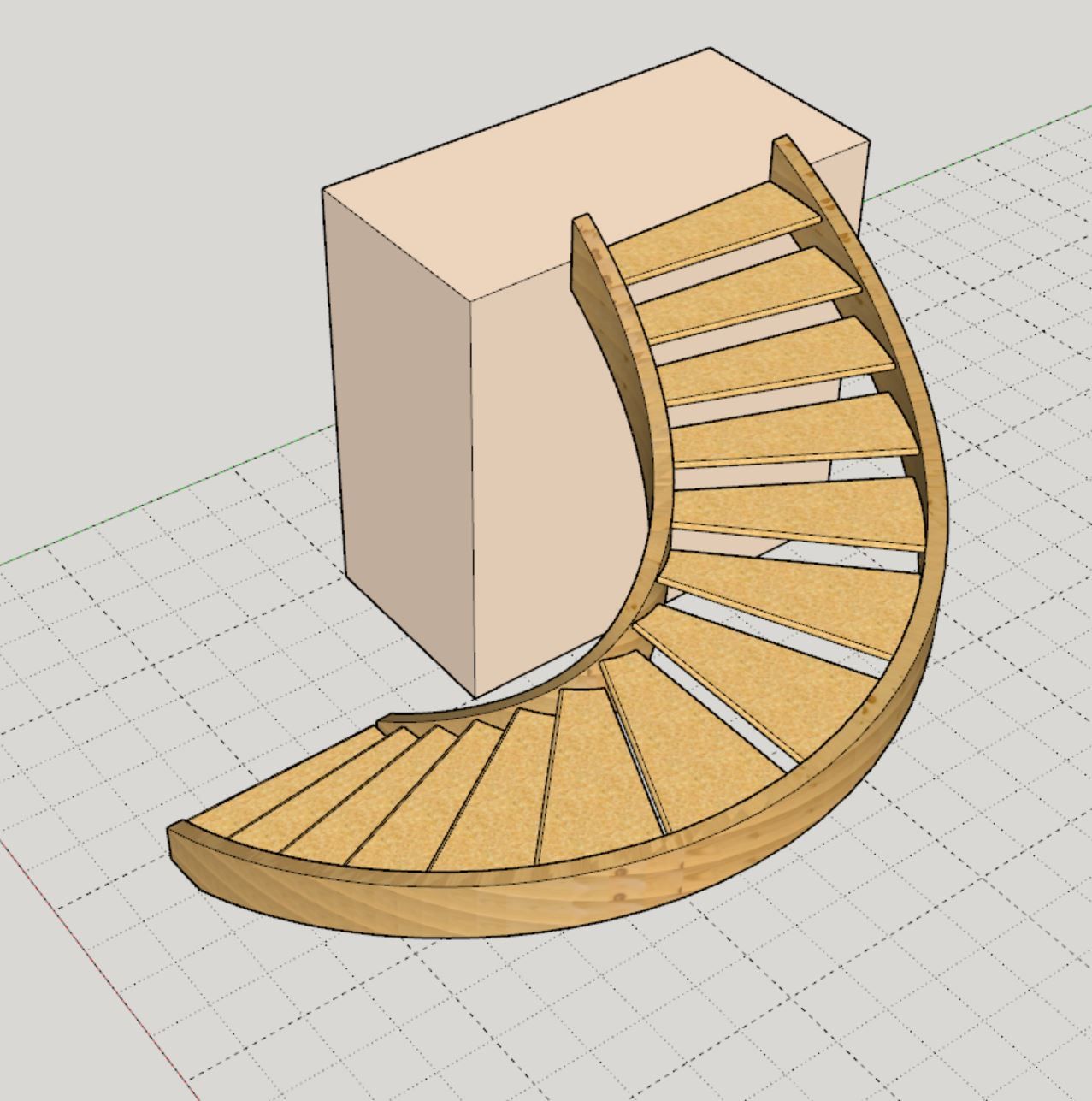
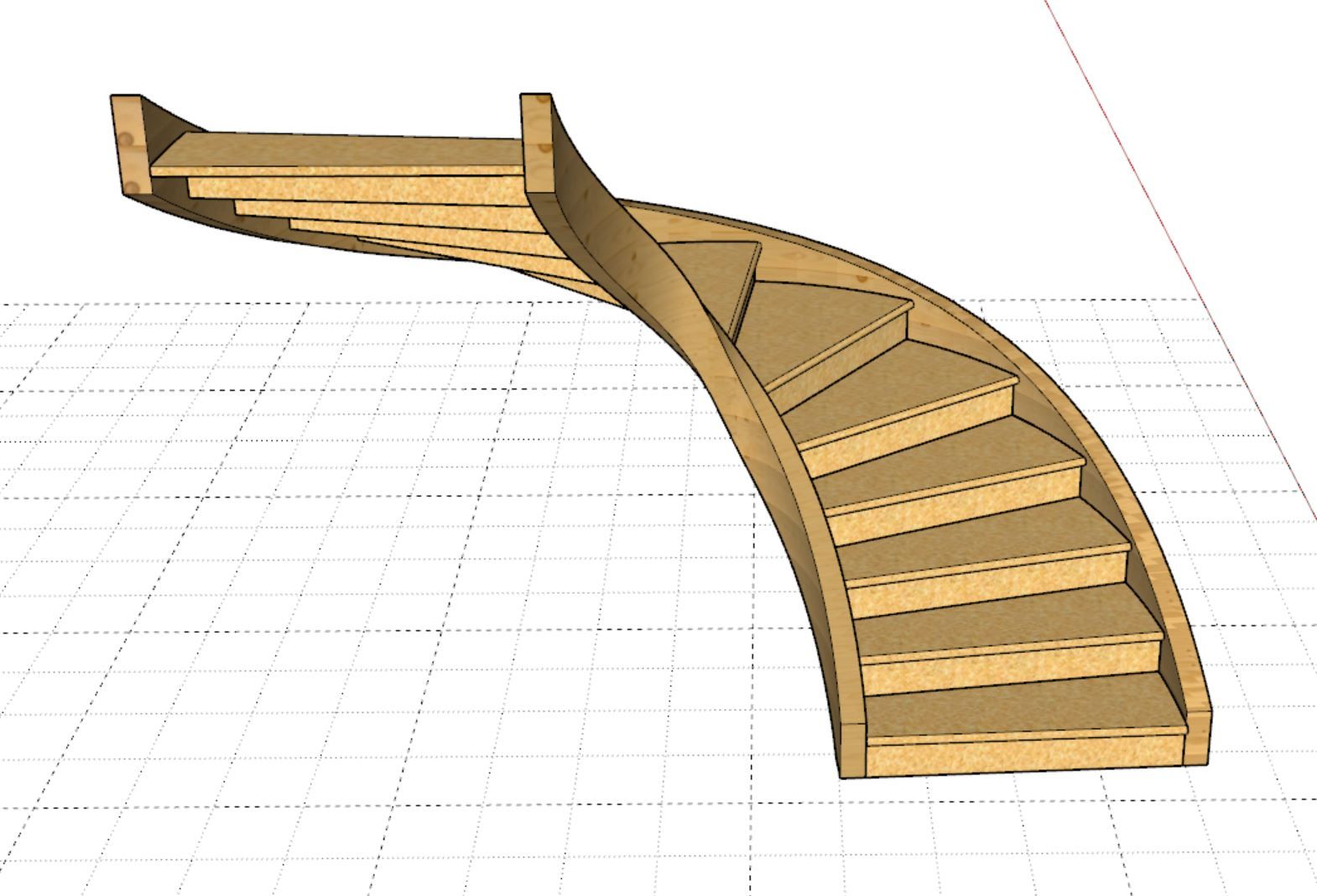
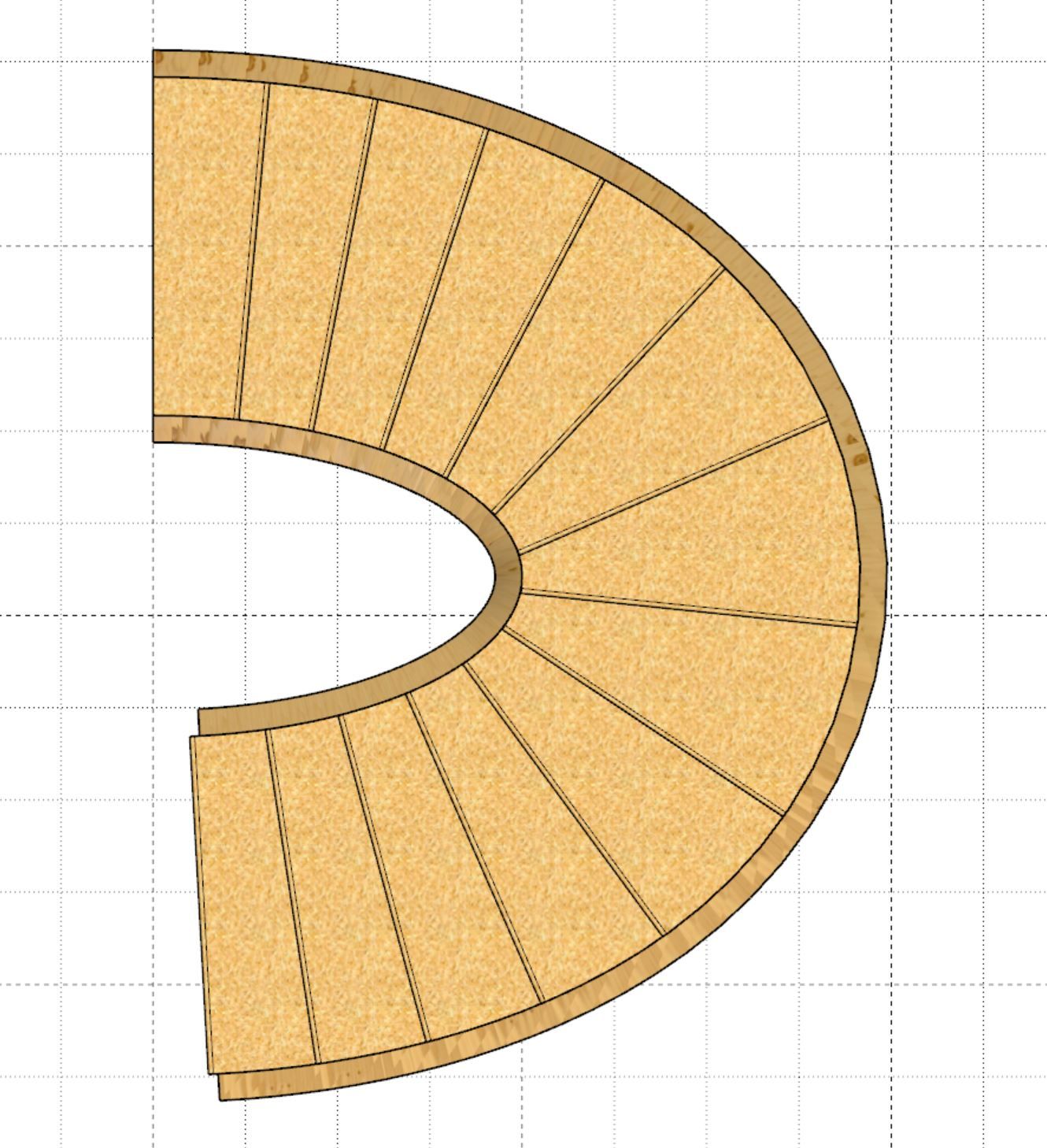
I've been working on close stringers for curved stair cases. The circular variety is pretty much figured out but the elliptical variety still needs an instantaneous adjustment to the stringer depth since the pitch angle of the stairs (slope) is constantly changing. The geometry of a 0.9 eccentric ellipse shows off this distortion quite well. I will hit it again tomorrow and see if I can't figure out a more accurate algorithm for these stringers. Sometimes I enjoy a good challenge, but this one has certainly had me scratching my head a few times already.
Version 4.5.9b - 05.31.2026
Version 4.5.9 - 05.31.2026
Version 4.5.8 - 05.30.2026
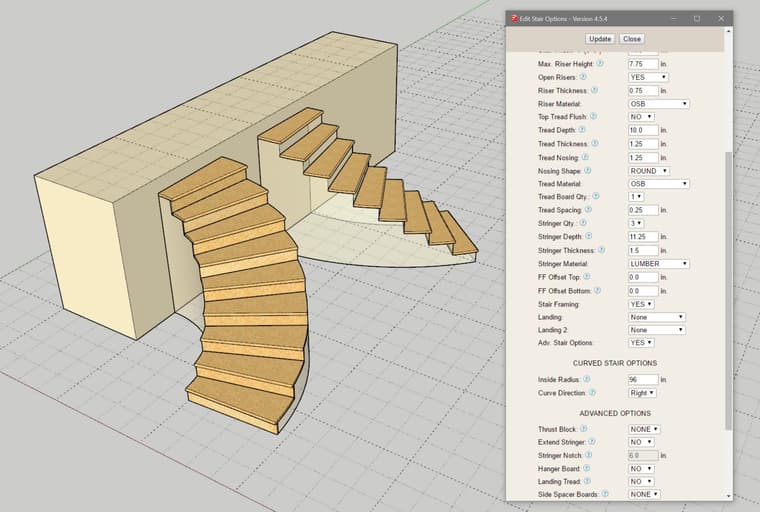
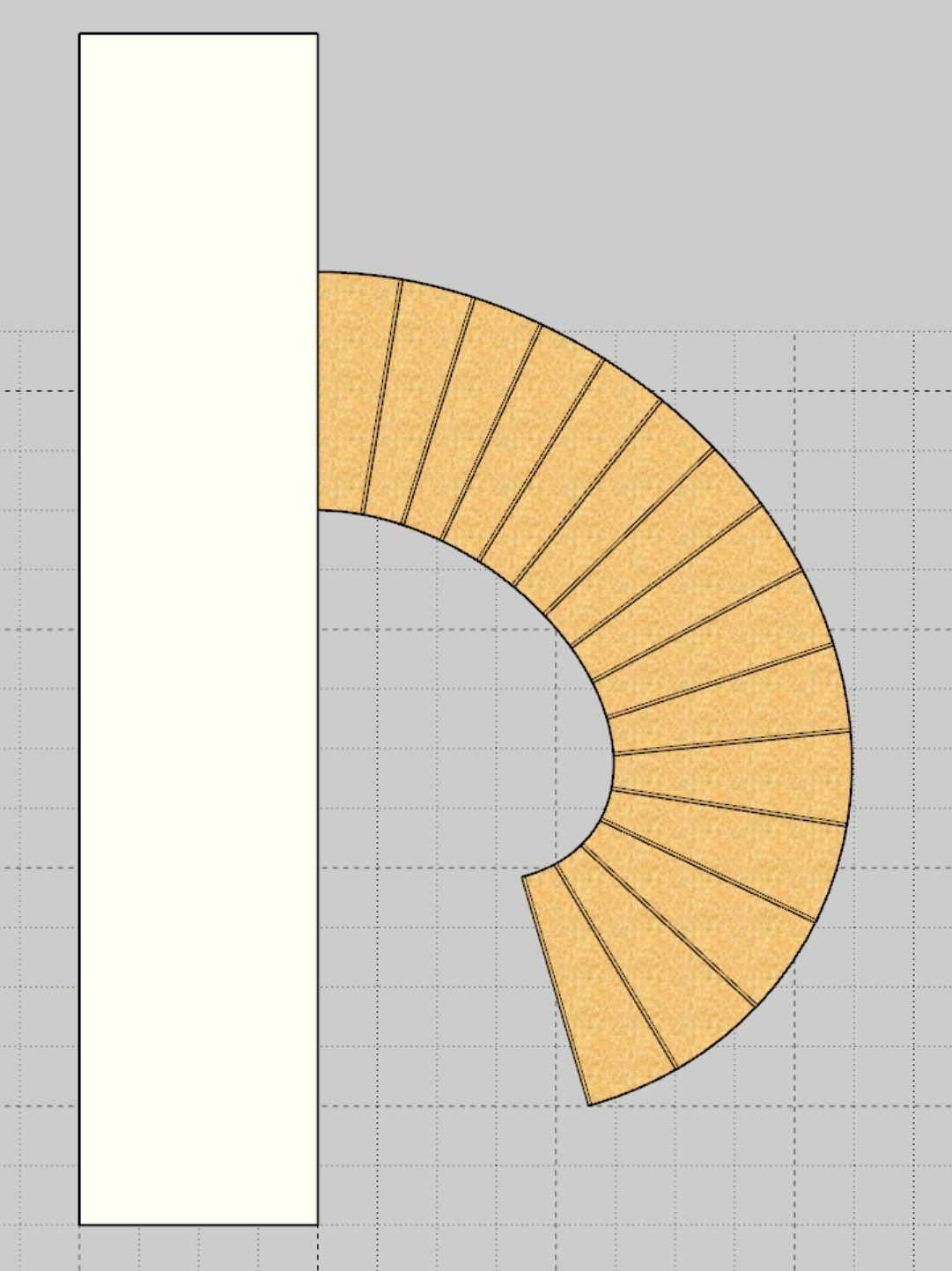
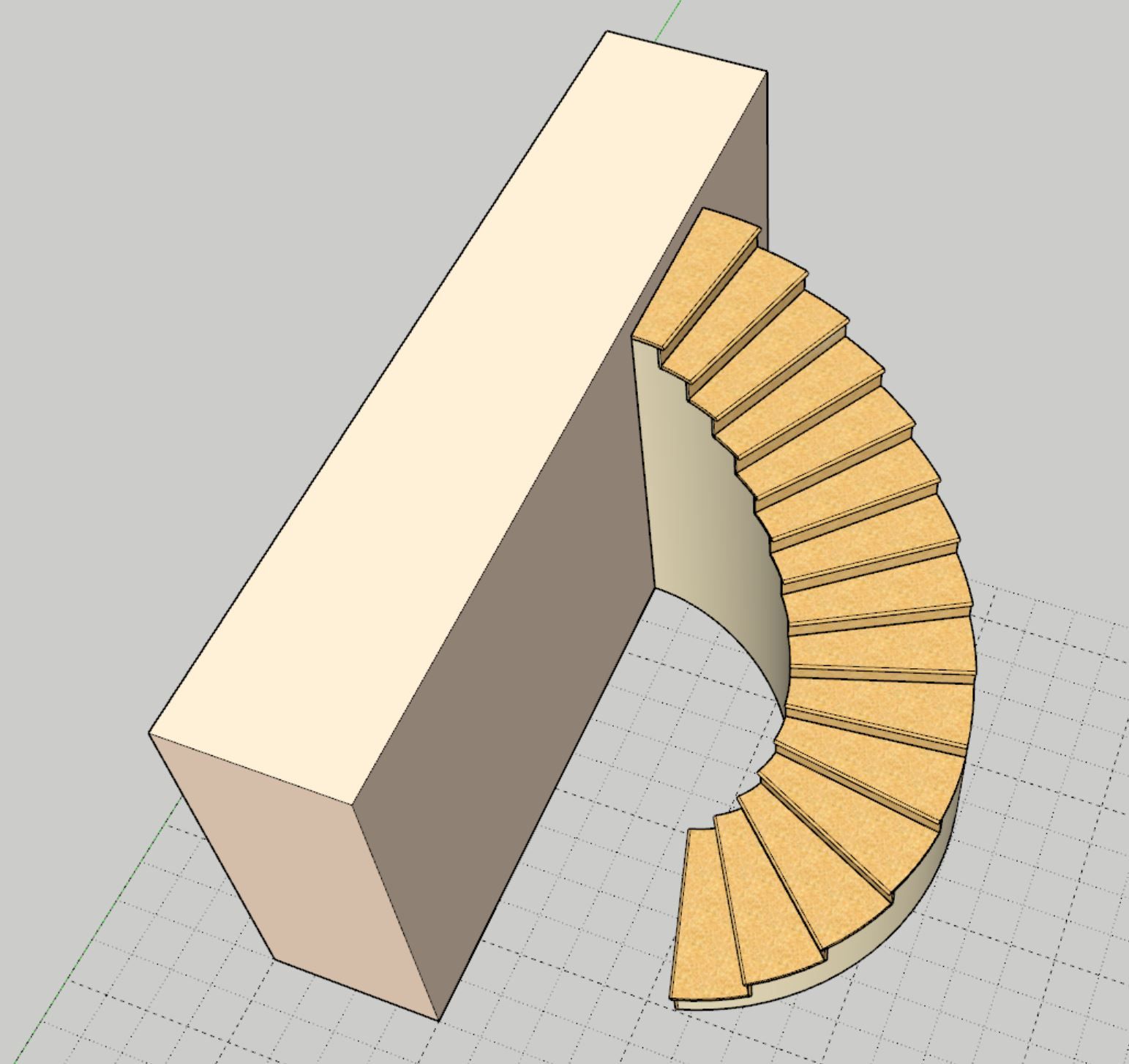
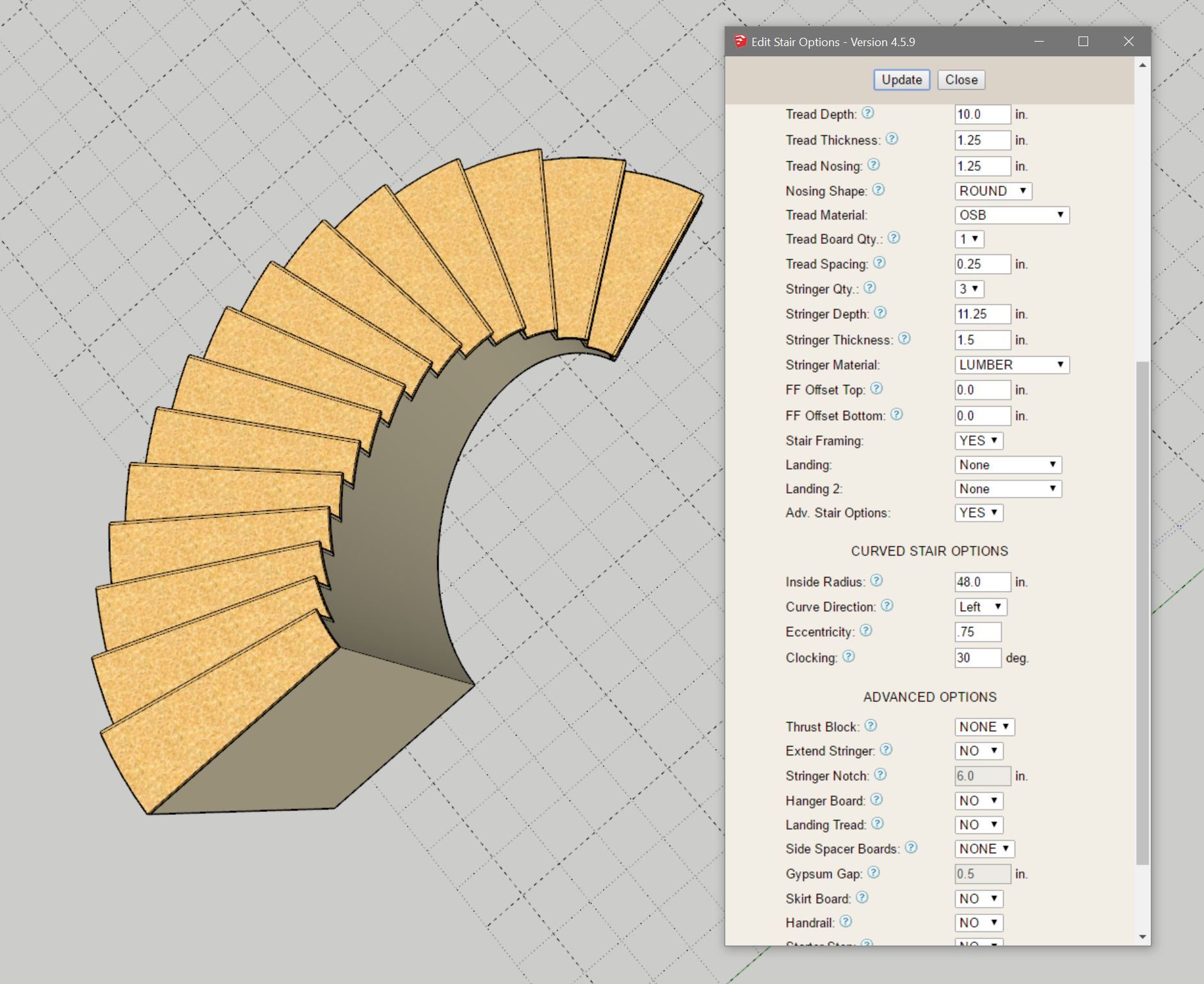
The curved stair primitive is relatively easy to create, it is all the details that are going to be fun.
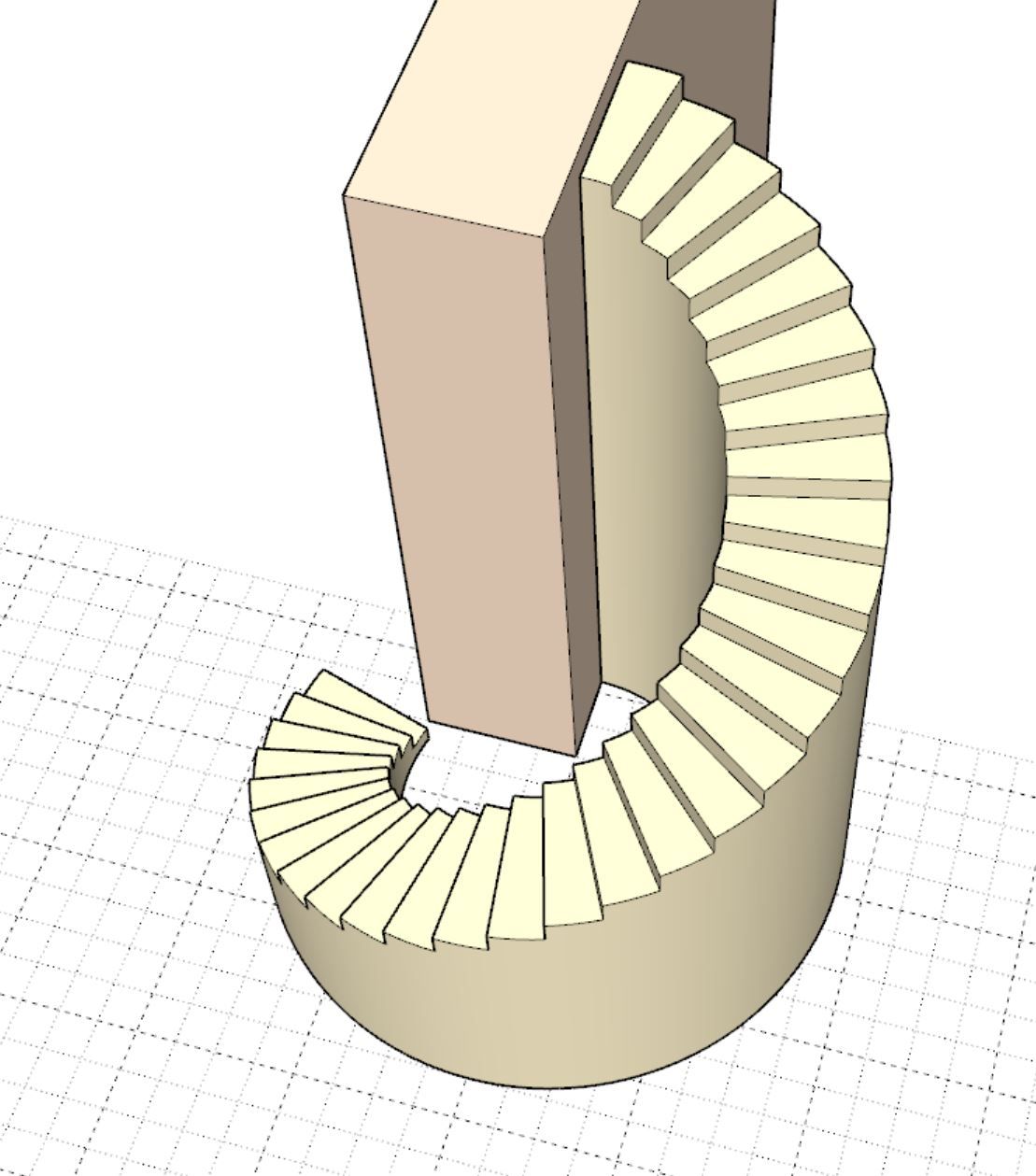
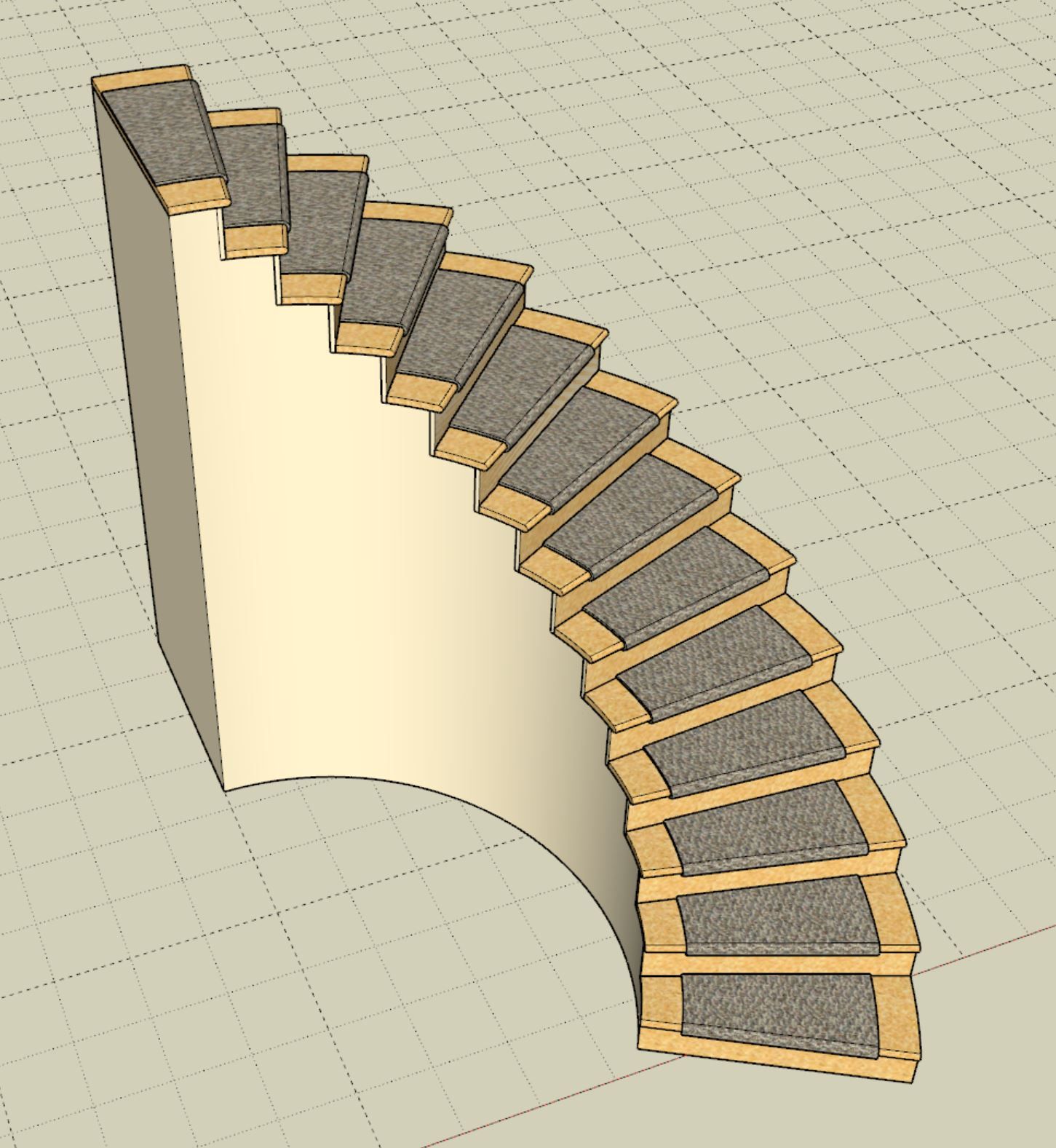
Larry Belk has been asking me for a few weeks now to attack curved (not spiral) staircases. I will readily admit I know very little about how to construct these types of specialized staircases and based on my quick survey of Youtube videos showing their construction there are many ways to actually build them.
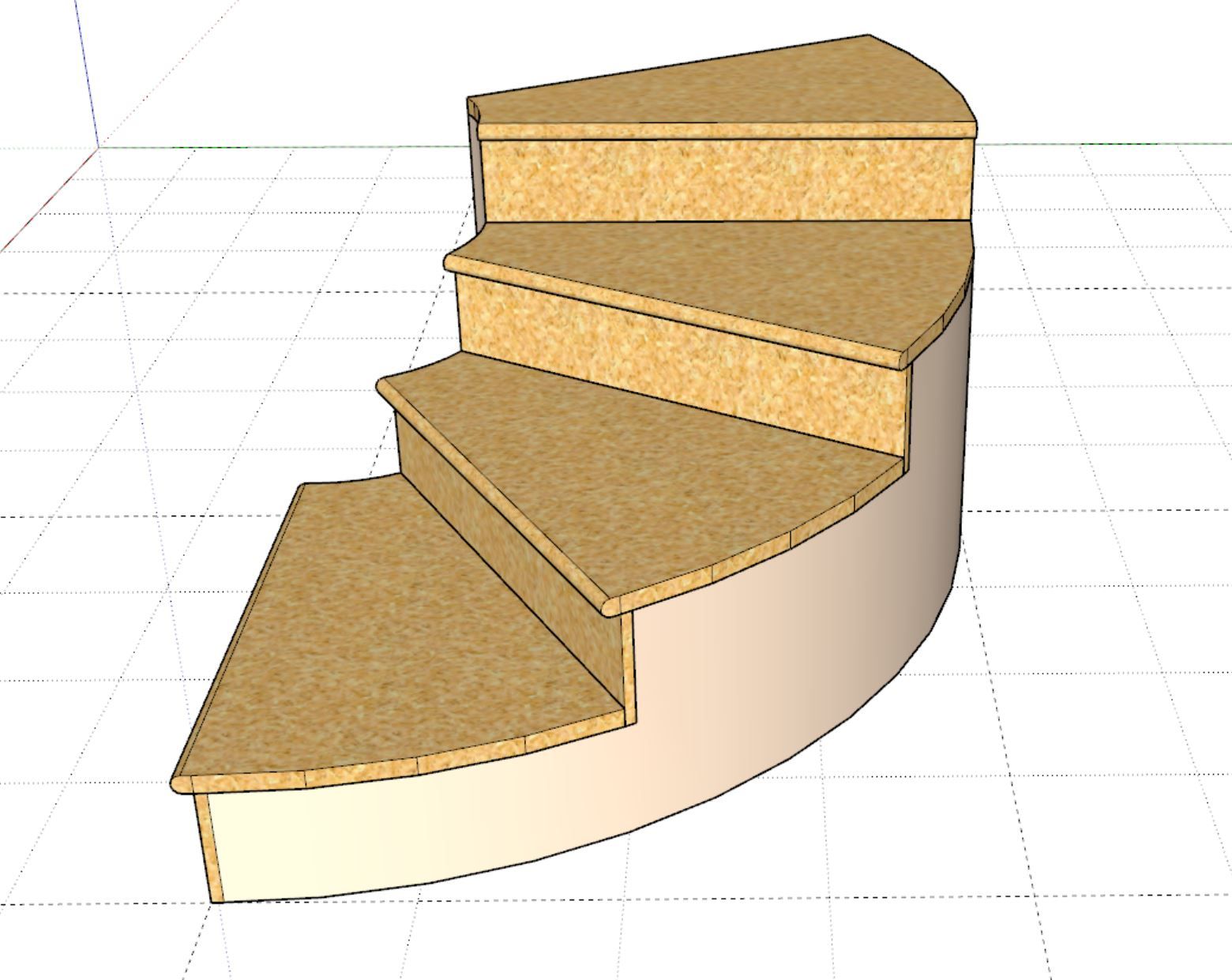
Rather than focus on the supporting structure (ie. curved walls or twisted stringers) I think it would be more beneficial to focus on the primitive that generates the staircase and then the risers and treads. My feeling is that each curved tread can be adequately modeled with arcs consisting of only four edges, thoughts?
Version 4.5.7 - 05.26.2026
For those interested I am pulling all of my handrail geometry from LJ Smith's webpage at the following link:

Our 33 wooden stair handrails provide plenty of options from which to choose. Many profiles are also available in bending rail for applications requiring curved hand railing.

L.J. Smith Stair Systems (www.ljsmith.com)