I wrote an answer to your mail box
Oops, your profile's looking a bit empty! To help us tailor your experience, please fill in key details like your SketchUp version, skill level, operating system, and more. Update and save your info on your profile page today!
Check out Febhouse | New extensions for Shadow Analysis in SketchUp Download
 K
Offline
K
Offline
Posts
-
RE: Rayscaper 0.9.94 not working
-
RE: Rayscaper 0.9.94 not working
Hello,
On my end, after installing it on 2024, it didn't work and SketchUp started freezing systematically on both PCs. It's impossible to fix, and I'm currently forced to use 2025 without extensions...because I hadn't installed RS on version 2025, which I don't use -
RE: Pour changer un peu...
Salut,
j'ai préparé mes tablettes d'acide, et j'ai cliqué sur les liens, en vain... je vois pas les vidéos -
RE: Rayscaper New Releases
Thanks for the report, I can confirm the error with GPU rendering. Would you mind sending me the scene so I can try to reproduce the error?
Thanks,
Thomas
Hello, it's done, I sent you the file -
RE: Rayscaper New Releases
I should point out that I initially succeeded with a project in version 93. Then this problem occurred.
-
RE: Rayscaper New Releases
hello, I'm trying this new version but I get a bugg, It doens't want to render anymore. I get this error message
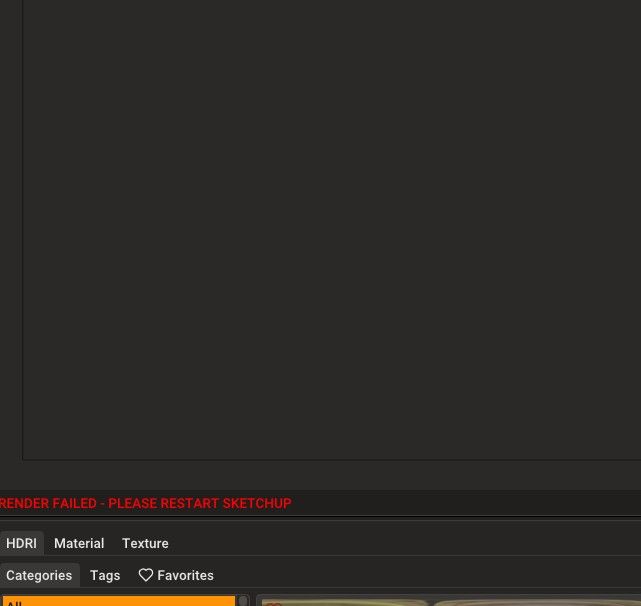
I will send you my log file -
RE: [Plugin] Extension Material Replacer
I can send a skp file with two textured rectangles if you want..
test textures.skp -
RE: [Plugin] Extension Material Replacer
I have the impression that the function I wanted isn't available: I want to be able to preserve the mapping of a modified texture.
For example, I have a texture A that I apply and rotate 90 degrees.
I have a textured geometry with B onto which I want to be able to apply the modified texture A, already rotated 90 degrees.
Is this already possible with your update? I can't seem to get it to work. I did manage to preserve the mapping on texture B after applying texture A. -
RE: [Plugin] Extension Material Replacer
parfait, wonderfull ! Un grand merci, thank you !
-
RE: [Plugin] Extension Material Replacer
It's a shame it doesn't take into account the scale and orientation of the materials, or that these have been modified. Would that be possible?
-
RE: [Plugin] Extension Material Replacer
The ability to isolate the selected by making it unique. At the same time, the connection between the copies of the components inside the selection remains
this won't work on my SU 2024...
Sketchup says in the entity information that they are still the same components, but in reality they are no longer linked; the geometry modifications I apply after choosing the Deep Unique mode to change the color do not take effect.... -
RE: [Plugin] Extension Material Replacer
very good, this is what I was looking for, whereas Material Replacer changes all the model colors! Thanks!
-
RE: Rayscaper New Releases
Hello
other Rayscaper render with D5 characters, but I should have changed the scale of the characters, which is messed up, but I'm too lazy.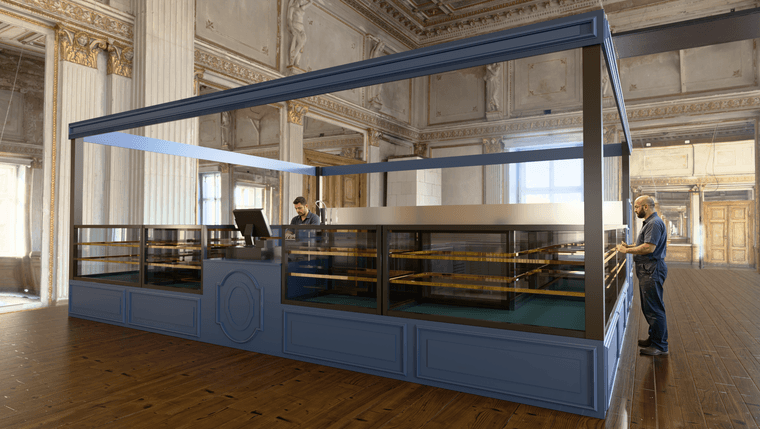
-
RE: Rayscaper New Releases
Ah! Thomas, the ambient occlusion is perfect in version 0.9.92!
-
RE: Rayscaper New Releases
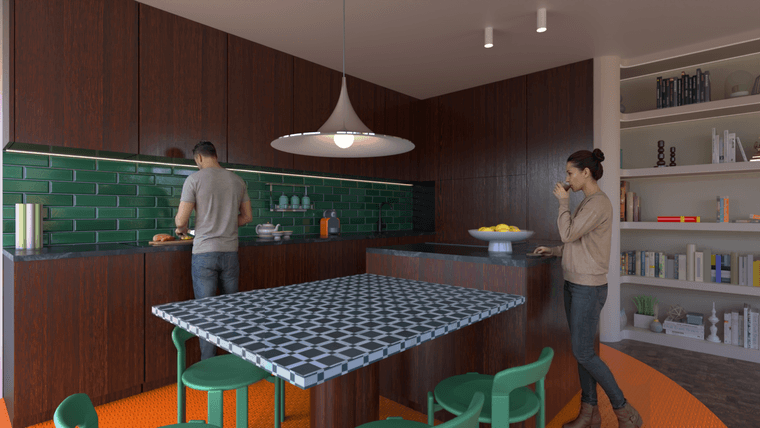
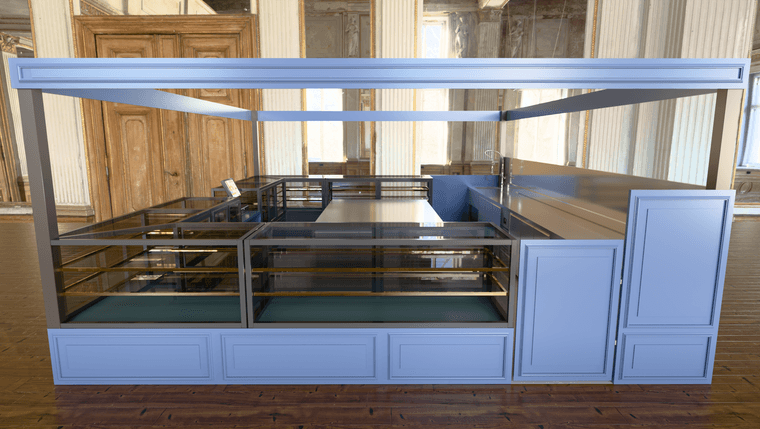
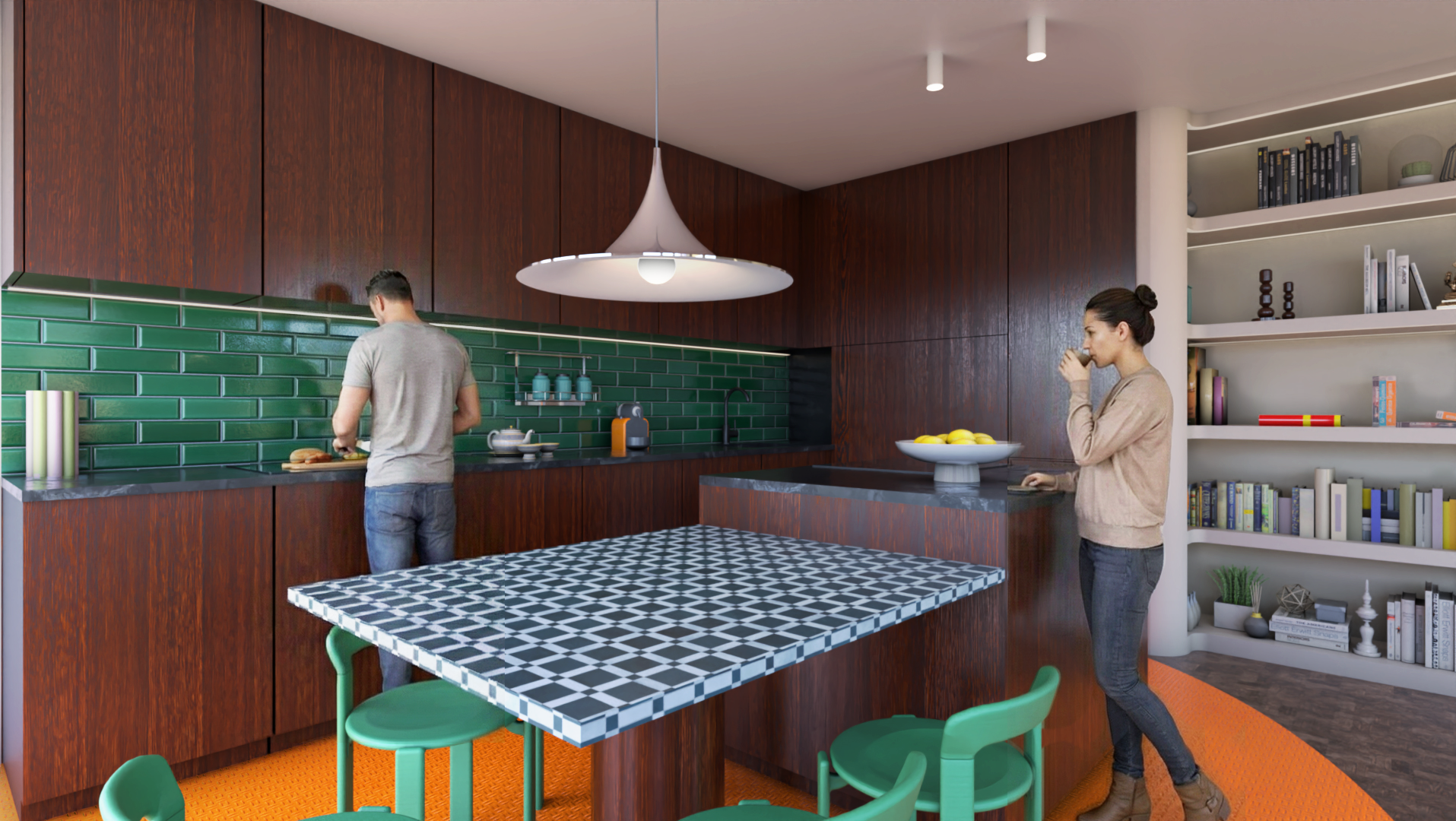
1- So, a "consistency" test, meaning renderings from different viewpoints with the same characters. It's not perfect, but the method is to create two 3D renderings (here in Rayscaper) and place the image in SketchUp. Then, I ask D5 Render Lite's AI to add characters to the first viewpoint. I also give D5 the same image as a reference. Then, I take the least bad result and create a Photoshop montage.
2- To get the same characters from a different viewpoint, I place the new rendering with a new viewpoint in SketchUp and give D5 Lite my latest image with the characters. I then request the same characters in a different location.
-
RE: Rayscaper New Releases
Here, the same exercise, but the aim is to maintain consistency by keeping the points of view the same with the same characters.