sketchucation logo sketchucation
    • Login
    1. Home
    2. koenvdw
    3. Posts
    Oops, your profile's looking a bit empty! To help us tailor your experience, please fill in key details like your SketchUp version, skill level, operating system, and more. Update and save your info on your profile page today!
    โš ๏ธ Important | Libfredo 15.6b introduces important bugfixes for Fredo's Extensions Update
    K
    Offline
    • Profile
    • Following 0
    • Followers 0
    • Topics 14
    • Posts 32
    • Groups 1

    Posts

    Recent Best Controversial
    • Workflow - rendering small rooms

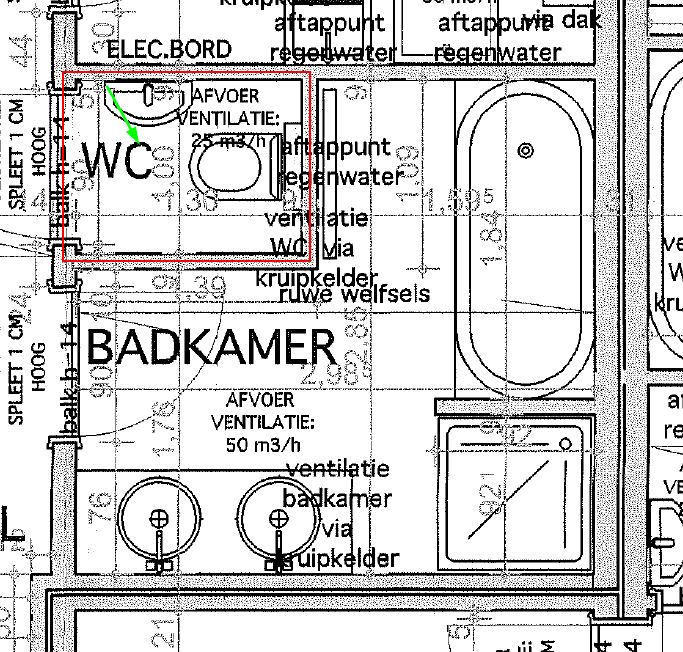
      I have to render a small bathroom. See the picture in attachement.

      To have a better picture I left out the toiletroom (red rectangle), because the camera (green arrow) is standing over there and the viewport is making it so that the walls aren't missed. I also change the field of view in small rooms.

      After rendering I noticed that the mirror reflects the room without he walls of the toiletroom. So the picture isn't representative anymore.

      I'm curious how other people would tackle this problem...

      I was thinking about section planes, walls that are translucent on one side an normal on the other side, rendering with walls and copy/paste the mirror part in post production...
      badkamer.jpg

      posted in V-Ray render plugins extensions
      K
      koenvdw
    • RE: Displacement problem - whole surface/diffuse map offset

      I'm going to give the same advice I got here when I was explaining my displacement problems.
      Don't use displacement on grass.
      My method: include the "material id" in options/channels. In photoshop/GIMP you can mask out the grass with the material id layer. Then add real grass from a picture that suits your scene.
      Pay attention to edges. you can download a grass shaped brush and with the clone stamp tool you can make it look like the grass grows over the edges.

      Or invest in skatter ... There's some learningcurve involved.

      posted in V-Ray
      K
      koenvdw
    • RE: Vray returning material problems

      @peerman@valerostudio
      Thx for the tips.
      The materials are downloaded, so they should be perfect.

      @Peerman
      I thought it was the 1.0 behind bump that indicated the strength of the bump effect.
      I'll experiment a bit next time.

      @valerostudio
      I agree with the gras that it renders slow.
      Now I add the material id channel and render it. In postproduction I replace the gras with a picture of real gras. The problem with that are shadows. Very difficult to do great shadows in post production.

      I tried the demo of skatter already but couldn't get it to work. Maybe the new release is better.
      It was probably me, I should put more time and effort in it.

      Isn't skatter slow then? Isn't it also 3D gras?

      posted in V-Ray
      K
      koenvdw
    • Vray returning material problems

      I have some materials that I use often.
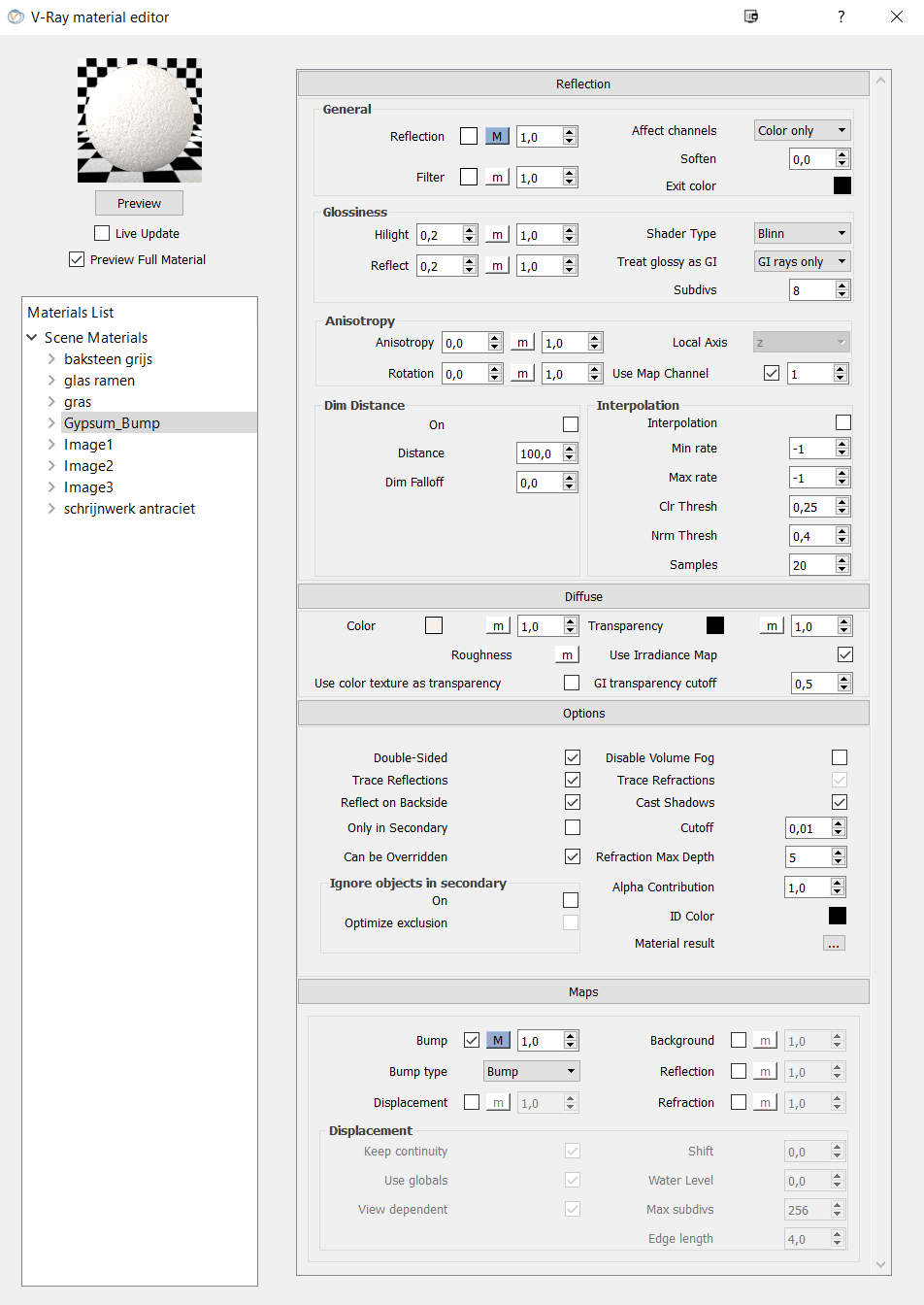
      One of them is a grass material and the other one is a gypsum material.
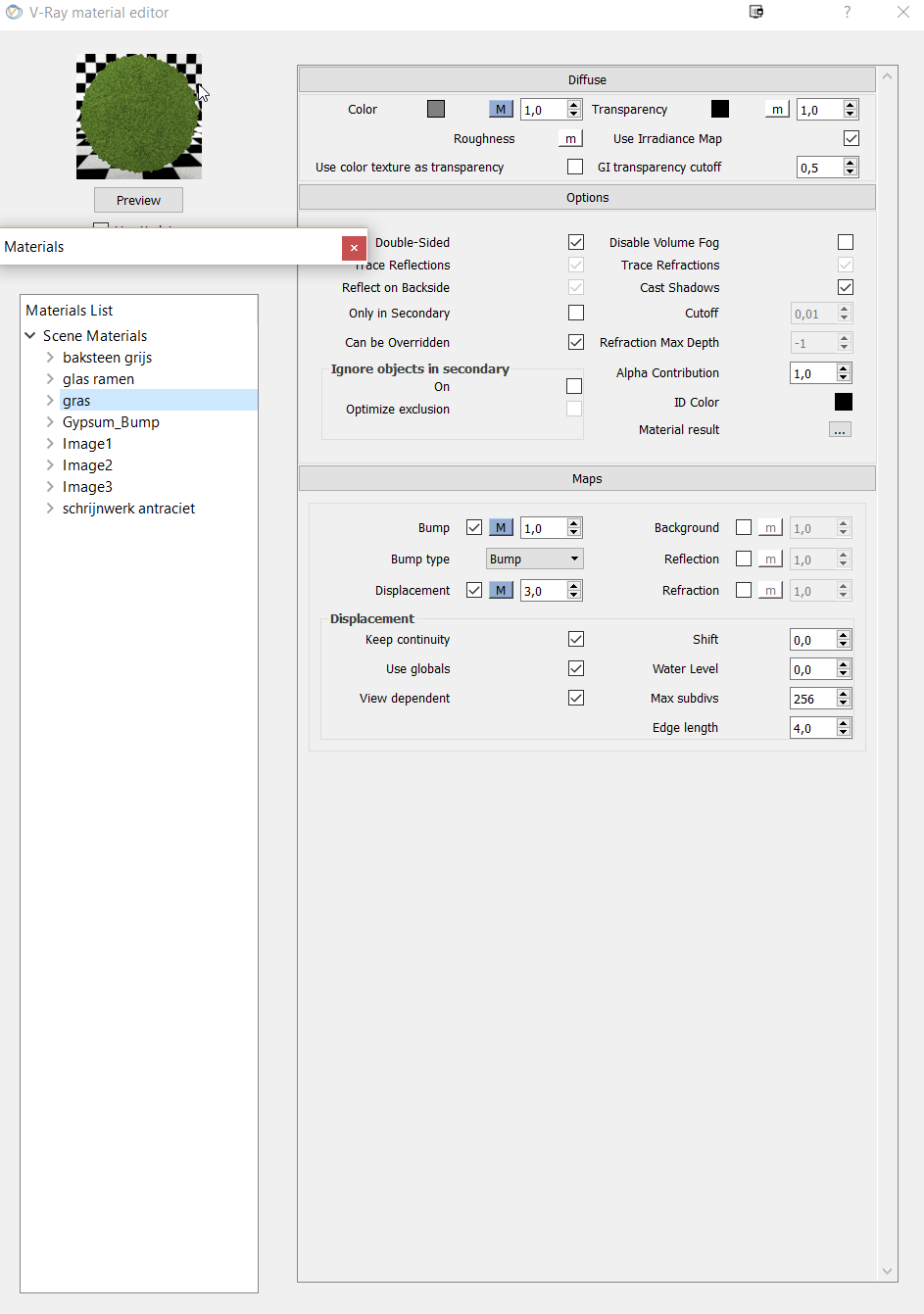
      They both use bump mapping and the grass also uses a displacement.

      The grass has shadow problems. Most of the time I can solve this with post-production.
      It would be nice if it would render without problems.

      The gypsum has some strange flaws on some parts of the walls it is applied to.
      Again I have to correct it with post-production

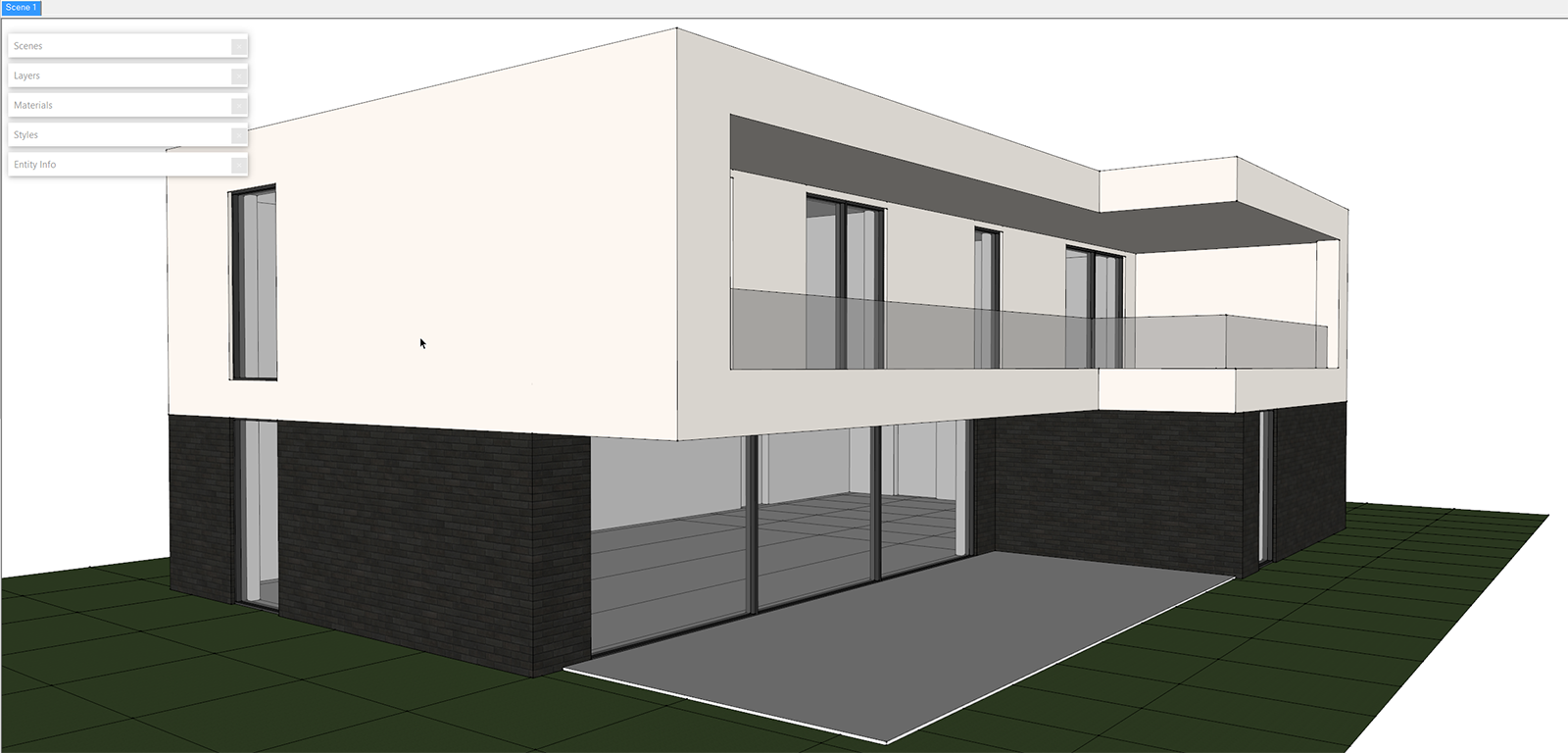
      U can see the problems on the pictures.

      I also posted a picture of the sketchup model and some material settings.

      How can I solve this?


      render


      model


      grass settings


      gypsum settings

      posted in V-Ray render plugins extensions
      K
      koenvdw
    • RE: Surface from points

      thx guy's

      So triangulation was the magic word ๐Ÿ˜„
      Both plugins worked. I personally think that toposhaper worked better. It had more options and I'm a big fan of Libfredo plugins.

      posted in SketchUp Discussions
      K
      koenvdw
    • Surface from points

      Hi

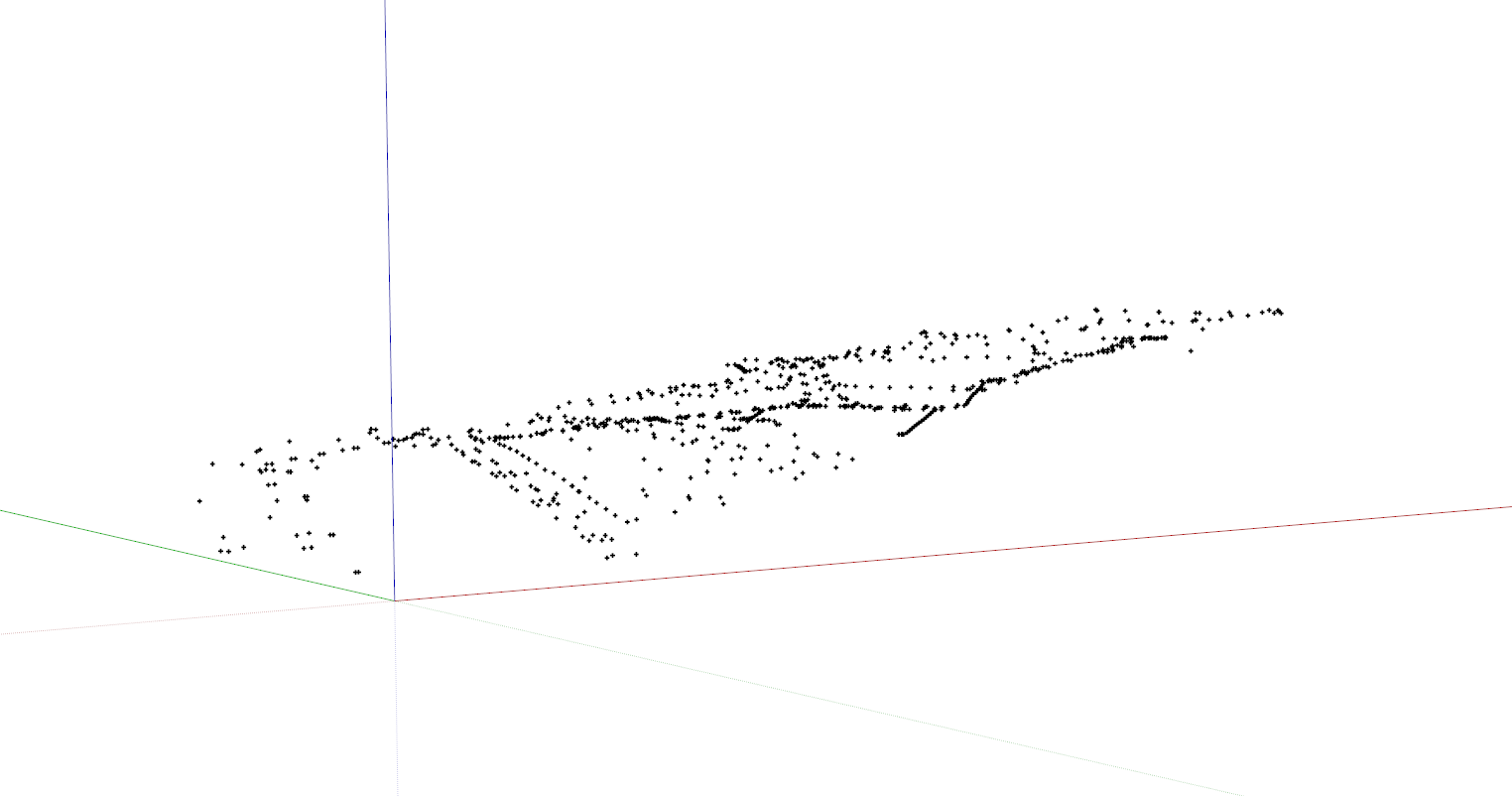
      I'm trying to make a surface (tin) from points I imported from a dxf file.
      I can see all the points with their elevation, but I don't have a clue how to make a surface from it.
      Search google relentlessly and didn't find a thing.

      Is there some extension or workflow to help me with that?

      Every page I find starts with contours. I don't have contours but points. I didn't find anything to make contours from point.

      Can somebody help?


      aaaaaaaaaa.png

      posted in SketchUp Discussions sketchup
      K
      koenvdw
    • Vray performance

      Would vray render faster if the location of the model and the output of the render are on two different hard disks.

      import SSD1 -> VRAY -> output SSD2

      posted in V-Ray render plugins extensions
      K
      koenvdw
    • RE: Yellow glow from sun

      @ Peerman

      Thx for this solution!
      I have a semi-success with it.
      You can see on the pictures that my interior lighting has disappeared as well.
      I can figure out a solution with Gimp, but I feel i'm a couple of settings away from figuring this out.

      I didn't know I could save the irradiance map and light cache map.

      Say that you have to render the same scene 4 times but with different materials. Then you can save those maps after the first render and save yourself quite some time.
      Or maybe I'm wrong. The different materials would result in different maps.
      color bleeding work aroundnormal render

      posted in V-Ray
      K
      koenvdw
    • RE: Yellow glow from sun

      Say that it is the ground that gives the yellow hue. How do I correct it, because the ground in reality is yellow.
      There is no reflective layer on that material, so I don't know what causes the light to bump of it and to takes the yellow with it.

      posted in V-Ray
      K
      koenvdw
    • RE: White splotches issue, exterior render settings

      Have you tried to reduce the noise threshold? You find it under DMC sampler.
      I use 0.002.

      posted in V-Ray
      K
      koenvdw
    • RE: Workstation special offer for everyone (Solo special)

      I have a i7 4930, 32 gb ram, p9x79, gtx 770 and all the rest I recovered from my previous built.
      I do recommend to buy a proper case. Rebuilding is a lot easier with a decent case.
      I'm very pleased about my fractal design Define R4.

      Until today I can render anything I have to in less then 15 min and at a very high quality.

      posted in Hardware
      K
      koenvdw
    • Yellow glow from sun

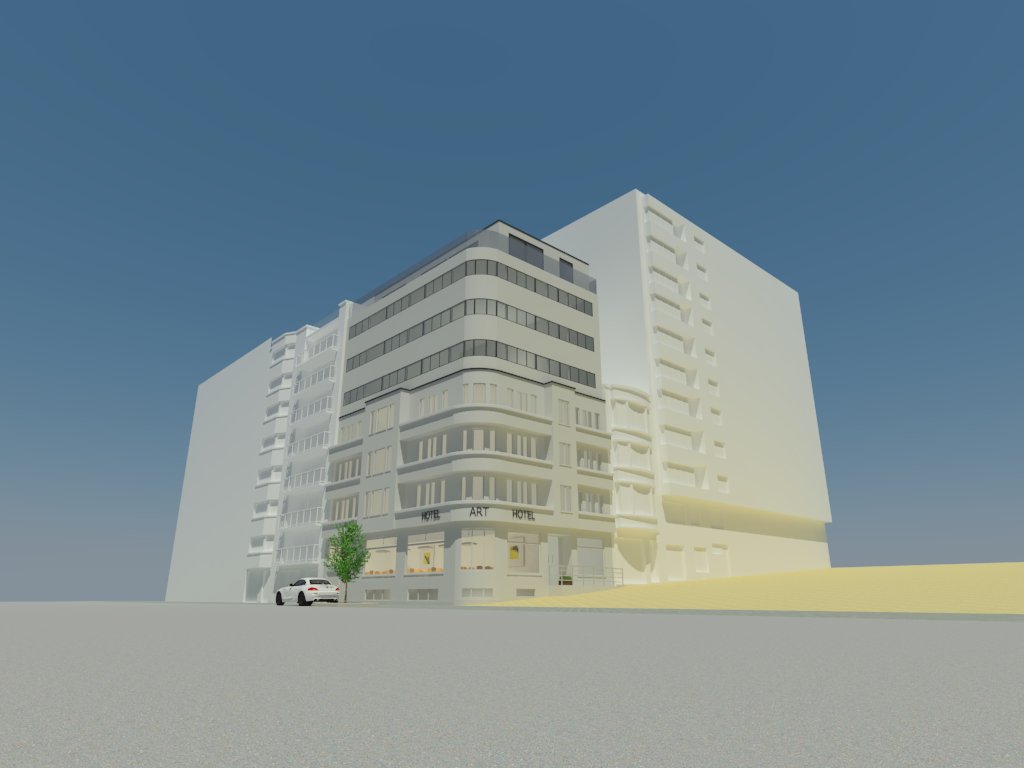
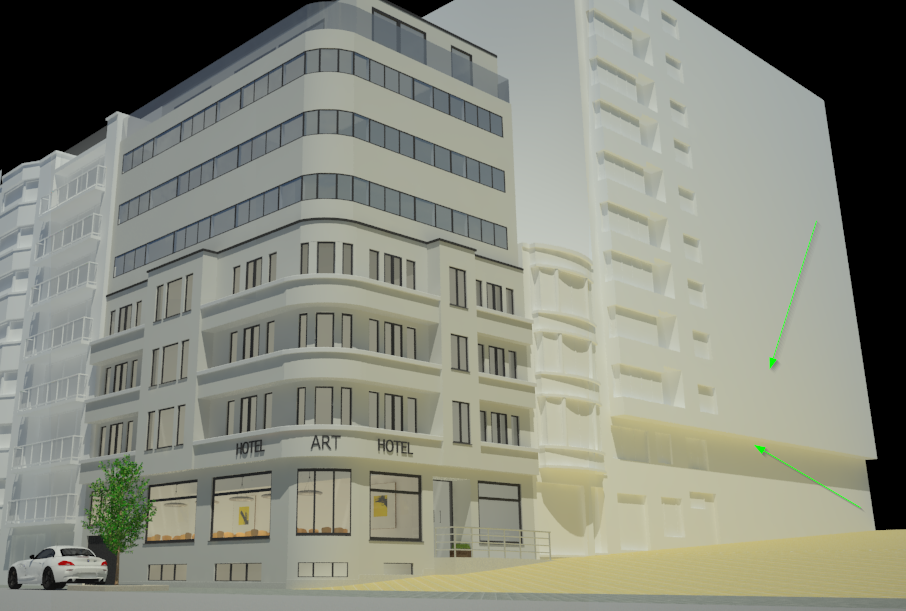
      Can somebody tell me how to get rid or reduce the yellow glow I get in my render?
      Is it sun related? There is no reflection layer on the yellowish ground material.
      I already changed the building from default material to a white paint material.
      I have july the first at noon in my shadow settings in sketchup.

      probleem licht.png

      posted in V-Ray render plugins extensions
      K
      koenvdw
    • 1
    • 2
    • 2 / 2