Wow!
Amazing tool.
I've just downloaded it and can't wait to start (playing) experimenting
THANKS!
Wow!
Amazing tool.
I've just downloaded it and can't wait to start (playing) experimenting
THANKS!
Thanks Fletch. I liked the resultant render.
I'll try with spots and biased in Kerky.
that's what I call a clean mesh dale! 0_0
rclub. Maybe it looks more like a frost lamp more than a lava one, but I love it, lol. How did you do that?
I made a quickie model, but I've been struggling with the render settings and haven't acomplished nothing nice...
I always have a lot of troubles when trying to create transluscent materials in Kerkythea.
Anyway, here's my lamp after aprox. 2 or 3 hours 
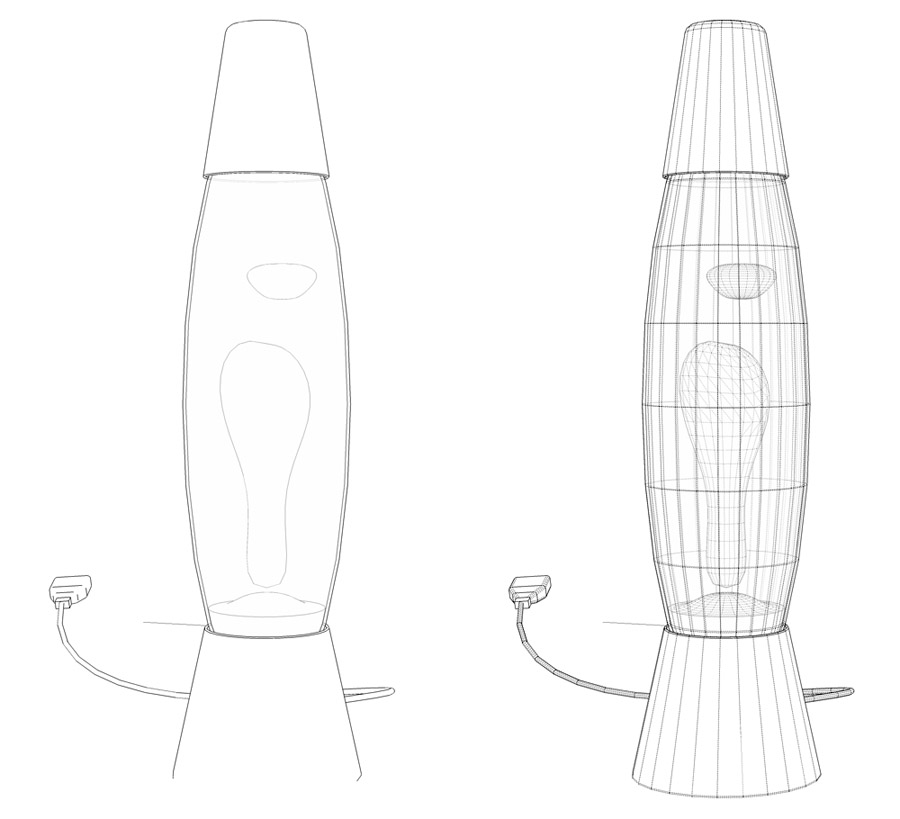
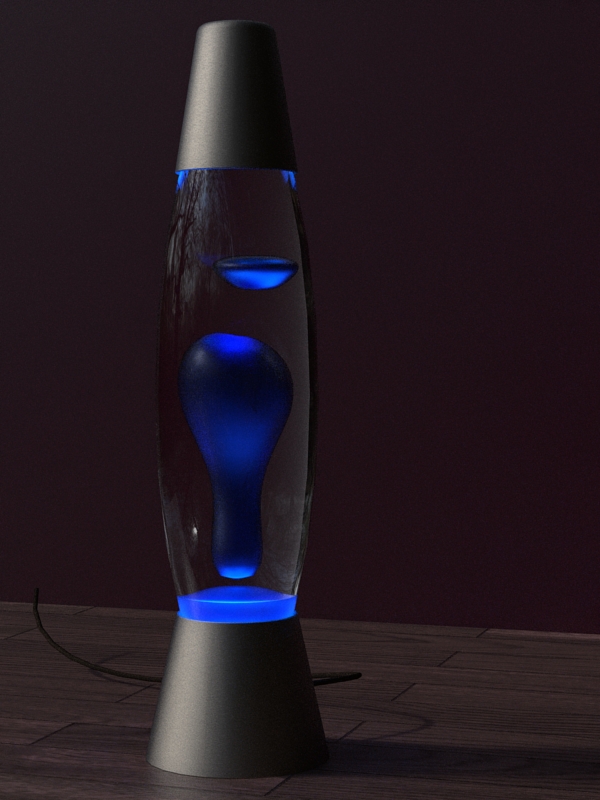
I like the illumination of the scene, and the render and the models.
Just something bothers me in the first image... My eye wants to see more to the left and finds the right a bit empty.
Yeap, I like the composition. Those plants are 3d? they look nice
Just a small critique. Maybe the texture in the wall is too ¿raw? (I definitely need to increase my vocabulary)
Is the smoke of the cigarrete a brush for PS? I think I recognize it...
I don't completly agree with the dirt part.
If you are making a reconstruction, pretending you are in those days, then the buildings should be brand new! Why to give them that wasted, dirty and old look?
Maybe some stains at ground level? 
BTW, great model!
Oh thanks.
Here at work I have blocked the access to youtube, so I'll check it at home
Though the most complicated I've done in blender is a penguin 
No ideas?
I'll try making a smaller spiral touching the blades and see if it looks better. Also I'll make the bump map smaller in the render.
Anyway It doesn't have to be accurate, just give the idea of movement.
Oh, sorry. Is not a double but a single (very fat) tapered spiral.
Hi. Me again not knowing how to model something...
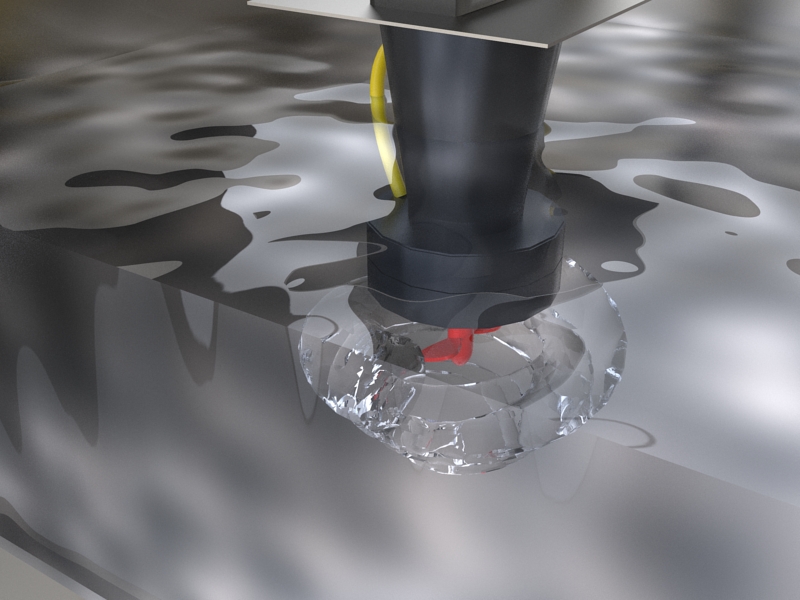
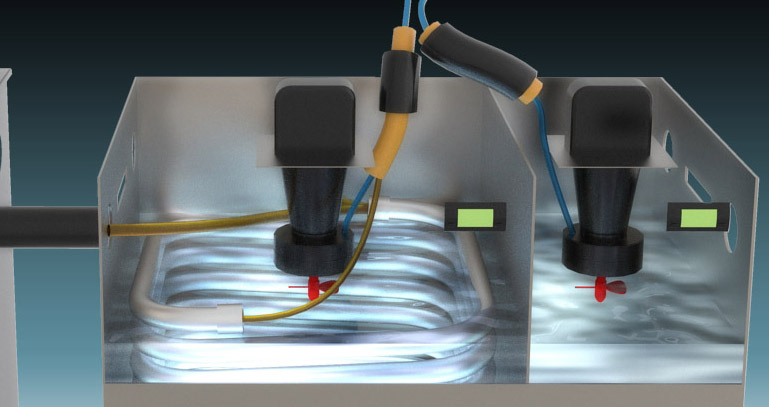
I need to render a turbulence/whirlpool and I'm not sure how to model it.
I tried making a double spiral, but maybe because of the imprecise form (or just because it is not the way) the results were not good.
As I have difficulties trying to express myself in english, I attach an image of what I've modeled so far.
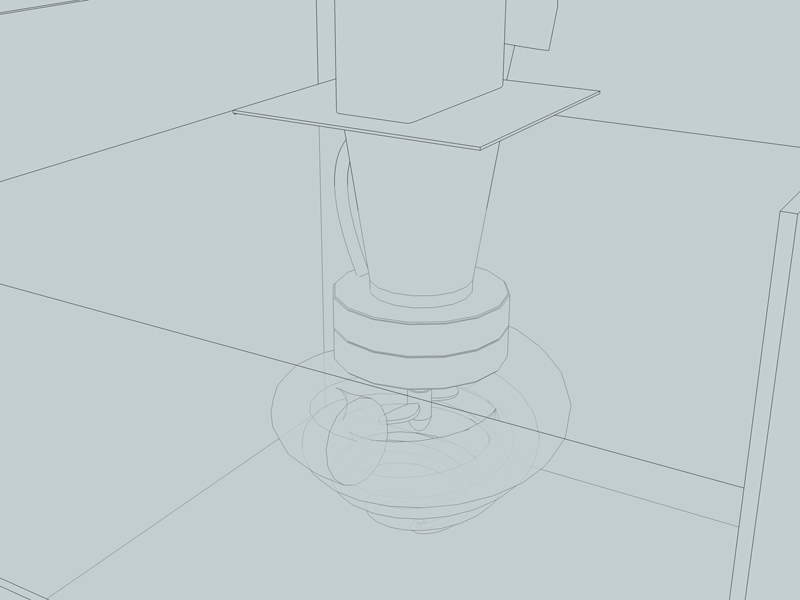
Thanks for all the helpful topics and for any help you can give me
Watkins explained it without plugins.
I like your creations a lot, they are inspiring
And is hard to believe it is done in SU
I haven't seen this thread before and I am enjoying it!!! ^^
Can't wait to see the next hole
The 1st scenes remind me of Alastair Reynold's Chasm city and I loved the robot
When you change to monochromatic, what you are changing is the view, not the material. That's whay you see that it changes "globaly". The materials are still there.
So I'd say that what you want can't be done directly on SU, because you can't change that view just for a specific component.
I'd save a monochromatic image, or just outlined, and a shaded one. Then show one detail or another from an image editing program.
I don't have the pro version, so I don't have idea of how layout works, but I suppose you can place images and not just the models... am I wrong?
Thanks everyone for the tips, comments and recomendations.
I made those animations with the plugin and worked fine and then I captured the screen.
Thanks Gaieus, sometimes I forget the right click has much more options than the 3 or 4 I am used to... 
Anyways, it wont move the axe accurately... am I wrong?
unless I draw guides or lines so the axe can stick to it (that was what I did)
And about the mac tfdesign, I don't have access to one, so I can't use that studio.
I'll g00gle the SU animate you mentioned, although the plugin I used worked perfectly for what I needed
Mariocha
how do you set the axes to the desired position?
it could be joint push pull, maybe?
http://forums.sketchucation.com/viewtopic.php?f=180&t=6708
Oh no!
I managed to make a wheel spin in its own axe
BTW, is there a simple method to place the axe of a component where you want it?
What I did was to move the elements inside the component to make the wanted axe match with the component axe...
As it was a simple model there was no problem, but if there is a simpler way I'd like to know it
Well. Now I have the movement. But I can't export it!
I downloaded a program to capture what I see on the screen, but again, there must be a better approach...
Blender will have to wait, at least untill next year (it is not that far)
Thanks again
Oh well 3 years is many time for making a wheel spin around and axis...
I'll give it a try anyway. I've been wanting to learn blender for years and never find the time.
But if I can work there with a SU model then it would be perfect.
I downloaded the plugin proper animation, but I haven't tested it yet.
And the mover, I'll give it a look too.
Thanks